















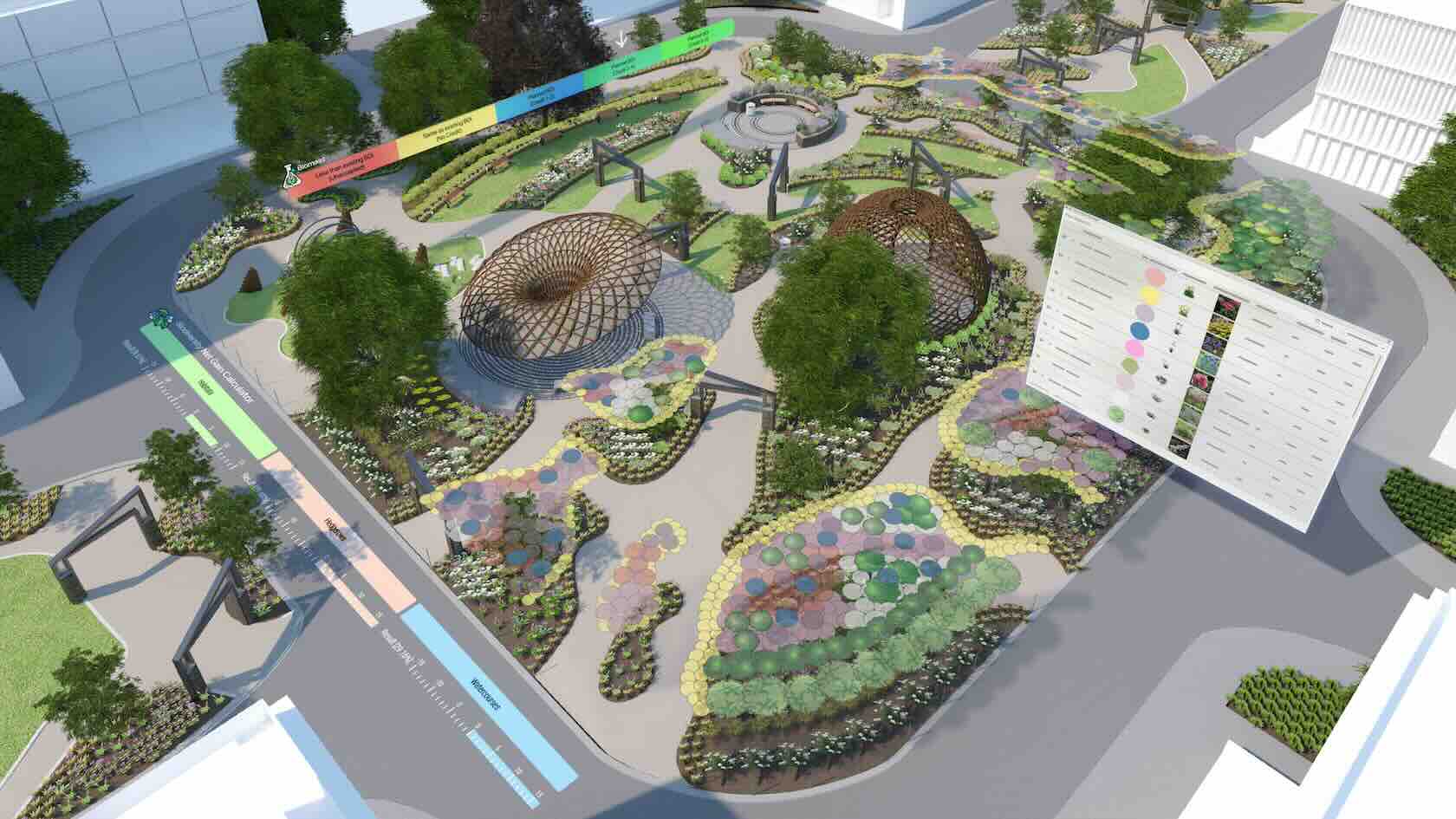


This course will take a look at viewing and presenting the model using Clip Cube.
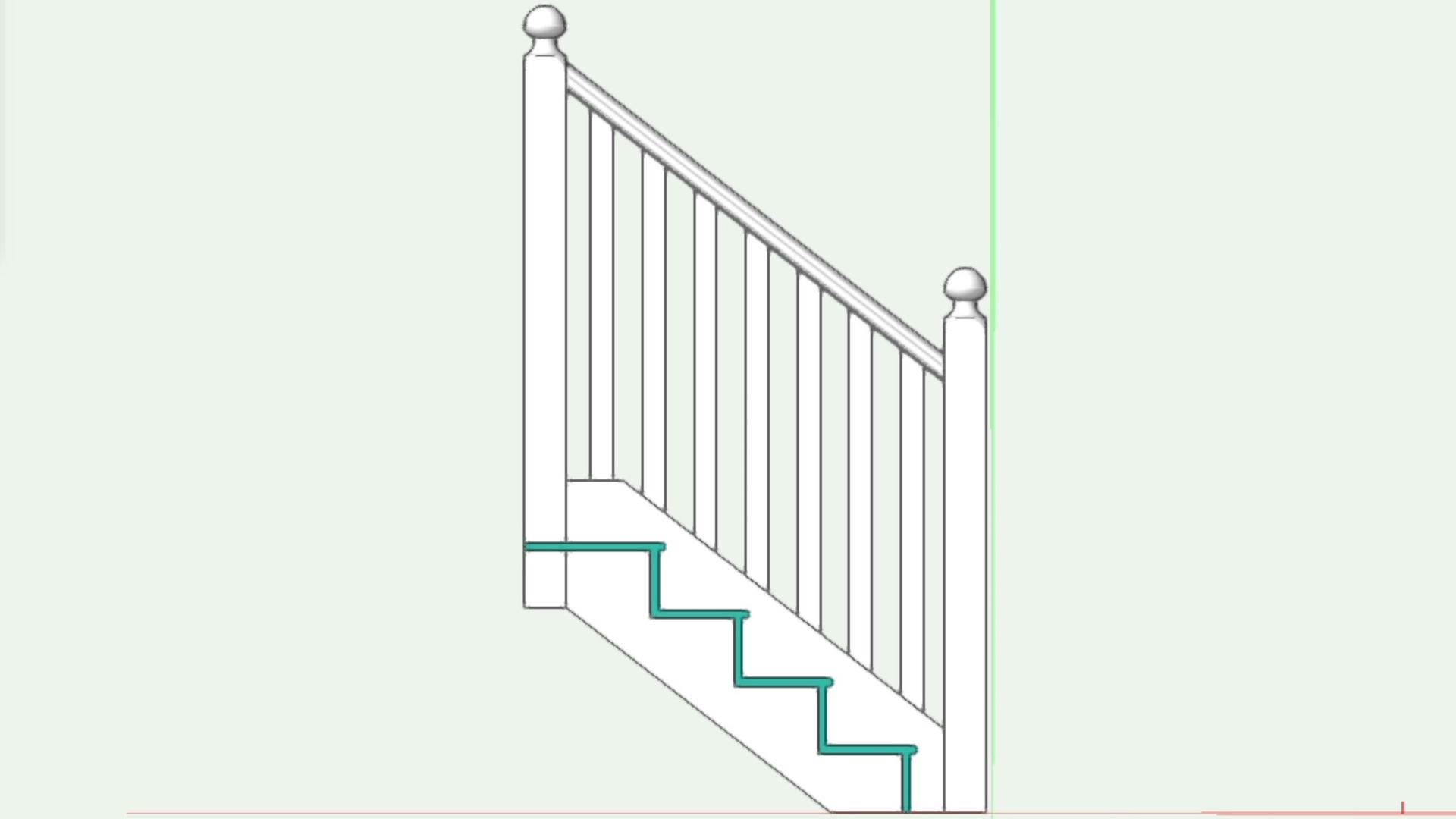
This course will take a look at the Section Solids Command as a way to create hidden line sections for Fundamentals users.
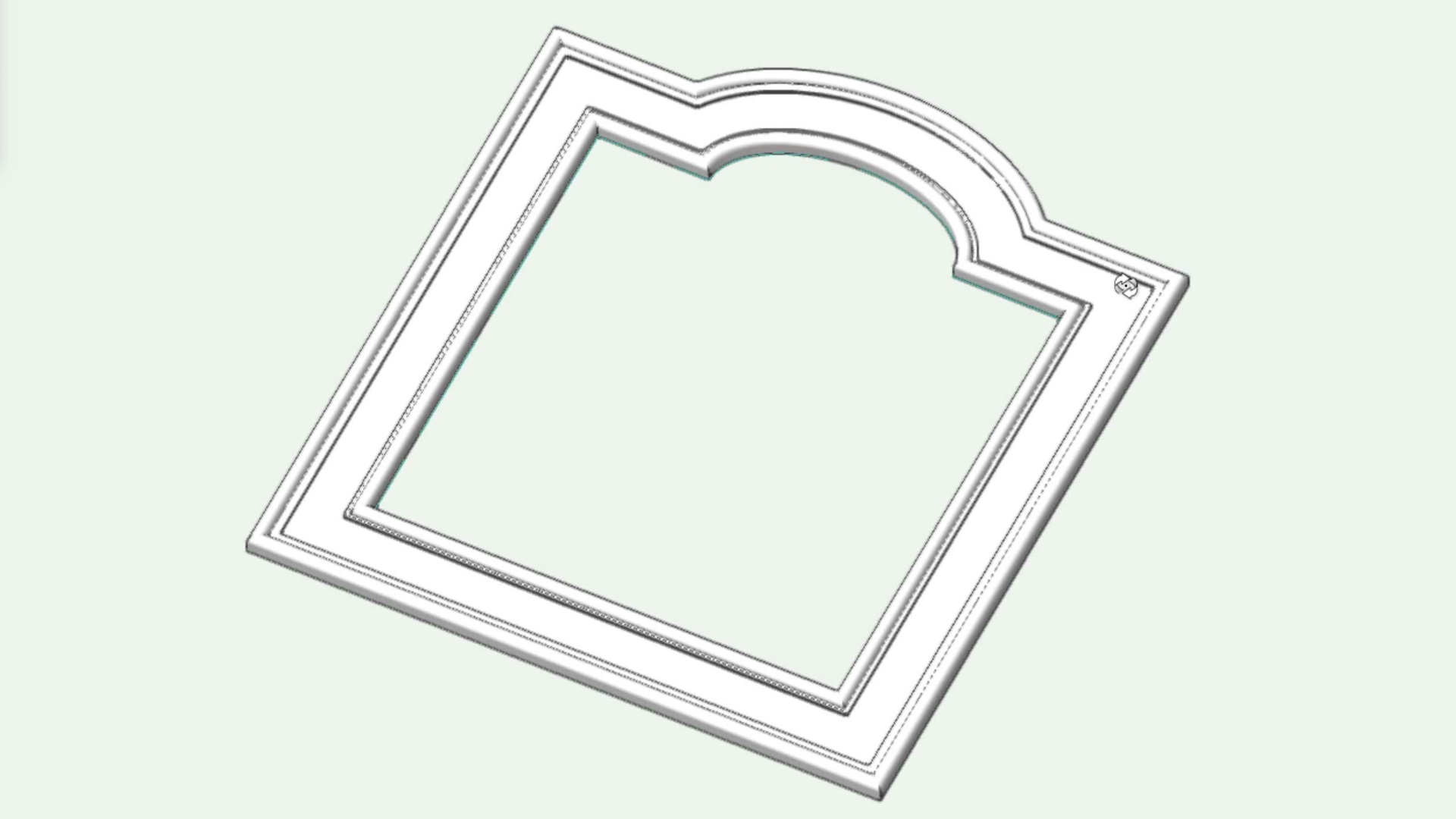
This course will take a look at the Extrude Along Path command.
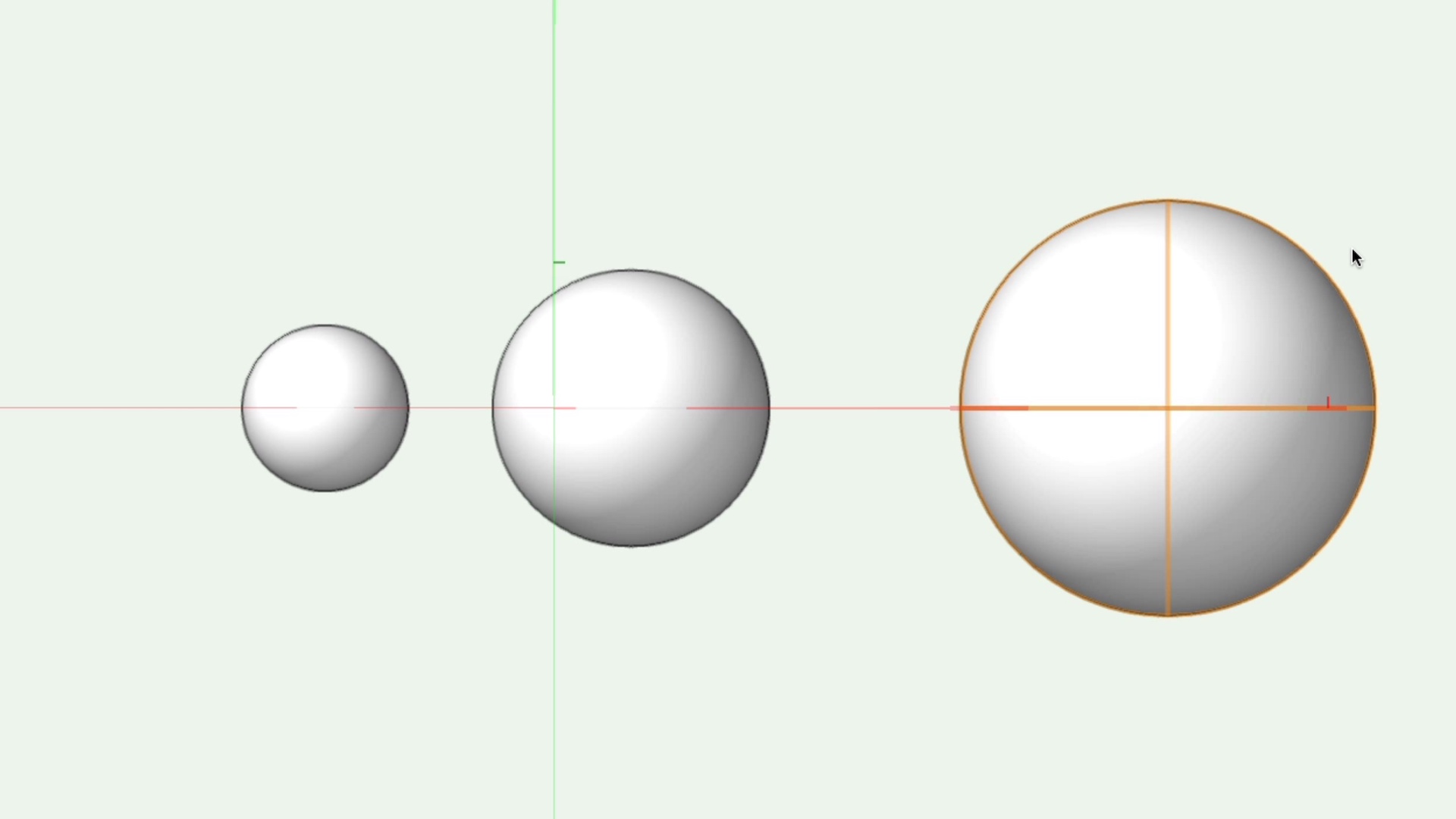
This course will take a look at the Sphere tool.
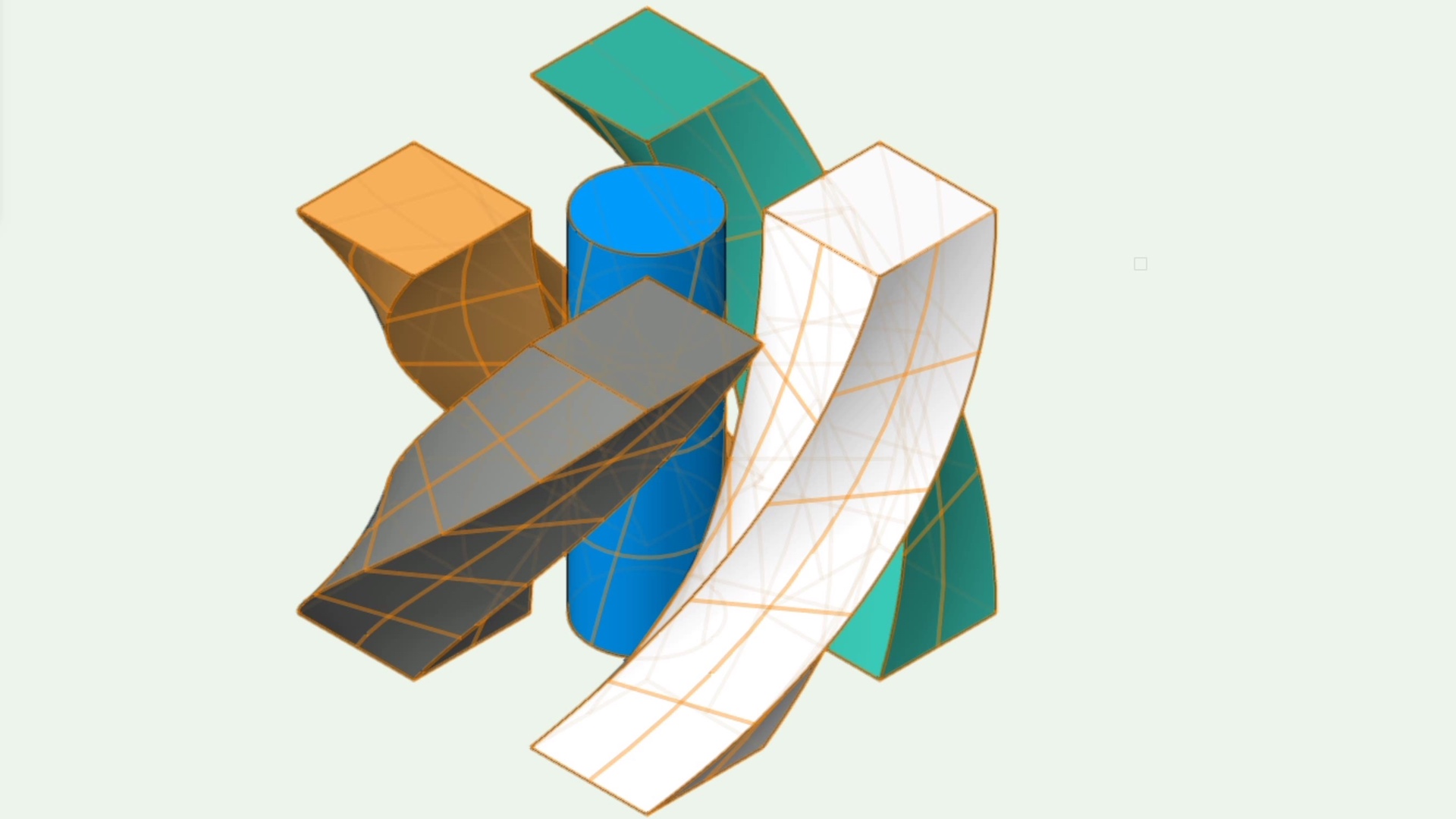
This course will take a look at the Deform tool.
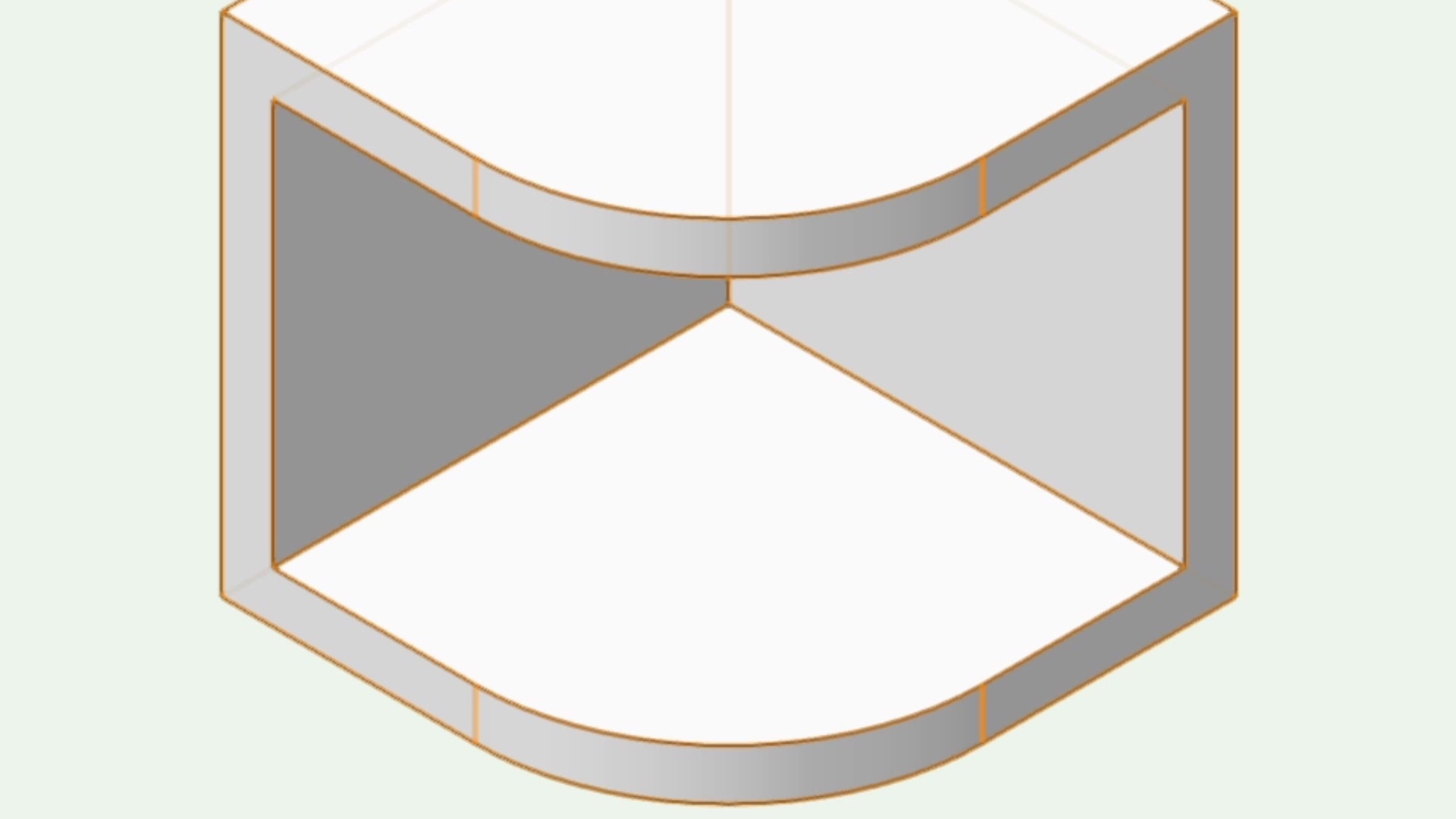
This course will take a look at the Shell Solid tool to hollow out solid objects and add thickness to surfaces.
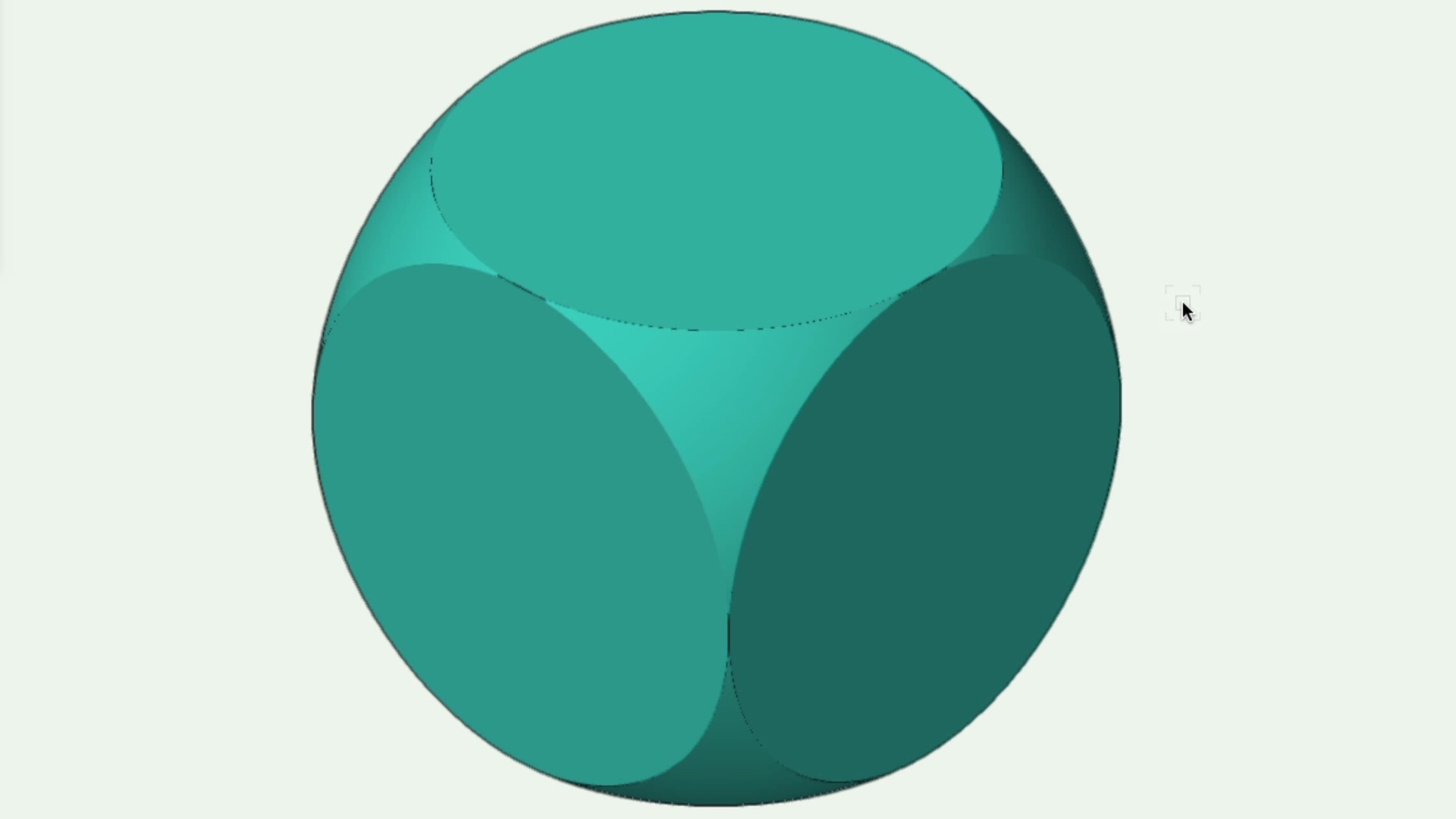
This course will take a look at using two overlapping solids to create an intersecting solid.

This course will take a look at the Hemisphere tool.
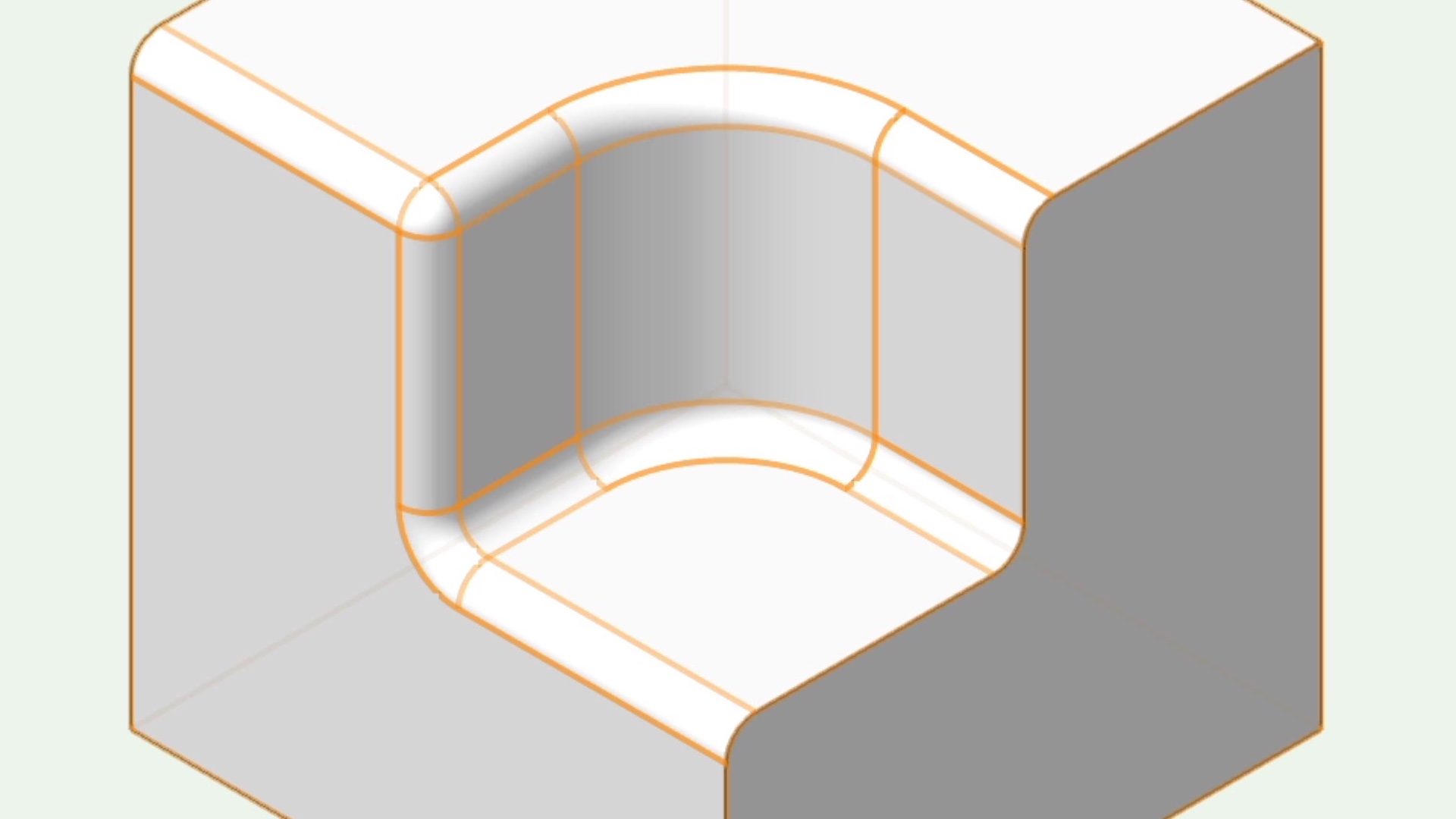
This course will take a look at the Fillet Edge tool to create fixed and variable radius fillets on 3D edges.
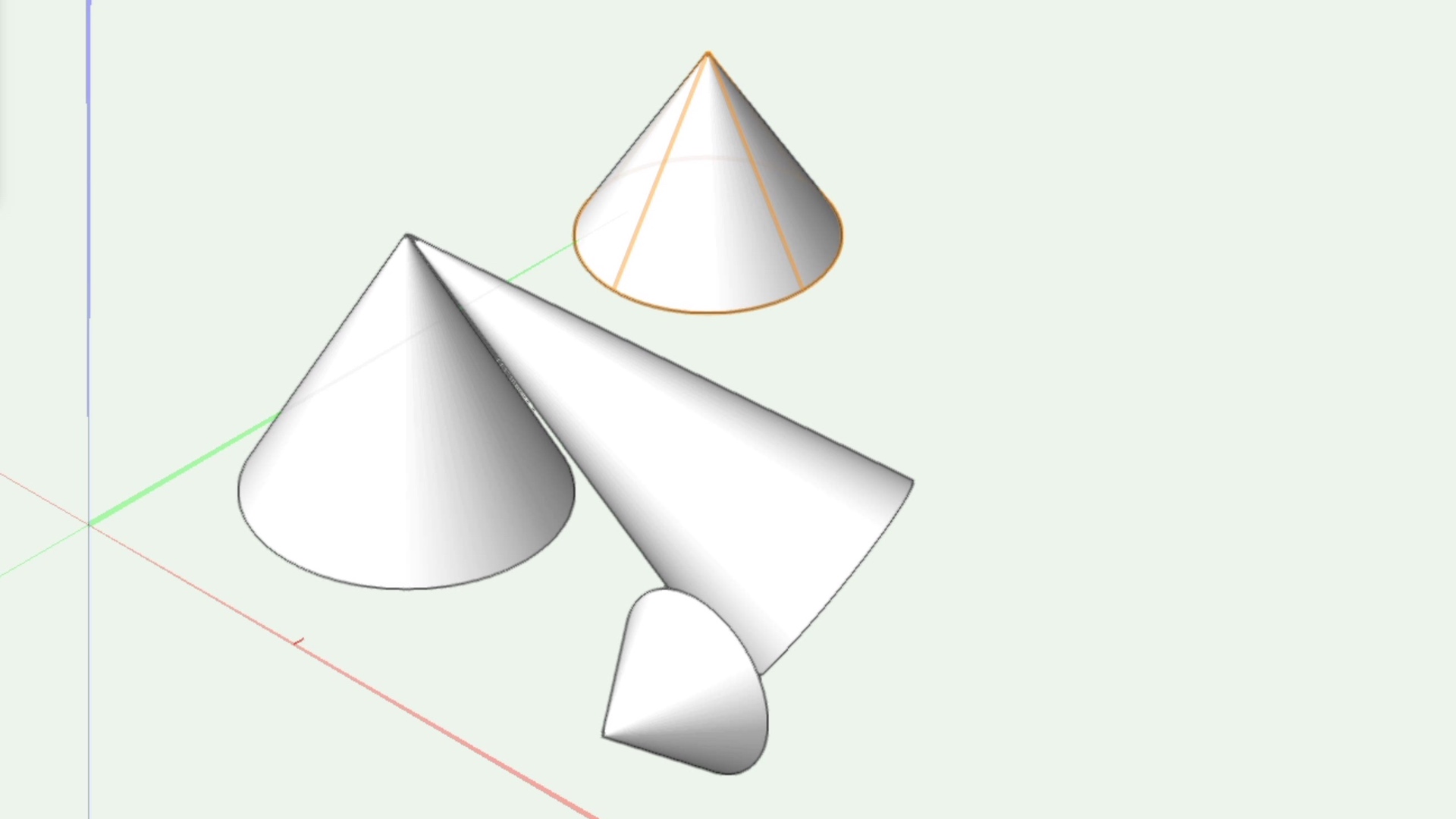
This course will take a look at the Cone tool.
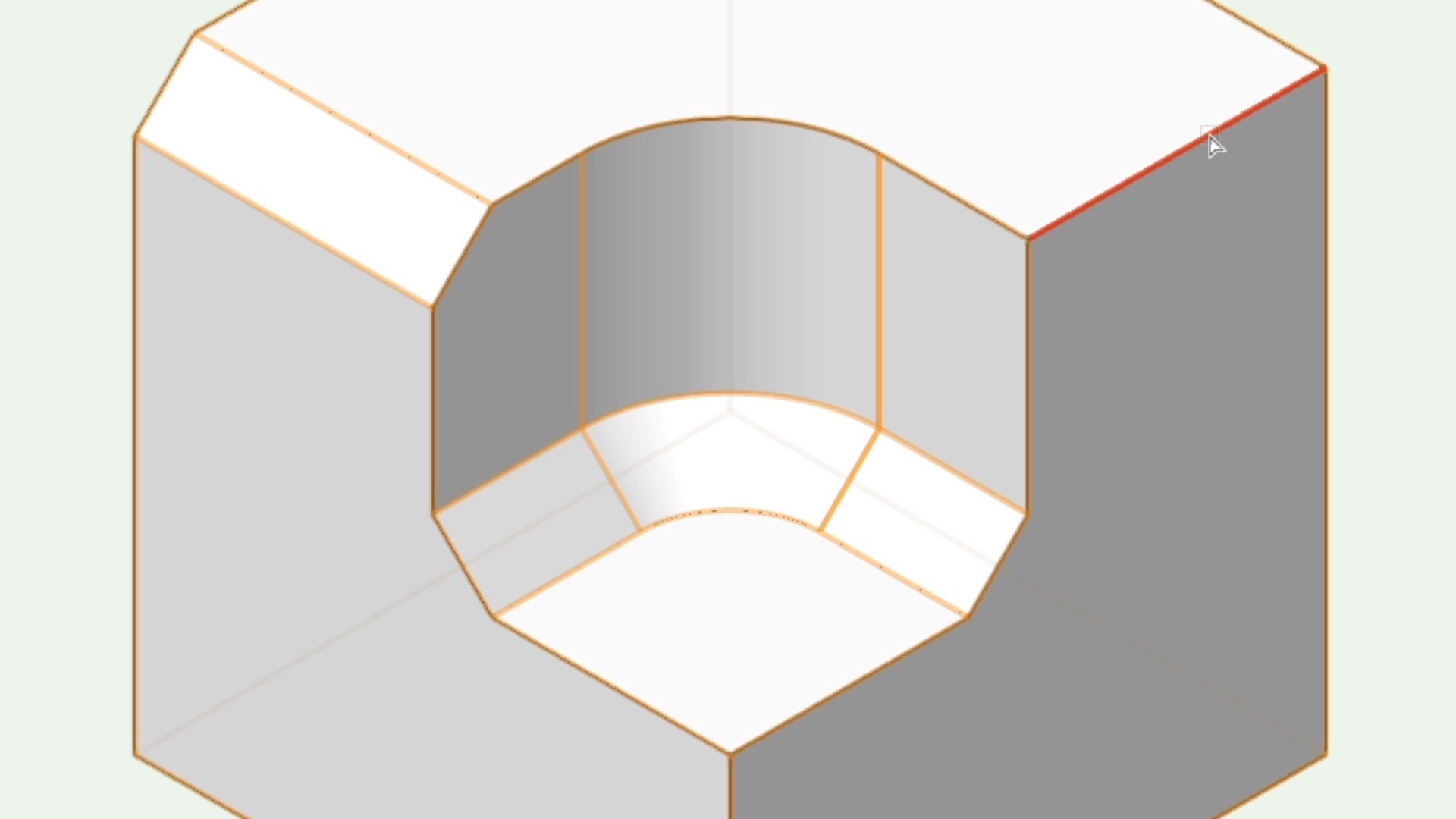
This course will take a look at the Chamfer Edge for use on 3D objects.
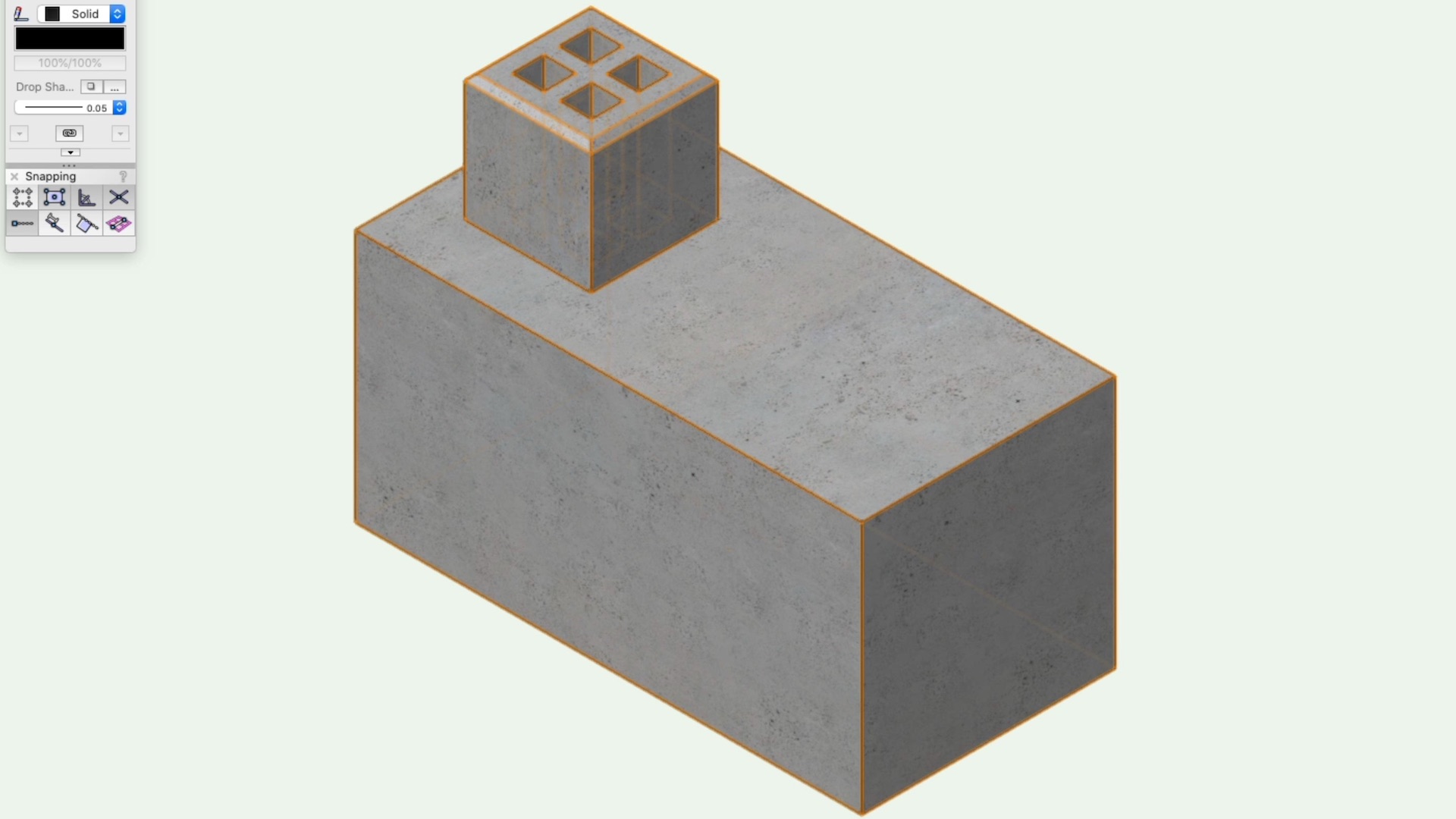
This course will take a look at combining 3D solids with the Add Solids command.
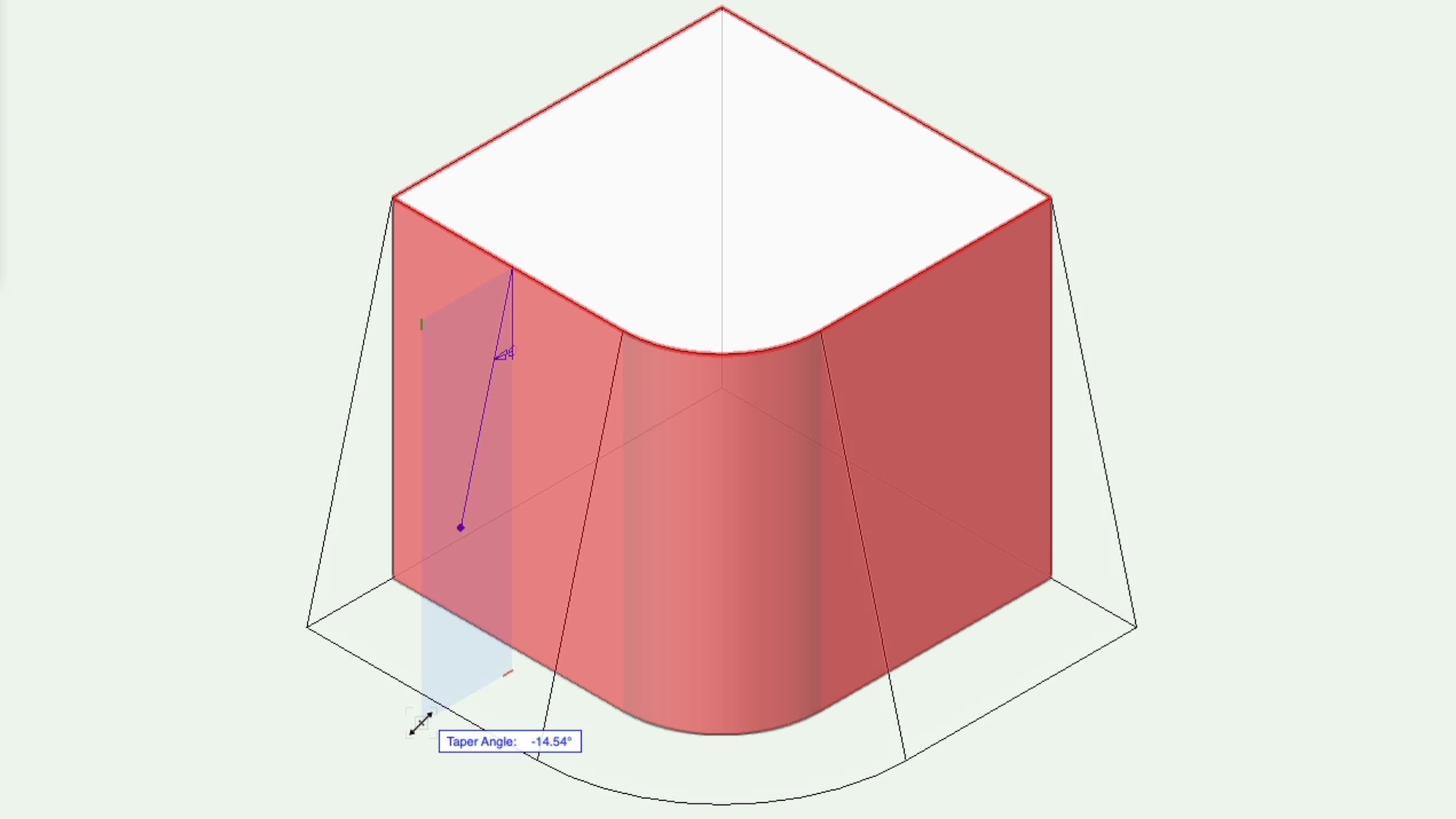
This course will take a look at the Taper Face tool.
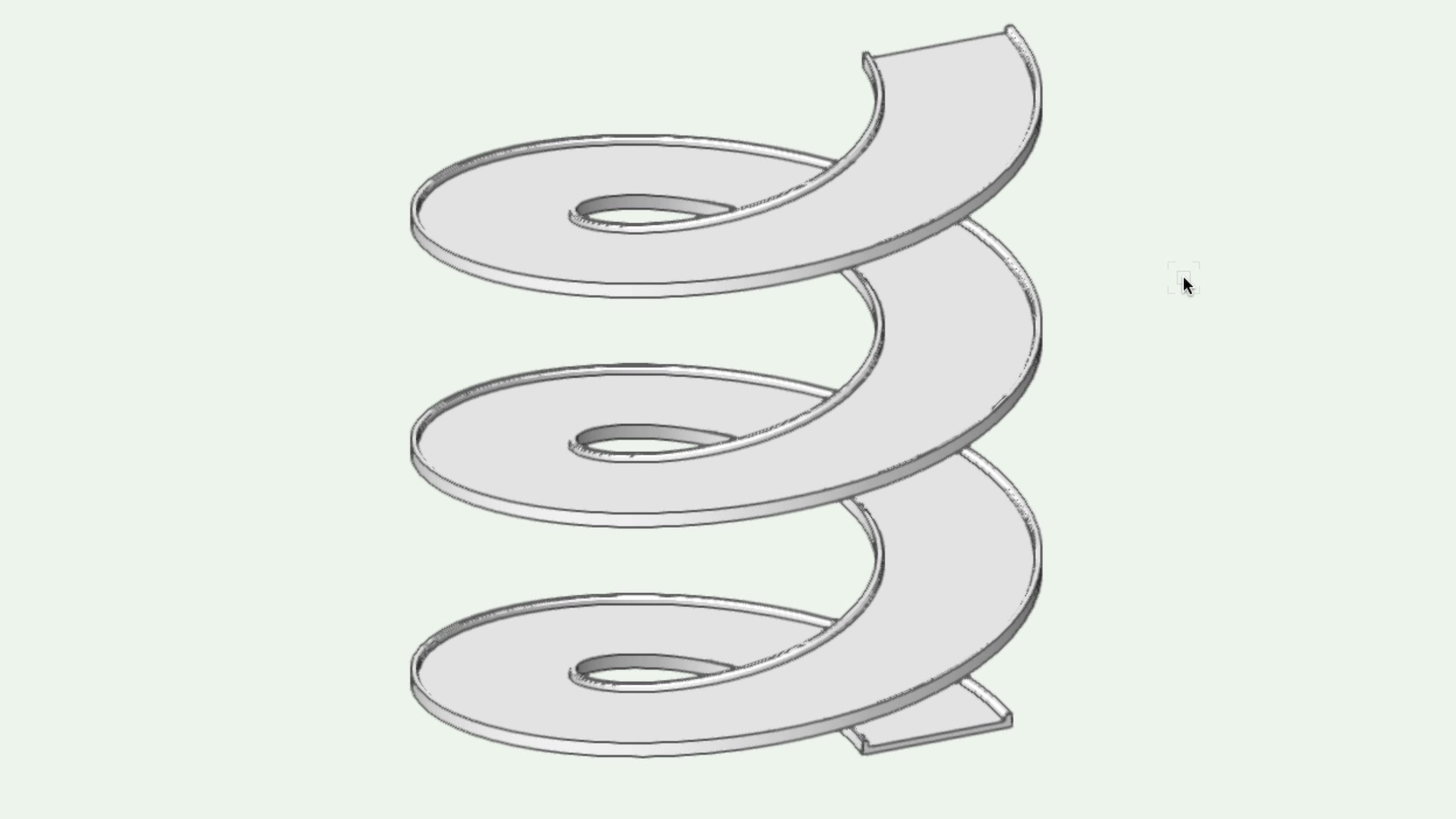
This course will take a look at the sweep command to create revolved solids from 2D profiles.
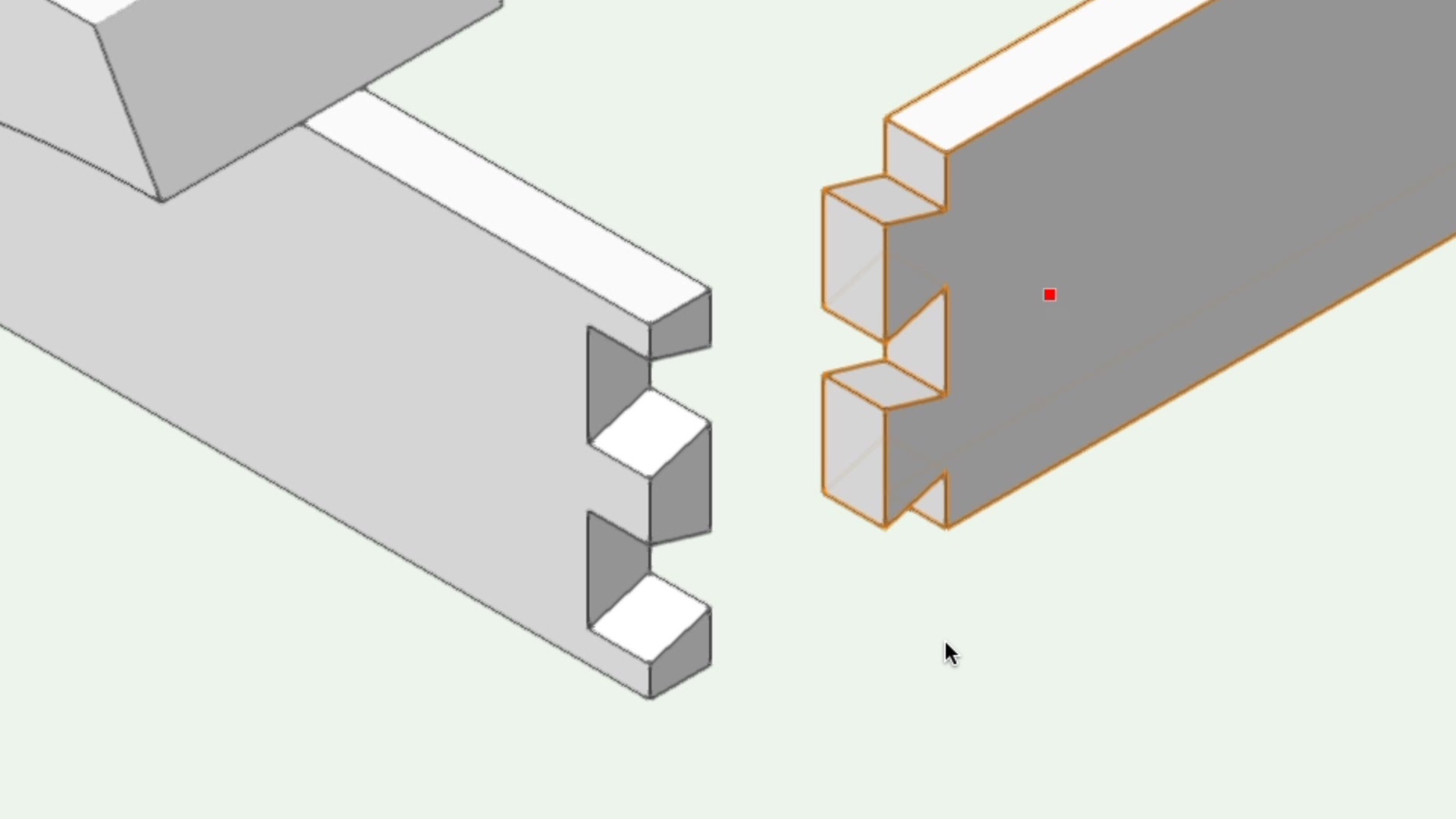
This course will take a look at combining 3D solids with the Subtract Solids command.