













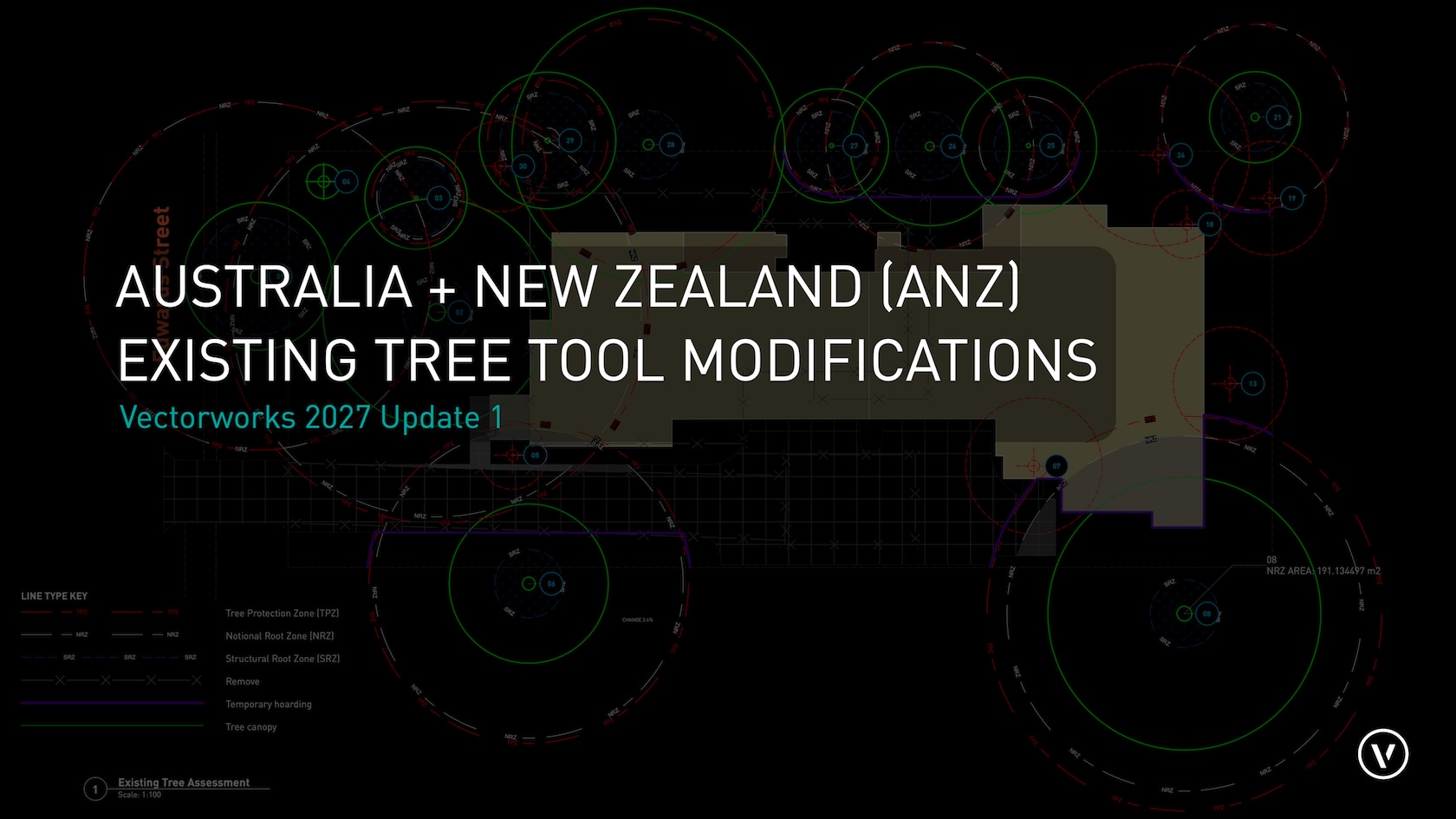
With Vectorworks Landmark v2027 Update 1, Vectorworks Australia has extensively modified the Existing Tree Tool to bring it into alignment with the new Australian Standard AS 4970:2025 Protection of trees on development sites.
The changes are accompanied by the ANZ Existing Tree GUIDE and template, accessed via File > New > Use Document Template.
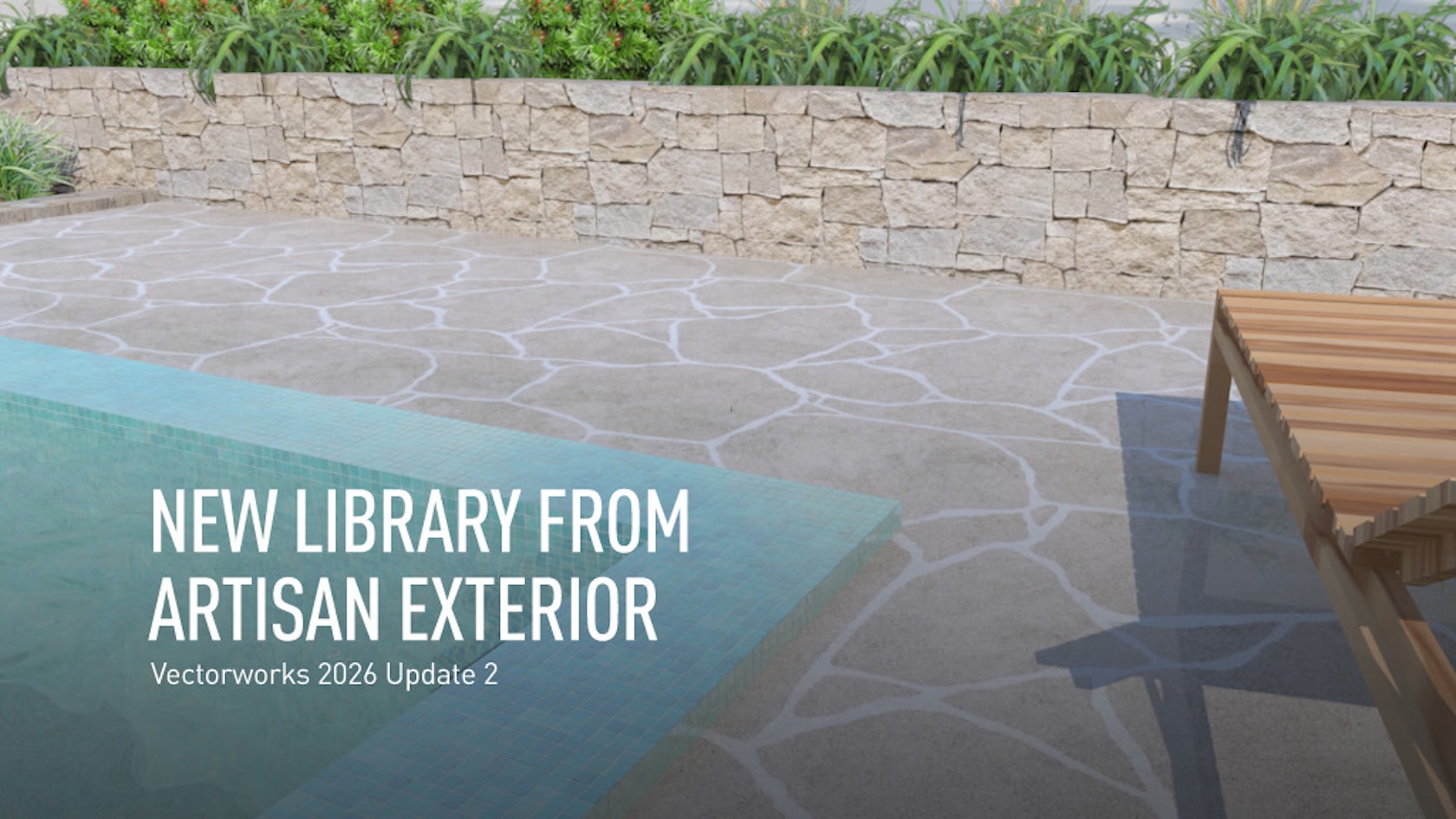
Enjoy an amazing new collection of Textures of natural stone and tile paving, mosaic pool tiles and feature stone walling. Vectorworks has worked closely with Artisan Exterior to put their extensive range right at your fingertips.
All of the products are directly downloadable via the Resource Manager and include Renderworks Textures (to apply directly to 3D objects), Tiles and Image Fills (to be applied as 2D surfaces) and Materials including slip ratings (to measure areas and volumes).

Understand the difference between 'Level of Detail' and 'Level of Development', and how that relates to Vectorworks 2026 Wall modernisation features.

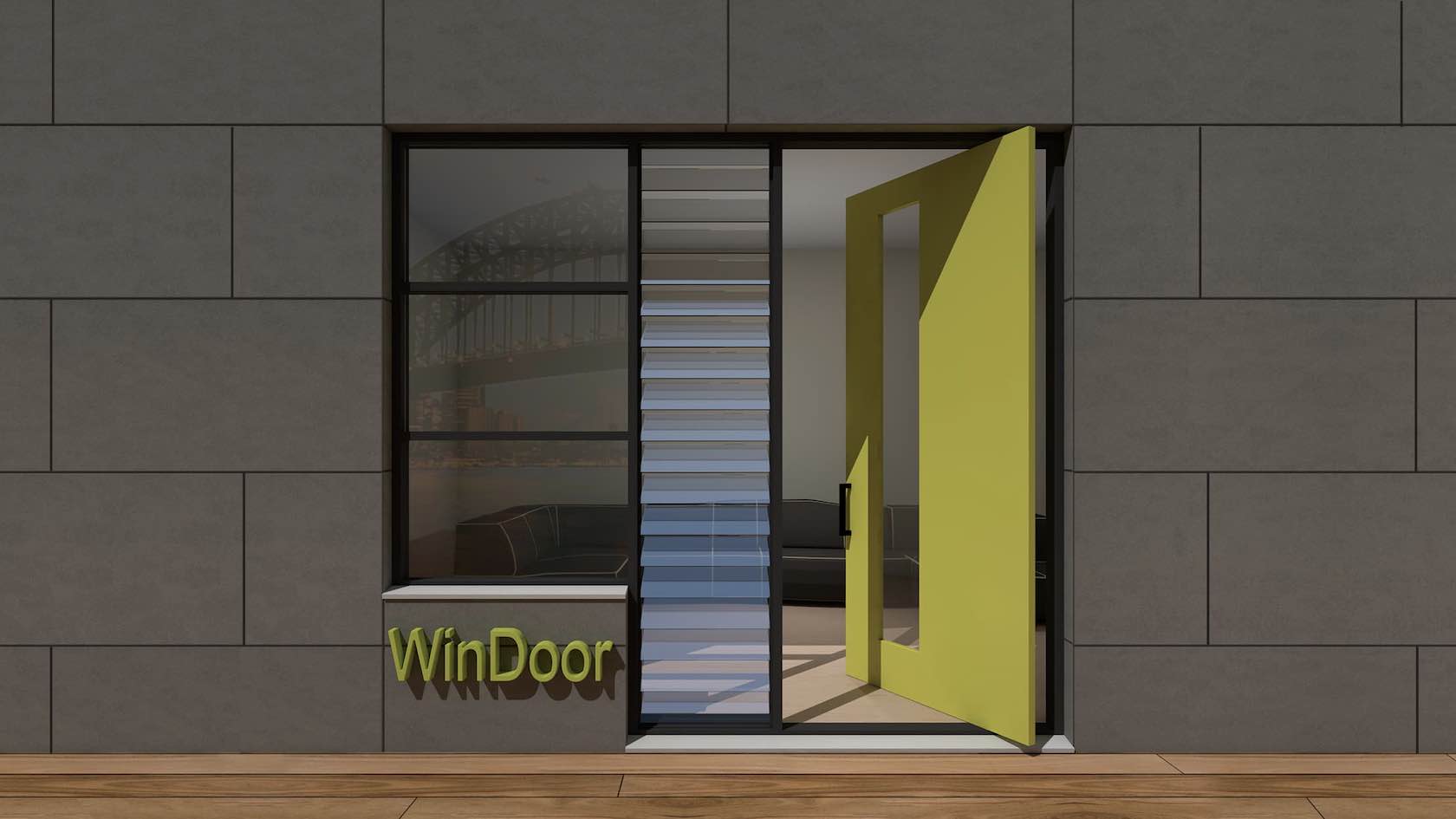
Many of our customers using the Australia and New Zealand (ANZ) version of Vectorworks use the WinDoor tool to create building openings within wall objects. WinDoor is now only being maintained for bug fixes, with no new features to be added.
As such, we are recommending our ANZ customers start transitioning to the Door and Window for the creation of openings. This video and example file will show you how to do so in the smoothest way possible.