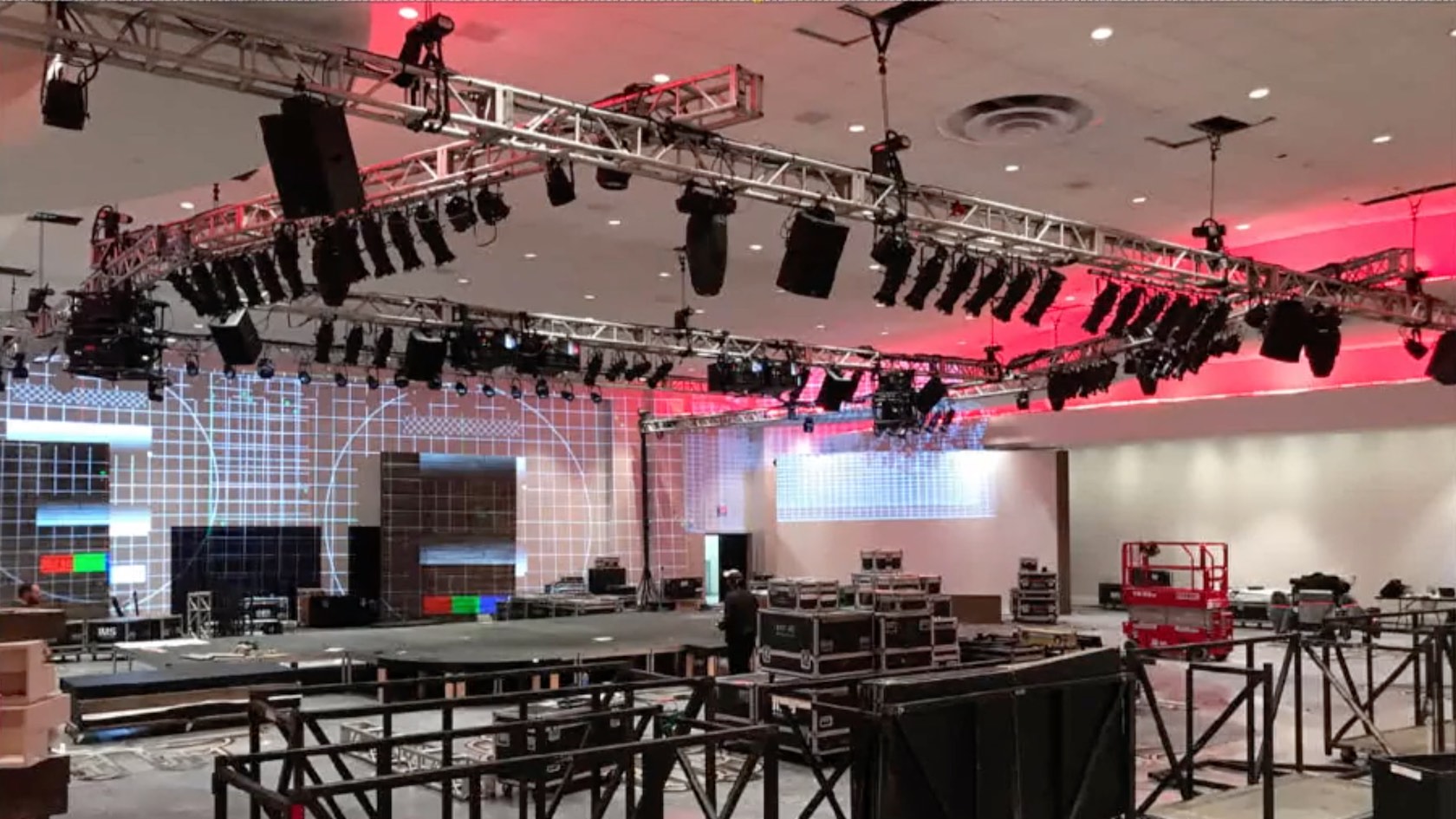
Vectorworks Spotlight and Braceworks are integral to the design and engineering process to create corporate theater events at IMS Technology Services. Join Scott C. Parker, IMS director of lighting (USA829), ETCP certified rigger & electrician, and Vectorworks recognized trainer, to explore methods he and his team use to collaborate in creating the technical drawings required for corporate event production. These same skills are shared equally by theatrical designers and technical personnel. Scott will explore the process of a challenging event that included three extra-wide curved blended screens in a ballroom with multiple soffits of varying heights and a particularly odd layout of overhead rigging points. The solution required editing existing truss symbols and the creation of new custom Braceworks symbols.
LEARNING OBJECTIVES
- Discover project sharing and/or reference viewports to external documents.
- Understand Braceworks corner settings: creating custom hinge truss symbols at various angles.
- Discover how to convert a truss system to a Braceworks-friendly hanging position for lighting, and then how to edit the position.
- Calculate loads of lighting, video, audio, and curtain objects using Braceworks, and learn how to double check your findings.