
CHALLENGE BRIEF & KEY STEPS
Section outline
-
BRIEF
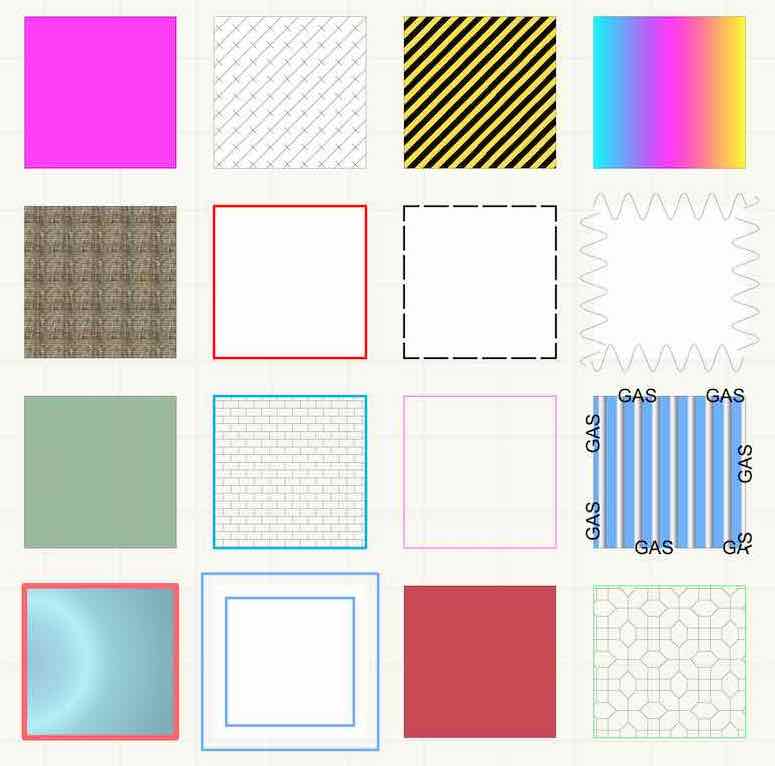
Your challenge is to apply different attributes to square's you have created using the copying and duplicating methods you have learnt in previous sections of the Core Certification. Make sure to use all different types of attributes for the Fill and Pen. Go wild!
Good luck and have fun!
KEY STEPS
1. Within Top/Plan create a set of rectangles.
2. Navigate to your Attributes pallete and apply different Fill and Pen attributes.
3. Make sure to take a look at all the different options!
 ⓘ Tip: If you intend to convert shapes to 3D, they must have a solid fill in order to display a Renderworks texture.