
GUIDED PRACTISE NOTES & KEY TIPS
Section outline
-
NOTES
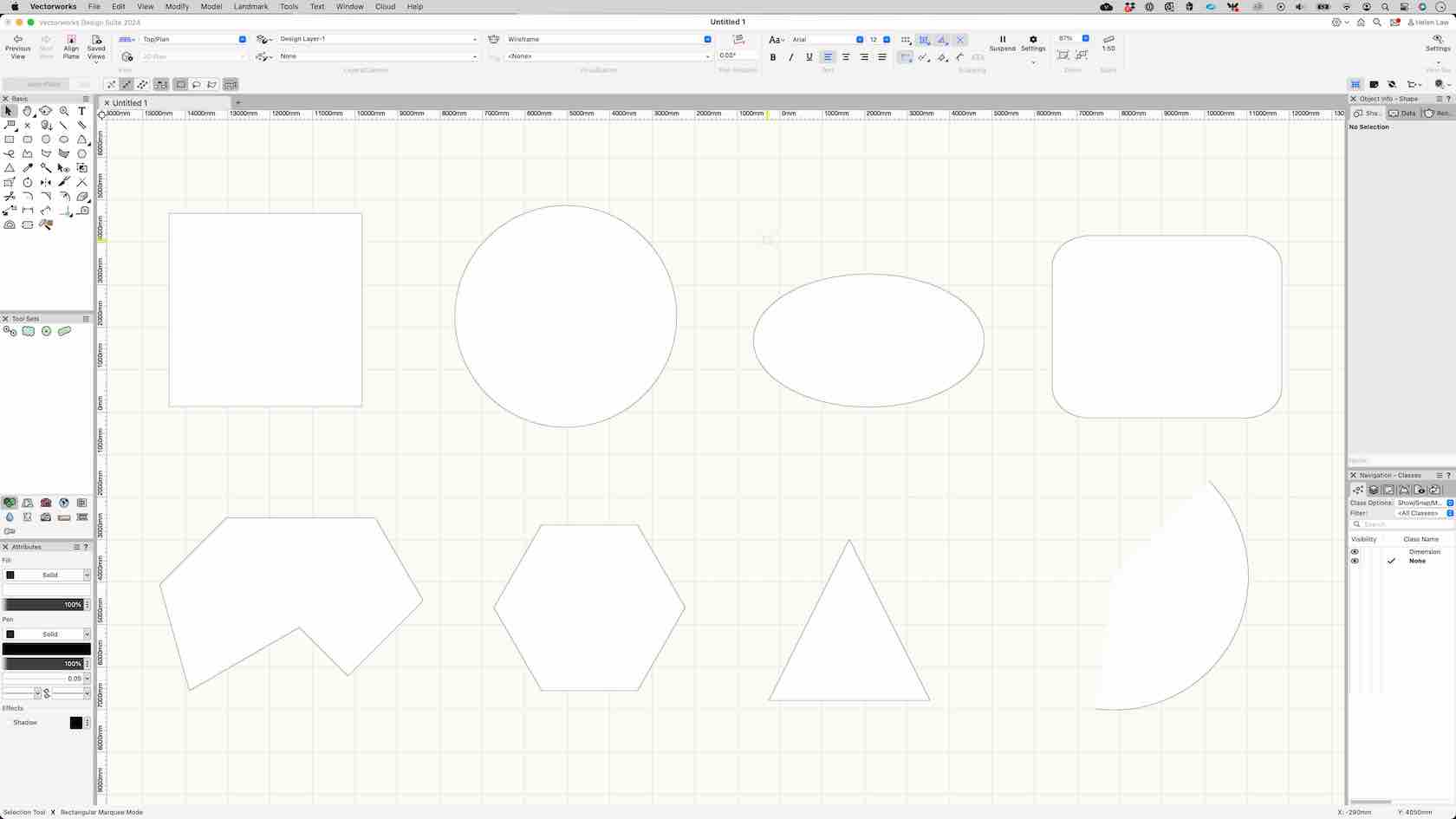
In this challenge, we would like you to use this time to concentrate on using the 2D geometry tools to create multiple different shapes. Allow yourself some time to practise as these 2D tools will help in the future when using industry specific tools. Especially getting to grips with the Polyline tool.
Good luck!
KEY TIPS
1. Make sure to check the mode of the tool before you start to draw.
2. If you make a mistake, dont worry this is practise time, just start again.
3. Make sure to double click if you wish to end a polyline thats open.
4. When using the Polyline tool, if you click in the incorrect place, backspace will unselect that point so you can carry on without restarting!
5. Remember you can check the object you have drawn in the Object Info Palette, see about making some changes!
 ⓘ Tip: To go back to the selection tool, hit the X key on your keyboard for quickness!
After finishing this exercise, click the "Mark as done" button at the bottom of this page to mark this exercise as completed.-
Students mustMark as done
-