
GUIDED PRACTISE NOTES & KEY TIPS
Section outline
-
NOTES
Make sure to use your Selection, Pan and Flyover to move around your drawing view. This will help with creating objects in a 2D and 3D environment. When creating objects within Vectorworks think about the process from start to finish, A to B. What steps do you need to do to achieve the outcome you need.
Good luck!
KEY TIPS
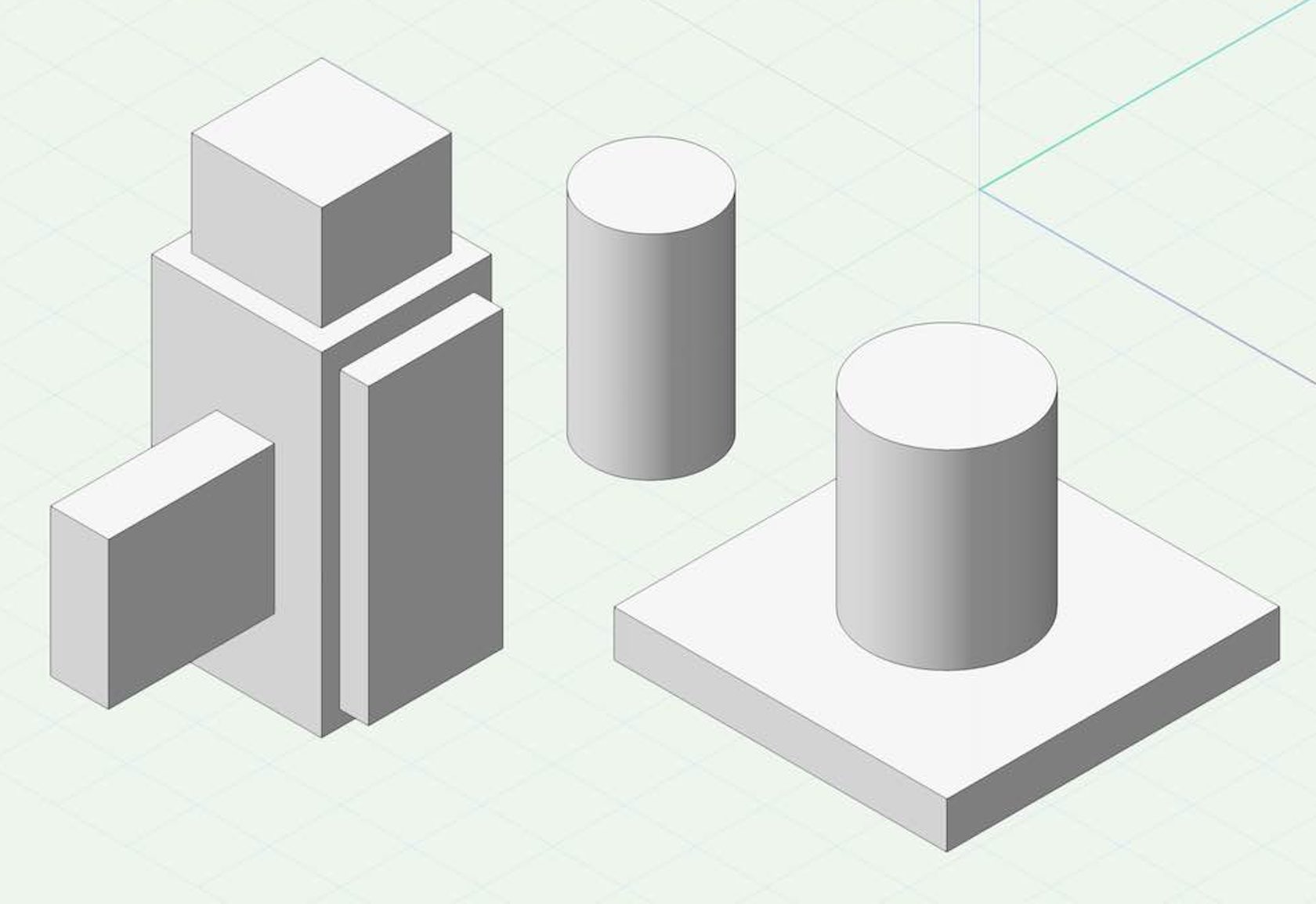
1. Extrude command, within Top/Plan draw a shape, make sure you select the shape to use the extrude command in the Model menu.
2. Push/Pull mode is located on most of the 2D geometry drawing tools. Within a 3D view, draw a shape and instantly push/pull.
3. The Push/Pull tool is located in the 3D modelling Tool Set.
4. Dont worry about doing things incorrectly, everyone makes mistakes, even the pros! Its how we learn.
5. Remember to relate back to the Core videos if needed, they are there to help.
 ⓘ If you exit the 2D drawing tool before using the Push/Pull mode, you can always use the Extrude command or the Push/Pull Tool in the 3D modelling Tool Set.
After finishing this exercise, click the "Mark as done" button at the bottom of this page to mark this exercise as completed.-
Students mustMark as done
-