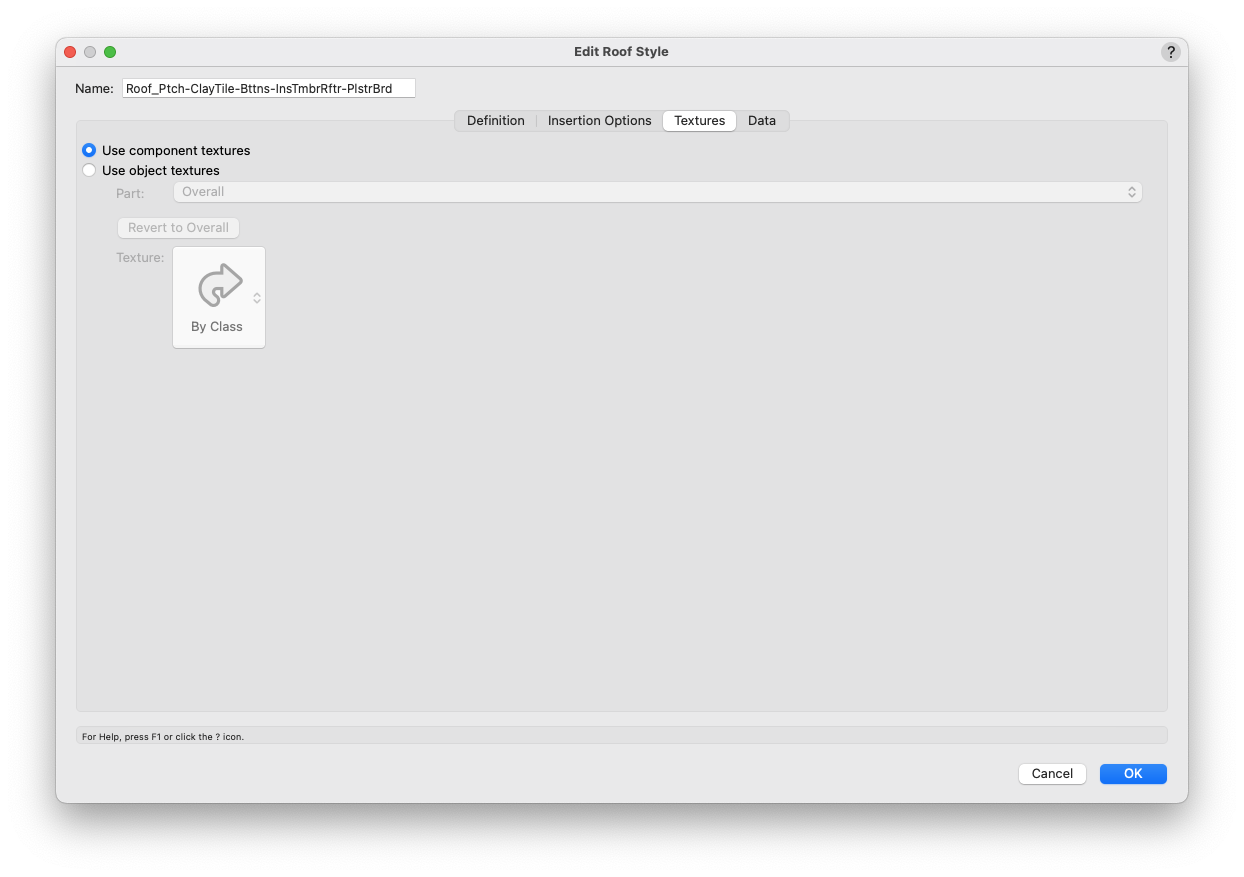
As a rule of thumb, click Use component textures when you have component textures; click Use object textures when you don't.
The Part dropdown and Texture swatch immediately below work together. When Use object textures is selected, you can assign textures to individual parts of the roof, or to the roof object overall (see the Part dropdown).
Textures can be applied from the object's Class settings when clicking the Texture swatch and then clicking By Class at the top of the popover. But you may still wish to apply an override here, especially as each part of the roof can have a different texture. (Some existing styles may already have an override applied.)