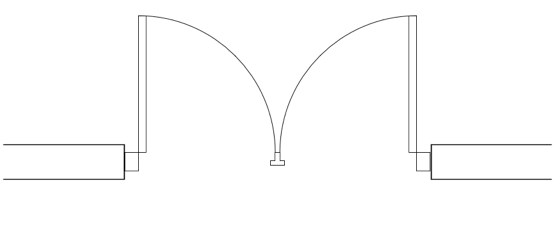
THE DOOR TOOL SETTINGS
Completion requirements
Go through the activity to the end
FRAME
The Frame pane contains parameters for the door's frame and shim gaps. We will survey some of its key features, but for a full breakdown of all its fields, please visit the Help page.
Key Features
Use wall depth: When checked, this parameter locks the Depth field (becoming gray) and sets the depth value to the thickness of the host wall.
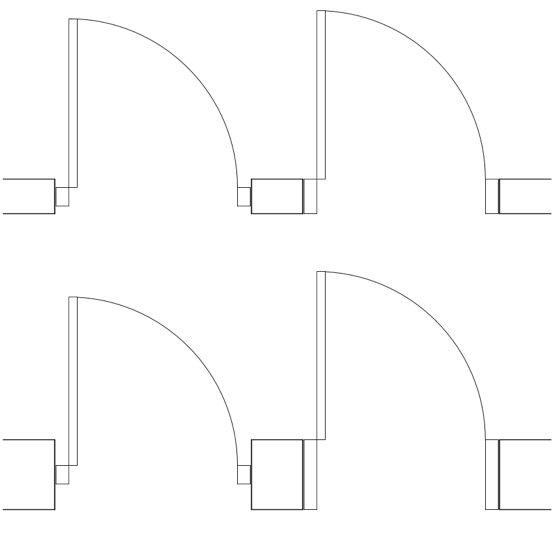
Use frame extension: When checked, this parameter applies a frame extension to the right side (interior side) of the wall. Visible in both 2D and 3D views, the added element extends from the door frame to the face of the wall. There is a second field where you can enter a value for the frame extension's width.
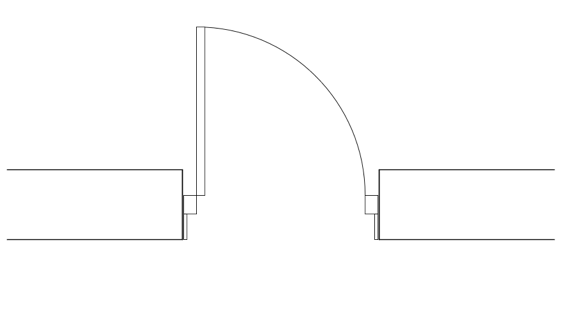
Shim Gaps: The fields beneath this heading inform the shim gap dimensions on the left, right, top, and bottom of the door when the Use wall provided gaps checkbox is unchecked (the default setting is unchecked). These values may be linked to share identical values or unlinked to have independent values. Toggle the link icons to the left of the dimension fields to link or unlink them.
Astragal Flange and Astragal Depth: These parameters are only active when the Configuration (at the General pane) is set to Swing, and the Operation is set to Double Bi-part / Double Leaf.