Designing an arena show requires precision, creativity, and strategic planning. In this webinar, Vince Foster, an accomplished lighting, set, and video designer in live entertainment, walks you through his complete workflow for designing the Jamiroquai 2025 arena show using Vectorworks Spotlight.
In this session, you’ll see how to transform a rough hand-drawn concept into a production-ready technical document, starting with document setup, workspace configuration, and custom shortcuts. From there, you will learn how to design the set and lighting within real-world constraints such as stage size and sightlines, using the latest visibility tools and Vectorworks AI for creative inspiration and problem-solving.
Entertainment
Entertainment
57m
Beginner
Learning Objectives
Learn how to set up a Vectorworks Spotlight file for an arena-scale
production.
Understand how to bring a venue model into Vectorworks Spotlight and
manage it effectively with layers, classes, and mesh simplification.
Explore practical strategies for developing an arena set under
constraints.
Discover how to turn the
finished design into polished outputs by generating vendor-ready drawings and
client-facing documents with Vectorworks Spotlight’s publishing tools.
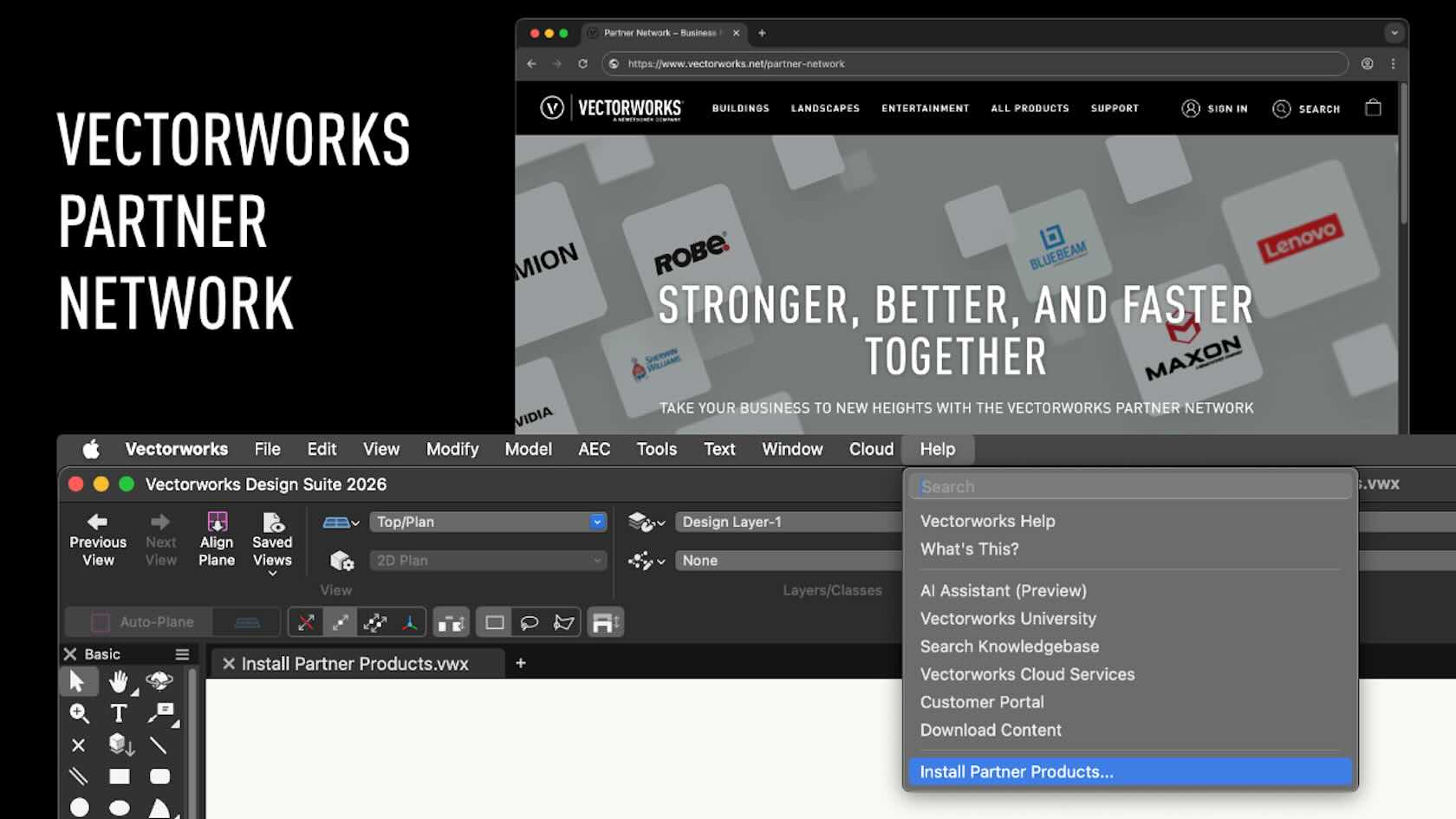
Extend Vectorworks’ capabilities with specialized tools from our Partner Network. Whether it’s visualization plugins, analysis tools, or industry-specific add-ons, Partner Products help you get more out of Vectorworks by saving time and expanding what you can create. Unlock new possibilities with the power of the Vectorworks Partner Network at your fingertips.
All Industries
All Industries
2m
Beginner
Learning Objectives
Describe what Vectorworks Partner products are, where to find the full list of partners, and how partner products integrate with the Vectorworks interface and workspaces.
Install, locate, and manage Vectorworks Partner products by using the Install Partner Products command, searching by keyword, adding installed tools to different workspaces, and restarting Vectorworks to begin using them.
What’s New with Showcase in Vectorworks Spotlight 2026?
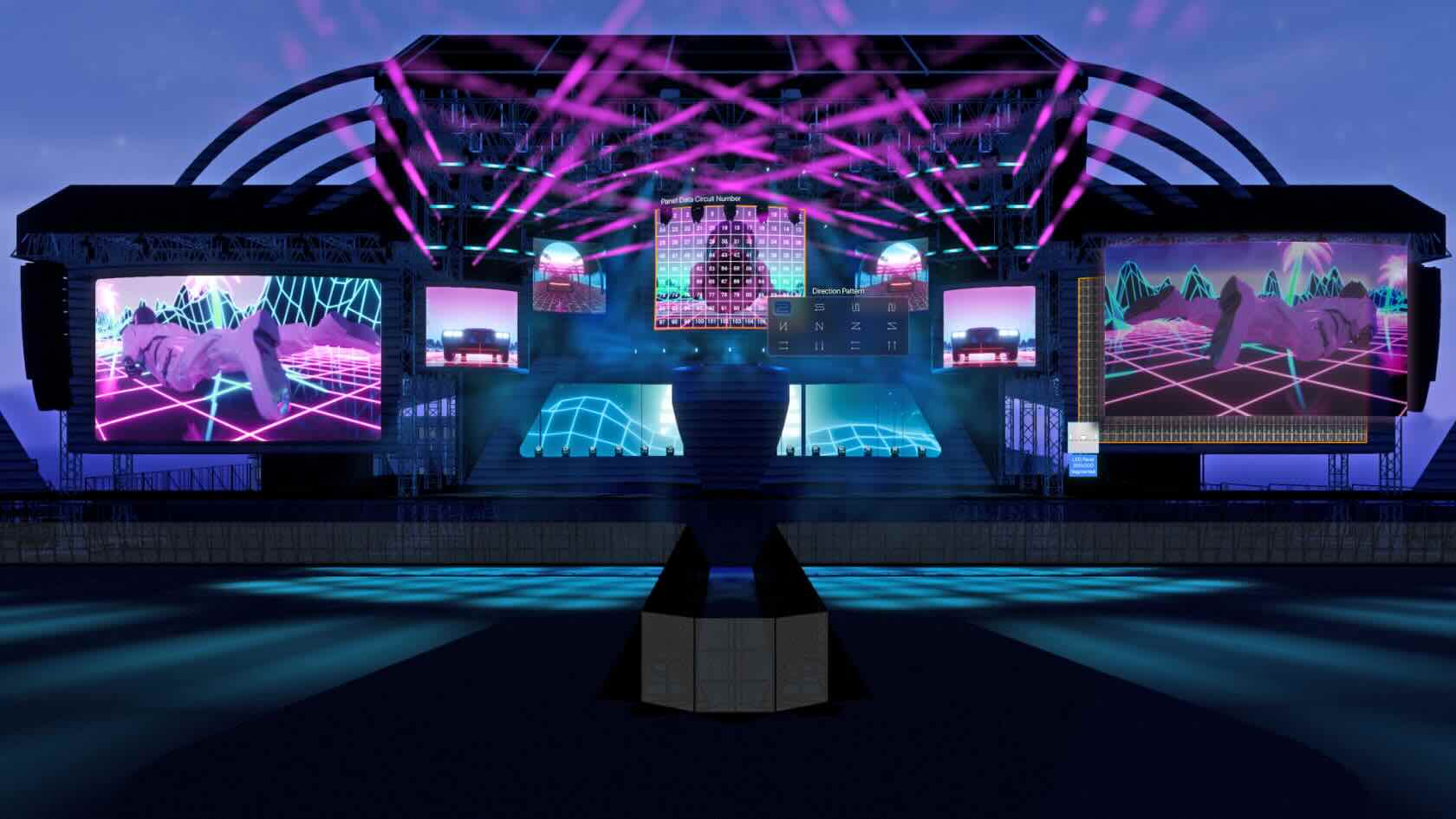
The webinar, hosted by Joshua Schulman, Matt Artigues, and Live Design, explores the updated Showcase feature in Vectorworks Spotlight 2026, highlighting its new visual and control capabilities and the addition of the versatile LED Wall tool for more dynamic stage and event design.
Entertainment
Entertainment
53m
Beginner
Learning Objectives
Understand the major enhancements introduced in the Showcase feature of Vectorworks Spotlight 2026.
Learn how the new LED Wall tool streamlines design, analysis, and reporting for complex visual setups.
Discover improved workflows for managing lighting, visual effects, and DMX integration within Spotlight.
Product manufacturers have invested considerable time and
resources in creating Environment Product Disclosures (EPDs) to assist
landscape architects and other site design professionals in pursuing more
climate-positive landscapes.
Join Bryce Carnehl of Hunter Industries,
Christopher Lyon of Tournesol, and Eric Gilbey of Vectorworks for a panel
discussion on EPDs, how they’re produced, and where they can be utilized in
site planning and design workflows.
Landscapes
Landscapes
45m
Beginner
Learning Objectives
Understand
what Environment Product Declarations (EPDs) are and their role in landscape
architecture and other site design disciplines.
Learn
how manufacturers meet the global demand for EPDs to produce these documents.
Explore
where in site planning and design workflows designers can make use of EPDs.
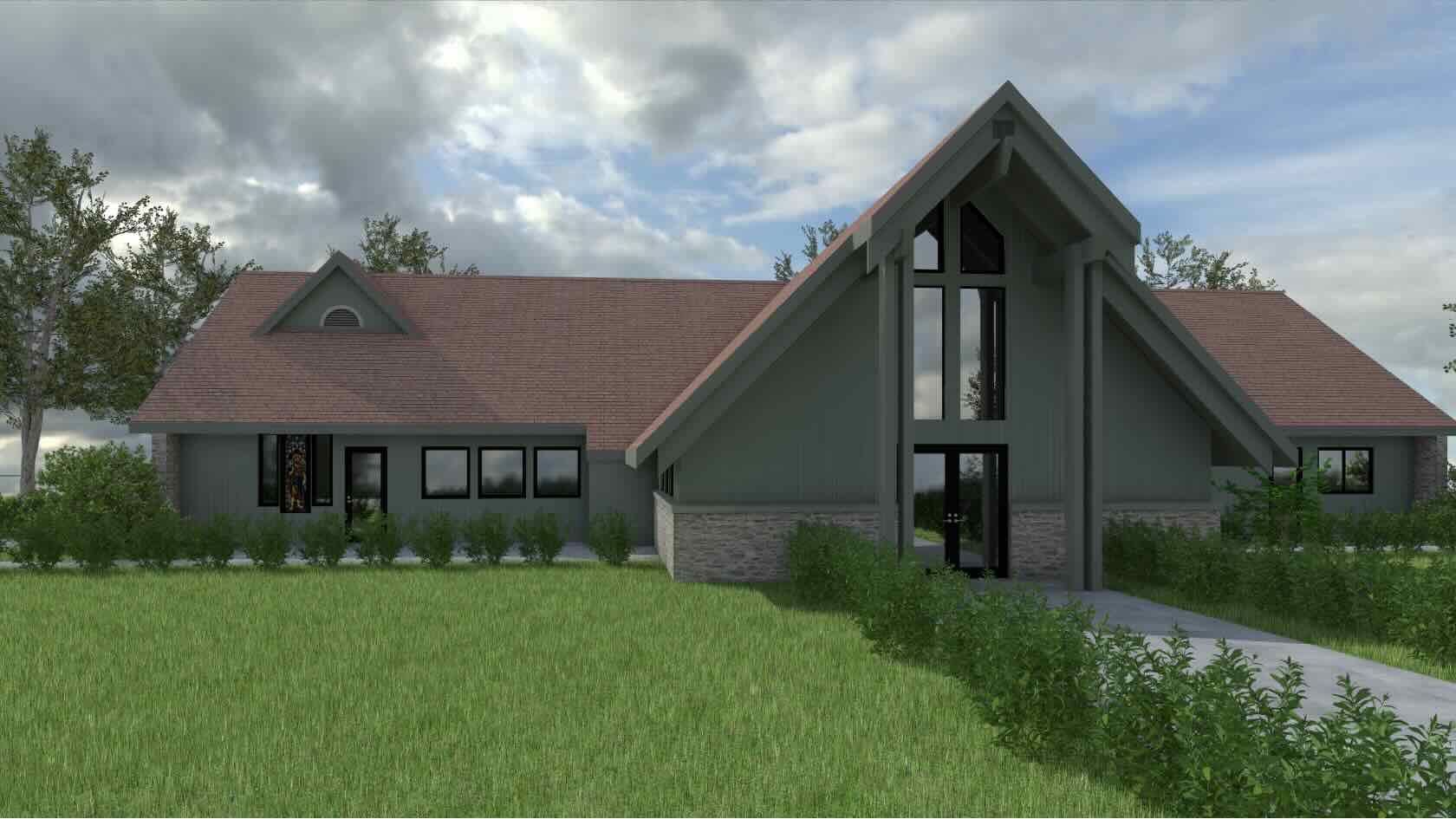
The most environmentally responsible building may be one
that’s already built.
In this webinar, learn how François Lévy, architect and principal
at François Lévy Architecture + Interiors, used BIM softwarwe to serve a church
congregation in its decision-making process regarding the fate of its damaged
parish hall. The firm used a variety of tools, such as Space objects,
worksheets, data visualization, and Point Cloud photogrammetry, to evaluate the
building rehabilitation and explore options to undertake the project
efficiently in phases.
Buildings
Buildings
45m
Beginner
Learning Objectives
Recognize the sustainability and community value of reusing existing
building stock.
Learn how effective BIM workflows, related to modeling and documenting
existing structures, facilitate building remodels and additions.
Understand how specific BIM tools can be used in harmony to improve
sustainable design outcomes.
Identify best practices for developing coordinated working drawings in a
hybrid 2D/3D digital platform.
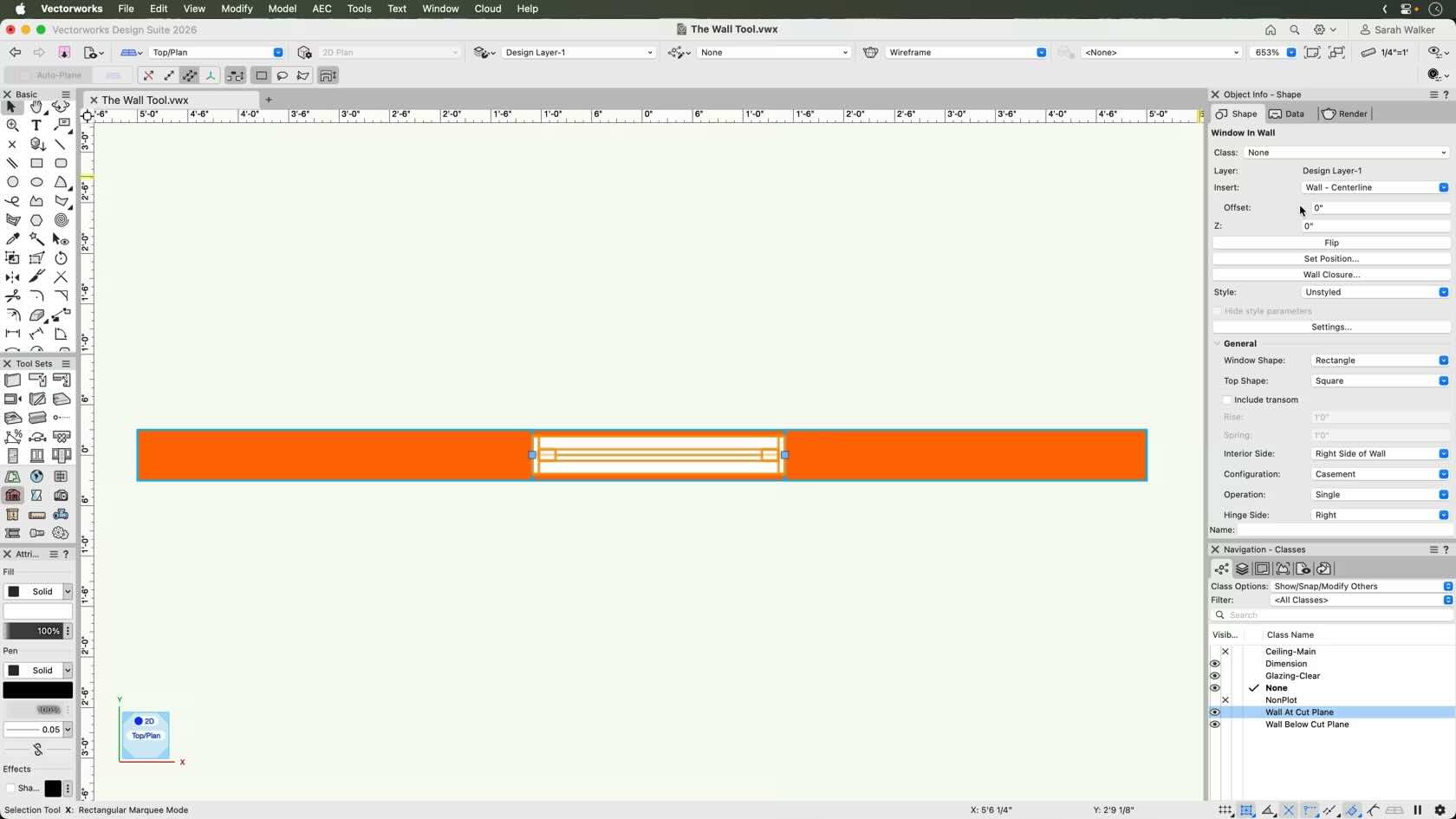
Discover how to use the new Wall Tool in the 2026 update, explained for non-architects. This video breaks down recent changes—like how wall fills, pens, and components work in both 2D and 3D views—so anyone can understand and confidently use the updated features, even without an architecture background. Find out how to manage wall appearance and workflow with the latest tools and options.
All Industries
All Industries
6m
Beginner
Learning Objectives
Apply the updated wall tool attribute workflow in Vectorworks 2026 by modifying component settings, utilizing class-based attribute control, and managing profile lines to achieve consistent wall appearance between 2D and 3D views.
The PlantPARTNER Connection - Smart Plant Specification
Unlock the secrets to mastering the essentials of using Vectorworks and PlantPARTNER together to streamline, document, and manage plant specifications. Whether you’re a budding gardener or an experienced horticulturist, you’ll discover actionable strategies, downloadable planting plans, and best practices to enhance your planting scheme. You’ll gain the confidence to tackle your own designs and produce professional-quality results using the power of Vectorworks and PlantPARTNER in your workflows.
Landscapes
Landscapes
29m
Beginner
Learning Objectives
Explore the new PlantPARTNER connection with Vectorworks.
Experience advanced lighting design with the seamless integration of Vectorworks and DIALux via BIM collaboration and lighting analysis. Effortlessly exchange models, access hundreds of manufacturer fixtures, and conduct accurate simulations to deliver visually compelling, code-compliant results faster and more efficiently.
This video reveals how the combined power of Vectorworks and DIALux drives smarter workflows, strengthens coordination, and brings your creative lighting visions to life in any project.
Buildings
Buildings
4m
Beginner
Learning Objectives
Efficiently prepare, export, and import lighting models between Vectorworks and DIALux using IFC files, enabling code-compliant lighting analysis and seamless BIM collaboration.
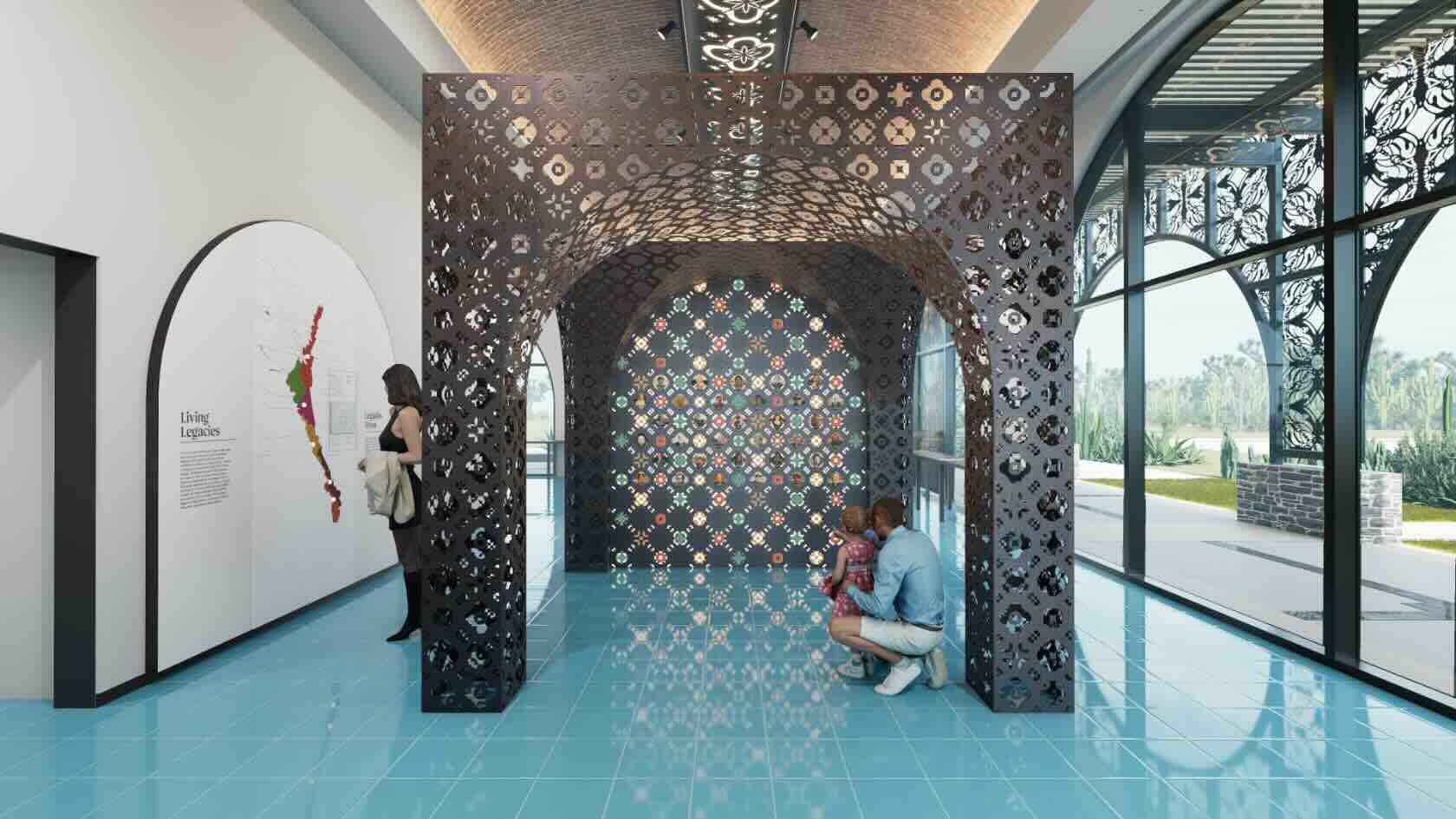
Join G&A for an inside look at how their integrated
design team leverages Vectorworks software and Vectorworks Partner D5 Render to
create immersive, high-fidelity physical and digital architectural experiences.
In this session, Carl Rhodes, creative director
exhibits at G&A, will walk you through real-world projects — from exhibits
to situated media — showing how G&A’s creative and technical workflows come
together in powerful ways. Whether you’re an architect, renderer, or
collaborator, this session offers insights into cross-disciplinary teamwork,
efficient rendering techniques, and storytelling through spatial design.
Buildings
Buildings
41m
Beginner
Learning Objectives
Understand how Vectorworks software and D5 Render are used together in G&A’s 3D experience design pipeline.
Learn how Vectorworks’ cloud-based
project-sharing and D5’s LiveSync plugin work together to enable collaborative
team workflow.
Explore strategies for integrating media
content, environmental graphics, and artifacts into visualizations.
Gain insight into managing cross-disciplinary
collaboration across architecture, media, and interactive design.
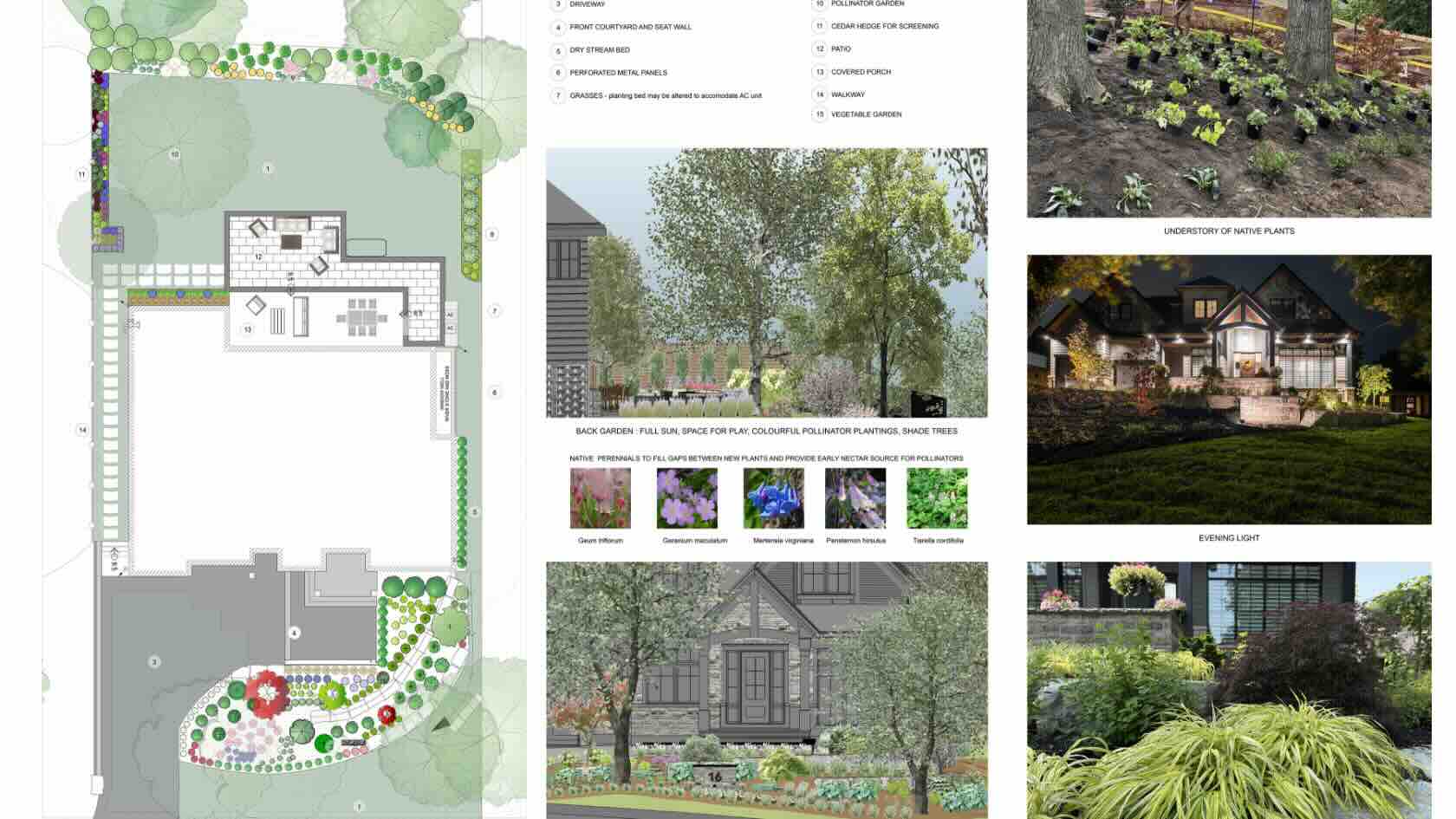
Not
every client loves the look of a pollinator or naturalized garden, but there
are strategies for enhancing biodiversity in every garden style through soil
management and the addition of native plants.
Join
Adele Pierre, landscape architect at Adele Pierre Landscape Architect
Inc., for a look at several ways to increase the number of native
species, both flora and fauna, in the landscape.
Landscapes
Landscapes
45m
Beginner
Learning Objectives
Explore
strategies for soil analysis and management.
Analyze
existing vegetation to establish what to keep and what to remove.
Create
a planting plan using native species as specimens, borders, and ground covers.
In the fast-paced world of
television production, adaptability is everything. The mantra for every
television art department is simple: prepare and anticipate but, always be
ready to pivot.
In this webinar, Angela Cullen, a
set designer with experience with Apple TV+, Disney, and more, will help you
discover how a television set designer leverages Vectorworks Architect and Spotlight
to stay ahead of shifting creative needs and production demands.
You'll see how these tools streamline workflows, enhance collaboration, and support the creative process.
Entertainment
Entertainment
39m
Intermediate
Learning Objectives
Learn
how to create engaging, production-ready conceptual presentations for
television set design.
Enhance
design flexibility by learning strategies to adapt quickly to creative pivots
and shifting production requirements.
Incorporate
visual elements such as wallpaper, color palettes, and material textures to
communicate mood, style, and storytelling.
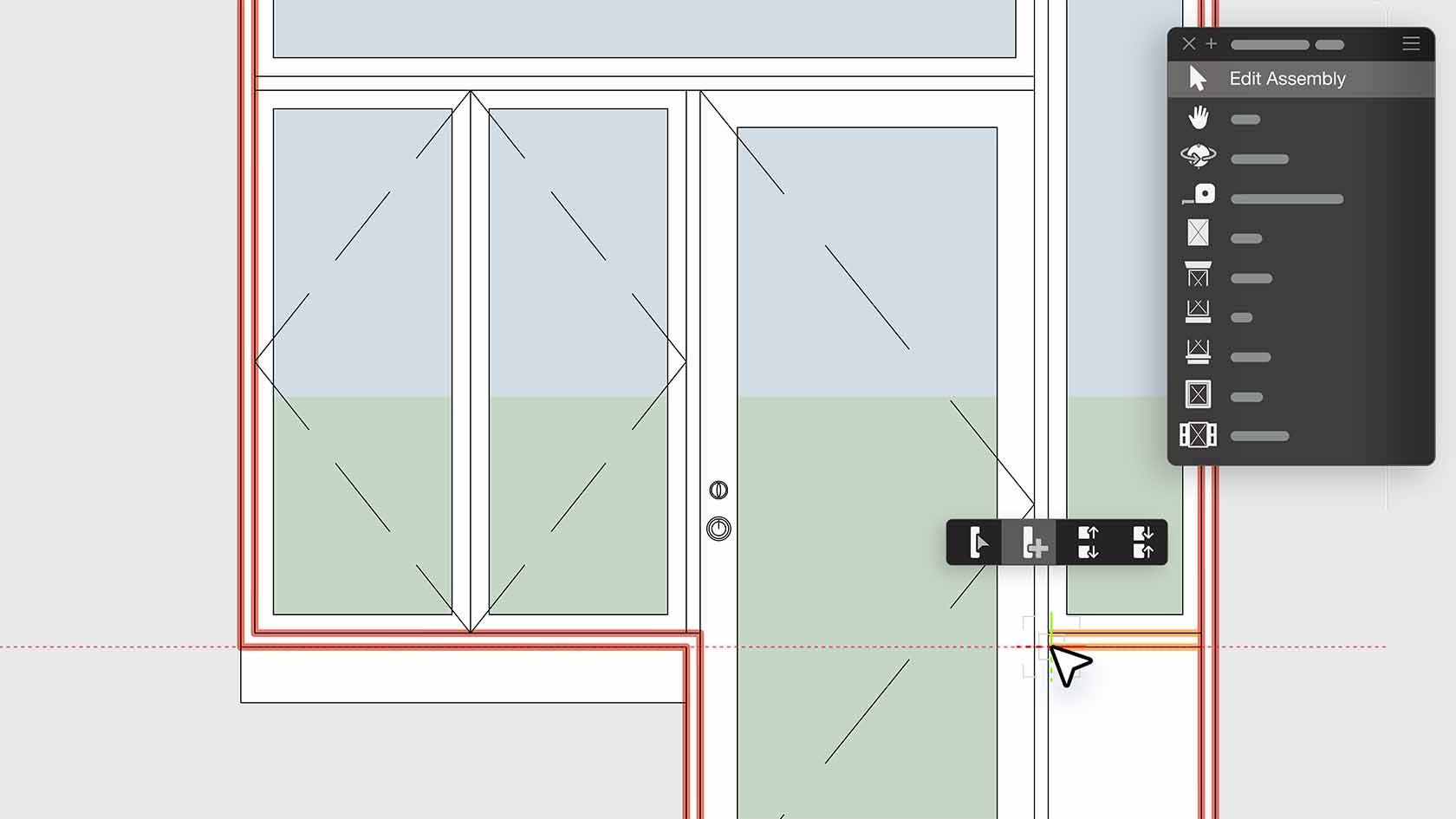
Design and document complex assemblies using the Door and Window Assembly tool. Combine any mix of doors, windows, symbols, panels, and wall infills into a single assembly that can be styled and used across your project. With real-time editing, flexible layouts, and detailed reporting, you’ll deliver accurate, creative designs faster than ever before. Discover how to get started with this video.
Buildings
Buildings
18m
Intermediate
Learning Objectives
Explore the door and window assemblies functionality