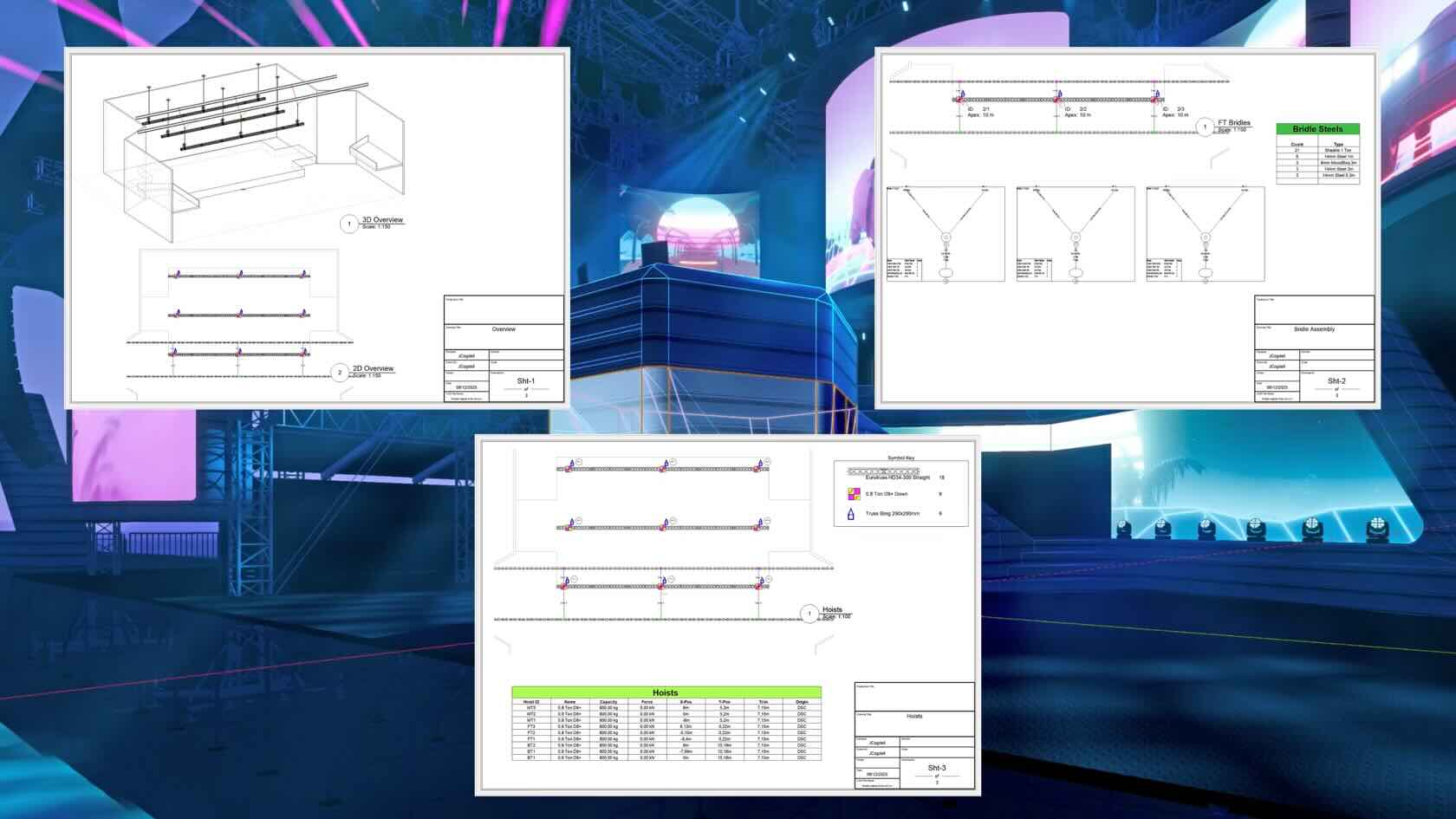









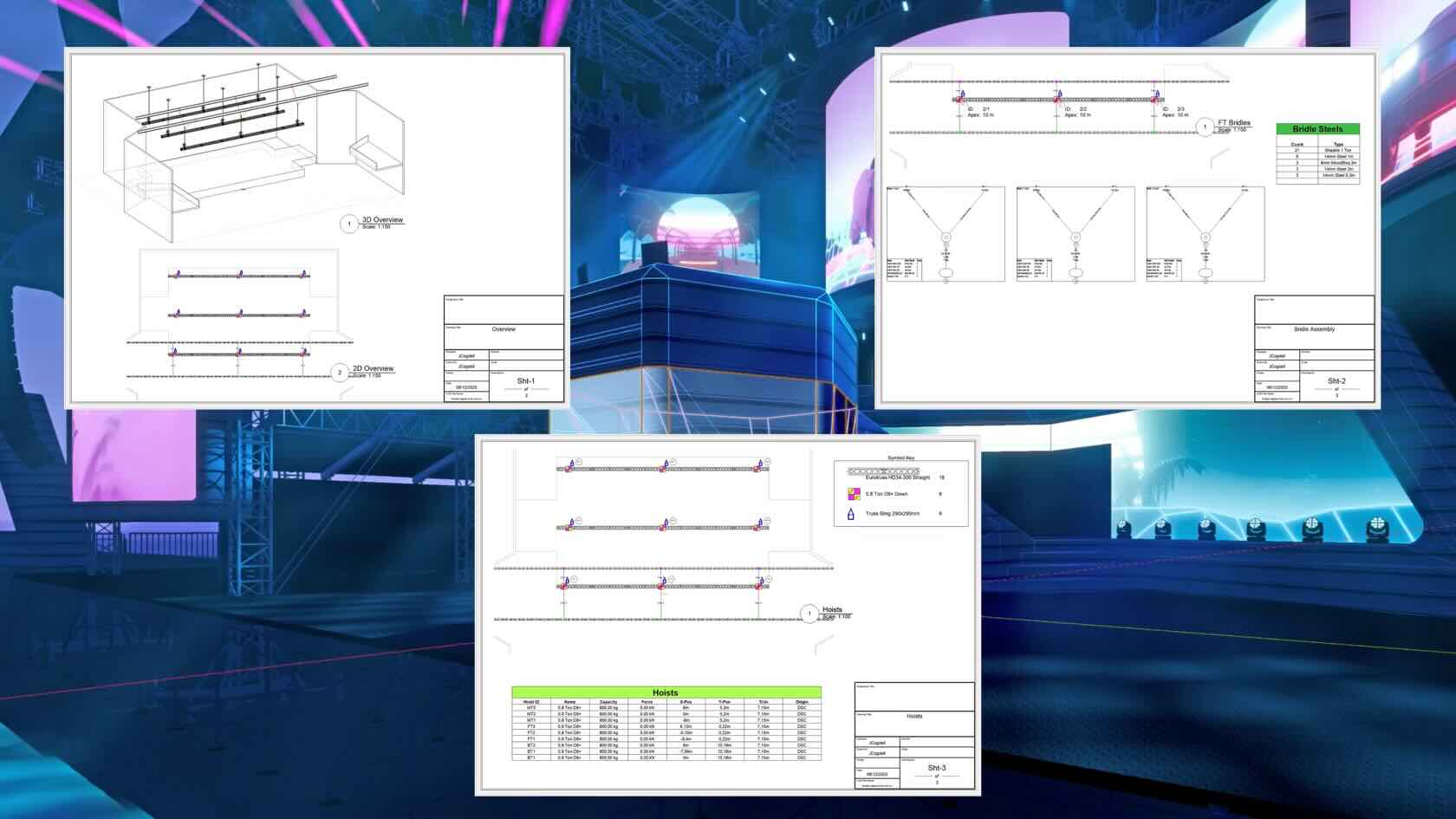
Learn the basics of building a simple rigging plan in Vectorworks for a small touring show. In this 5-minute video, we’ll cover house points, beams, hoists, bridles, drops, and essential documentation like hoist reports and assembly diagrams to help you create clean, efficient rigging workflows.
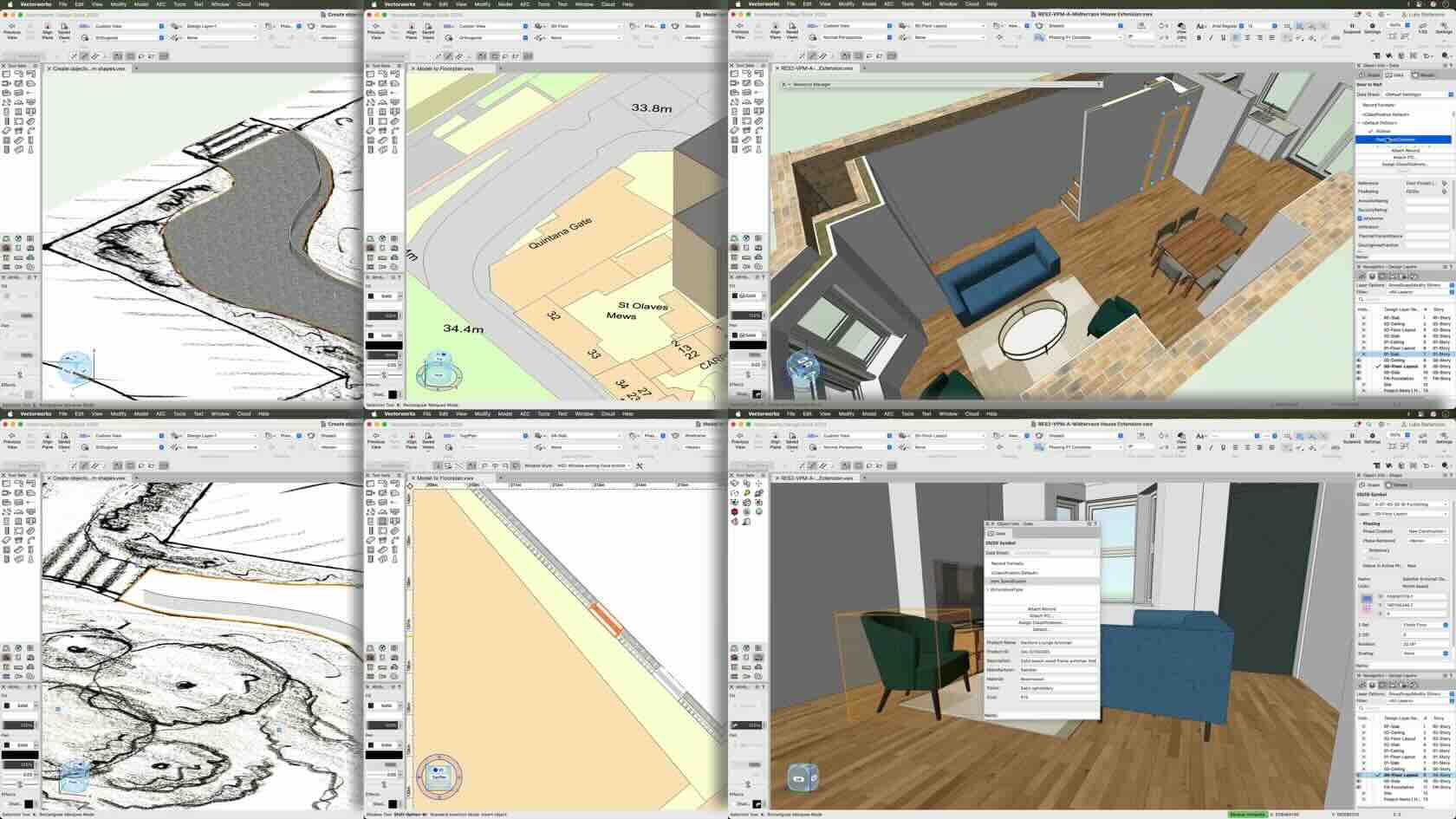
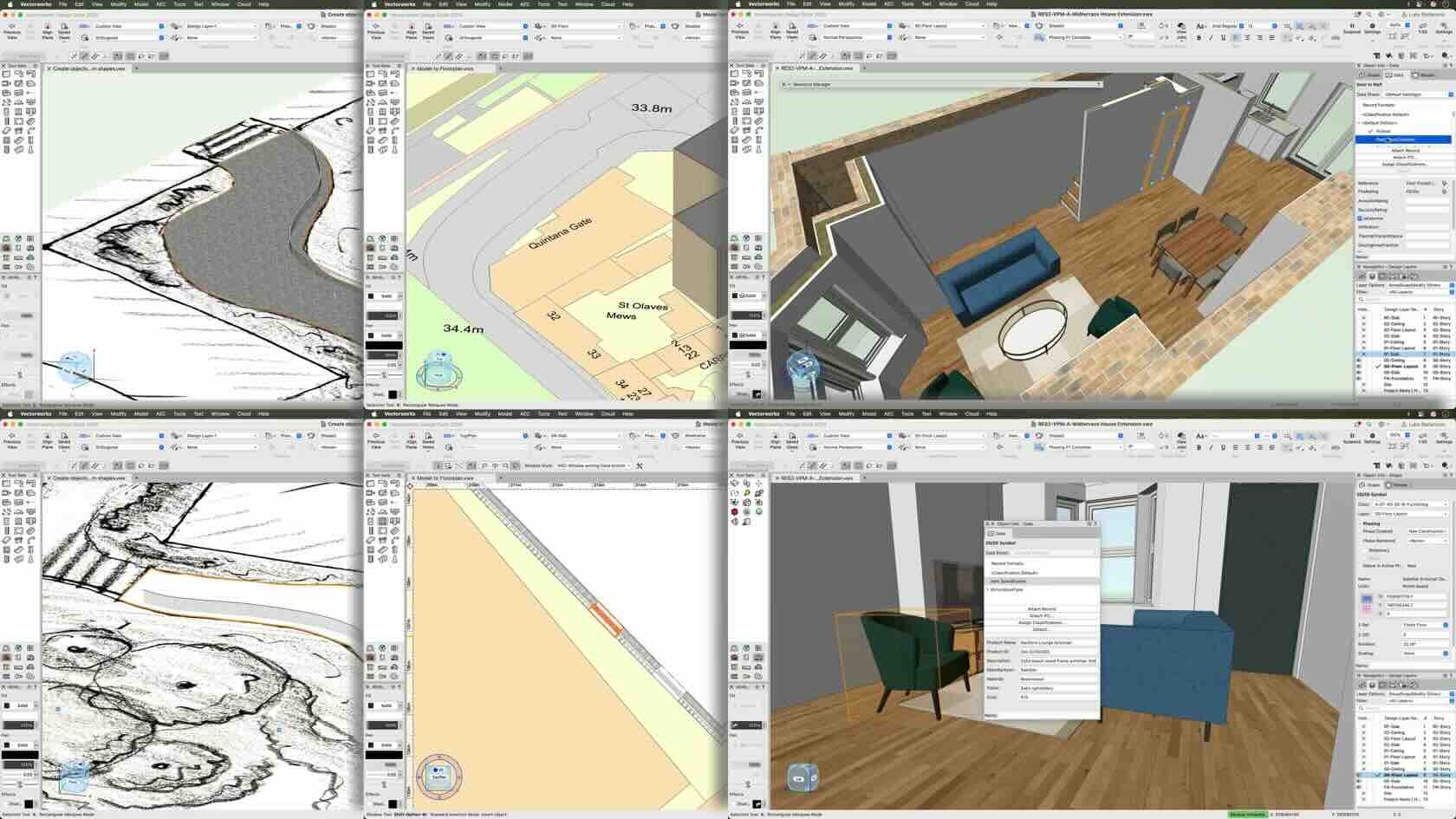
Discover how quickly you can transform 2D drawings into intelligent BIM models in Vectorworks. Learn practical workflows for converting sketches, survey imports, and draft geometry into BIM objects while adding data and building more information-rich models.
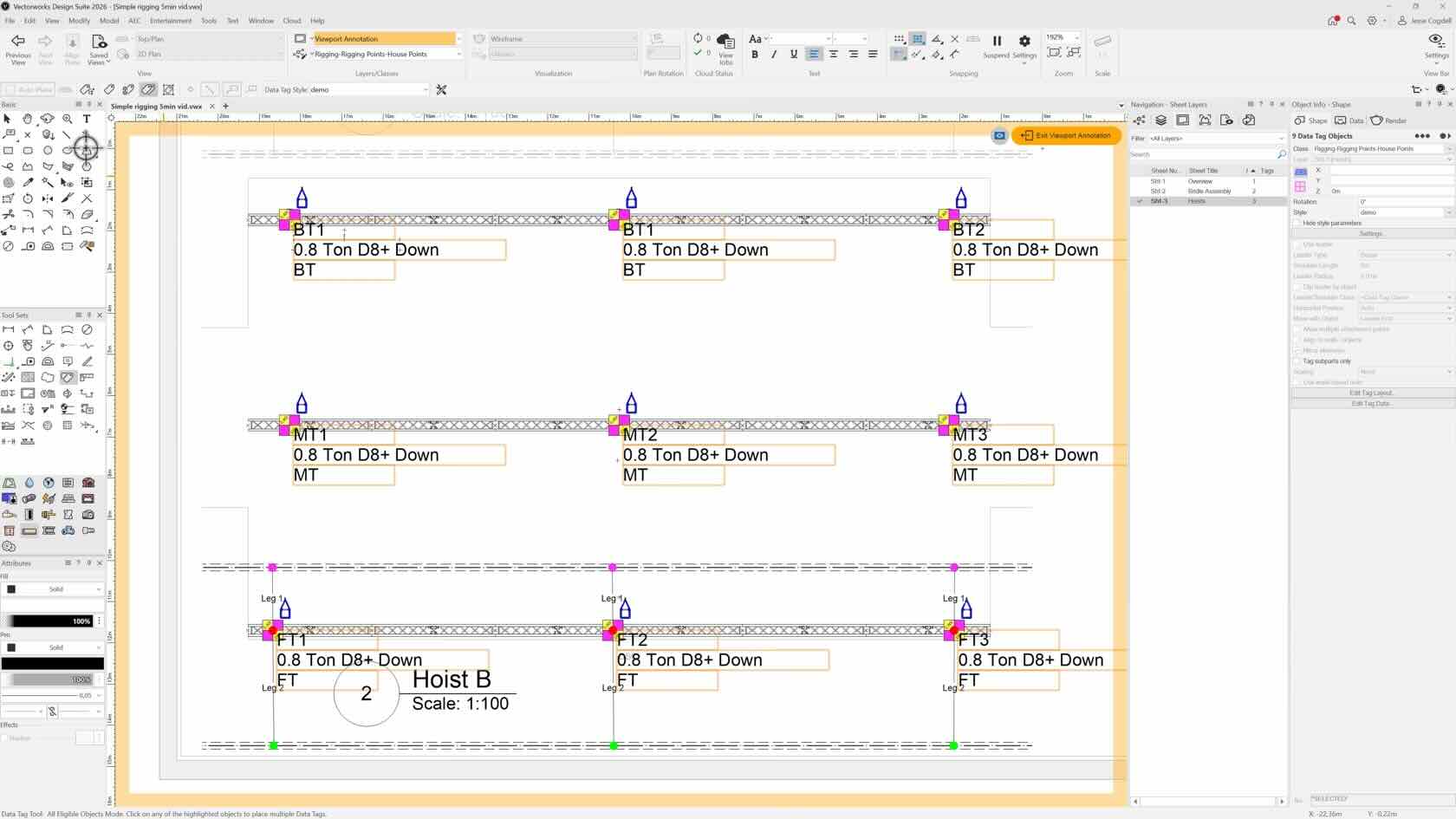
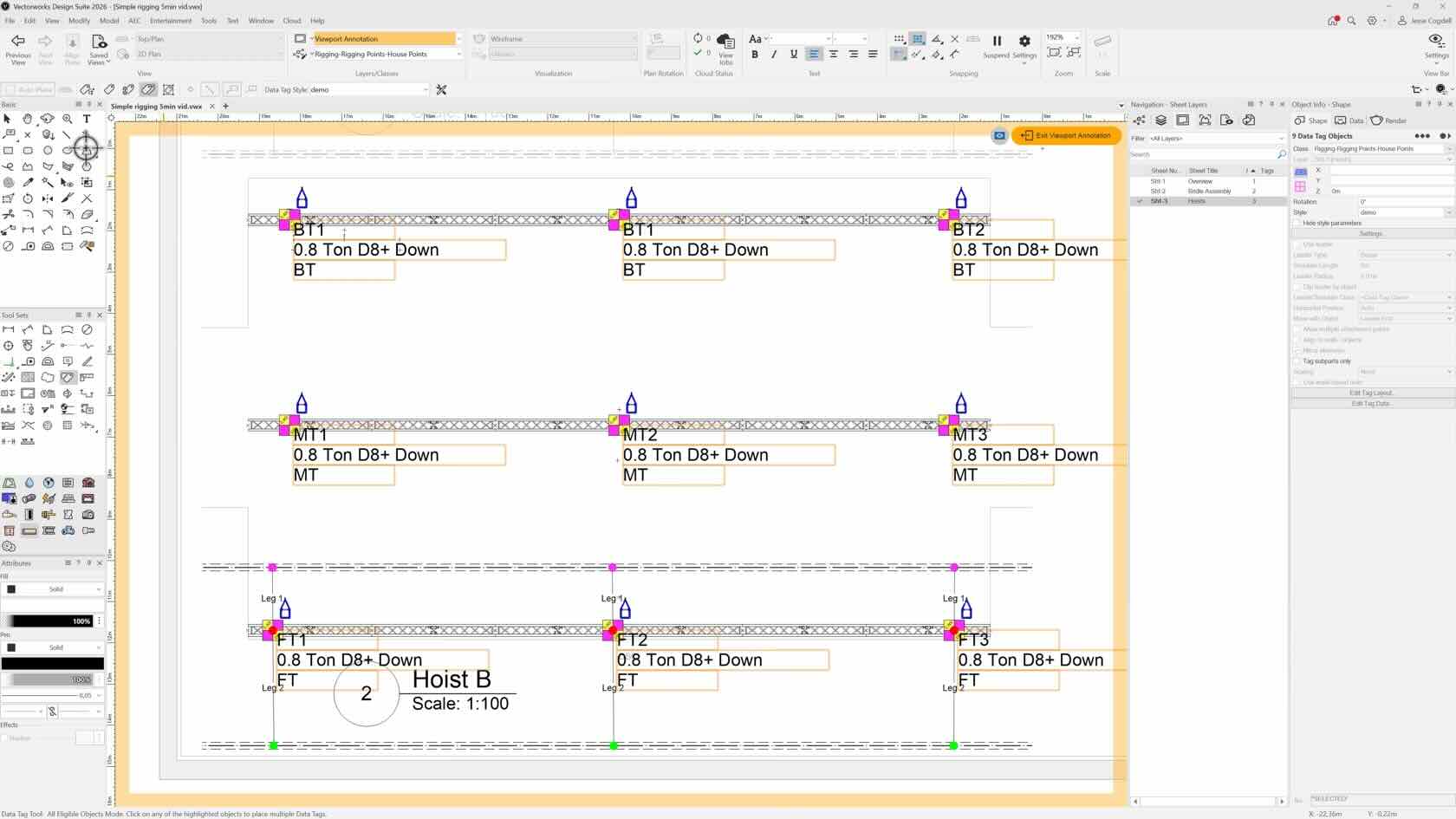
Master the basics of data tags for hoists in Vectorworks. This quick guide covers creating and customizing data tags, displaying hoist information, and understanding when to use tags in design layers versus sheet layer annotations.
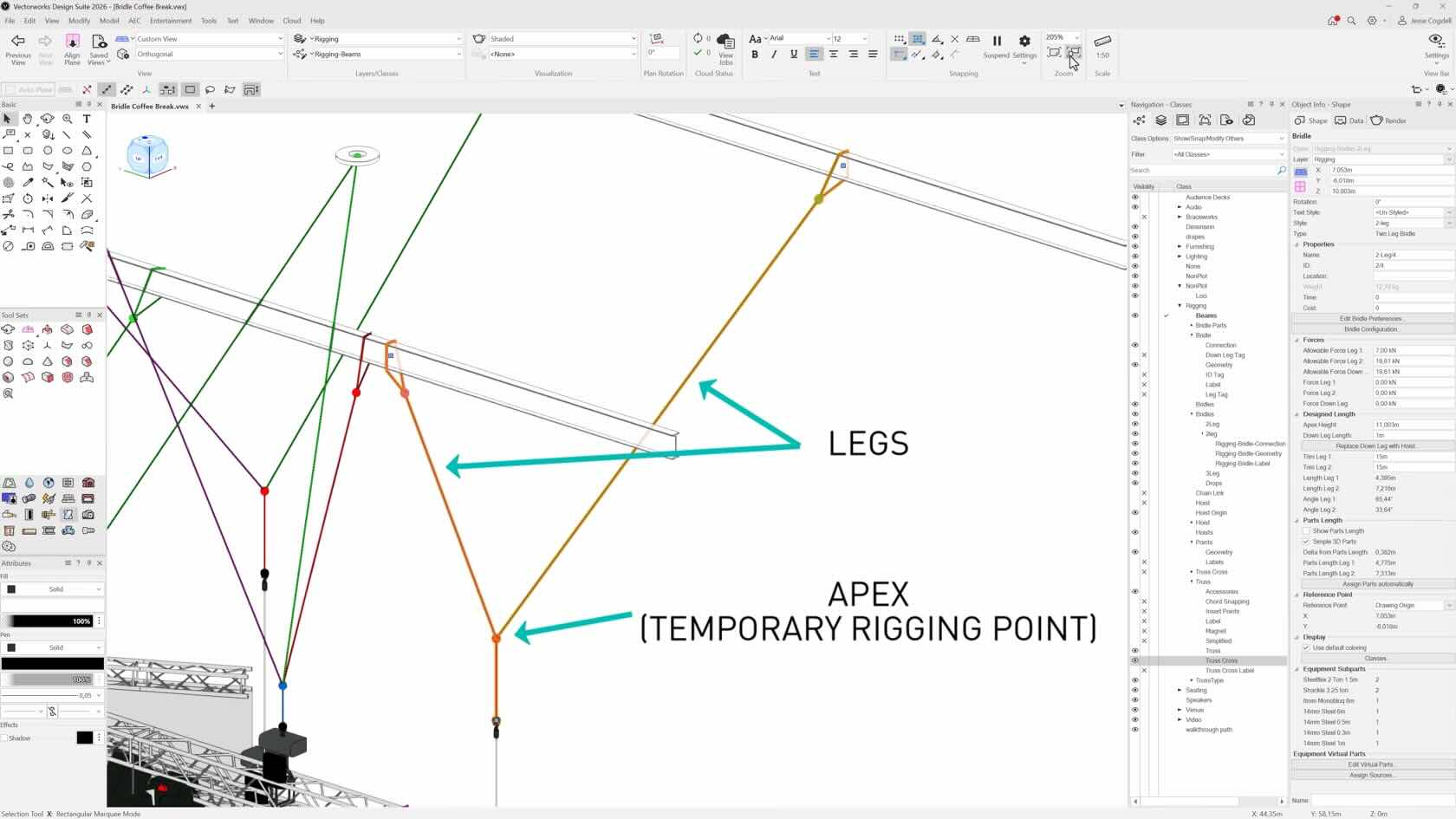
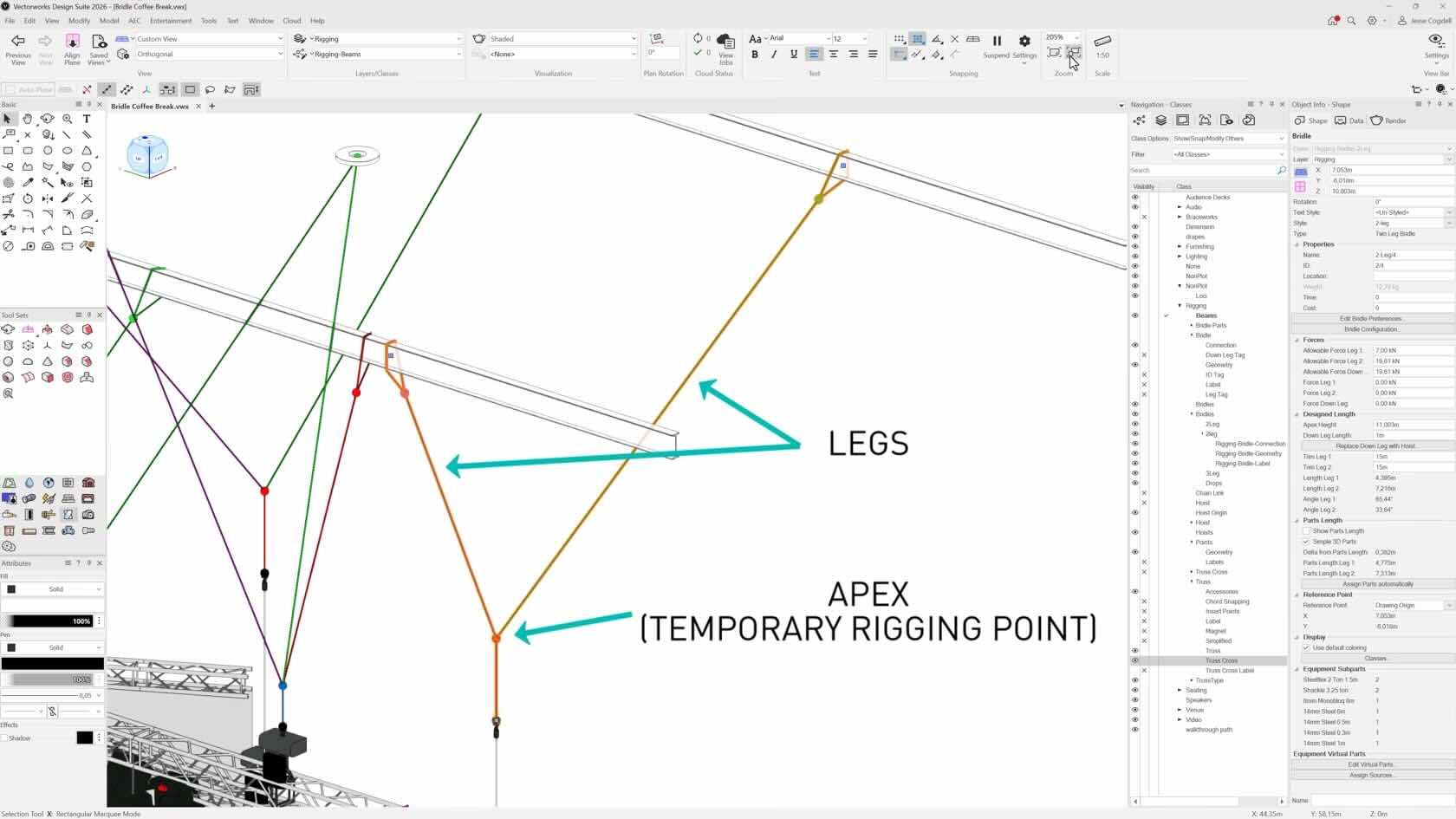
Get started with bridles in Vectorworks with this quick introduction to styles, configuration options, pickups, baskets, and essential setup tips. Learn foundational workflows to build and manage bridles more efficiently in your entertainment projects.
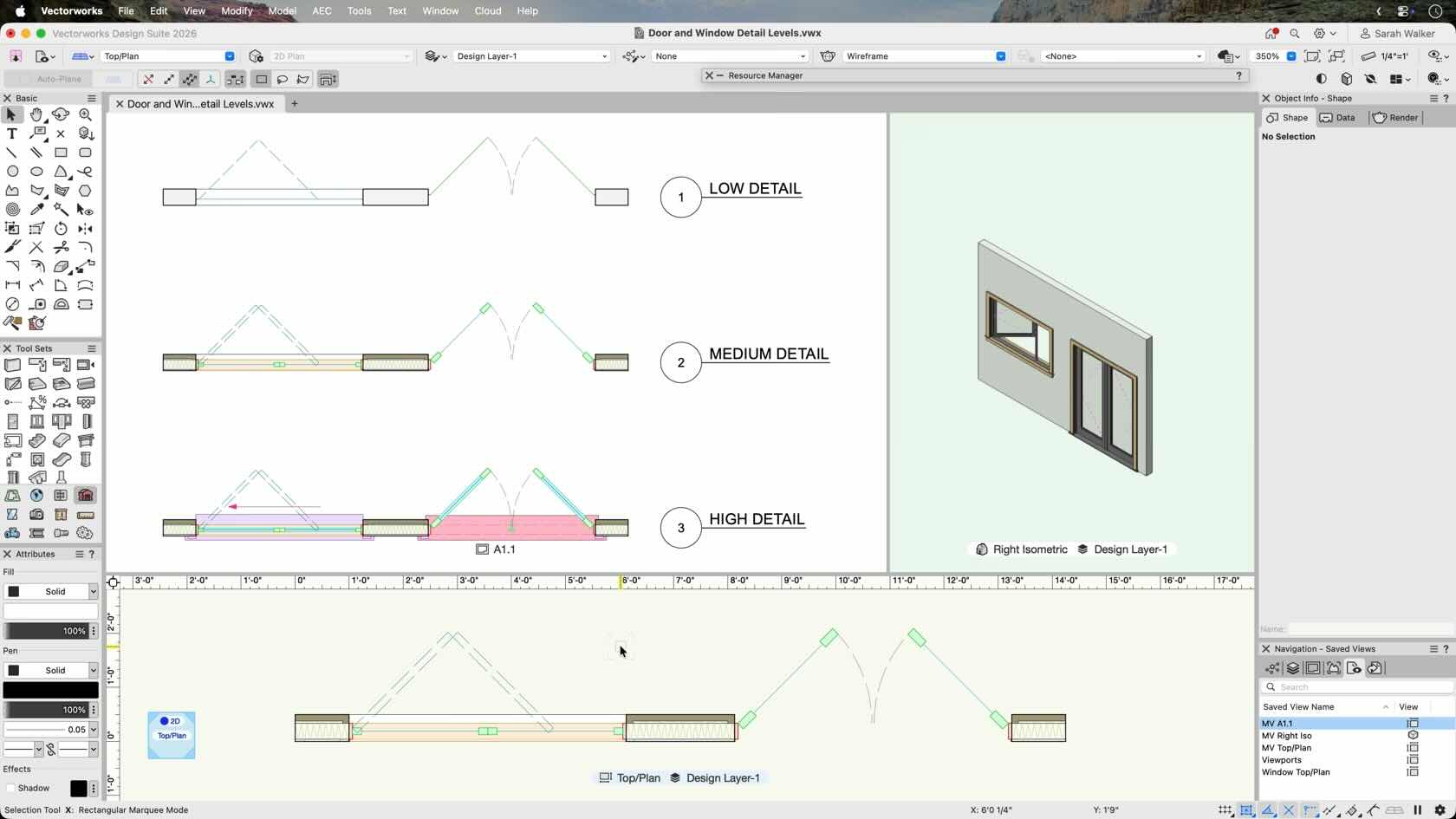
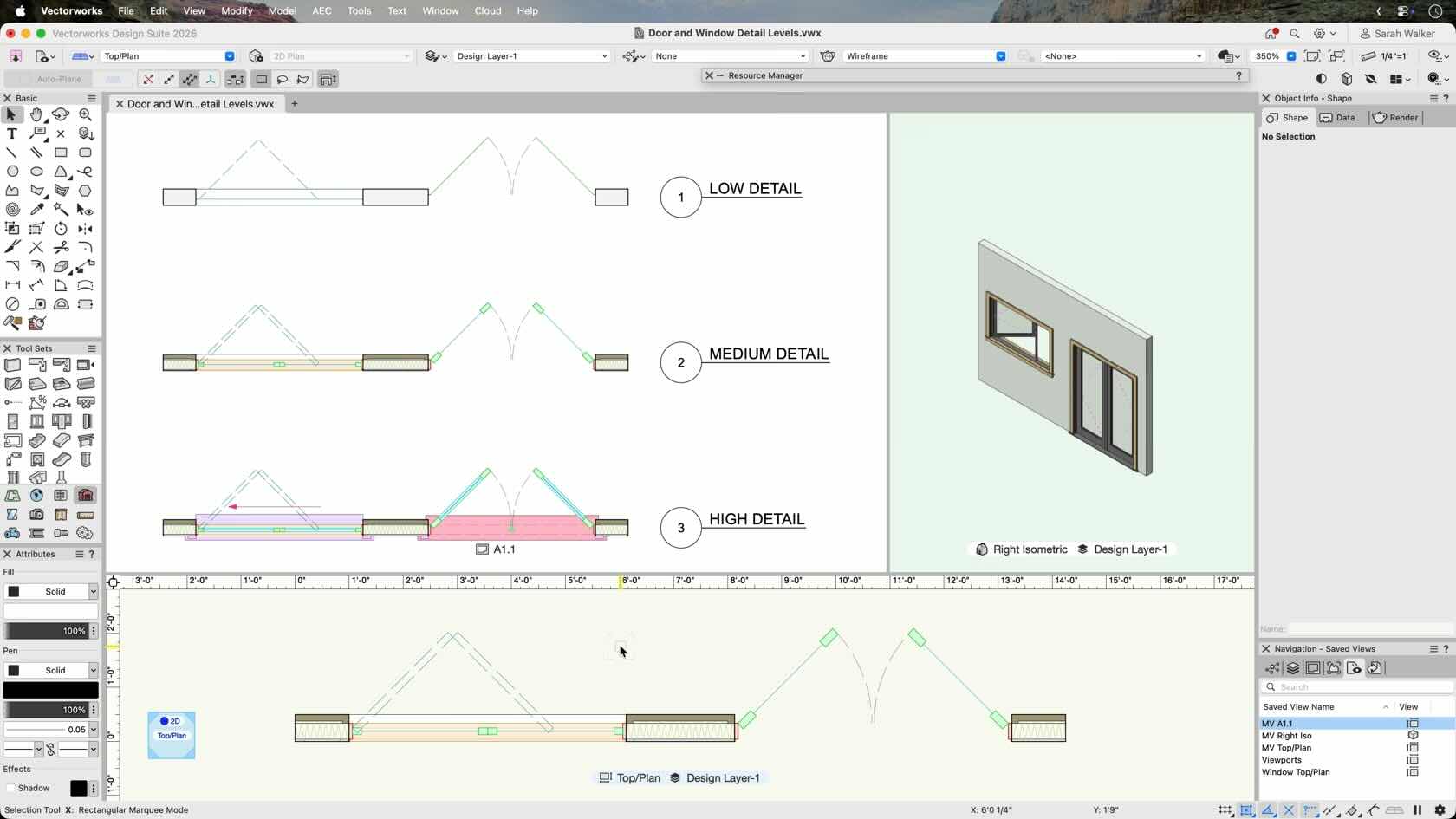
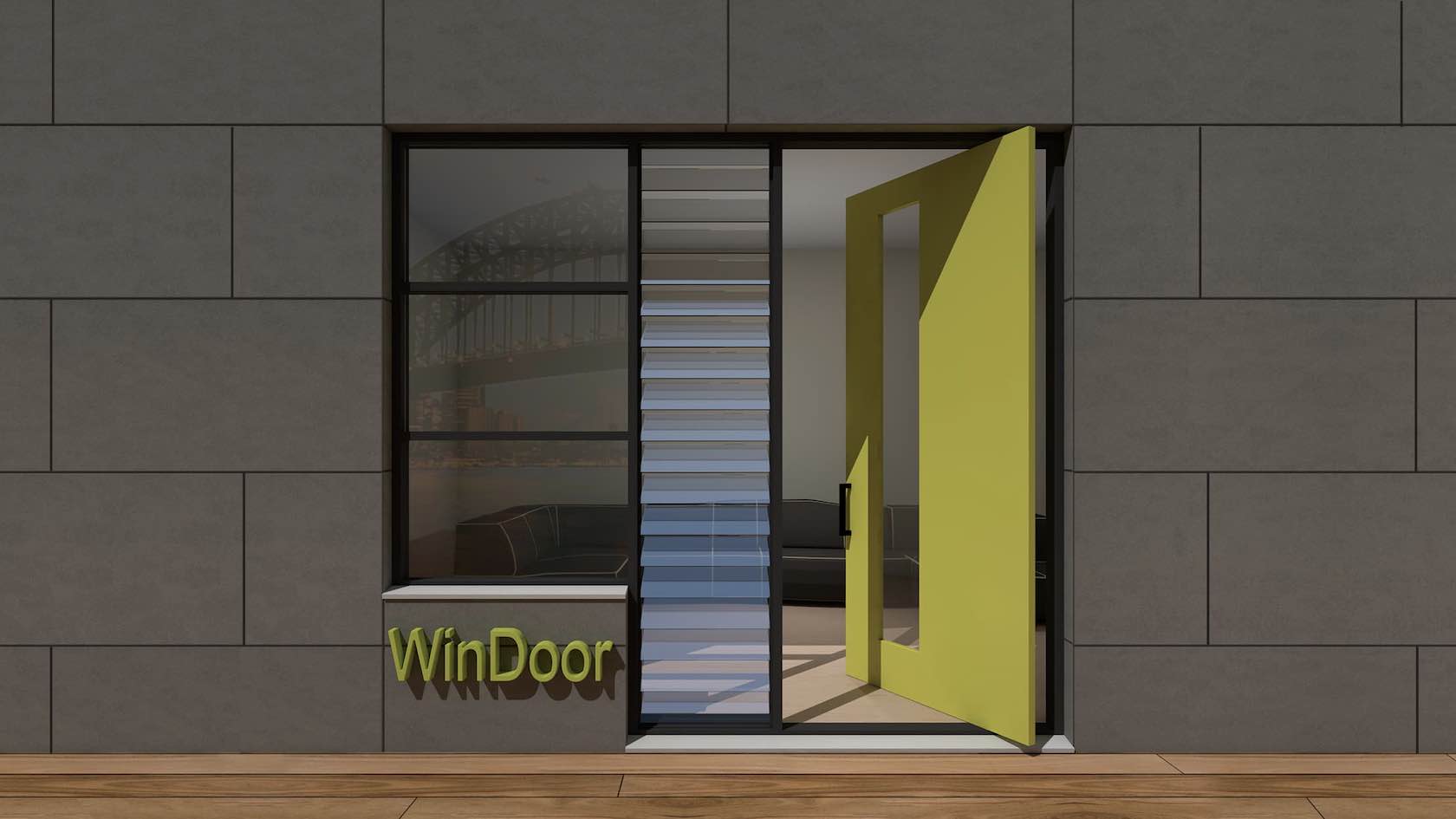
Take control of your door and window graphics in Vectorworks. Learn how to use Detail Levels and visualization settings to create BIM workflows that maintain high-quality 2D documentation and presentation standards.
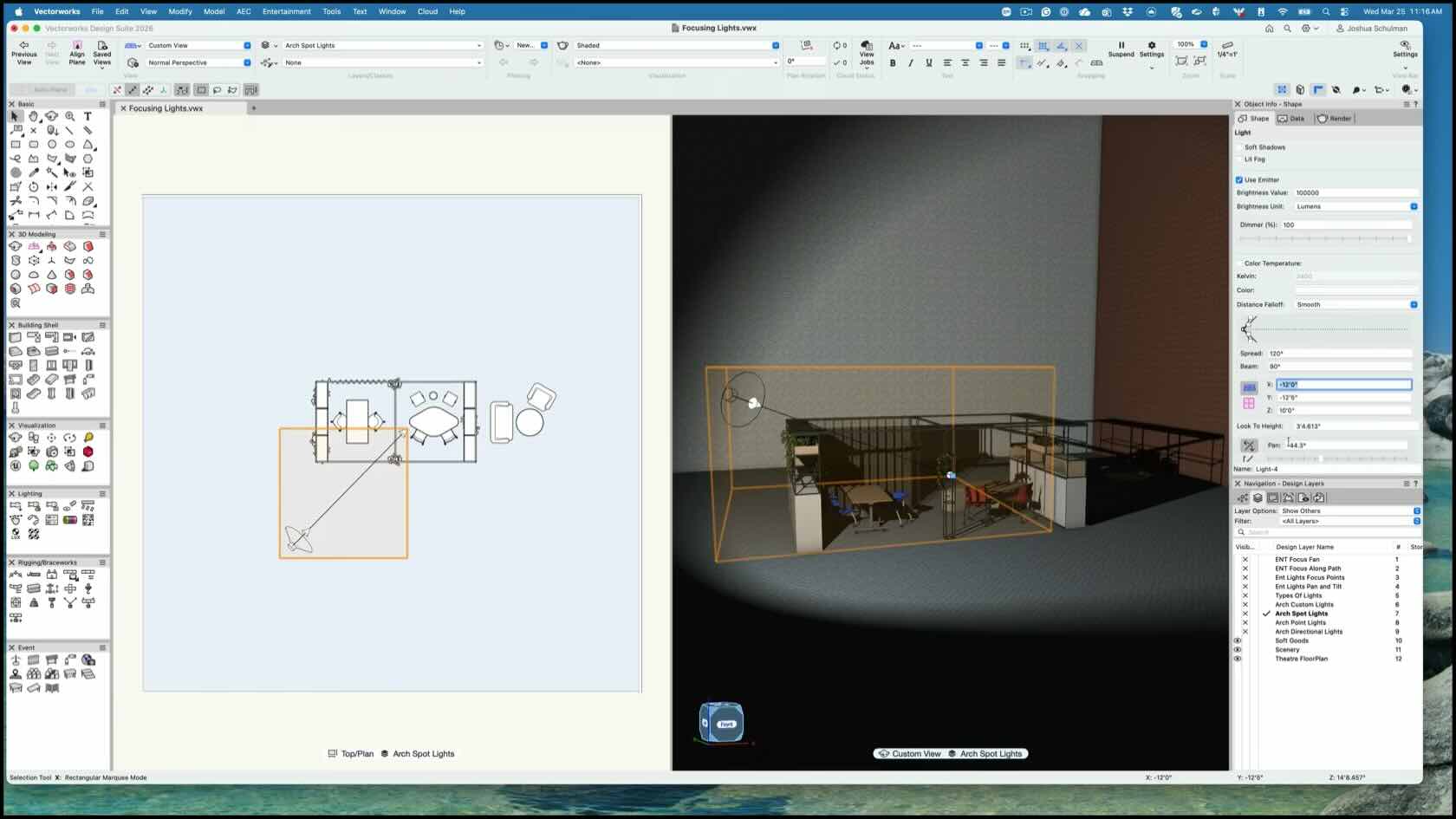
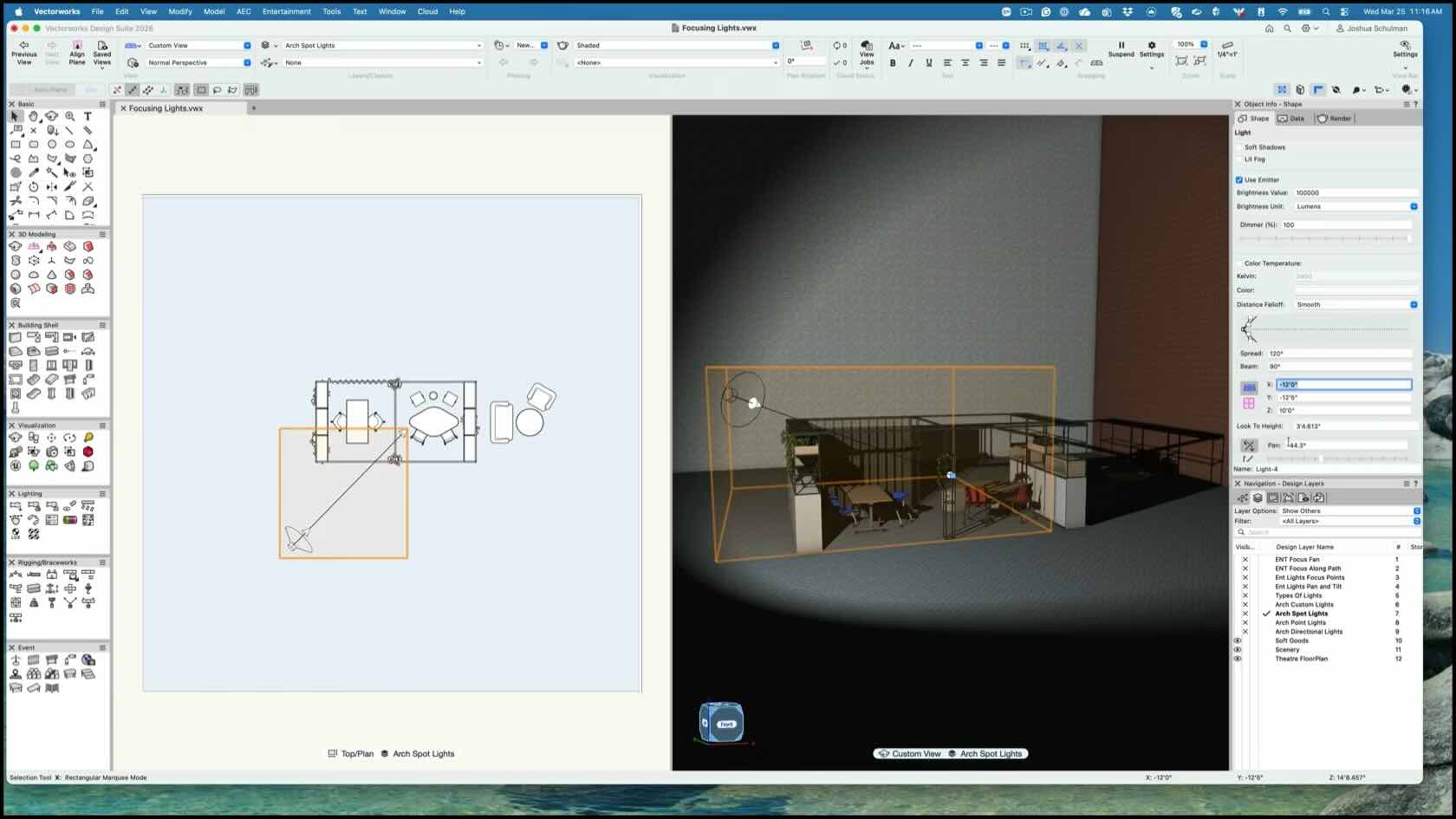
Learn how to focus lighting accurately in Vectorworks. This video explains the differences between the Lighting Device Tool and the Light Tool while demonstrating workflows for pointing and controlling lighting effectively for both Spotlight and non-Spotlight users.
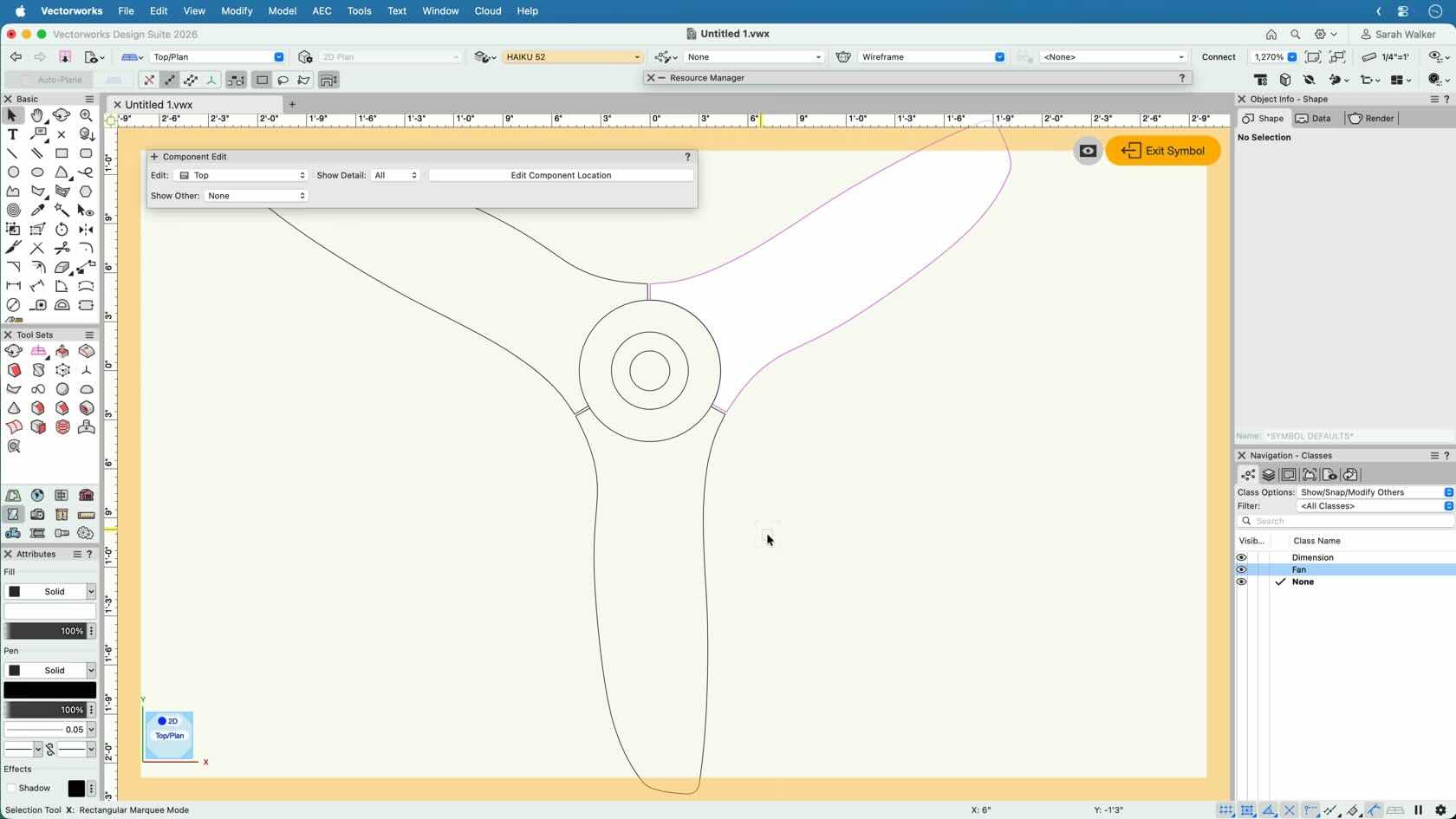
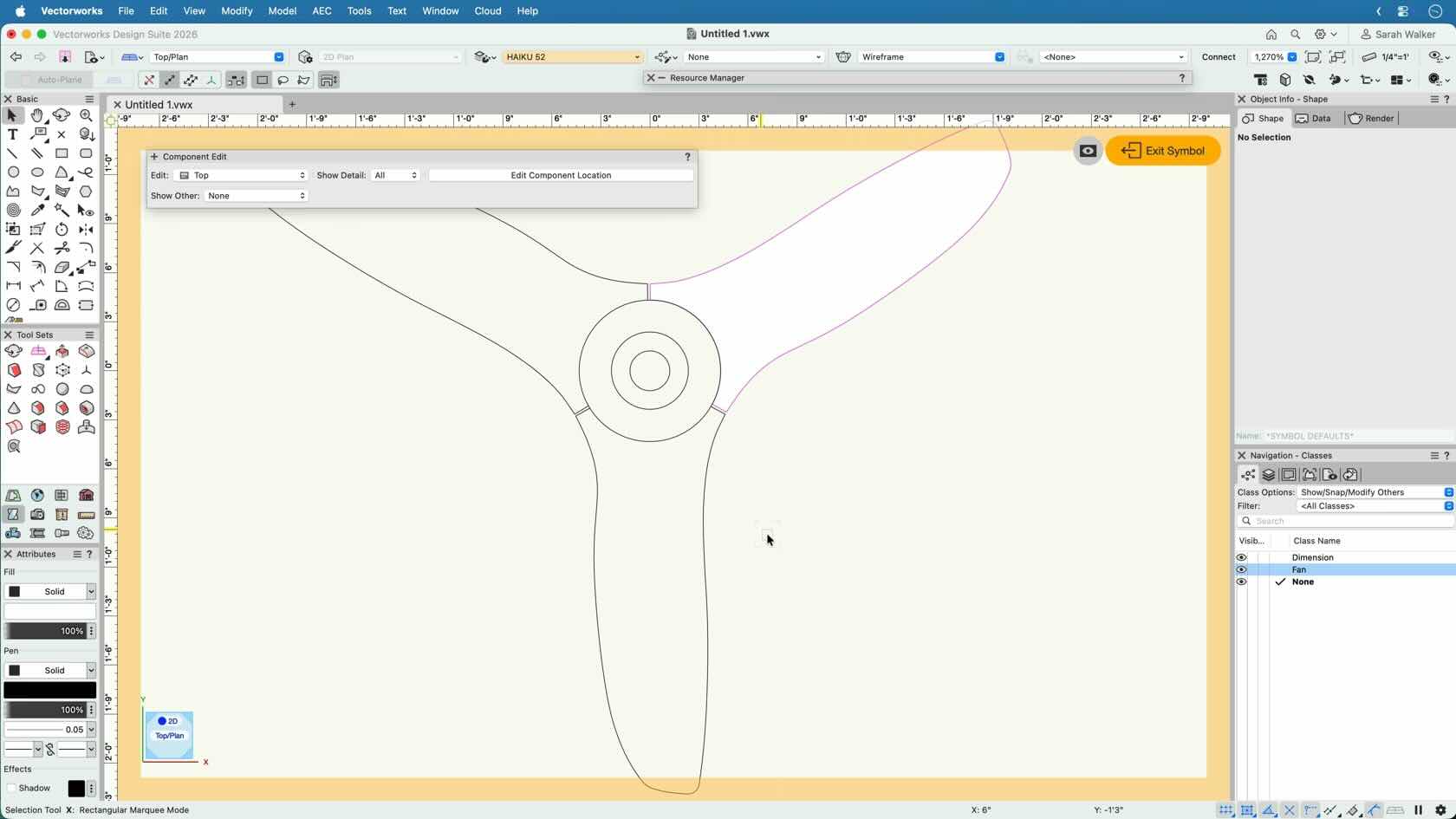
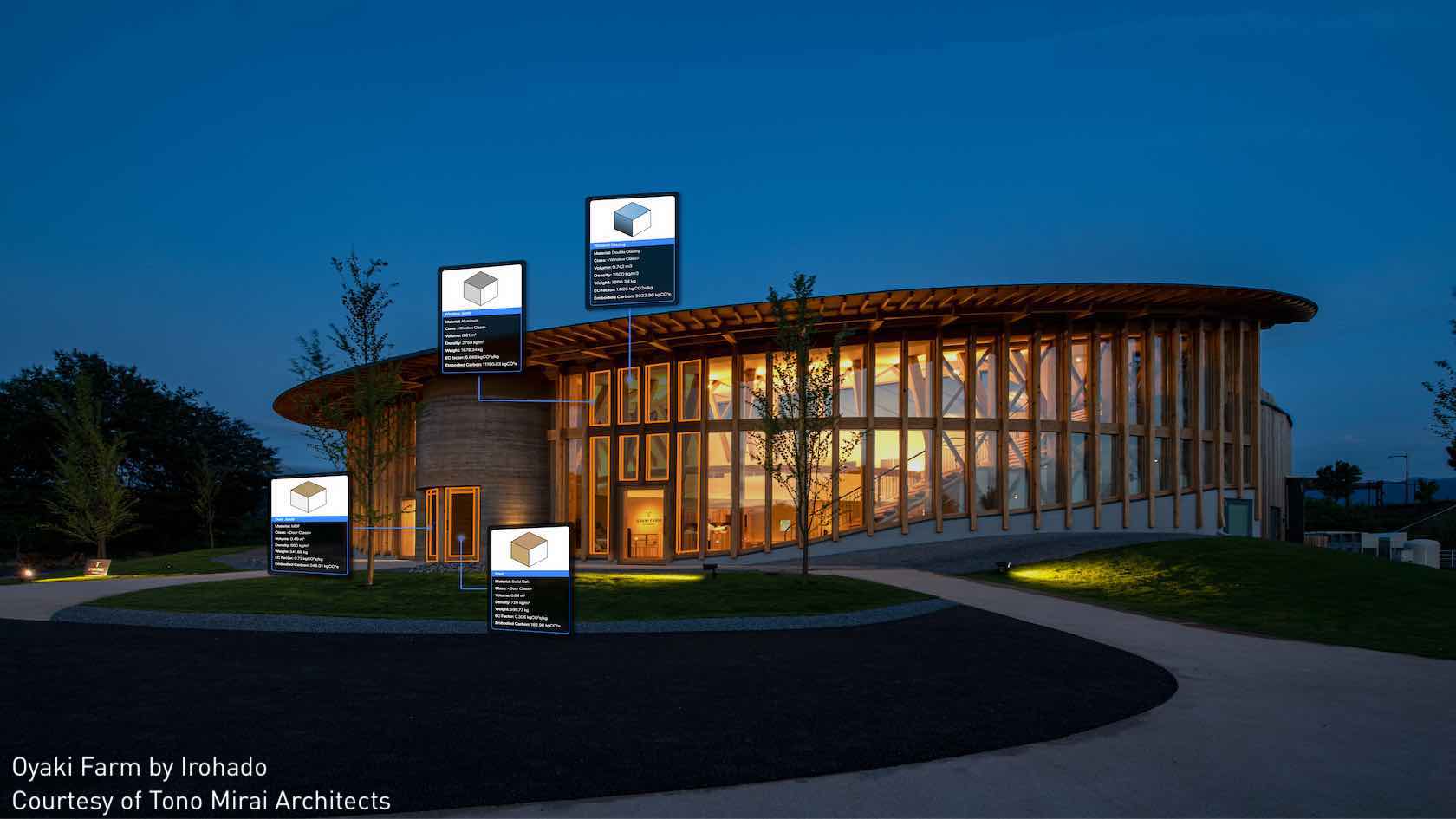
Turn imported geometry into smarter resources in Vectorworks. Learn how to optimize AutoCAD blocks and Revit families, add BIM data, create hybrid symbols, and use tools like File Health Checker to improve file quality and workflow efficiency.