Vectorworks University
  • Courses
  • Certifications
  • Dashboard
  • More
You are currently using guest access
Sign In
Courses Certifications Dashboard
  1. Home
  2. Courses
  3. Vectorworks, Inc - Global
  4. Certifications
  5. Core Certification
  6. Core Certification 2024
  7. Skill

Skill

Course Languages

Course Language

Course language

Skill

2D LOCUS TOOL

Beginner
1m

2D LOCUS TOOL

Start

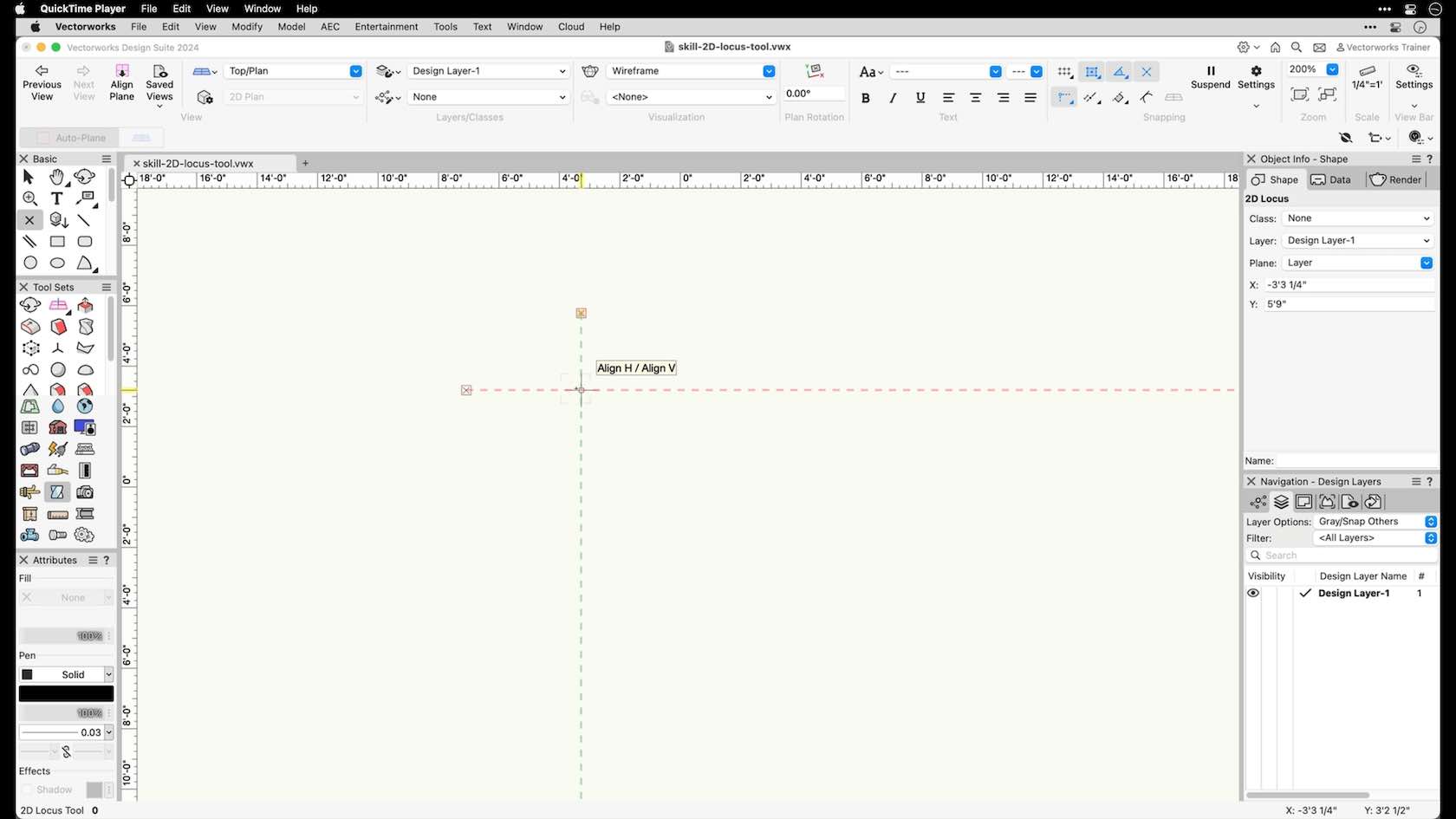
In this video, we will explore the 2D Locus tool.

All Industries
All Industries
1m
Beginner

Learning Objectives

  1. Understand the 2D Locus tool clicking behavior.
  2. Explore the purpose of the 2D Locus tool.

product compatibility-1-fundamentals product compatibility-2-architect product compatibility-3-landmark product compatibility-4-spotlight product compatibility-5-design suite

Skill

ACTIVE LAYER SCALE

Beginner
3m

ACTIVE LAYER SCALE

Start

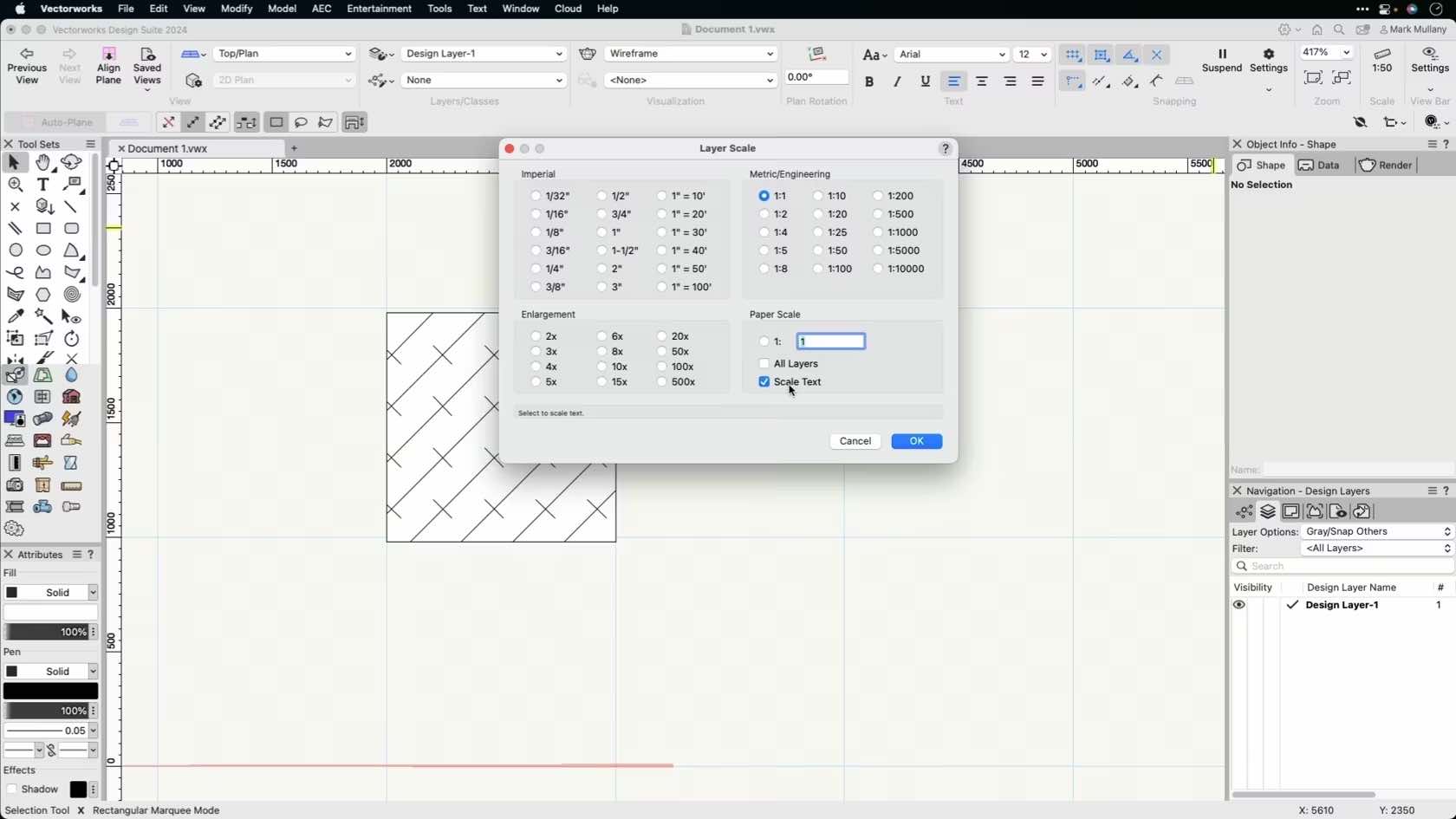
In this video, we will discuss layer scale in Vectorworks. We will explore how to adjust the design layer scale.

All Industries
All Industries
3m
Beginner

Learning Objectives

  1. Understand design layer scale.
  2. Understand the locations to adjust the scale settings.

product compatibility-1-fundamentals product compatibility-2-architect product compatibility-3-landmark product compatibility-4-spotlight product compatibility-5-design suite

Skill

ADD SURFACE COMMAND

Beginner
3m

ADD SURFACE COMMAND

Start

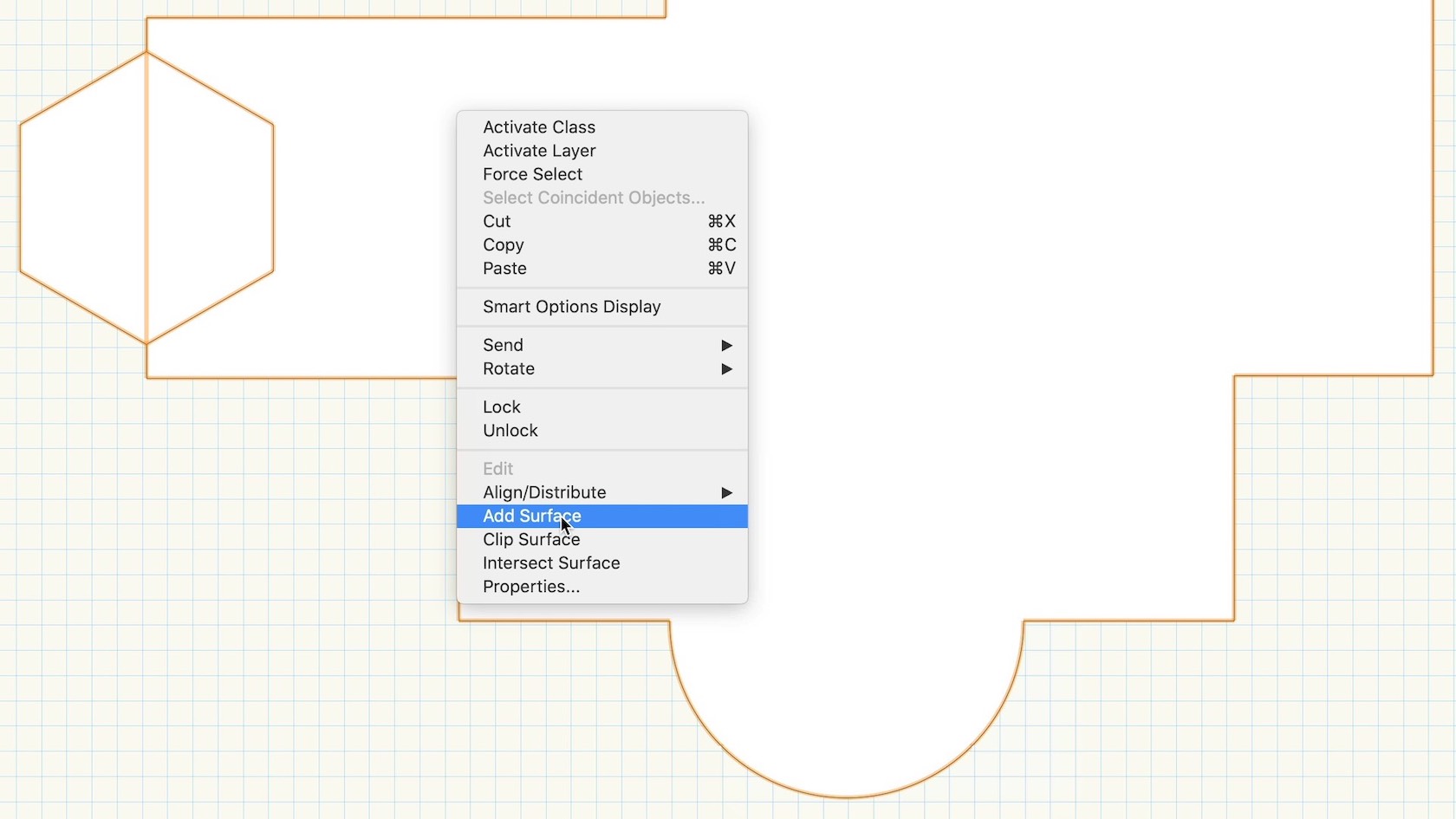
In this video, we will explore how to combine multiple surface objects together to create a single shape by using the Add Surface command.

All Industries
All Industries
3m
Beginner

Learning Objectives

  1. Understand how to draw several simple shapes to create a more complex shape.
  2. Learn how to use the context menu shortcut to quickly combine 2D shapes.

product compatibility-1-fundamentals product compatibility-2-architect product compatibility-3-landmark product compatibility-4-spotlight product compatibility-5-design suite

Skill

ADVANCED NAVIGATION

Beginner
2m

ADVANCED NAVIGATION

Start

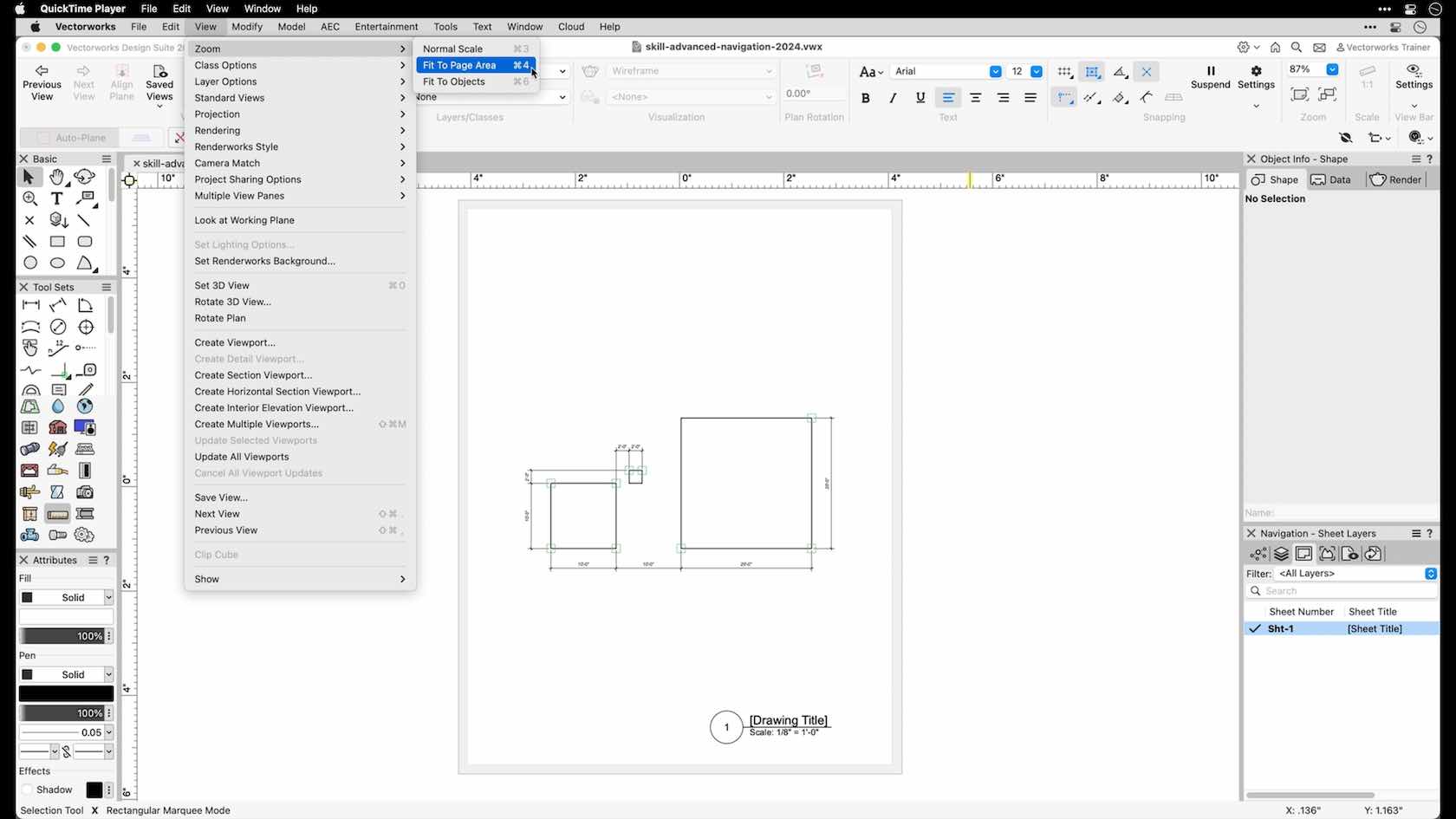
In this video, we will explore advanced navigation techniques including fit to page, fit to objects, and rotated plan.

All Industries
All Industries
2m
Beginner

Learning Objectives

  1. Learn how to quickly navigate a document by using advanced navigation options in Vectorworks.

product compatibility-1-fundamentals product compatibility-2-architect product compatibility-3-landmark

Skill

ANGULAR DIMENSION TOOL

Beginner
4m

ANGULAR DIMENSION TOOL

Start

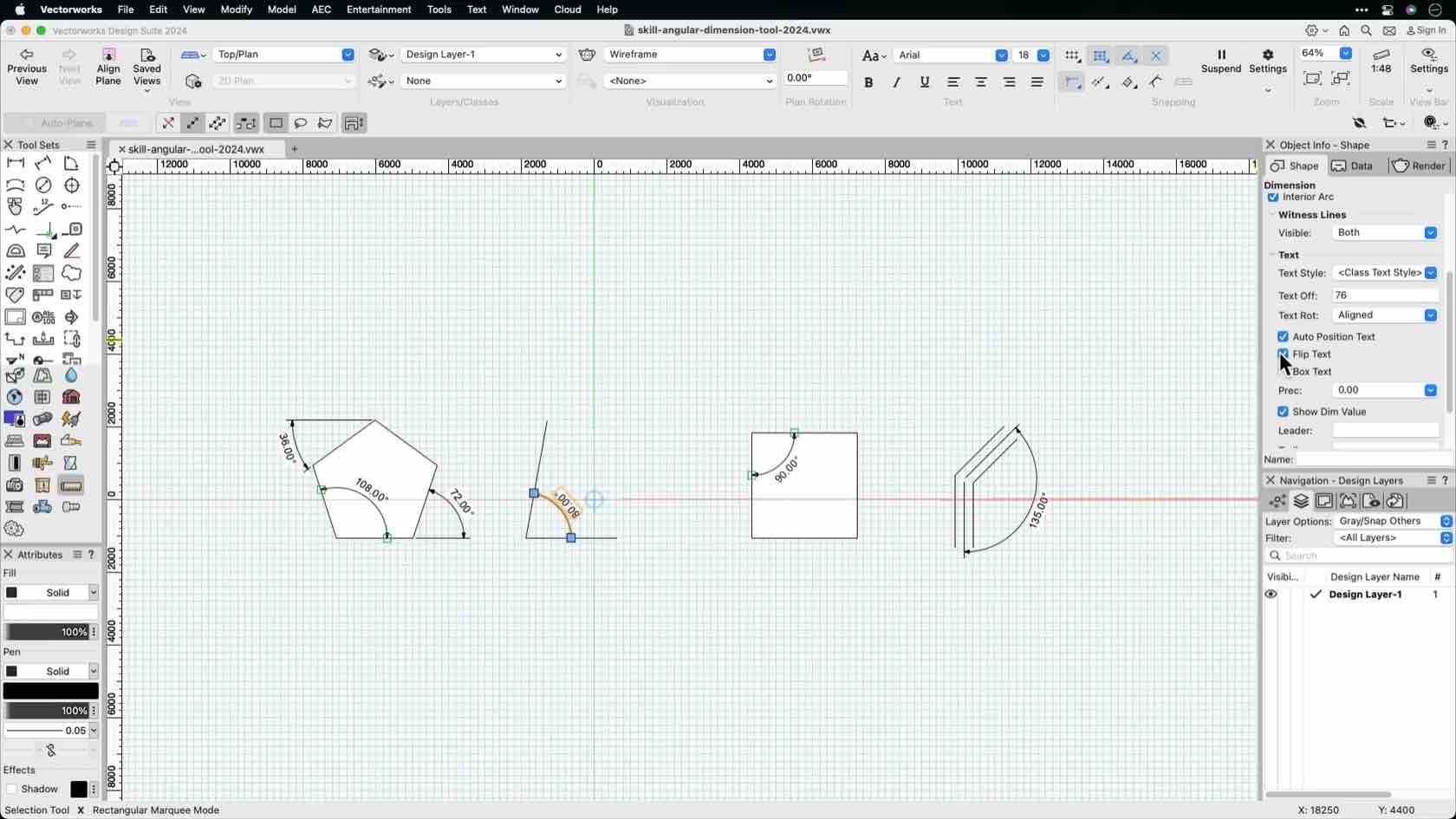
In this video, we will explore how to use the Angular Dimension tool to dimension drawings.

All Industries
All Industries
4m
Beginner

Learning Objectives

  1. Locate the Angular Dimension tool.
  2. Understand how to use the Angular Dimension tool modes.

product compatibility-1-fundamentals product compatibility-2-architect product compatibility-3-landmark product compatibility-4-spotlight product compatibility-5-design suite

Skill

ARC LENGTH DIMENSION TOOL

Beginner
4m

ARC LENGTH DIMENSION TOOL

Start

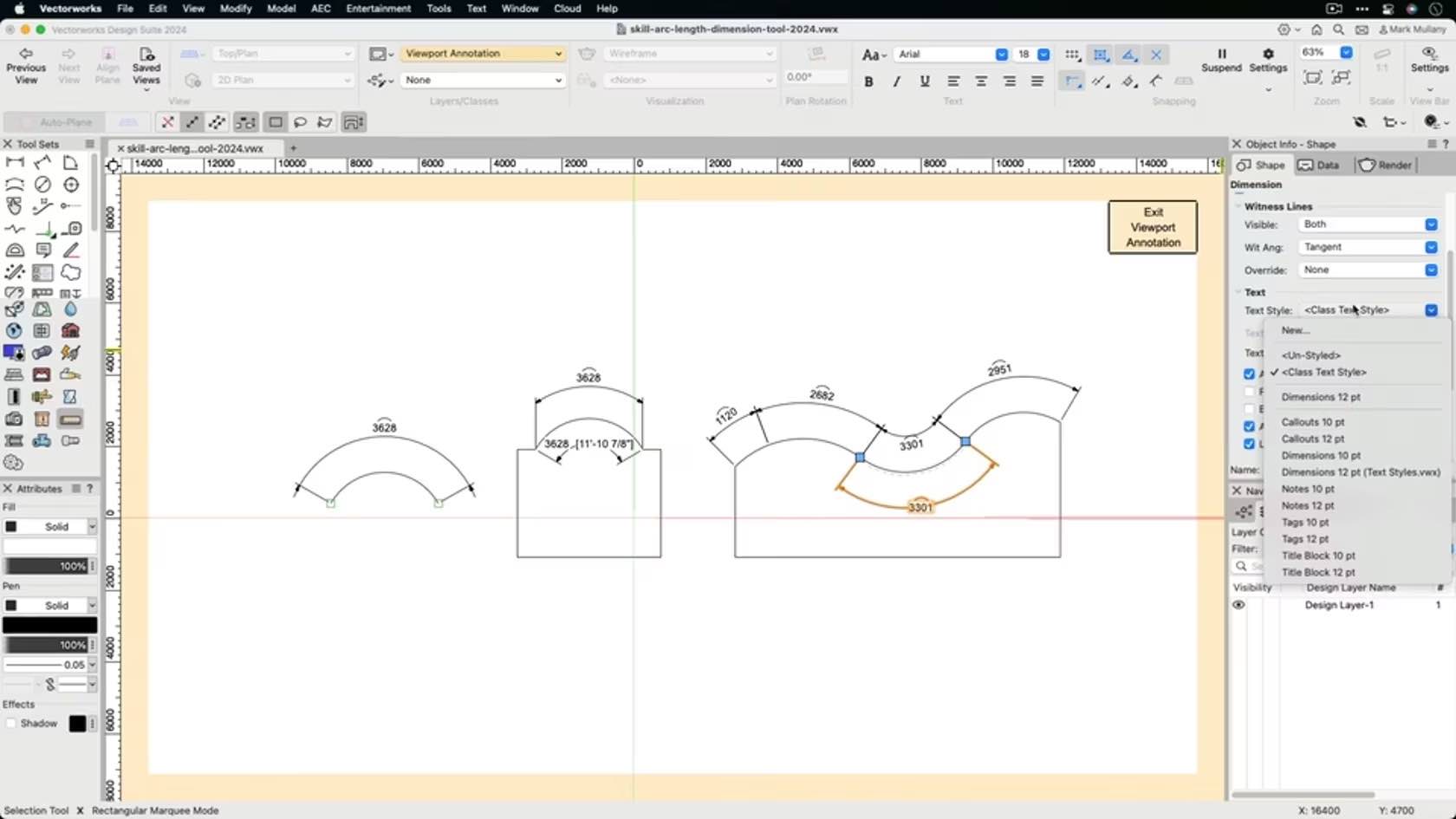
This video will look at the Arc Length Dimension tool.

All Industries
All Industries
4m
Beginner

Learning Objectives

  1. Locate the Arc Length Dimension tool.
  2. Look at the Arc Length Dimension tool modes.

product compatibility-1-fundamentals product compatibility-2-architect product compatibility-3-landmark product compatibility-4-spotlight product compatibility-5-design suite

Skill

ARC TOOL

Beginner
6m

ARC TOOL

Start

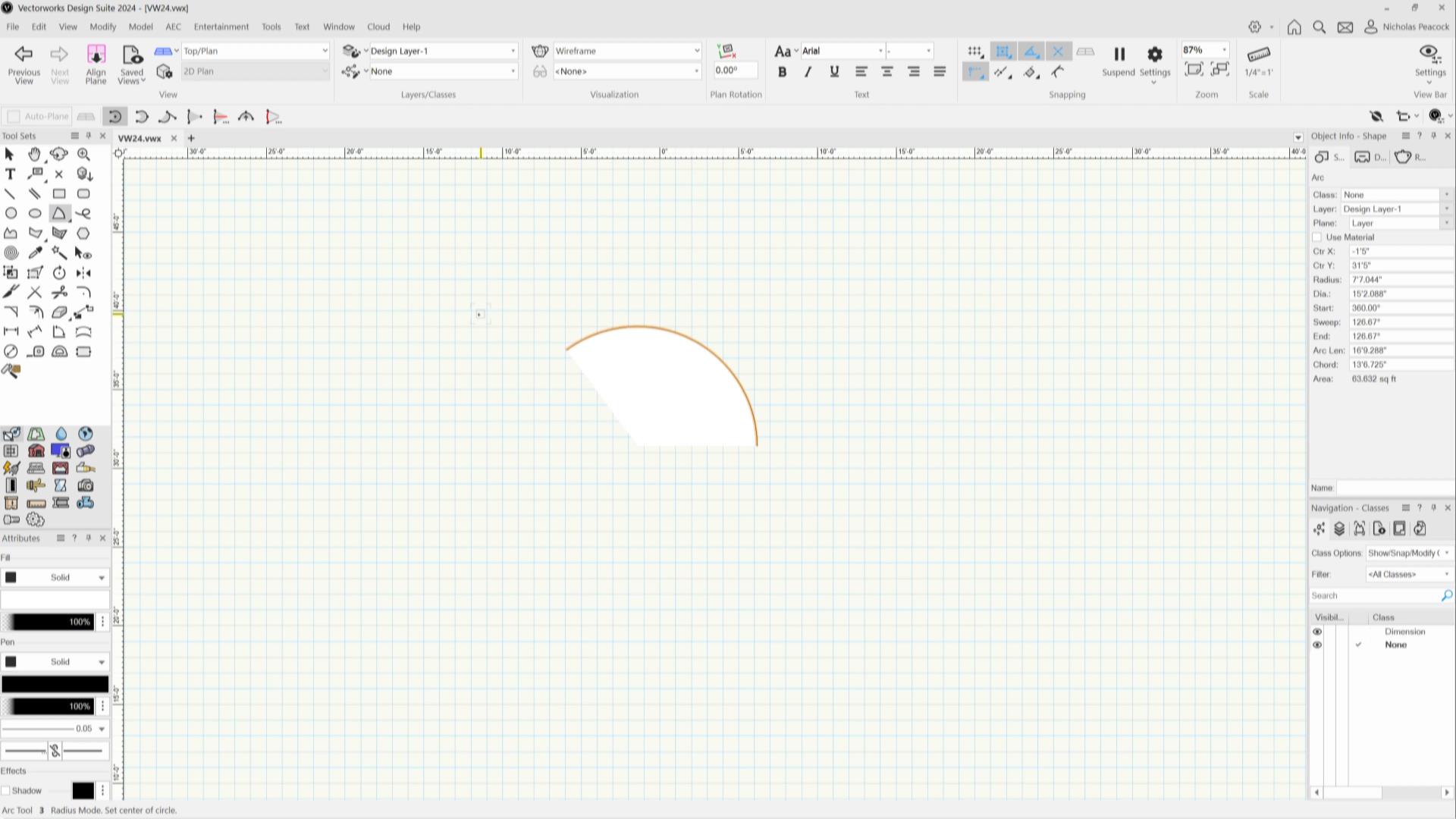
In this video, we will demonstrate how to accurately draw arcs with various drawing modes in Vectorworks.

All Industries
All Industries
6m
Beginner

Learning Objectives

  1. Learn the Arc tool clicking behavior.
  2. Explore the Arc tool drawing modes.

product compatibility-1-fundamentals product compatibility-2-architect product compatibility-3-landmark product compatibility-4-spotlight product compatibility-5-design suite

Skill

ATTRIBUTE MAPPING TOOL

Beginner
6m

ATTRIBUTE MAPPING TOOL

Start

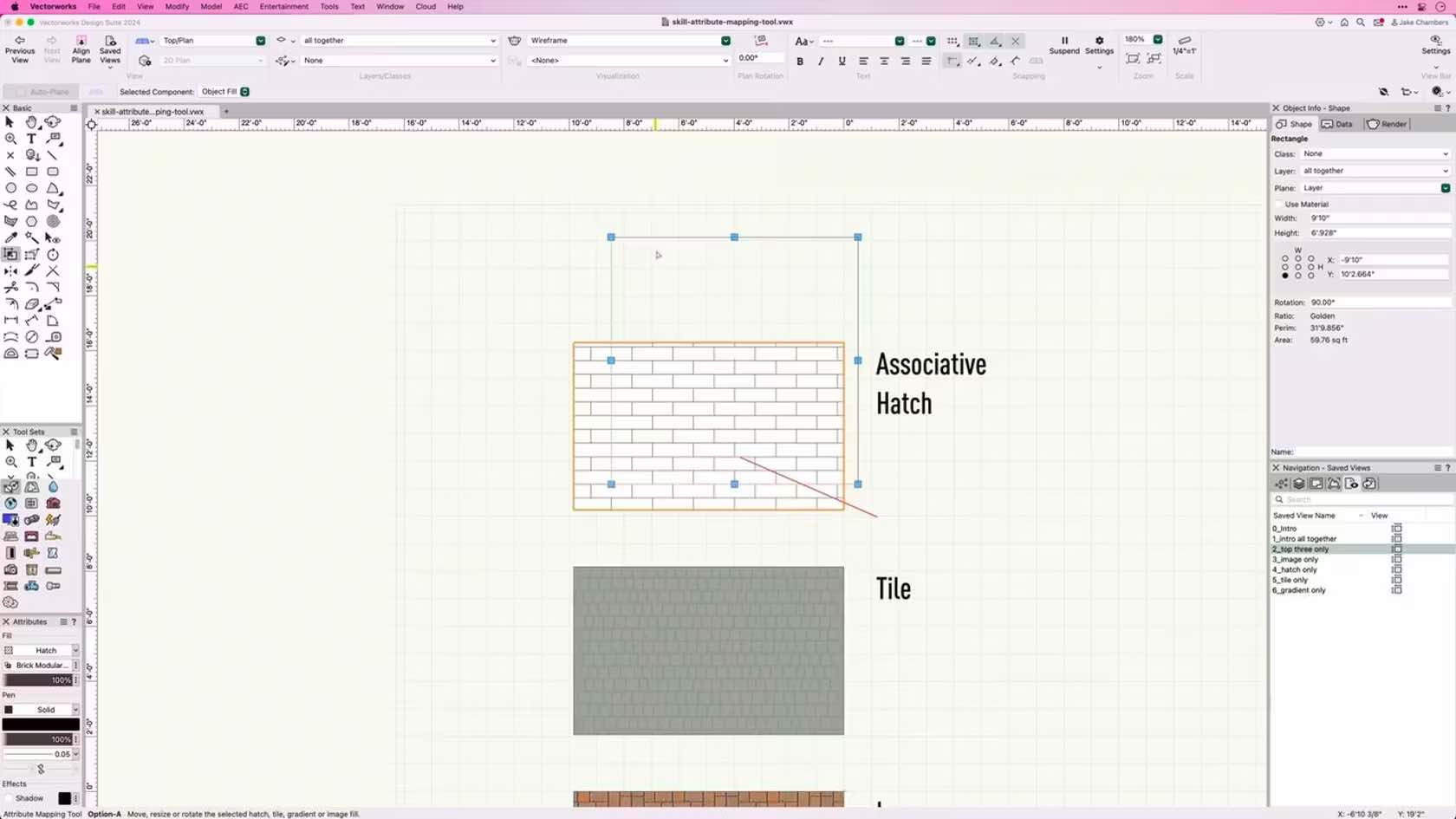
Learn how to use the attribute mapping tool to adjust tiles, associative hatches, gradient and image fills on 2D objects.

All Industries
All Industries
6m
Beginner

Learning Objectives

  1. Learn how to use the Attribute Mapping tool to adjust 2D object fills.

product compatibility-1-fundamentals product compatibility-2-architect product compatibility-3-landmark product compatibility-4-spotlight product compatibility-5-design suite

Skill

ATTRIBUTES PALETTE

Beginner
5m

ATTRIBUTES PALETTE

Start

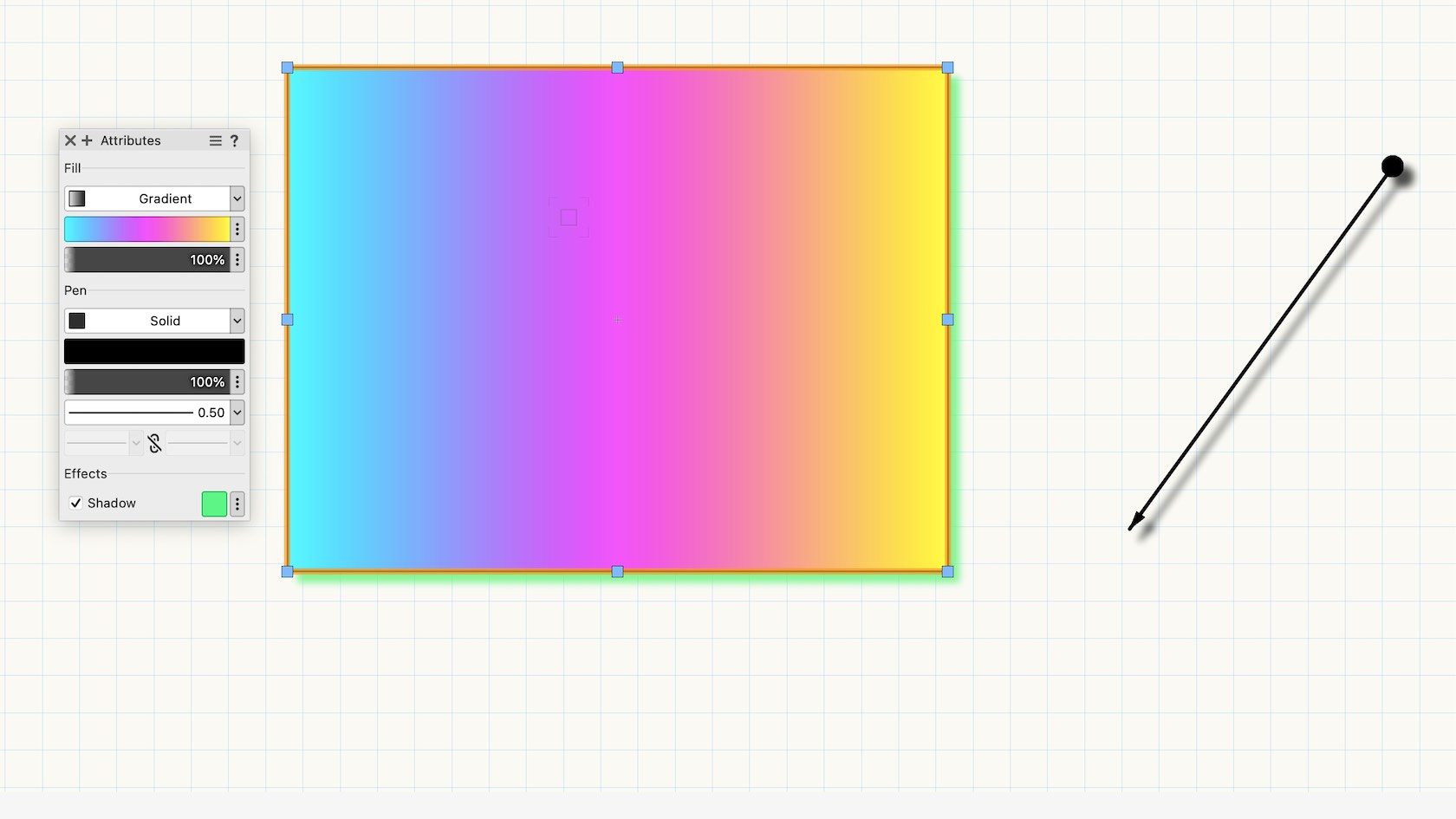
In this video, we will explore the Attributes Palette in Vectorworks. We will explore the settings and options found in the palette.

All Industries
All Industries
5m
Beginner

Learning Objectives

  1. Locate the Attributes Palette.
  2. Understand how to interact and adjust attribute settings of objects through the Attributes Palette.

product compatibility-1-fundamentals product compatibility-2-architect product compatibility-3-landmark product compatibility-4-spotlight product compatibility-5-design suite

Skill

AUTOSAVE PREFERENCES

Beginner
4m

AUTOSAVE PREFERENCES

Start

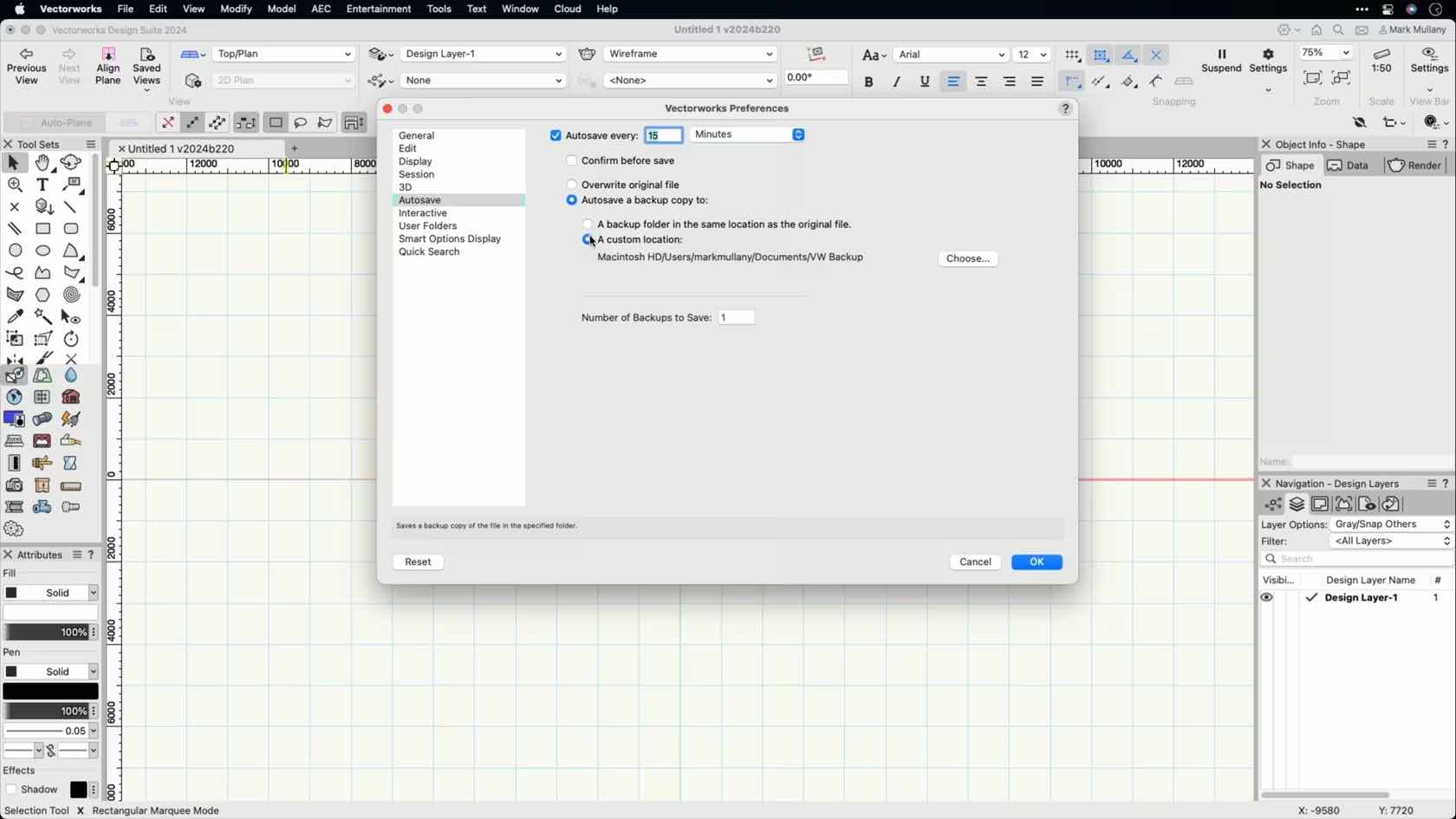
In this video, we will discuss the Autosave functionality in Vectorworks and how to set it up to best support your workflow.

All Industries
All Industries
4m
Beginner

Learning Objectives

  1. Learn how the Autosave options work.
  2. Explore the different Autosave settings.

product compatibility-1-fundamentals product compatibility-2-architect product compatibility-3-landmark product compatibility-4-spotlight product compatibility-5-design suite

Skill

BASIC VIEW AND RENDER SETTINGS

Beginner
8m

BASIC VIEW AND RENDER SETTINGS

Start

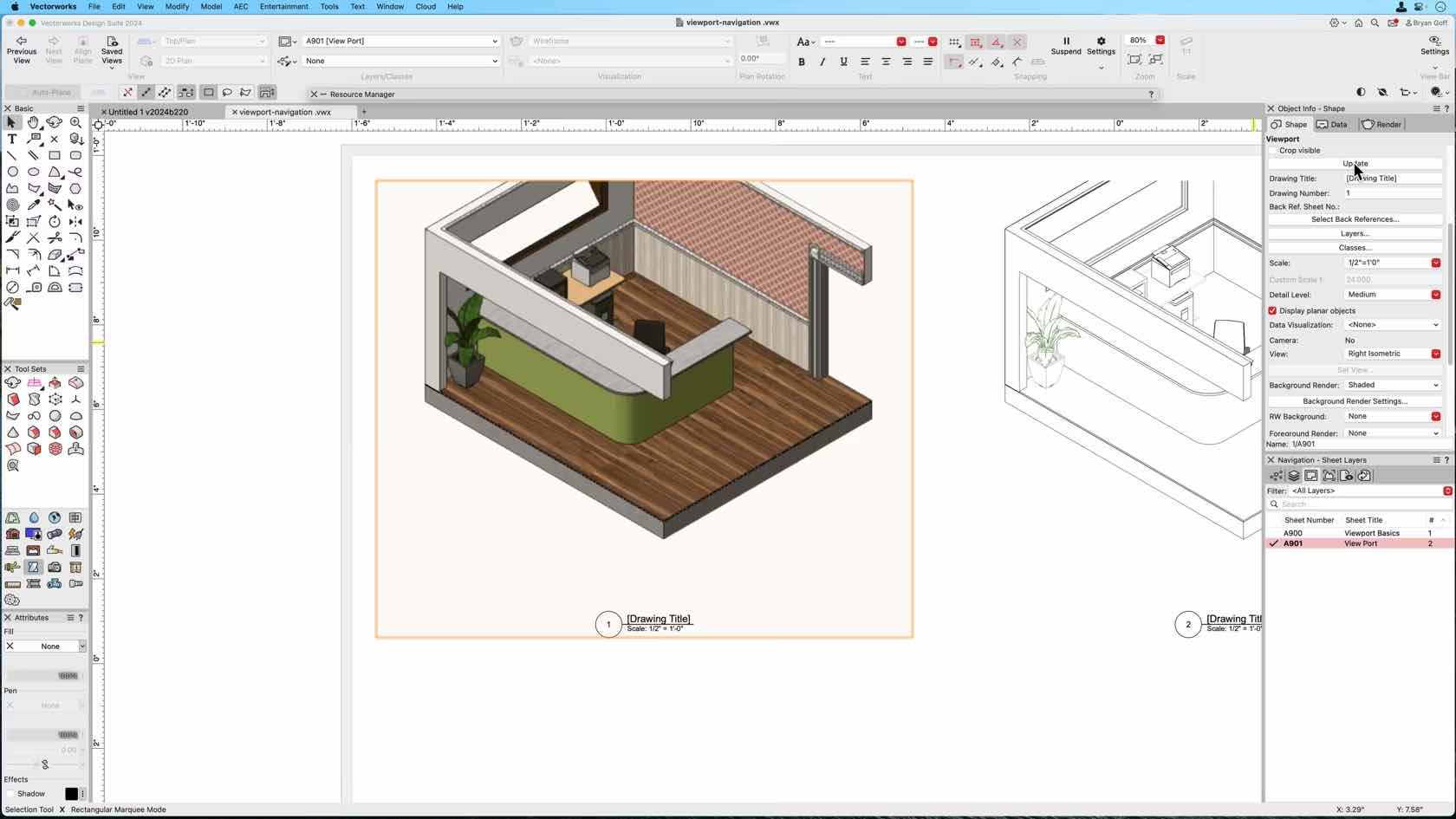
This course demonstrates 3D views and Perspective, OpenGL, Wireframe, Hidden Line, background and foreground Rendering.

All Industries
All Industries
8m
Beginner

Learning Objectives

  1. Learn how to change the view of a viewport to standard 3D views.
  2. Learn how to apply and adjust basic viewport rendering settings.

product compatibility-1-fundamentals product compatibility-2-architect product compatibility-3-landmark product compatibility-4-spotlight product compatibility-5-design suite

Skill

BATCH PUBLISHING

Beginner
7m

BATCH PUBLISHING

Start

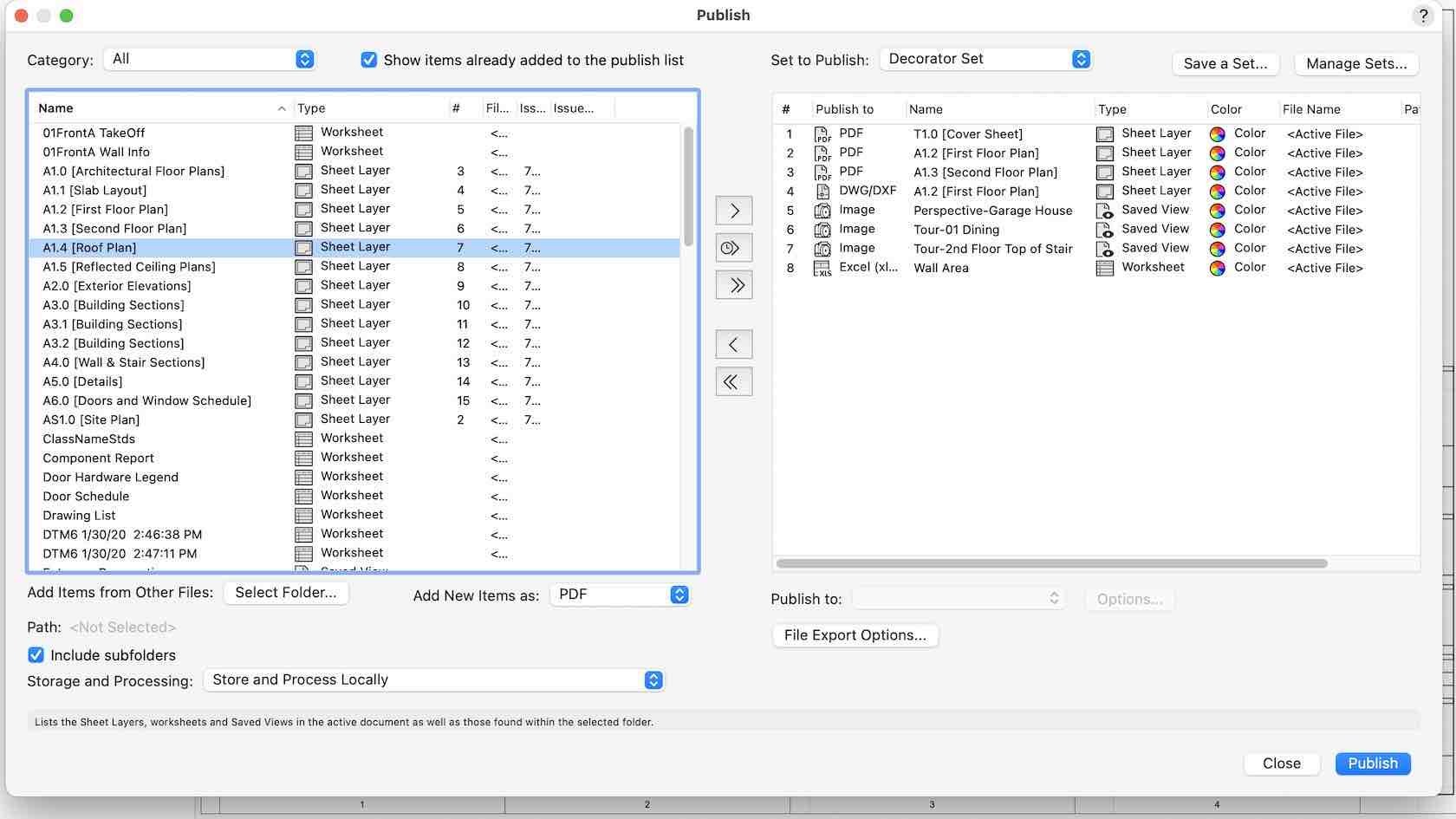
This video demonstrates how to use the publish command to export documents from multiple files, create drawing sets, develop worksheets, and coordinate with consultants.

All Industries
All Industries
7m
Beginner

Learning Objectives

  1. Learn how to build, save and manage published drawing sets from multiple Vectorworks files.
  2. Learn how to batch publish multiple sheets to print or PDF.
  3. Learn how to batch publish DXF/DWG/DWF files.
  4. Learn how to batch export Worksheets to Excel.

product compatibility-1-fundamentals product compatibility-2-architect product compatibility-3-landmark product compatibility-4-spotlight product compatibility-5-design suite
  • 1 Page 1
  • 2 Page 2
  • 3 Page 3
  • 4 Page 4
  • 5 Page 5
  • 6 Page 6
  • 7 Page 7
  • 8 Page 8
  • » Next page
2D GEOMETRY CHALLENGE
Auto Enroll
2D LOCUS TOOL
Auto Enroll
3D GEOMETRY CHALLENGE
Auto Enroll
ACTIVE LAYER SCALE
Auto Enroll
ADD SURFACE COMMAND
Auto Enroll
ADVANCED NAVIGATION
Auto Enroll
ANGULAR DIMENSION TOOL
Auto Enroll
ARC LENGTH DIMENSION TOOL
Auto Enroll
ARC TOOL
Auto Enroll
ATTRIBUTE MAPPING TOOL
Auto Enroll
ATTRIBUTES AND THE RESOURCE MANAGER
Auto Enroll
ATTRIBUTES CHALLENGE
Auto Enroll
ATTRIBUTES PALETTE
Auto Enroll
AUTOSAVE PREFERENCES
Auto Enroll
BASIC VIEW AND RENDER SETTINGS
Auto Enroll
BATCH PUBLISHING
Auto Enroll
CALLOUT TOOL
Auto Enroll
CHAMFER TOOL
Auto Enroll
CIRCLE TOOL
Auto Enroll
CLASS ATTRIBUTES
Auto Enroll
  • 1 Page 1
  • 2 Page 2
  • 3 Page 3
  • 4 Page 4
  • 5 Page 5
  • 6 Page 6
  • 7 Page 7
  • 8 Page 8
  • » Next page

© 2026 Vectorworks, Inc. All Rights Reserved. Vectorworks, Inc. is part of the Nemetschek Group.


Vectorworks, Inc
8621 Robert Fulton Drive, Suite 200
Columbia, Maryland 21046, United States
410.290.5114 | vectorworks.net

Privacy | Contact Us

You are currently using guest access (Sign In)
Powered by Moodle Workplace