






All 2026 New Features & Improvements
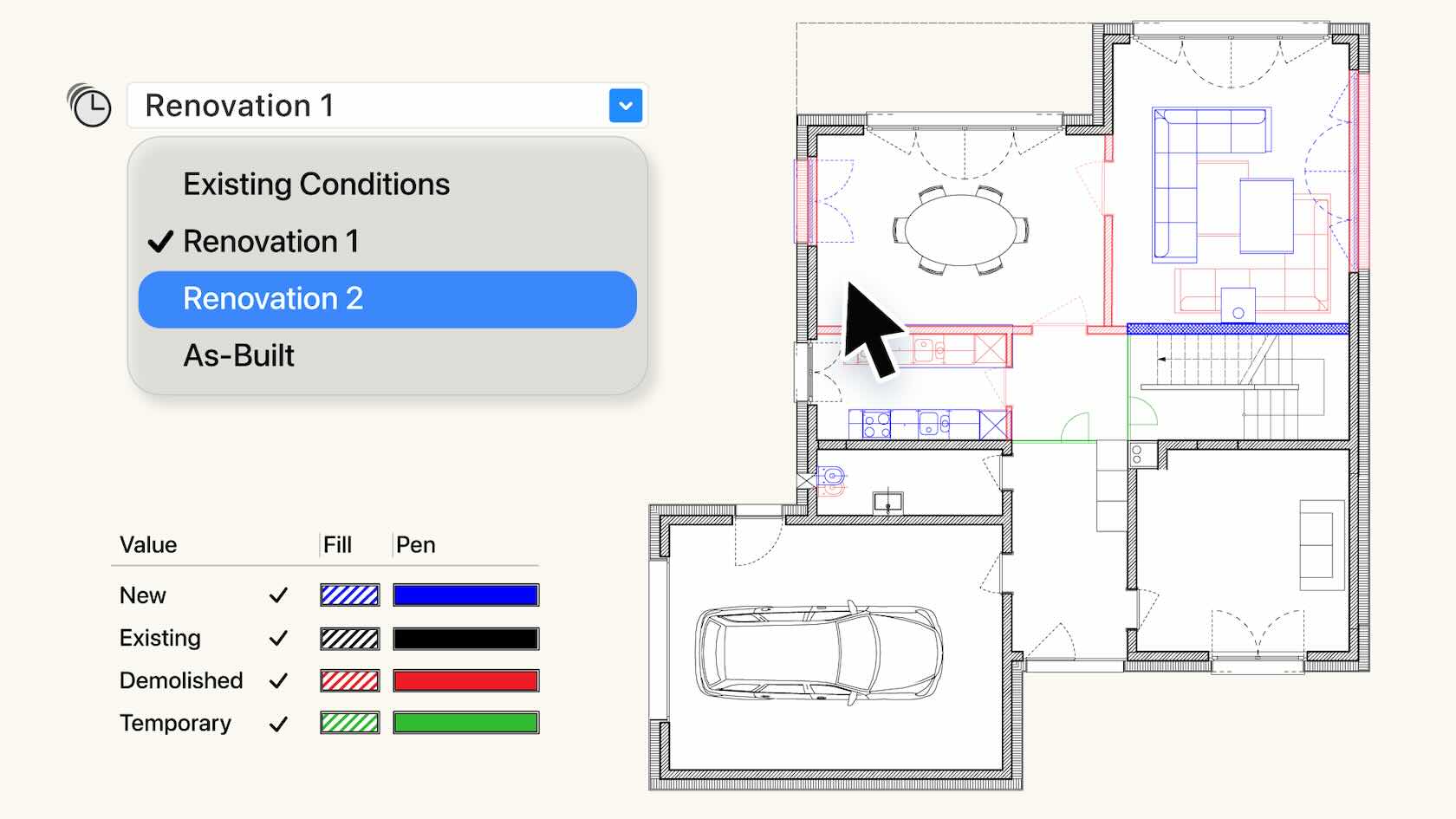
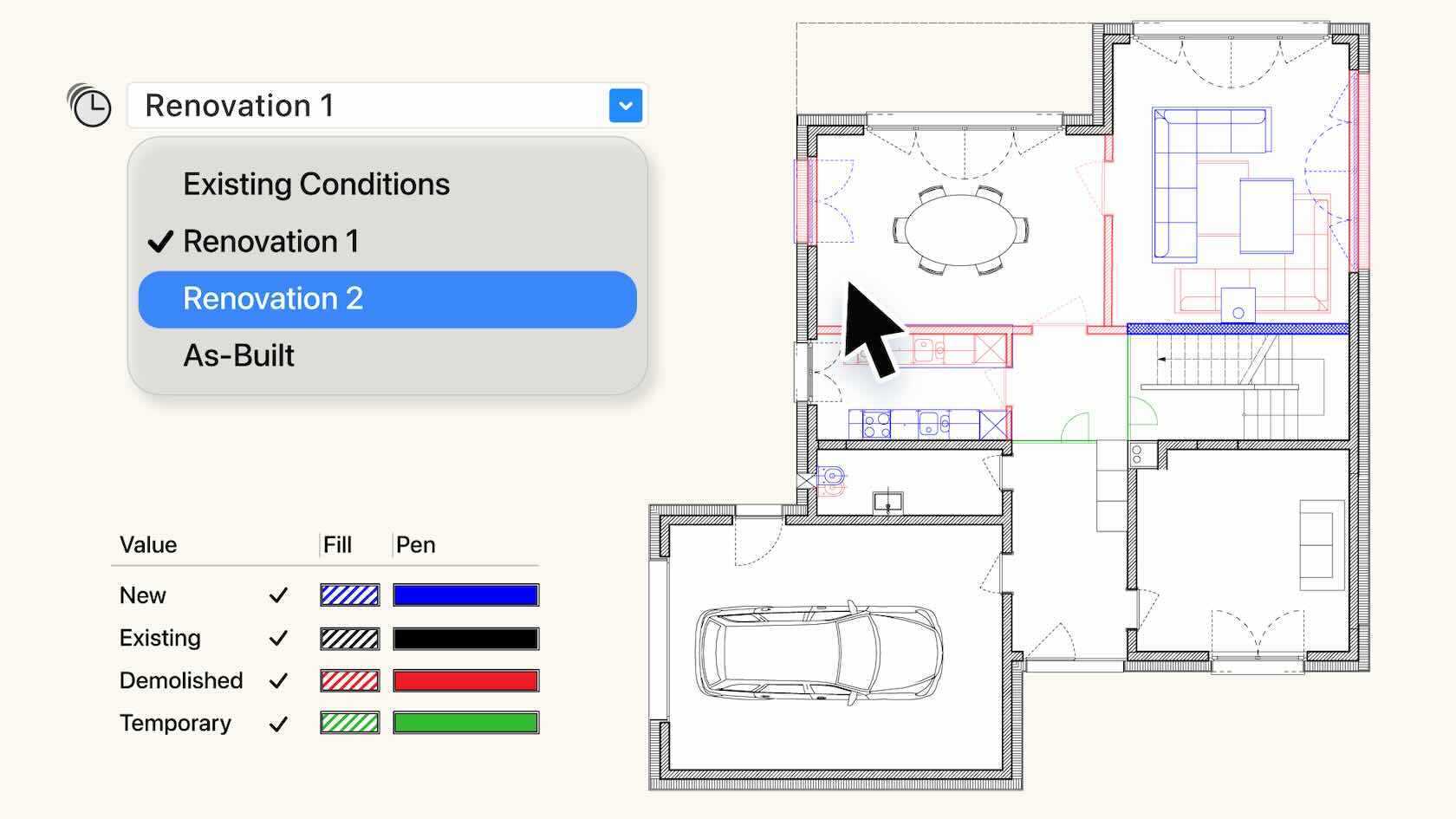
The comprehensive Phasing system tracks objects through time to align with construction conditions such as existing, demolition, temporary, or new. Effectively manage object status across multiple phases, and automatically create crystal-clear, phase-correct visuals, accurate documentation and reports. Phasing provides a single-truth, giving you the confidence to deliver high quality projects. Discover how to get started with this video.
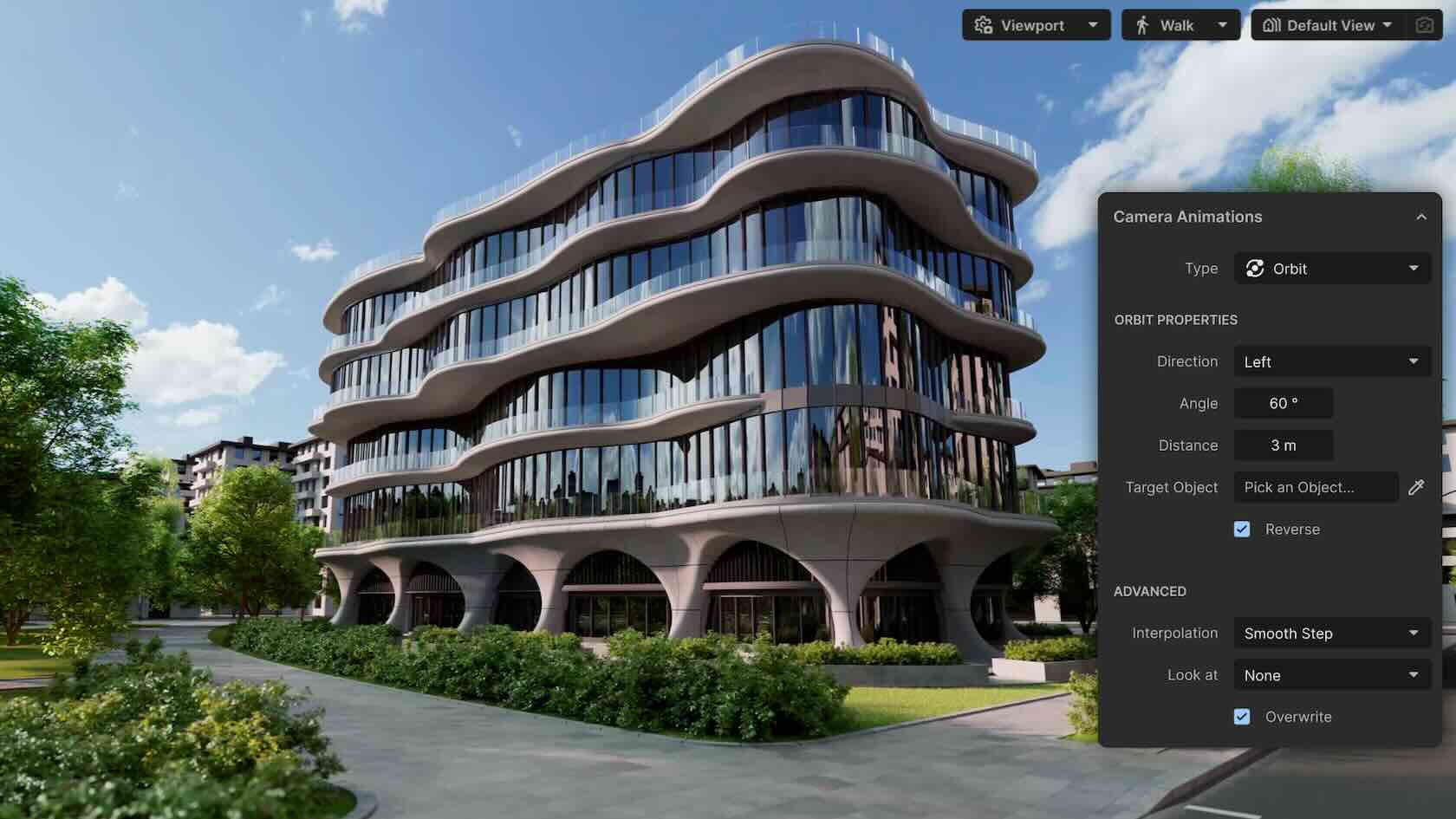
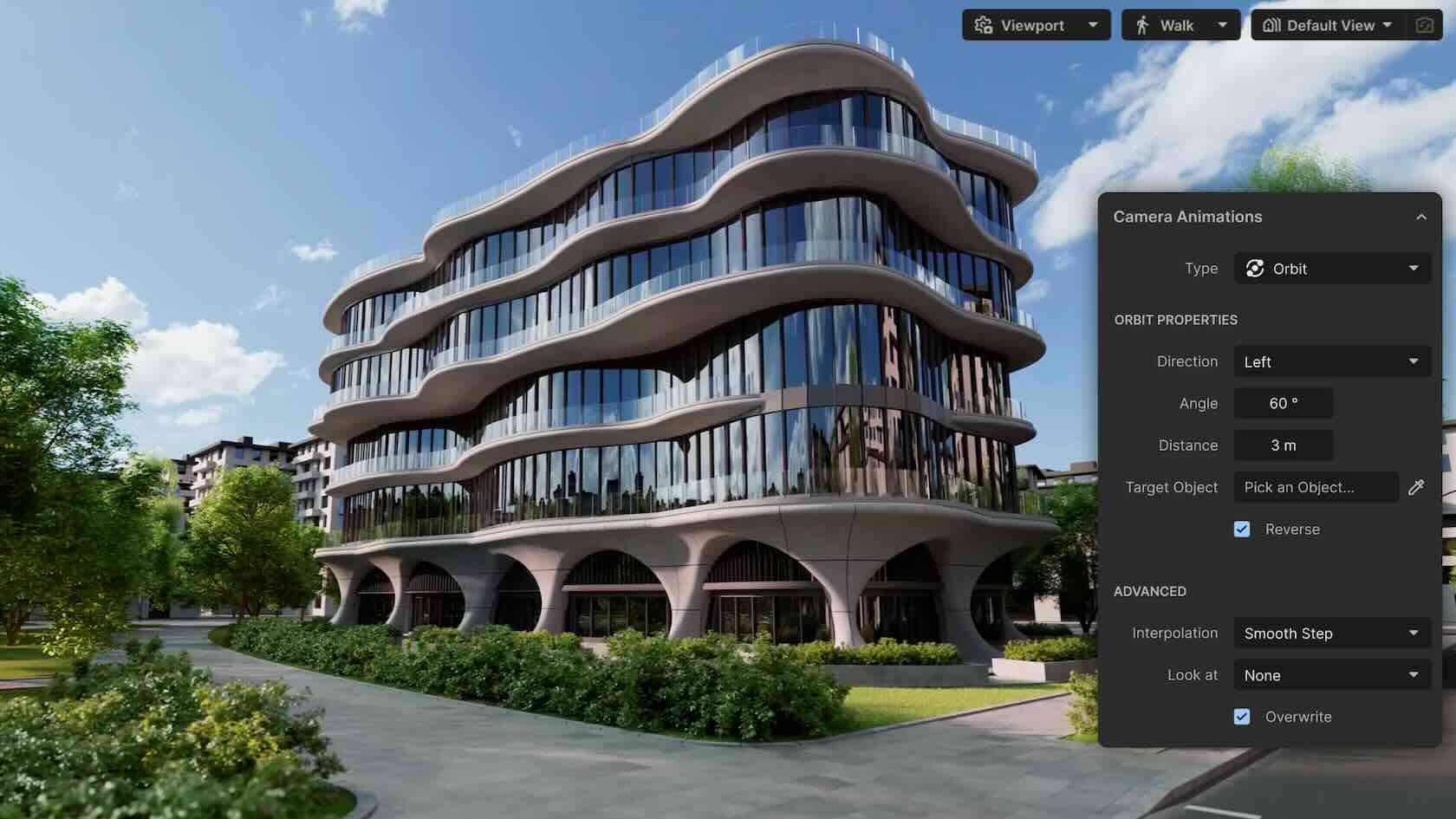
Redshift for Vectorworks provides stunning real-time visuals straight from your design with ease. Purpose-built by Maxon for Vectorworks AEC professionals, it sends your live model into a new, synchronized, dedicated, standalone, real-time renderer, providing fast, continuous visualization. Explore ideas instantly, present beautiful renderings, and trust that every view reflects your latest work. Log onto your customer portal to subscribe.
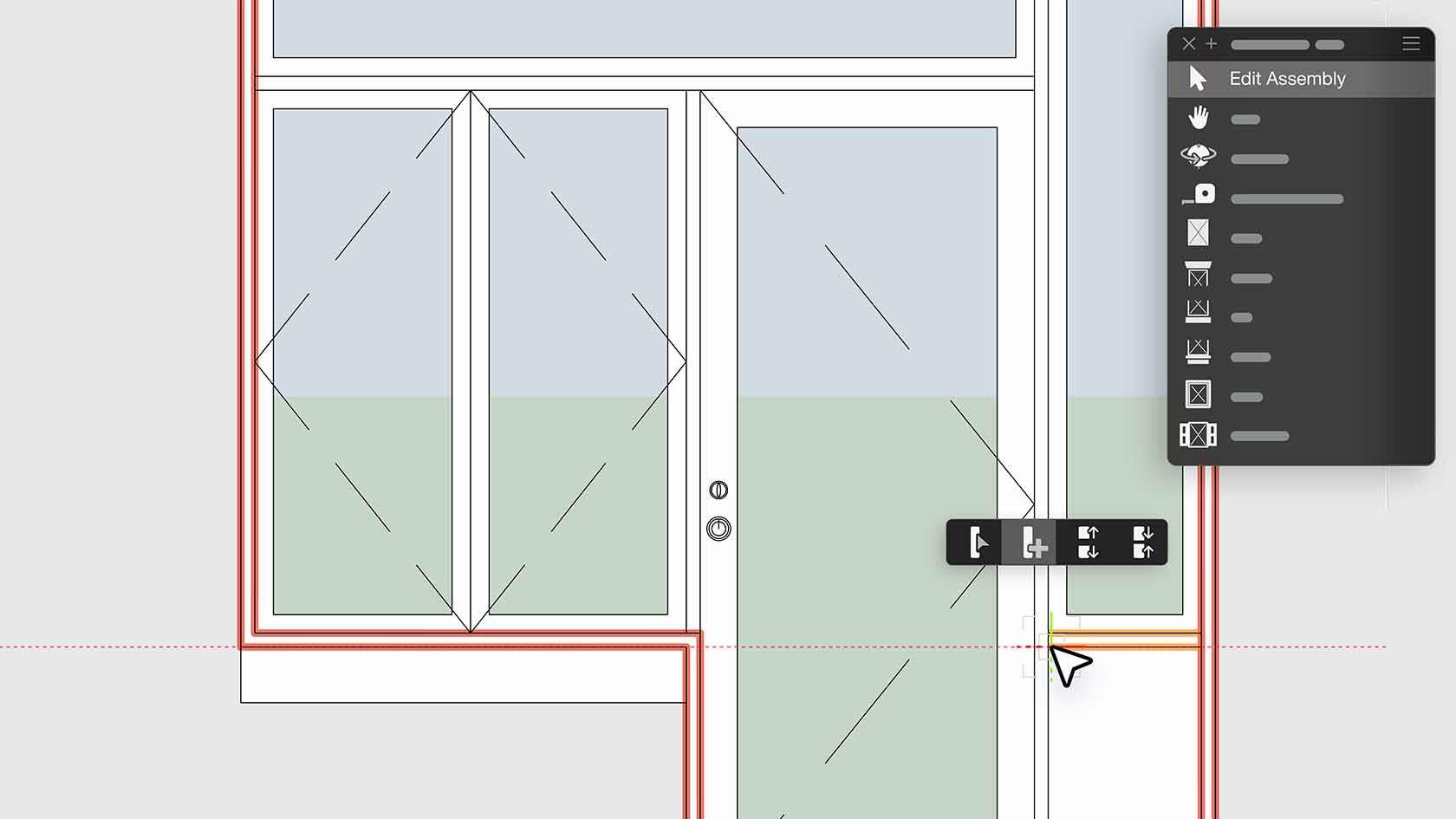
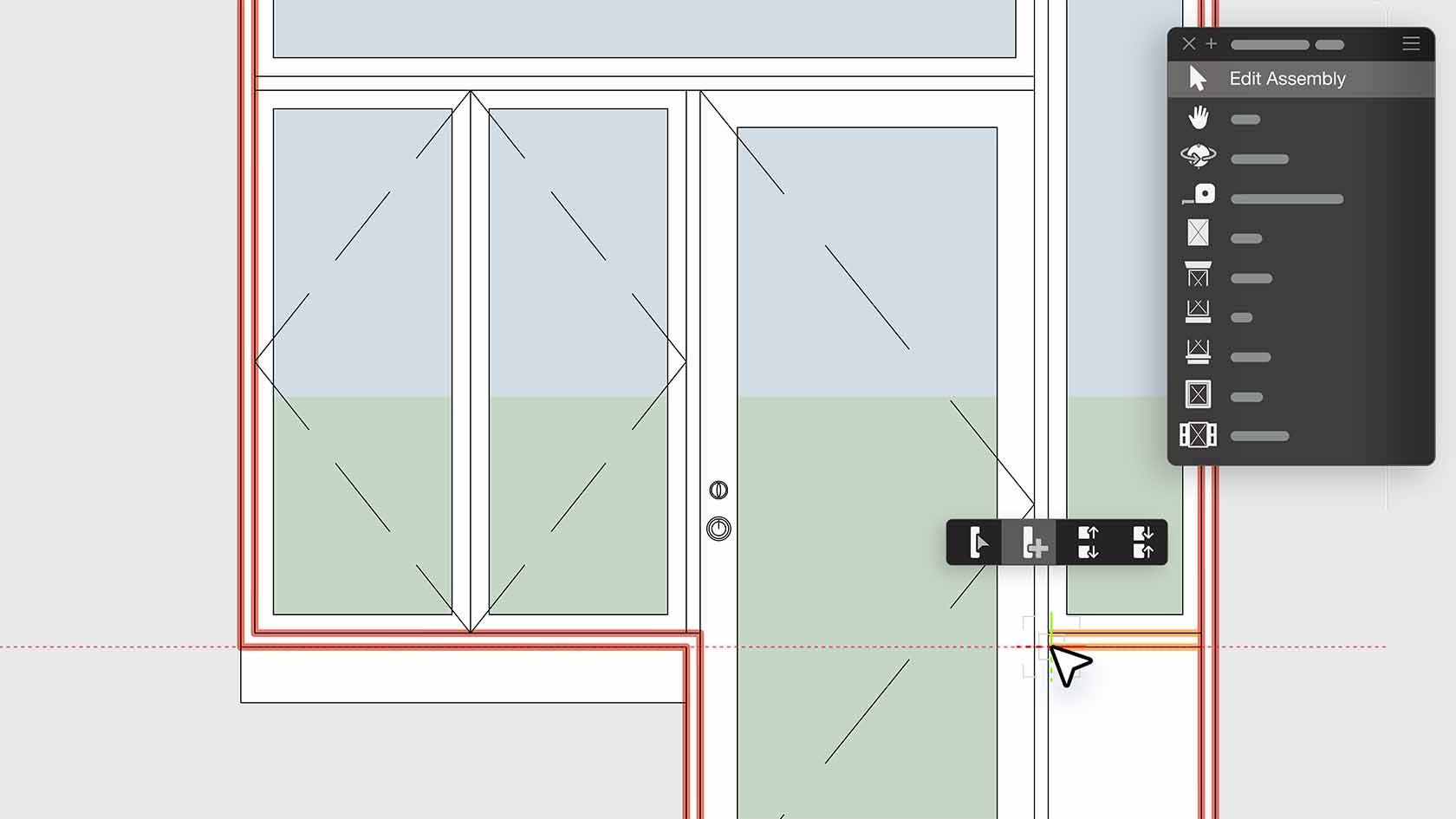
Design and document complex assemblies using the Door and Window Assembly tool. Combine any mix of doors, windows, symbols, panels, and wall infills into a single assembly that can be styled and used across your project. With real-time editing, flexible layouts, and detailed reporting, you’ll deliver accurate, creative designs faster than ever before. Discover how to get started with this video.
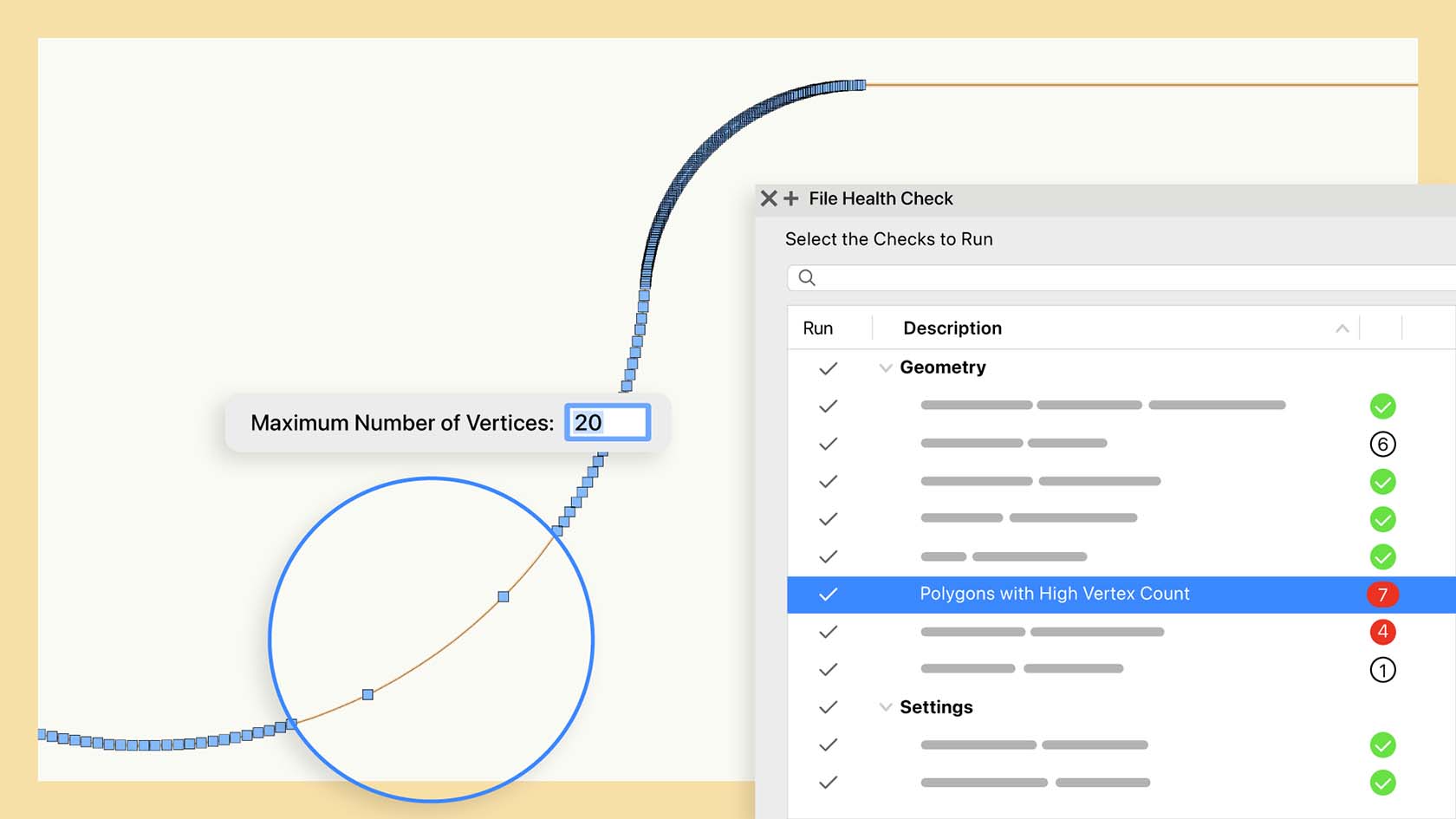
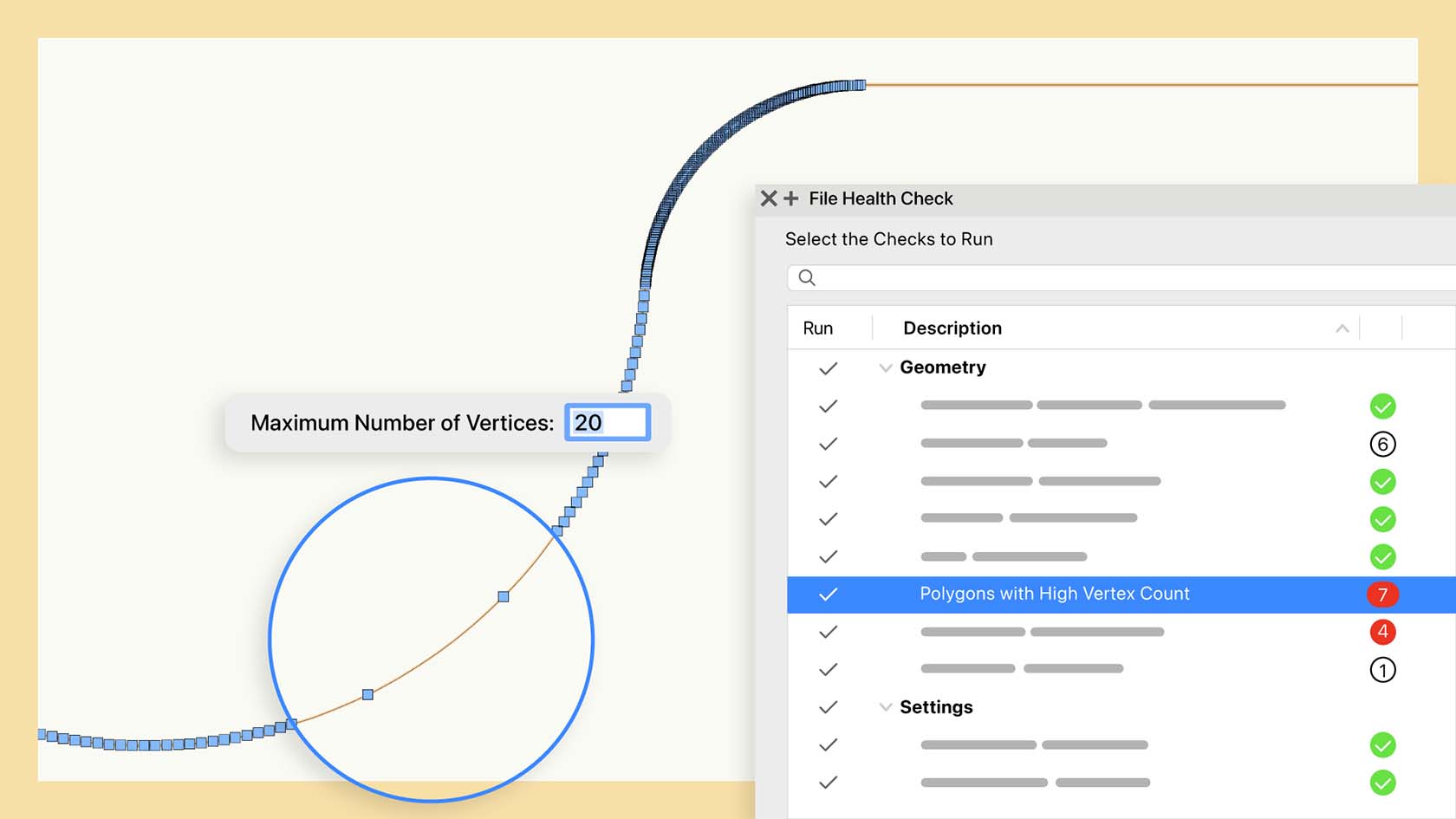
Keep your Vectorworks files in top condition with the File Health Check palette—available only to subscription users. Automatically scan documents for hidden geometry and resource issues, receive smart suggestions, and resolve inefficiencies in just one click. Spend less time troubleshooting and more time designing, knowing your projects are always optimized for peak performance. Discover how to get started with this video.
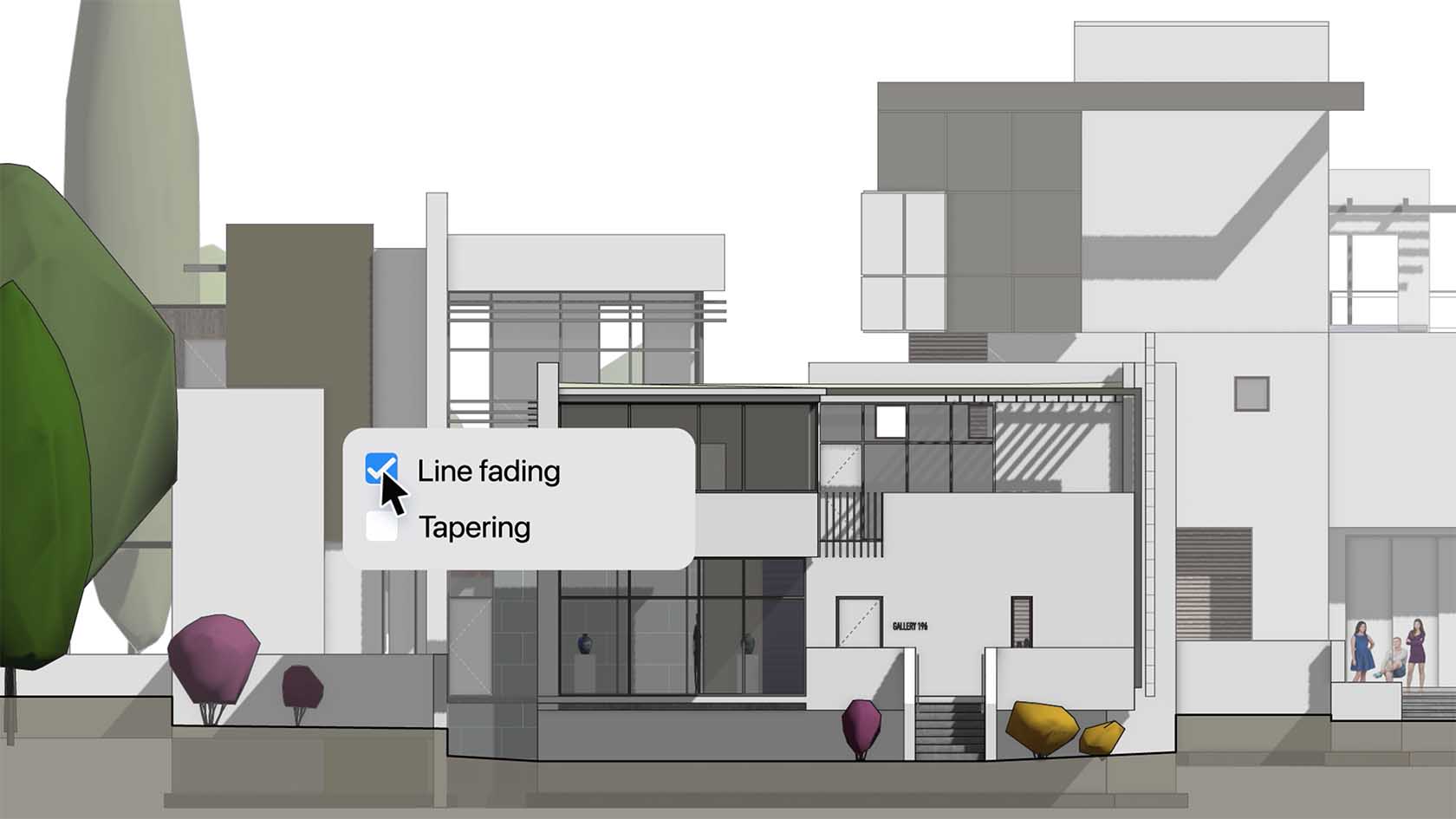
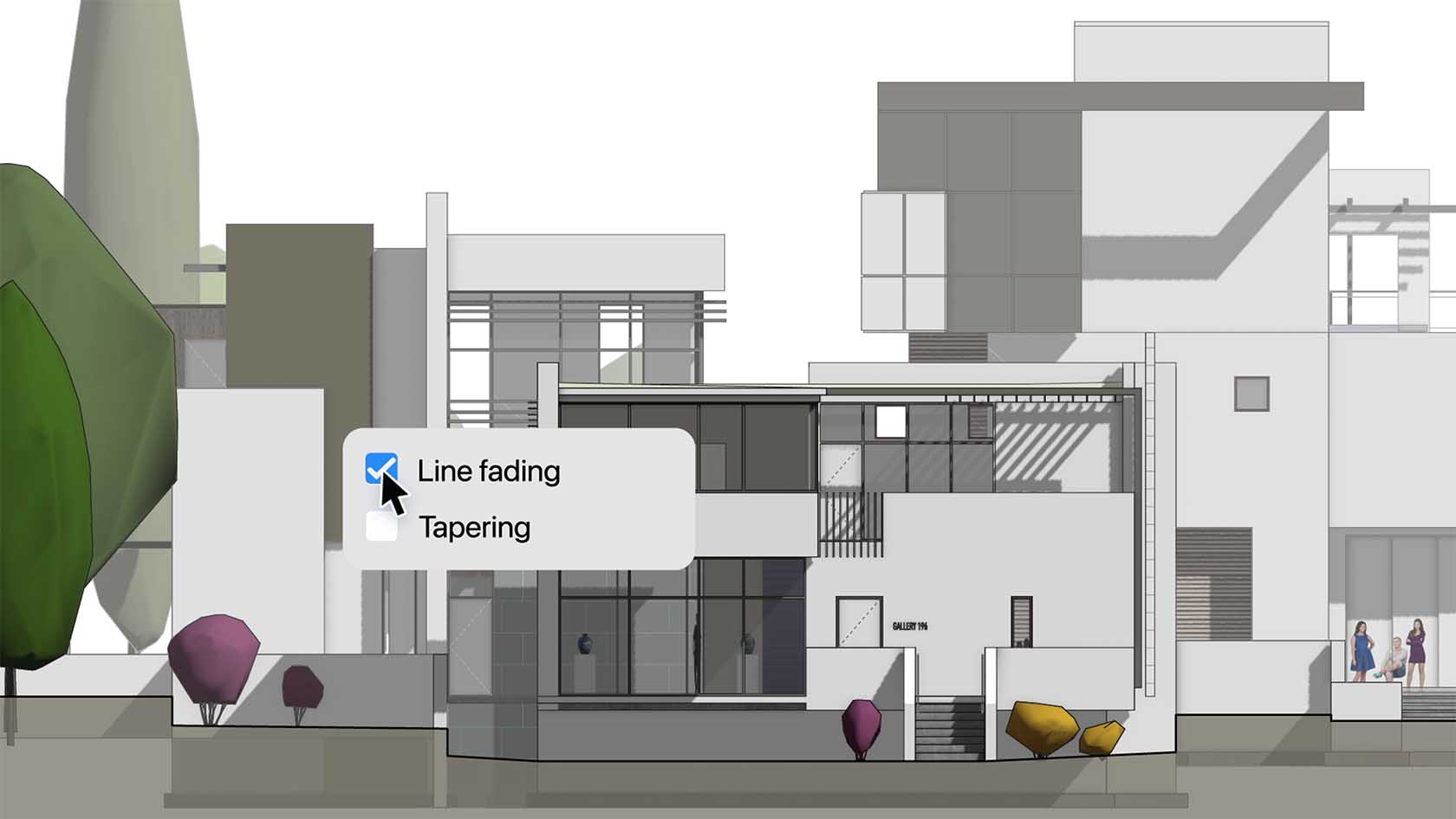
Bring instant clarity and spatial depth to your drawings with automated Depth Cueing. Line weights, tonal values, and pixel transparency adjust dynamically based on object distance in both Hidden Line and Shaded viewports, reducing the need for manual adjustments. Create crisp, legible drawings that elevate every presentation and help you meet drawing standards with ease. Discover how to get started with this video.
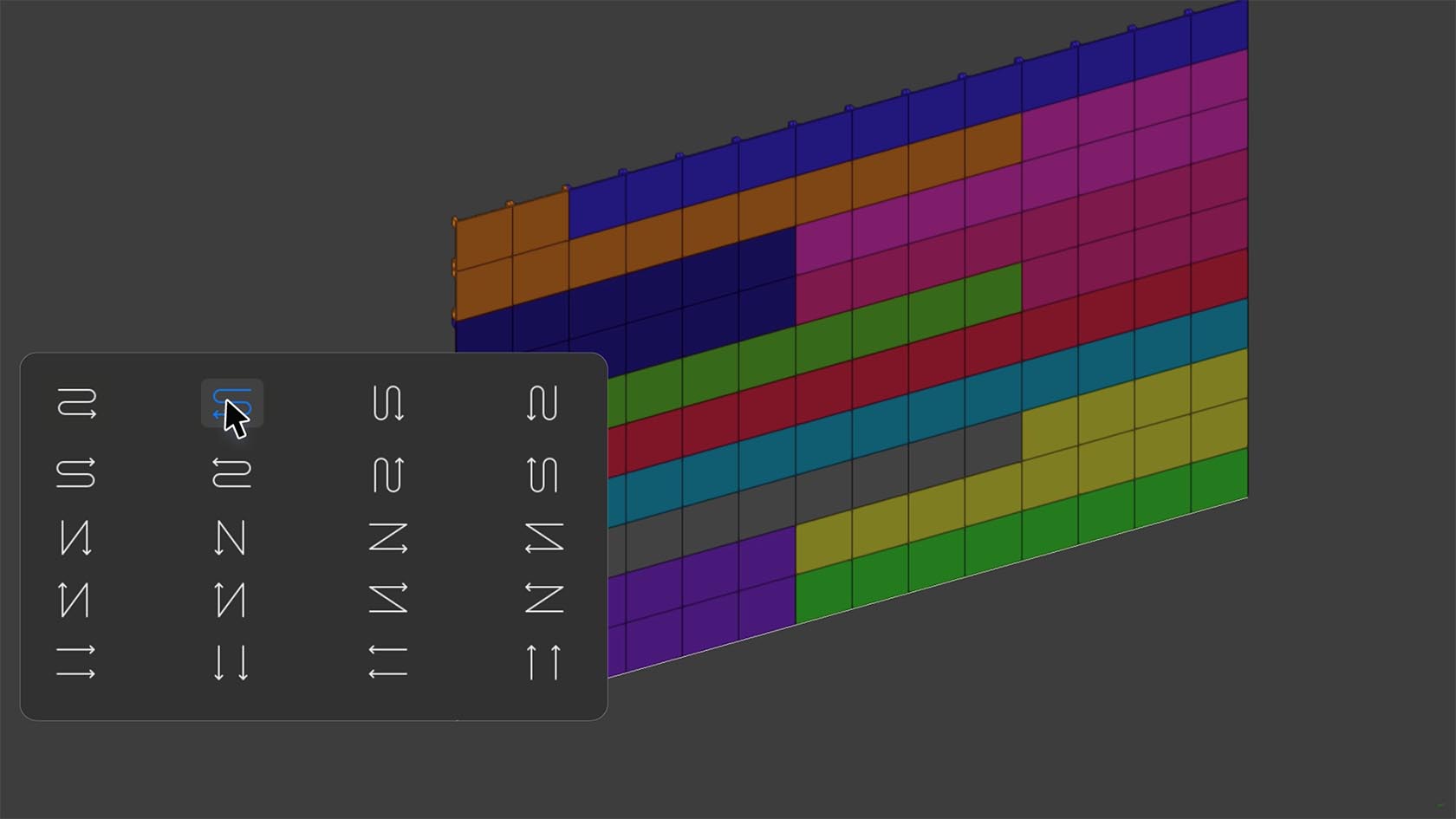
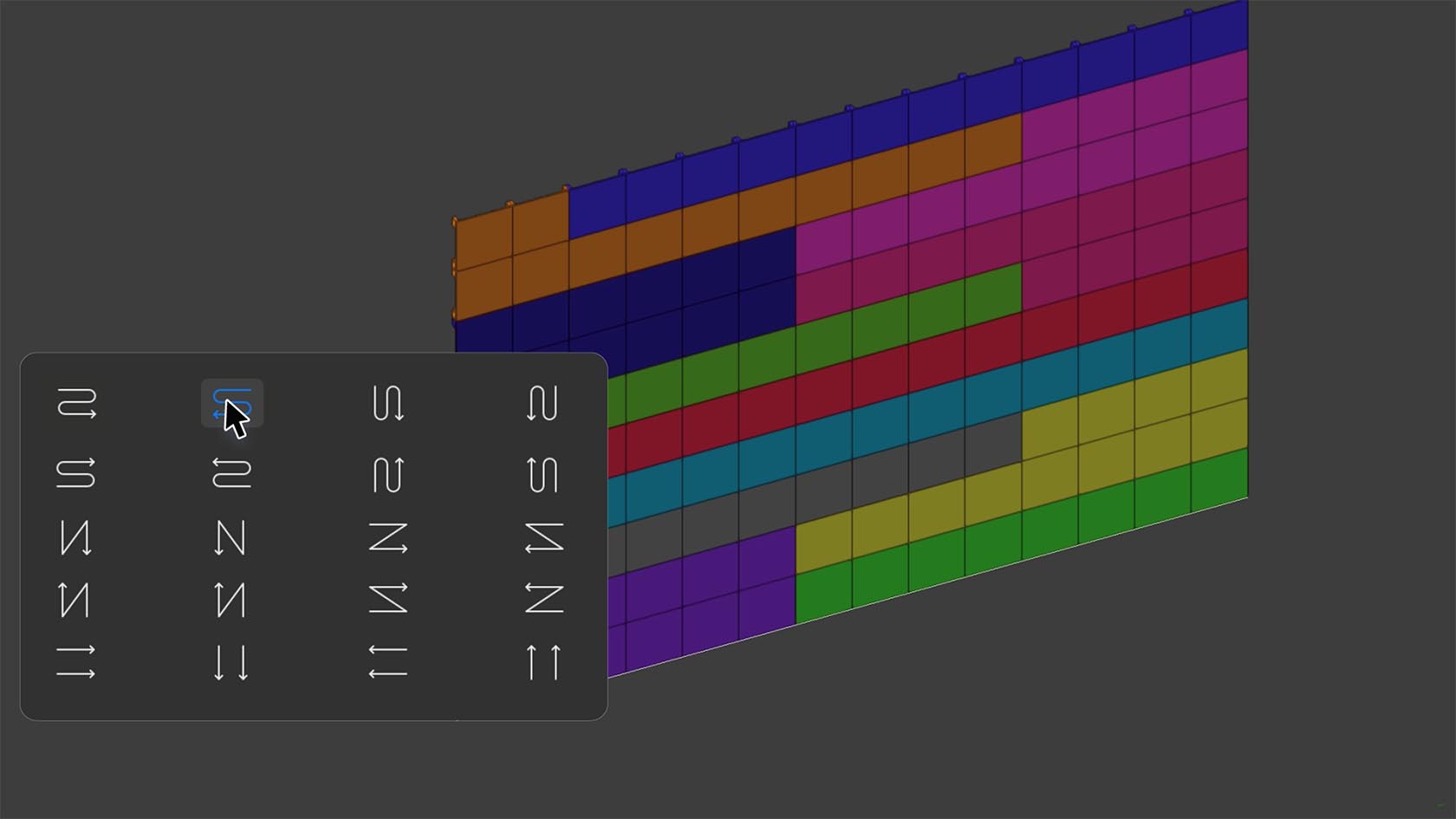
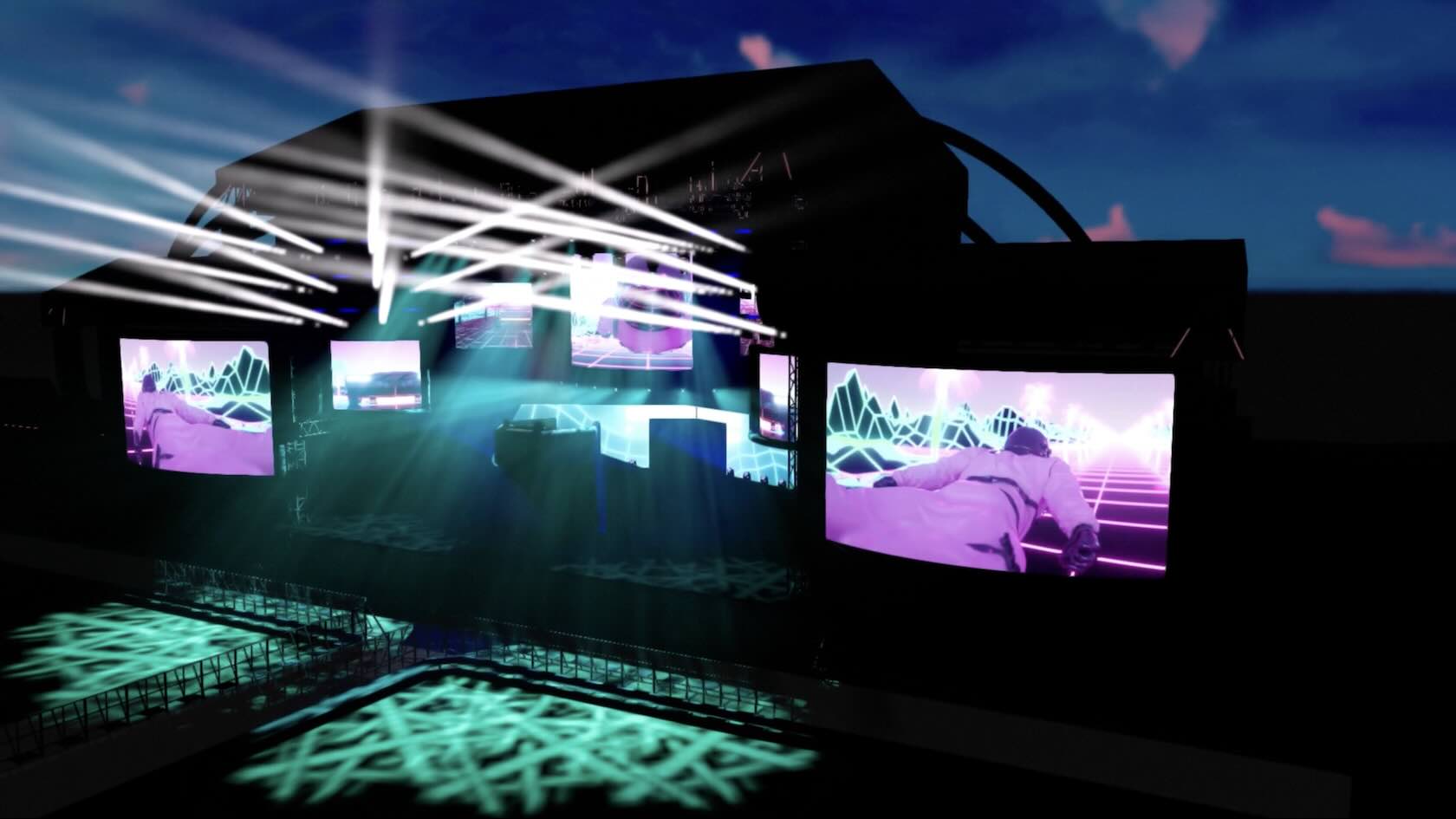
Design any LED video wall shape you can imagine – flat, curved, and 3D – with the all-new LED Wall tool. Instantly place and plan panels, calculate power and data needs, and generate detailed reports covering size, resolution, and required equipment. Deliver flawless, fully documented installations or permanent displays faster, with complete freedom and confidence in every project. Discover how to get started with this video.
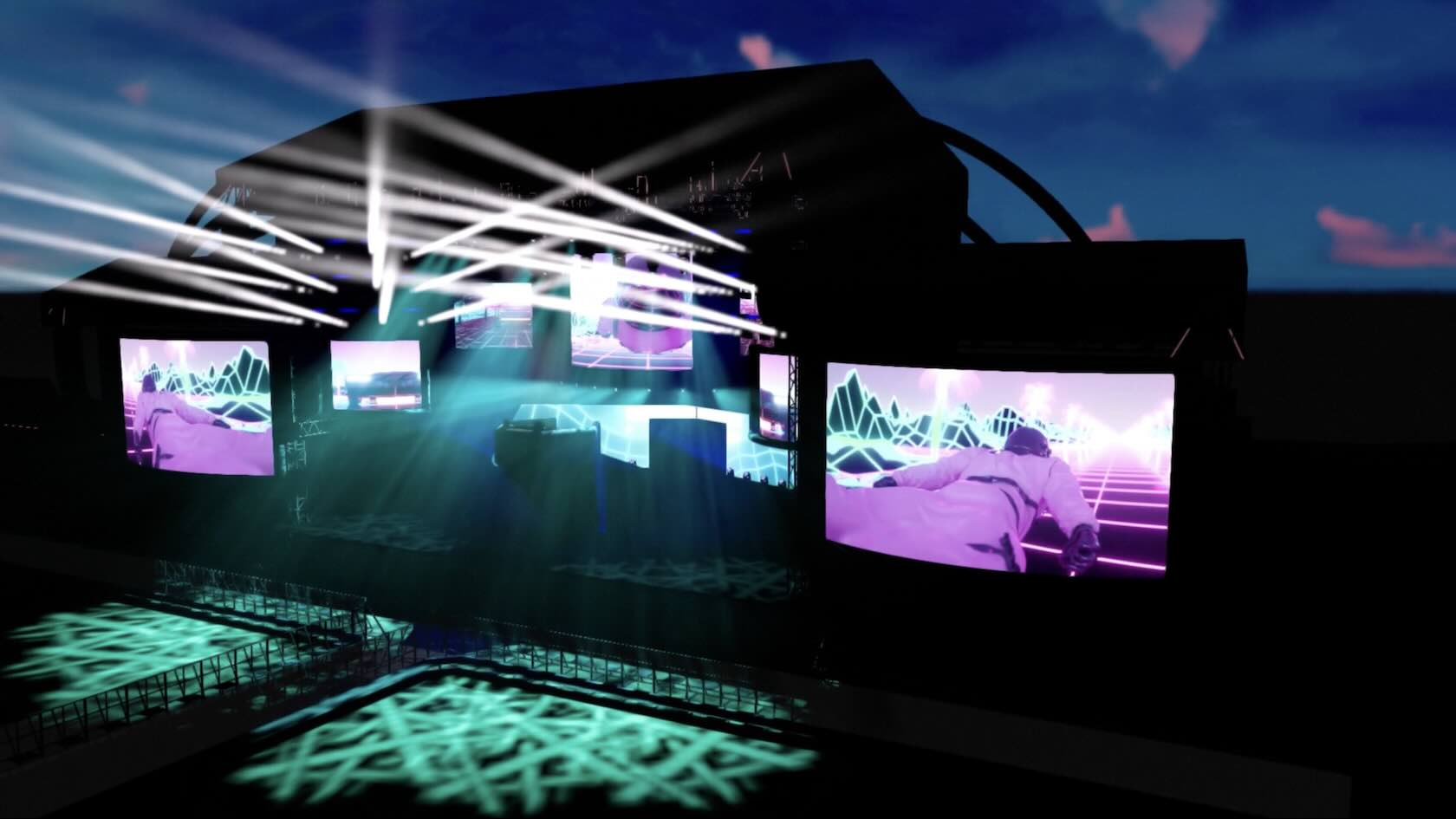
Design any LED video wall shape you can imagine – flat, curved, and 3D – with the all-new LED Wall tool. Instantly place and plan panels, calculate power and data needs, and generate detailed reports covering size, resolution, and required equipment. Deliver flawless, fully documented installations or permanent displays faster, with complete freedom and confidence in every project. Explore the Settings and styles in this video.
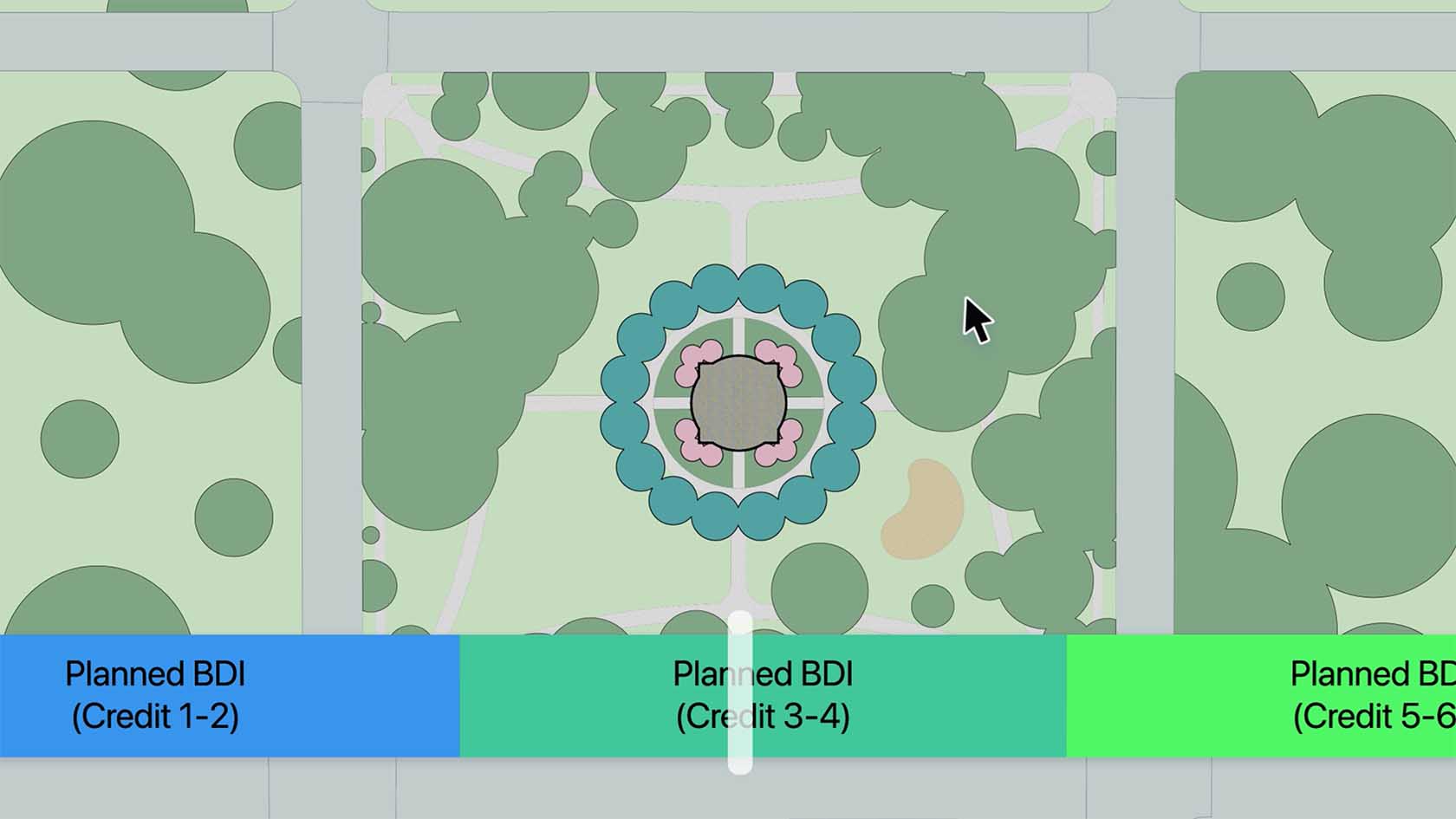
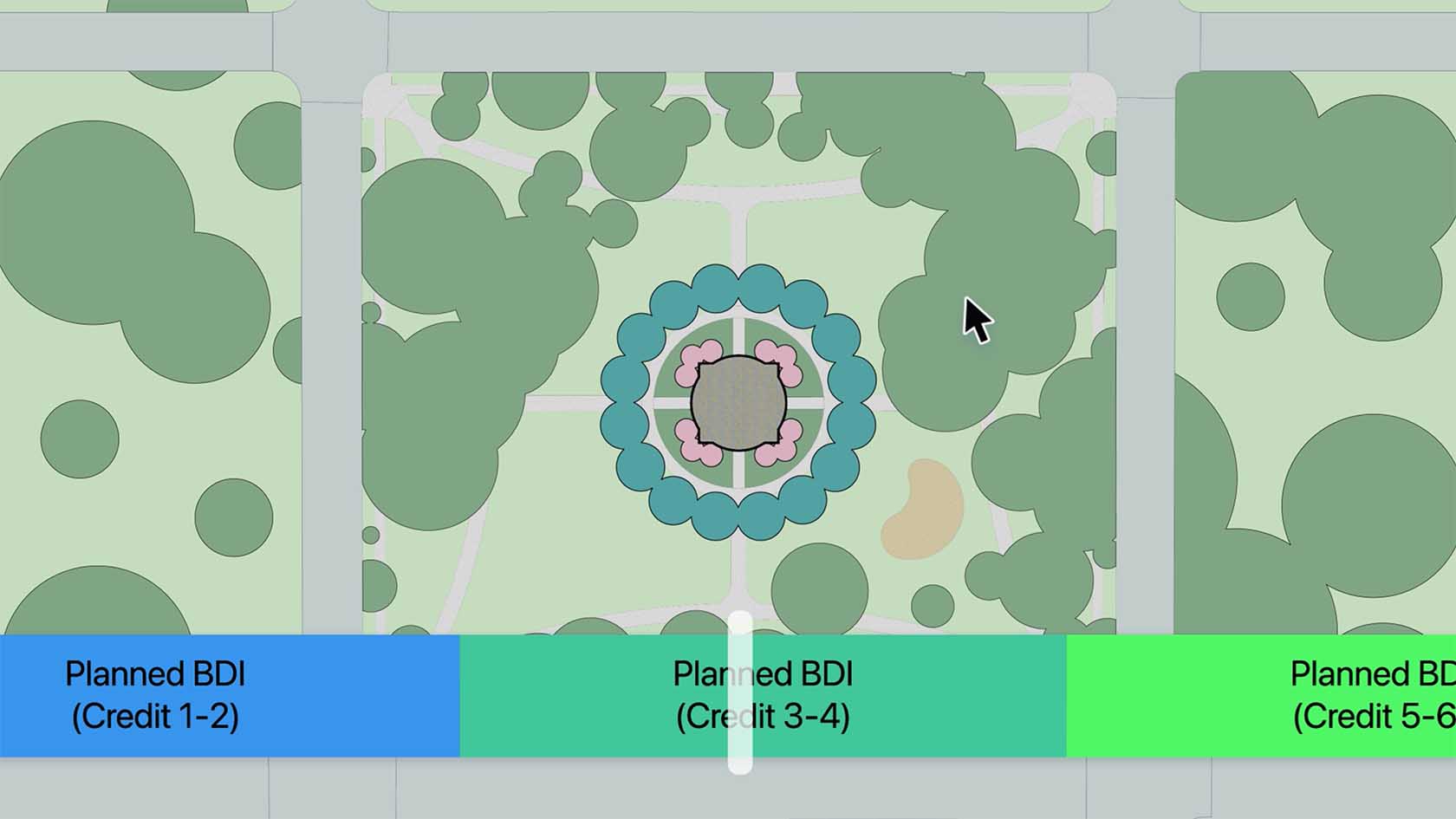
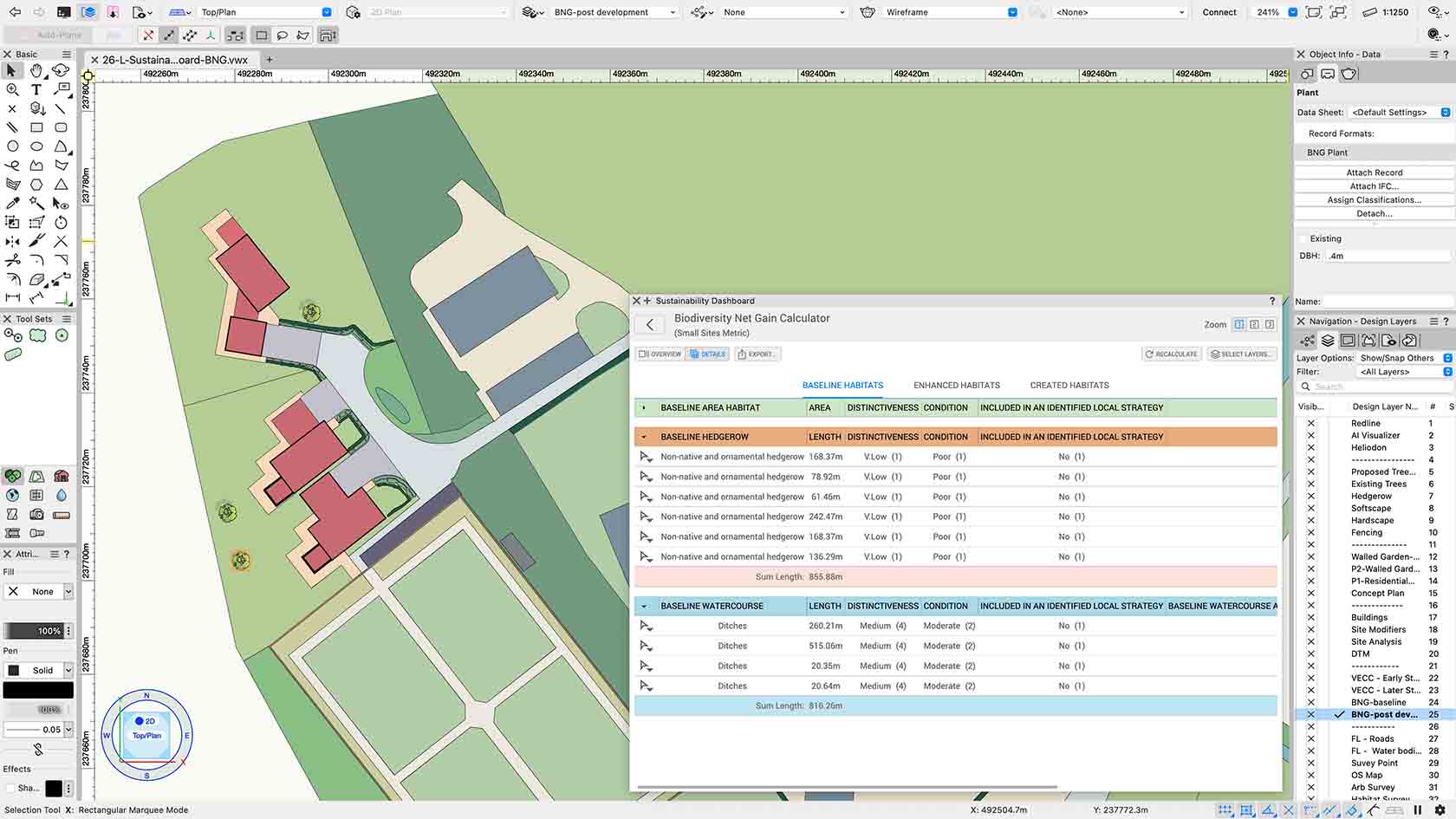
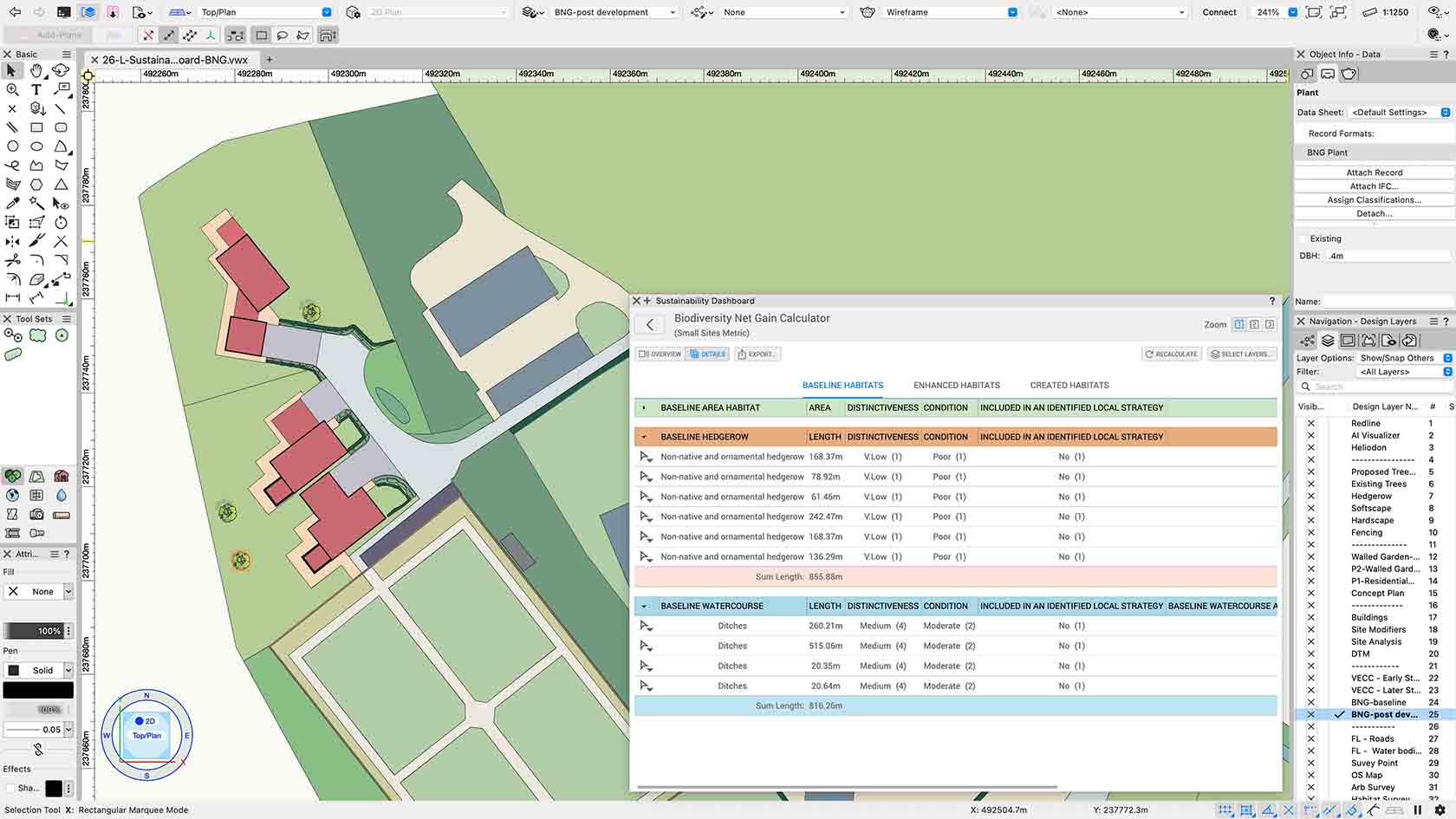
Take the guesswork out of compliance with the all-new Sustainability Dashboard. Track biomass density at a glance—all updated in real time as you design. Stay ahead of regulations and avoid late-stage revisions, empowering you to deliver smarter, greener projects from the very first draft. Discover how to get started with this video.
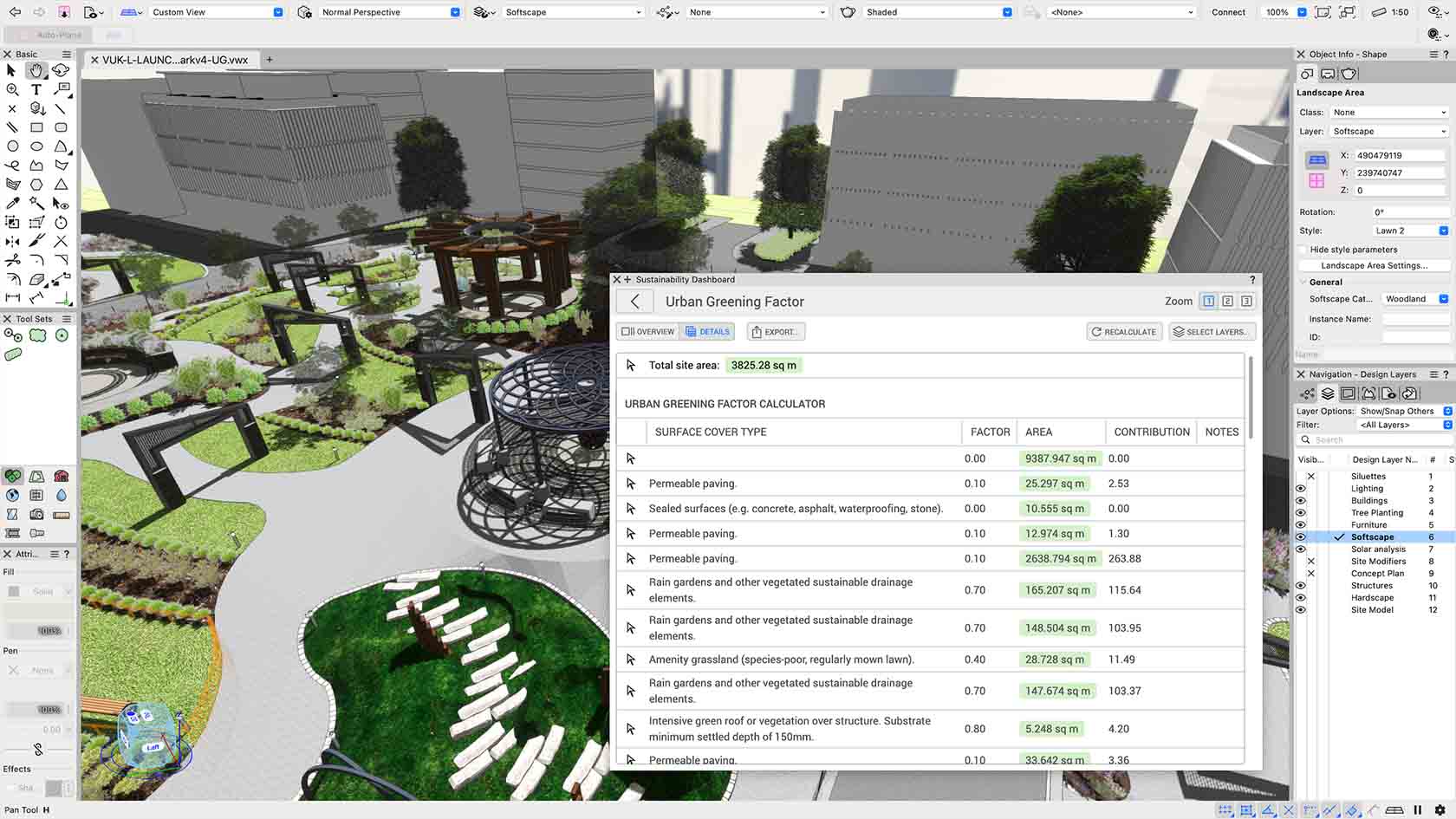
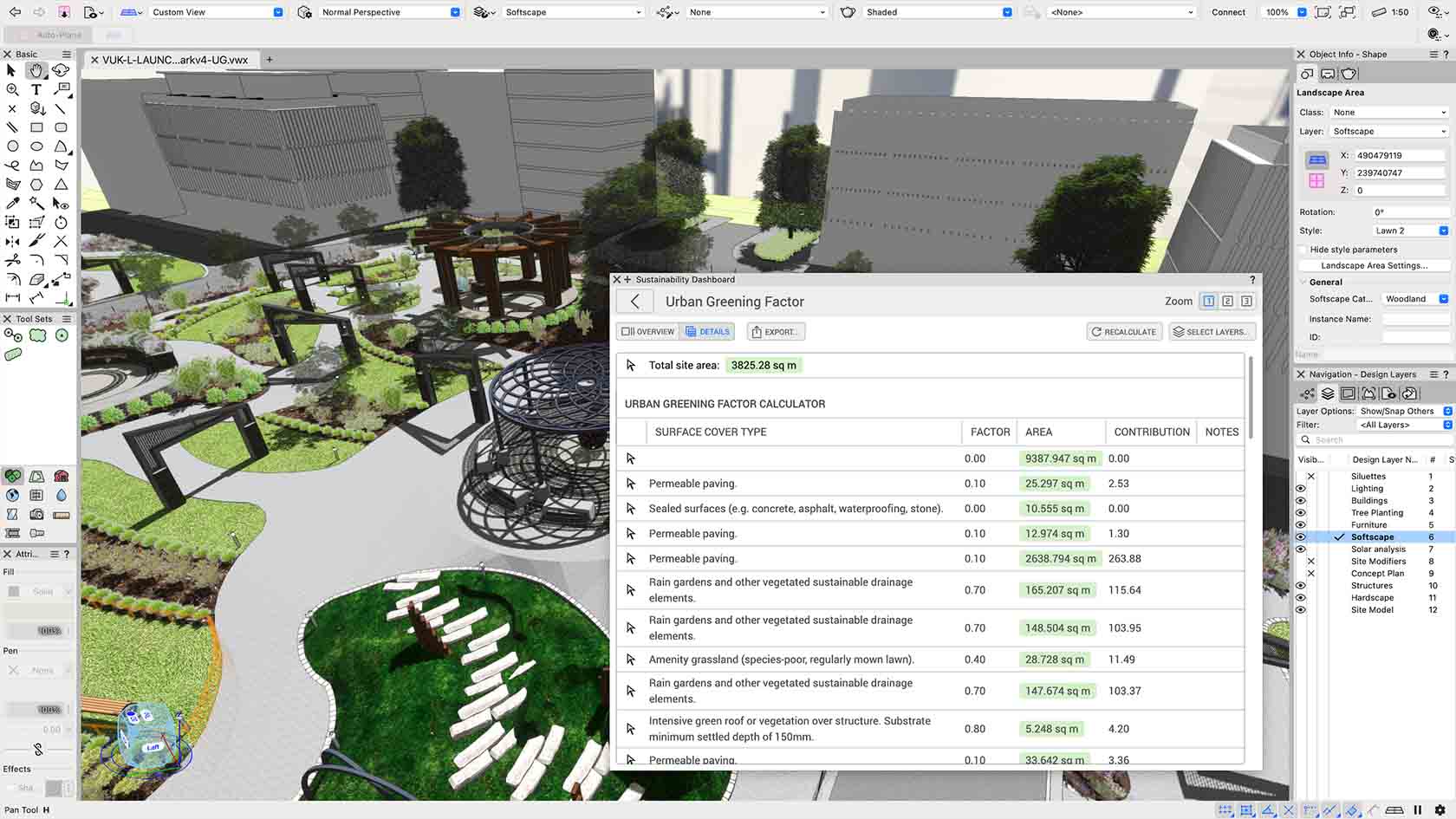
Stay on top of your project’s sustainability goals with the new Sustainability Dashboard. Easily monitor urban greening factor as your design takes shape. Get live feedback on every change, streamlining compliance and empowering you to deliver smarter, greener projects from the very first draft. Discover how to get started with this video.
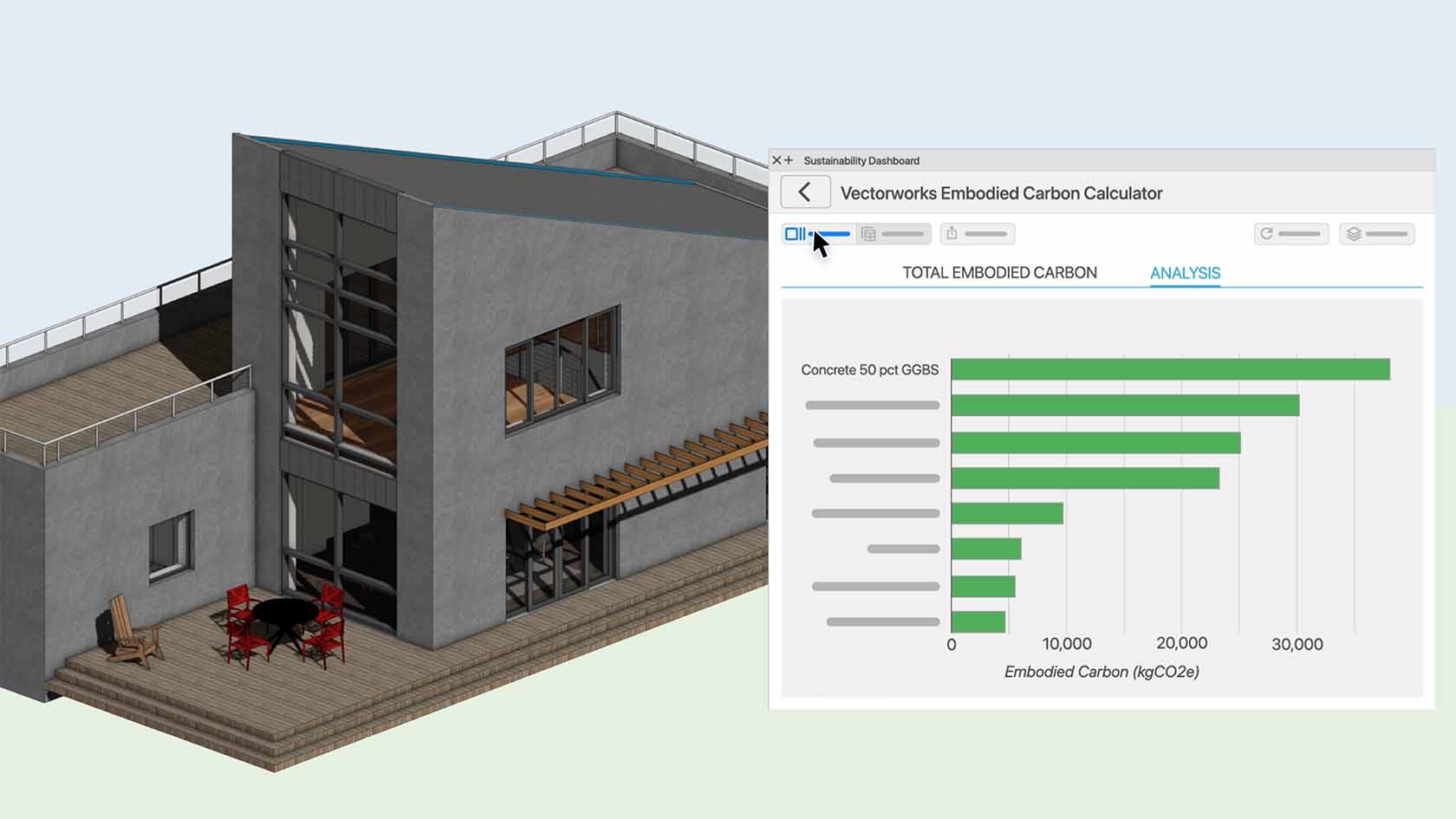
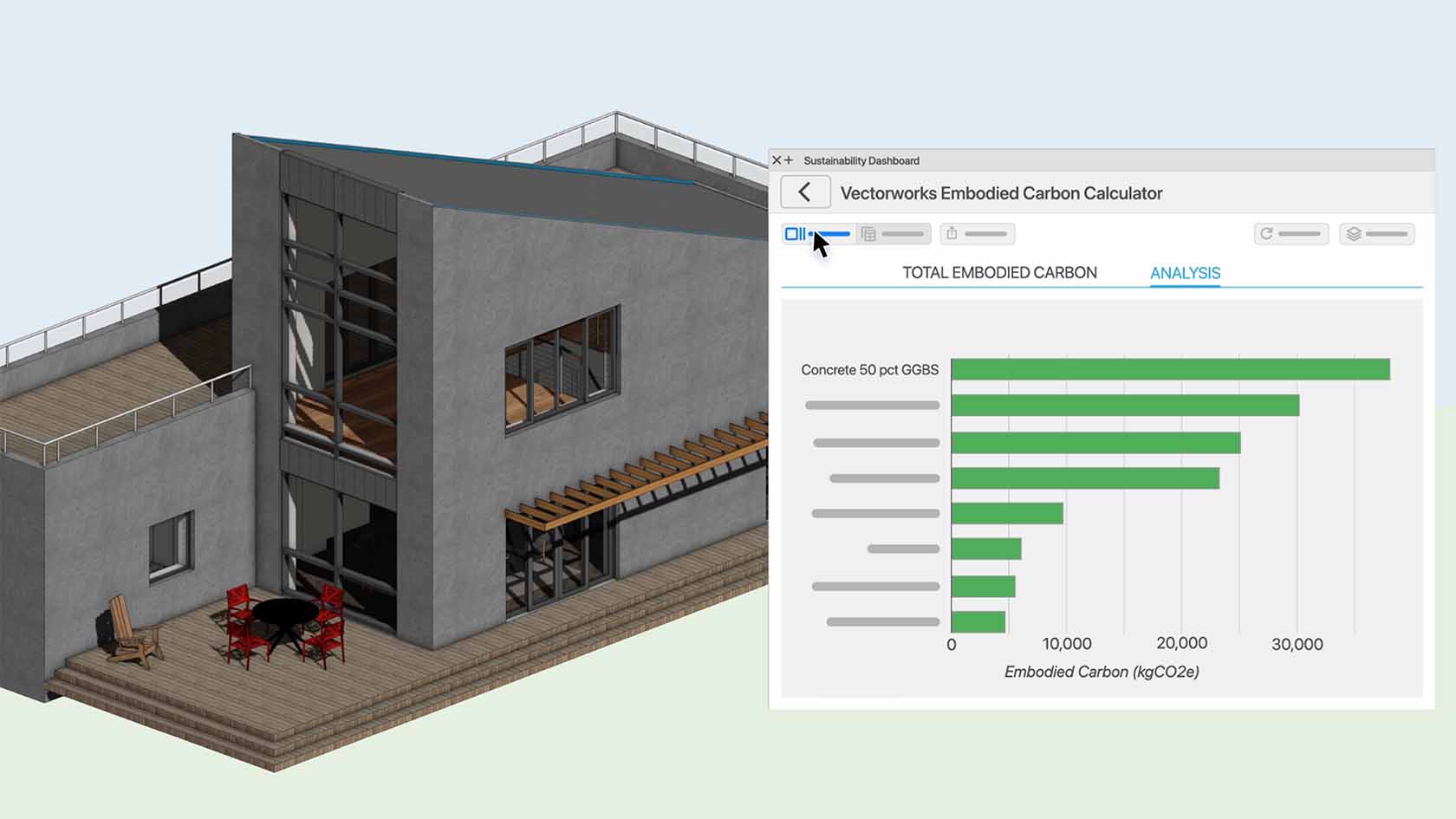
Take the guesswork out of compliance with the all-new Sustainability Dashboard. Track embodied carbon at a glance—all updated in real time as you design. Stay ahead of regulations and avoid late-stage revisions, empowering you to deliver smarter, greener projects from the very first draft. Discover how to get started with this video.
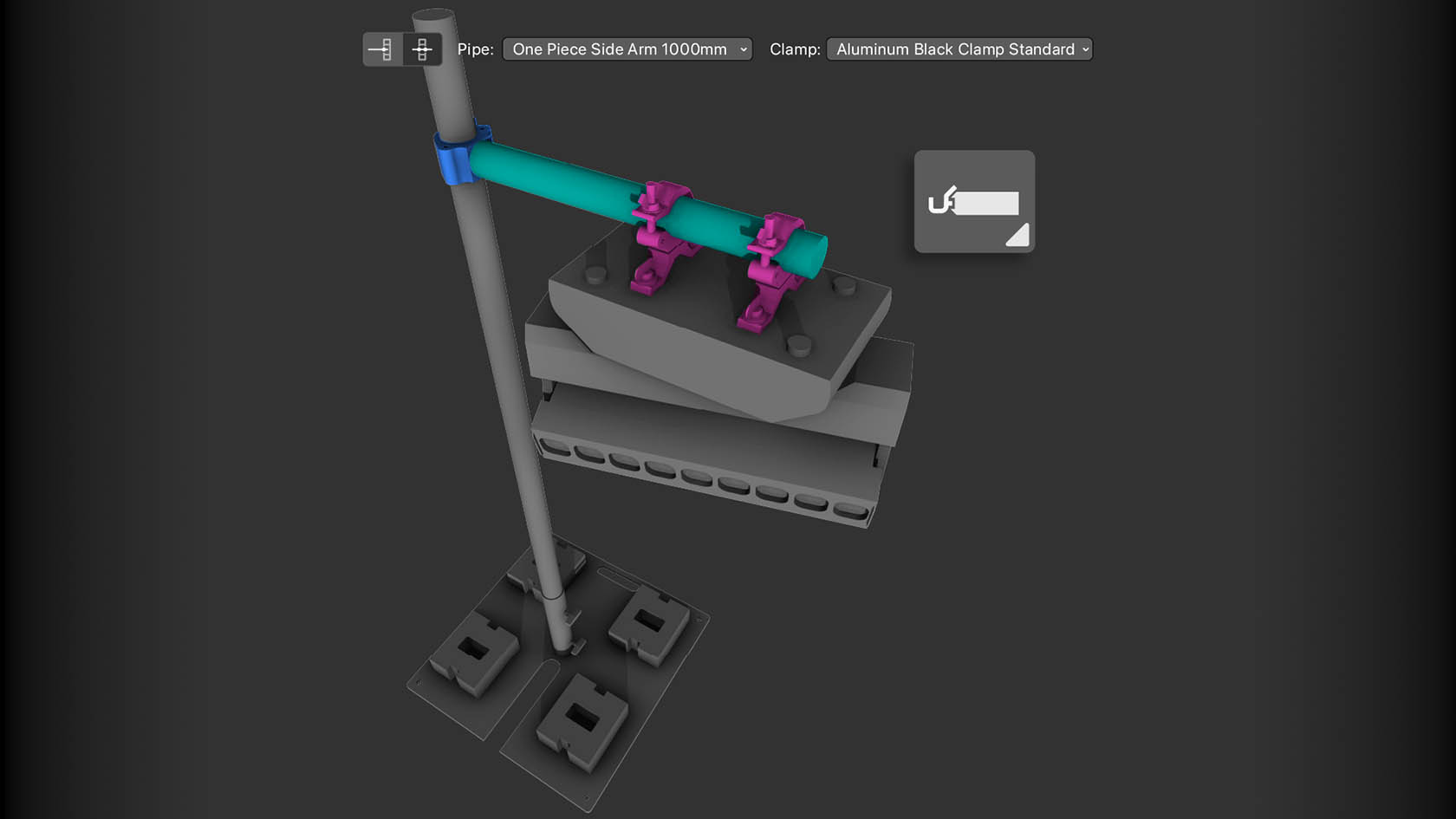
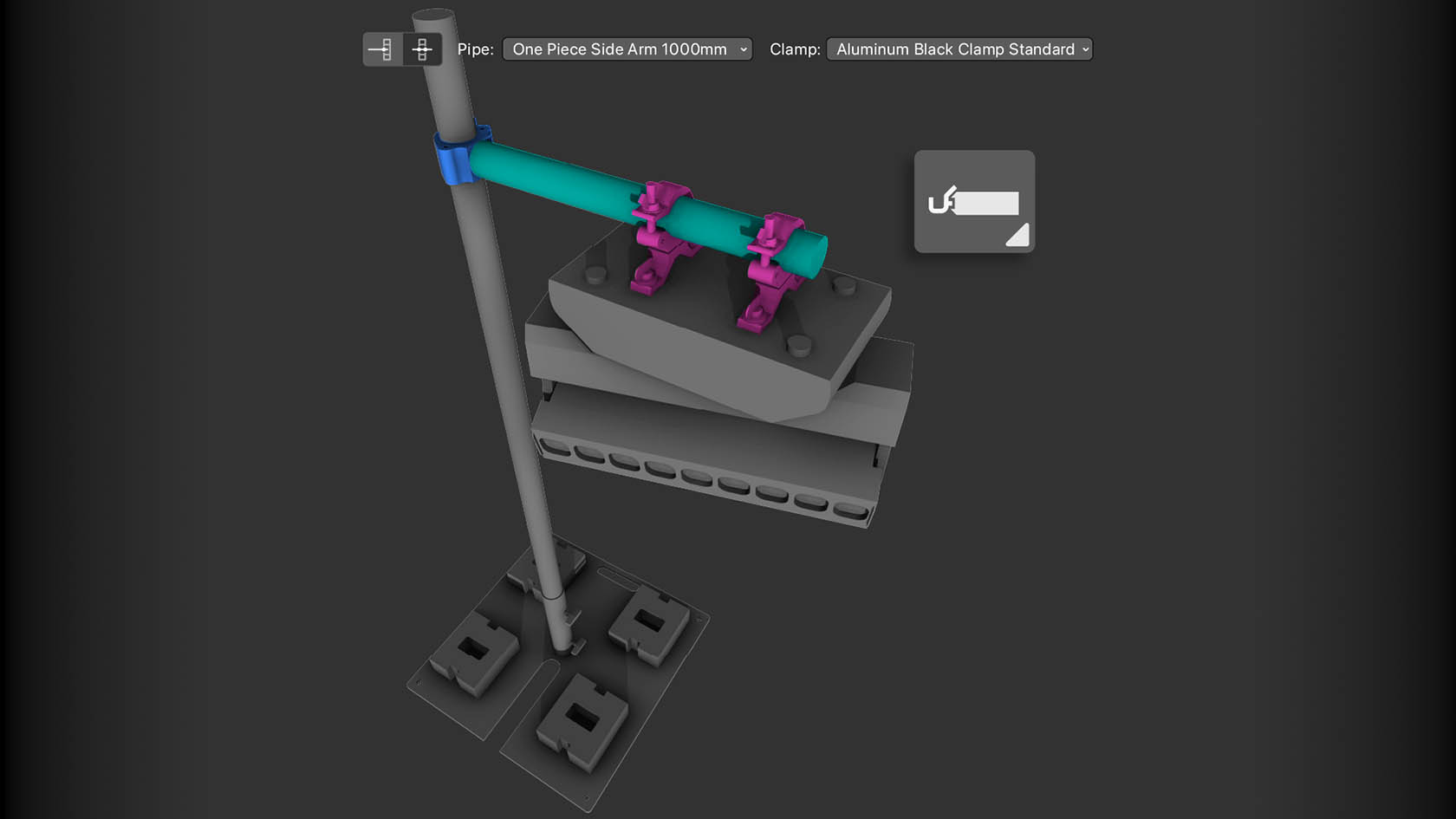
Boost design precision with dedicated tools for clamps and side arms. Place, edit, and manage clamp and pipe hardware in a variety of configurations – no workarounds needed. Create accurate drawings and inventory counts while enabling creative rigging setups, so you can deliver detailed, professional designs with ease and efficiency. Discover how to get started with this video.
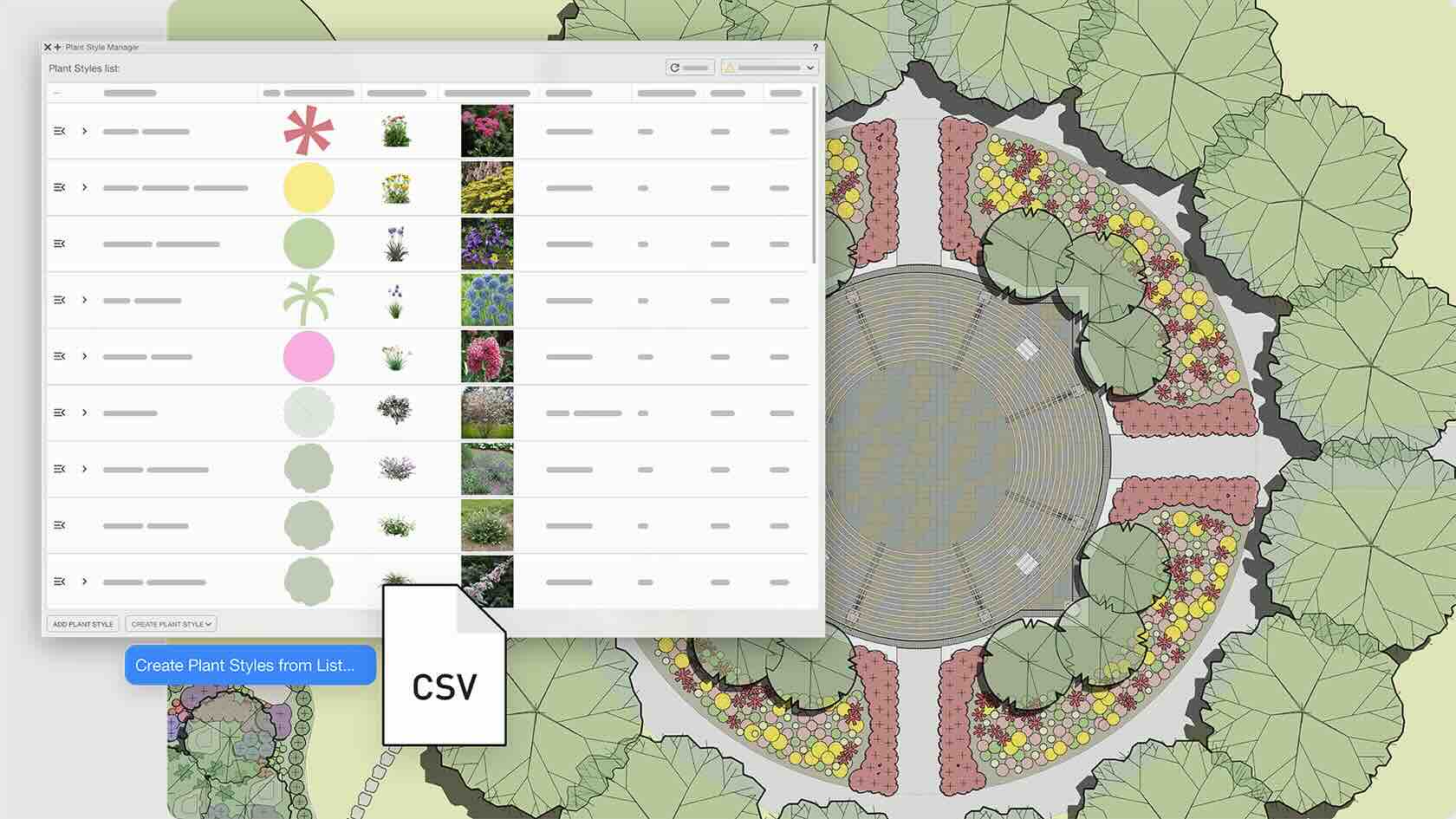
Trim hours off your planting workflow with the new Plant Style Manager. Build, batch-edit, and customize your entire plant library in a modern spreadsheet-style interface. Instantly import data from nursery partners and choose where to place and edit plants – reducing manual work and ensuring your plant data stays accurate and project-ready. Discover how to get started with this video.
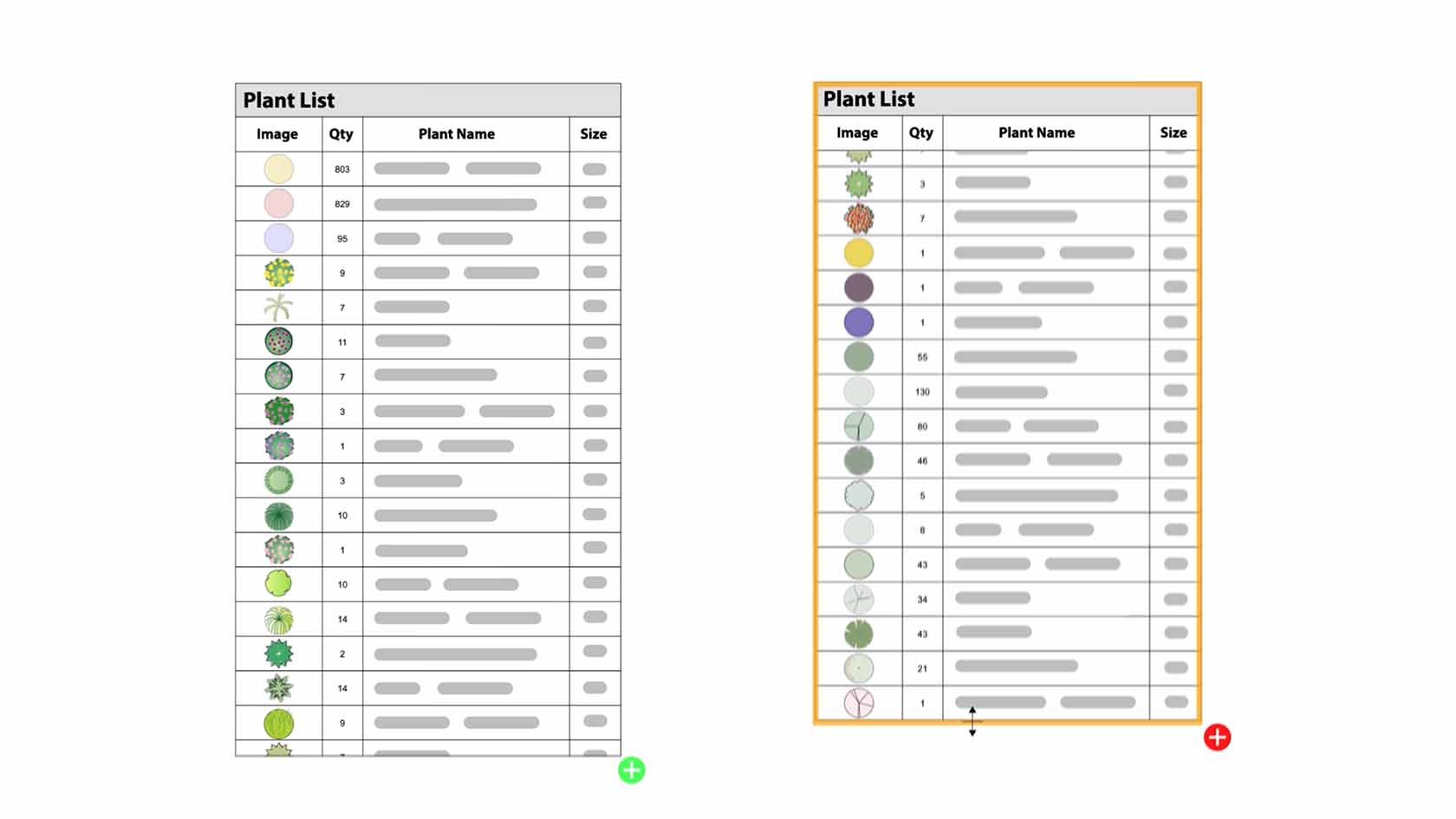
Lay out and customize even the largest worksheets with a ribbon-style toolbar. Split your data into neatly linked slices that fit your print areas, pin headers for easy navigation, and enjoy a fresh, streamlined interface. With less time spent on manual formatting, you’ll be able to provide accurate documentation with ease. Discover how to get started with this video.
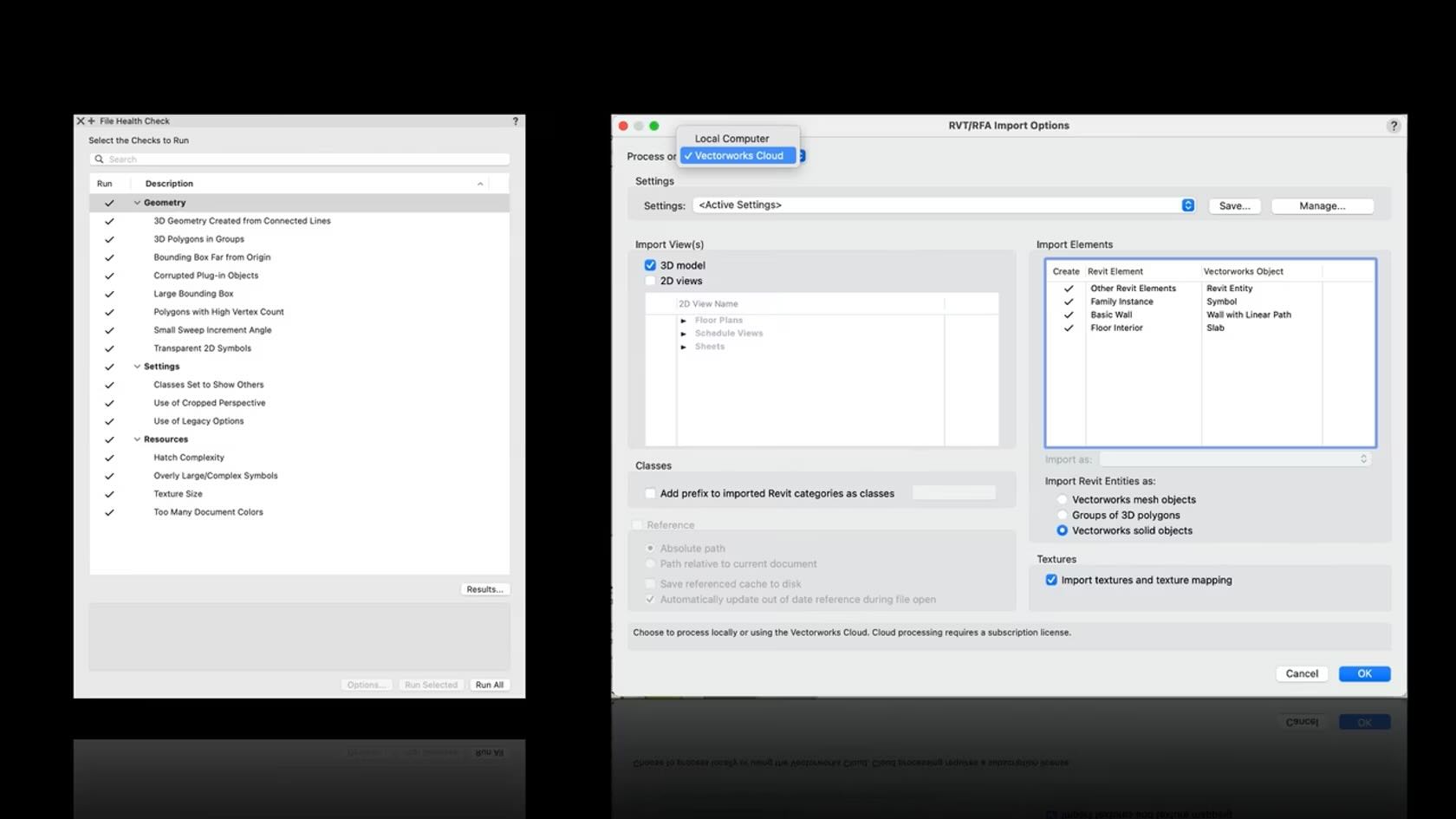
Discover how Vectorworks’ latest subscription-only features can revolutionize your design workflow. This video unveils the File Health Checker—a smart tool that automatically scans, cleans, and optimizes project files for hassle-free performance. Plus, see how cloud-powered Revit import lets you convert even the largest files effortlessly, freeing up your computer and keeping creativity at the forefront. If you want faster troubleshooting, more time for design, and smoother collaboration, this walkthrough is a must-watch for every forward-thinking architect and designer.