






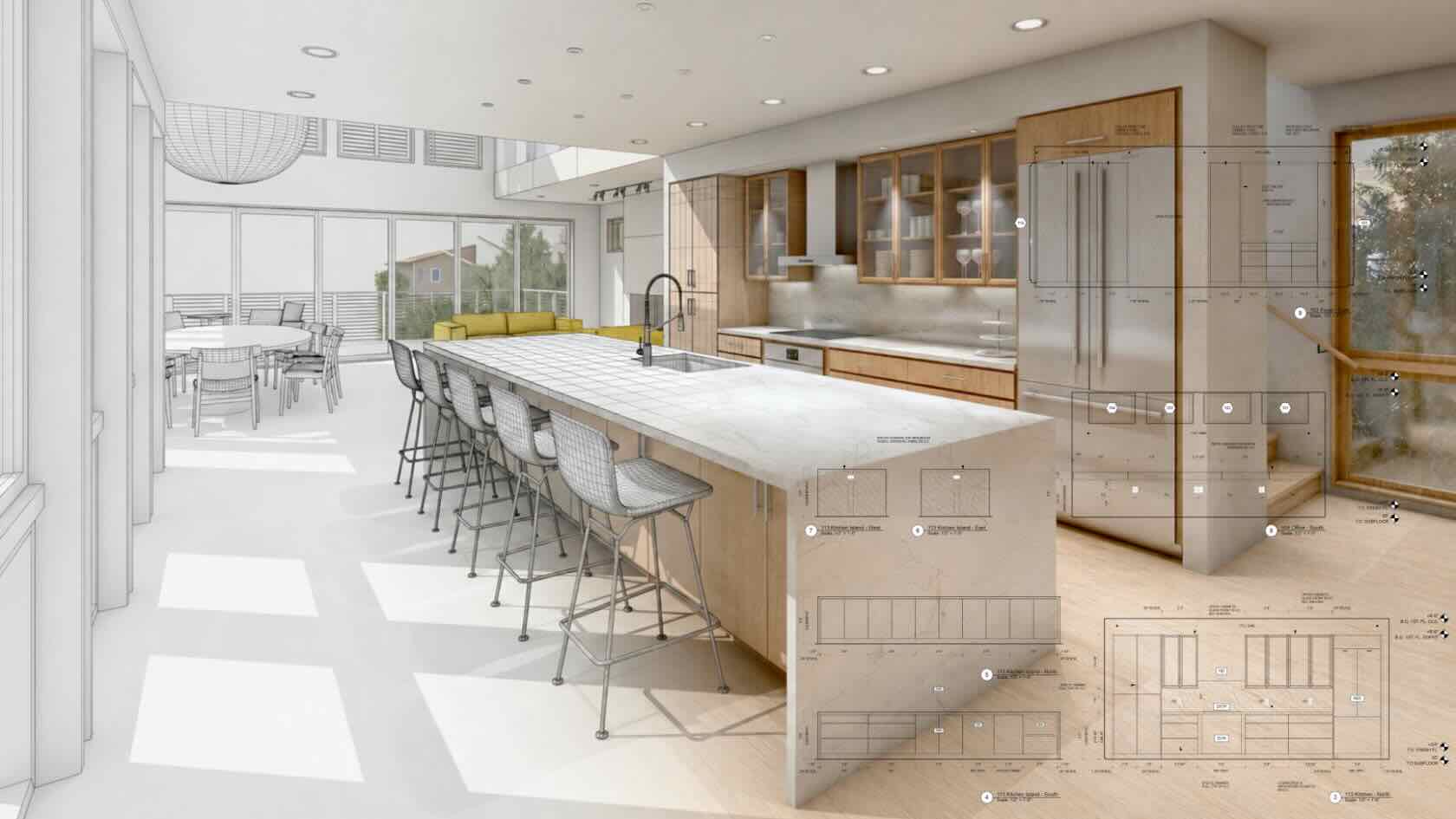

Many busy entertainment designers manually recreate the same design information for drafting, visualization, documentation, and presentation for their projects. Switching from AutoCAD to Vectorworks allows for a unified workflow to reduce repetitive tasks, improve collaboration, and keep all design information up-to-date throughout the production process.
Attend this webinar to learn about Vectorworks’ flexible design process, created to empower entertainment professionals to focus less on managing files and more on bringing impressive productions to life. We’ll share how familiar drafting principles translate directly into Vectorworks’ connected 2D and 3D workflow. Plus, explore how purpose-built entertainment tools streamline common workflows and support collaboration across lighting, scenic, rigging, AV, and event design.
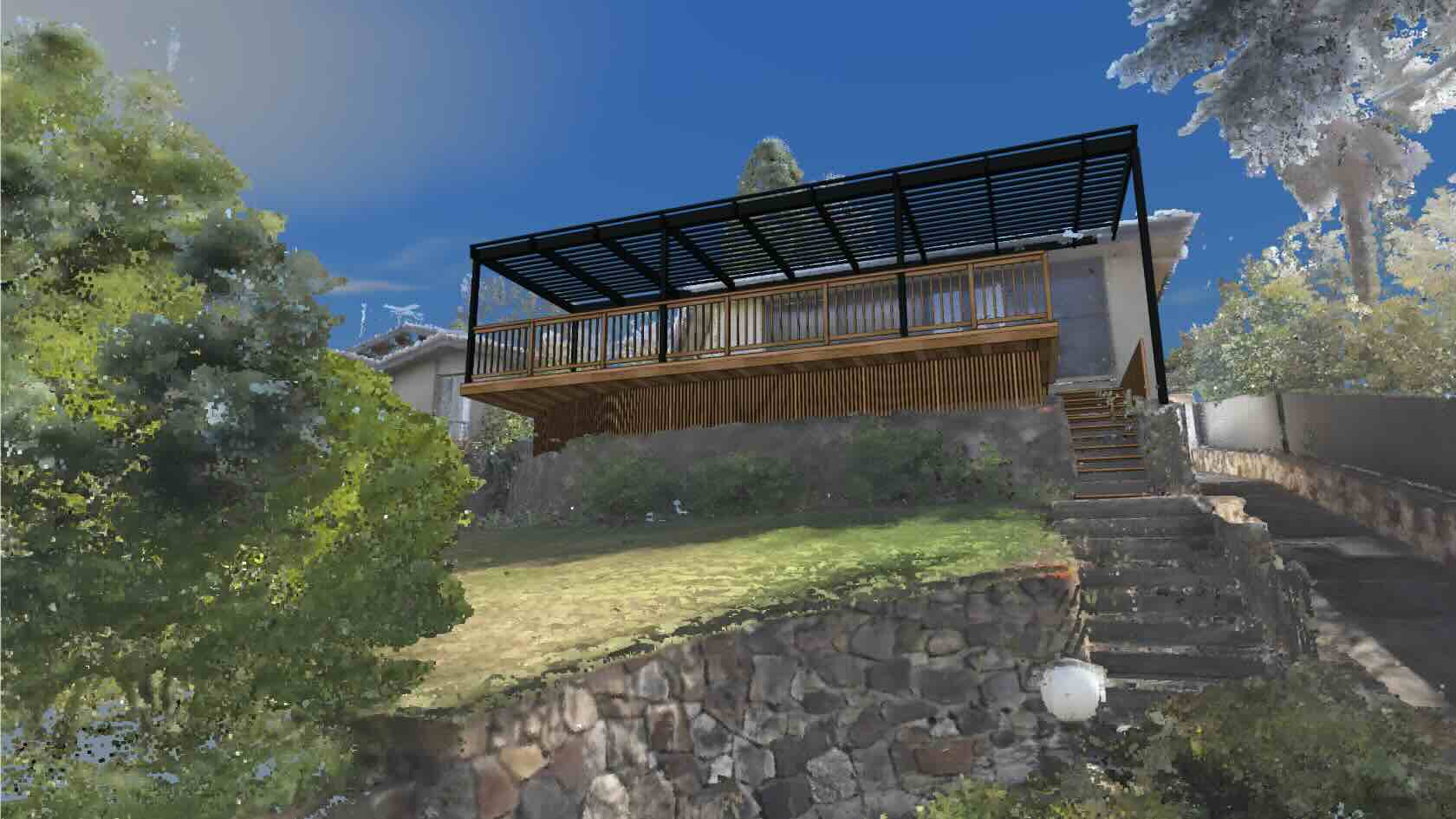
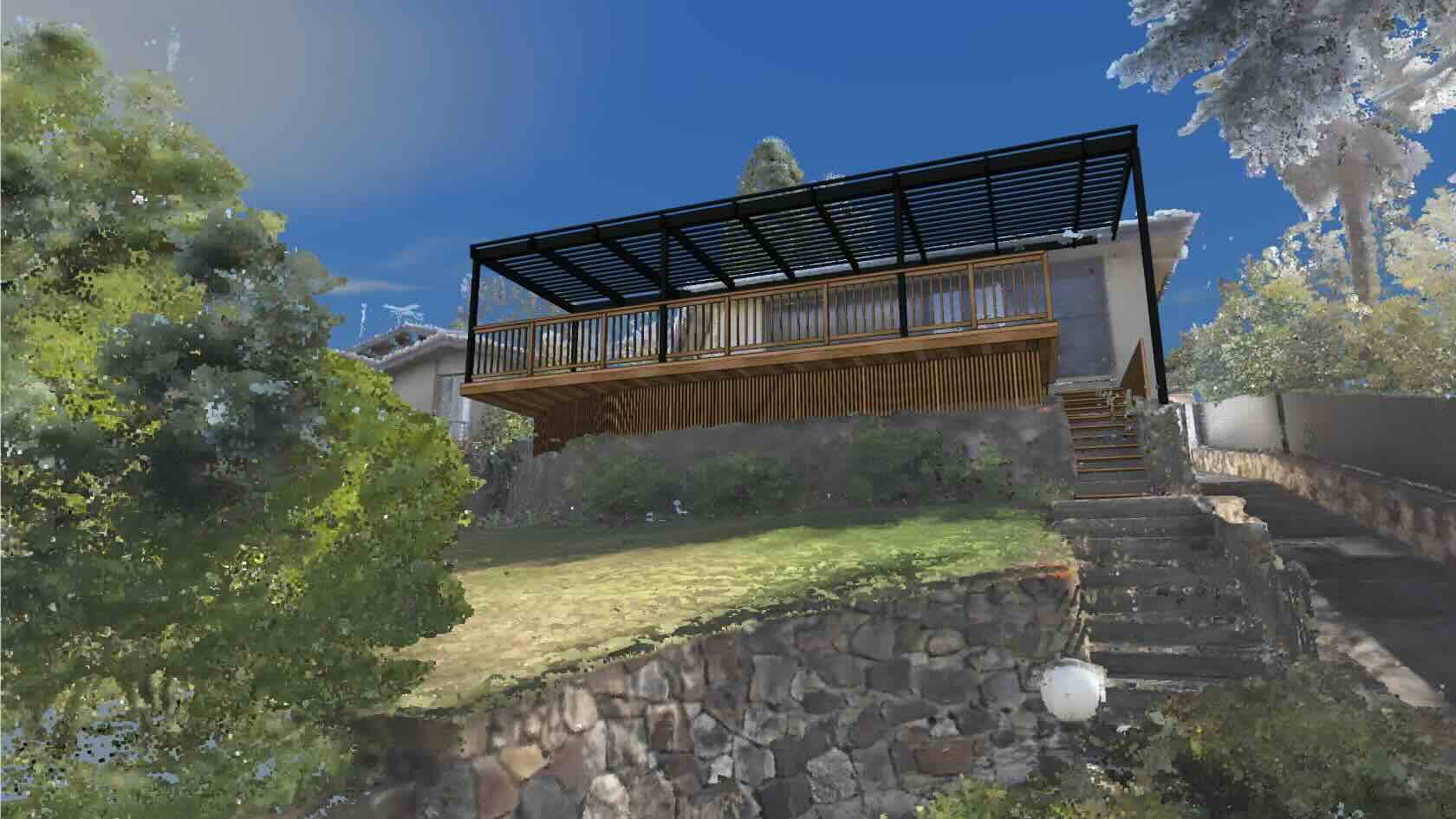
As landscape professionals look for more
efficient and effective ways to accurately gather site information, new
technologies can help. This webinar will explore LiDAR (Light Detection and
Ranging) remote sensing technology and will break down the opportunities and
limitations of this data and share best practices for using it.
To receive 1 LA CES PDH and 1 APLD CEU, please make sure to login and complete the quiz after watching our webinar.
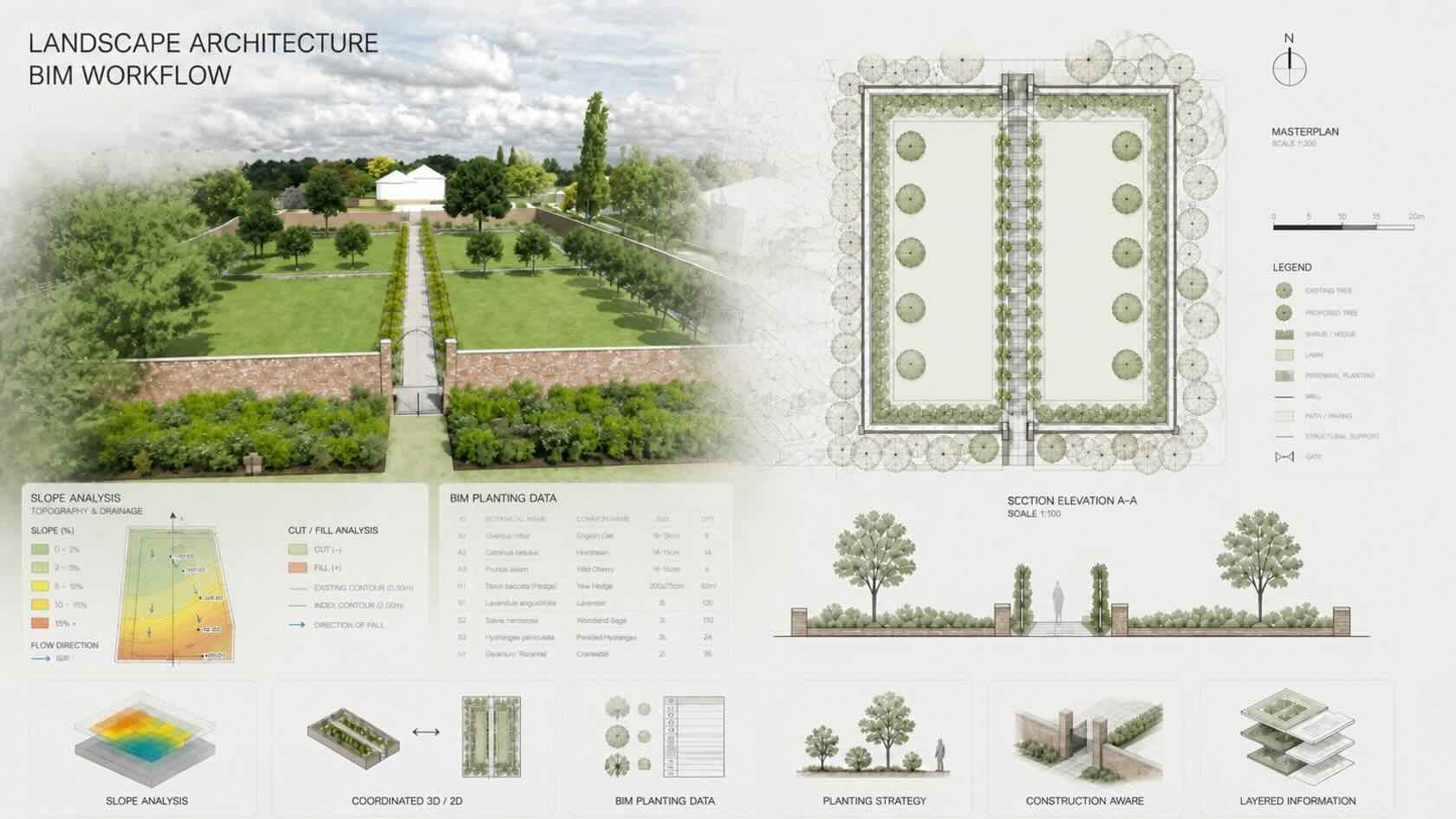
Whether you are evaluating Vectorworks for the first time or planning your move away from AutoCAD, join this practical session for landscape architects and designers to discover how Vectorworks provides a clear migration path to change at your own pace.
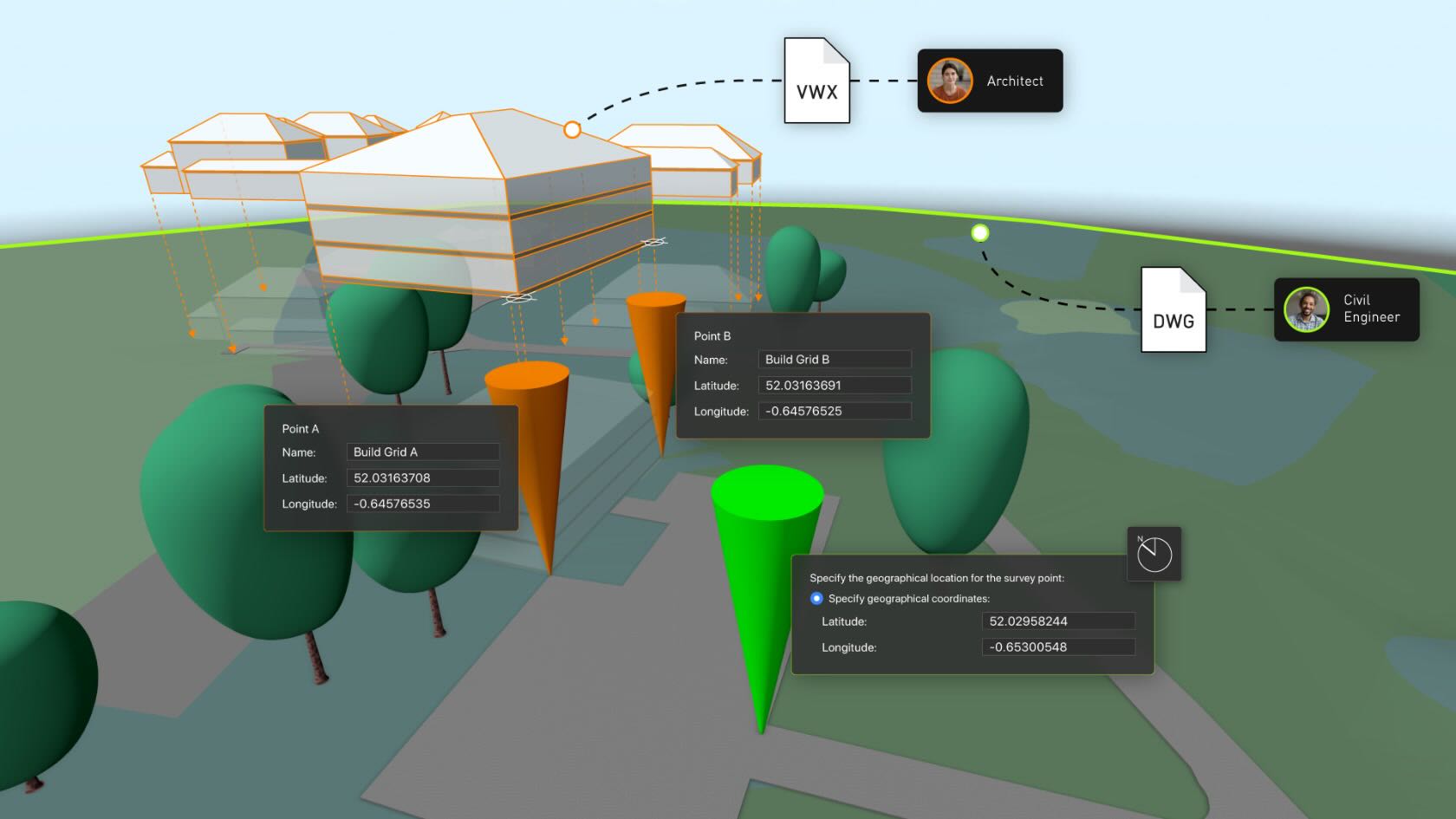
Join the webinar to see familiar 2D workflows like hatches, line types, and a design/sheet-layer organization map from AutoCAD conventions. Plus, discover how file referencing serves the same purpose as xrefs, and Point Cloud integration brings survey data straight into the drawing environment for a productive start.
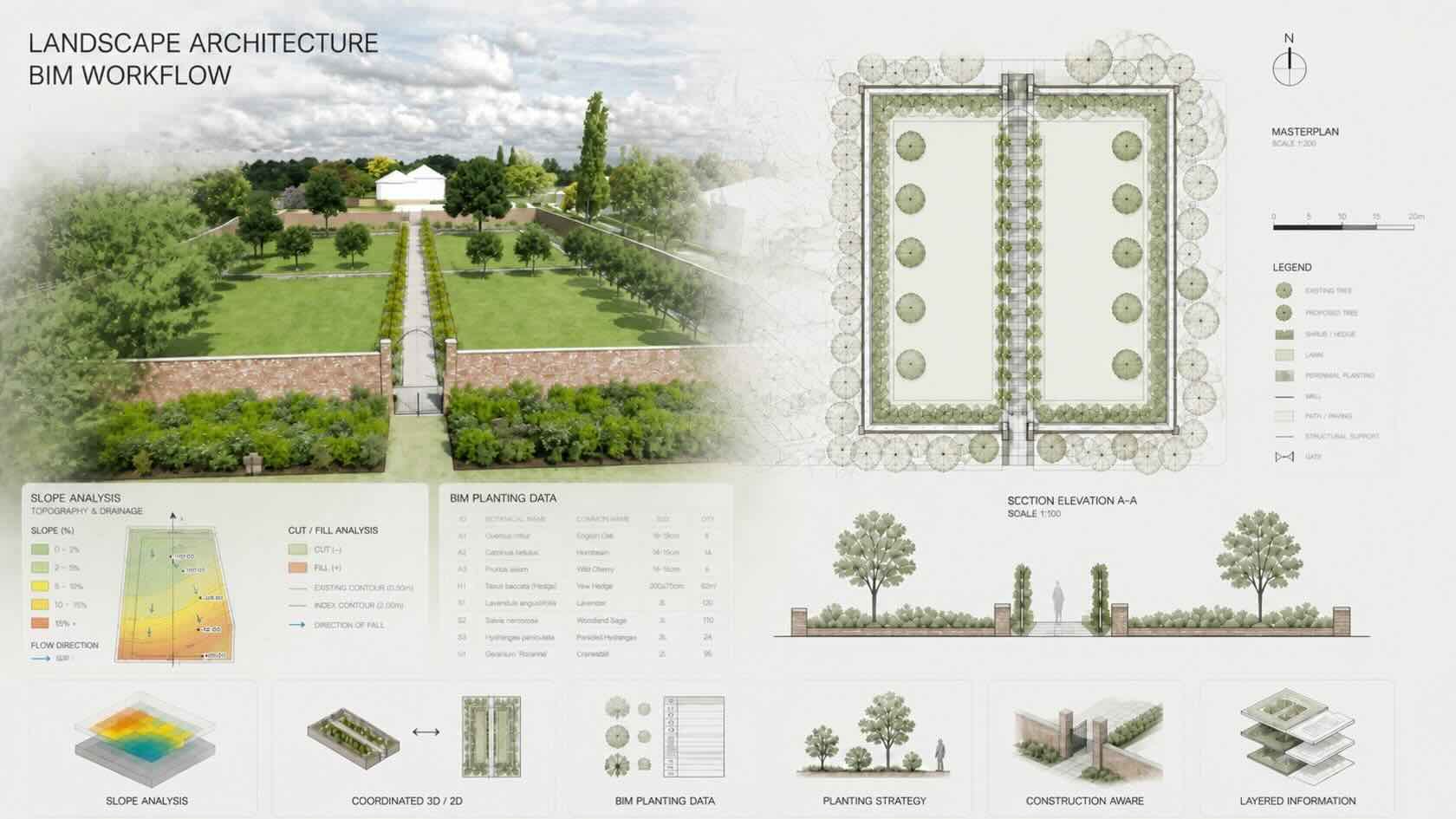
The session will demonstrate core capabilities for a connected workflow, from schematic linework to detailed technical drawings, all within a single environment. We’ll explore Vectorworks Content Libraries for plants, textures, and site symbols, which are designed to reduce repetitive drafting and free up more time for design decisions. Finally, the webinar will show how GIS integration, cross-discipline file referencing, and IFC/BIM coordination position landscape designers as integrated design leads at the center of multidisciplinary project delivery.
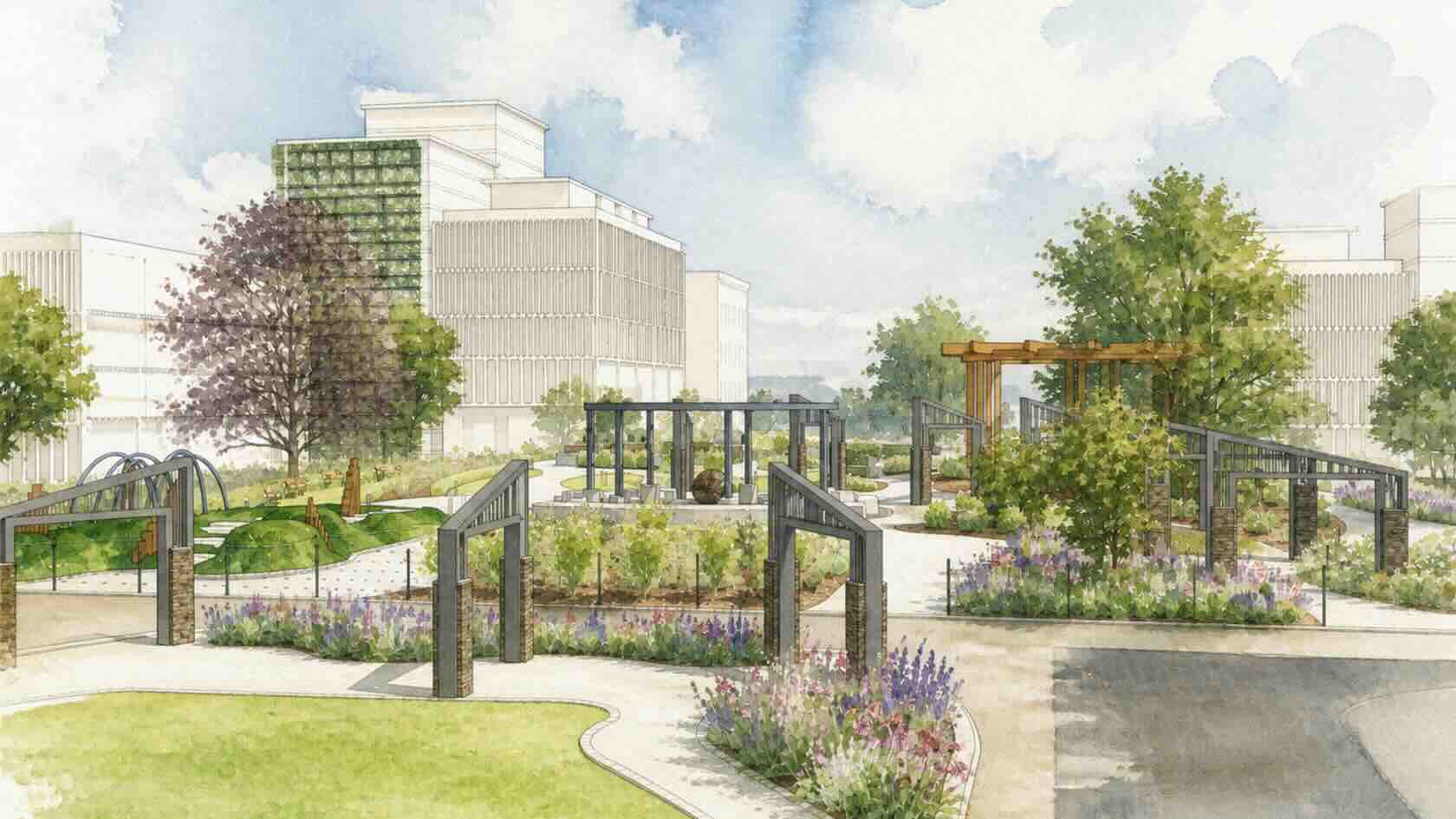
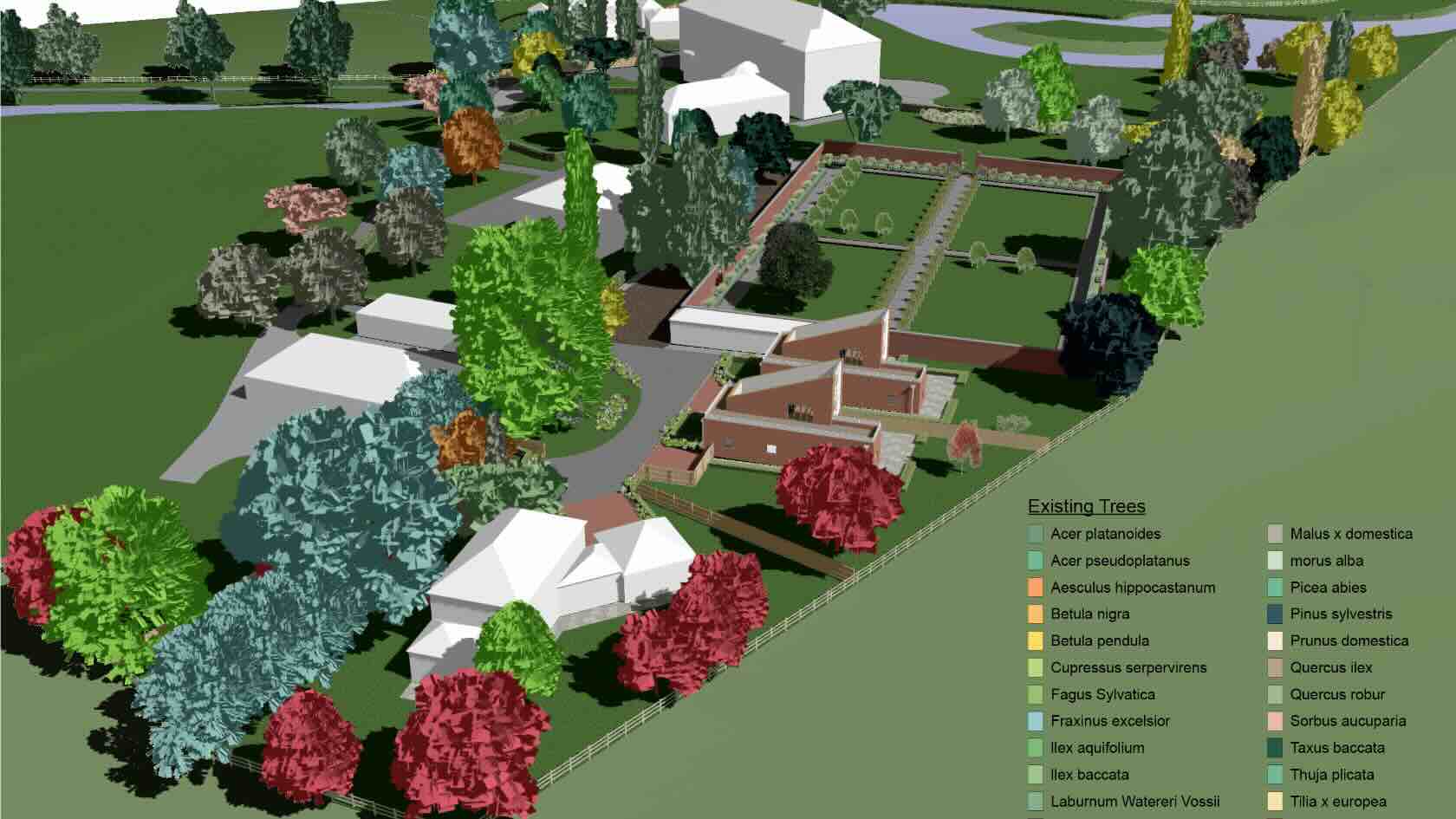
Watch this session to dive deeper into softscape design and discover new capabilities that streamline the production of plant specifications for commercial and residential landscape projects. You’ll gain insights into plant data import, giving you better control over project procurement at early design stages and providing access to data from regional plant suppliers. We’ll share how to build tailored planting palettes, refine attributes such as canopy or irrigation requirements, add notes for maintenance contractors, and design diverse, species-rich plant communities for rain gardens, SuDS schemes, or rooftop gardens with ease.
Additionally, see workflows in action for
producing detailed planting and management plans for public parks and
commercial landscapes, and learn how to effortlessly create, manage, and refine
plant palettes; tailor hedge and array settings; track water requirements; and
streamline graphic replacements. We’ll share how to adhere to planning
conditions and achieve your project’s sustainability goals through integrated
automation that tracks Biodiversity Net Gain or your project's Urban Greening
Factor score.
To receive 1 LA CES PDH and 1 APLD CEU, please make sure to login and complete the quiz after watching our webinar.
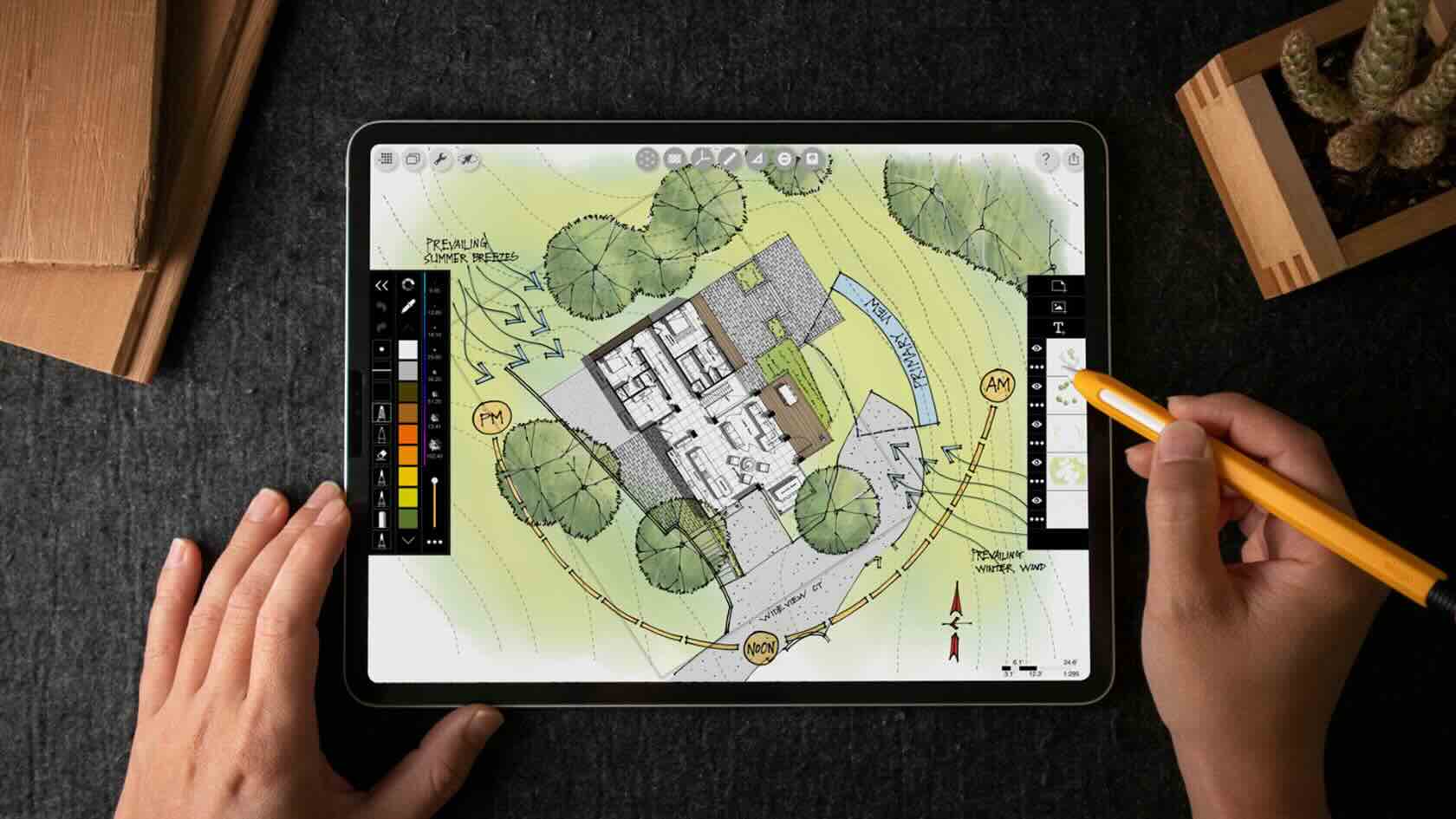
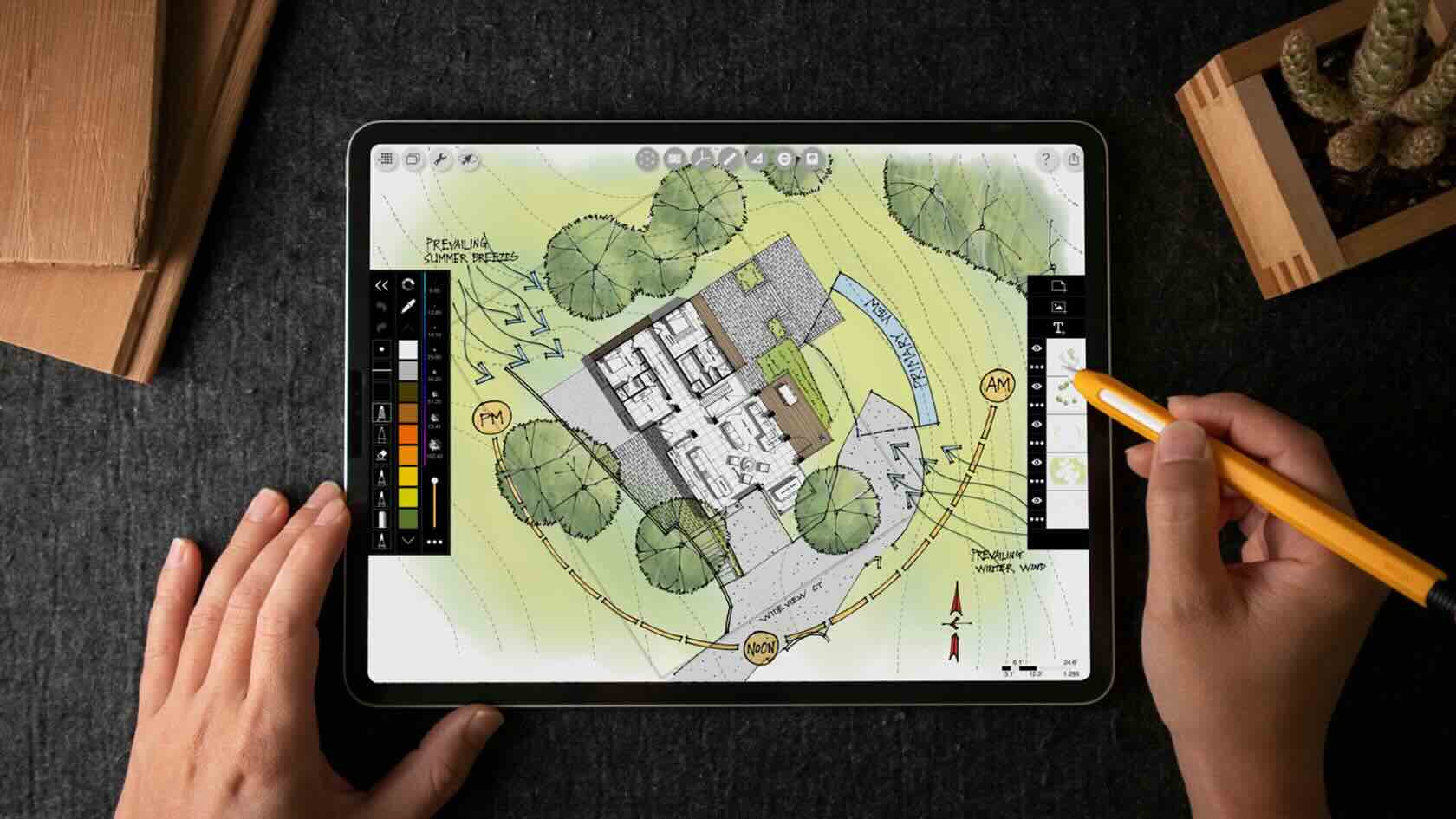
Join architectural designer, educator, and digital workflow expert Henry Gao as he demonstrates three powerful workflows that connect Morpholio Trace and Vectorworks into one seamless design process.
Drawing on his many years of experience helping architects, interior designers, and landscape architects transition from traditional hand drawing to efficient digital workflows, Henry will show how sketching, redlining, and concept development can work hand in hand with professional BIM and documentation tools. With real-world examples, you'll learn how to mark up Vectorworks drawing sets in Morpholio Trace, send revisions back for further development, create site and floor plans that can be brought directly into Vectorworks, and sketch over 3D models to rapidly explore and communicate design ideas. Plus, discover how integrating freehand creativity with digital precision can help you iterate faster, improve communication, and maintain design momentum from early concepts through project development.
Whether you're new to the Morpholio Trace and Vectorworks ecosystem—or looking to refine your workflow—this session will provide practical techniques you can apply to your own projects immediately.
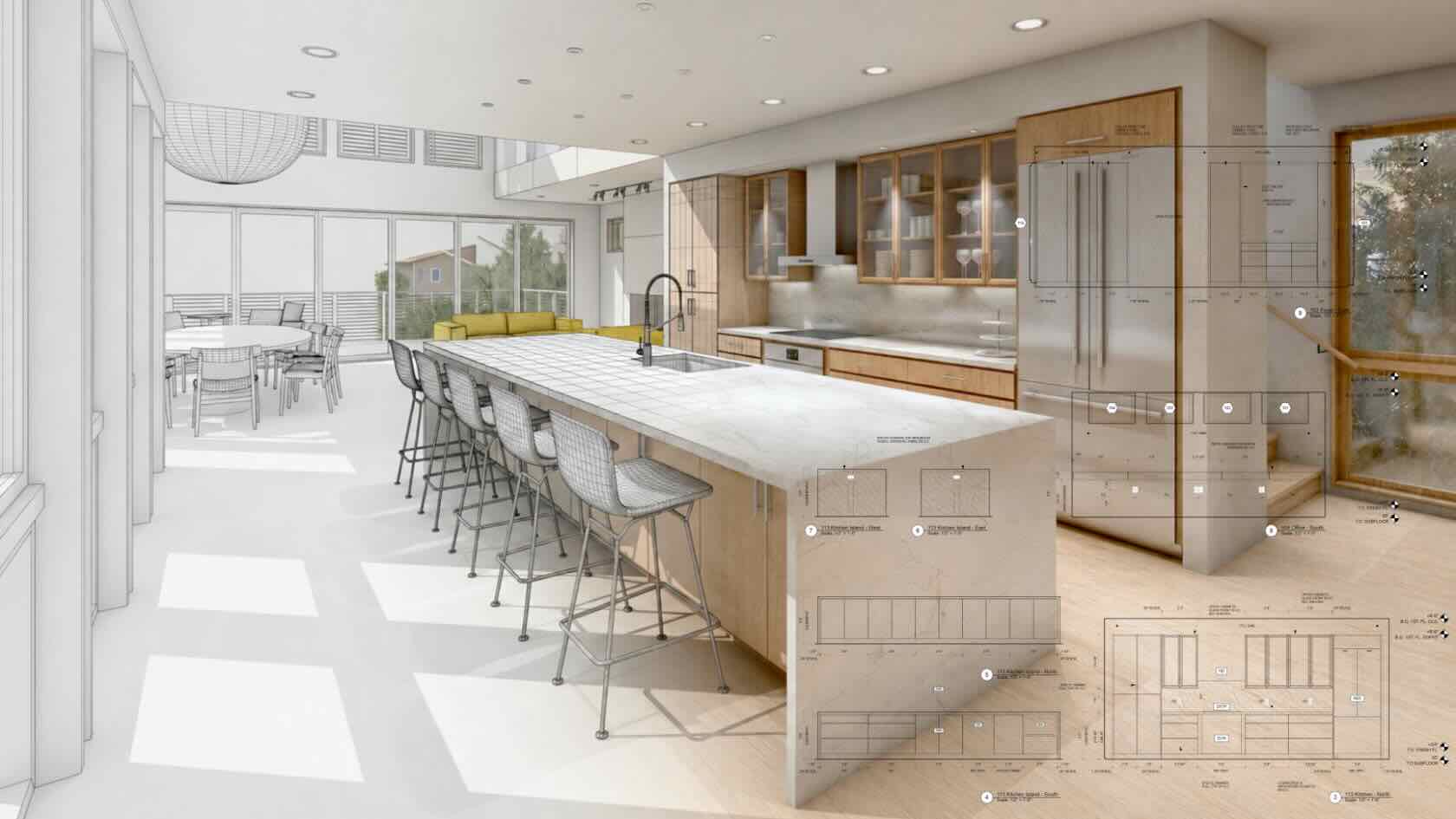
AutoCAD users are feeling the pressure to do more with less, consolidate software, and support 3D and BIM without derailing day-to-day work. A switch to Vectorworks is the right next step. Attend this webinar hosted by Luis Ruiz, lead product specialist at Vectorworks, to learn what it takes for a smooth transition.
Discover how Vectorworks provides a clear path to change at your own pace, with three solutions tailored to your design journey. We will explore adopting Vectorworks Fundamentals as your modern CAD alternative with purpose-built architectural tools, uncover the unique benefits of Vectorworks Architect, and review how to use the Vectorworks Design Suite for complex work. Plus, see how firms like yours have made the software transition to simplify processes, reduce complexity, and bring better designs to life through practical examples and customer stories.
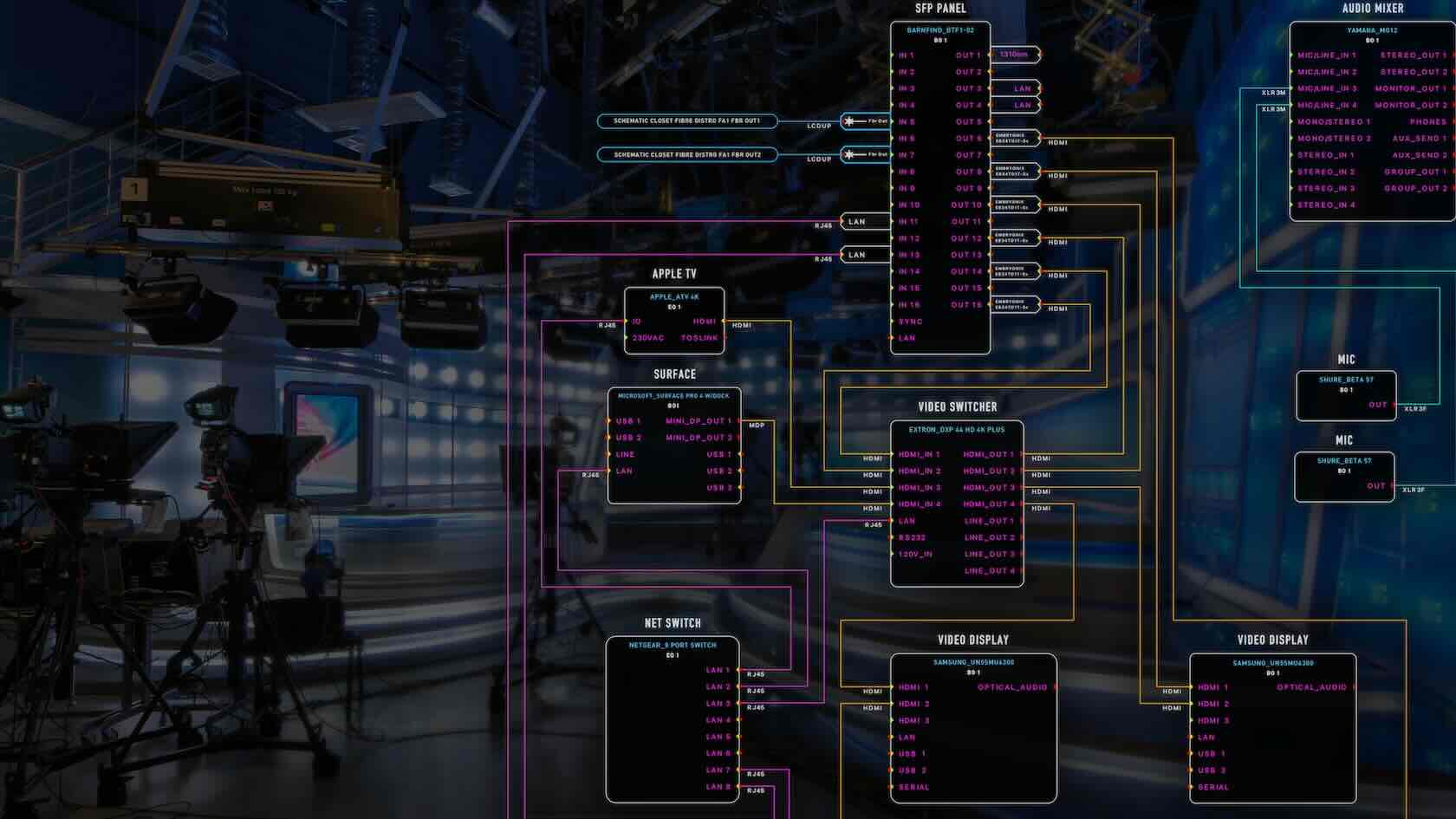
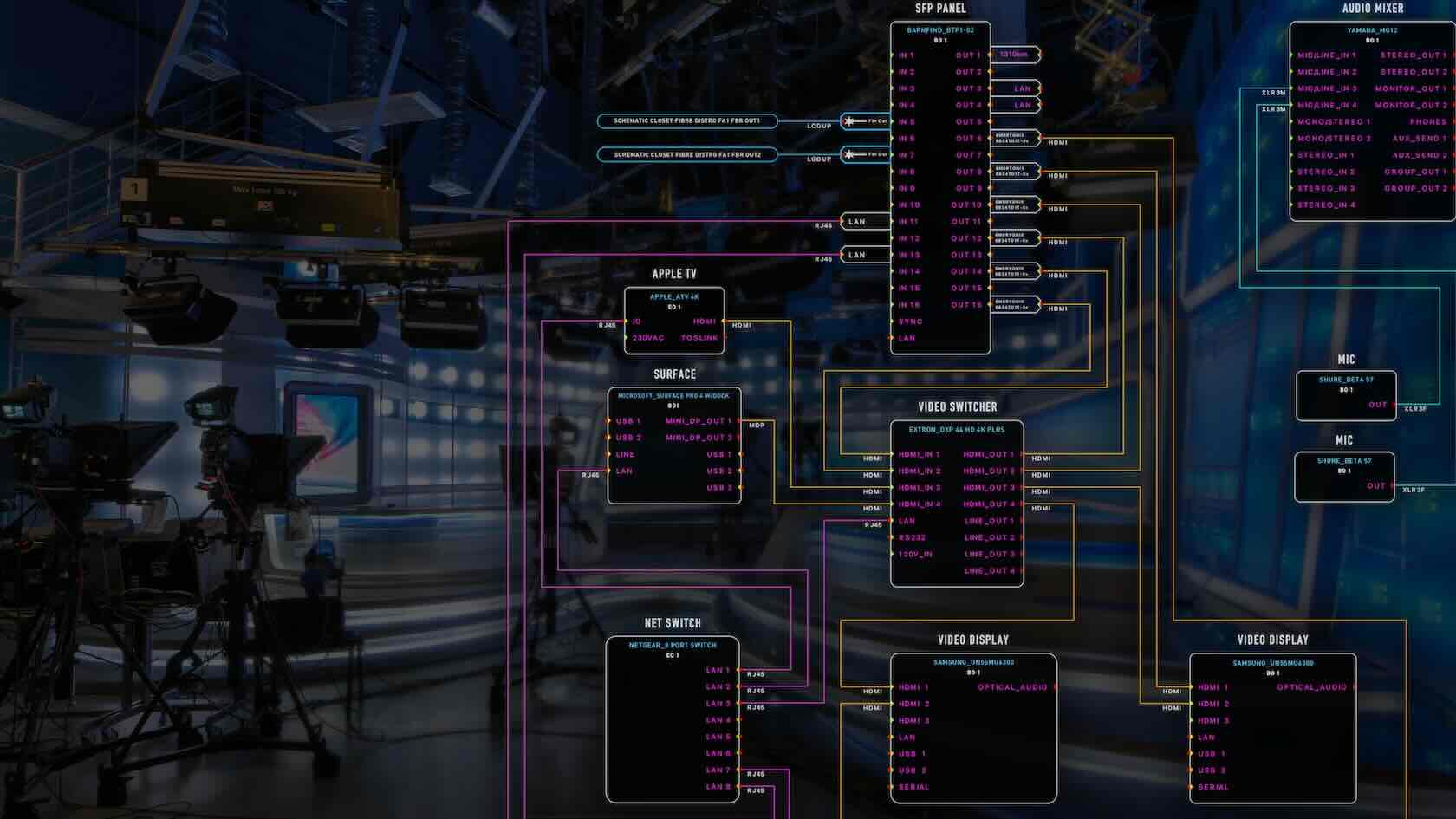
During this one-hour webinar, attendees will learn all about the latest ConnectCAD Database management improvements across creating, storing, and sharing schematic device and Equipment item libraries. To better support interoperability with Vectorworks Spotlight and collaborative workflows, the ConnectCAD Database has been integrated directly into the Vectorworks symbol libraries. We will take a deeper look at how this works and interacts with existing tools and workflows.
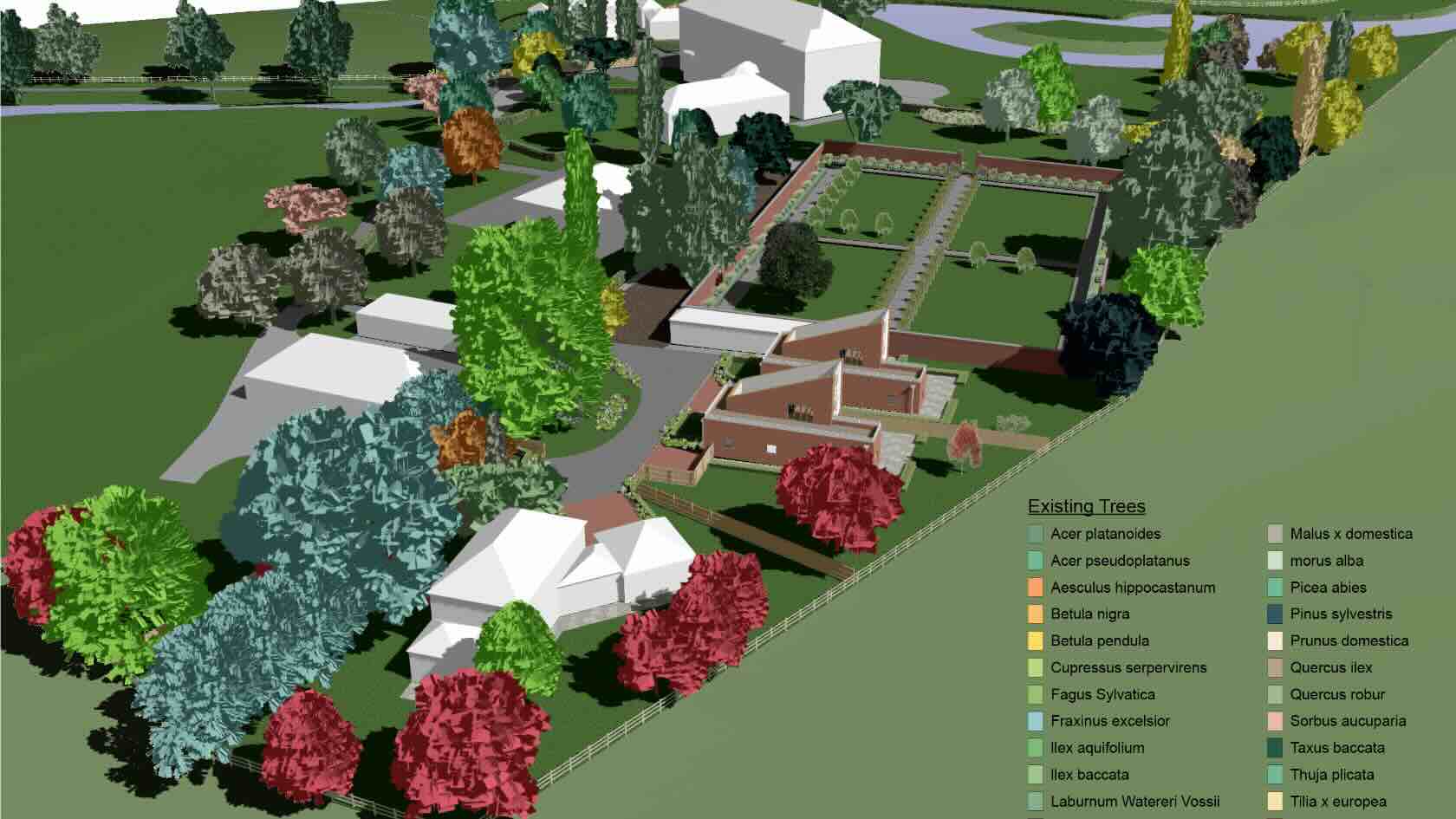
Explore how data visualization tools transform garden zoning, maintenance planning, and phased planting into efficient, data‑driven workflows. Learn how to create visuals that stay accurate as your design evolves — saving time, improving coordination, and clarifying intent across your project team and your project’s collaborators.
To receive 1 LA CES PDH and 1 APLD CEU, please make sure to login and complete the quiz after watching our webinar.
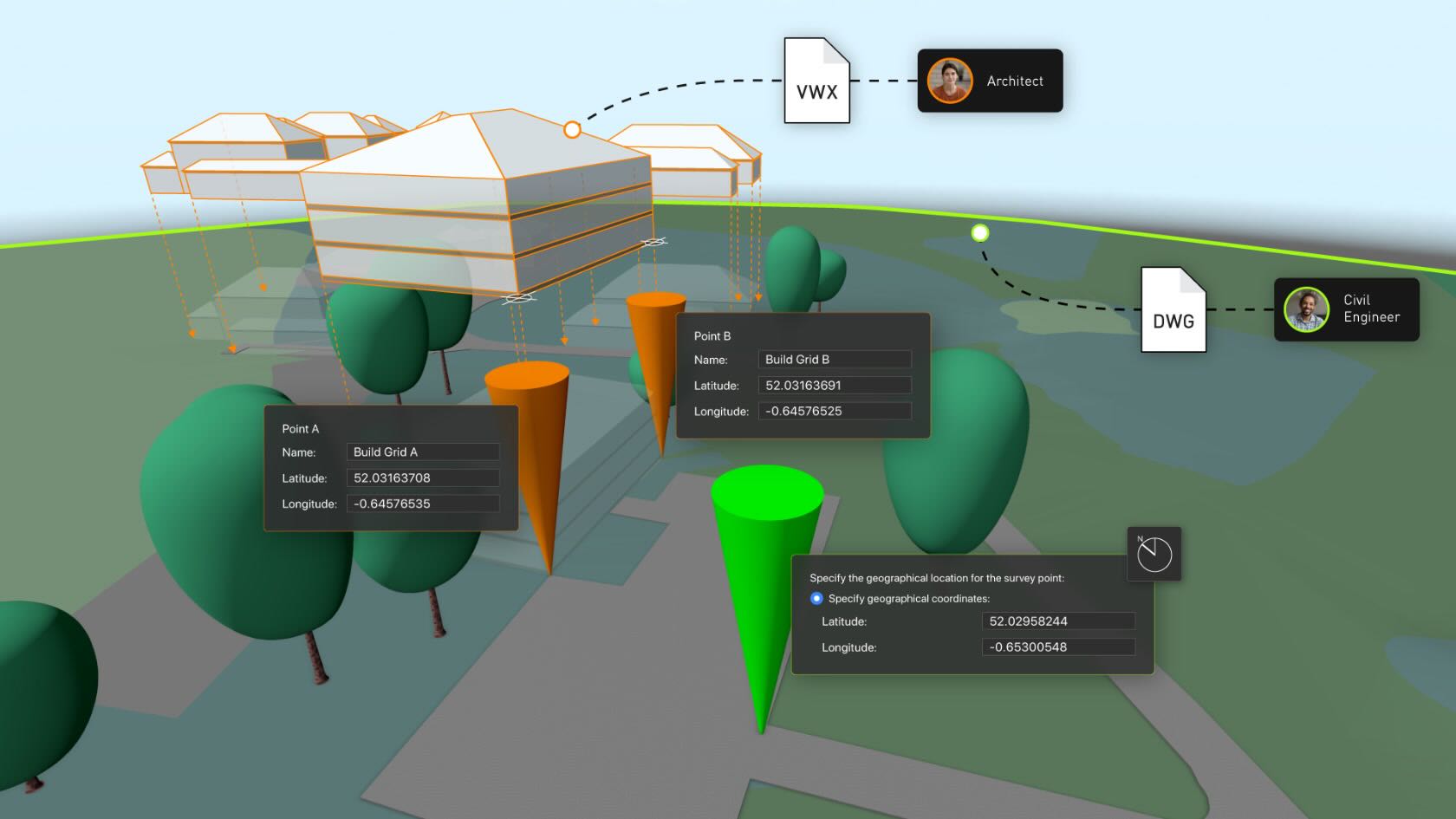
Successful collaboration between designers and consultants using different software depends on reliable file exchange and effective communication. This one-hour webinar, designed for architects and landscape architects, explores how to manage projects effectively when collaborating with consultants, enhancing cross-platform coordination and best-practice workflows for interoperability between AutoCAD and Vectorworks.
Hosted by Vectorworks product specialists Luka Stefanovic and Marketa Hermova, attendees will gain practical insights for maintaining precision and consistency throughout the design and documentation process. Learn clear, repeatable workflows to improve the reliability and efficiency of drawing exchanges across design disciplines.
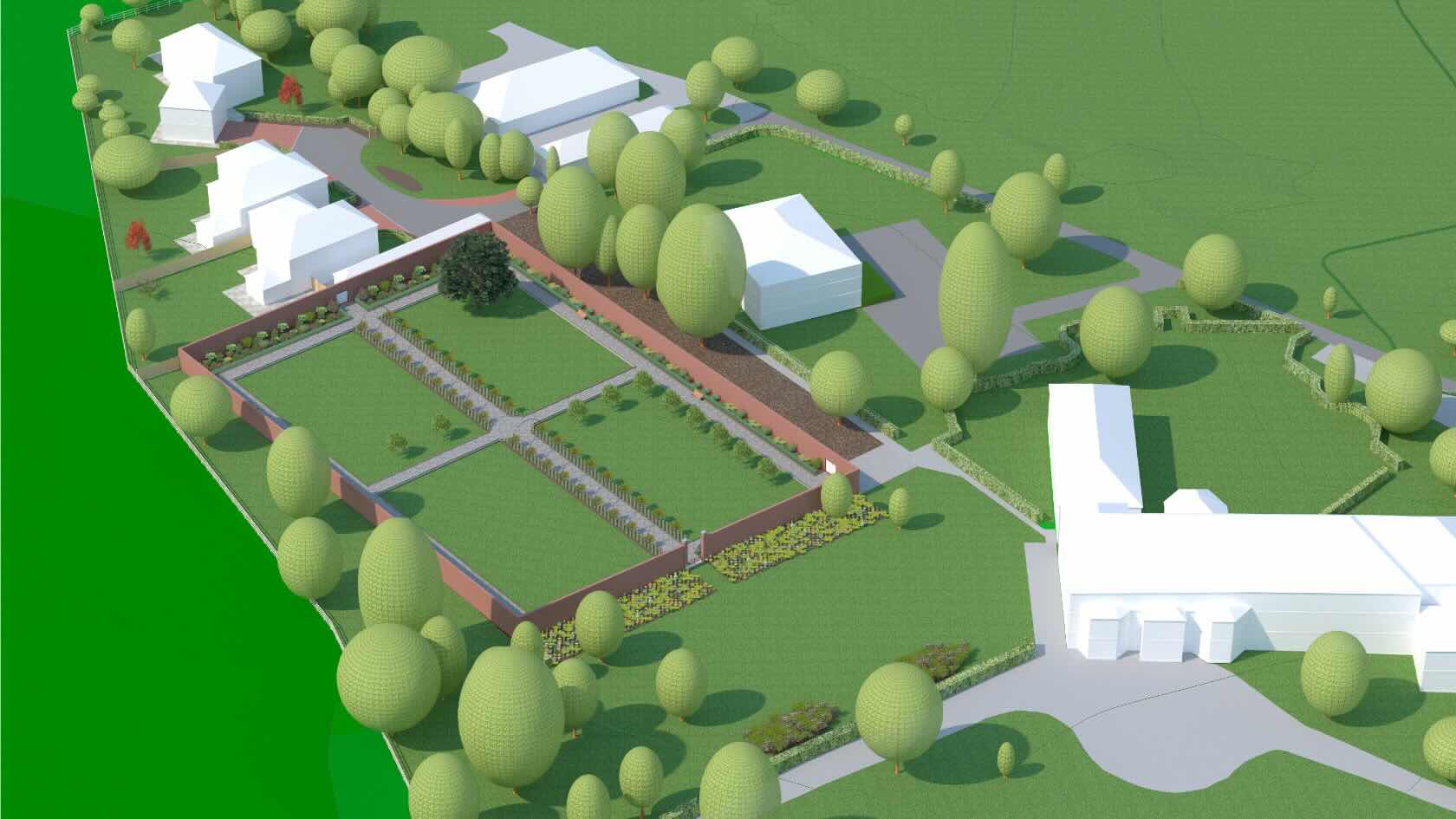
Turn accuracy and consistency into better collaboration.
In this session, we’ll dive deeper into organization, data mapping, and standardization within BIM models. You’ll also see how your workflows can be automated with a system designed to improve coordination and ensure project compliance with BIM standards. By employing centralized control over project information, you can reduce errors and enhance the reliability of deliverables.
Whether you’re collaborating with architects, interior
designers, or structural engineers, proper data management helps you to
streamline the process while supporting customization of your existing
workflows.
To receive 1 LA CES PDH and 1 APLD CEU, please make sure to login and complete the quiz after watching our webinar.

Join architect, International Associate AIA, and lead product specialist Luis Ruiz for a visual journey through how interior design ideas are communicated to clients, from hand-rendered perspectives and sample boards to CAD plans, photorealistic renderings, VR walkthroughs, and today’s AI-powered tools. You’ll see how each shift has changed the designer–client conversation while the core challenge has stayed the same: helping people clearly envision spaces that don’t yet exist.
Drawing on his architectural background and years supporting interior designers worldwide with design technology, Ruiz will connect historical methods, current platforms, and emerging tech to reveal what’s been gained, what’s been lost, and what may come next for your practice.
To receive 1 AIA LU and 1 IDCEC CEU, please make sure to login and complete the quiz after watching our webinar.

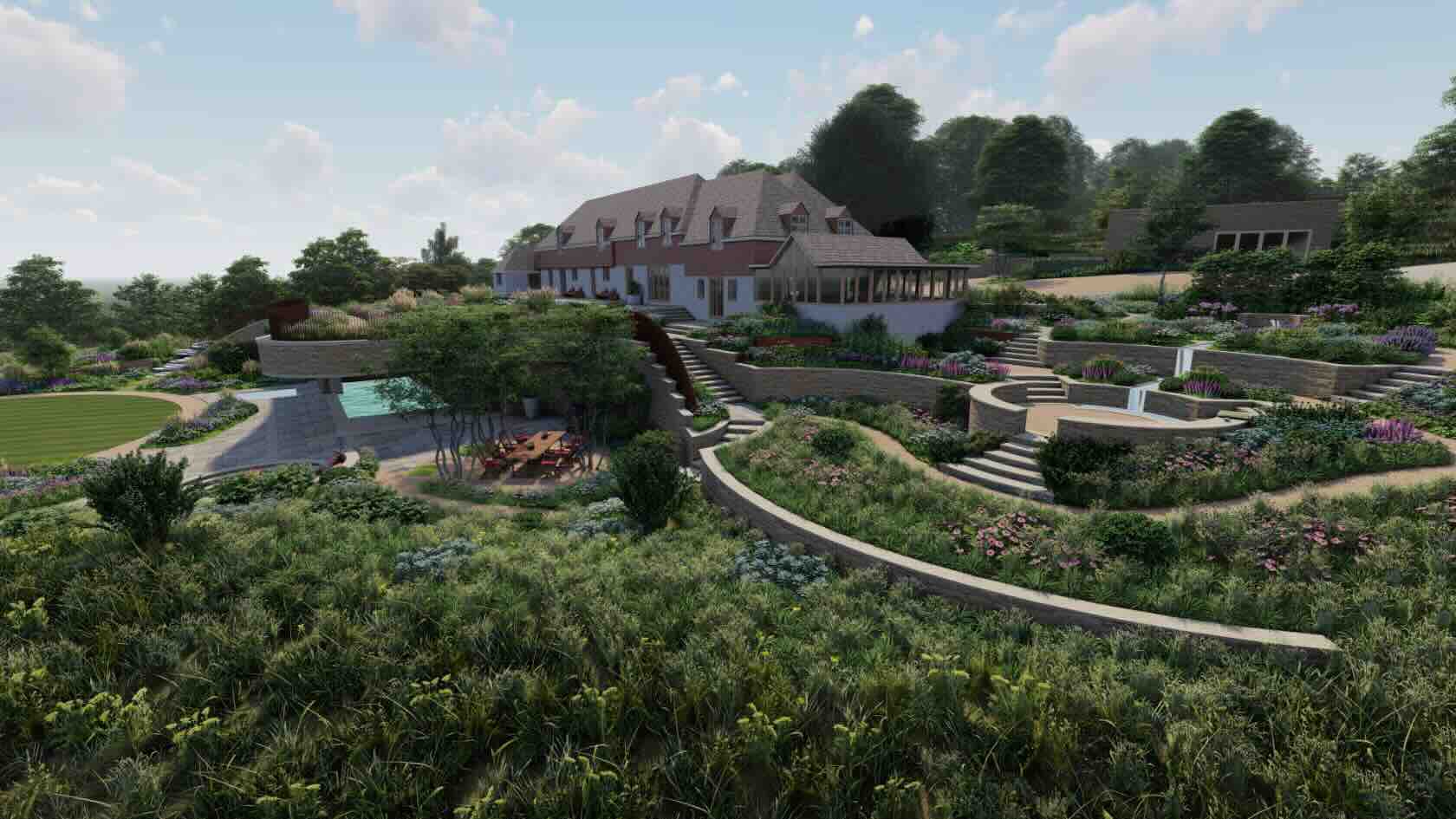
How do you keep complex residential landscapes on budget, on schedule, and buildable when every decision affects cut-and-fill, sustainability, and coordination with the wider design team?
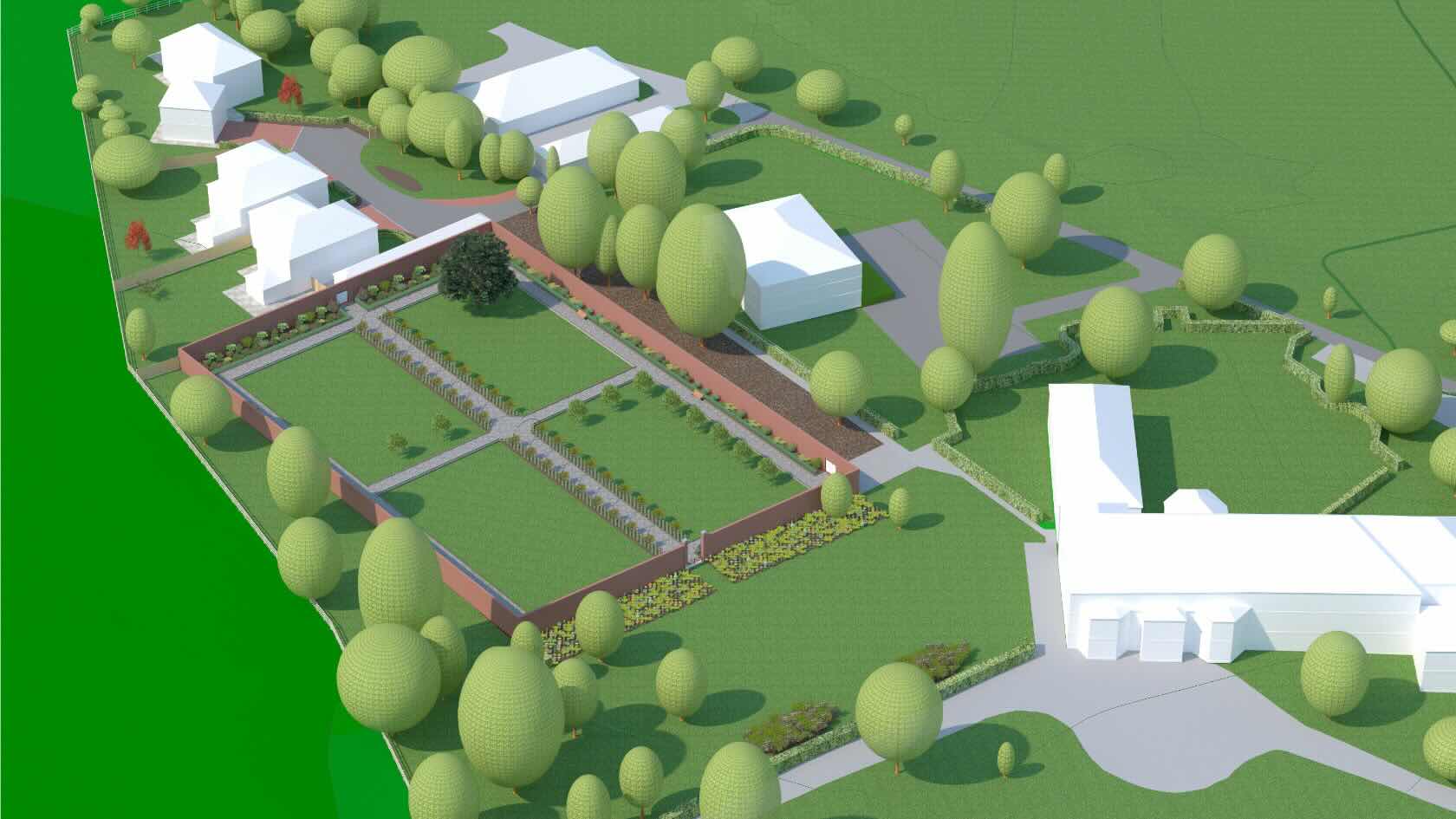
In this webinar, you’ll follow a complete site design workflow from early grading studies to coordinated technical information that contractors and consultants can trust. You’ll see how to build a coordinated 3D site model, test grading strategies, and run cut‑and‑fill calculations so you can minimize import and export while managing soil expansion, spoil locations, and formation levels with confidence.
Through real‑world style examples,
you’ll learn how to structure drawings so that layers, classes, itemized build‑ups, and formation levels
feed directly into clear material take‑offs and cost planning, helping you stay within
budget while meeting performance and environmental targets.
To receive 1 LA CES PDH and 1 APLD CEU, please make sure to login and complete the quiz after watching our webinar.
- Manager: Vectorworks University
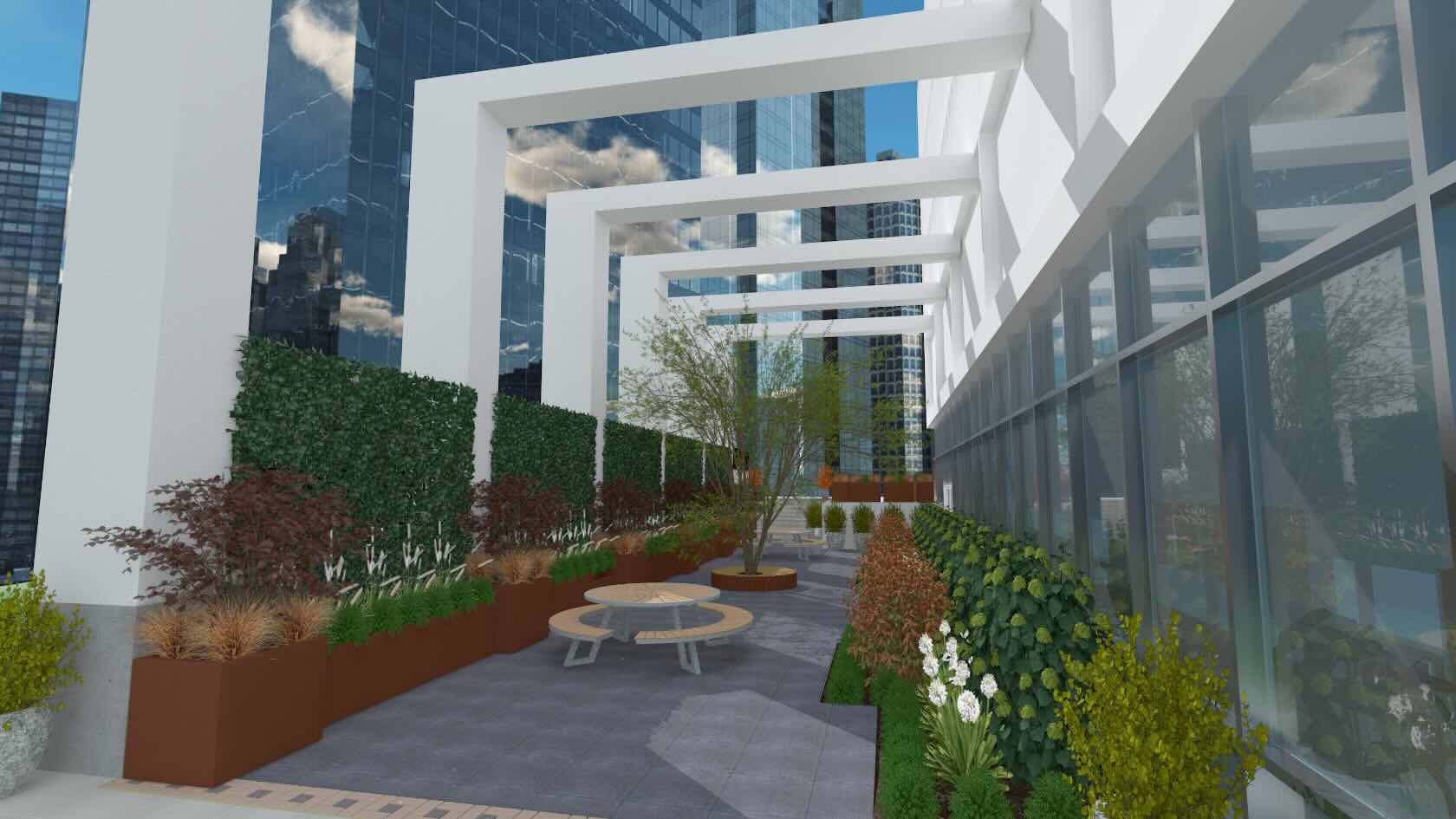
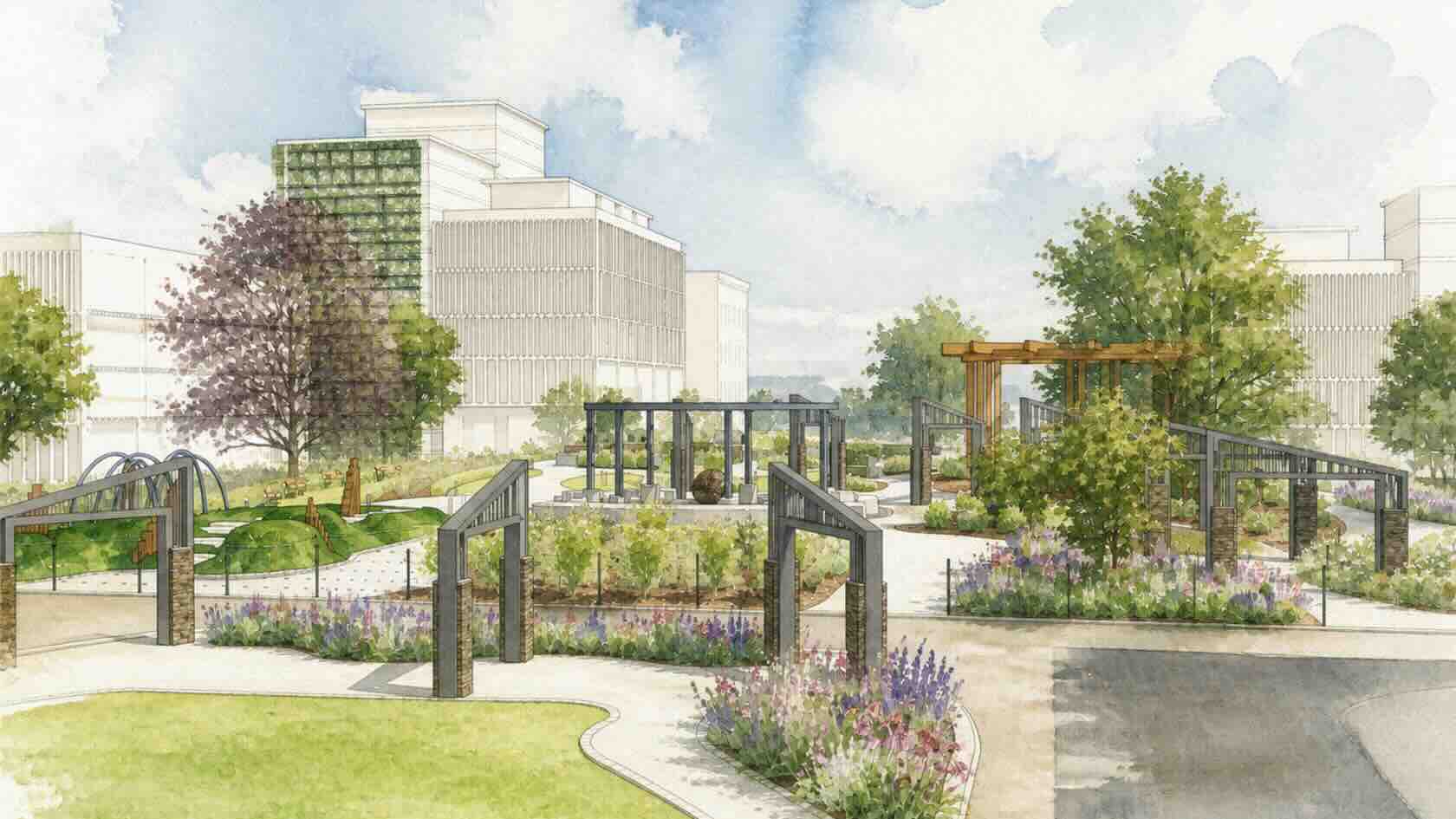
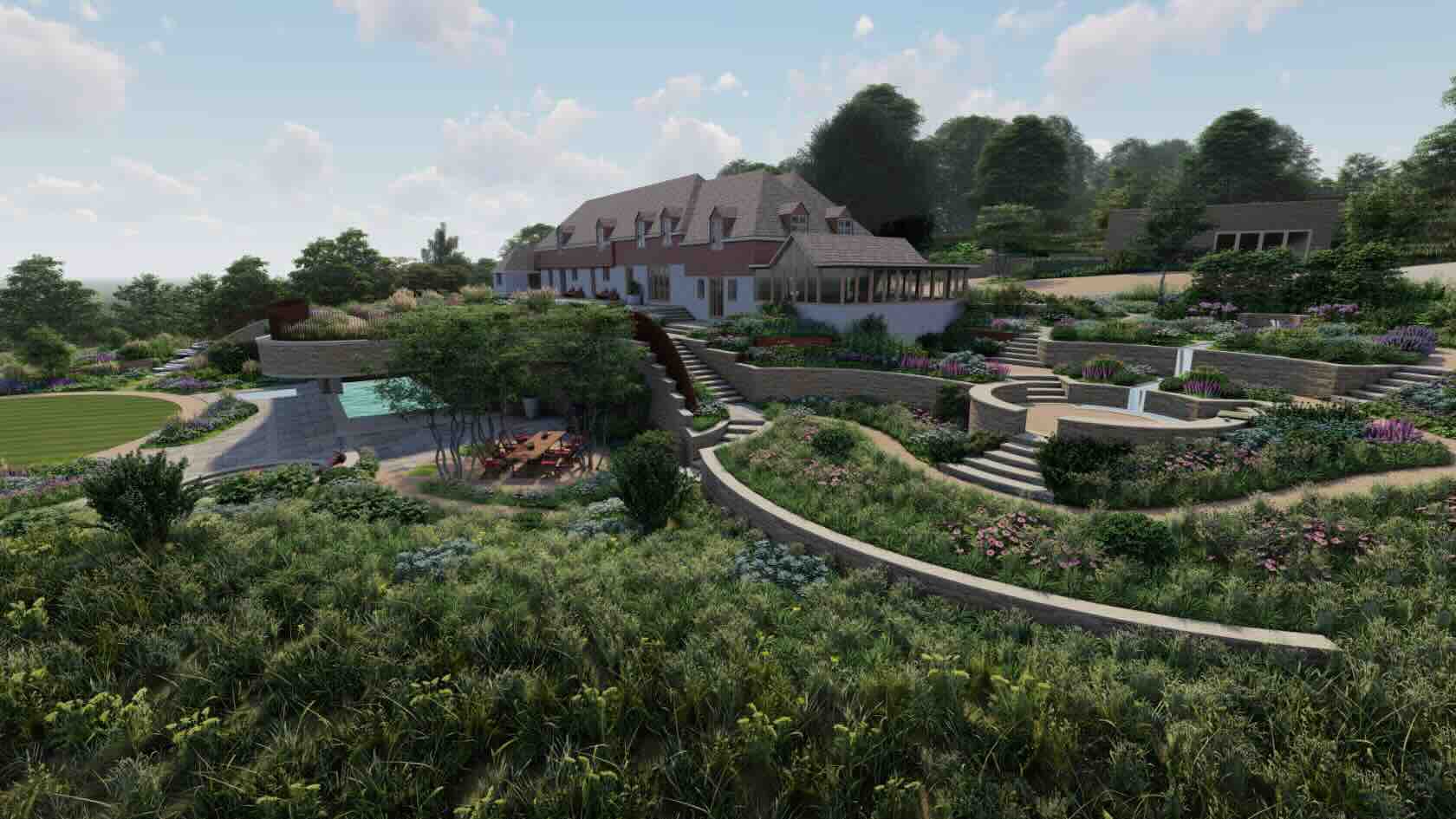
In this webinar, you’ll explore the structural design of a commercial outdoor terrace and learn capabilities of powerful design software tools. You’ll gain insights into efficient digital workflows, data-driven plant selection, and visualization techniques that integrate design, ecology, and construction to deliver environmentally responsible commercial landscapes.
To receive 1 LA CES PDH and 1 APLD CEU, please make sure to login and complete the quiz after watching our webinar.


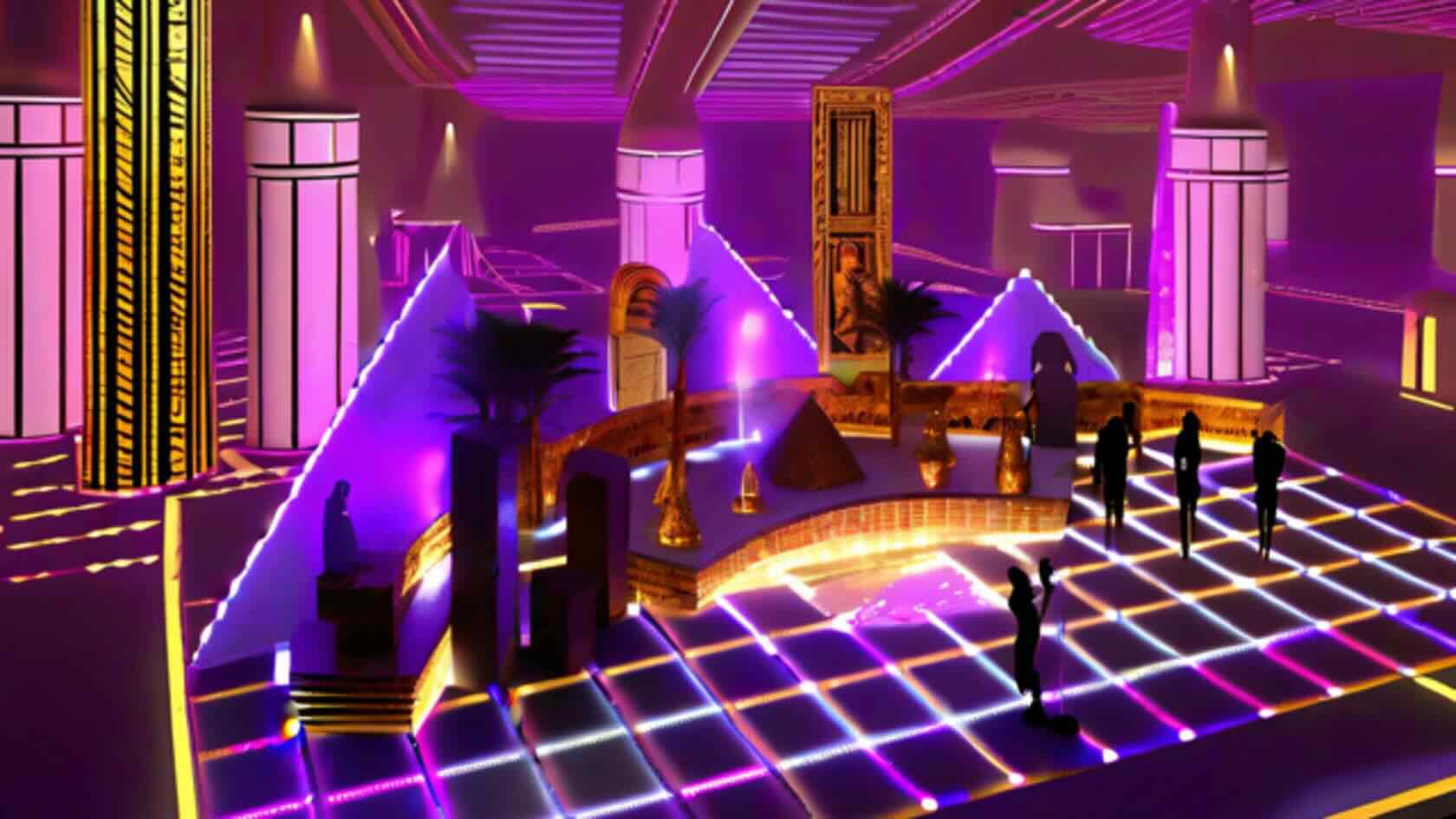
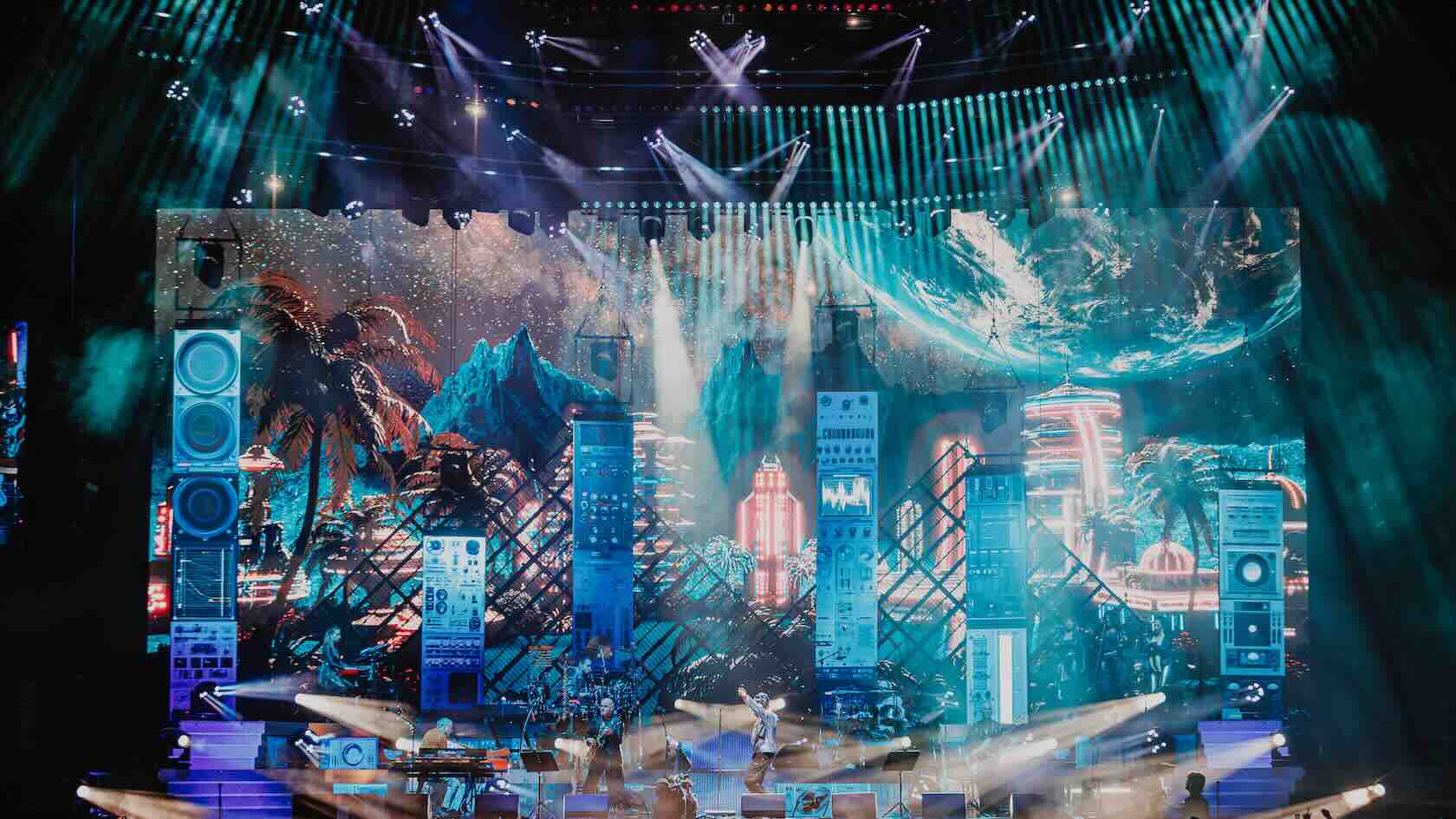
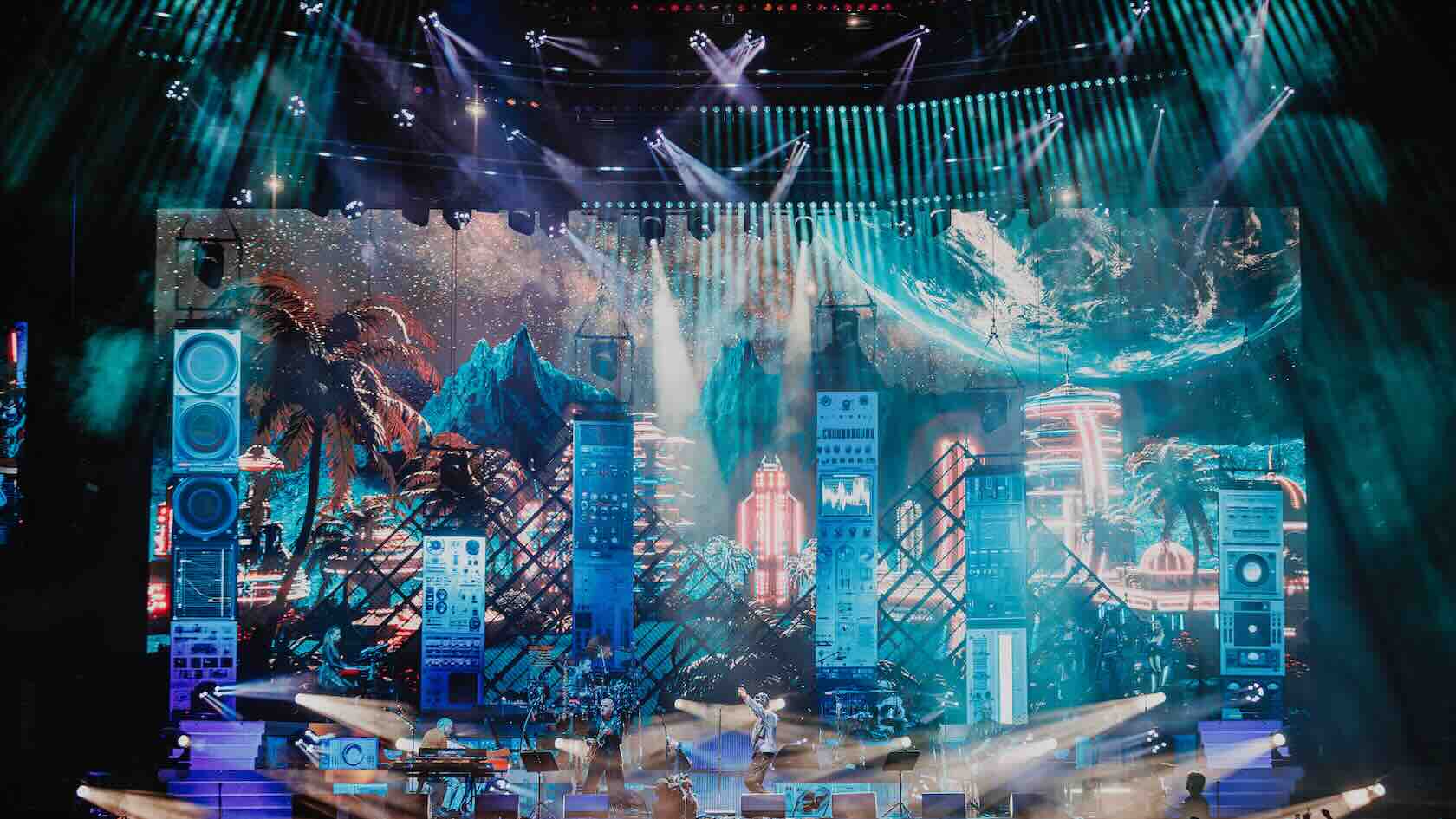
Designing an arena show requires precision, creativity, and strategic planning. In this webinar, Vince Foster, an accomplished lighting, set, and video designer in live entertainment, walks you through his complete workflow for designing the Jamiroquai 2025 arena show using Vectorworks Spotlight.
In this session, you’ll see how to transform a rough hand-drawn concept into a production-ready technical document, starting with document setup, workspace configuration, and custom shortcuts. From there, you will learn how to design the set and lighting within real-world constraints such as stage size and sightlines, using the latest visibility tools and Vectorworks AI for creative inspiration and problem-solving.
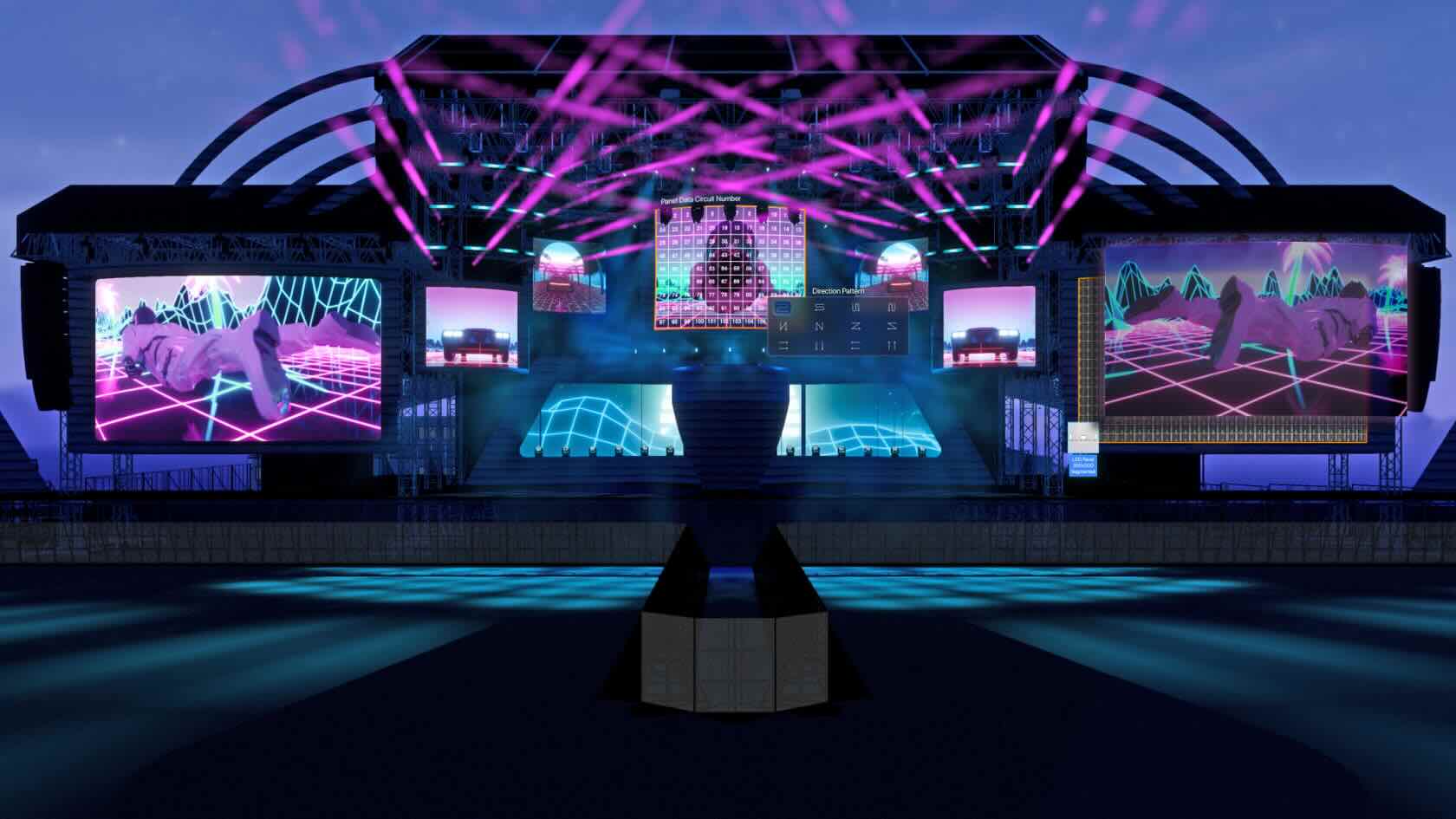
The webinar, hosted by Joshua Schulman, Matt Artigues, and Live Design, explores the updated Showcase feature in Vectorworks Spotlight 2026, highlighting its new visual and control capabilities and the addition of the versatile LED Wall tool for more dynamic stage and event design.
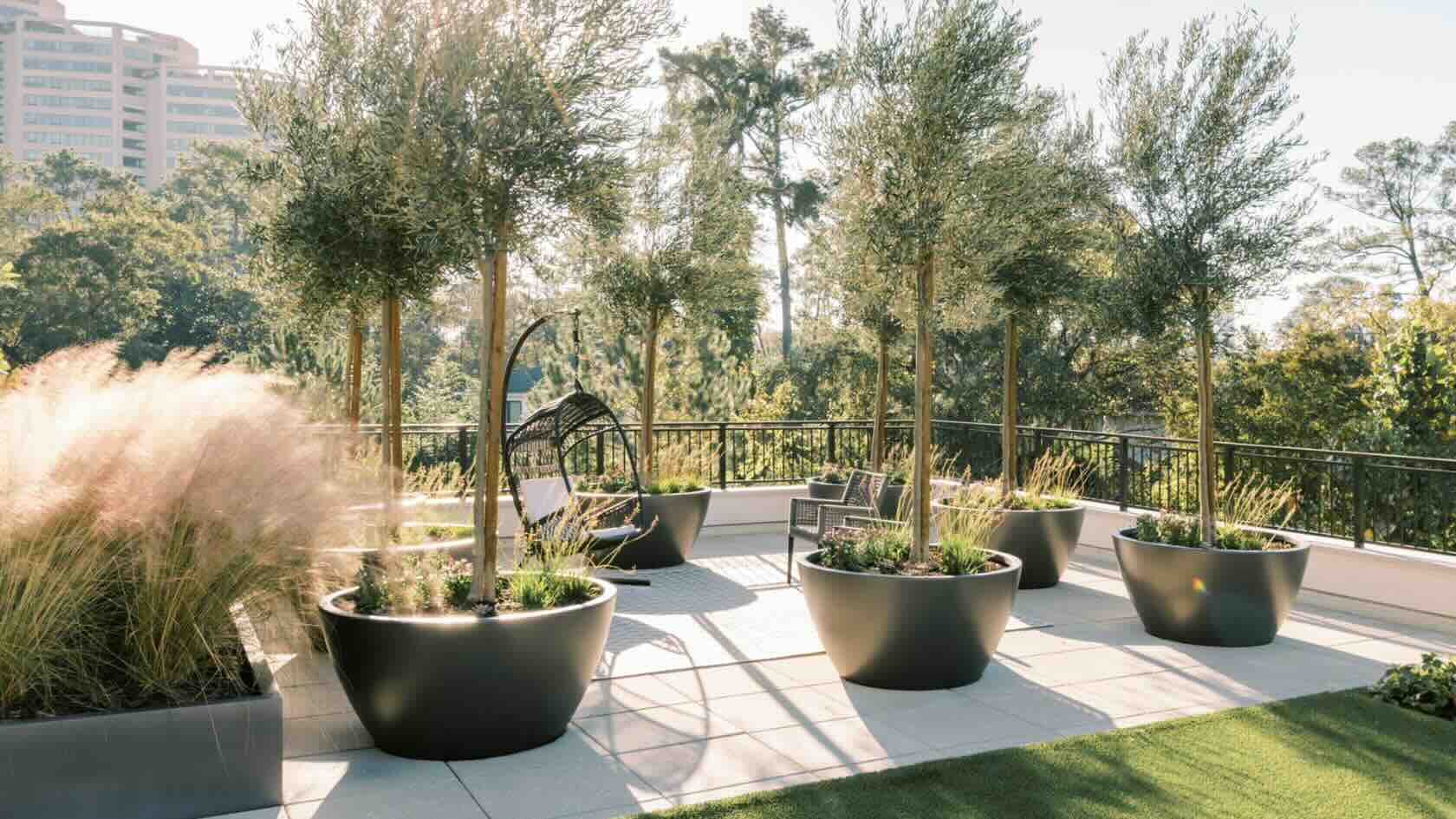
Product manufacturers have invested considerable time and resources in creating Environment Product Disclosures (EPDs) to assist landscape architects and other site design professionals in pursuing more climate-positive landscapes.
Join Bryce Carnehl of Hunter Industries,
Christopher Lyon of Tournesol, and Eric Gilbey of Vectorworks for a panel
discussion on EPDs, how they’re produced, and where they can be utilized in
site planning and design workflows.
To receive 1 LA CES PDH and 1 APLD CEU, please make sure to login and complete the quiz after watching our webinar.
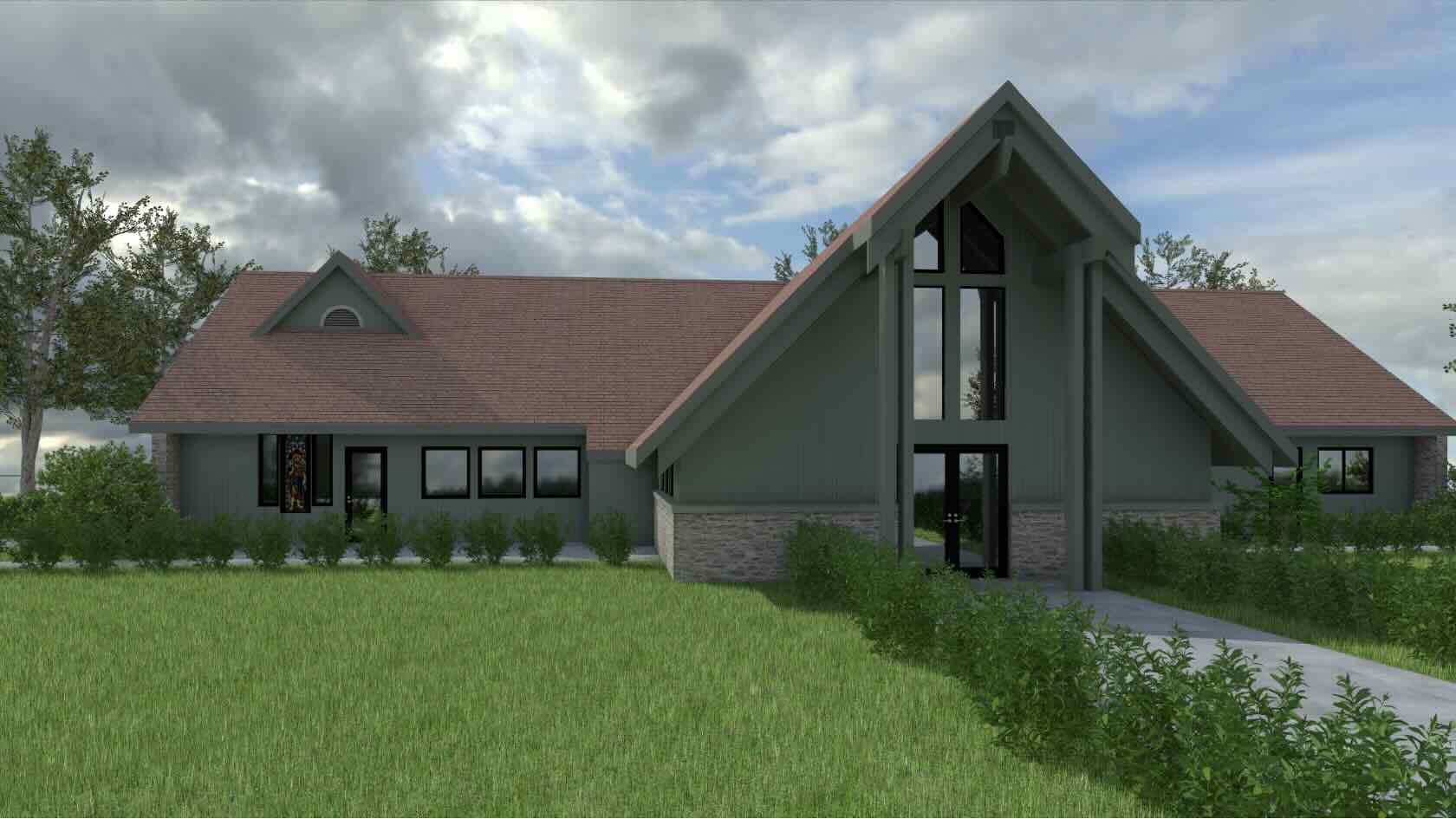
The most environmentally responsible building may be one that’s already built.
In this webinar, learn how François Lévy, architect and principal
at François Lévy Architecture + Interiors, used BIM softwarwe to serve a church
congregation in its decision-making process regarding the fate of its damaged
parish hall. The firm used a variety of tools, such as Space objects,
worksheets, data visualization, and Point Cloud photogrammetry, to evaluate the
building rehabilitation and explore options to undertake the project
efficiently in phases.
To receive 1 AIA LU, 1 CORE AIBC LU, and 1 CORE AAA LEARNING HOUR please make sure to login and complete the quiz after watching our webinar.

