













This lesson introduces a complete Vectorworks Architect workflow, from creating a simple 3D building shell from basic 2D geometry through organizing the model and producing sheets. You will create and visualize a schematic building, use design layers and classes to structure the file, generate floor plans and elevations, add a title block, and publish a PDF so you see how modeling and documentation stay coordinated from the very start.
This lesson focuses on using the Building Shell toolset and object styles to create consistent, efficient building models. You will create walls, slabs, and roofs with components, explore the default style libraries, and then develop custom object styles so you can deploy, evaluate, and standardize building elements across projects.
This lesson shows how to use stories and story levels as the core vertical datums for your building model. You will coordinate story-bounded object styles with preconfigured templates, create sections with elevation benchmarks that respond to those datums, and edit default stories and story levels so they match your office standards while keeping styles correctly associated.
This lesson develops practical wall‑modeling skills, starting from base context and moving through editing and refinement. You will trace walls over a base plan, learn multiple direct and indirect methods for editing them, examine how cut plane settings affect 2D wall graphics, and use companion tools to split and join walls for real‑world conditions.
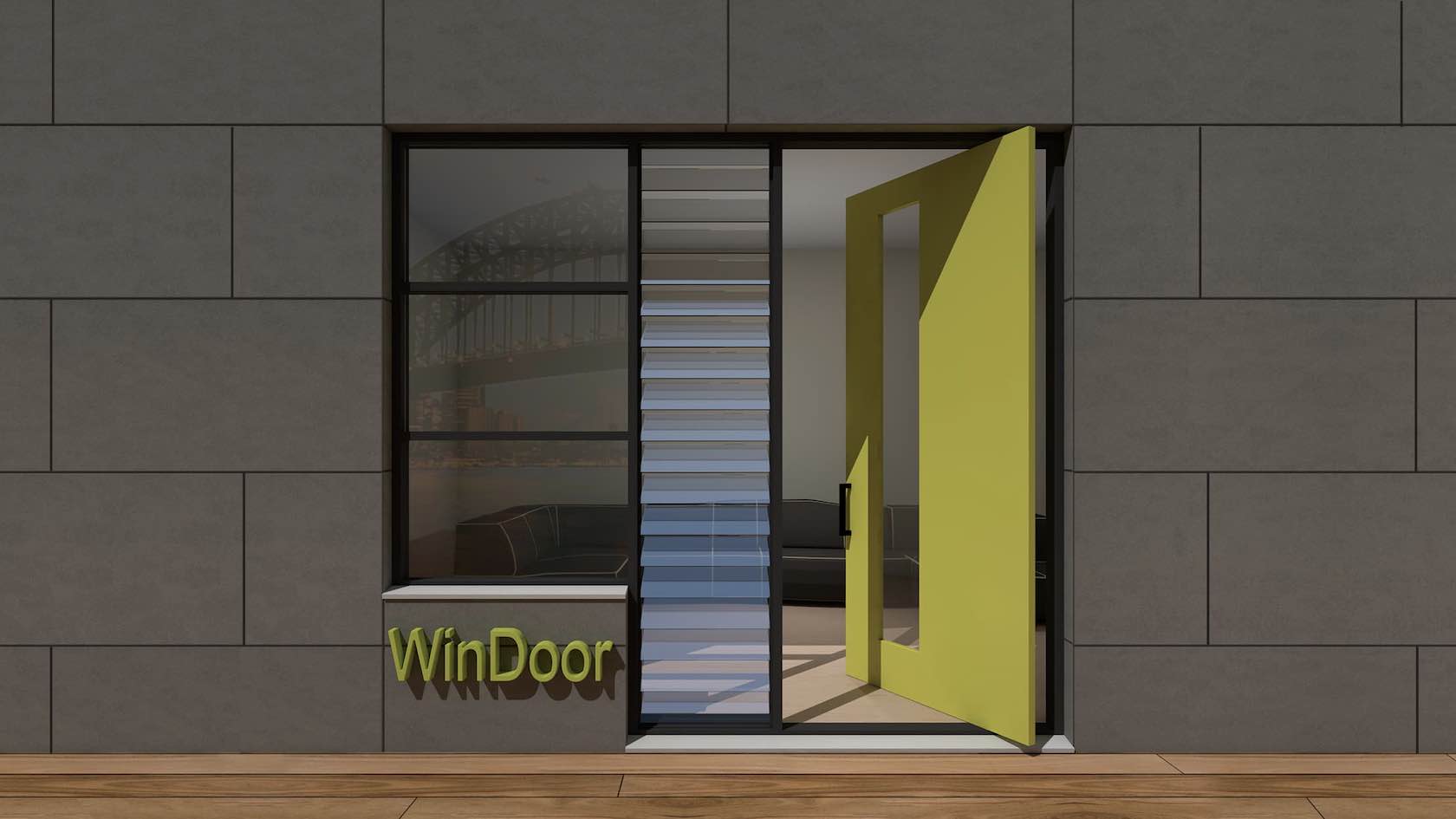
This lesson covers inserting, styling, and positioning doors and windows as plug‑in objects in your wall systems. You will begin with unstyled doors and windows in a simple model, then use plug‑in object styles for efficiency, and finally learn precise methods for positioning inserts along and across walls, whether they are styled or unstyled.
This lesson focuses on creating and controlling slabs so they accurately represent floors, decks, and similar horizontal elements. You will work with manual and auto‑bound edge offsets, generate slabs from walls to create and manage wall‑slab associations, and use a variety of slab modifiers to handle openings, projections, and other design conditions while understanding the distinction between boundaries, offsets, and modifiers.
This lesson introduces stair and railing tools and how they integrate with your architectural model. You will review, place, and edit standard stair configurations, then insert and adjust railings on level surfaces and at stairs so that your circulation elements are both accurate in 3D and ready for documentation.
This lesson develops the skills needed to model and refine roof systems for your projects. You will explore creating roofs from building geometry, adjust roof forms and components, and learn how roof objects coordinate with walls, slabs, and other shell elements to support both design studies and documentation.
This lesson turns your model into clear, well‑organized drawings by focusing on annotation and detail workflows. You will refine viewports, add key annotations and detail information, and learn strategies for keeping notes, tags, and drawings coordinated as the model evolves.
This lesson connects your model to door and window keys and schedules so information stays coordinated across drawings and reports. You will establish meaningful door and window IDs, use data tags as live keys on plans and elevations, and generate, edit, and reuse reports to create door and window schedules that match your office standards while helping you review, locate, and update model elements.