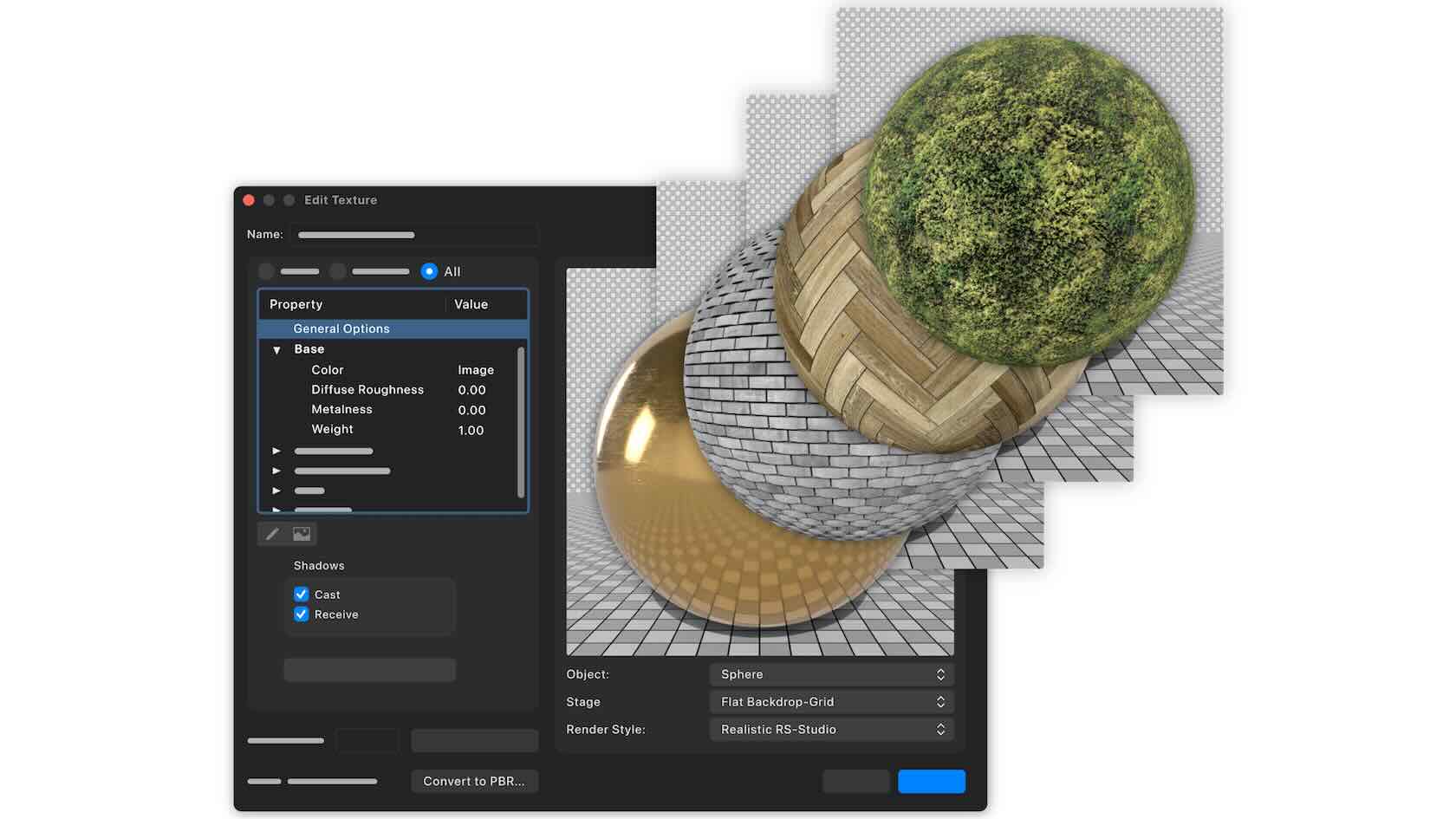






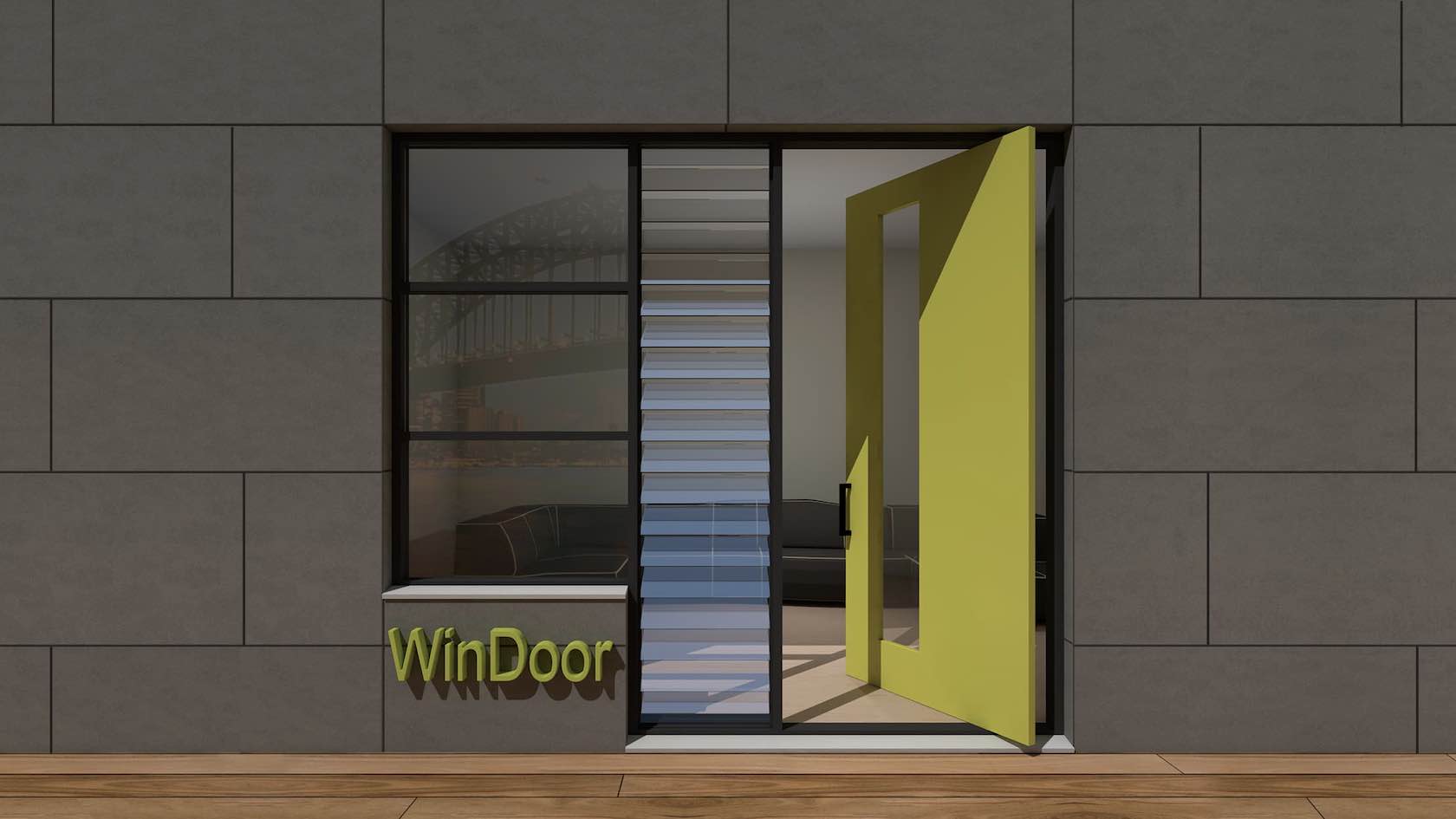

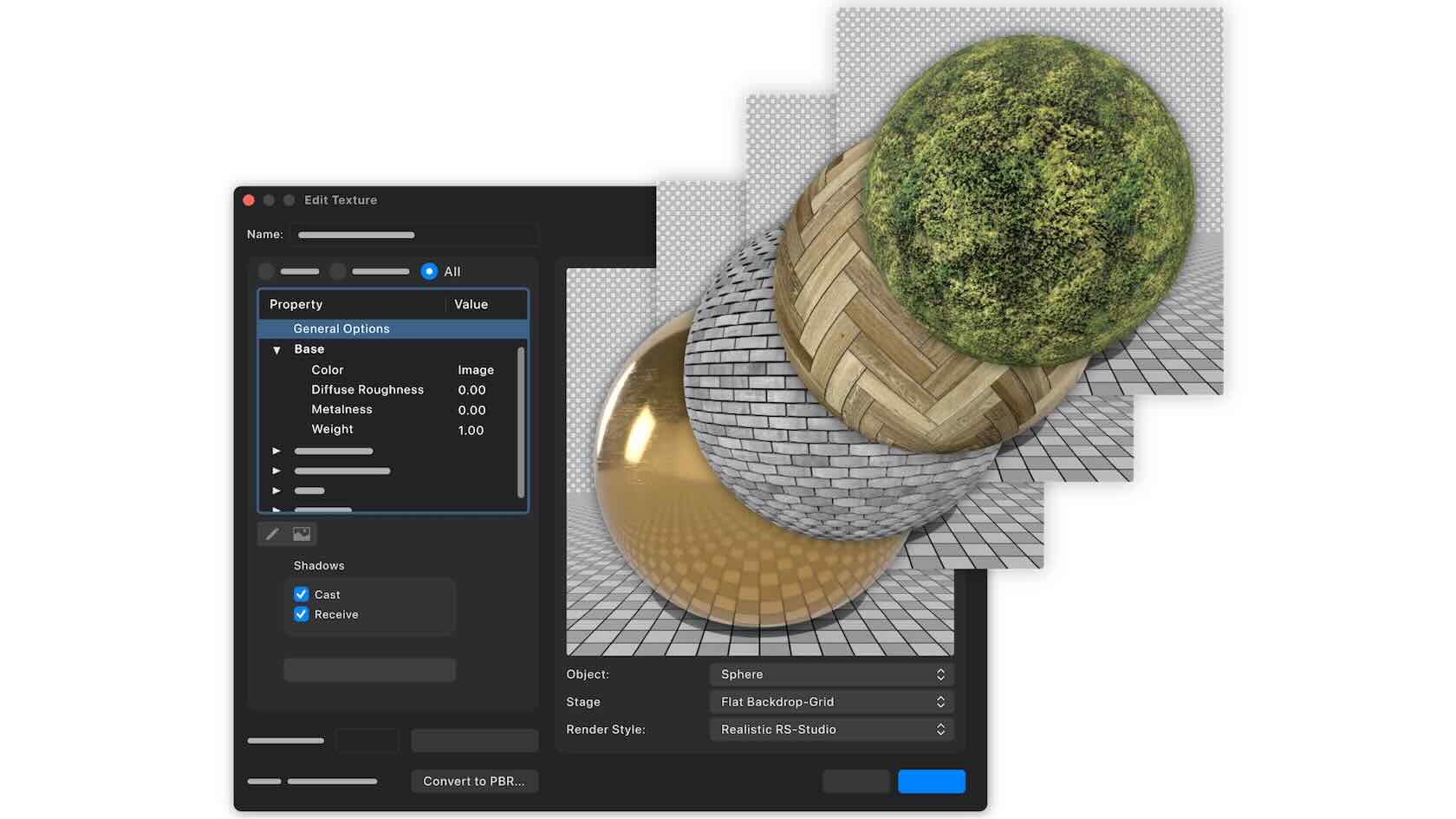
Create stunning textures once, then enjoy the payoff everywhere you work. A modern PBR texture system lets you build richer, more realistic materials with live previews, convert old textures in a click, and send those same render ready surfaces straight into dedicated visualization tools—so your visuals all share the same high-quality materials without extra rework.
Discover how to get started with this video.
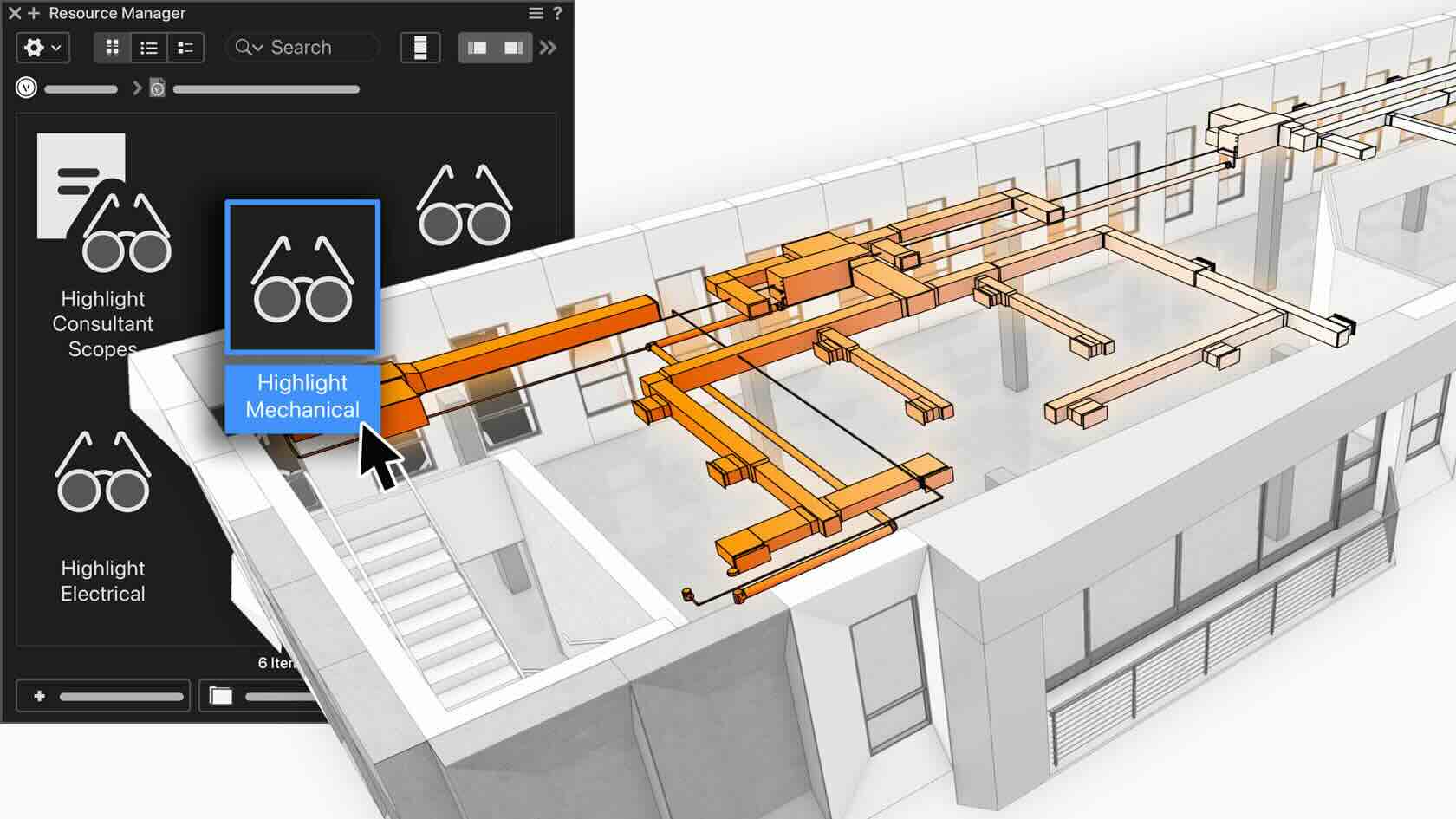
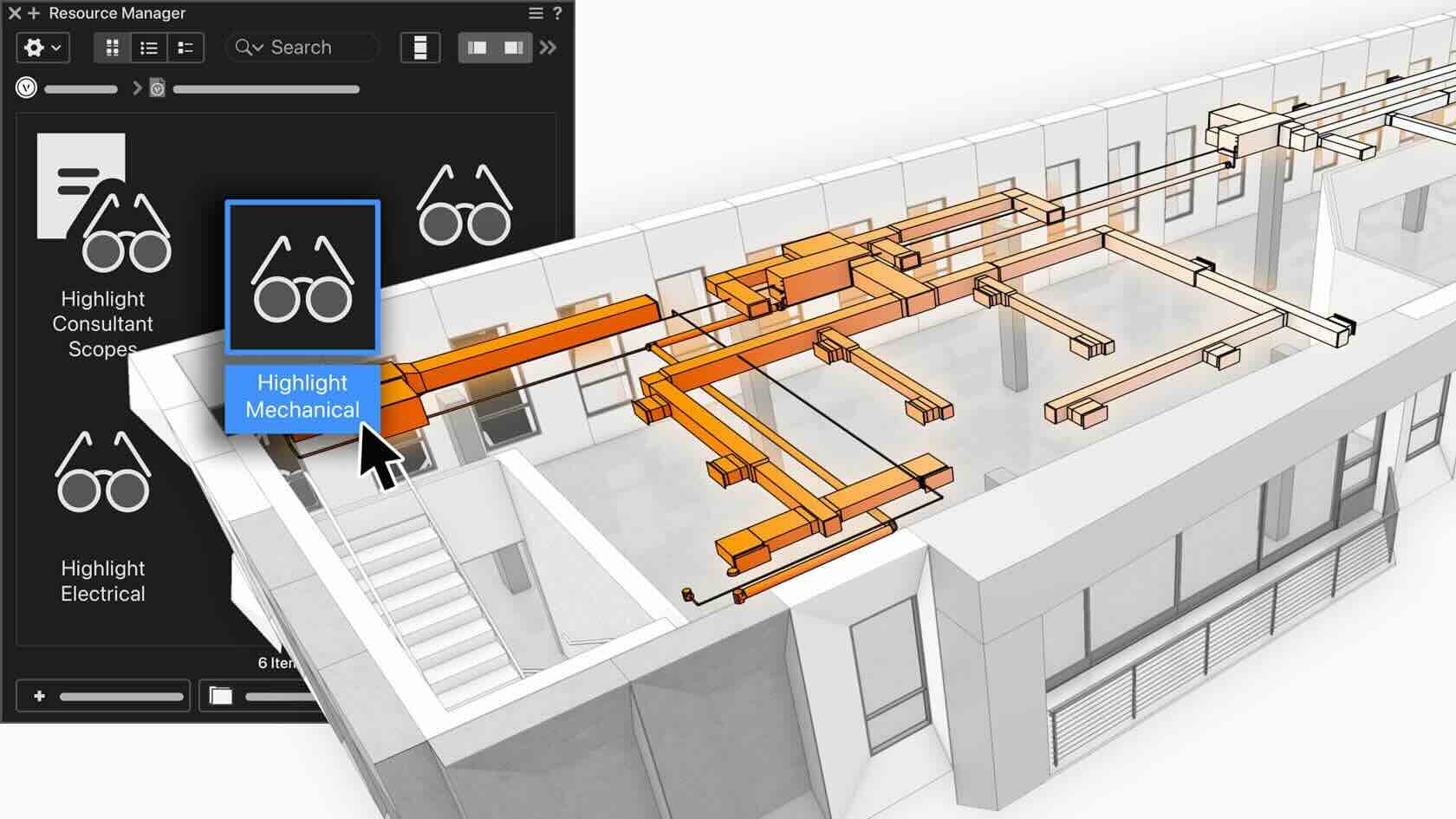
Data Visualization lets you graphically see the data in your design without changing the attributes of the underlying objects. This video introduces you to Data Visualization resources, which are managed in the Resource Manager and sharable with others. Data Visualization Sets, which combine multiple individual Data Visualizations, are also featured. Sets enable individual Data Visualizations to be easily activated together or uniquely, with control over their priority order. You will see how to build a Data Visualization and a Set and various ways to apply them to your model and views.
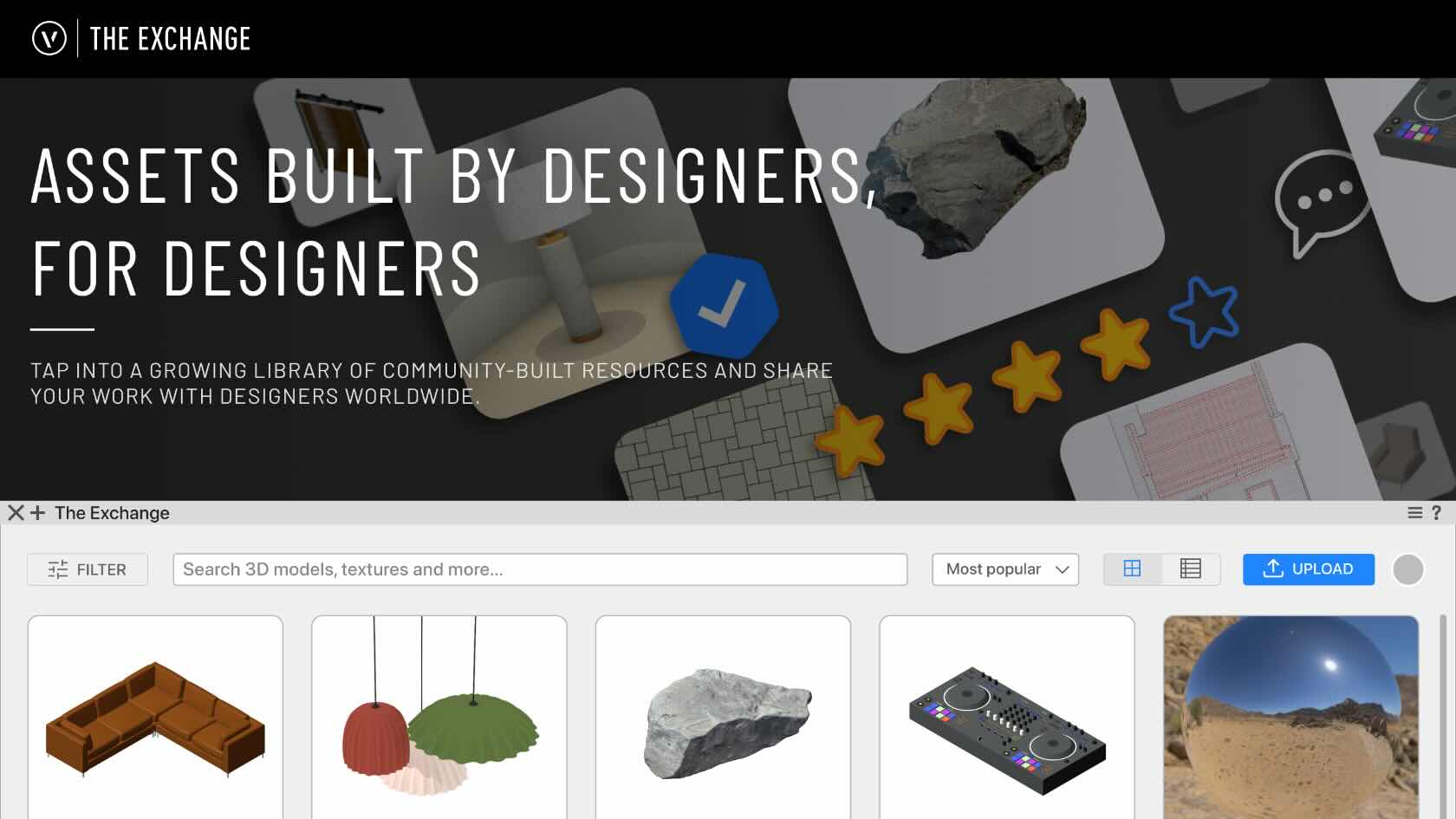
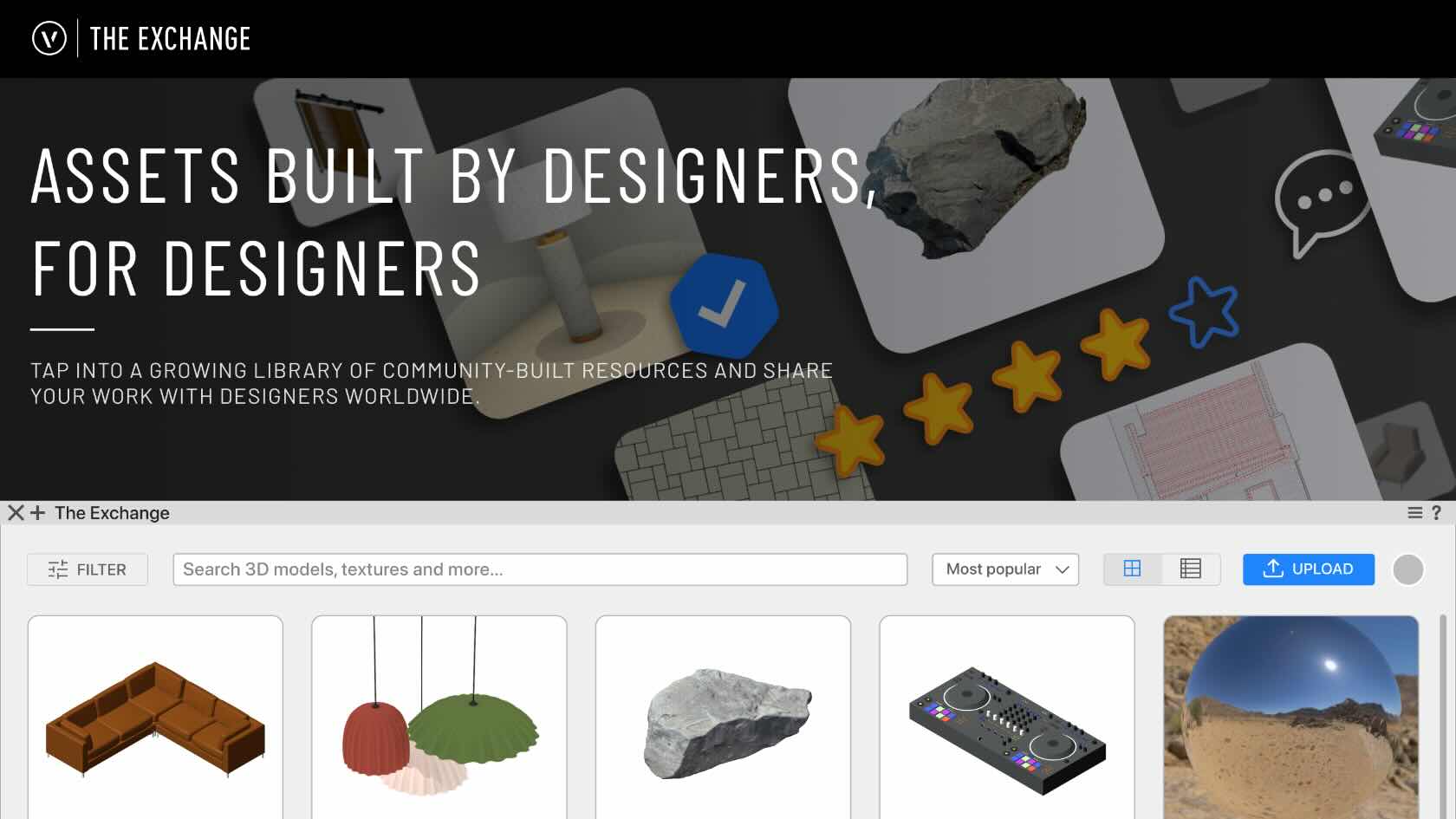
The Exchange is a community-driven platform for discovering, downloading, and sharing Vectorworks-ready design resources, including symbols, materials, hatches, textures, render styles, and much more. The Exchange is available both as a standalone website and as a web palette inside Vectorworks, so browsing and downloading resources directly into your Resource Manager without leaving your Vectorworks file is quick and easy. This video walks through searching and filtering the catalog, reviewing a resource's details and other metadata, importing a resource into your document, and sharing your own resources with the Vectorworks community.
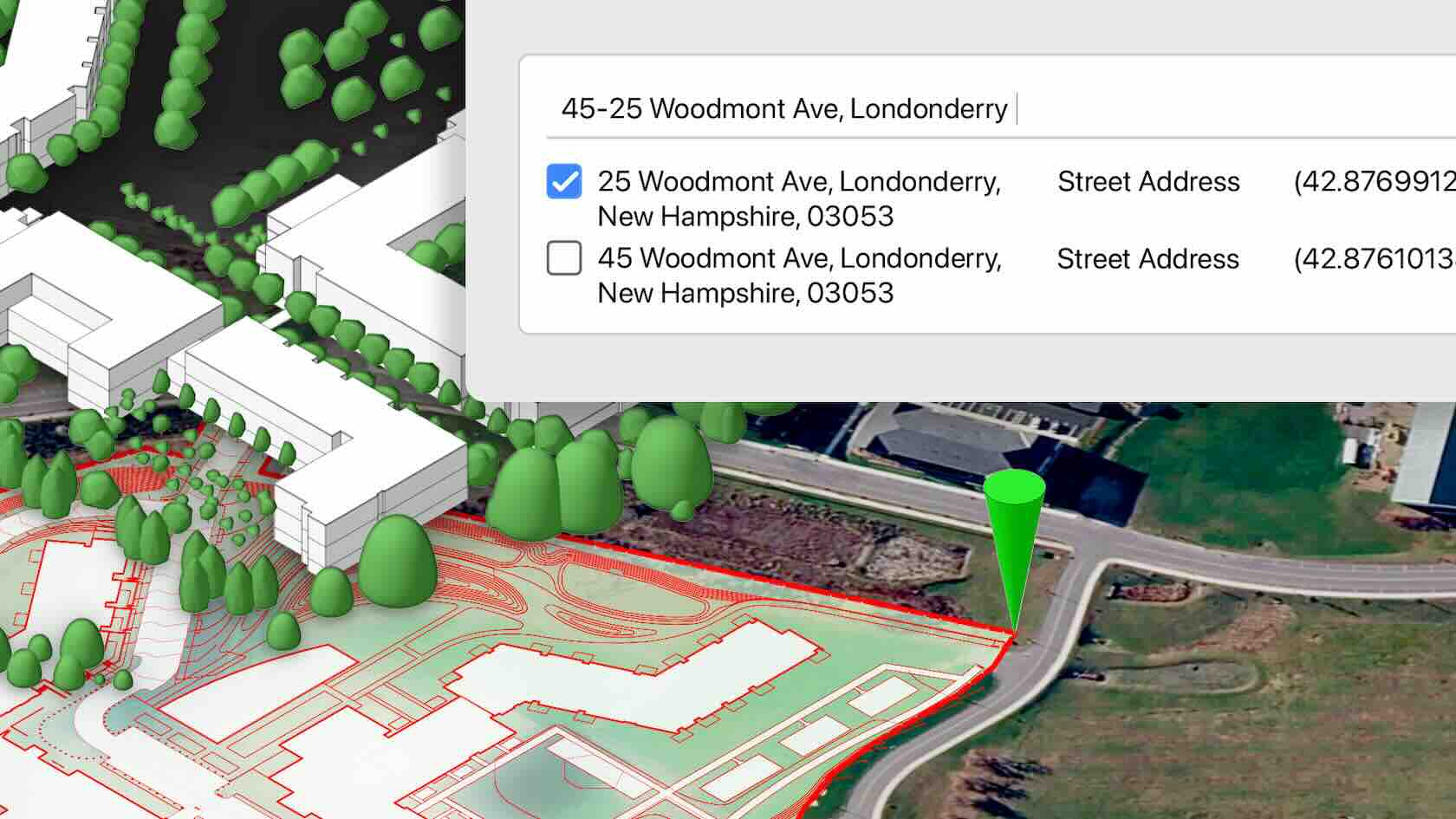
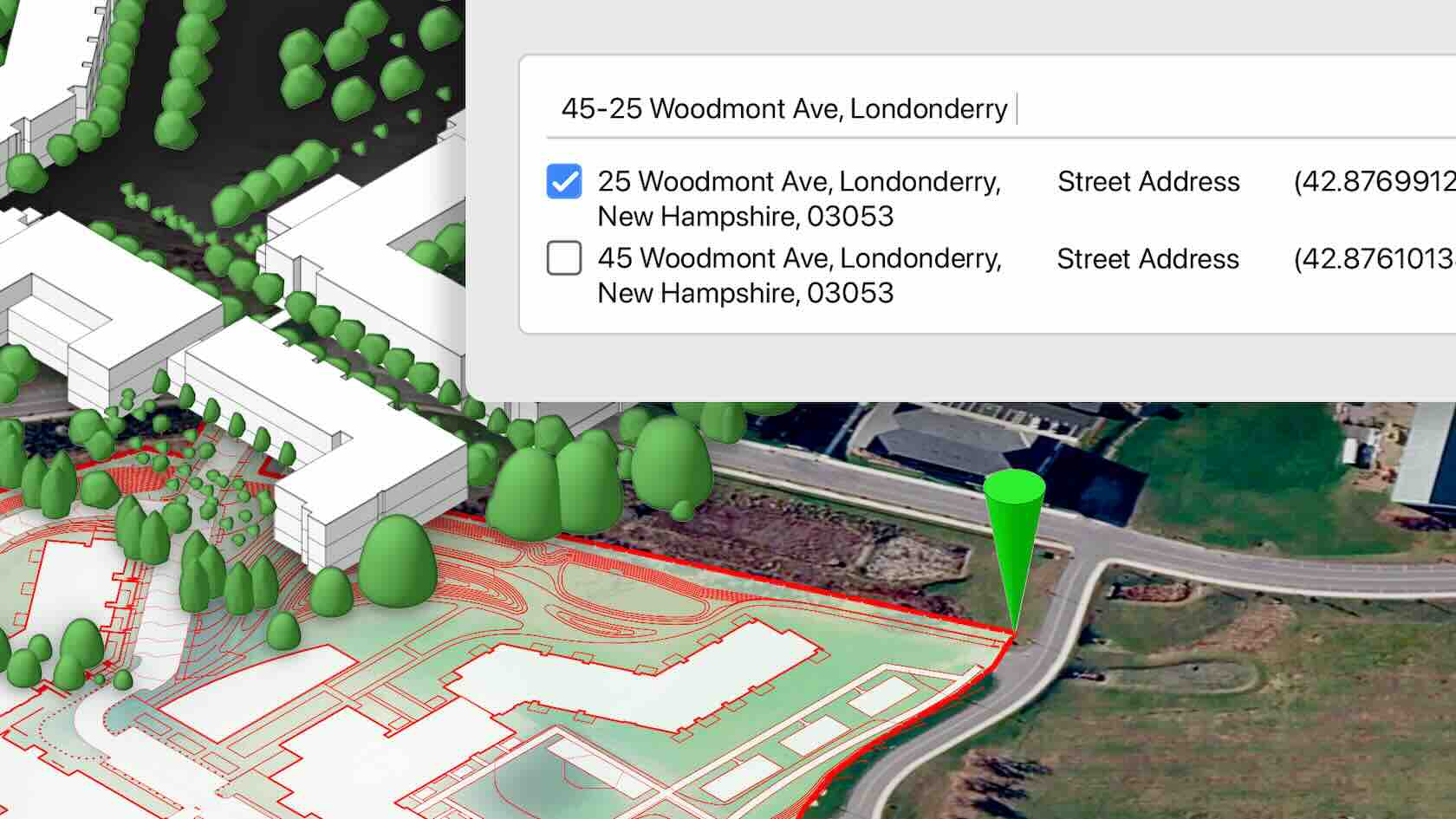
Anchor your Vectorworks model to its real-world position on the map without needing GIS expertise. With the Geolocation Setup Wizard, you can align satellite imagery, surveys, point clouds, and GIS layers around a single survey point. Move smoothly between local project coordinates and true geospatial positions as needed, and easily keep federated models aligned for coordination and review.
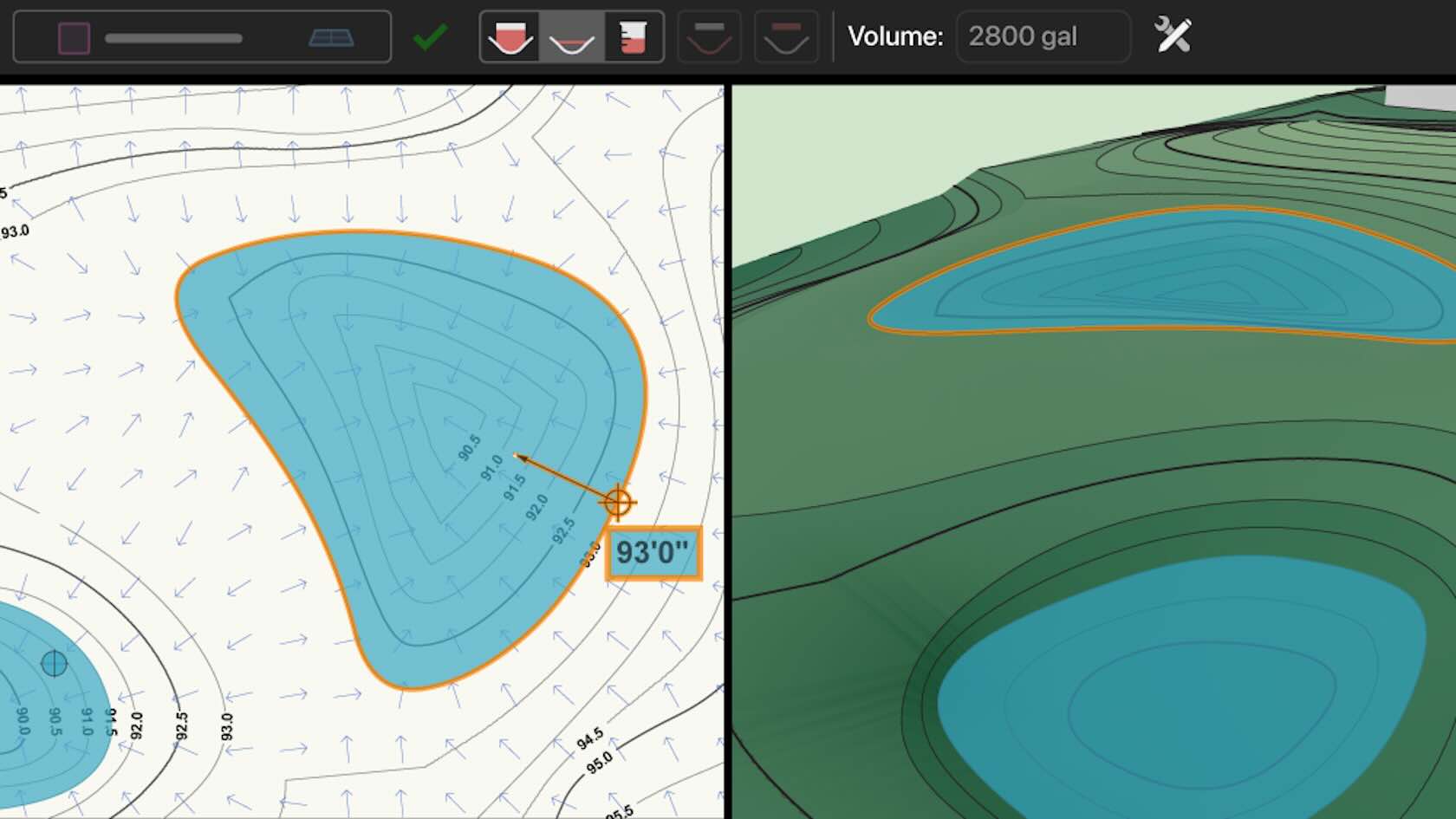
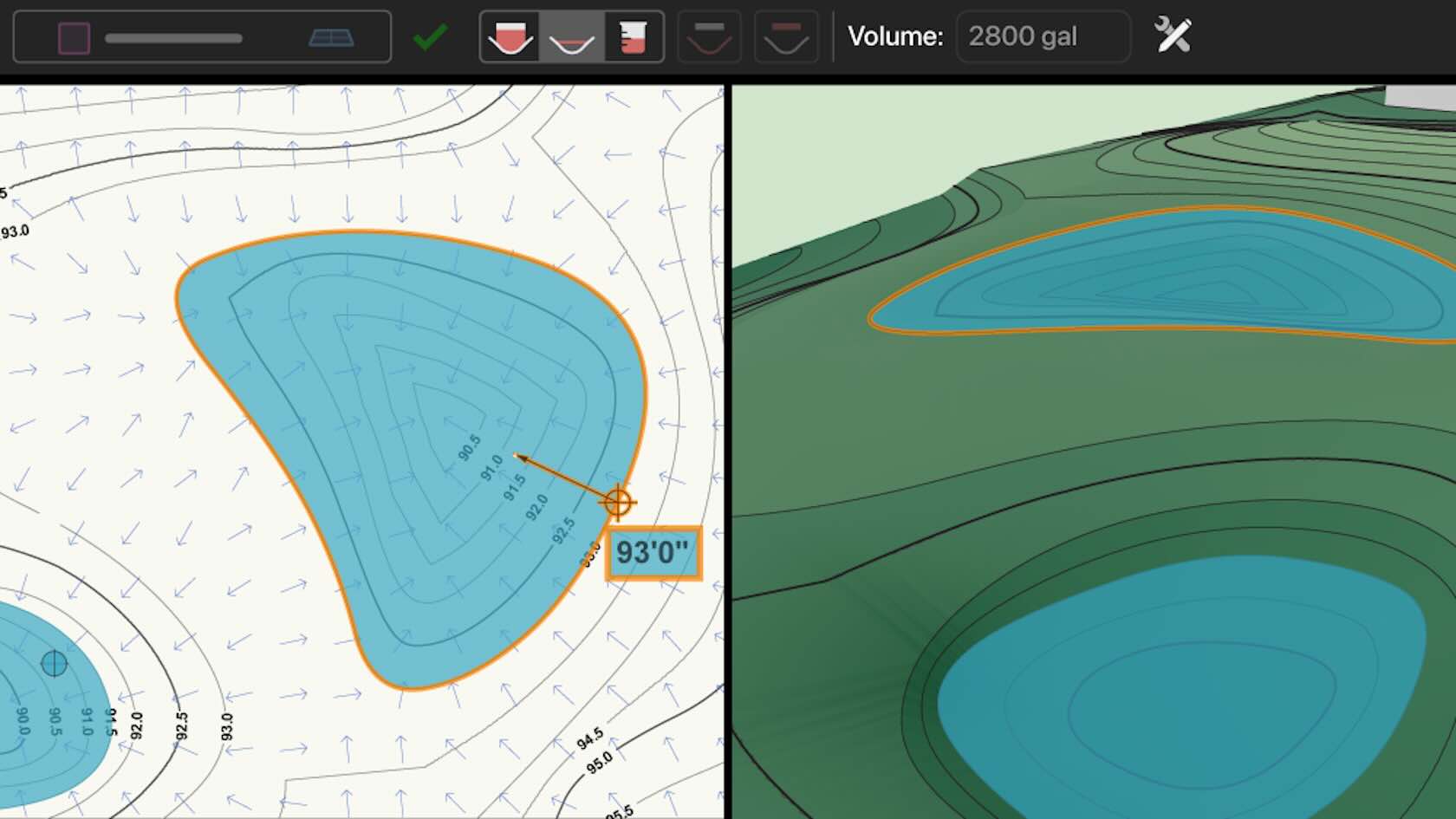
Turn hard-to-define spaces—such as backfill areas or attenuation pond capacity—into clear, reliable data without hand-building complex solids. The Volume Fill tool automatically fills and quantifies gaps between site elements and basins, reporting volume, area, and footprint so you can iterate on grading and stormwater strategies
using precise data rather than rough estimates.
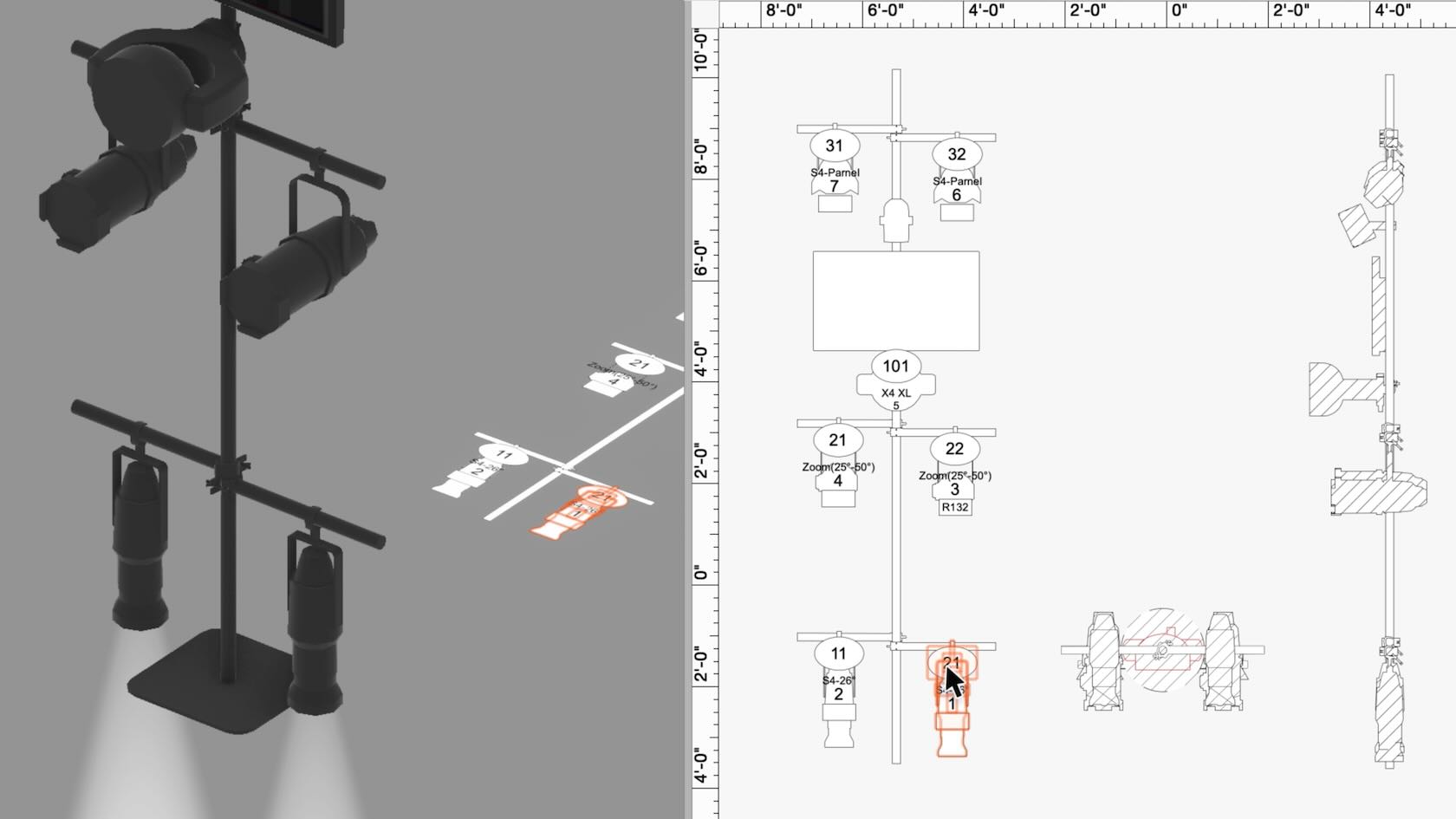
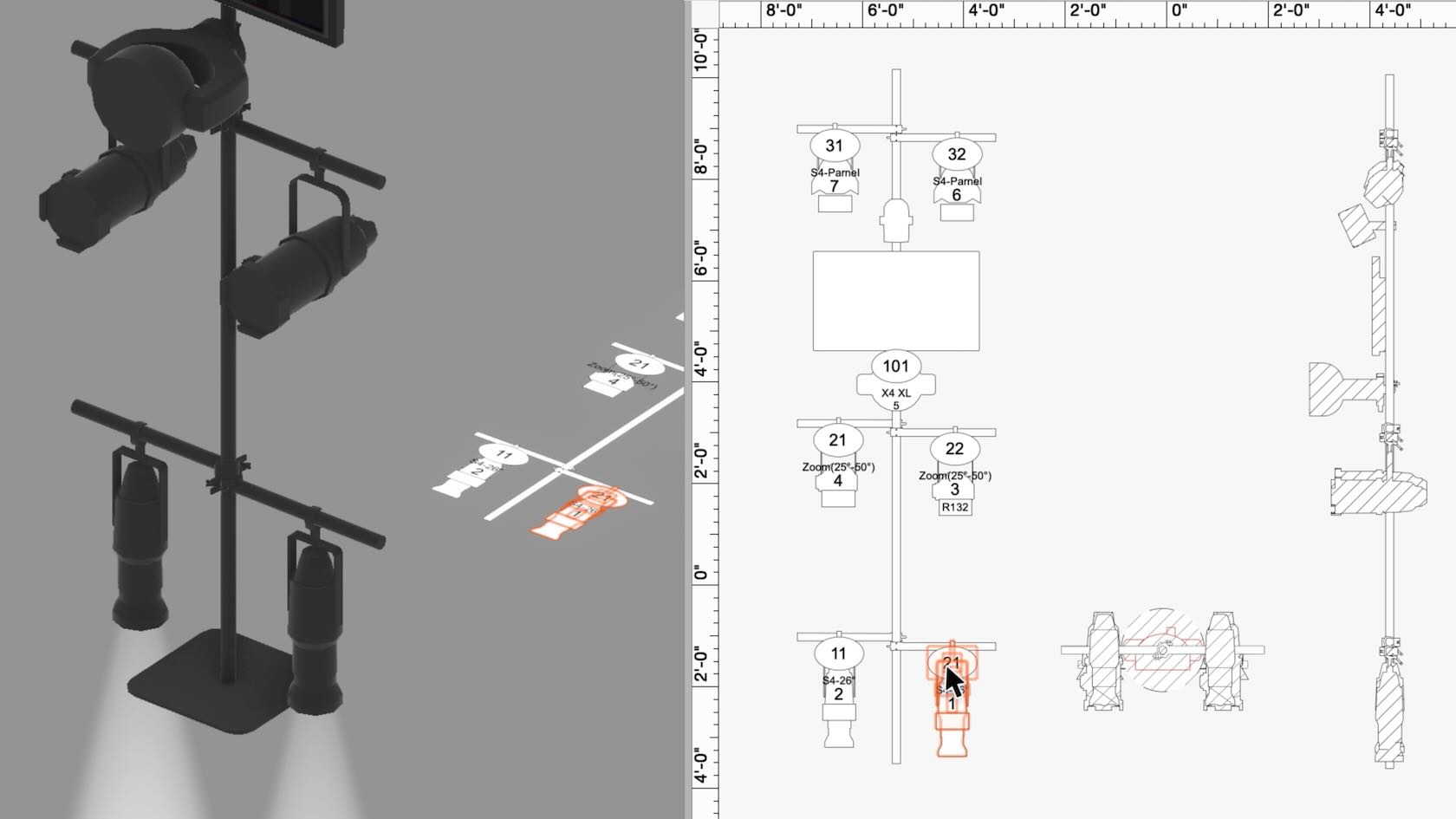
Quickly turn complex 3D rigs into accurate 2D schematics. Enhanced schematic view workflows let you pick rig faces visually, mark each schematic with its orientation, reuse saved creation sets across shows, and auto apply label legends, data tags, and dimensions. Read rig schematics at a glance, keep drawings consistent from project to project, and spend less time on manual cleanup.
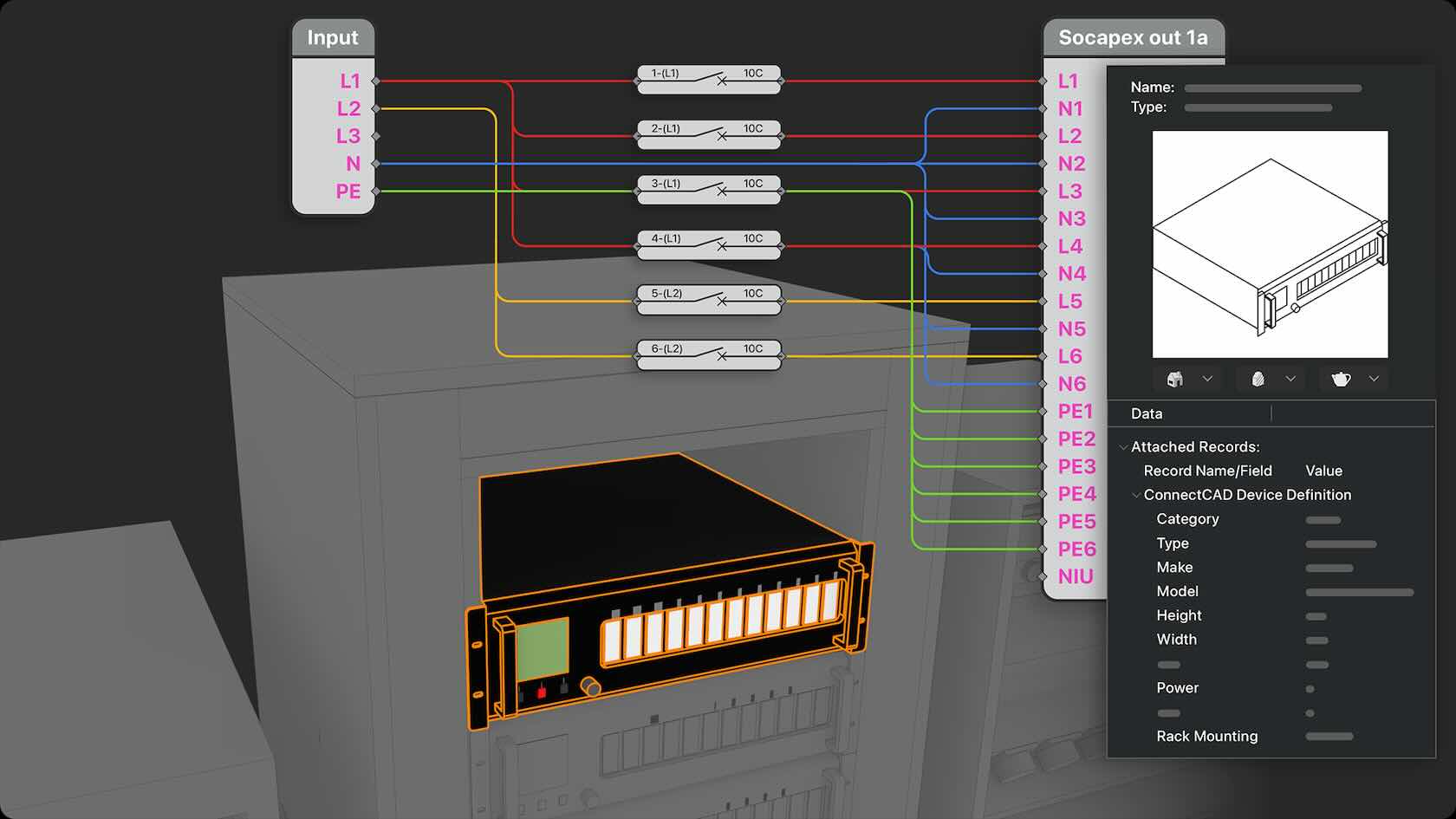
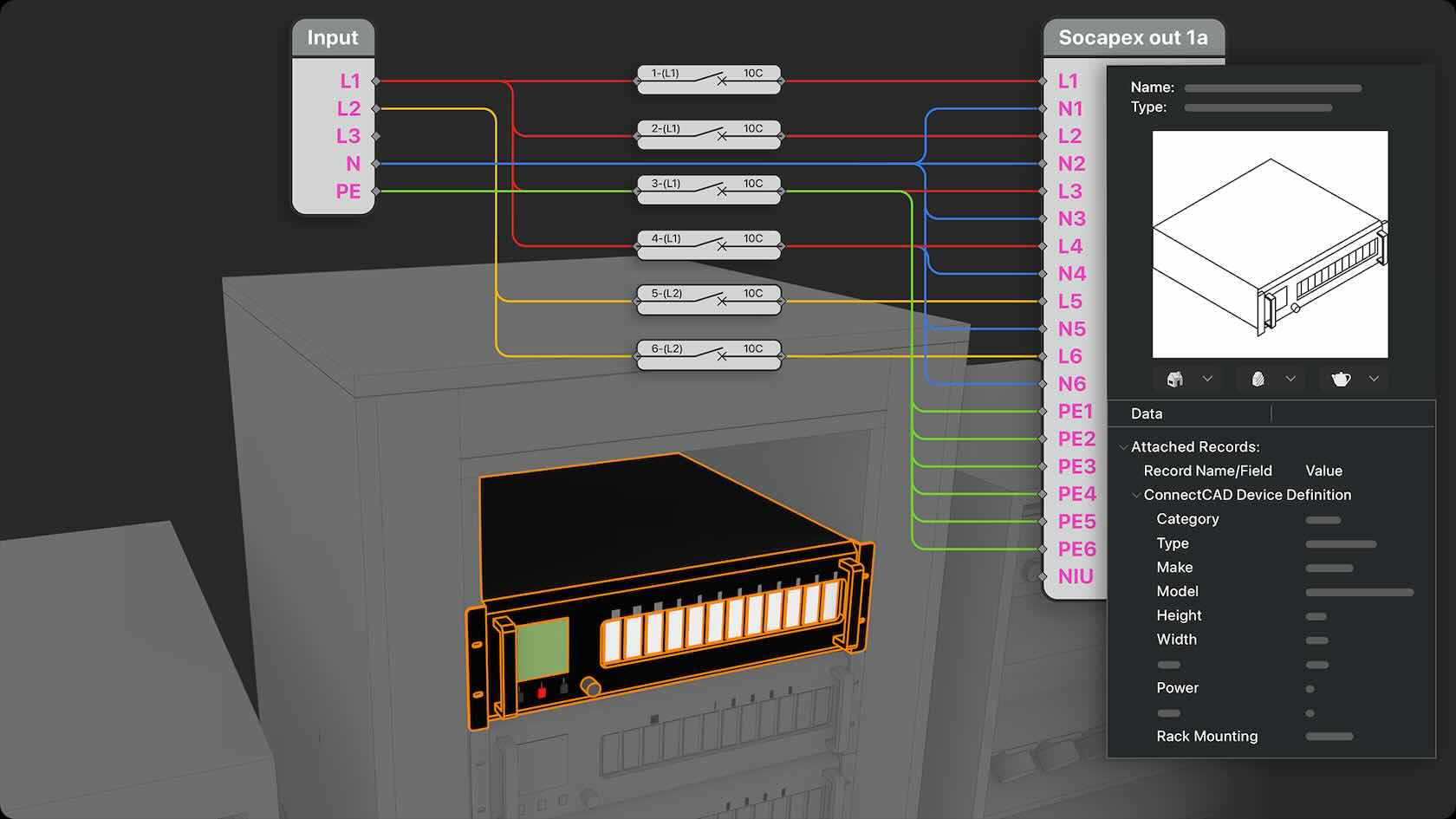
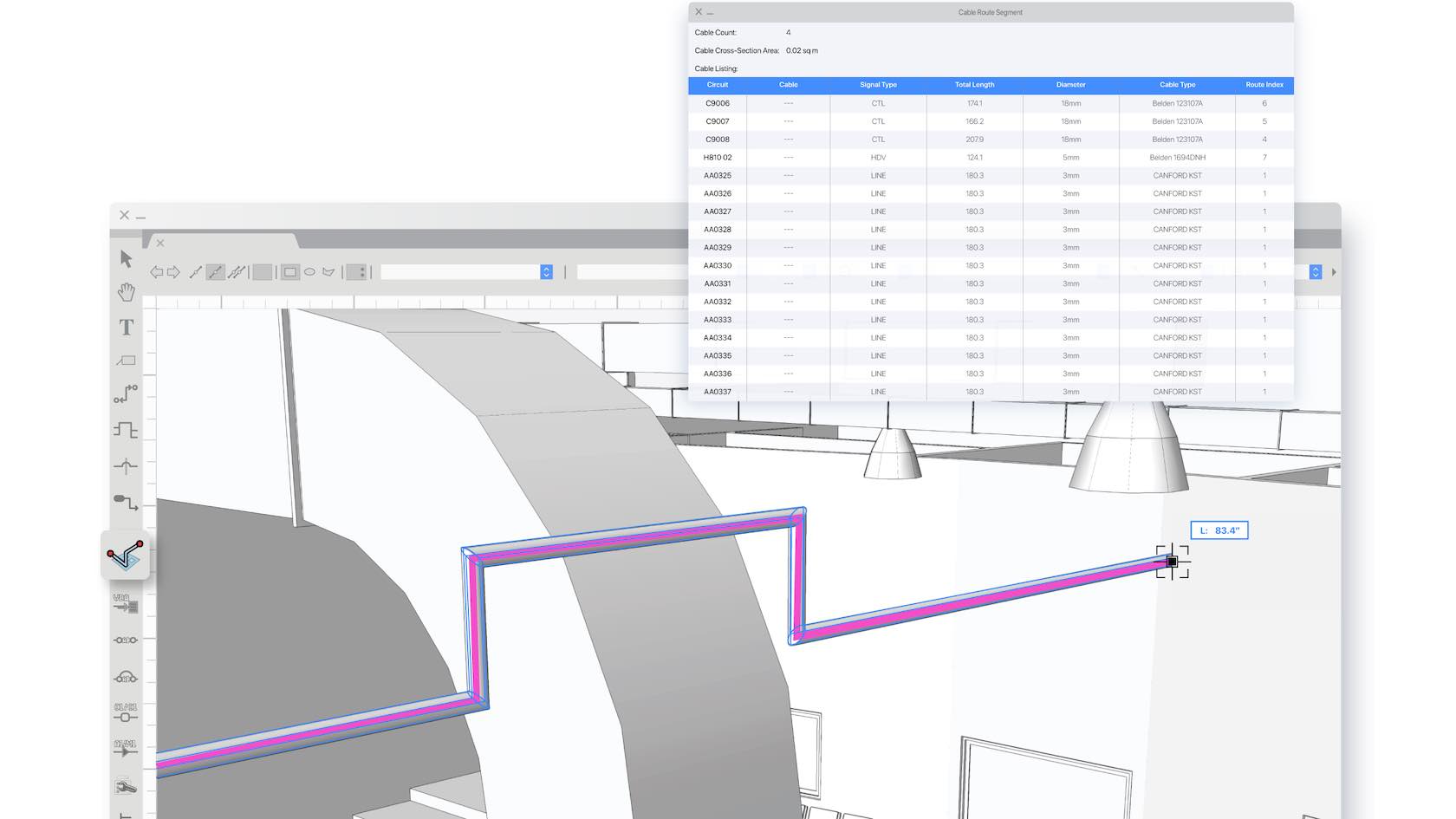
Discover how Cable Connectivity Workflows streamline your cabling process. Connectivity establishes a unified system to define cable connectivity for any type of equipment, including a dedicated visual workspace to layout and edit internal wiring, and smarter cabling calculations that respect break-in and break-out lengths.
You’ll learn how to set up equipment to work with cable and power planning, using the connectivity workflow, and how it benefits your cable and power planning process.
 2605-update-5-trace-integration-vwu.jpg
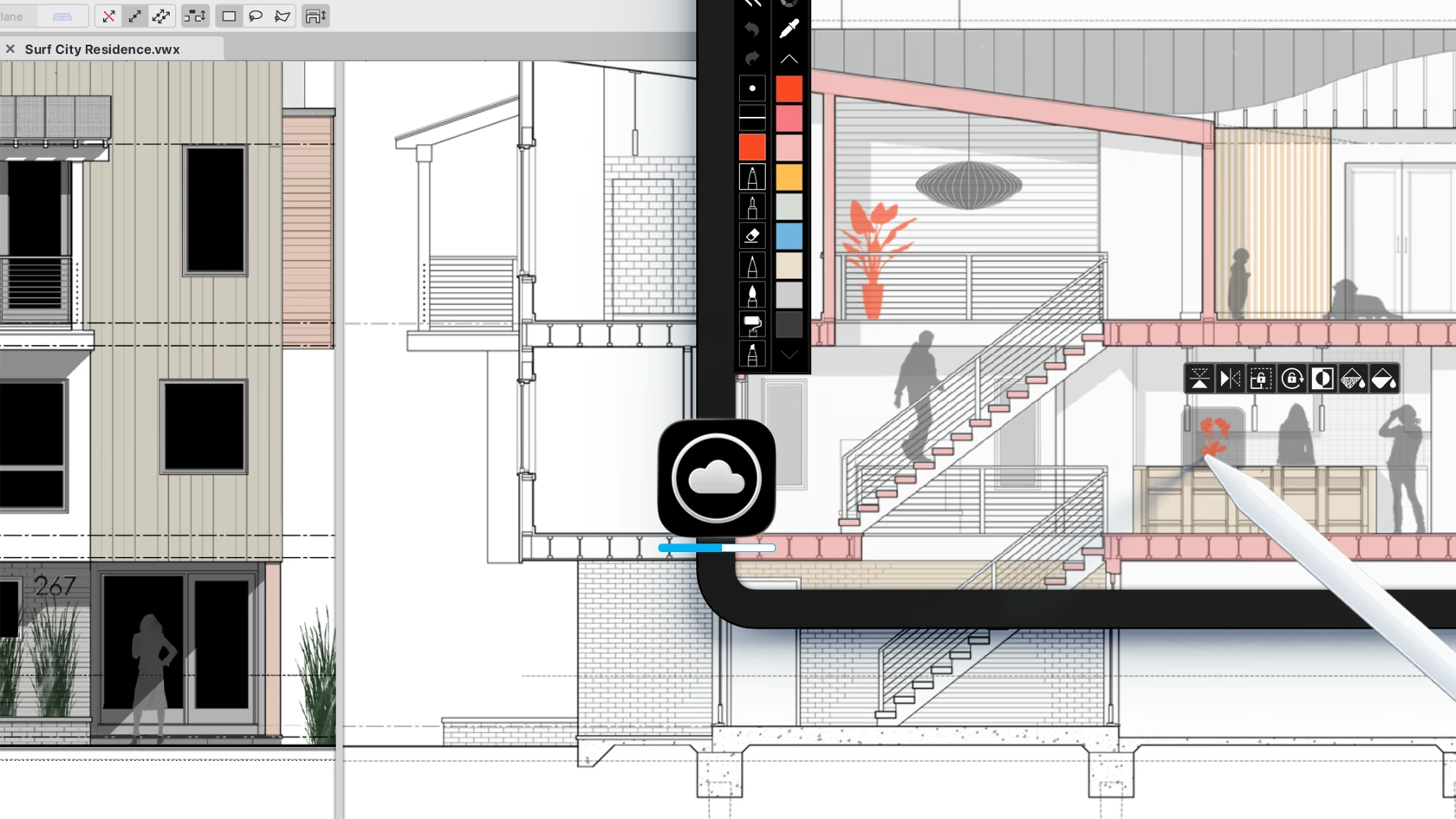
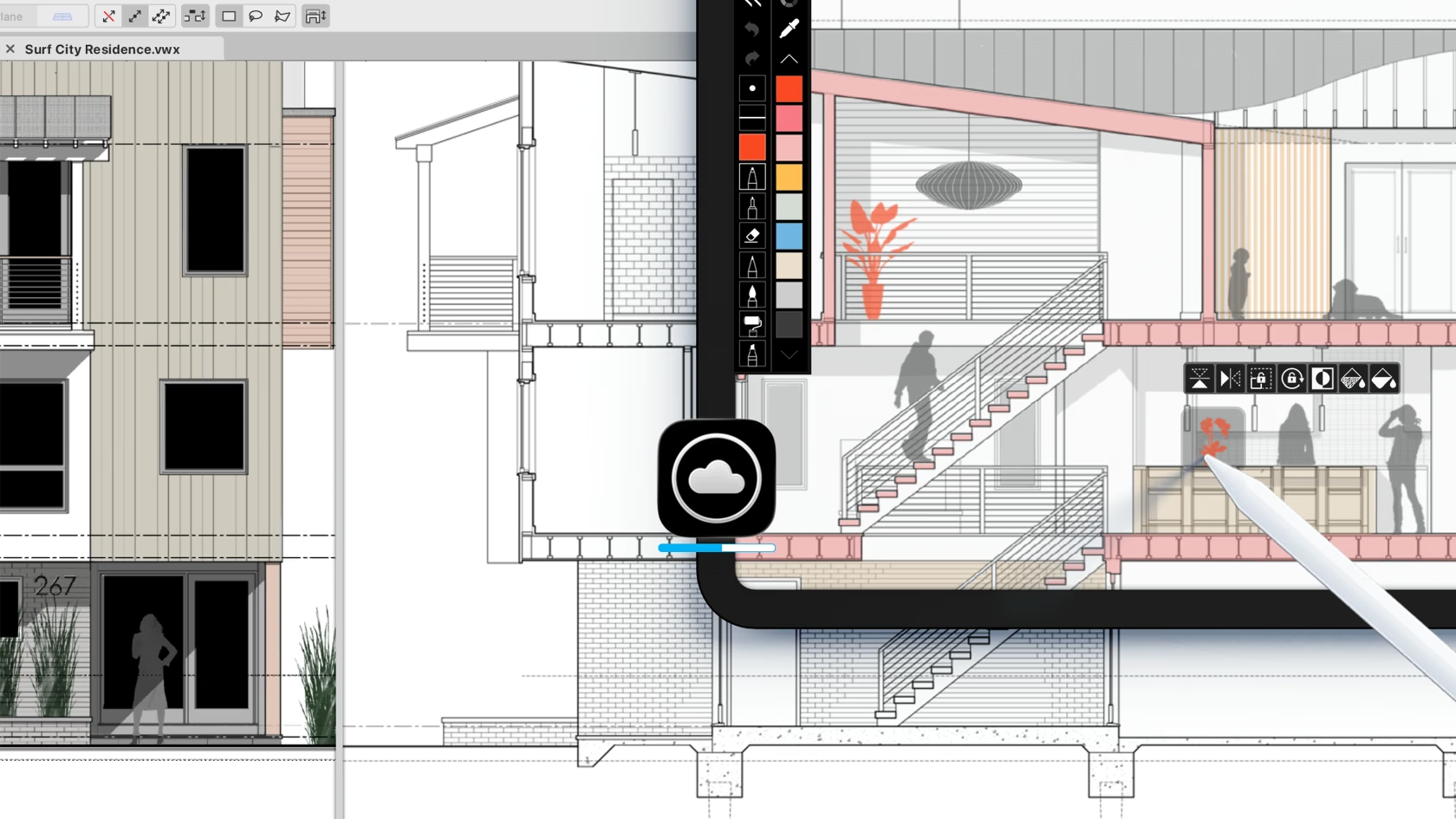
The Morpholio Trace integration with Vectorworks lets you sketch on your plans and other drawings by sending scale-accurate sheets or viewports via the cloud to your iPad. Sketch freely and then have your ideas flow straight back into your Vectorworks project as images or linework via DXF with less effort. No more manual juggling of PDFs, emails, and uploads simply to sketch by hand.
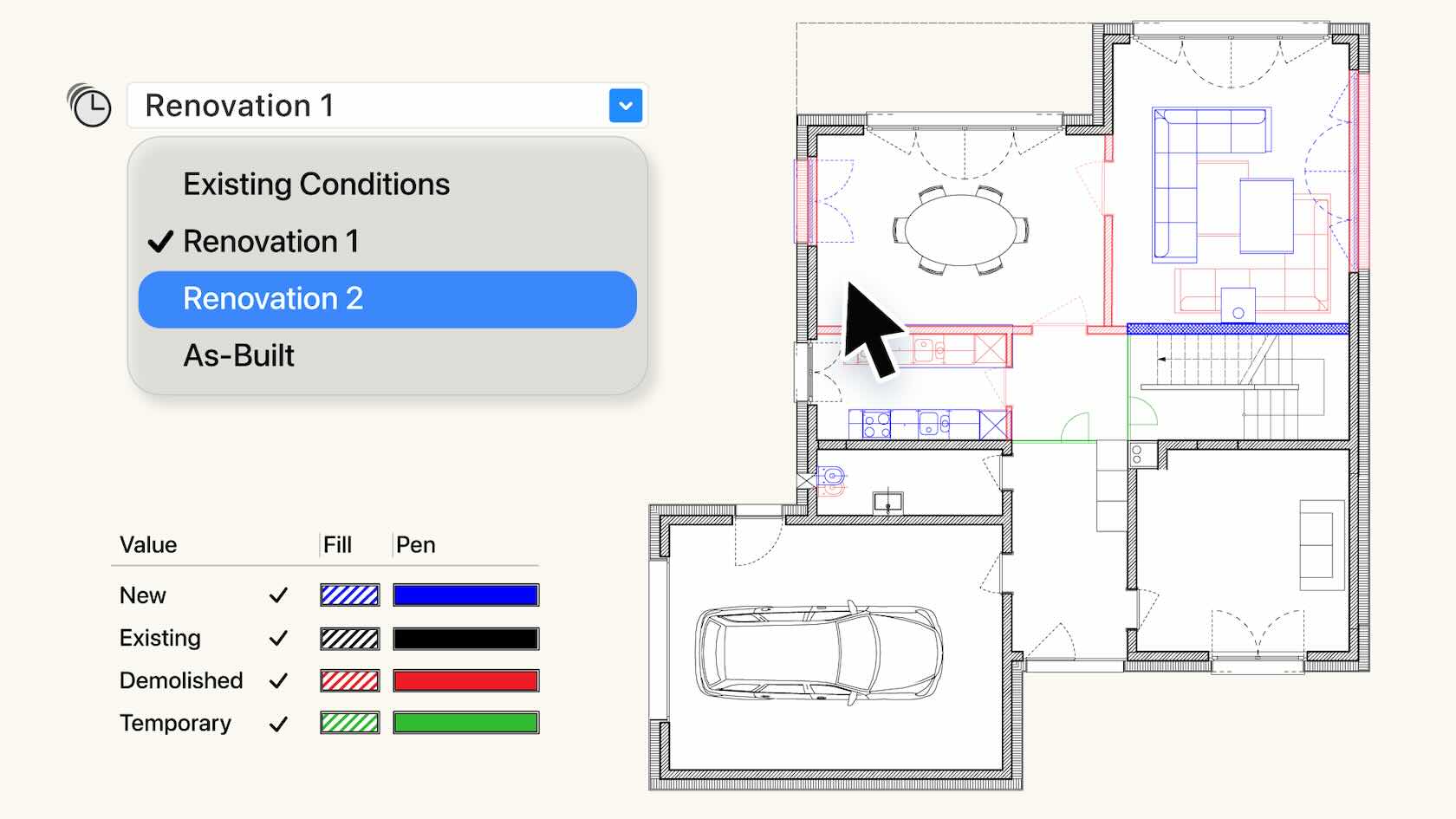
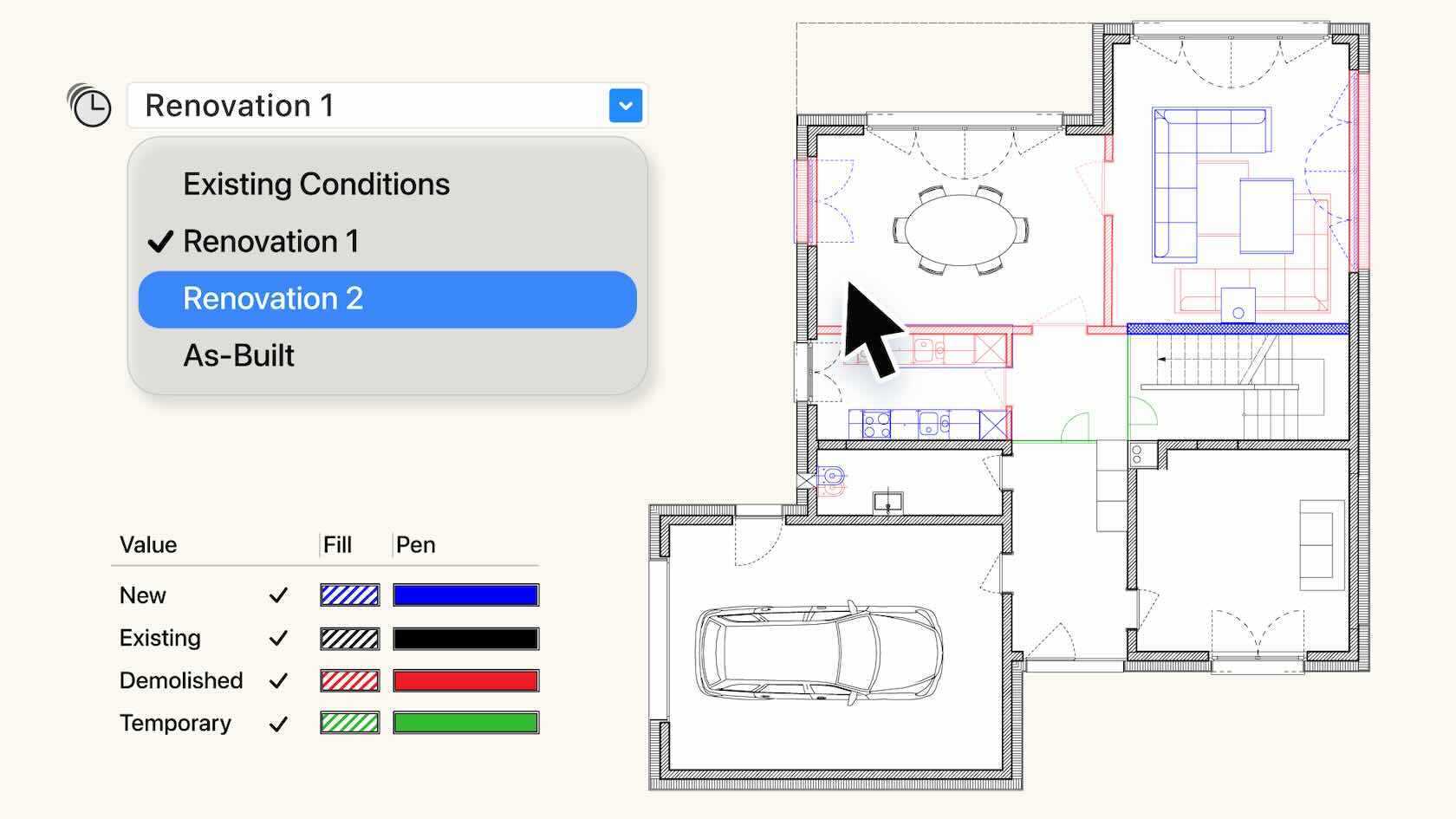
The comprehensive Phasing system tracks objects through time to align with construction conditions such as existing, demolition, temporary, or new. Effectively manage object status across multiple phases, and automatically create crystal-clear, phase-correct visuals, accurate documentation and reports. Phasing provides a single-truth, giving you the confidence to deliver high quality projects. Discover how to get started with this video.
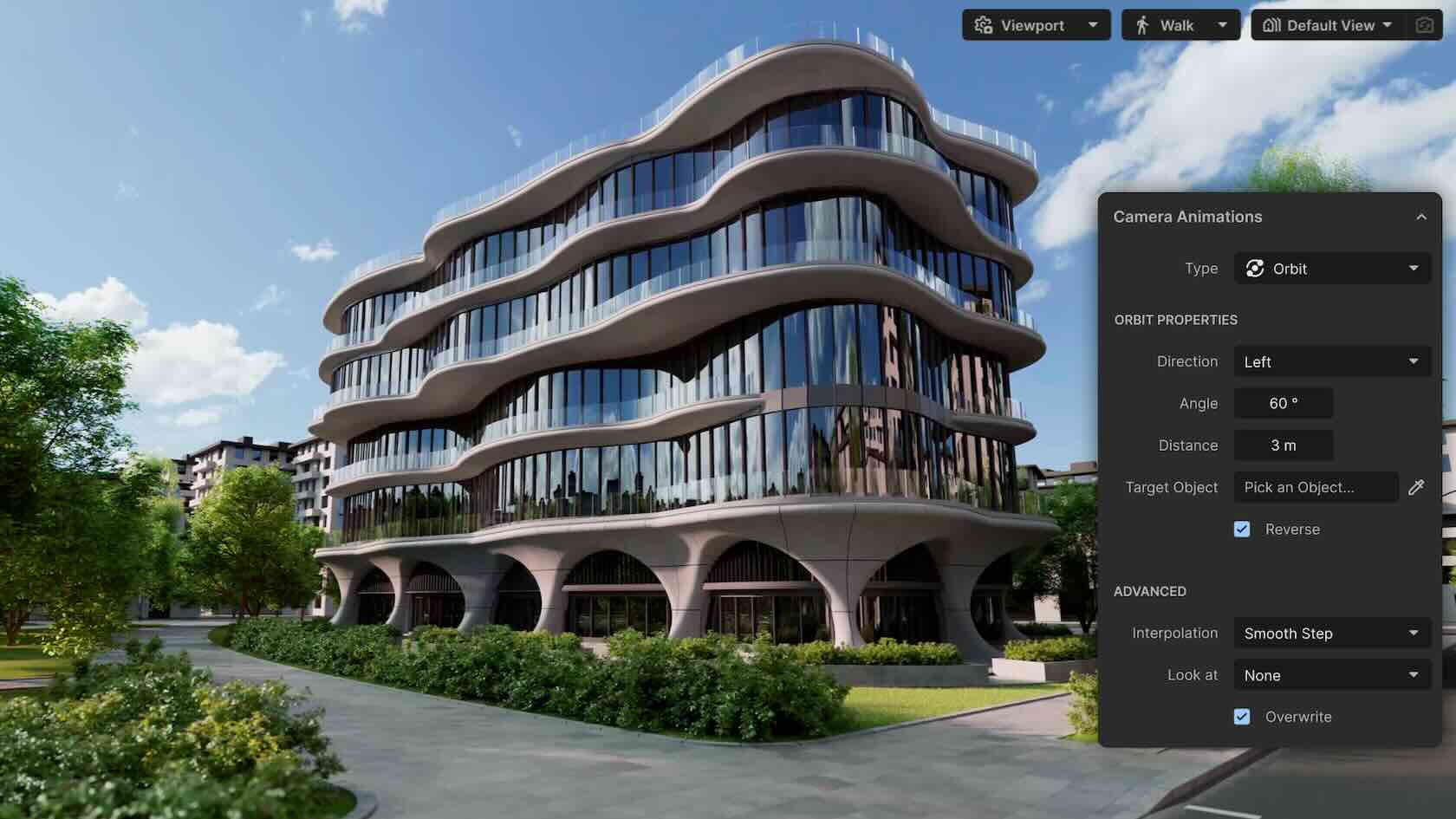
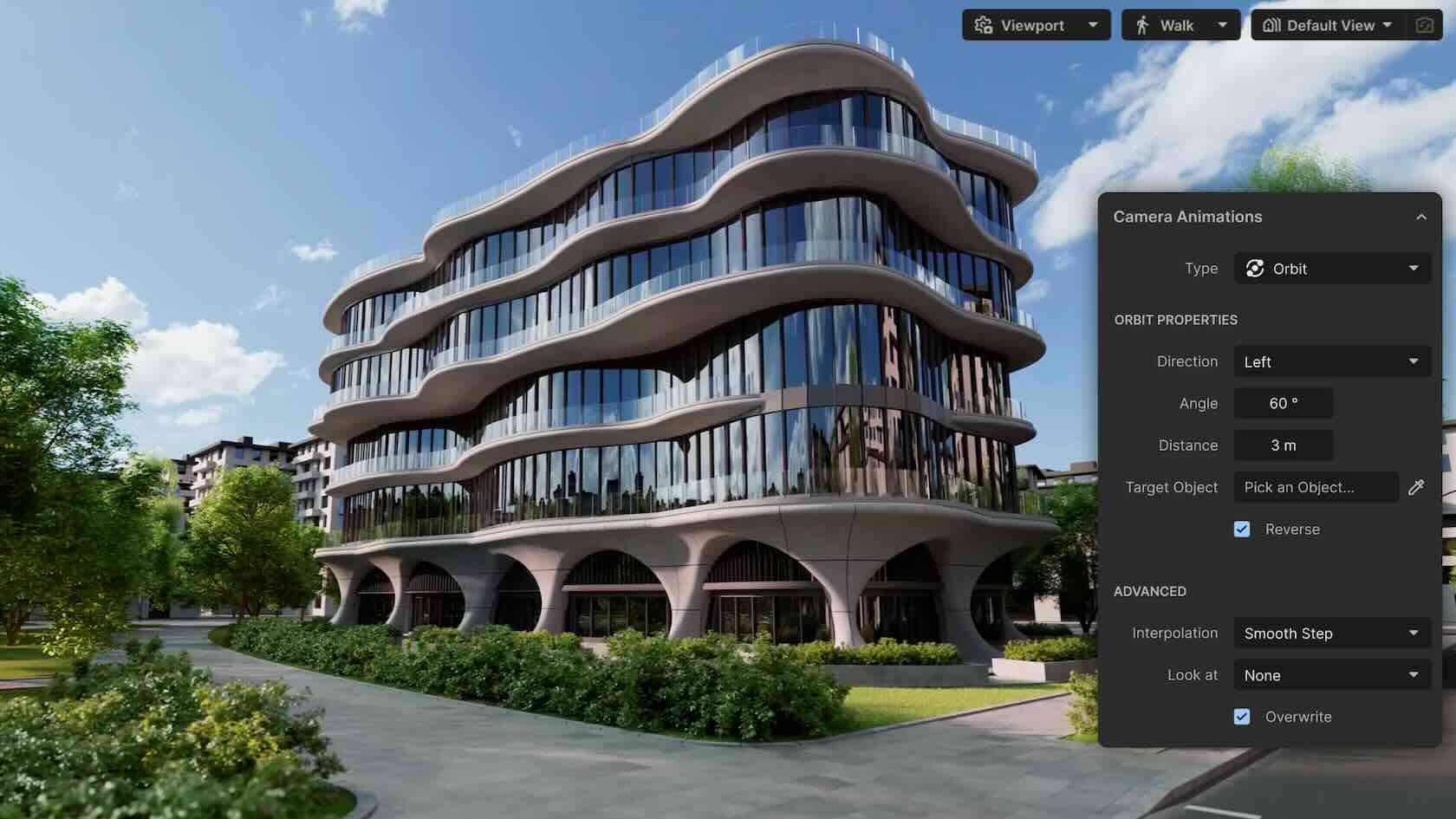
Redshift for Vectorworks provides stunning real-time visuals straight from your design with ease. Purpose-built by Maxon for Vectorworks AEC professionals, it sends your live model into a new, synchronized, dedicated, standalone, real-time renderer, providing fast, continuous visualization. Explore ideas instantly, present beautiful renderings, and trust that every view reflects your latest work. Log onto your customer portal to subscribe.