










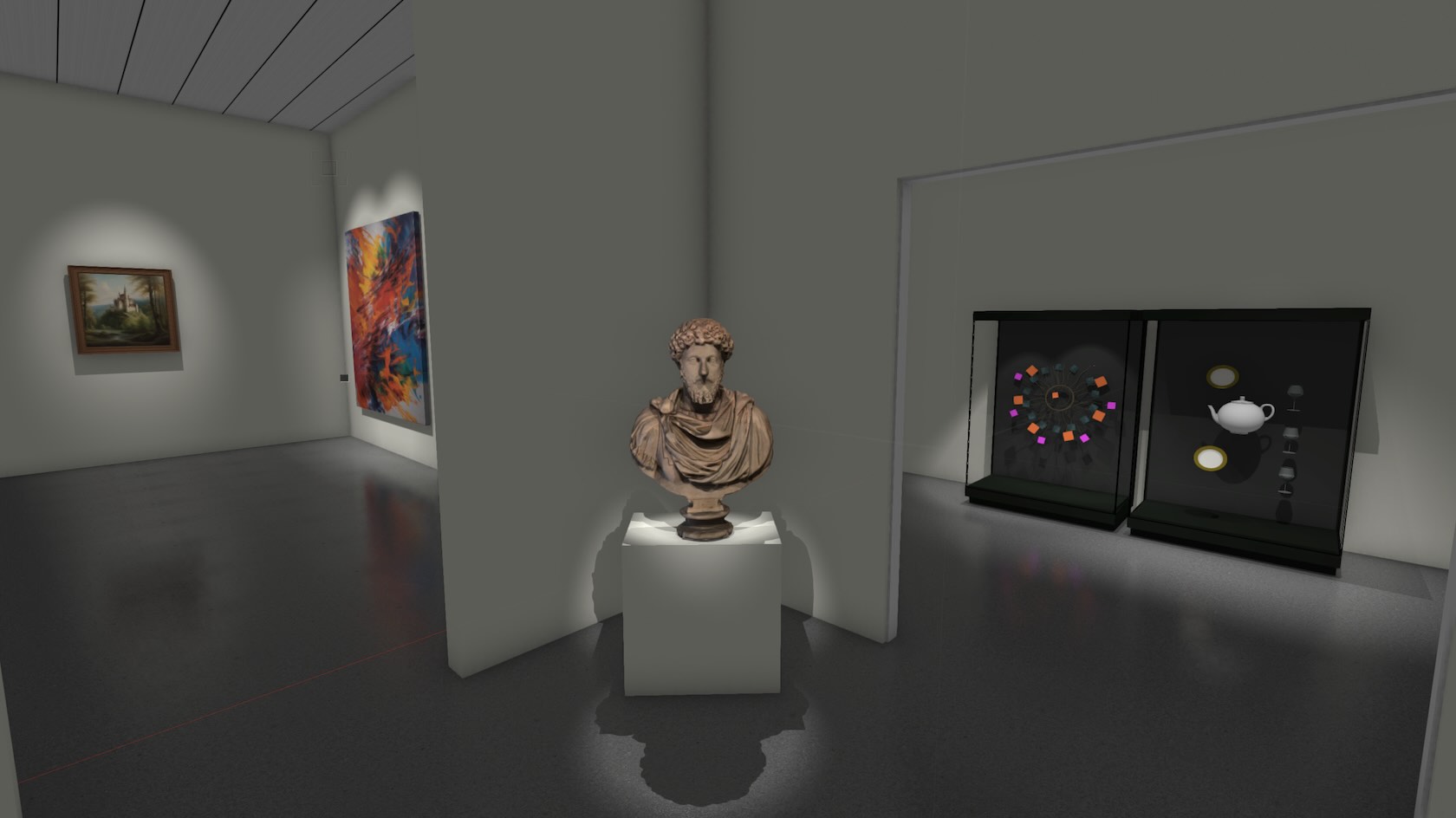
This class introduces us to the Museum Exhibit Design Course
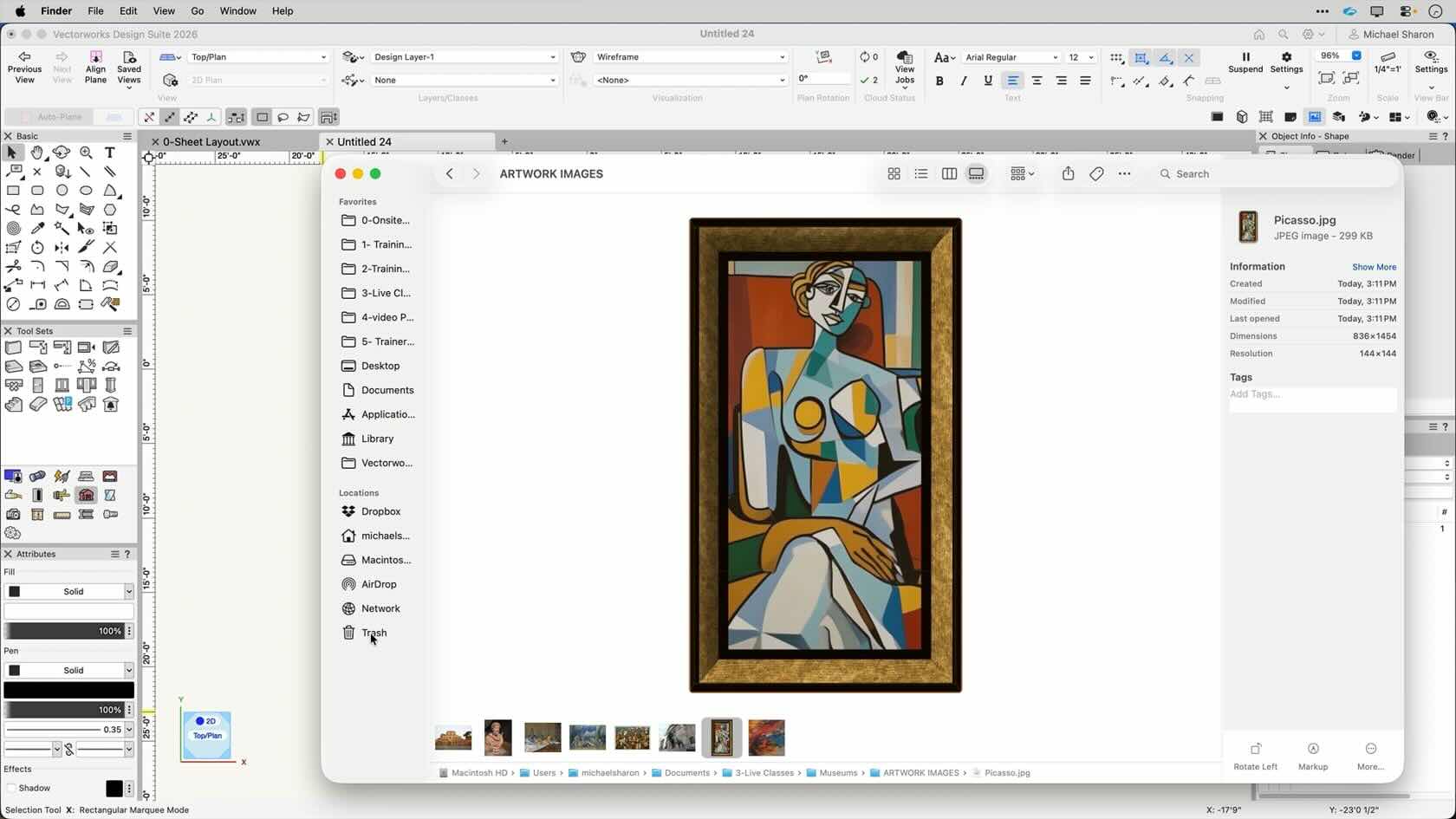
In this section, we'll brainstorm ideas for our exhibition.
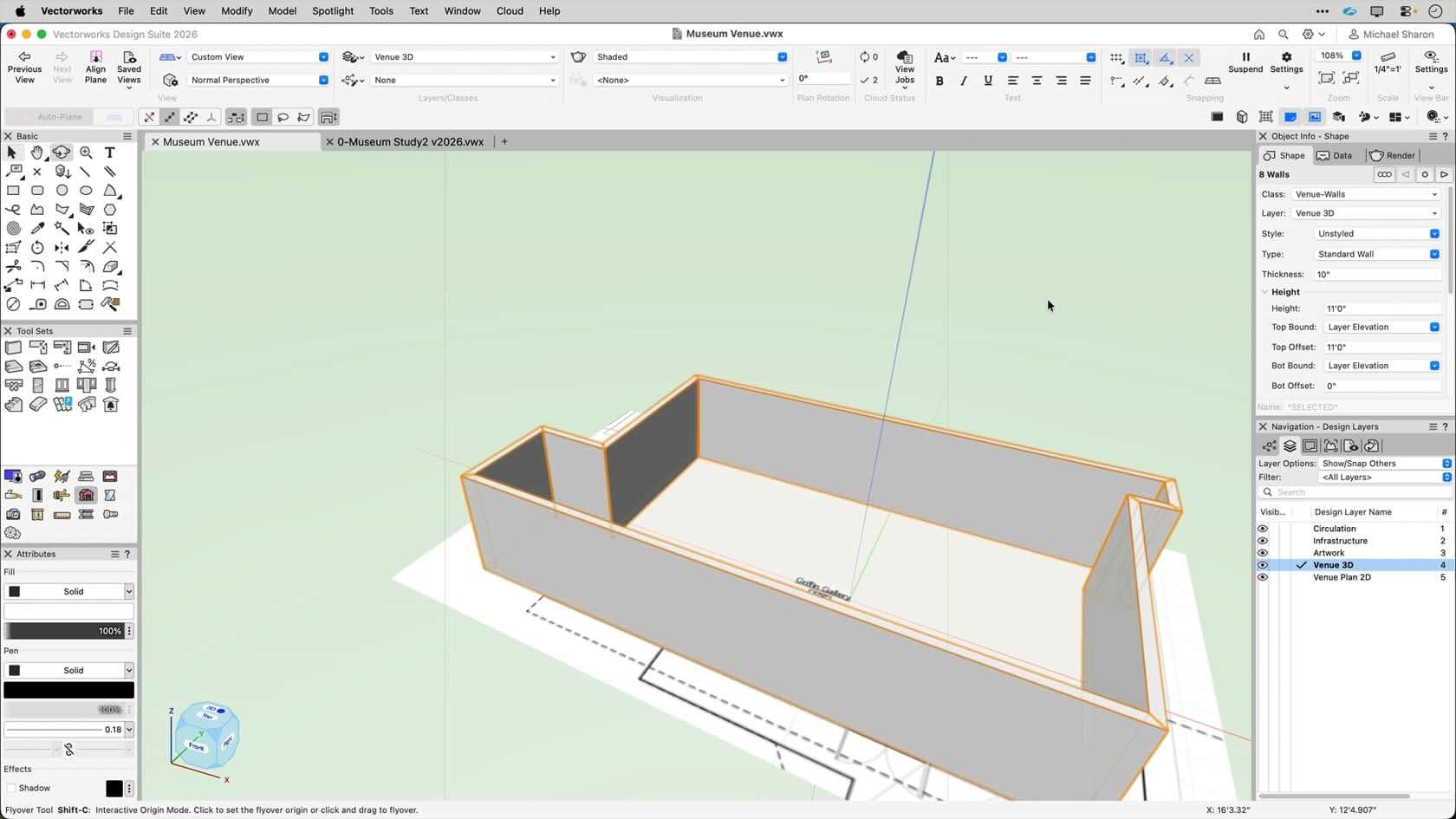
Here we'll build a 3D model of our gallery space.
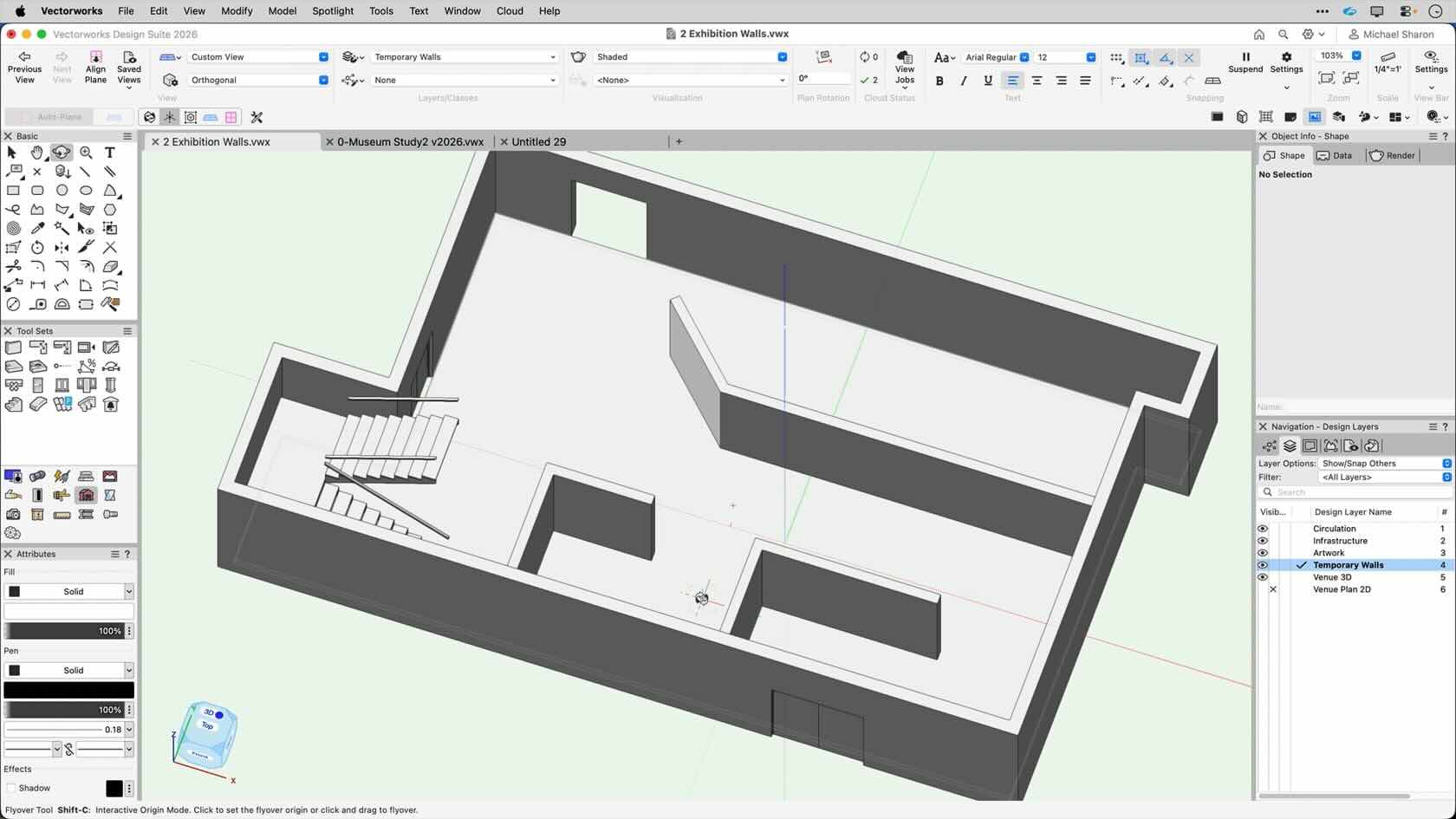
We'll add temporary walls to divide our space.
If you have not completed the previous chapter, you can download a 3D model of the venue, and paste it into the starter file. Download 3D Venue File
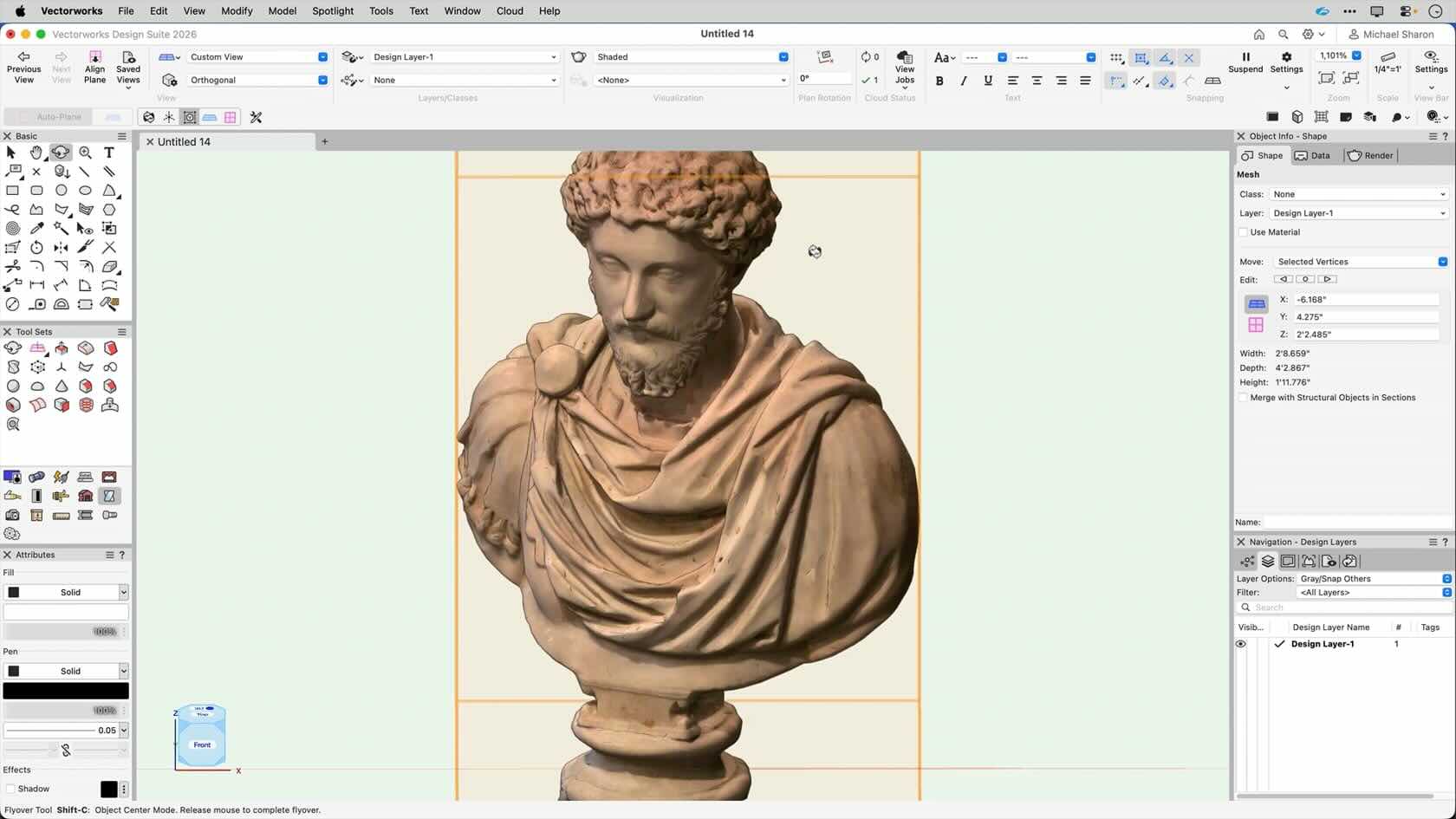
Modeling the artwork to fill our space.
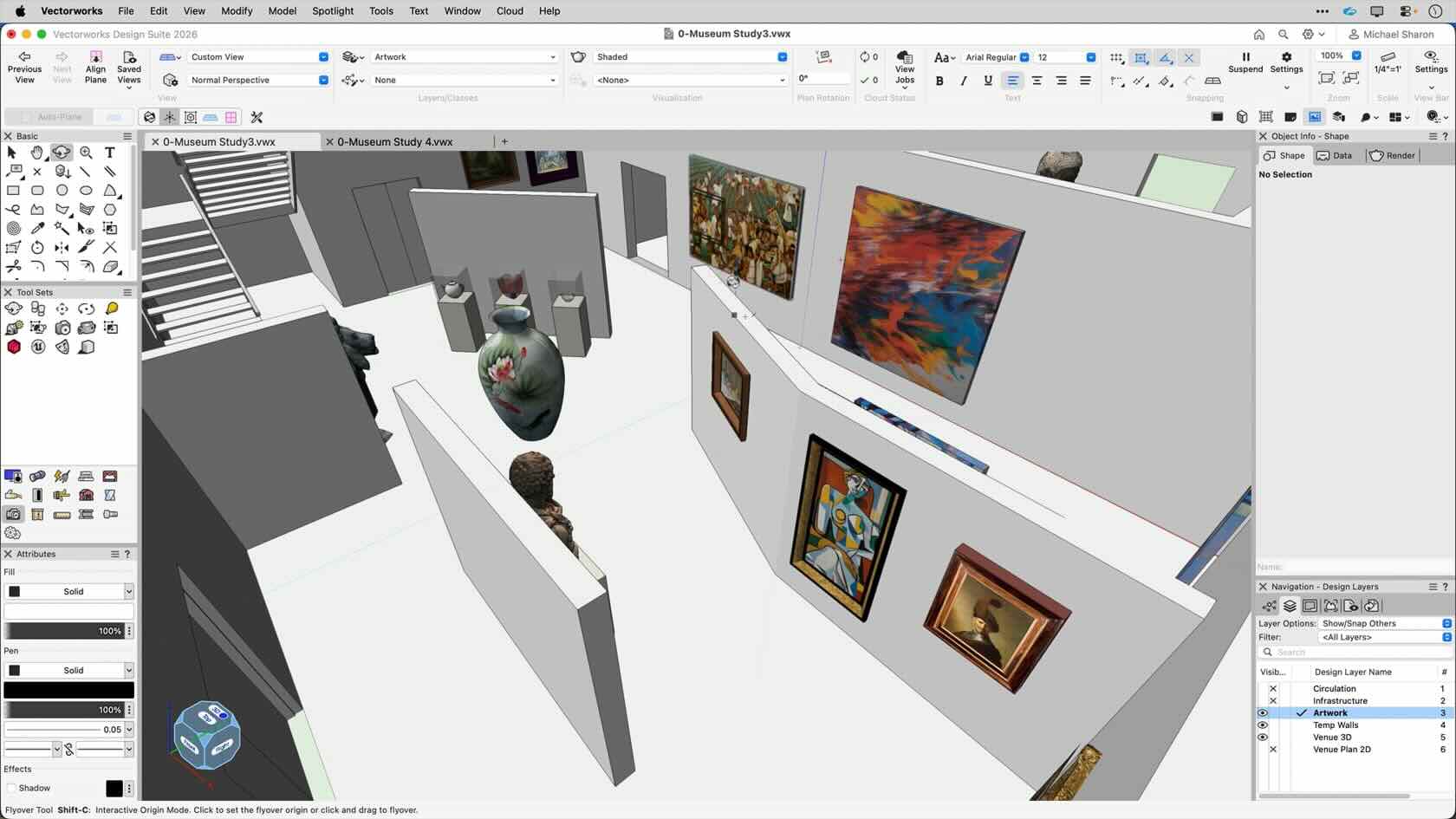
Placing the artwork in the space
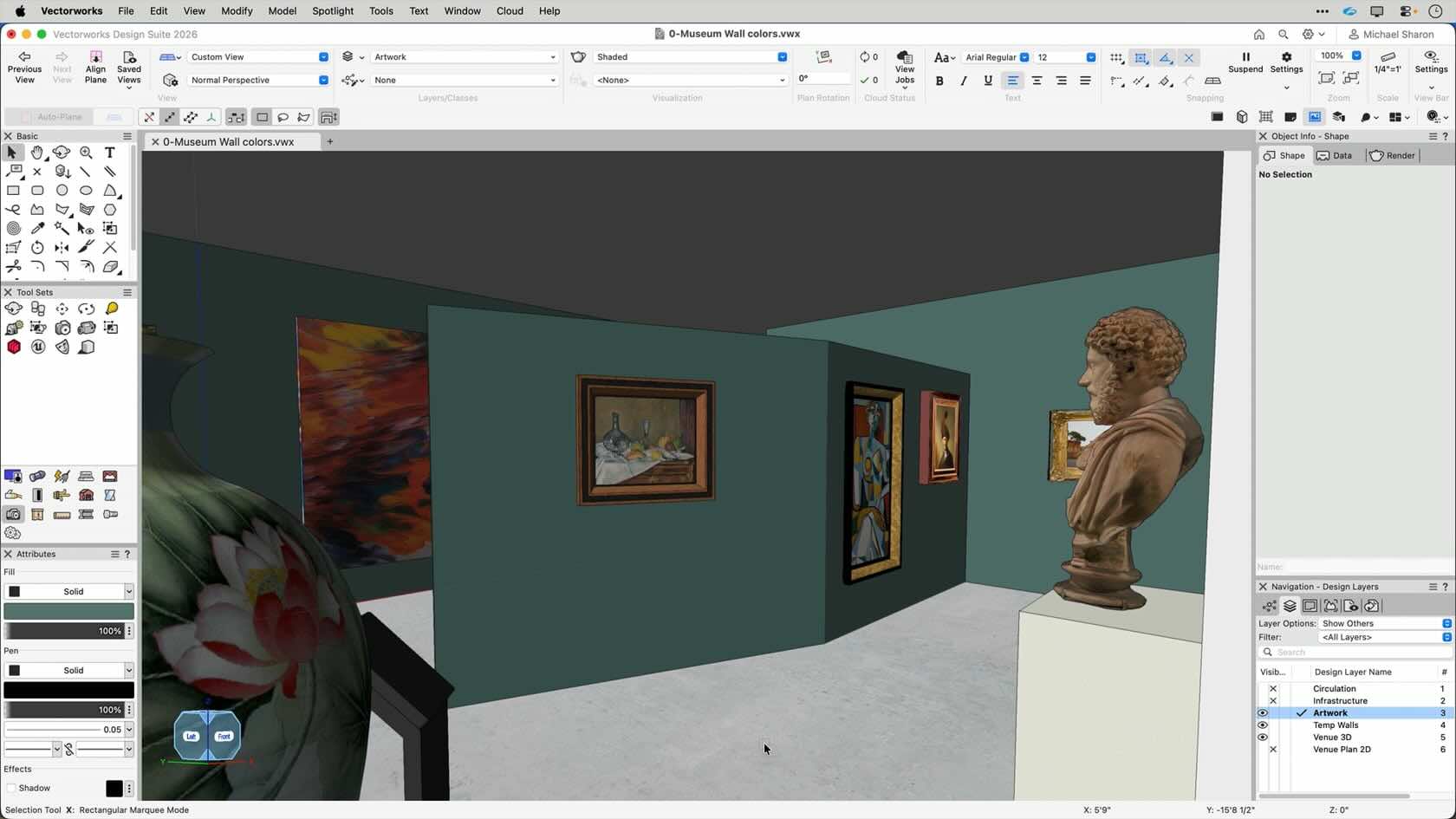
We'll paint the walls to support our theme.
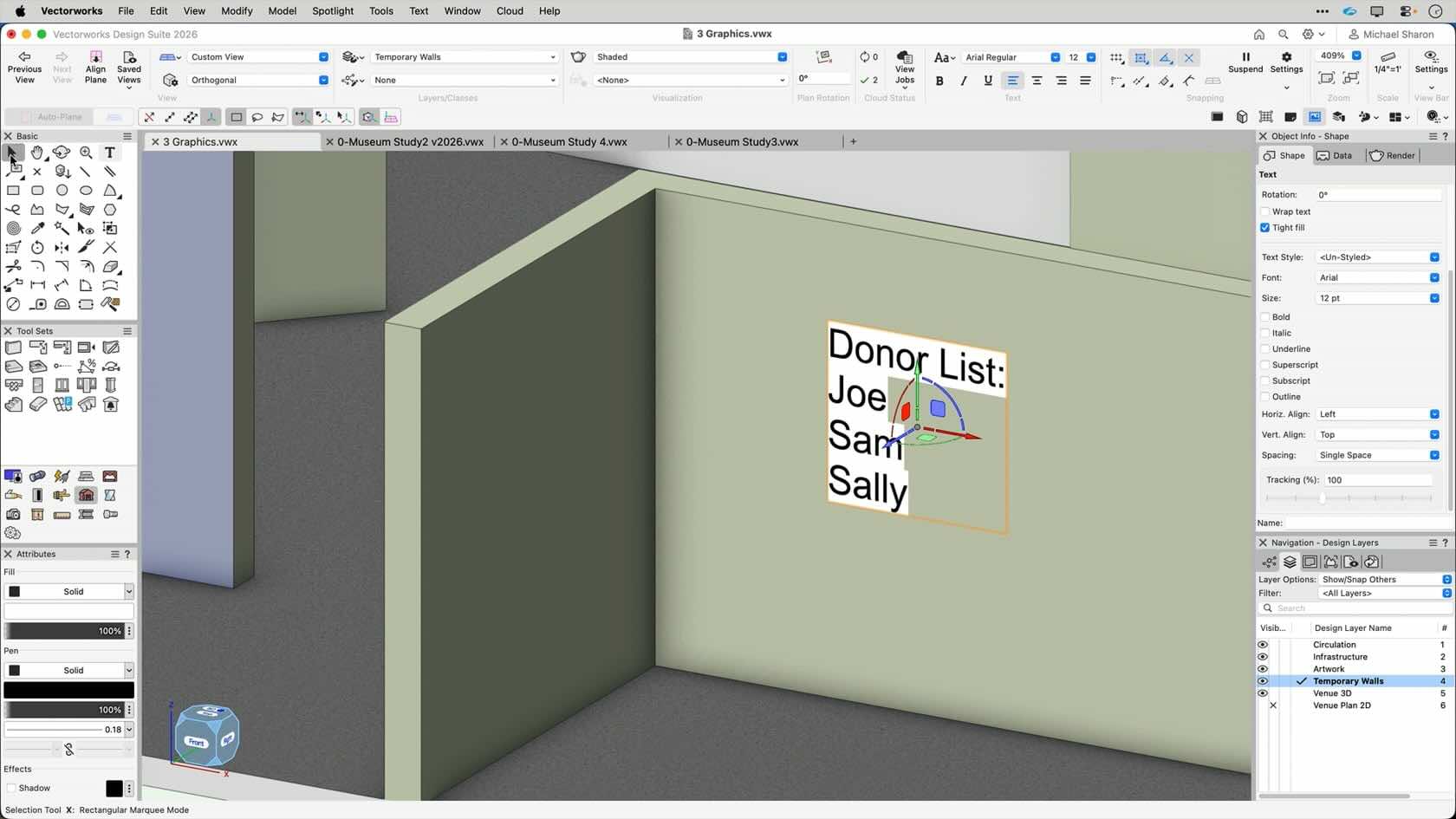
We'll add signage and graphics.
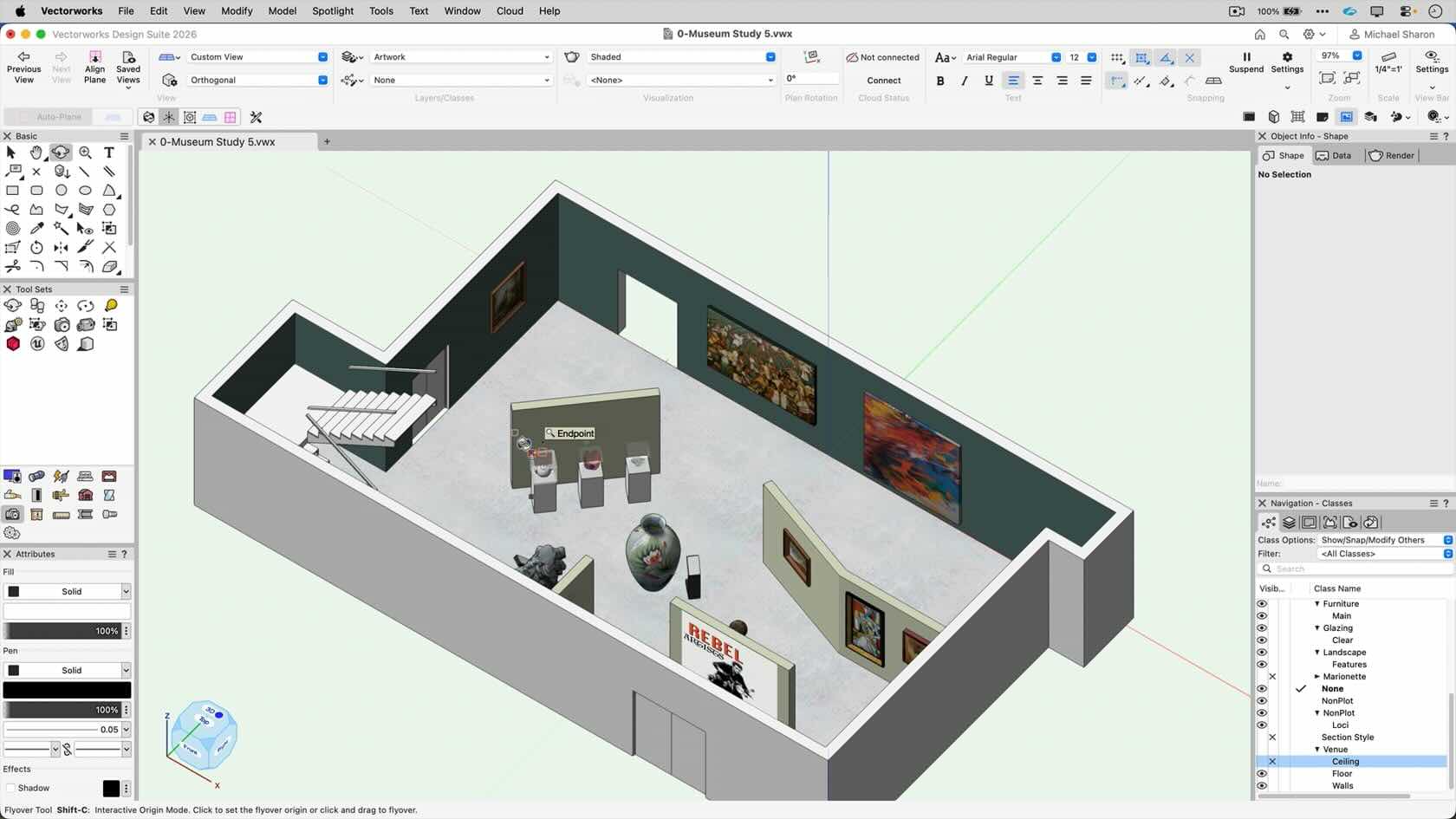
In this chapter, we'll create viewports and sheet layers.
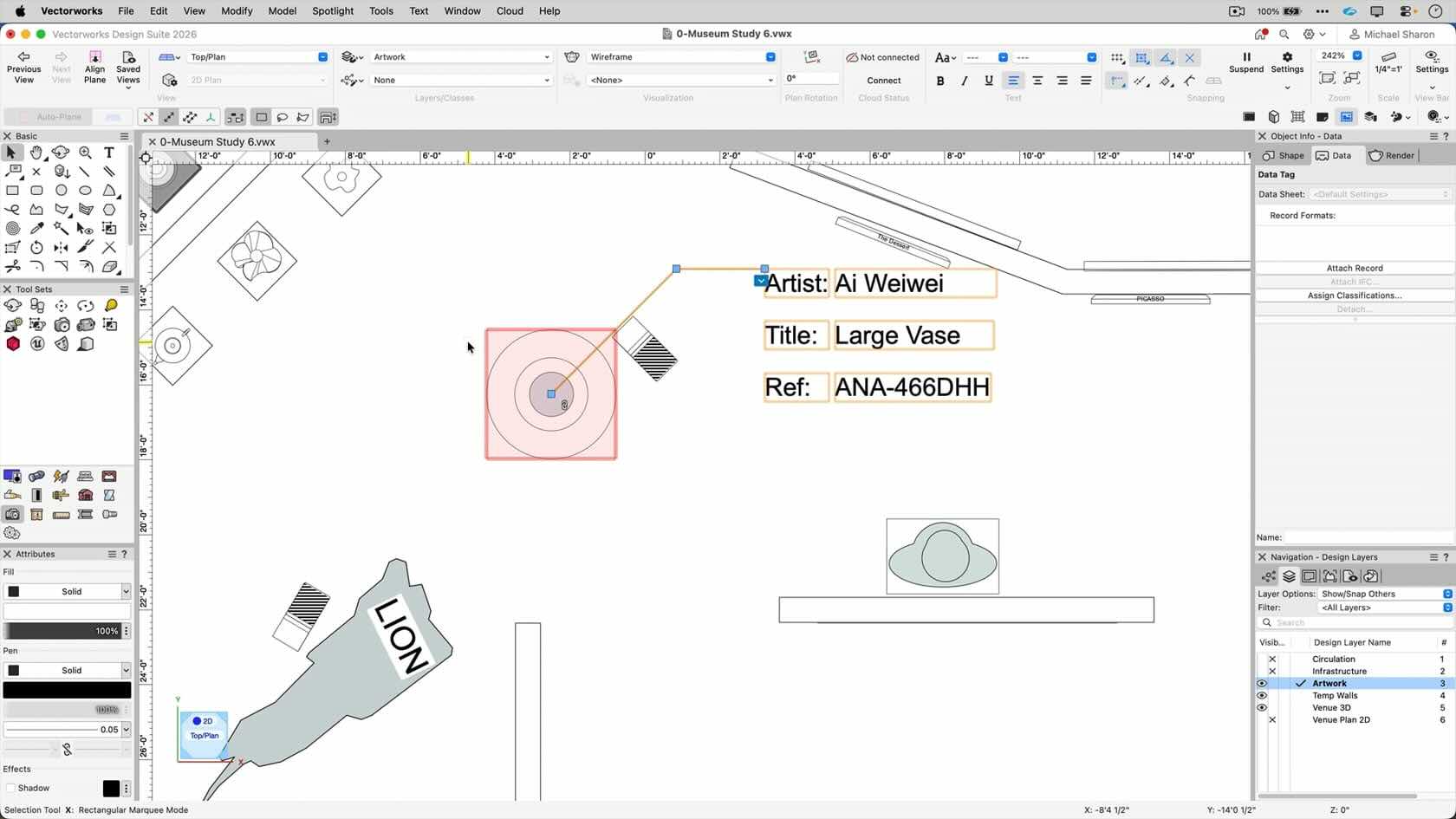
In this chapter, we'll look at all the data we can extract from our model.
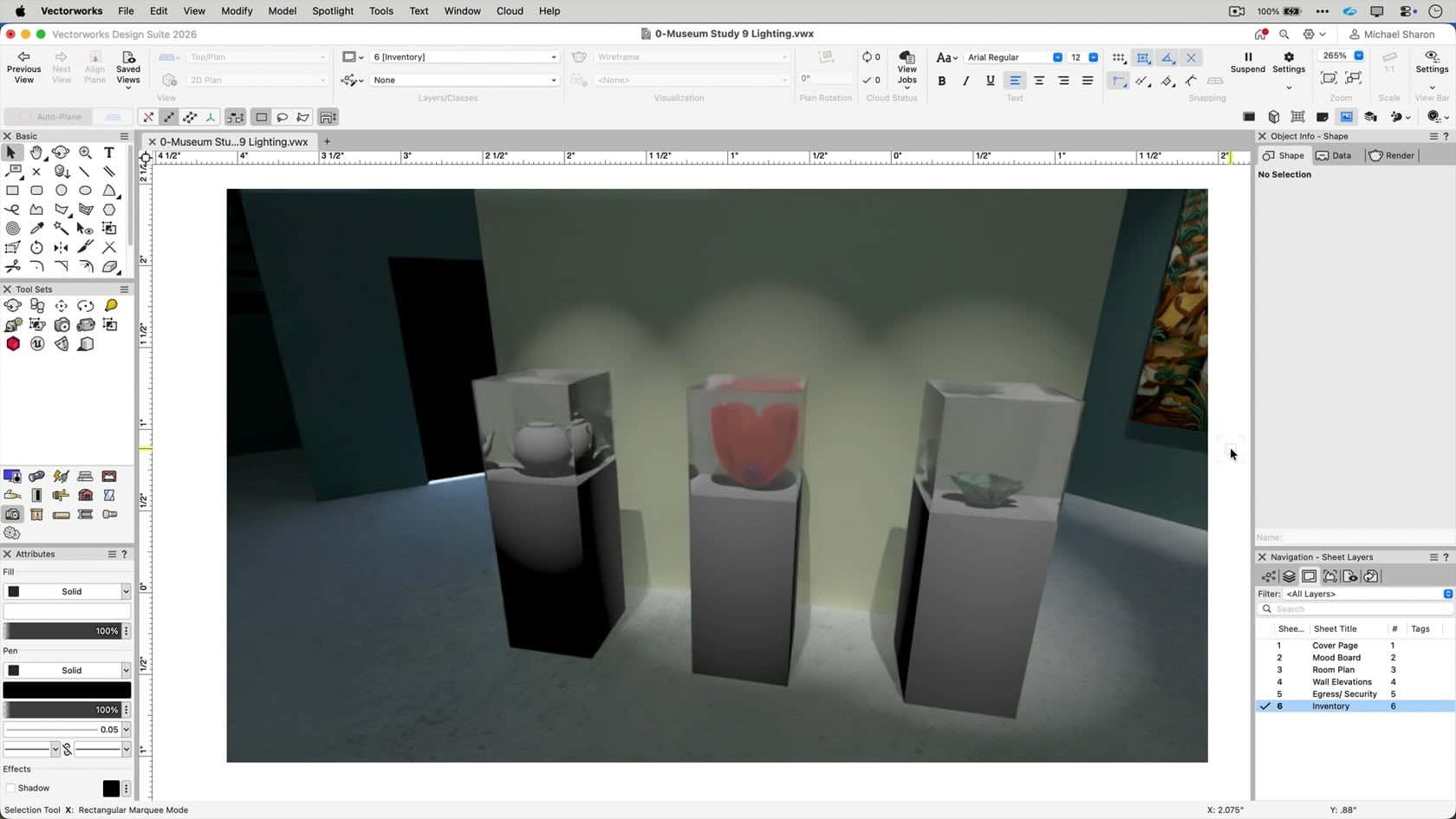
In this chapter, we'll get introduced to the Lighting Tool.
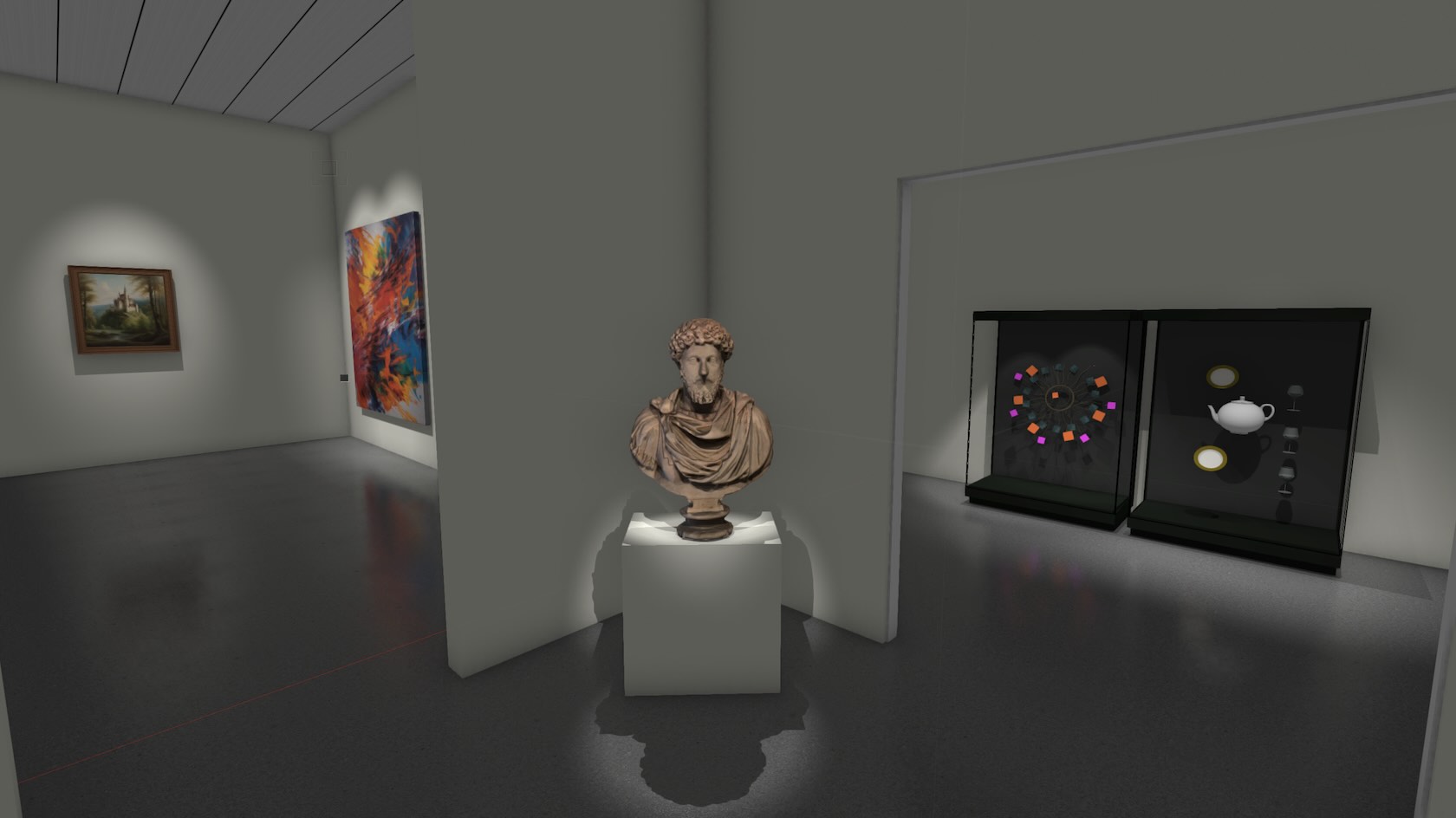
The conclusion of our course

Here are a few tips and tricks that may improve your workflow.