










In this video, you will learn about the structure of the Vectorworks Spotlight Professional Certification course and how to navigate the content.


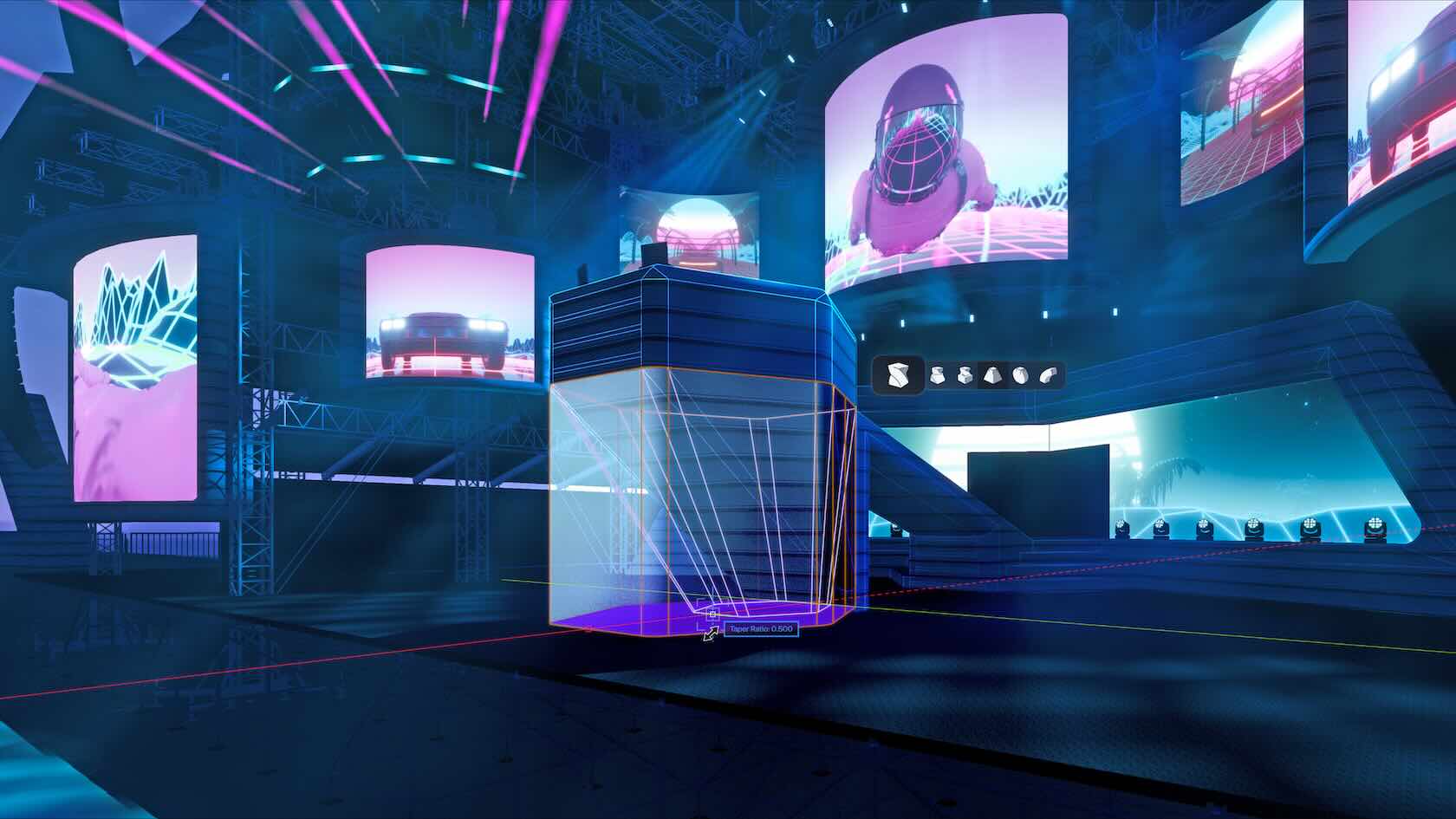
Our homework for this chapter will to create the venue for our project.

This section is the homework for the Stage and Scenic chapter

This video will explore in-depth the settings and options in a lighting device object.
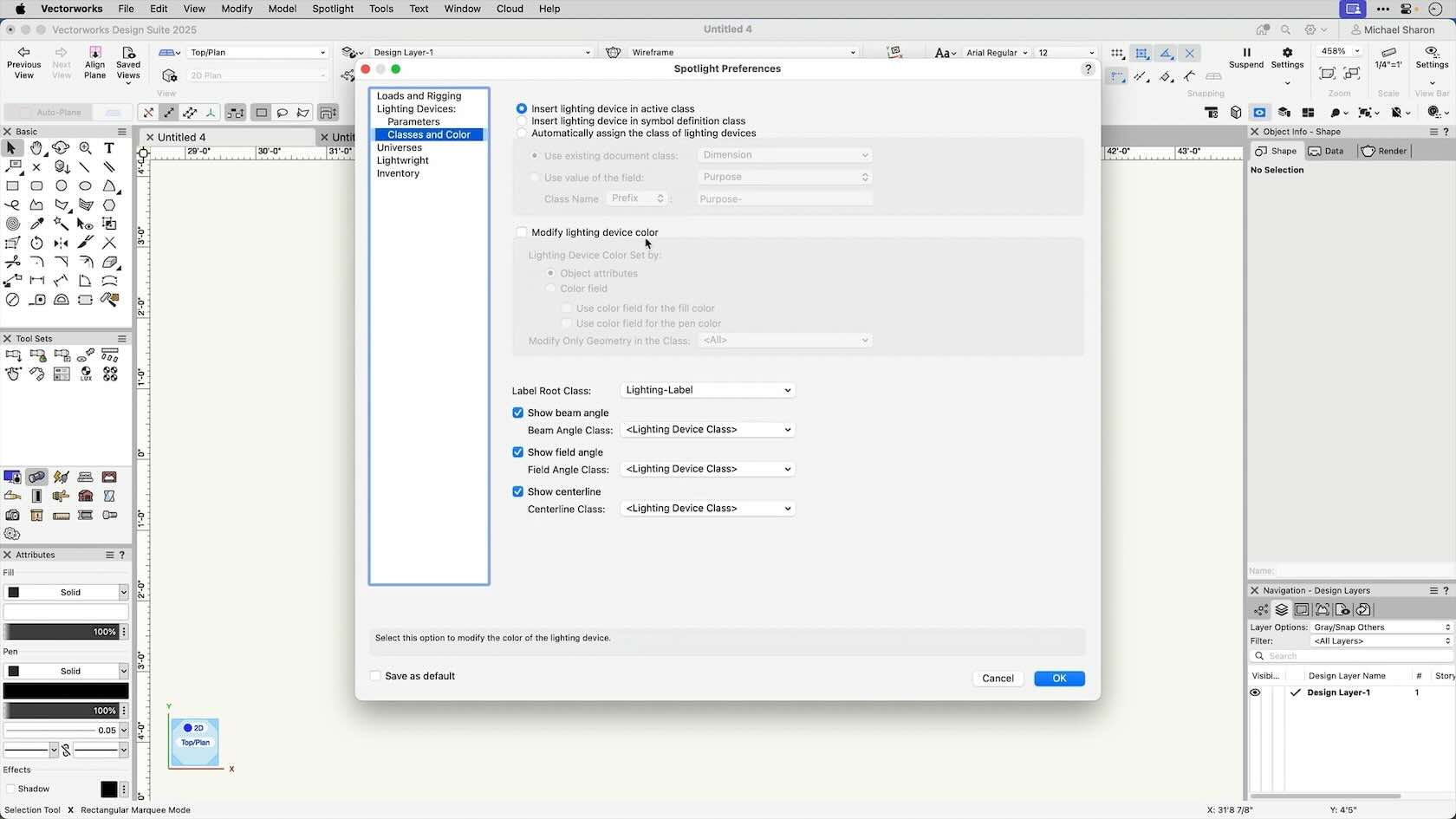
In this video we'll examine the multiple Spotlight Preferences that can be set in your file.

In this video, we'll add accessories to our lighting devices.
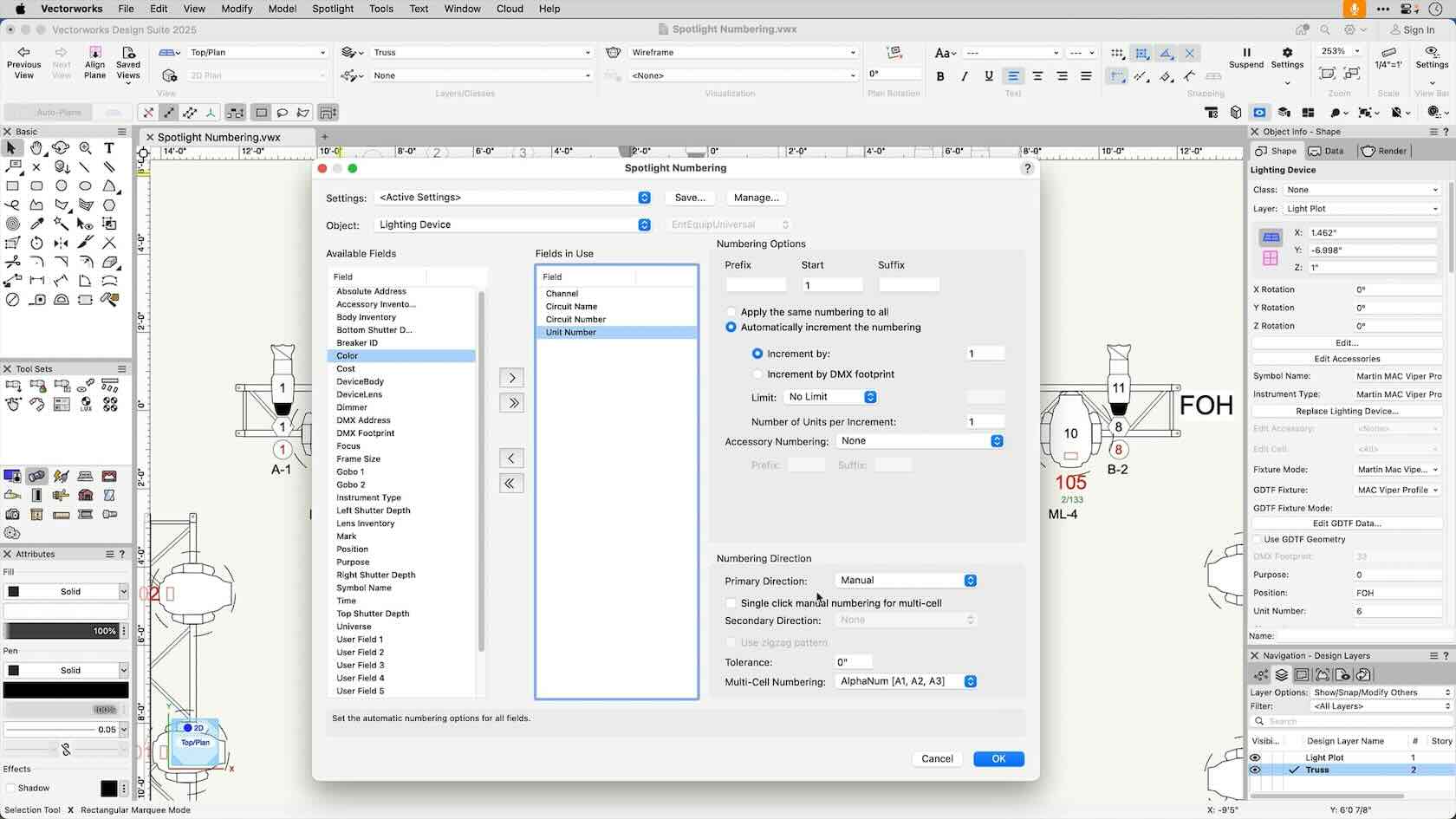
This video shows how we can quickly number our objects. We can enter multiple incrementing values at once, and save our favorite settings.

Practice using the Spotlight Numbering command by completing the exercise.

In this exercise, you will practice insterting and configuring hoists in your drawing.

In this video, we'll make schematic views. The 2D representations of our rotated lighting positions give an easy way to interact with our model.

In this video we'll explore the use of Data Visualization- a way of temporarily changing the graphic attributes or textures of an object based on the data associated with an object. This can be used for documentation as well as showing design variations.

This section will show how to create sheets of printable labels based on an equipment worksheet

In this video we'll introduce image props: a quick way of adding people or props into your rendered images without adding complex geometry.

In this video we'll look at the settings and options we have when working with rendered images. We'll look at different render modes, as well as render styles, and the information they contain.

Put your Vectorworks Spotlight knowledge to the test and achieve your Vectorworks Spotlight Professional Certification. This exam evaluates particpants knowlegde of Vectorworks Spotlight tools, commands, and concepts. To prepare for this exam, it is recommended that particpants first complete the Vectorworks Spotlight Professional Certification class. After successfully completing this exam with a score of 80 or higher, participants will earn the Vectorworks Spotlight Professional Certification. The certification will be valid for 3 years.

Your homework for this chapter will be to add audio and video elements to your model. If you completed the homework for chapter 3, congratulations! You will have a venue with scenic elements you can use for this chapter. If you struggled with the last chapter, or you are taking the chapters out of order, you can download a starter file. There is also a PDF that details the elements you need to add. Make sure you put everything in the appropriate class!

To reinforce the skills covered in this section, please complete the provide independent assignment.

Your homework for this chapter will be to add the lighting elements to your model. If you completed the homework for chapter 5, congratulations! You will have a venue with rigginig elements you can use for this chapter. If you struggled with the last chapter, or you are taking the chapters out of order, you can download a starter file. There is also a PDF that details the elements you need to add. Make sure you put everything in the appropriate class!

Your homework for this chapter will be utilize data from your model to generate a channel hoop, create an equipment summary, and a use Data Visualization to analyze your design. If you completed the homework for chapter 6, congratulations! You will have a complete venue with scenic, AV, rigging, and lighitng elements you can use for this chapter. If you struggled with the last chapter, or you are taking the chapters out of order, you can download a starter file. There is also a PDF that details the elements you need to add. Make sure you put everything in the appropriate class!