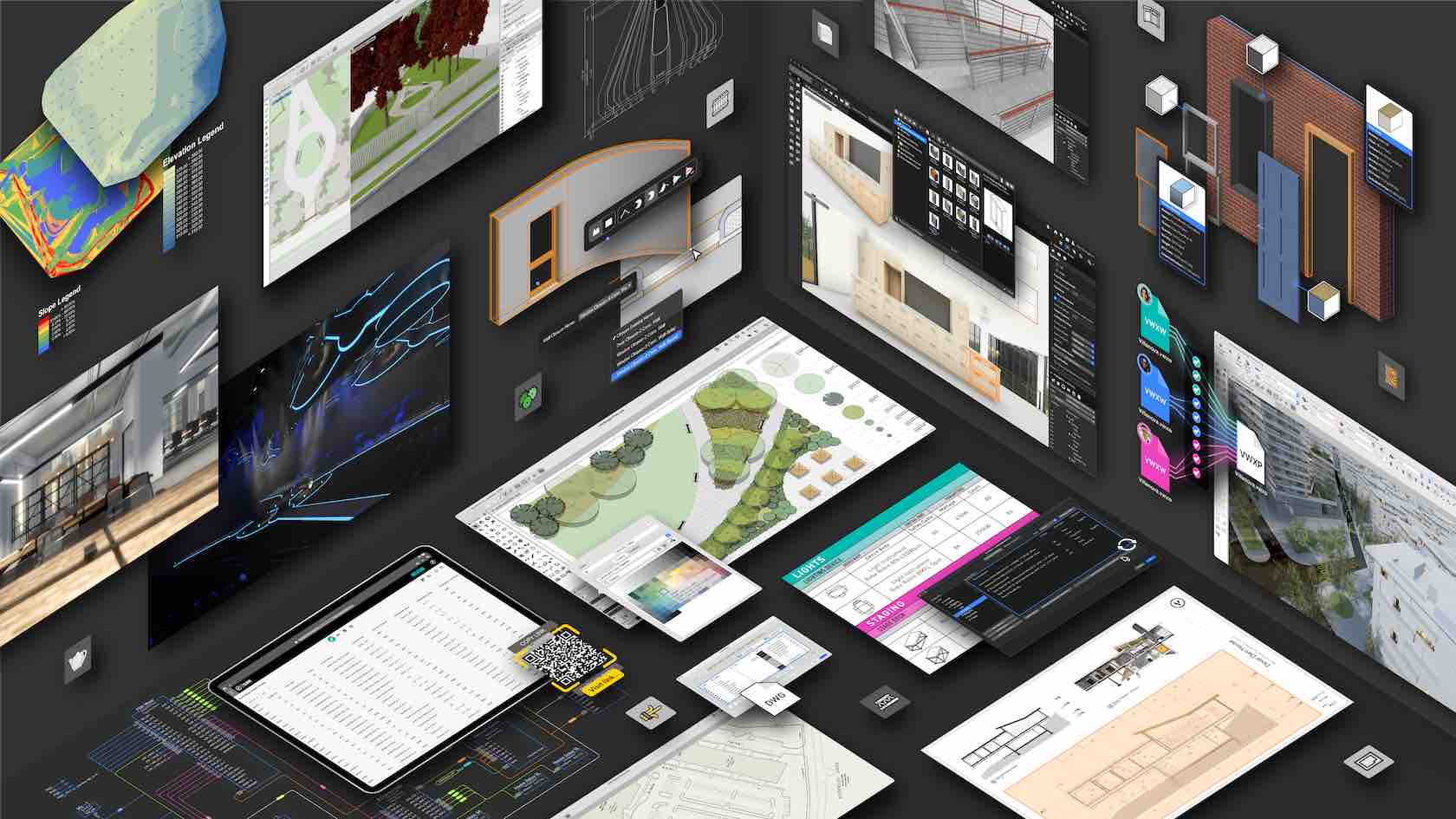
This introductory seminar provides a basic overview of the capabilities, concepts, resources, services, and benefits available for the Vectorworks user to get started. This session explains the user interface and demonstrates how to use tools and menu
commands to create and convert objects. Learn about classes, design layers, viewports, renderings, and sheet layers to present and annotate drawings and publish your work.
All Industries
All Industries
1h 50m
Beginner
Learning Objectives
Familiarize yourself with the user interface.
Understand the capabilities of Vectorworks.
Get an overview and demonstration of different digital design tools.
Understand file organizational concepts.
Learn about the different design and learning resources that are available.
Find out what next steps you need to take to be successful using Vectorworks.
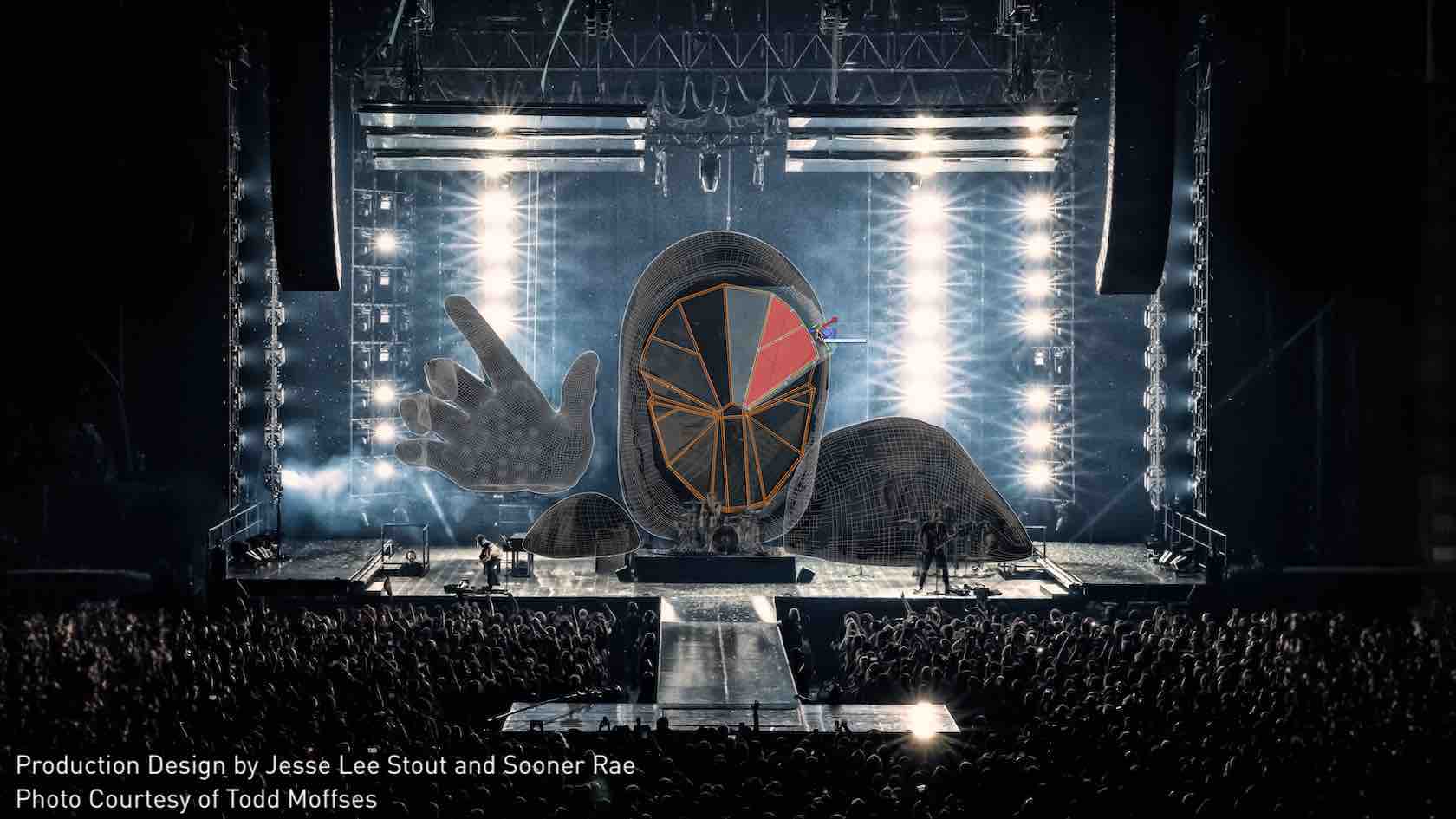
This introductory seminar provides an overview of using Vectorworks Spotlight to create, visualize, and document live entertainment productions. Attendees will explore the capabilities, concepts, resources, services, and benefits of using information
modeling in the design phase to streamline workflows and increase efficiency. The session covers the user interface and demonstrates how to use specialized plug-ins, tools, and menu commands contained within Vectorworks Spotlight.
Entertainment
Entertainment
2h
Beginner
Learning Objectives
Learn how different Entertainment projects can be organized.
Understand the capabilities of Vectorworks Spotlight.
Get an overview of Spotlight design tools.
Learn about interoperability for Vectorworks Spotlight.
Learn about the different design and learning resources that are available.
Find out what next steps you need to take to be successful using Vectorworks.
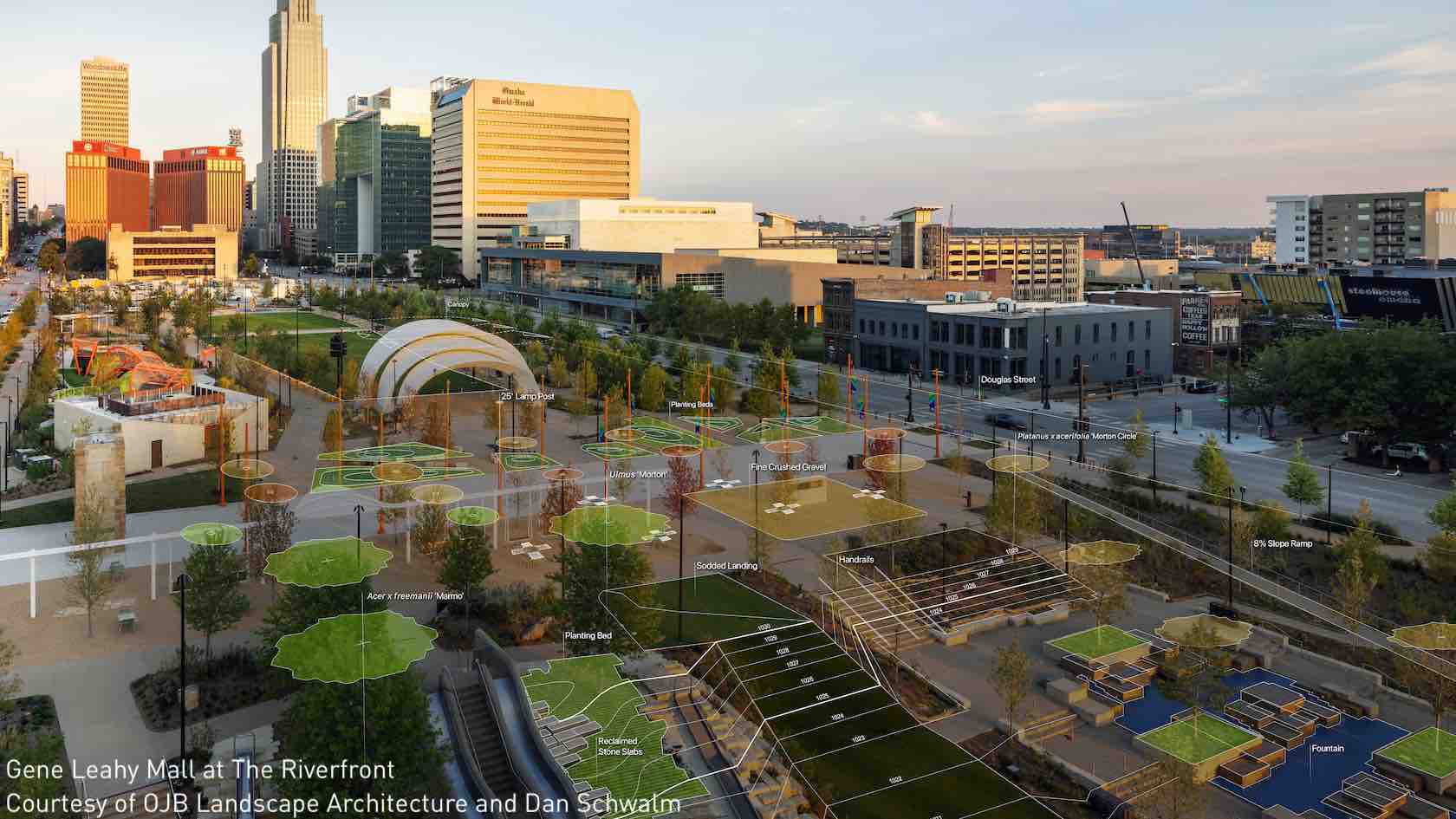
With our Landmark Essentials Seminar , you will explore some of the most common workflows and utilize the latest tools and commands of Vectorworks® Landmark software. Designed to help you save time, by designing more efficiently, this seminar will cover
the fundamental knowledge, needed to be successful with Vectorworks® Landmark software.
Landscapes
Landscapes
2h 5m
Beginner
Learning Objectives
Familiarize yourself with the Vectorworks Landmark user interface.
Understand the capabilities of Vectorworks Landmark.
Get an overview and demonstration of different Landmark design tools.
Understand file organizational concepts.
Learn about the different design and learning resources that are available.
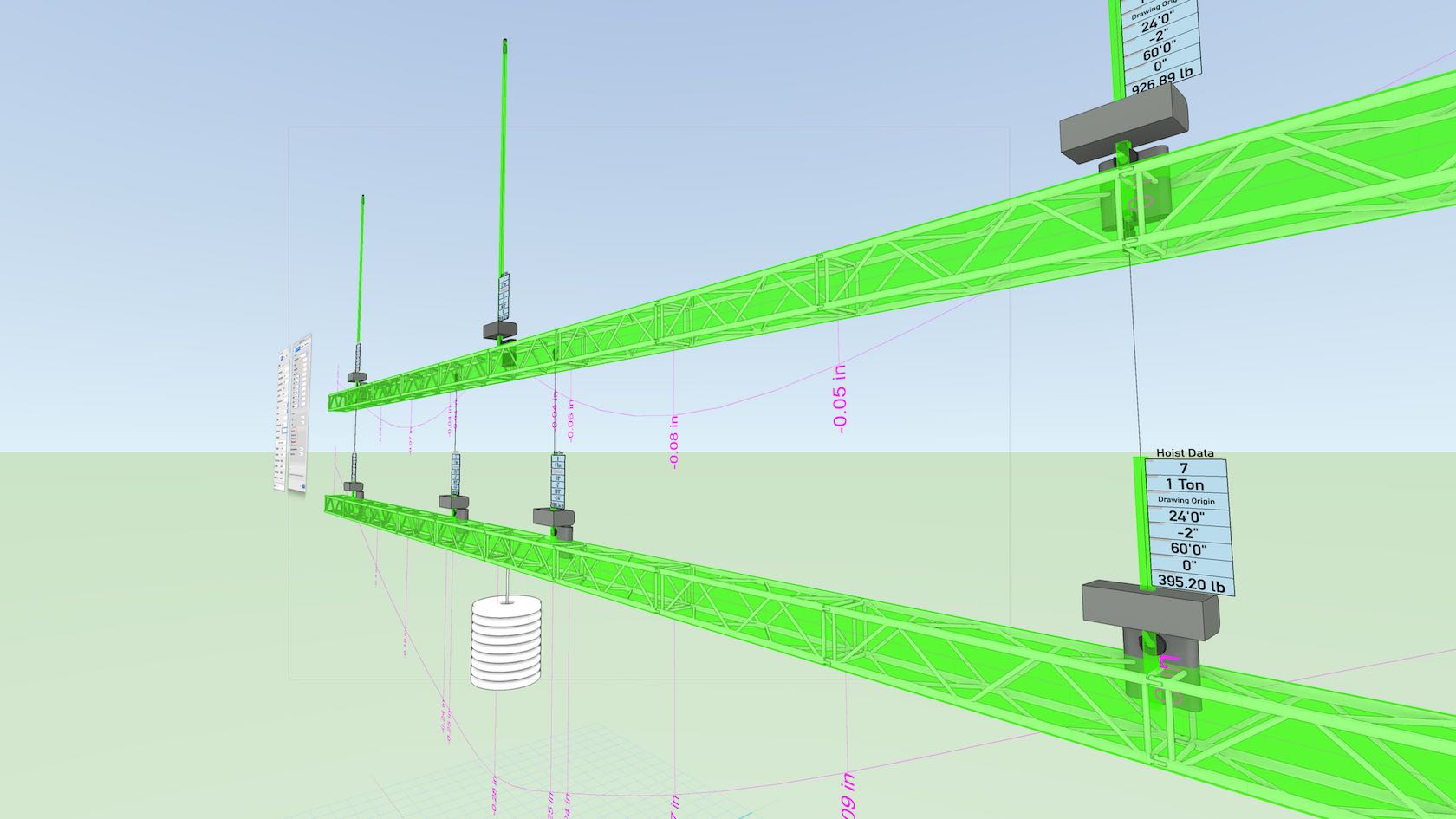
The design of rigging structures is an integral part of the event, entertainment, display, and exhibit industries. The Braceworks® suite of commands and tools inserts and connects supporting structures (such as trusses and lighting pipes), adds hoists and other supports, and then adds loads to the structures. With our Braceworks Essentials seminar, you will explore how to accurately calculate and analyze the structural forces of a hanging rigging system, to determine whether the structural system is viable.
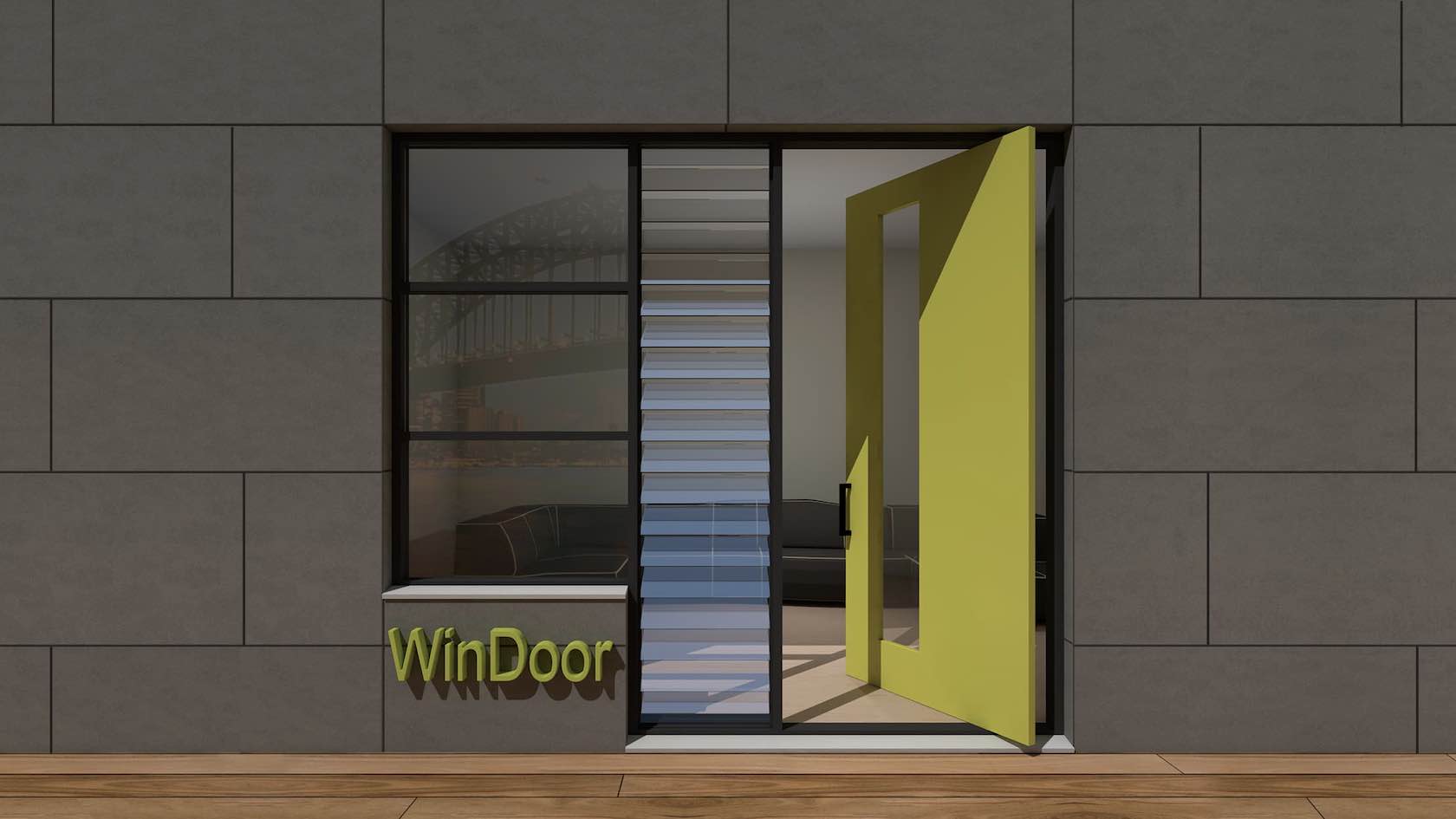
In this tutorial, you will explore the WinDoor plugin. You will learn how to create and place doors and windows using the WinDoor tool. In addition, you will explore how to create schedules and custom door leaves.
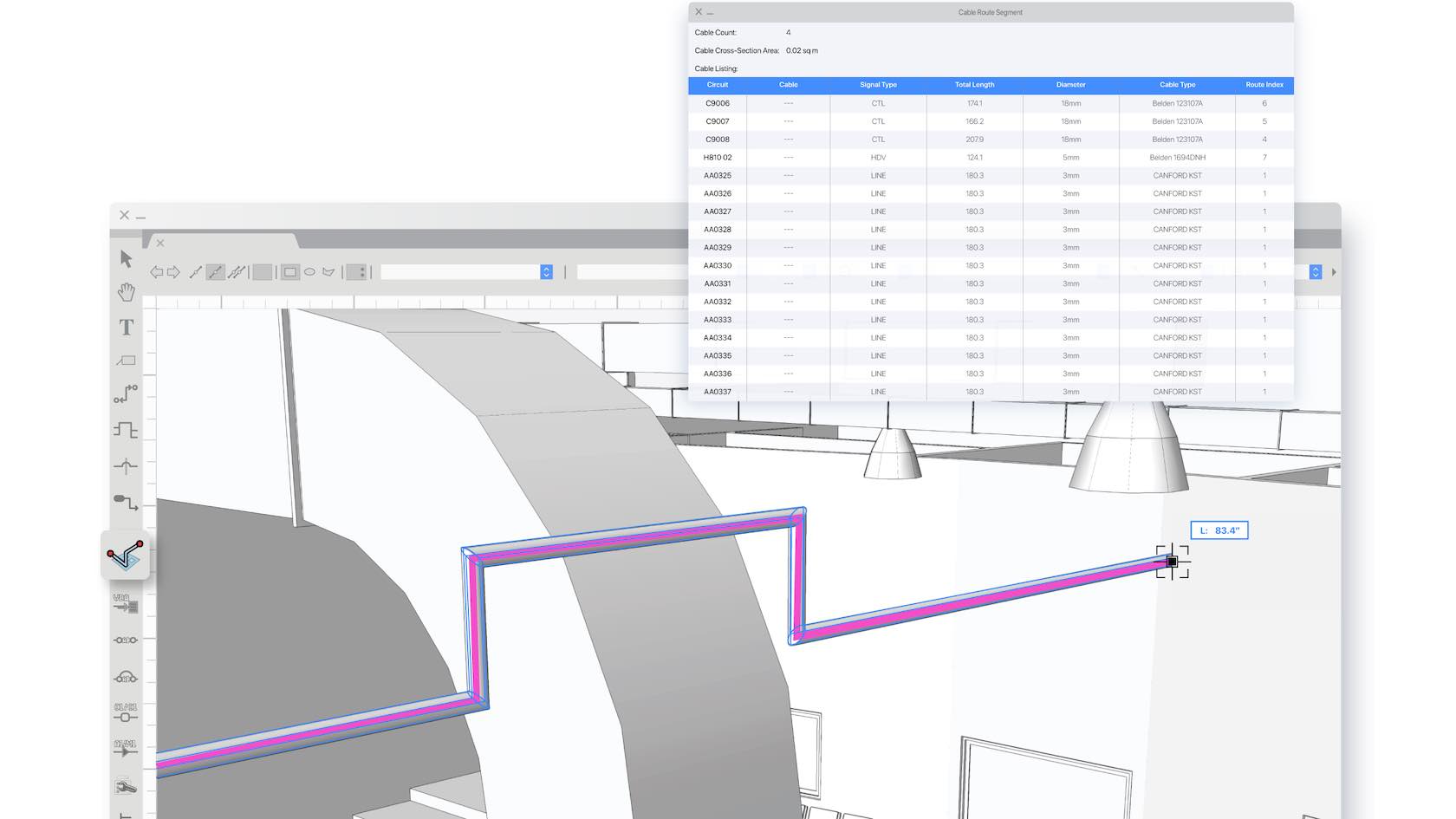
In this learning path, you will explore the Cable Tools Suite available in Vectorworks Spotlight and Design Suite. You will learn how to utilize all the cable tools, create cable styles, configure Data Tags for Cable objects, generate reports, and more.
This learning path is designed to help you get to know Vectorworks Fundamentals and get up and running quickly. We understand that not everyone learns in the same way, so we have provided multiple training options, from an instructor-led live seminar and on-demand quick start guide, to a sample project for you to explore.
This learning path is designed to help you get to know Vectorworks Architect and get up and running quickly. We understand that not everyone learns in the same way, so we have provided multiple training options, from instructor-led live seminars and an
on-demand quick start guide, to sample projects for you to explore.
This learning path is designed to help you get to know Vectorworks Landmark and get up and running quickly. We understand that not everyone learns in the same way, so we have provided multiple training options, from instructor-led live seminars and an on-demand quick start guide, to sample projects for you to explore.
This learning path is designed to help you get to know Vectorworks Spotlight and get up and running quickly. We understand that not everyone learns in the same way, so we have provided multiple training options, from instructor-led live seminars and an on-demand quick start guide, to sample projects for you to explore.
This learning path is designed to help you get to know Vectorworks Design Suite and get up and running quickly. We understand that not everyone learns in the same way, so we have provided multiple training options, from instructor-led live seminars and an
on-demand quick start guide, to sample projects for you to explore.
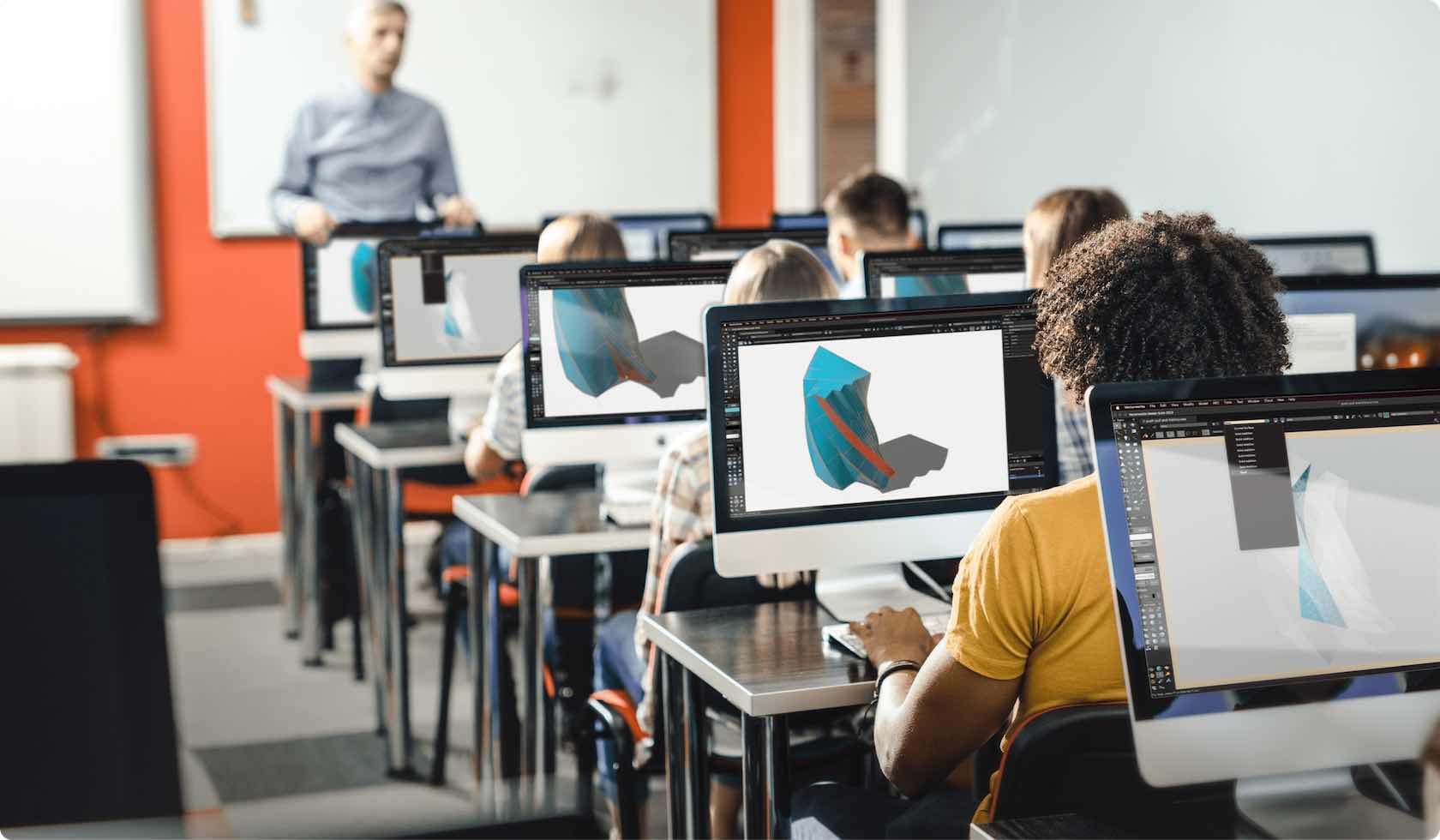
This learning path is designed to help Educational users get to know Vectorworks Design Suite and get up and running quickly. We understand that not everyone learns in the same way, so we have provided multiple training options, from instructor-led live seminars and an
on-demand quick start guide, to sample projects for you to explore.