

















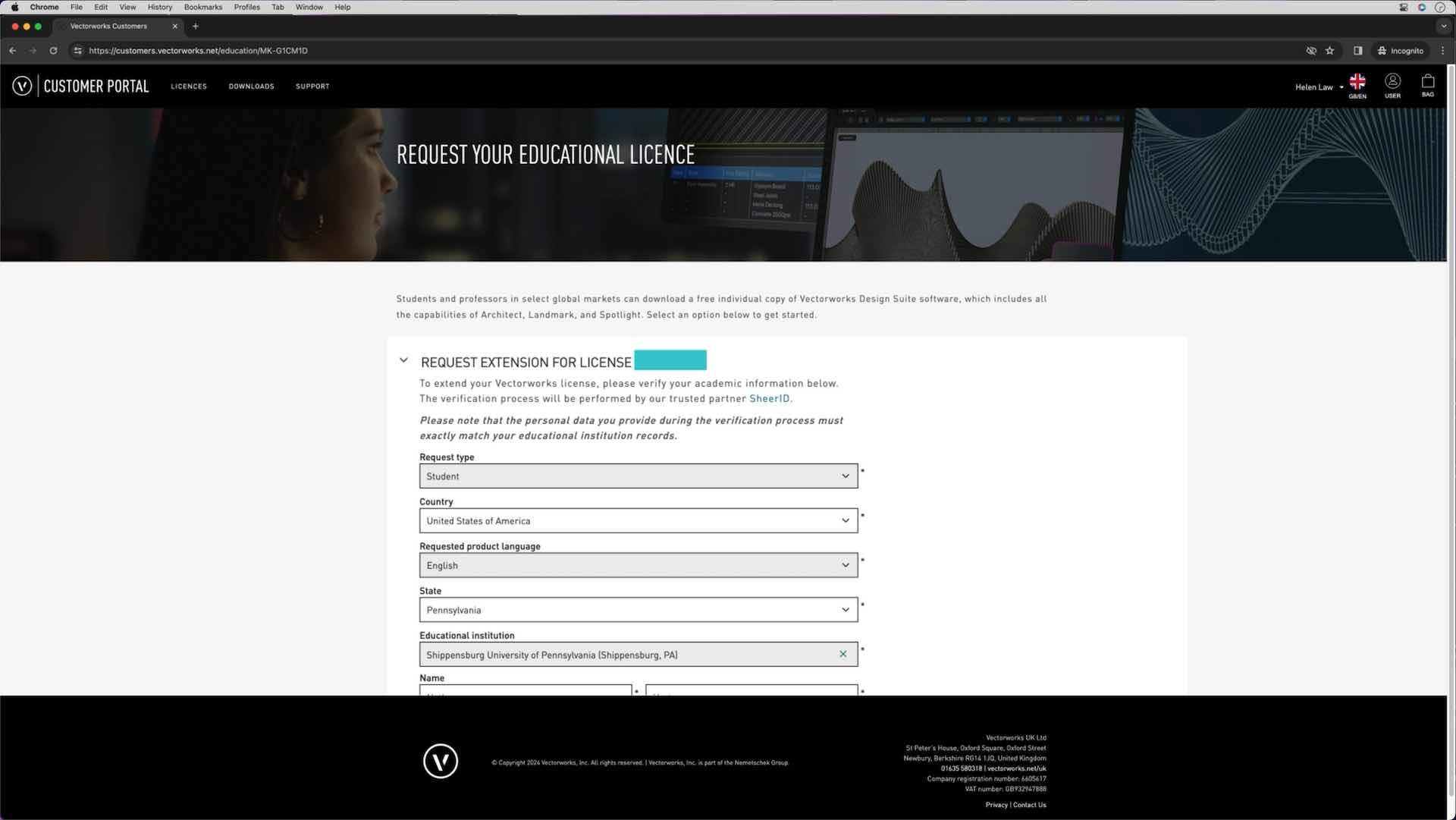
This video will take you through the process of requesting an extension to your license through the customer portal.
Requires Approval: No
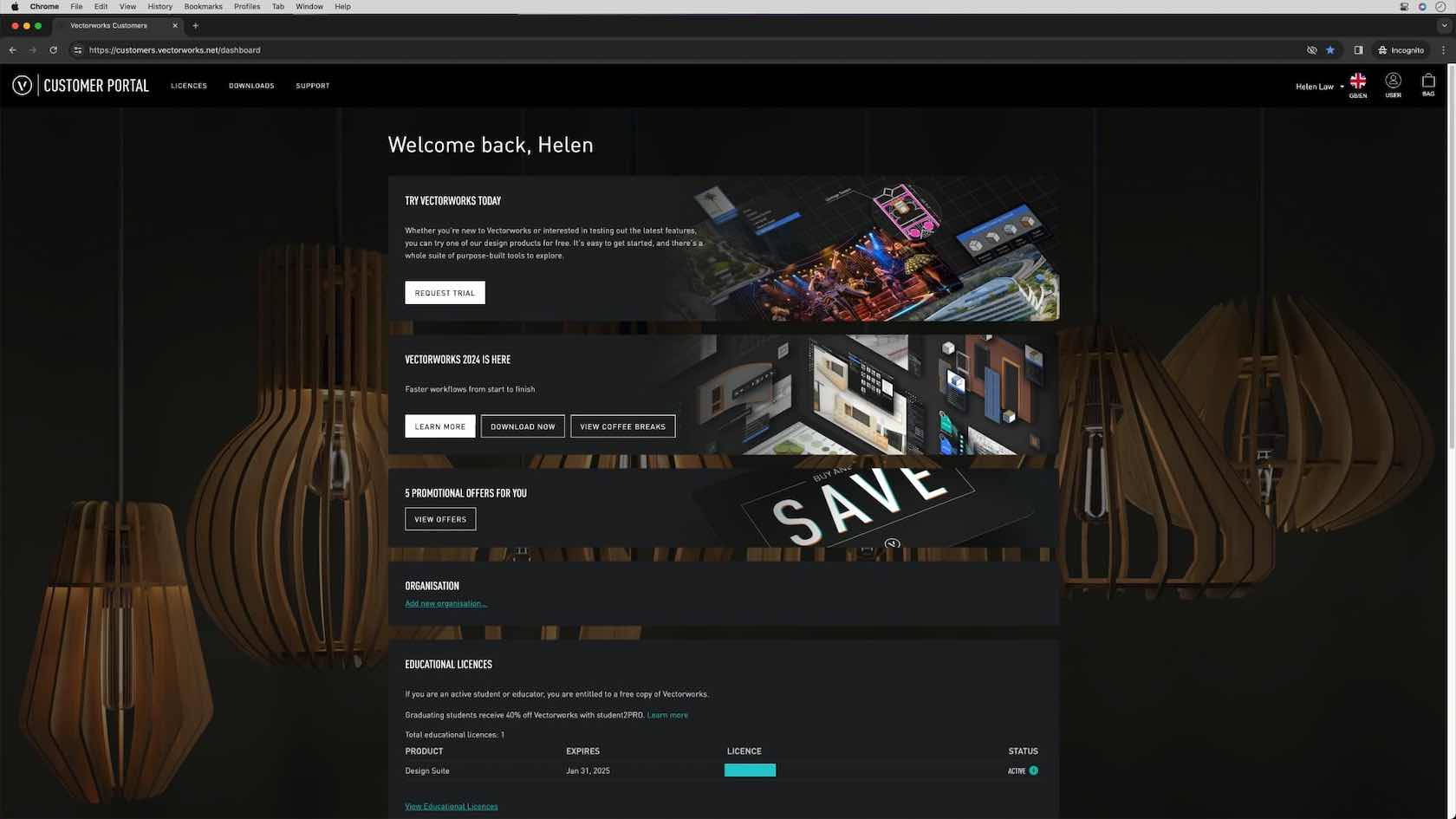
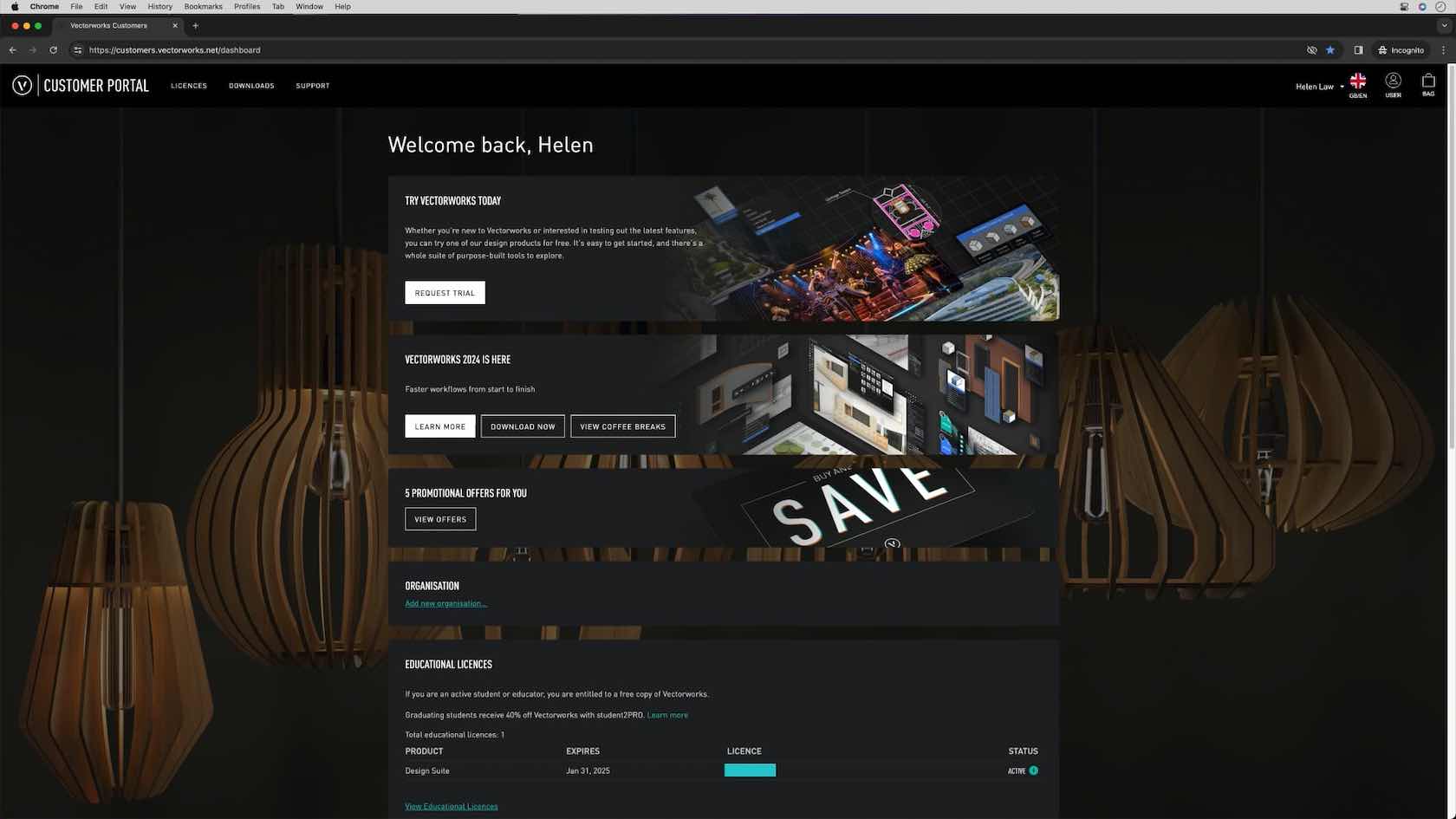
The Vectorworks Customer portal is there to guide and help with your Vectorworks journey. You will find your license information, downloads, license requests and further information on the customer portal.
Requires Approval: No
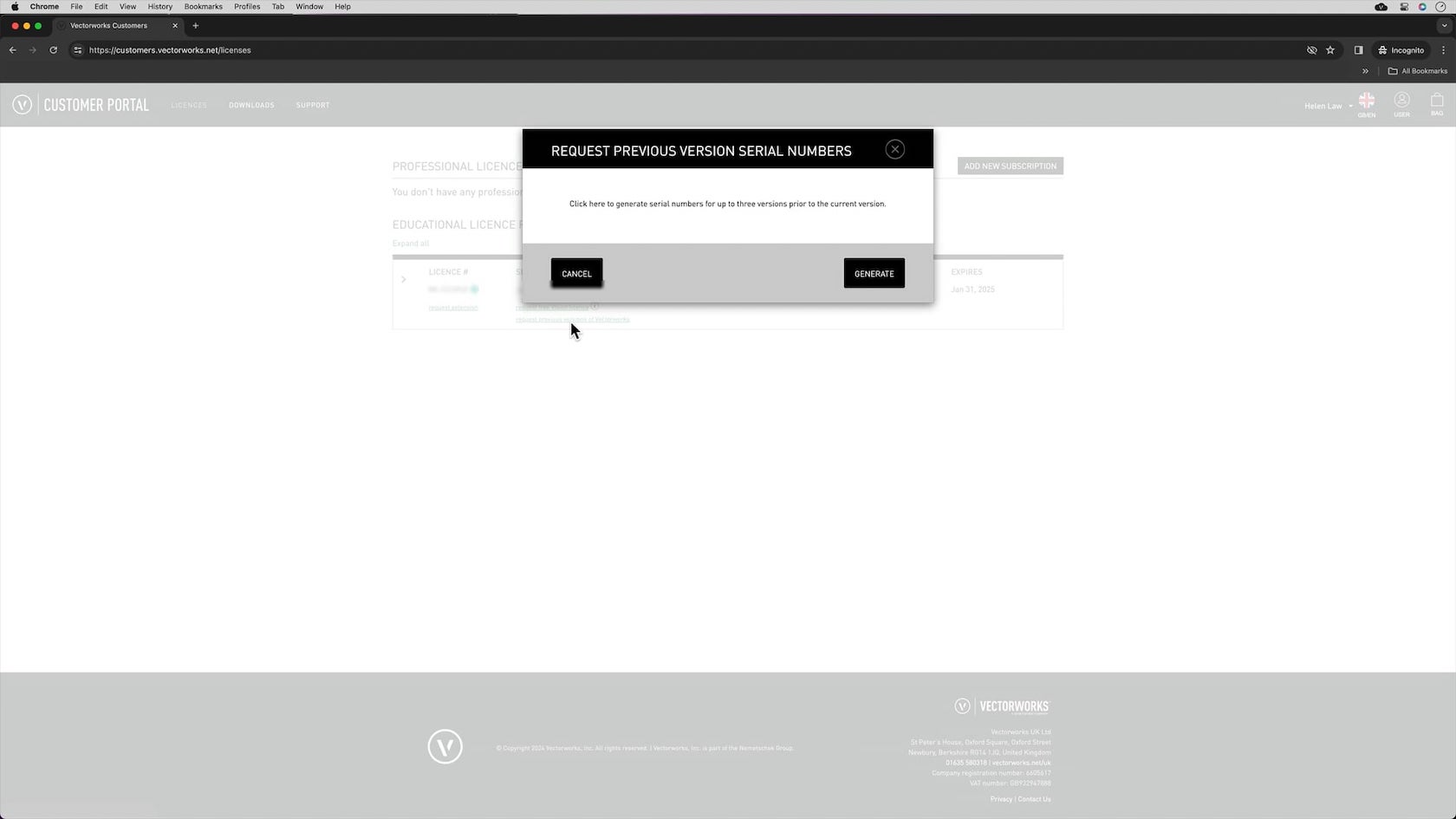
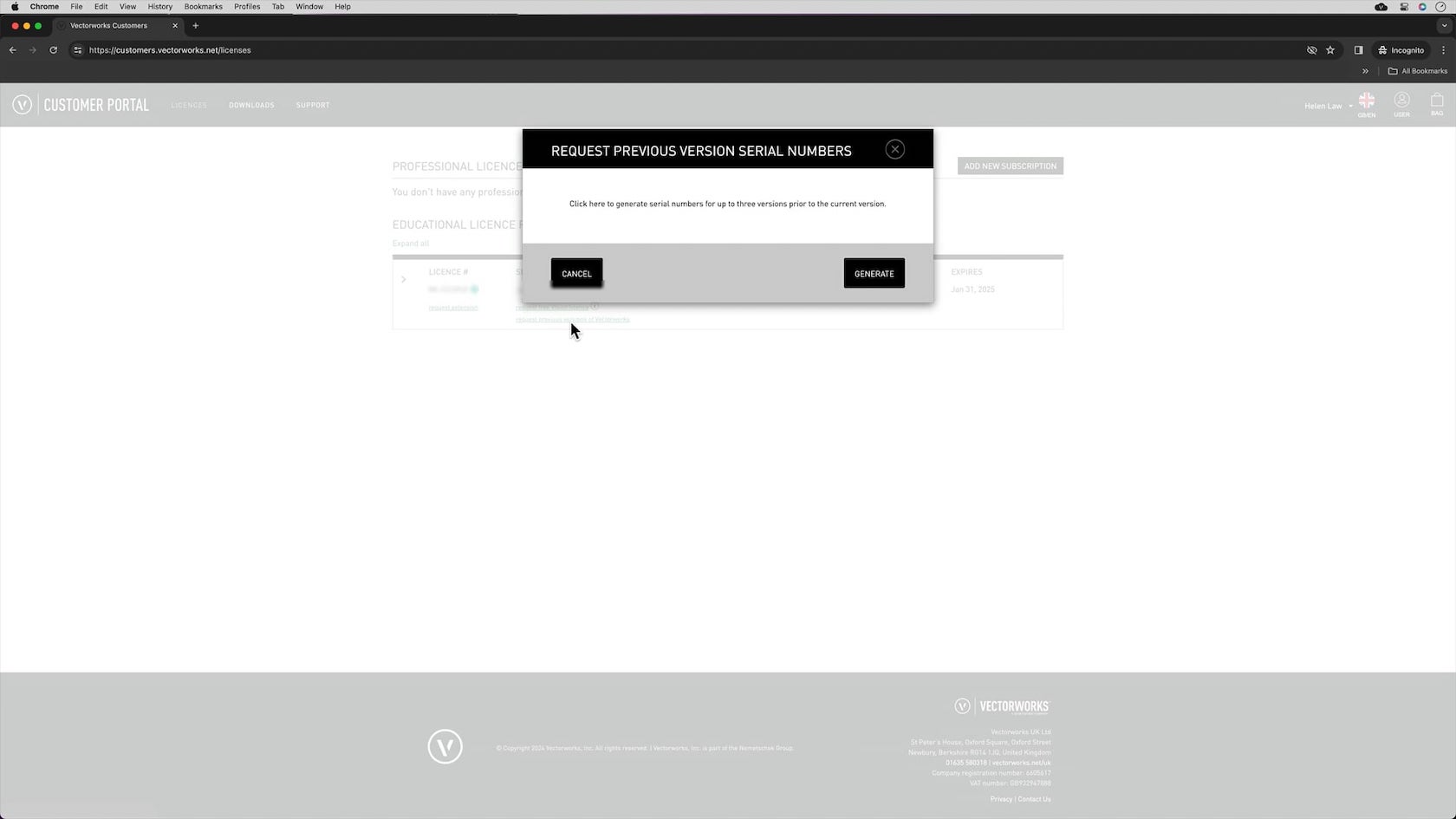
In this video we will go through the process of requesting previous versions of Vectorworks.
Requires Approval: No
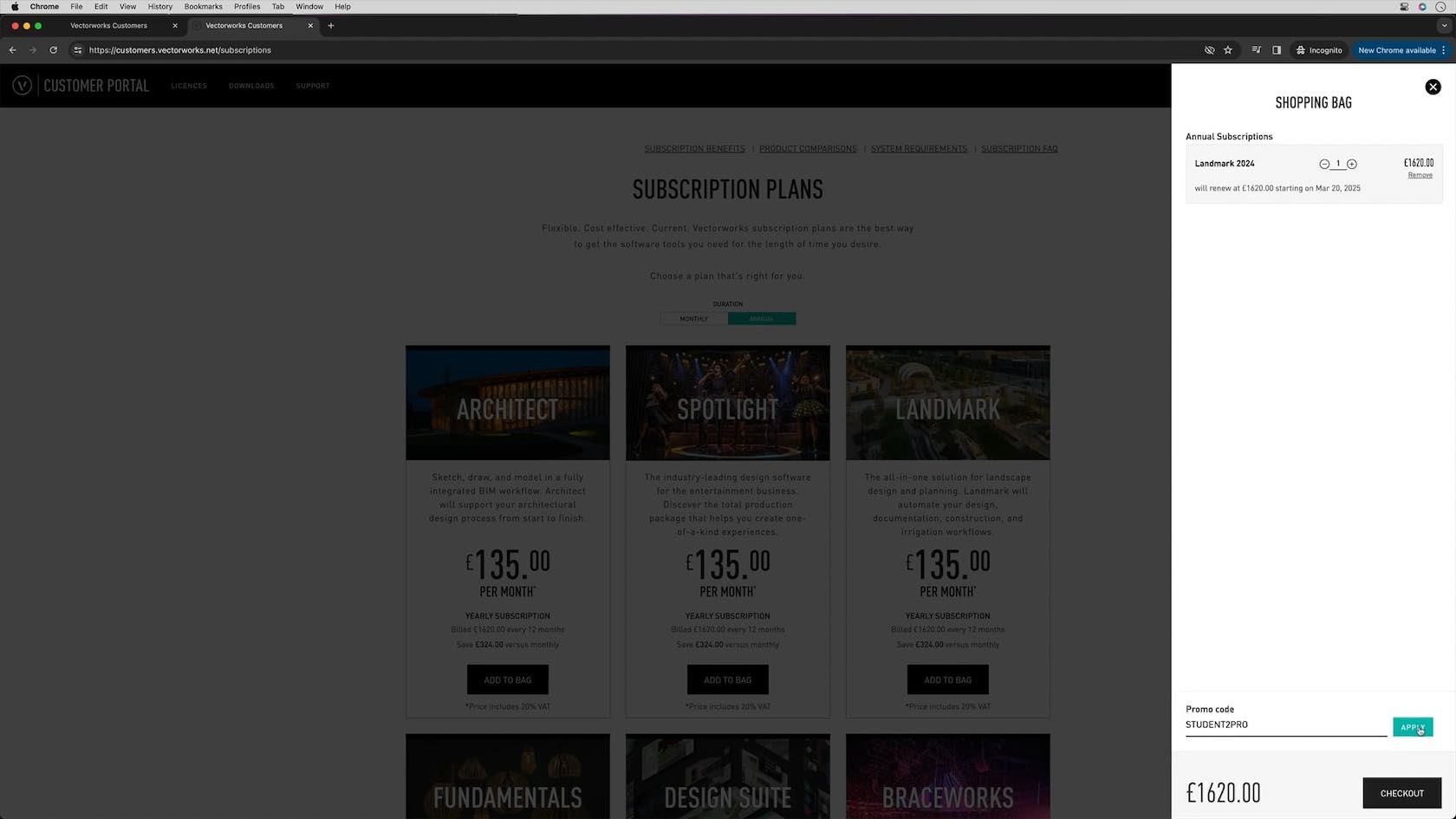
In this video we will take you through the benefits of upgrading using the student2pro offer and how you request this through the customer portal.
Requires Approval: No