












In this video, we’ve isolated 10 Quick Wins—small, practical tips that make Vectorworks feel faster, friendlier, and more familiar from day one. Each one covers features, habits, and concepts that new users often miss but that will greatly enhance your workflow and help you avoid common pitfalls that stop new users in their tracks.
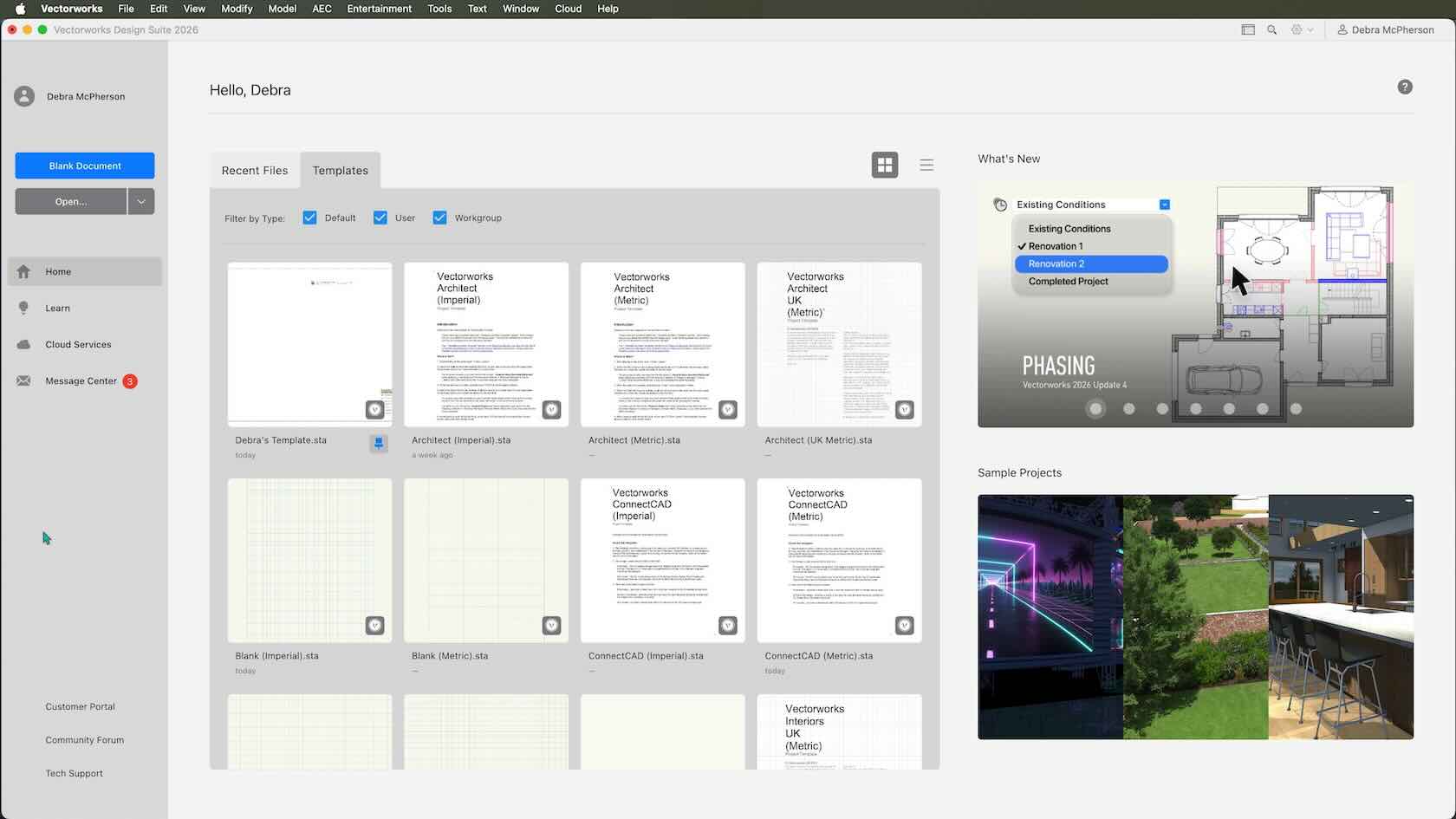
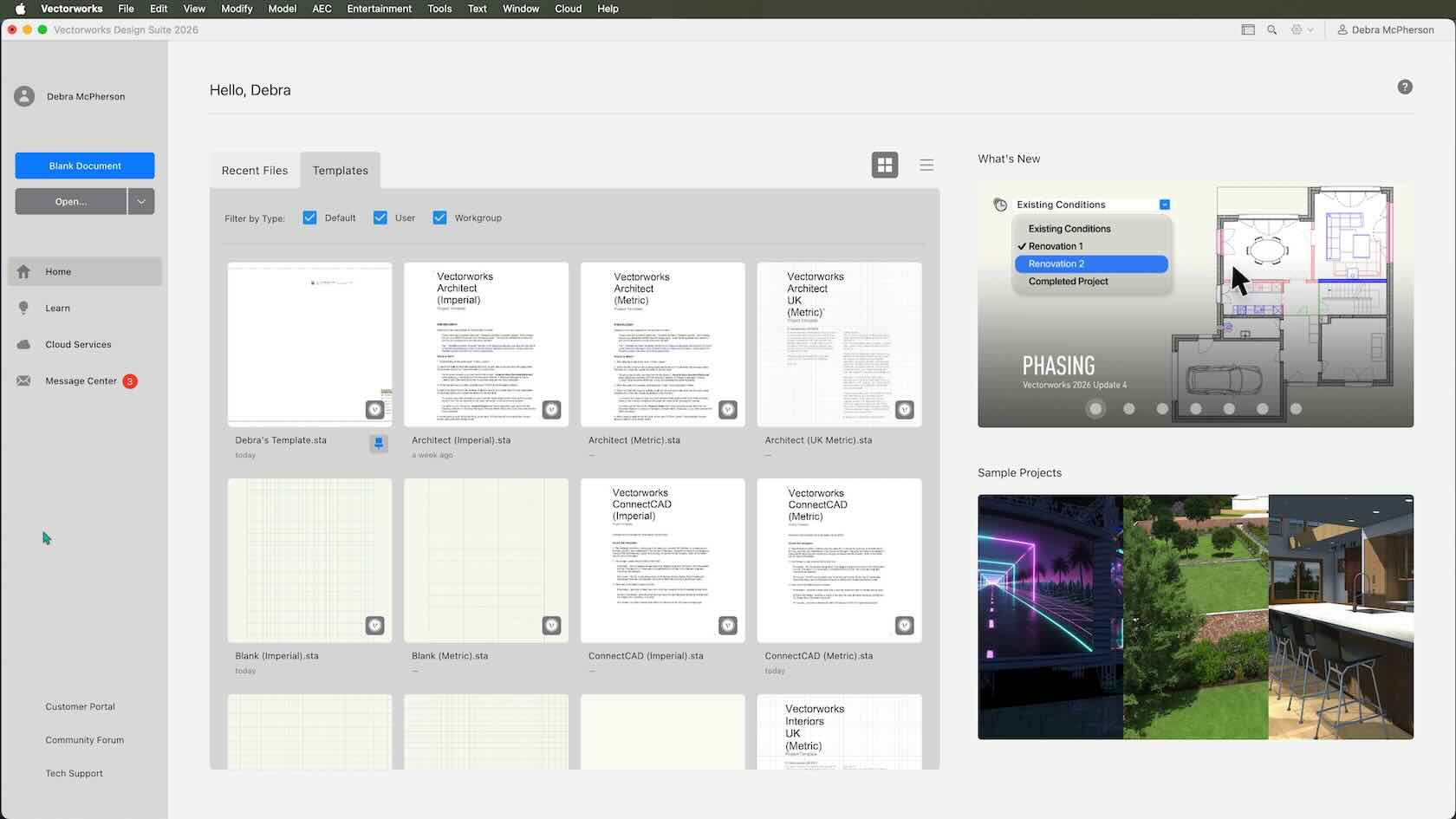
This video introduces Templates. Use templates to set up new files quickly and consistently. A template can provide the standard structure and formatting needed for all projects in your practice, such as class/layer structure, saved views, defined paper sizes, and colors. You might also include some basic resources that you use in all projects, such as line types, hatches, title blocks and worksheets.In this video you'll see how you can also customize your own.
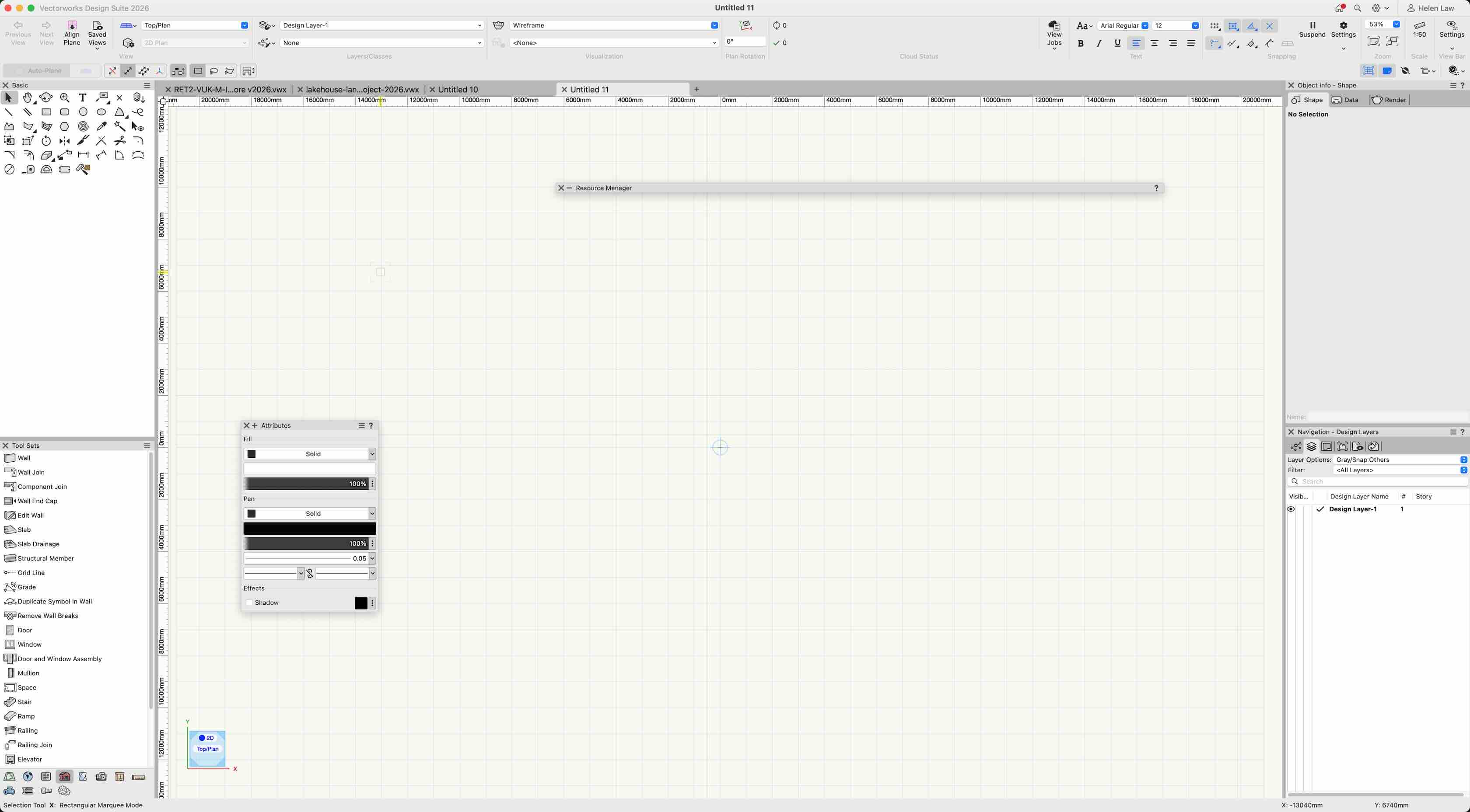
Join our live Vectorworks Onboarding Sessions to get up and running quickly with your new software. In these interactive sessions, our onboarding specialists will guide you through core concepts, answer your questions, and help you apply Vectorworks to your real projects.

If you are new to Vectorworks, we want to help you get started right away with learning the interface and becoming familiar with the tools! We've assembled this collection of "Quick Start" tutorials. These are designed to get you going with Vectorworks to accomplish simple tasks
Welcome to Vectorworks Onboarding! To kick off your journey, we invite you to watch our introduction video!
Welcome to Vectorworks Onboarding! To kick off your journey, we invite you to watch our introduction video!
Welcome to Vectorworks Onboarding! To kick off your journey, we invite you to watch our introduction video!
Welcome to Vectorworks Onboarding! To kick off your journey, we invite you to watch our introduction video!

Welcome to Vectorworks Onboarding! To kick off your journey, we invite you to watch our introduction video!
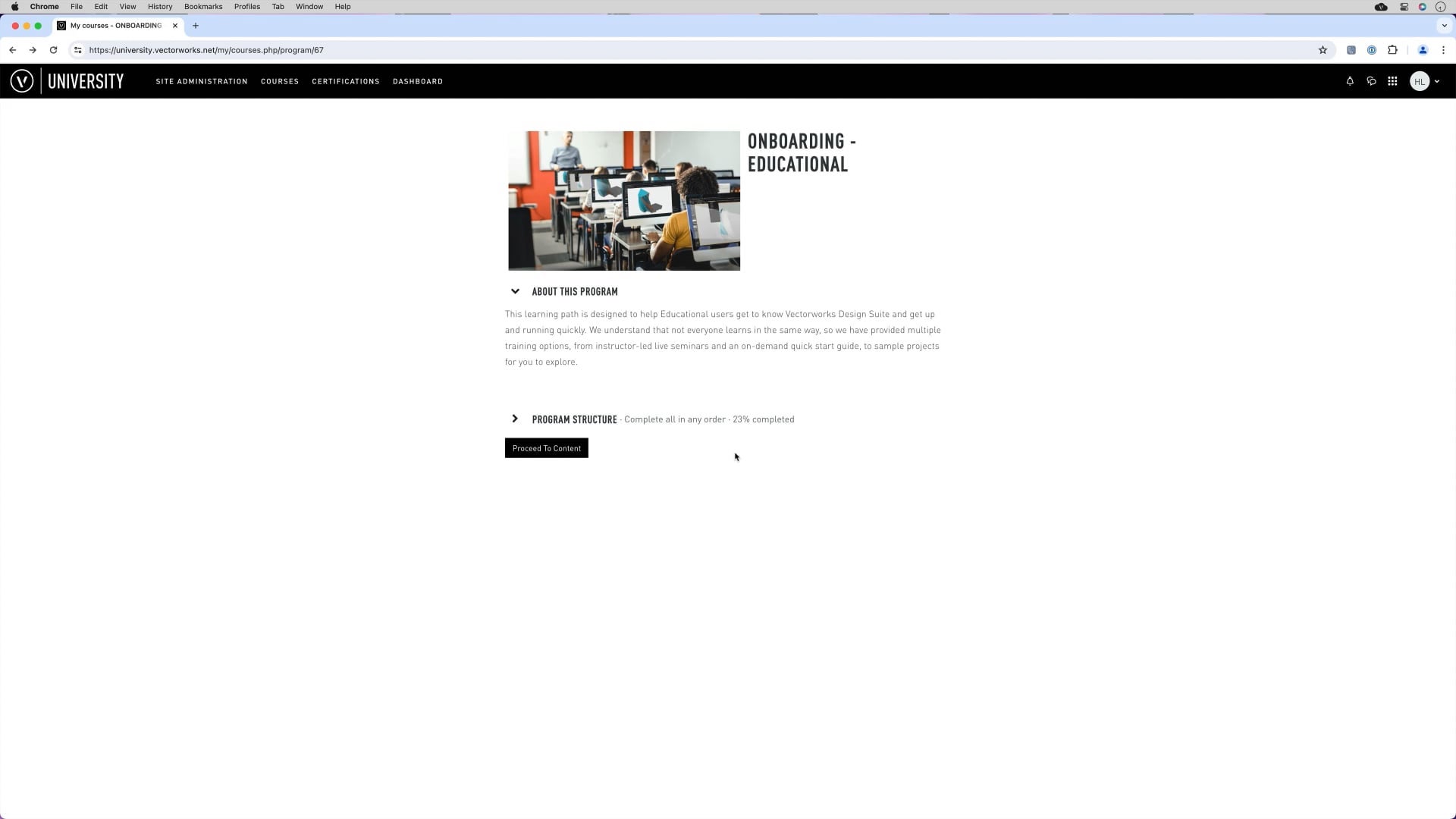
Hi and welcome, this video goes through how to navigate through the learning path and what you will see along the way. Make sure to sign up for the Live Onboarding Sessions on the next course!
In this short video we will introduce your next steps on your Vectorworks learning journey. Above the video you will find links to the Next steps document to help guide you on your next learning step with Vectorworks.
VECTORWORKS FUNDAMENTALS
VECTORWORKS ARCHITECT
VECTORWORKS SPOTLIGHT
VECTORWORKS LANDMARK
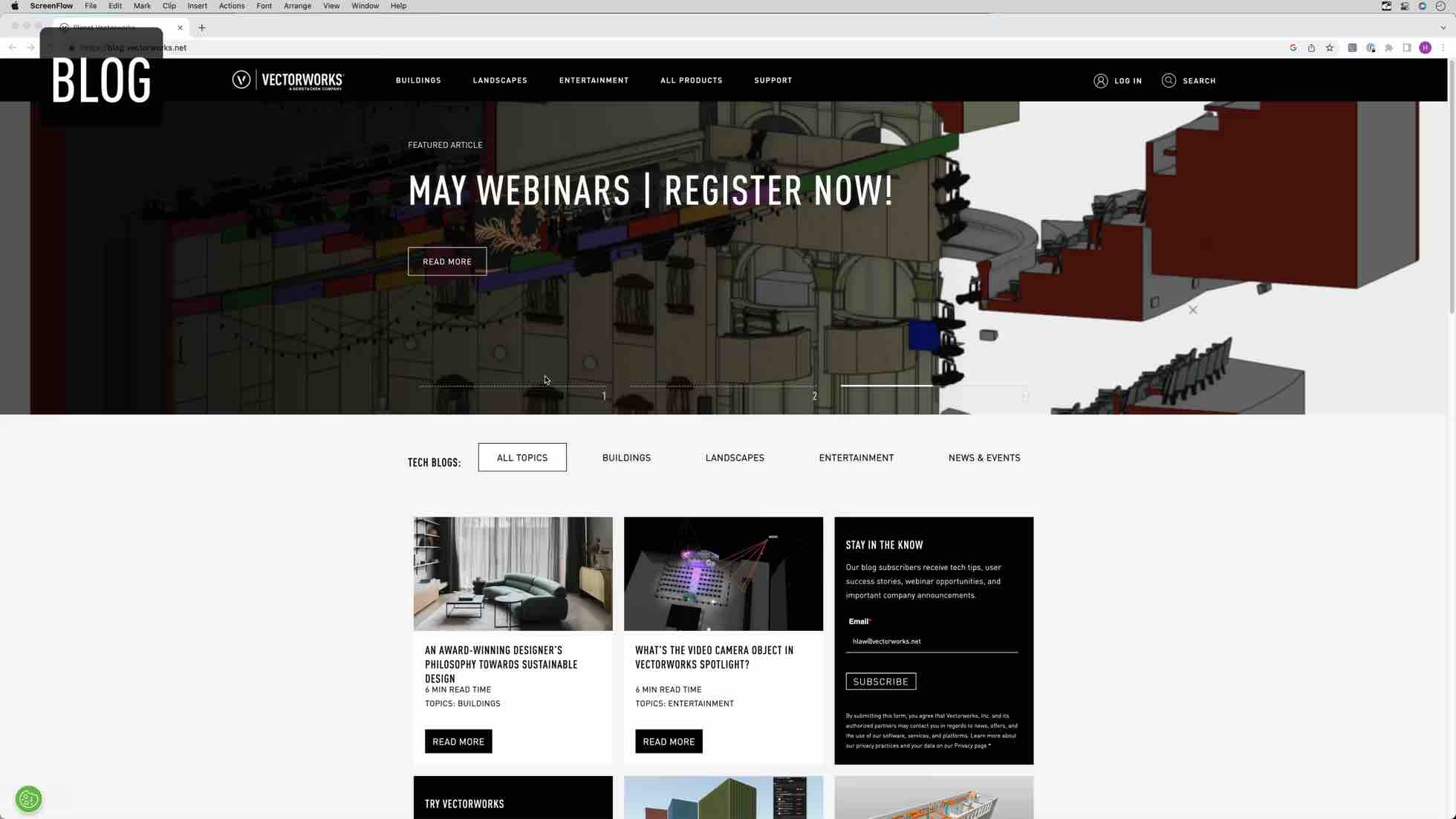
In this Video let us take you through some of the different ways you can connect with us here at Vectorworks.
Whether you’re brand new to Vectorworks or have been using it for years, there are many built‑in ways to get help, explore new tools, and connect with real people when questions come up.