Vectorworks University
  • Courses
  • Certifications
  • Dashboard
  • More
You are currently using guest access
Sign In
Courses Certifications Dashboard
  1. Home
  2. Courses
  3. Vectorworks, Inc - Global
  4. Classes
  5. Freeform Modeling

Freeform Modeling

Course Languages

Course Language

Course language

Skill

Subtract Solids Command

Intermediate
2m

Subtract Solids Command

Start

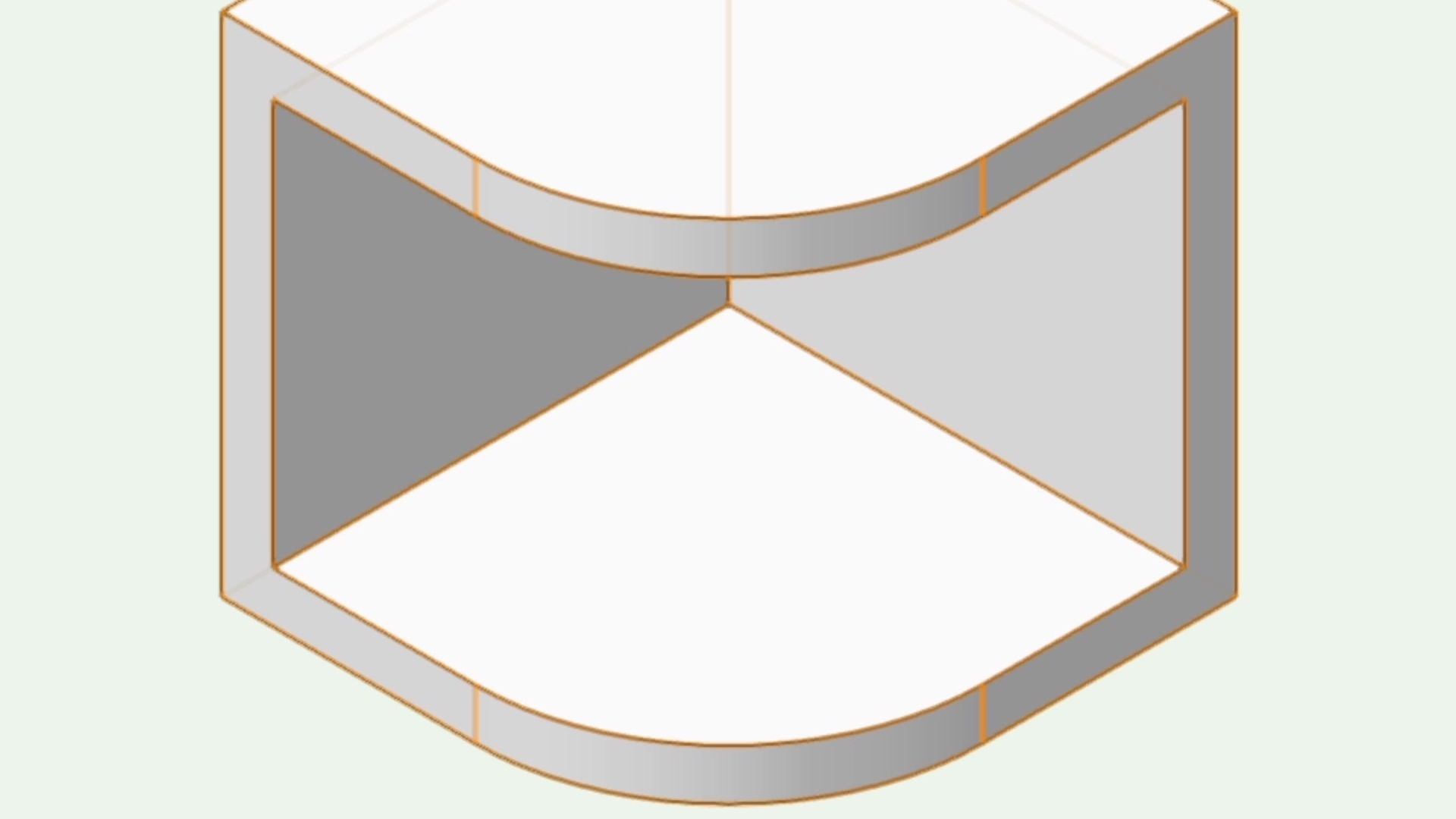
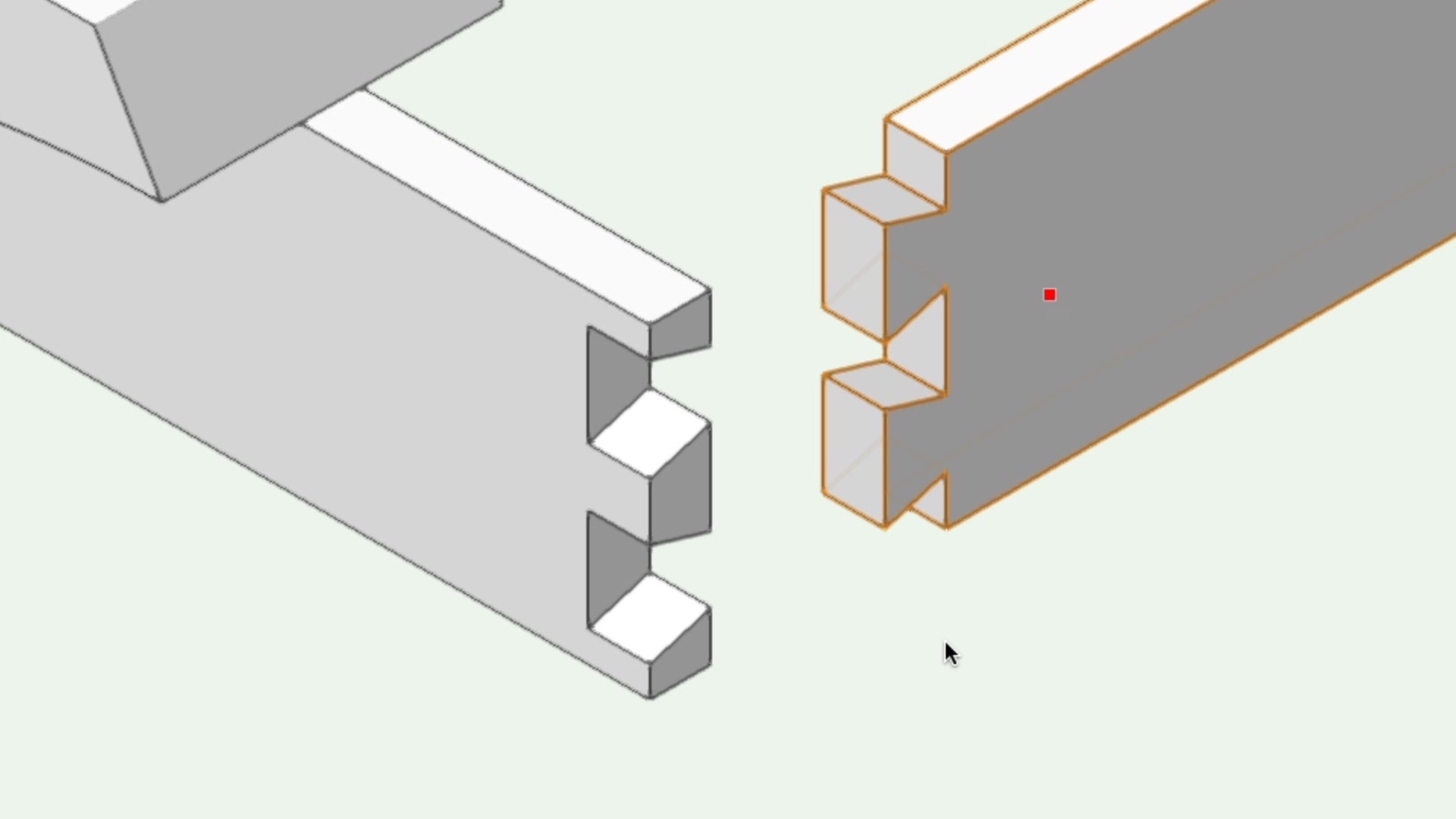
This course will take a look at combining 3D solids with the Subtract Solids command.

All Industries
All Industries
2m
Intermediate

Learning Objectives

  1. Locate the Subtract Solids command.
  2. Edit Solid Subtractions.
  3. Ungroup Solids.

product compatibility-1-fundamentals product compatibility-2-architect product compatibility-3-landmark product compatibility-4-spotlight product compatibility-5-design suite

Skill

Extrude Along Path Command

Intermediate
5m

Extrude Along Path Command

Start

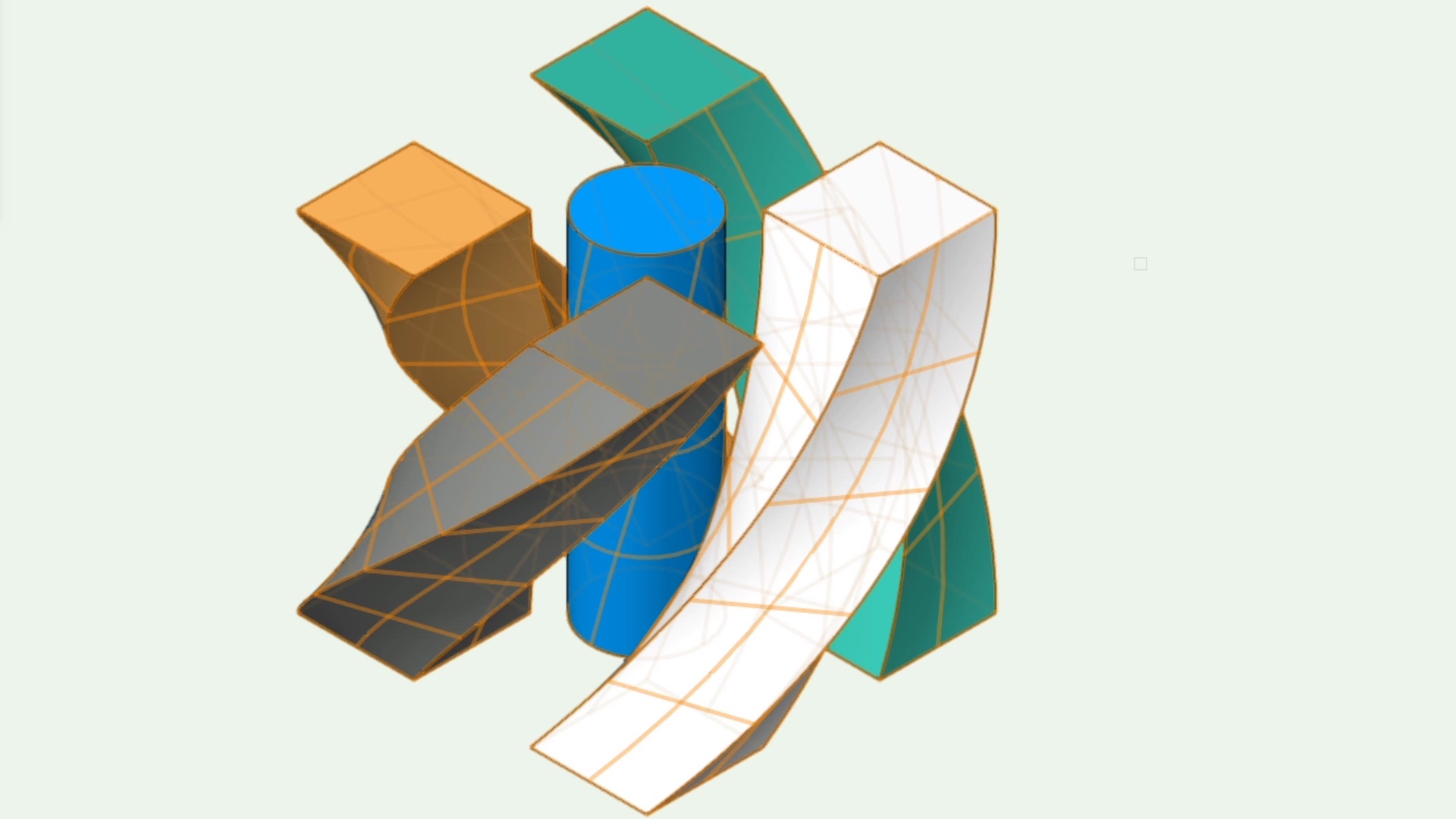
This course will take a look at the Extrude Along Path command.

All Industries
All Industries
5m
Intermediate

Learning Objectives

  1. Create an extrude along path.
  2. Learn the different options within the command.

product compatibility-1-fundamentals product compatibility-2-architect product compatibility-3-landmark product compatibility-4-spotlight product compatibility-5-design suite

Skill

Sphere Tool

Intermediate
2m

Sphere Tool

Start

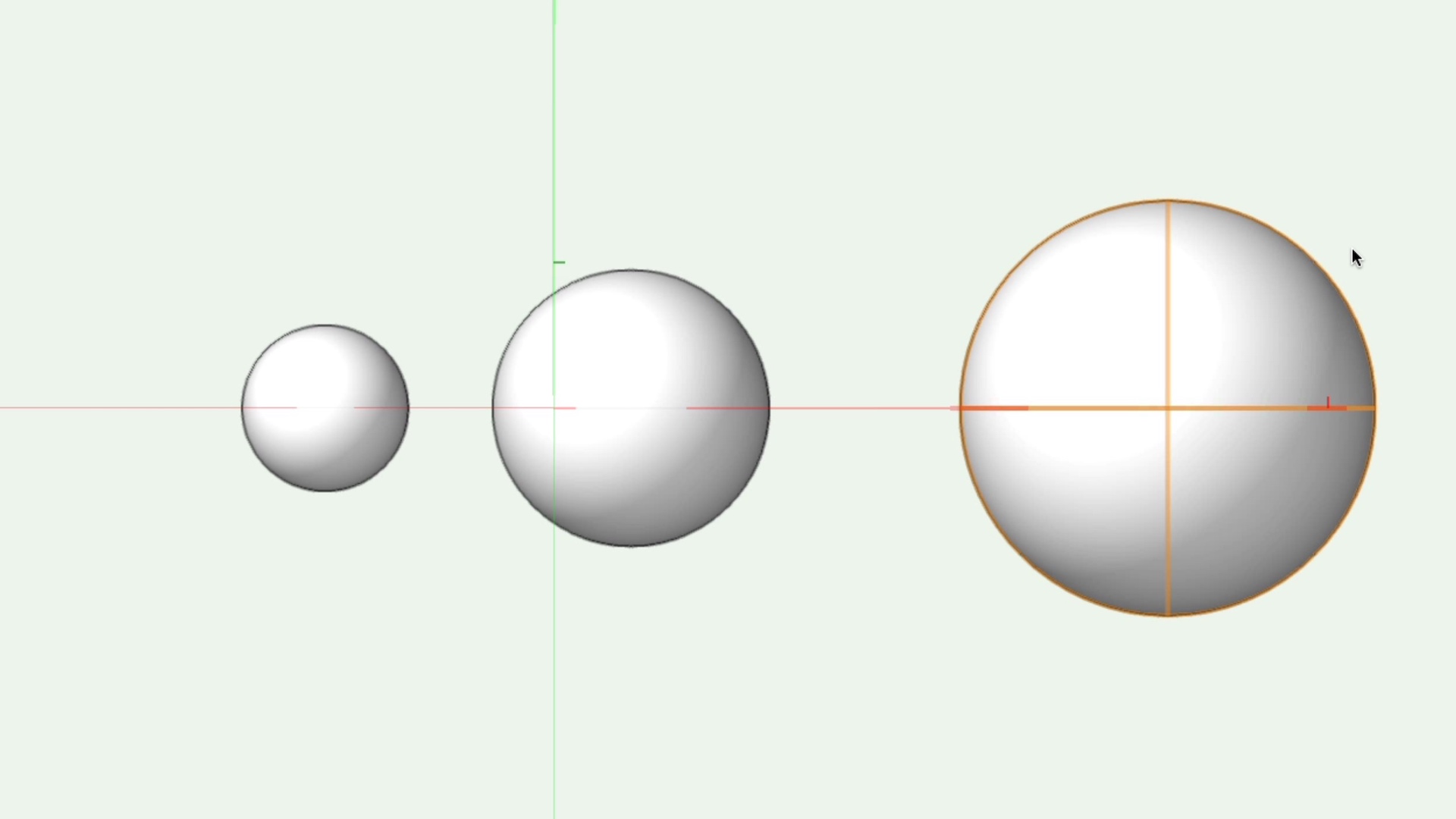
This course will take a look at the Sphere tool.

All Industries
All Industries
2m
Intermediate

Learning Objectives

  1. Locate the sphere tool.
  2. Take a look at the different modes for creating a sphere with the sphere tool.
  3. Edit a Sphere.

product compatibility-1-fundamentals product compatibility-2-architect product compatibility-3-landmark product compatibility-4-spotlight product compatibility-5-design suite

Skill

Deform Tool

Intermediate
6m

Deform Tool

Start

This course will take a look at the Deform tool.

All Industries
All Industries
6m
Intermediate

Learning Objectives

  1. Locate the Deform tool.
  2. Explore the Deform tool Modes and Sub modes

product compatibility-1-fundamentals product compatibility-2-architect product compatibility-3-landmark product compatibility-4-spotlight product compatibility-5-design suite

Skill

Shell Solid Tool

Intermediate
3m

Shell Solid Tool

Start

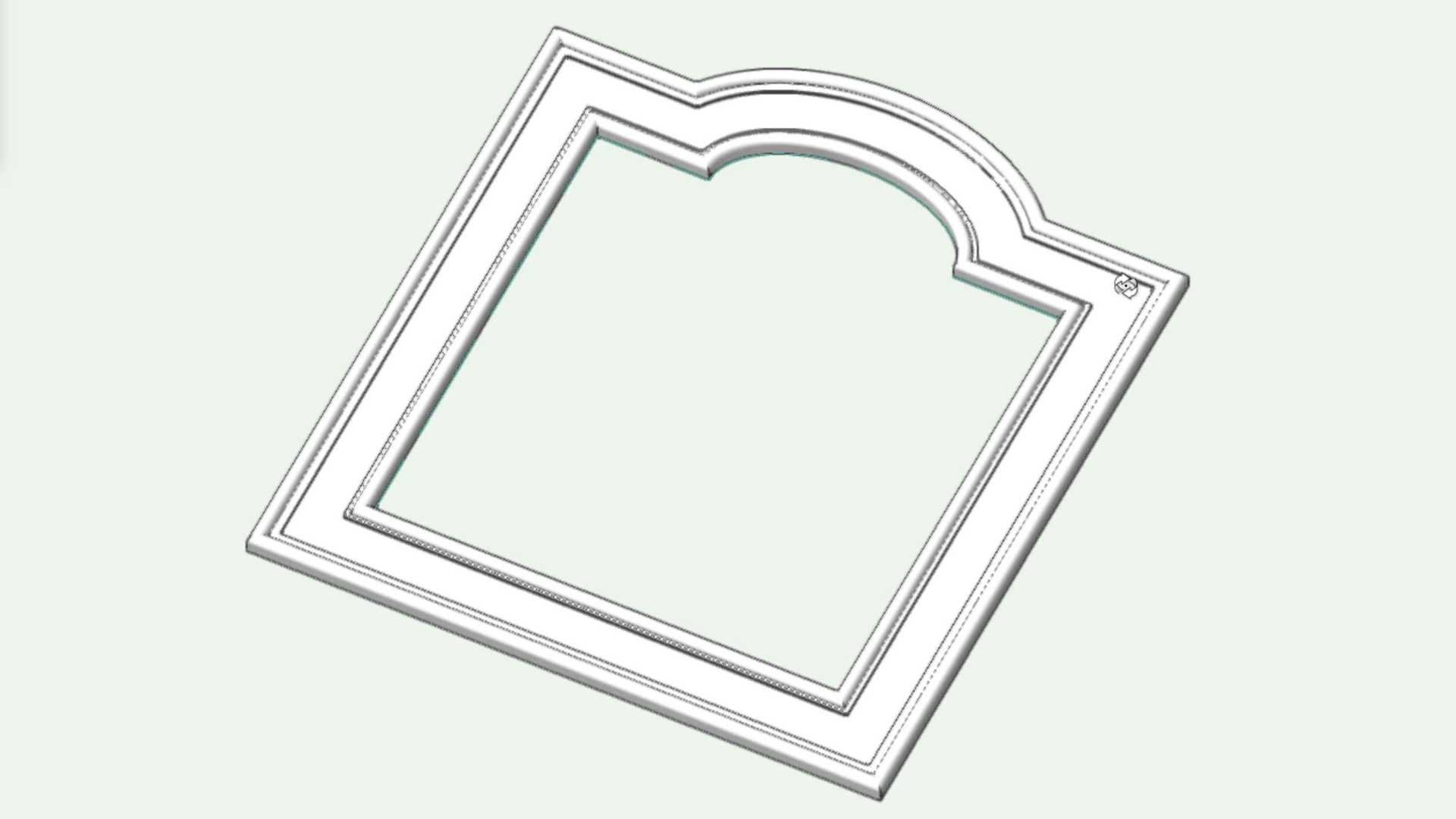
This course will take a look at the Shell Solid tool to hollow out solid objects and add thickness to surfaces.

All Industries
All Industries
3m
Intermediate

Learning Objectives

  1. Locate the Shell Solid tool.
  2. Shell a 3D solid object.
  3. Shell a 3D surface object.

product compatibility-1-fundamentals product compatibility-2-architect product compatibility-3-landmark product compatibility-4-spotlight product compatibility-5-design suite

Skill

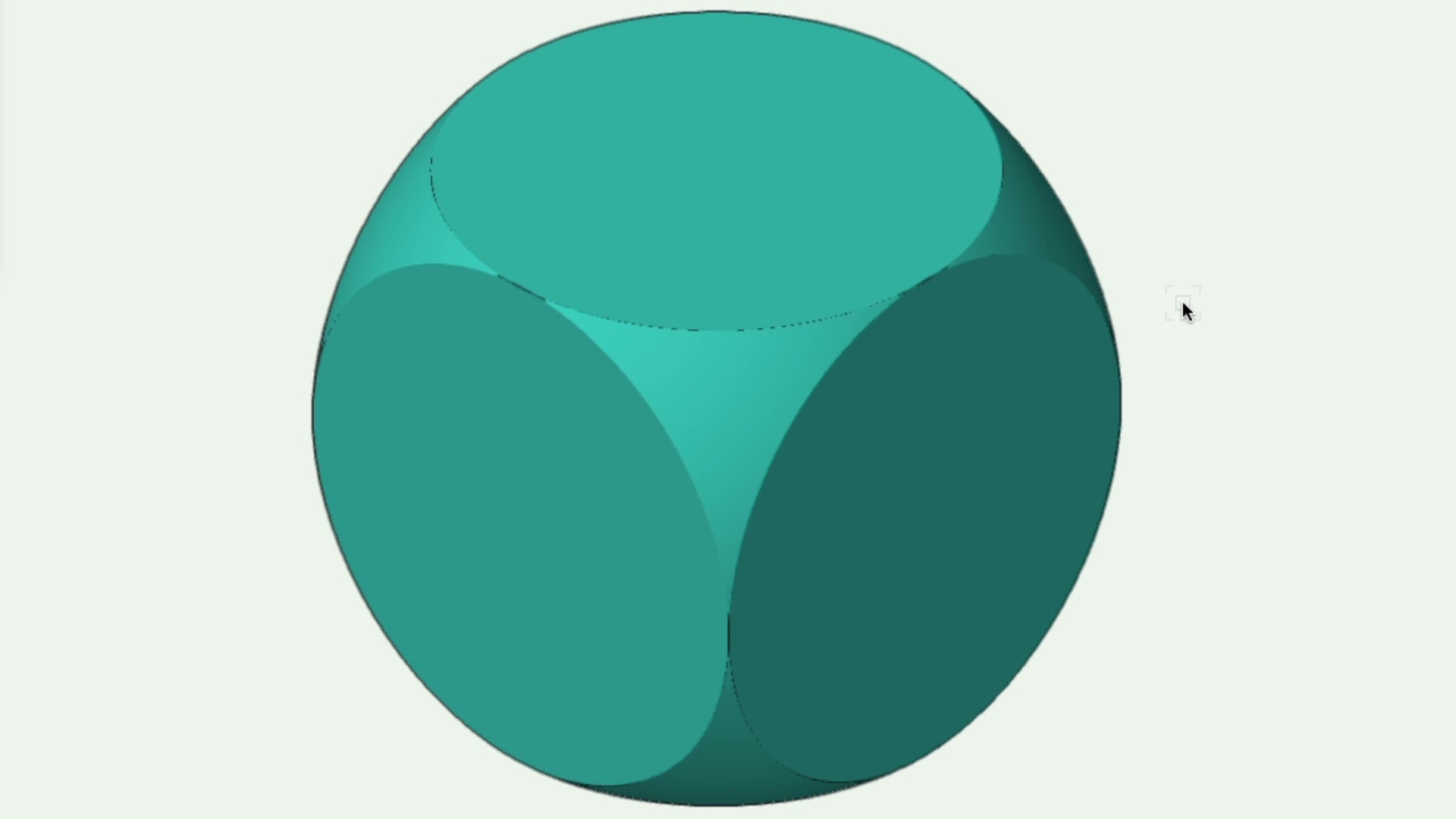
Intersect Solids Command

Intermediate
1m

Intersect Solids Command

Start

This course will take a look at using two overlapping solids to create an intersecting solid.

All Industries
All Industries
1m
Intermediate

Learning Objectives

  1. Locate the Intersect Solids command.
  2. Edit Solid Intersections.
  3. Ungroup Solids.

product compatibility-1-fundamentals product compatibility-2-architect product compatibility-3-landmark product compatibility-4-spotlight product compatibility-5-design suite

Skill

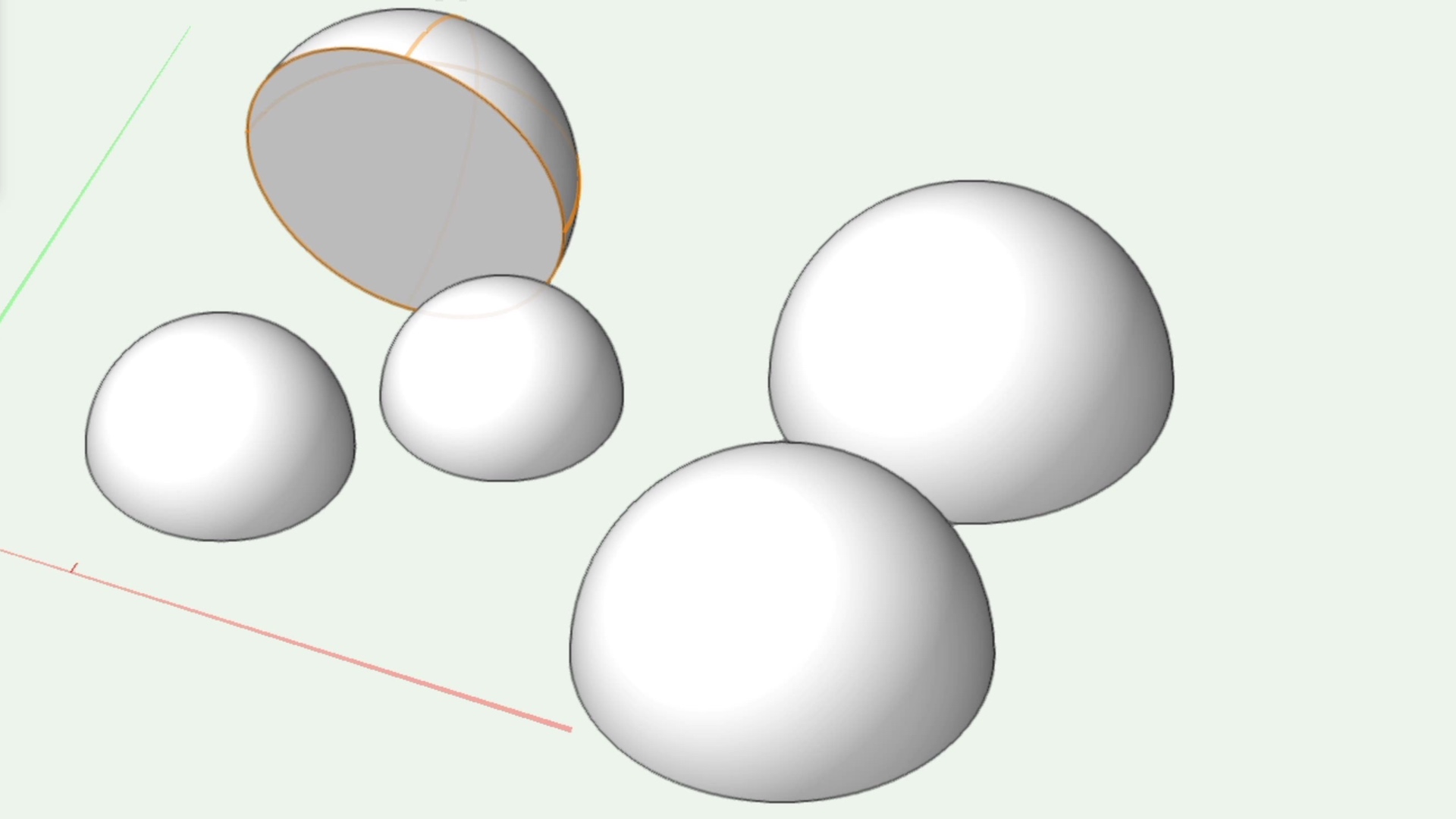
Hemisphere Tool

Intermediate
3m

Hemisphere Tool

Start

This course will take a look at the Hemisphere tool.

All Industries
All Industries
3m
Intermediate

Learning Objectives

  1. Locate the hemisphere tool.
  2. Take a look at the different modes for creating a hemisphere with the hemisphere tool.
  3. Edit a hemisphere.

product compatibility-1-fundamentals product compatibility-2-architect product compatibility-3-landmark product compatibility-4-spotlight product compatibility-5-design suite

Skill

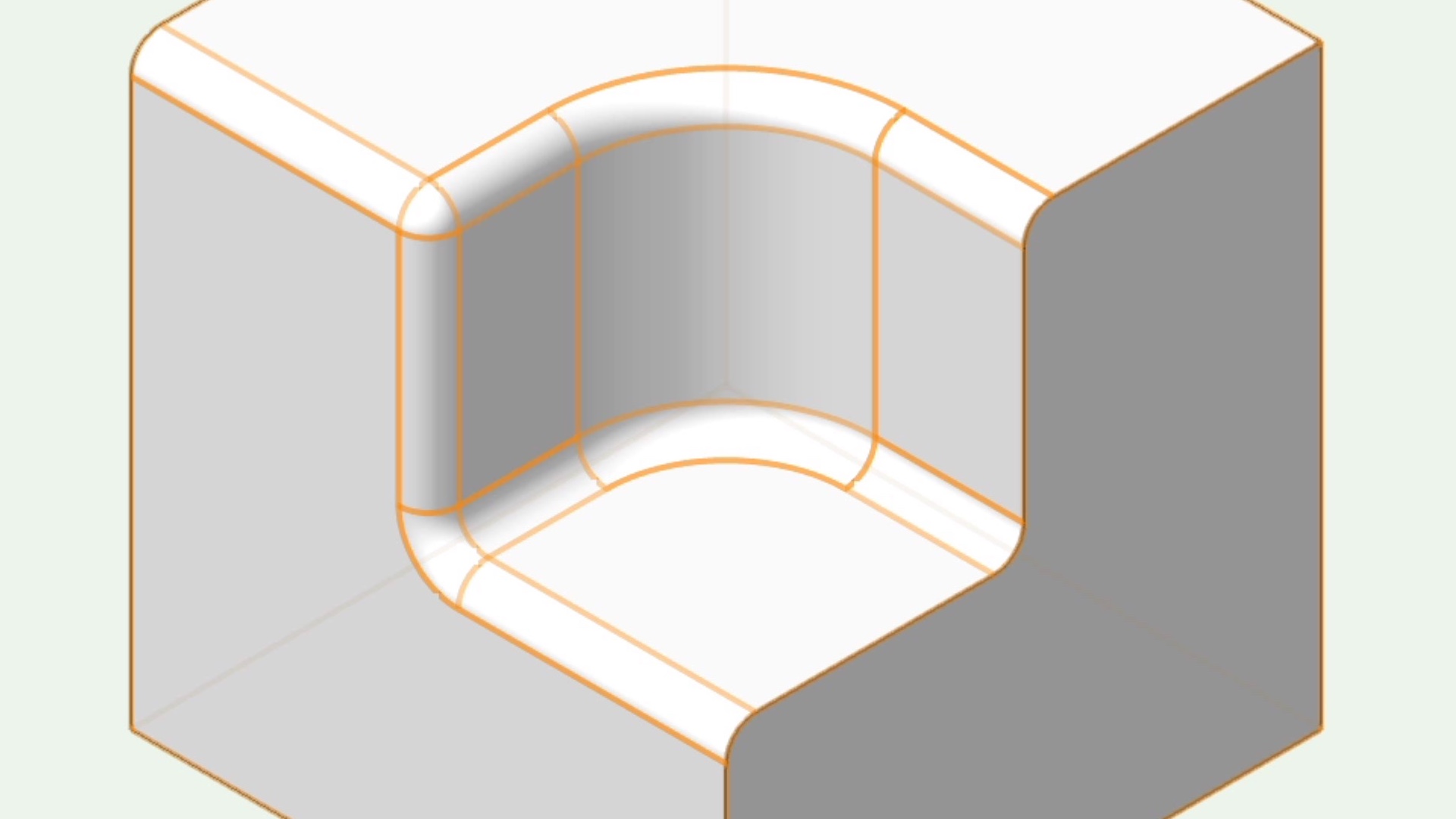
Fillet Edge Tool

Intermediate
4m

Fillet Edge Tool

Start

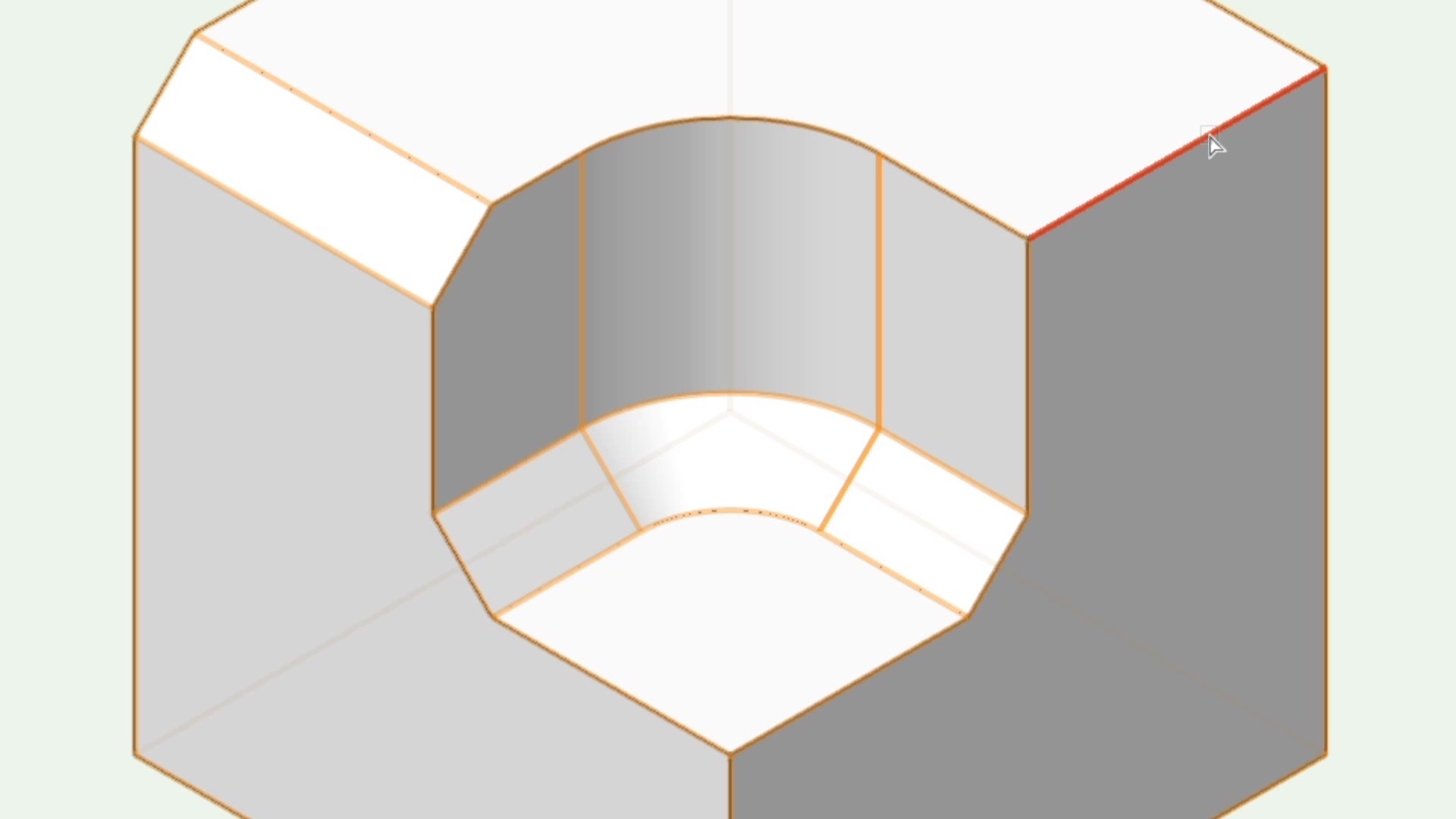
This course will take a look at the Fillet Edge tool to create fixed and variable radius fillets on 3D edges.

All Industries
All Industries
4m
Intermediate

Learning Objectives

  1. Locate the Fillet edge tool.
  2. Explore the different preferences for Fillet edge.

product compatibility-1-fundamentals product compatibility-2-architect product compatibility-3-landmark product compatibility-4-spotlight product compatibility-5-design suite

Skill

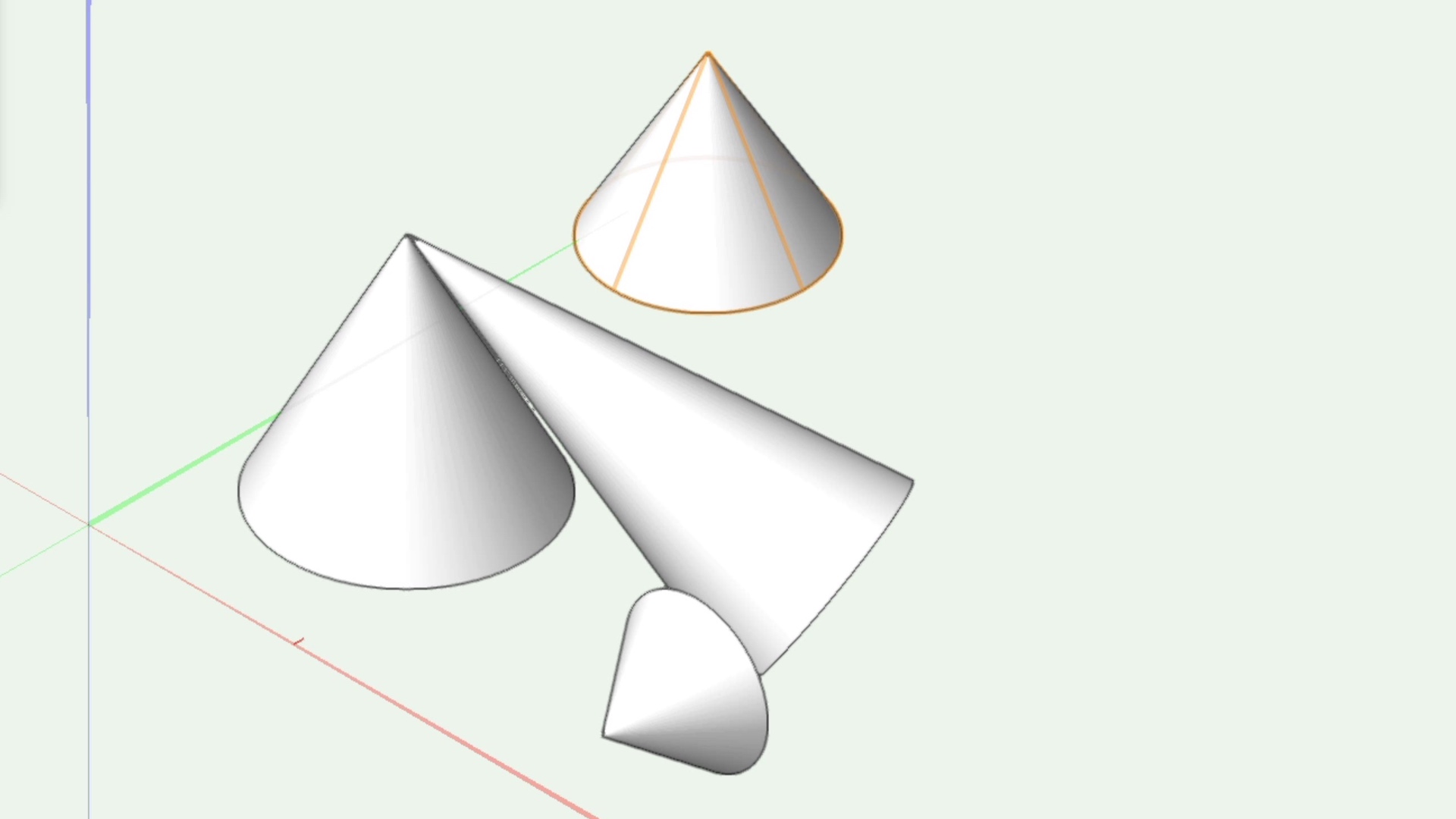
Cone Tool

Intermediate
2m

Cone Tool

Start

This course will take a look at the Cone tool.

All Industries
All Industries
2m
Intermediate

Learning Objectives

  1. Locate the Cone tool.
  2. Take a look at the different modes for creating a cone with the Cone tool.
  3. Edit a Cone.

product compatibility-1-fundamentals product compatibility-2-architect product compatibility-3-landmark product compatibility-4-spotlight product compatibility-5-design suite

Skill

Chamfer Edge Tool

Intermediate
3m

Chamfer Edge Tool

Start

This course will take a look at the Chamfer Edge for use on 3D objects.

All Industries
All Industries
3m
Intermediate

Learning Objectives

  1. Locate the Chamfer Edge tool.
  2. Explore the different preferences for Chamfer Edge.

product compatibility-1-fundamentals product compatibility-2-architect product compatibility-3-landmark product compatibility-4-spotlight product compatibility-5-design suite

Skill

Add Solids Command

Intermediate
1m

Add Solids Command

Start

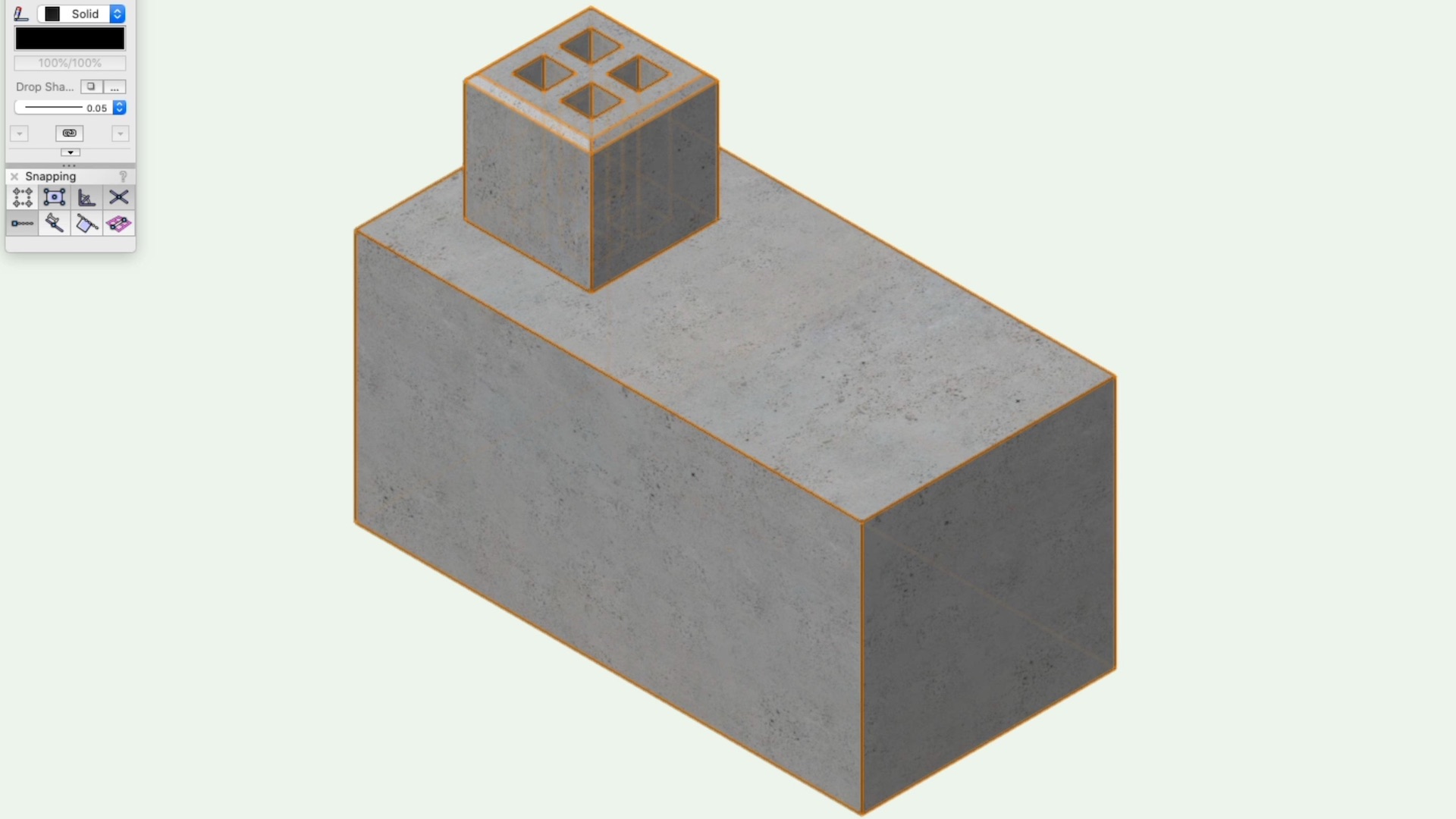
This course will take a look at combining 3D solids with the Add Solids command.

All Industries
All Industries
1m
Intermediate

product compatibility-1-fundamentals product compatibility-2-architect product compatibility-3-landmark product compatibility-4-spotlight product compatibility-5-design suite

Skill

Sweep Command

Intermediate
5m

Sweep Command

Start

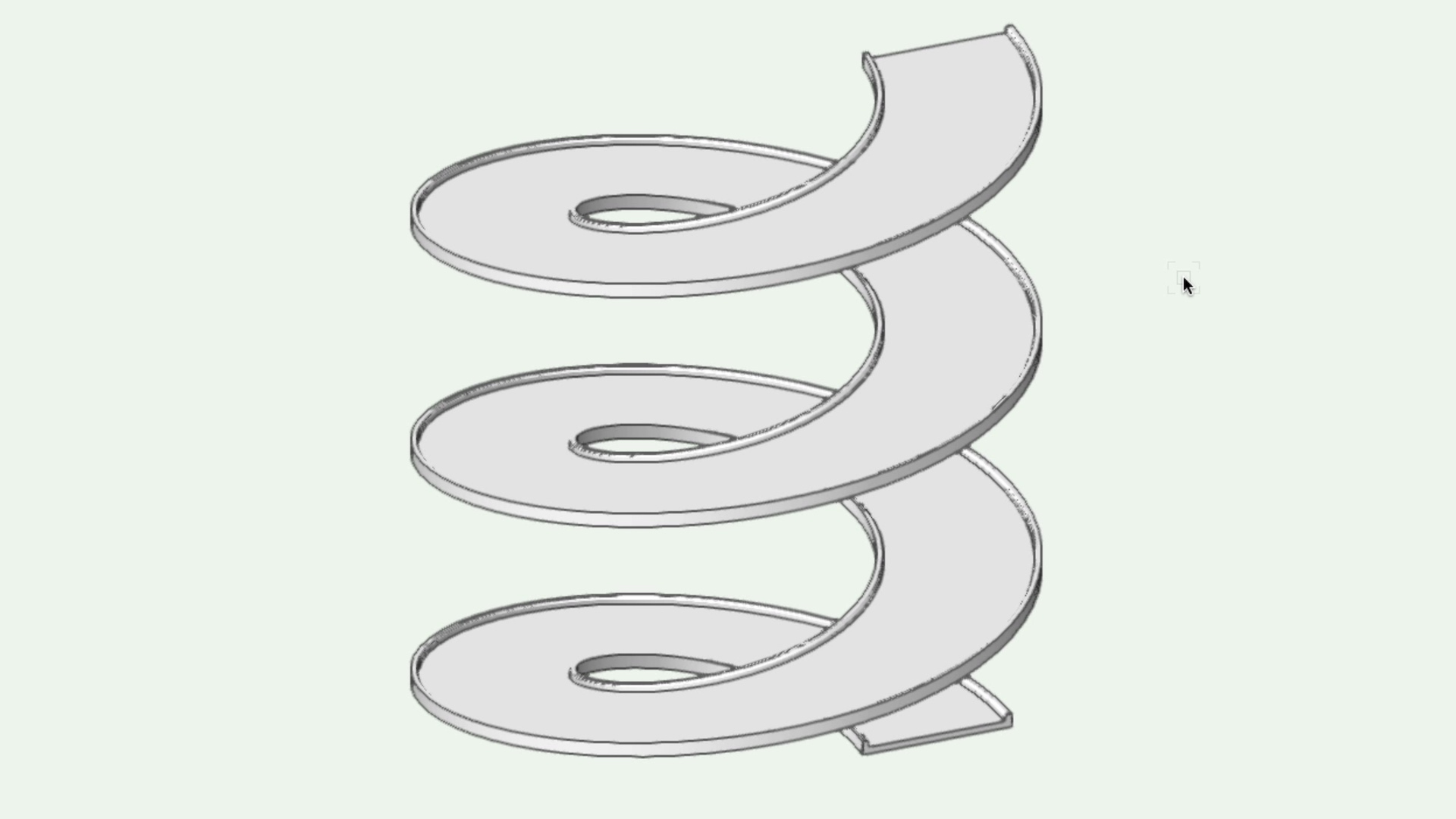
This course will take a look at the sweep command to create revolved solids from 2D profiles.
All Industries
All Industries
5m
Intermediate

Learning Objectives

  1. Create a Profile
  2. Set the rotation point
  3. Create a Sweep
  4. Learn about the various sweep settings

product compatibility-1-fundamentals product compatibility-2-architect product compatibility-3-landmark product compatibility-4-spotlight product compatibility-5-design suite
Expand all

Freeform Modeling 2026

Freeform Modeling 2021


© 2024 Vectorworks, Inc. All Rights Reserved. Vectorworks, Inc. is part of the Nemetschek Group.


Vectorworks, Inc
8621 Robert Fulton Drive, Suite 200
Columbia, Maryland 21046, United States
410.290.5114 | vectorworks.net

Privacy | Contact Us

You are currently using guest access (Sign In)
Powered by Moodle Workplace