This learning path explore the core elements of Vectorworks Architect, and the key design processes that will guide your creative flow. Each section builds your confidence step by step, introducing flexible modelling techniques, presentation tools, and practical examples that connect design theory with real-world practice.
Buildings
Buildings
11h
Beginner
Learning Objectives
Apply core Vectorworks Architect tools to model a small building from initial concept through fully documented sheets, including plans, sections, elevations, and 3D views.
Organize projects using classes, design layers, stories, templates, and resources to support accurate BIM workflows and efficient design iteration.
Use rendering, depth cueing, AI-based visualization, and external visualization tools to create compelling presentations and visual studies that communicate design intent clearly.
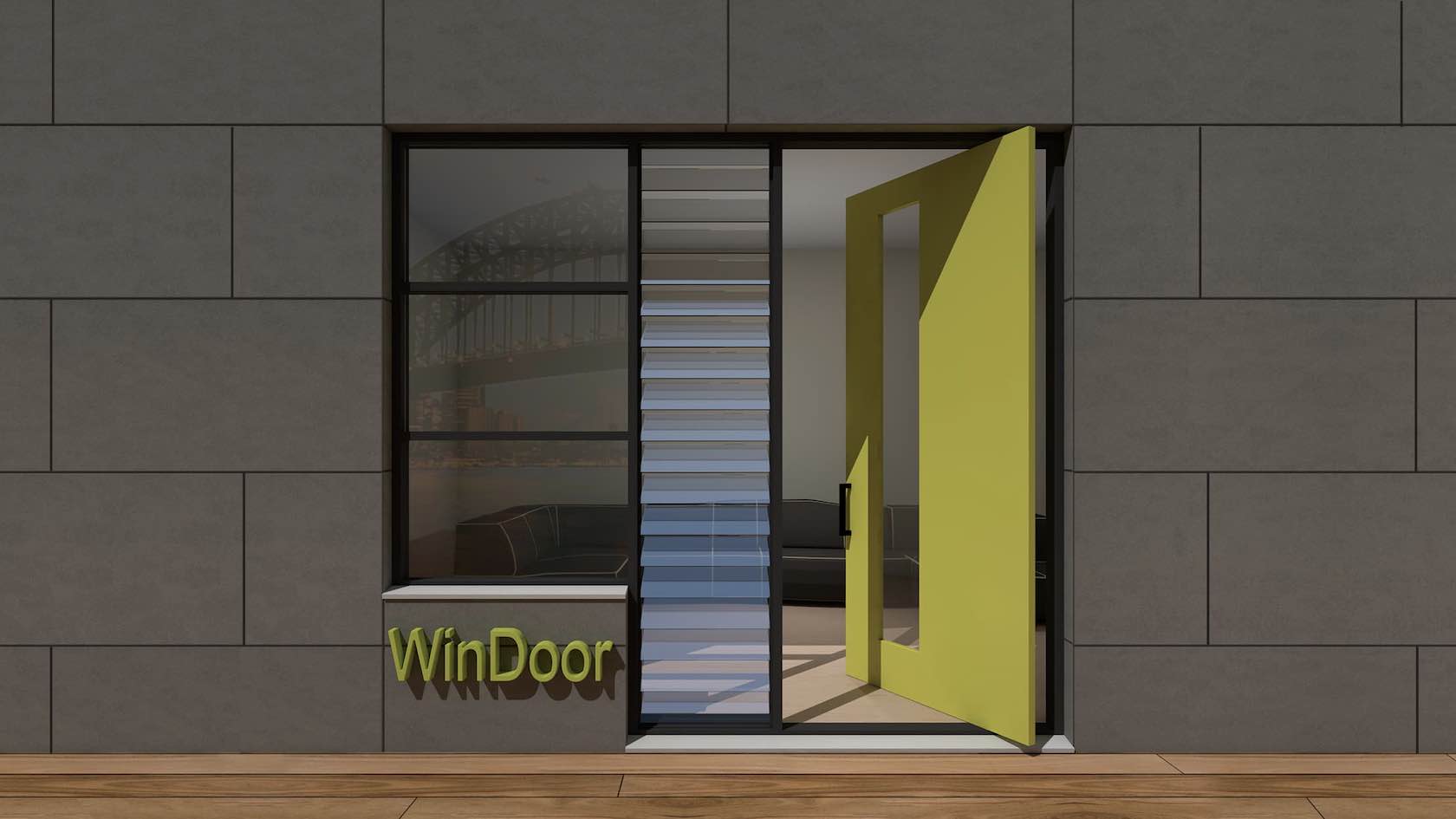
In this tutorial, you will explore the WinDoor plugin. You will learn how to create and place doors and windows using the WinDoor tool. In addition, you will explore how to create schedules and custom door leaves.
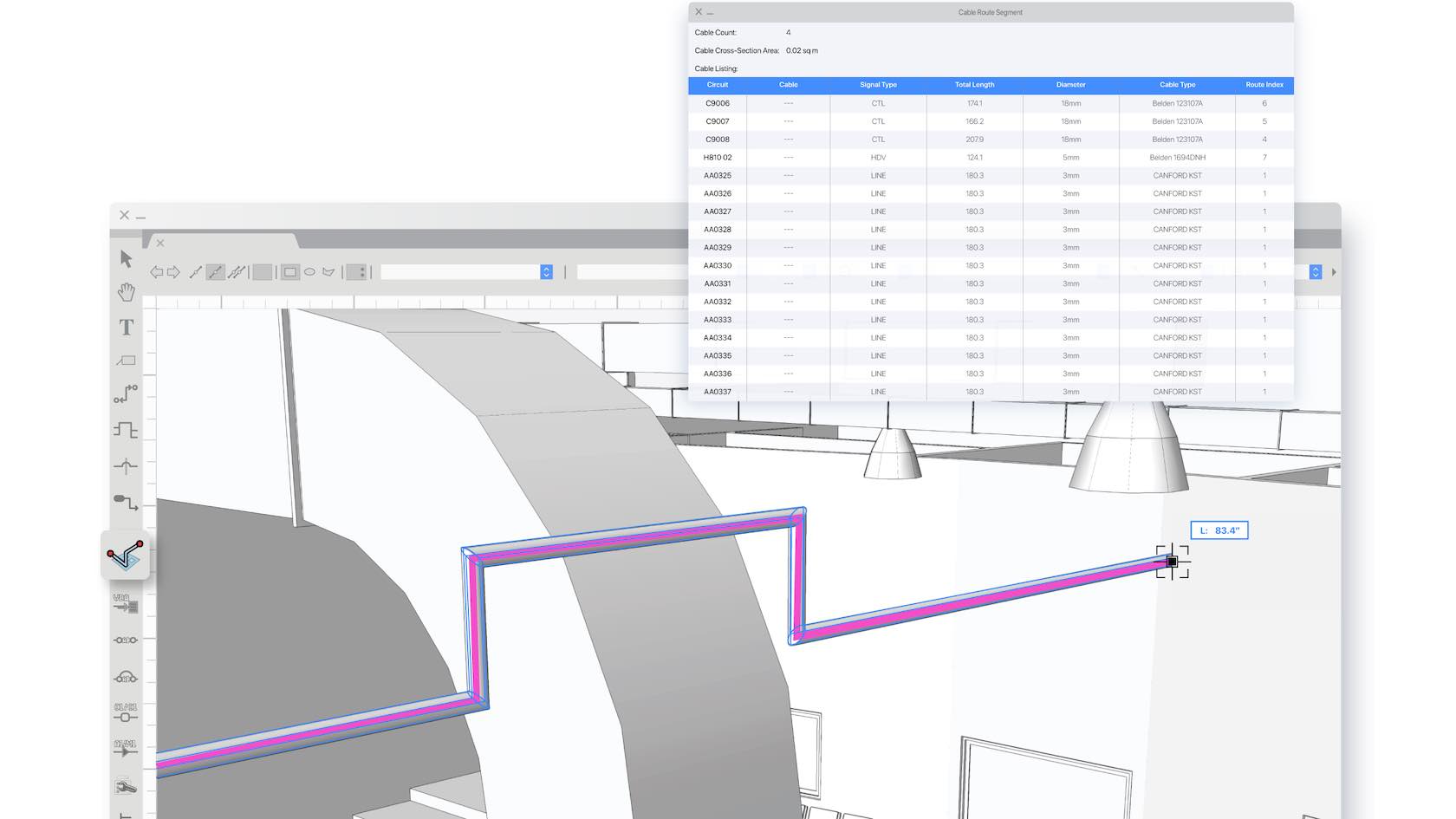
In this learning path, you will explore the Cable Tools Suite available in Vectorworks Spotlight and Design Suite. You will learn how to utilize all the cable tools, create cable styles, configure Data Tags for Cable objects, generate reports, and more.
This learning path is designed to help you get to know Vectorworks Fundamentals and get up and running quickly. We understand that not everyone learns in the same way, so we have provided multiple training options, from an instructor-led live seminar and on-demand quick start guide, to a sample project for you to explore.
This learning path is designed to help you get to know Vectorworks Architect and get up and running quickly. We understand that not everyone learns in the same way, so we have provided multiple training options, from instructor-led live seminars and an
on-demand quick start guide, to sample projects for you to explore.
This learning path is designed to help you get to know Vectorworks Landmark and get up and running quickly. We understand that not everyone learns in the same way, so we have provided multiple training options, from instructor-led live seminars and an on-demand quick start guide, to sample projects for you to explore.
This learning path is designed to help you get to know Vectorworks Spotlight and get up and running quickly. We understand that not everyone learns in the same way, so we have provided multiple training options, from instructor-led live seminars and an on-demand quick start guide, to sample projects for you to explore.
This learning path is designed to help you get to know Vectorworks Design Suite and get up and running quickly. We understand that not everyone learns in the same way, so we have provided multiple training options, from instructor-led live seminars and an
on-demand quick start guide, to sample projects for you to explore.
This learning path is designed to help Educational users get to know Vectorworks Design Suite and get up and running quickly. We understand that not everyone learns in the same way, so we have provided multiple training options, from instructor-led live seminars and an
on-demand quick start guide, to sample projects for you to explore.
Unlock the full potential of Vectorworks Design Suite 2026 with an all-in-one learning path for multidisciplinary professionals. Gain comprehensive migration guidance, explore “how-to” modules spanning architecture, interior, landscape, and entertainment tools, and maximize productivity with cross-industry “Coffee Break” learning sessions. You’ll also get to revisit key features from prior releases to ensure you don’t miss valuable capabilities.
Accelerate your practice with the Vectorworks Architect 2026 learning path, designed specifically for Architecture and Interior Design. Access expert migration support, explore dedicated “how-to” modules on the latest architectural design and BIM tools, and gain additional insights through quick “Coffee Break” learning sessions. You’ll also get to revisit key features from prior releases to ensure you don’t miss valuable capabilities.
Transform your landscape and site design process with the Vectorworks Landmark 2026 learning path. Get guided migration help, access “how-to” modules on sustainable site planning, planting, and terrain modeling, and pick up additional tips in quick “Coffee Break” learning sessions. You’ll also get to revisit key features from prior releases to ensure you don’t miss valuable capabilities.