Due to scheduled maintenance, the Vectorworks University will be unavailable on November 11 starting at 3:00 PM EDT. The site will be unavailable for approximately 1 hour.

Welcome to the Academic Lighting Learning Path series. In this set of six videos, you’ll learn how to use Vectorworks Spotlight to draft a professional light plot, add accessories such as top hats, work with data and DMX, and see how lights are focused within the software. You’ll also discover how to prepare your light plot for publishing on a sheet layer and explore presentation techniques and previsualization.
Originally created as a single two-and-a-half-hour training session by our trainer, Michael Sharon, this course has been divided into six manageable segments—each about thirty minutes long. While the training assumes a basic understanding of Vectorworks, beginners can still follow along successfully.
To help you work alongside the videos, the lighting and scenic design files used in the demonstrations have been included as part of the course.
Please Note: This is not a course on lighting design theory, but a focused guide on using the Spotlight tools inside Vectorworks. All demonstrations are presented in Vectorworks 2025.
Entertainment
Entertainment
2h 45m
Intermediate
Learning Objectives
Develop proficiency in organizing, managing, and documenting professional light plots in Vectorworks Spotlight, including using layers, classes, Resource Manager, and advanced worksheet and annotation tools for comprehensive project documentation and data visualization.
Demonstrate the ability to add, configure, and control various lighting devices and accessories, utilize DMX patching, and apply automated features—such as auto-numbering and Spotlight Numbering—to achieve efficient design workflows and precise technical accuracy within lighting plots.
Apply professional presentation and visualization techniques—such as rendering with atmospheric effects, camera perspectives, and previsualization modes—to clearly communicate lighting designs and enhance both digital and physical production processes in Vectorworks Spotlight.
This learning path explore the core elements of Vectorworks Architect, and the key design processes that will guide your creative flow. Each section builds your confidence step by step, introducing flexible modelling techniques, presentation tools, and practical examples that connect design theory with real-world practice.
Buildings
Buildings
11h
Beginner
Learning Objectives
Apply core Vectorworks Architect tools to model a small building from initial concept through fully documented sheets, including plans, sections, elevations, and 3D views.
Organize projects using classes, design layers, stories, templates, and resources to support accurate BIM workflows and efficient design iteration.
Use rendering, depth cueing, AI-based visualization, and external visualization tools to create compelling presentations and visual studies that communicate design intent clearly.
This learning path explores the core elements of Vectorworks Landmark and the key design processes that will guide your creative flow. Each section builds your confidence step by step, introducing drawing setup and scale fundamentals, conceptual site composition, hardscape and planting techniques, annotation and presentation tools, and practical examples that connect design theory with real-world practice.
Landscapes
Landscapes
10h
Beginner
Learning Objectives
Set up and organize precise, correctly scaled drawings — configuring page and sheet settings, verifying margins, scaling imported base plans, and controlling classes, lineweights, line types, fills, and hatches to keep files consistent and legible.
Develop landscape designs from concept to buildable geometry — establishing lines of force to compose site forms, then modeling those forms as hardscapes, landscape areas, and planting using Vectorworks Landmark tools, styles, and Renderworks textures.
Document and present a design professionally — annotating drawings with text styles, data tags, and dimensions, and assembling sheet layer viewports with drawing labels, north arrows, and graphic scales for coordinated output.
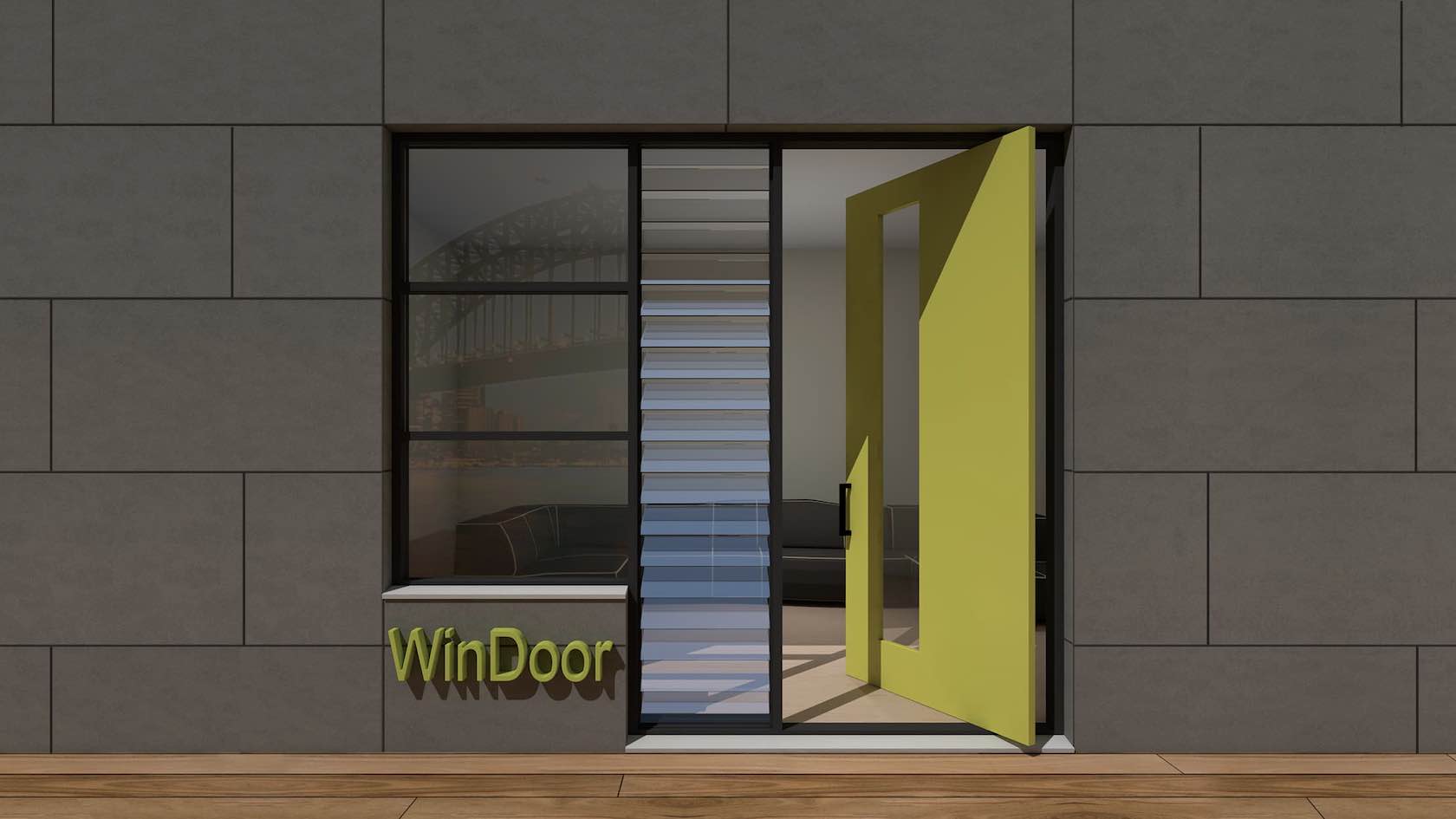
In this tutorial, you will explore the WinDoor plugin. You will learn how to create and place doors and windows using the WinDoor tool. In addition, you will explore how to create schedules and custom door leaves.
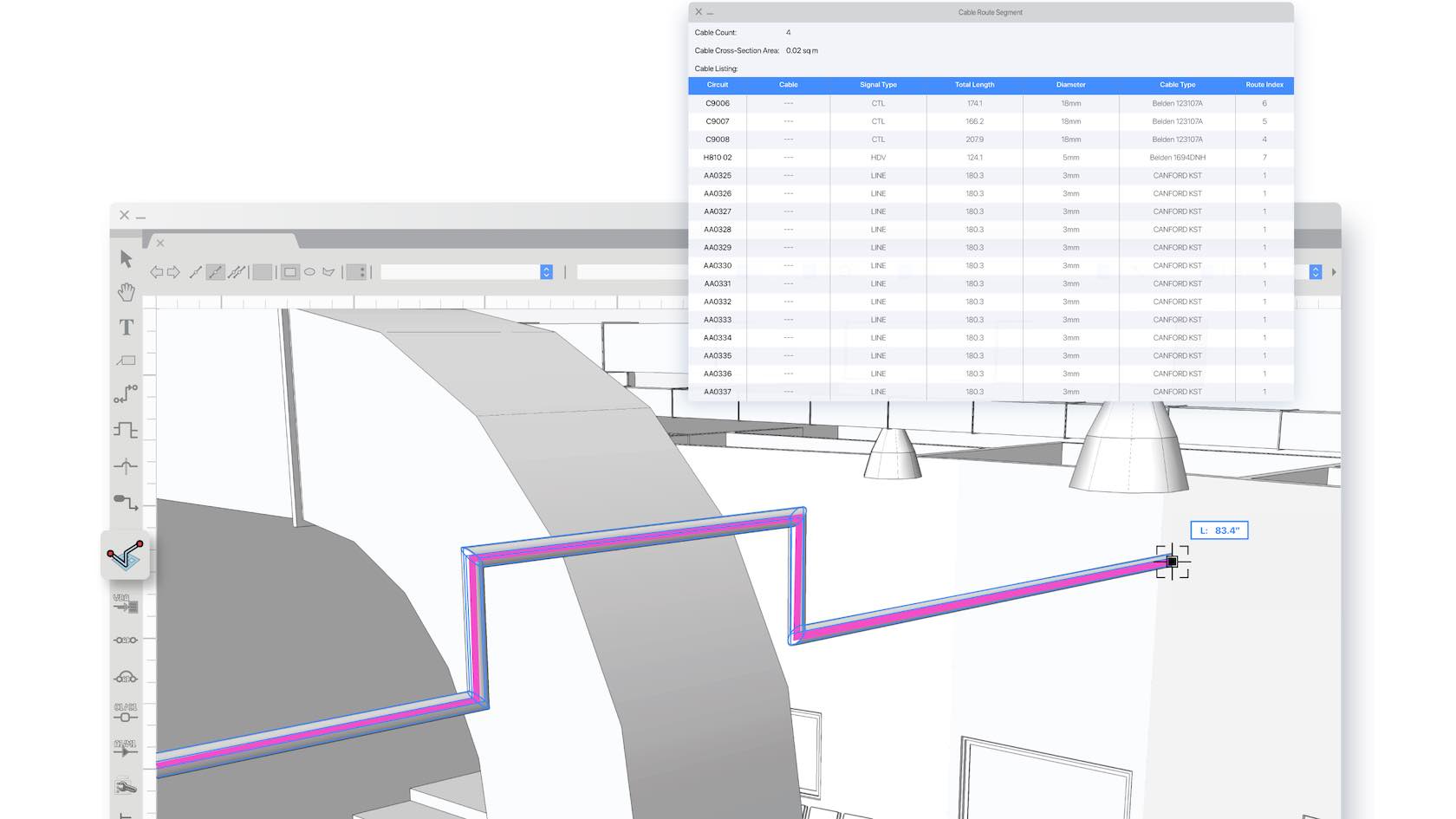
In this learning path, you will explore the Cable Tools Suite available in Vectorworks Spotlight and Design Suite. You will learn how to utilize all the cable tools, create cable styles, configure Data Tags for Cable objects, generate reports, and more.
This learning path is designed to help you get to know Vectorworks Fundamentals and get up and running quickly. We understand that not everyone learns in the same way, so we have provided multiple training options, from an instructor-led live seminar and on-demand quick start guide, to a sample project for you to explore.
This learning path is designed to help you get to know Vectorworks Architect and get up and running quickly. We understand that not everyone learns in the same way, so we have provided multiple training options, from instructor-led live seminars and an
on-demand quick start guide, to sample projects for you to explore.
This learning path is designed to help you get to know Vectorworks Landmark and get up and running quickly. We understand that not everyone learns in the same way, so we have provided multiple training options, from instructor-led live seminars and an on-demand quick start guide, to sample projects for you to explore.
This learning path is designed to help you get to know Vectorworks Spotlight and get up and running quickly. We understand that not everyone learns in the same way, so we have provided multiple training options, from instructor-led live seminars and an on-demand quick start guide, to sample projects for you to explore.
This learning path is designed to help you get to know Vectorworks Design Suite and get up and running quickly. We understand that not everyone learns in the same way, so we have provided multiple training options, from instructor-led live seminars and an
on-demand quick start guide, to sample projects for you to explore.
This learning path is designed to help Educational users get to know Vectorworks Design Suite and get up and running quickly. We understand that not everyone learns in the same way, so we have provided multiple training options, from instructor-led live seminars and an
on-demand quick start guide, to sample projects for you to explore.
Unlock the full potential of Vectorworks Design Suite 2026 with an all-in-one learning path for multidisciplinary professionals. Gain comprehensive migration guidance, explore “how-to” modules spanning architecture, interior, landscape, and entertainment tools, and maximize productivity with cross-industry “Coffee Break” learning sessions. You’ll also get to revisit key features from prior releases to ensure you don’t miss valuable capabilities.