













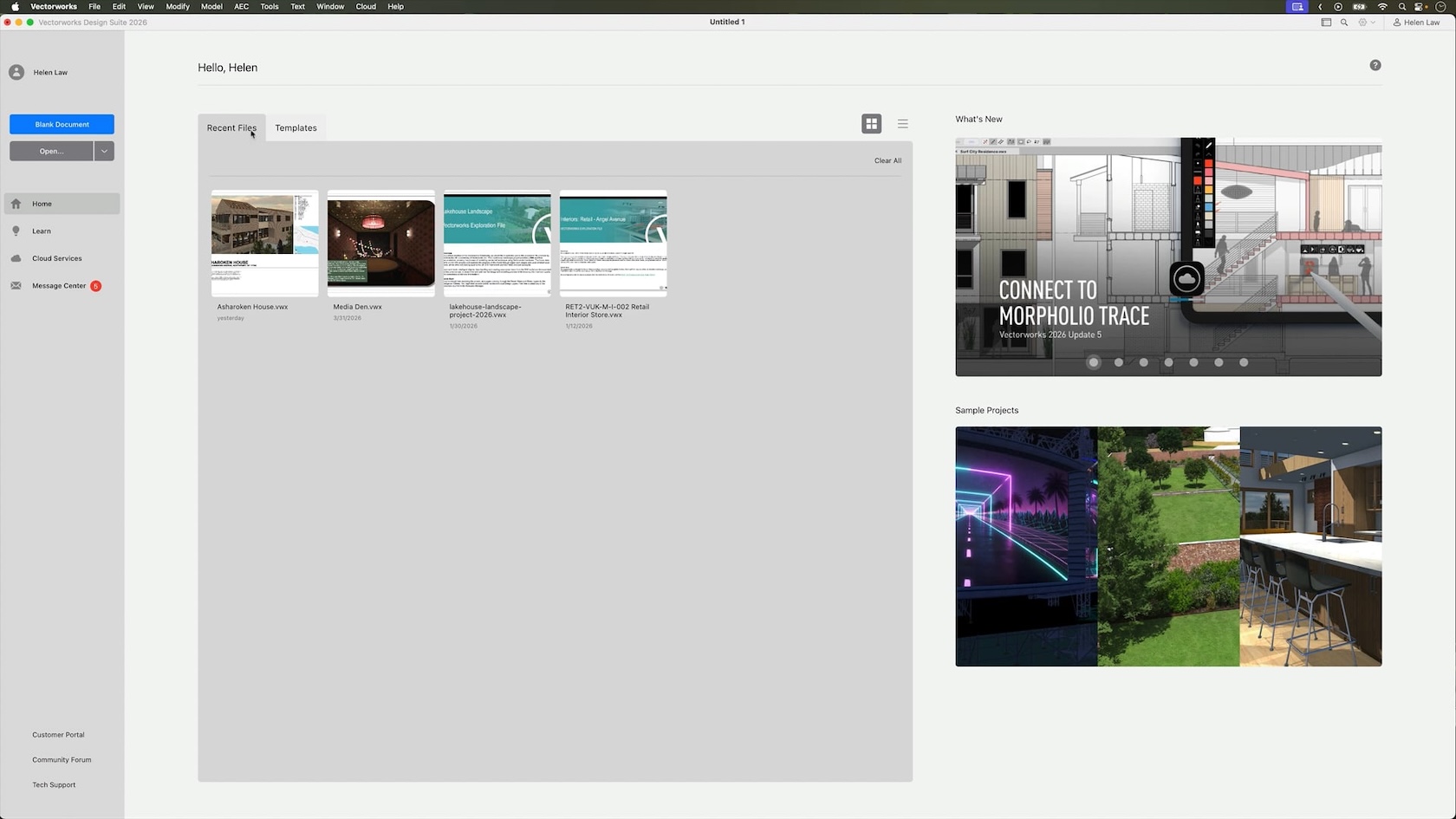
Your Kickstart to Vectorworks: Learning Paths, Resources & UI Intro is a friendly live session designed to help you feel confident from day one. In just a short time, you’ll discover the guided onboarding paths available to you, explore the key learning resources (including in‑product help and Coffee Break sessions), and learn where to go for ongoing support. We’ll also take you on a relaxed tour of the Vectorworks interface so you can understand the main tools, panels, and navigation before you dive into your first project.
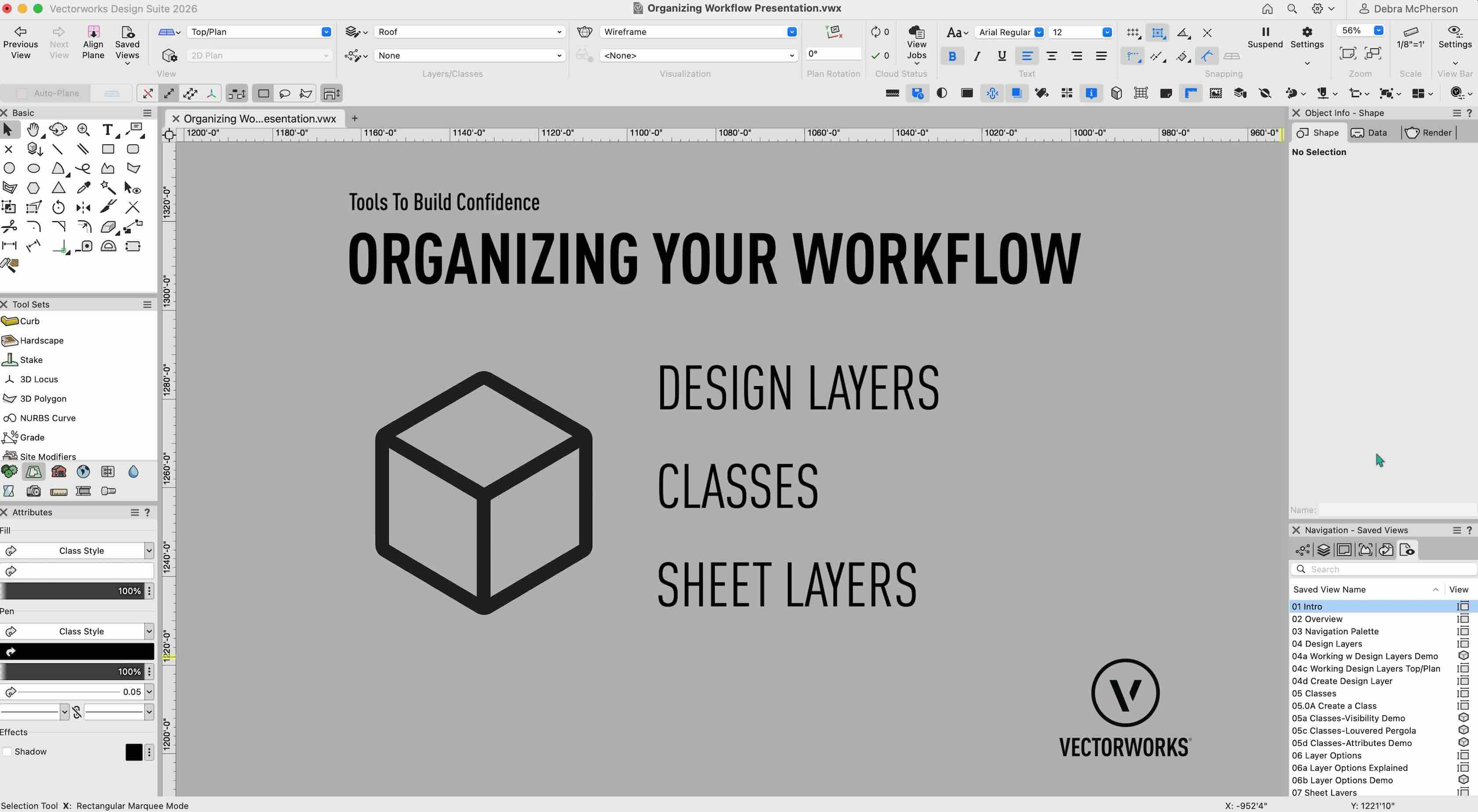
Staying organized is the foundation of confident, efficient design work in Vectorworks. In this interactive session, we’ll introduce you to the three core systems that keep your projects streamlined and professional: Design Layers (where you create and model), Classes (how you organize and control object attributes), and Sheet Layers (where you present your finished designs). Whether you’re brand new to Vectorworks or transitioning from another CAD platform, you’ll gain the knowledge and confidence to build a solid organizational foundation for all your future projects.
Kicking off a new project shouldn’t feel overwhelming. In this one-hour session, you’ll learn a clear, hands-on workflow for setting up your Vectorworks project from scratch—so you can move from idea to design with confidence.