Vectorworks University
  • Courses
  • Certifications
  • Dashboard
  • More
You are currently using guest access
Sign In
Courses Certifications Dashboard
  1. Home
  2. Courses
  3. Vectorworks, Inc - Global
  4. Academic
  5. Entertainment

Entertainment

Course Languages

Course Language

Course language

Lighting Design

Academic Lighting Design Learning Path

Intermediate
2h 45m

Academic Lighting Design Learning Path

Start

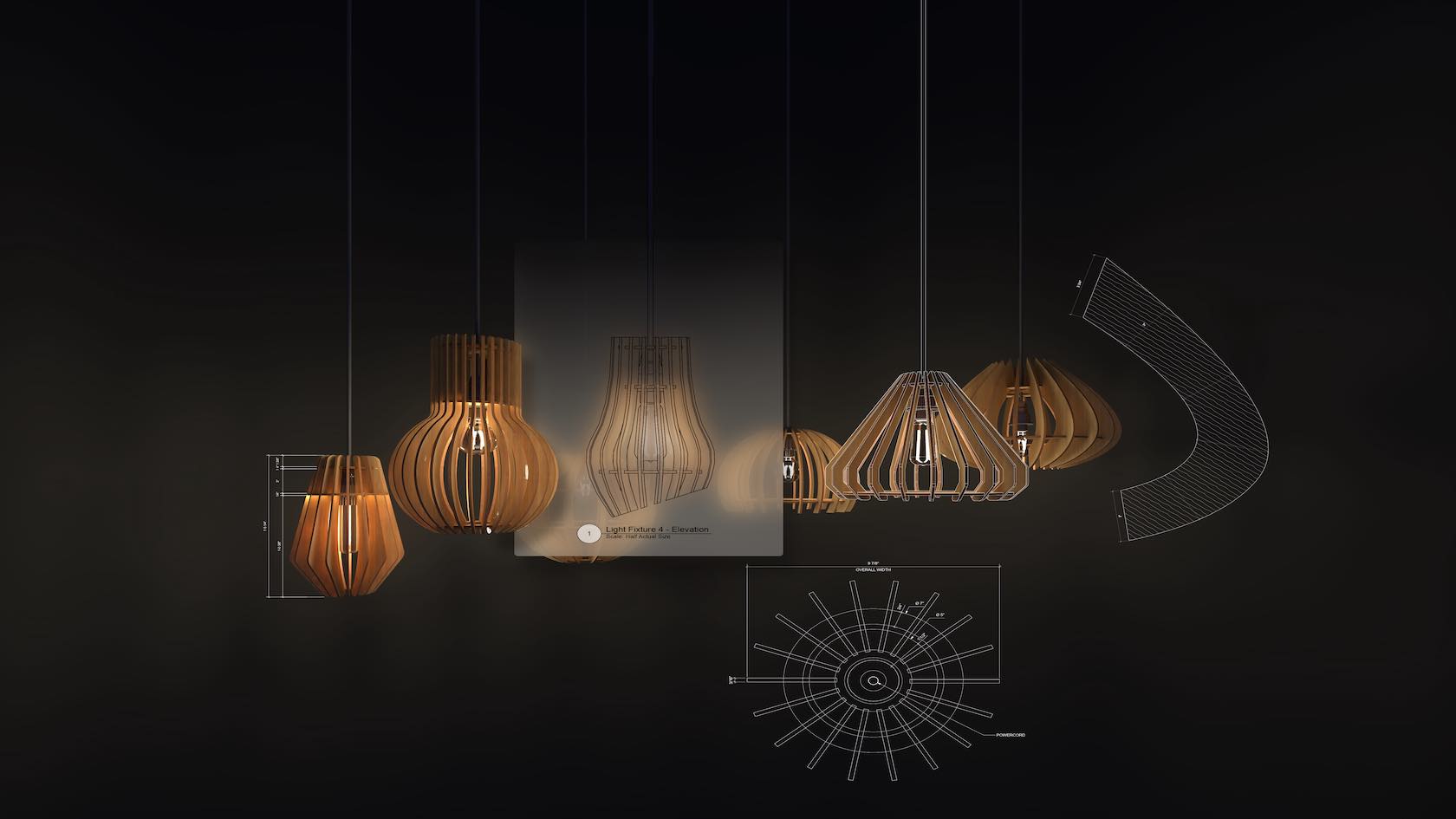
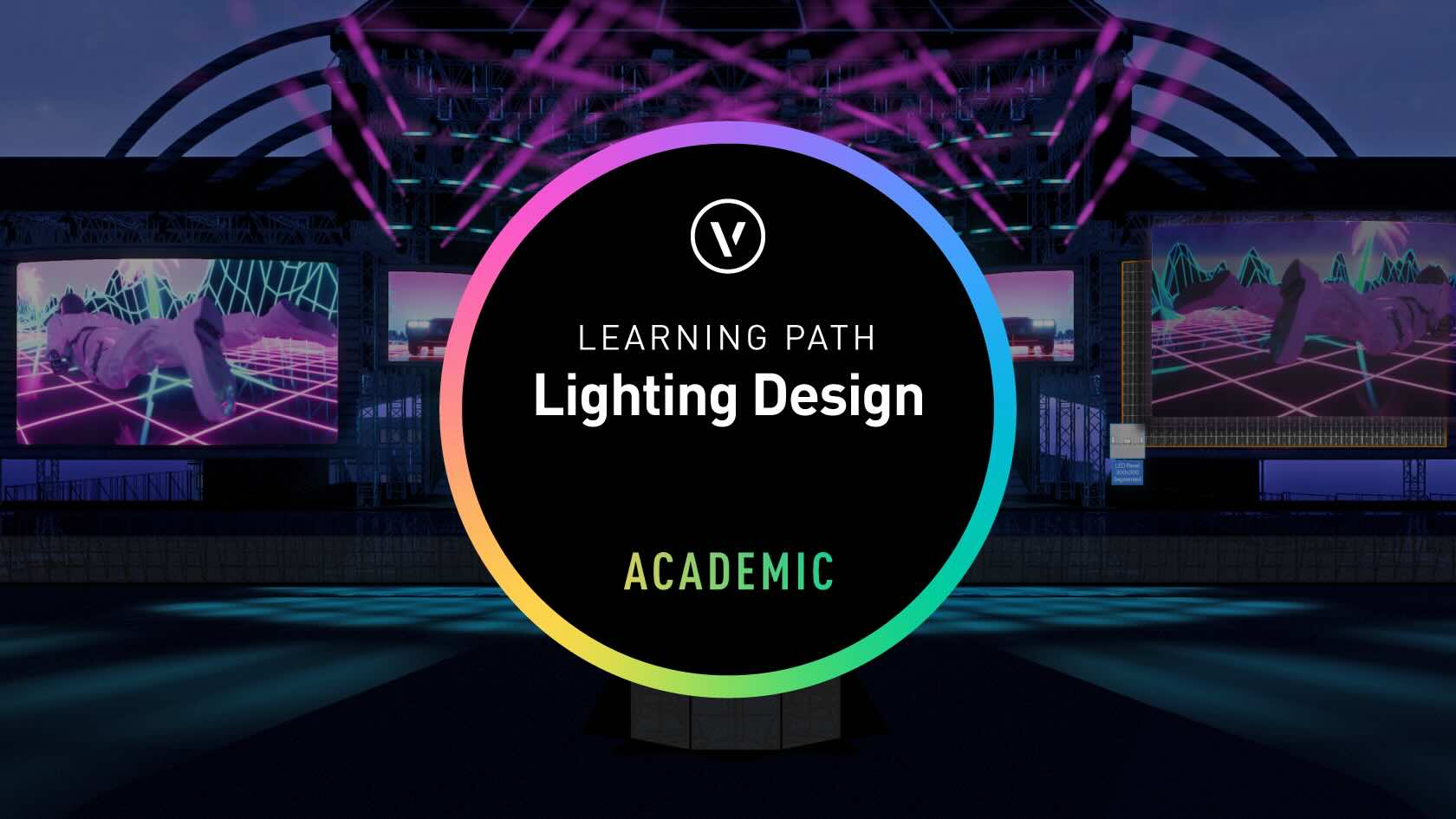
Welcome to the Academic Lighting Learning Path series. In this set of six videos, you’ll learn how to use Vectorworks Spotlight to draft a professional light plot, add accessories such as top hats, work with data and DMX, and see how lights are focused within the software. You’ll also discover how to prepare your light plot for publishing on a sheet layer and explore presentation techniques and previsualization.

Originally created as a single two-and-a-half-hour training session by our trainer, Michael Sharon, this course has been divided into six manageable segments—each about thirty minutes long. While the training assumes a basic understanding of Vectorworks, beginners can still follow along successfully.

To help you work alongside the videos, the lighting and scenic design files used in the demonstrations have been included as part of the course.

Please Note: This is not a course on lighting design theory, but a focused guide on using the Spotlight tools inside Vectorworks. All demonstrations are presented in Vectorworks 2025.

Entertainment
Entertainment
2h 45m
Intermediate

Learning Objectives

  1. Develop proficiency in organizing, managing, and documenting professional light plots in Vectorworks Spotlight, including using layers, classes, Resource Manager, and advanced worksheet and annotation tools for comprehensive project documentation and data visualization.
  2. Demonstrate the ability to add, configure, and control various lighting devices and accessories, utilize DMX patching, and apply automated features—such as auto-numbering and Spotlight Numbering—to achieve efficient design workflows and precise technical accuracy within lighting plots.
  3. Apply professional presentation and visualization techniques—such as rendering with atmospheric effects, camera perspectives, and previsualization modes—to clearly communicate lighting designs and enhance both digital and physical production processes in Vectorworks Spotlight.

Learning Path

VECTORWORKS CORE 2021-2023 ASSOCIATE CERTIFICATION


16h

VECTORWORKS CORE 2021-2023 ASSOCIATE CERTIFICATION

Start

ⓘ  Note: There is an updated version of the Vectorworks Core Certification. To access the latest version, please click here.

Master the key skills required to be successful in Vectorworks by earning your Vectorworks Core Associate Certification. This learning path contains over 170 courses and exercises that will equip you with the essential knowledge to operate Vectorworks with confidence. The Vectorworks Core Associate Certification learning path and exam are available free for a limited time.

To earn your certification, you must successfully pass the certification exam, with a score of 80% or higher. There are no restrictions on how many times you can retake the exam. If you do not pass on your first attempt, we recommend reviewing the certification courses and trying again. By passing the Vectorworks Core Certification exam and receiving this certification you will demonstrate to employers and clients that you are competent in core Vectorworks tools, commands, and workflows.

We highly recommend going through all of the courses in this learning path before taking the exam. However, we know there are many experienced Vectorworks users out there. If you feel you have already mastered the subjects covered in this learning path, you can skip directly to the exam.

Your certification is valid for 3 years after successfully passing the exam. Once you pass the exam, you will be able to download and display your personal Vectorworks Core Associate certificate and seal. You will be notified 6 months before your certification expires and with updates for continuing your education.

Welcome to the Vectorworks Certification Program!

All Industries
16h

Vectorworks Global
product compatibility-1-fundamentals product compatibility-2-architect product compatibility-3-landmark product compatibility-4-spotlight product compatibility-5-design suite

Learning Path

WINDOOR TUTORIAL

Beginner
4h

WINDOOR TUTORIAL

Start

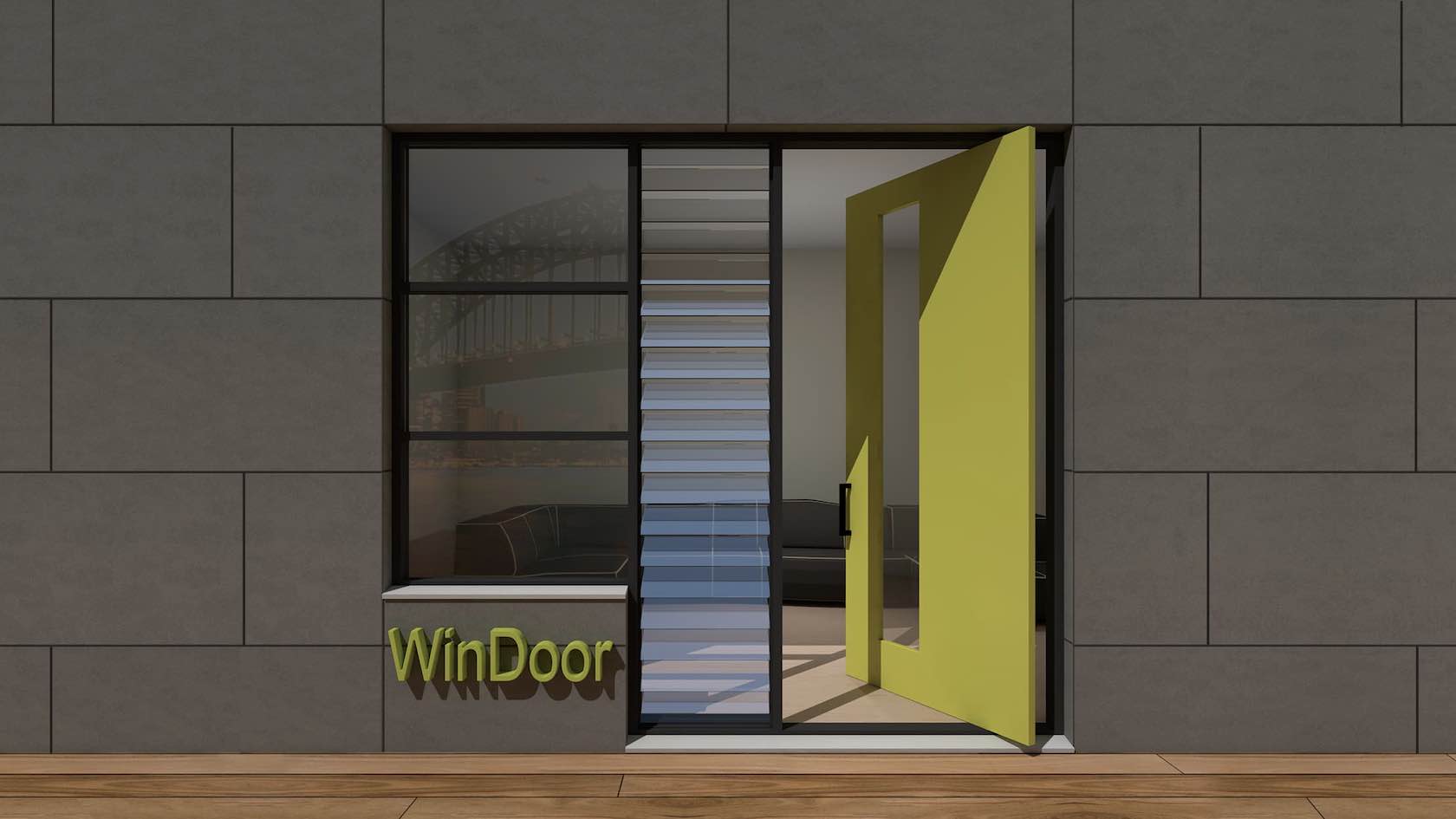
In this tutorial, you will explore the WinDoor plugin. You will learn how to create and place doors and windows using the WinDoor tool. In addition, you will explore how to create schedules and custom door leaves.

Buildings
4h
Beginner

Vectorworks AU
product compatibility-2-architect product compatibility-3-landmark product compatibility-4-spotlight product compatibility-5-design suite

Learning Path

CABLE TOOLS SUITE

Beginner
2h 20m

CABLE TOOLS SUITE

Start

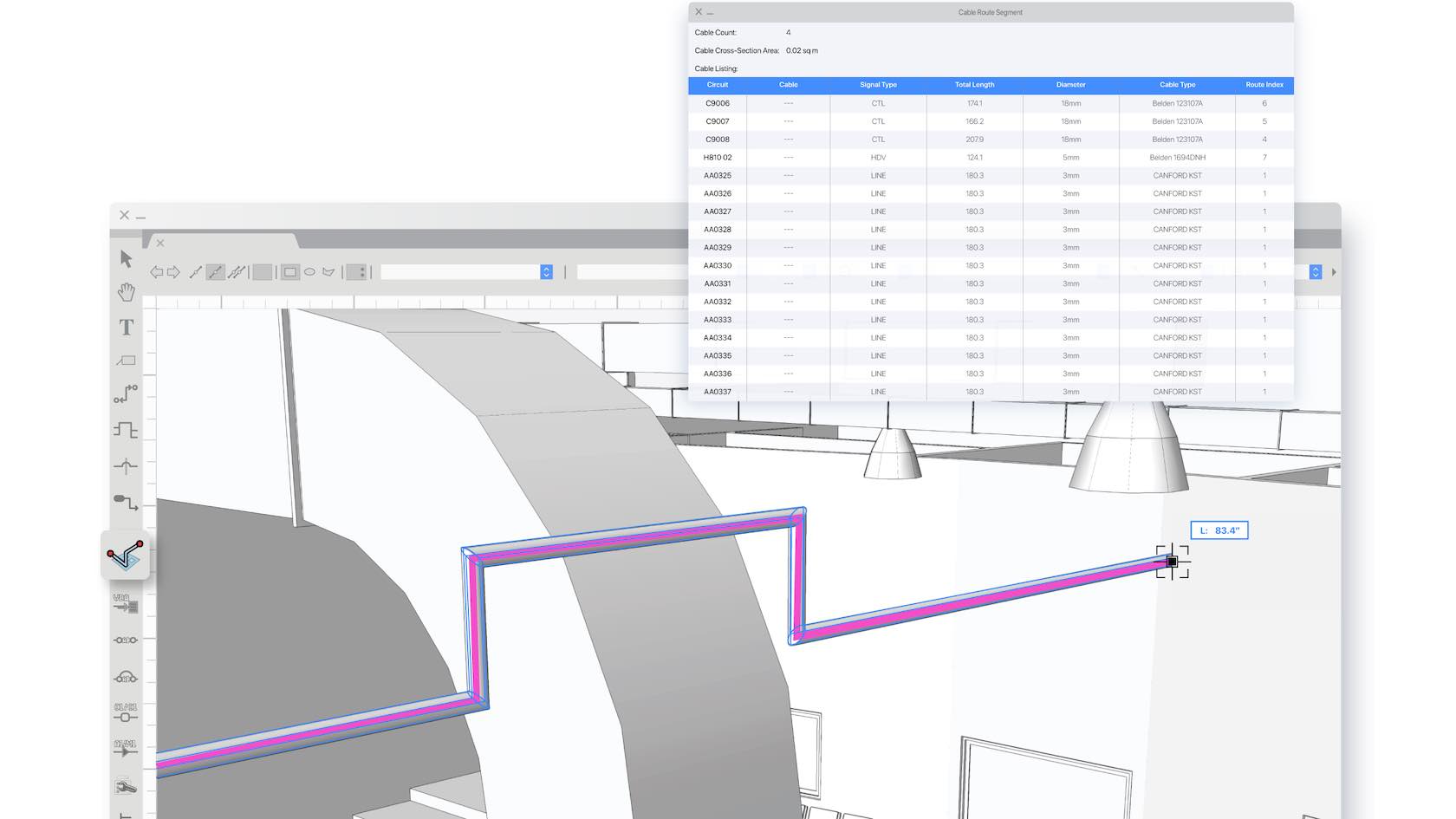
In this learning path, you will explore the Cable Tools Suite available in Vectorworks Spotlight and Design Suite. You will learn how to utilize all the cable tools, create cable styles, configure Data Tags for Cable objects, generate reports, and more.

Video
Entertainment
2h 20m
Beginner

Vectorworks Global
product compatibility-4-spotlight product compatibility-5-design suite

Learning Path

ONBOARDING - VECTORWORKS FUNDAMENTALS

Beginner
8h

ONBOARDING - VECTORWORKS FUNDAMENTALS

Start

This learning path is designed to help you get to know Vectorworks Fundamentals and get up and running quickly. We understand that not everyone learns in the same way, so we have provided multiple training options, from an instructor-led live seminar and on-demand quick start guide, to a sample project for you to explore.

All Industries
8h
Beginner

Vectorworks Global
product compatibility-1-fundamentals

Learning Path

ONBOARDING - VECTORWORKS ARCHITECT

Beginner
8h

ONBOARDING - VECTORWORKS ARCHITECT

Start

This learning path is designed to help you get to know Vectorworks Architect and get up and running quickly. We understand that not everyone learns in the same way, so we have provided multiple training options, from instructor-led live seminars and an on-demand quick start guide, to sample projects for you to explore.

Buildings
8h
Beginner

Vectorworks Global
product compatibility-2-architect product compatibility-5-design suite

Learning Path

ONBOARDING - VECTORWORKS LANDMARK

Beginner
8h

ONBOARDING - VECTORWORKS LANDMARK

Start

This learning path is designed to help you get to know Vectorworks Landmark and get up and running quickly. We understand that not everyone learns in the same way, so we have provided multiple training options, from instructor-led live seminars and an on-demand quick start guide, to sample projects for you to explore.

Landscapes
8h
Beginner

Vectorworks Global
product compatibility-3-landmark product compatibility-5-design suite

Learning Path

ONBOARDING - VECTORWORKS SPOTLIGHT

Beginner
8h

ONBOARDING - VECTORWORKS SPOTLIGHT

Start

This learning path is designed to help you get to know Vectorworks Spotlight and get up and running quickly. We understand that not everyone learns in the same way, so we have provided multiple training options, from instructor-led live seminars and an on-demand quick start guide, to sample projects for you to explore.

Entertainment
8h
Beginner

Vectorworks Global
product compatibility-4-spotlight product compatibility-5-design suite product compatibility-6-braceworks product compatibility-7-vision

Learning Path

ONBOARDING - VECTORWORKS DESIGN SUITE

Beginner
8h

ONBOARDING - VECTORWORKS DESIGN SUITE

Start

This learning path is designed to help you get to know Vectorworks Design Suite and get up and running quickly. We understand that not everyone learns in the same way, so we have provided multiple training options, from instructor-led live seminars and an on-demand quick start guide, to sample projects for you to explore.

All Industries
8h
Beginner

Vectorworks Global
product compatibility-1-fundamentals product compatibility-2-architect product compatibility-3-landmark product compatibility-4-spotlight product compatibility-5-design suite

Learning Path

ONBOARDING - EDUCATIONAL

Beginner
8h

ONBOARDING - EDUCATIONAL

Start

This learning path is designed to help Educational users get to know Vectorworks Design Suite and get up and running quickly. We understand that not everyone learns in the same way, so we have provided multiple training options, from instructor-led live seminars and an on-demand quick start guide, to sample projects for you to explore.


All Industries
8h
Beginner

Vectorworks Global

Learning Path

Vectorworks Core Associate Certification

Beginner
16h

Vectorworks Core Associate Certification

Start

Master the key skills required to be successful in Vectorworks by earning your Vectorworks Core Associate Certification. This learning path contains over 130 instructional videos and exercises that will equip you with the essential knowledge to operate Vectorworks with confidence.

To earn your certification, you must successfully pass the certification exam, with a score of 80% or higher. There are no restrictions on how many times you can retake the exam. If you do not pass on your first attempt, we recommend reviewing the certification courses and trying again. By passing the Vectorworks Core Certification exam and receiving this certification you will demonstrate to employers and clients that you are competent in core Vectorworks tools, commands, and workflows. 

We highly recommend going through all of the courses in this learning path before taking the exam. However, we know there are many experienced Vectorworks users out there. If you feel you have already mastered the subjects covered in this learning path, you can skip directly to the exam. 

Your certification is valid for 3 years after successfully passing the exam. Once you pass the exam, you will be able to download and display your personal Vectorworks Core Associate certificate and seal. You will be notified 6 months before your certification expires and with updates for continuing your education. 

Welcome to the Vectorworks Certification Program!

All Industries
16h
Beginner

Vectorworks Global
product compatibility-1-fundamentals product compatibility-2-architect product compatibility-3-landmark product compatibility-4-spotlight product compatibility-5-design suite

Learning Path

Vectorworks Design Suite 2026

Beginner
3h 49m

Vectorworks Design Suite 2026

Start

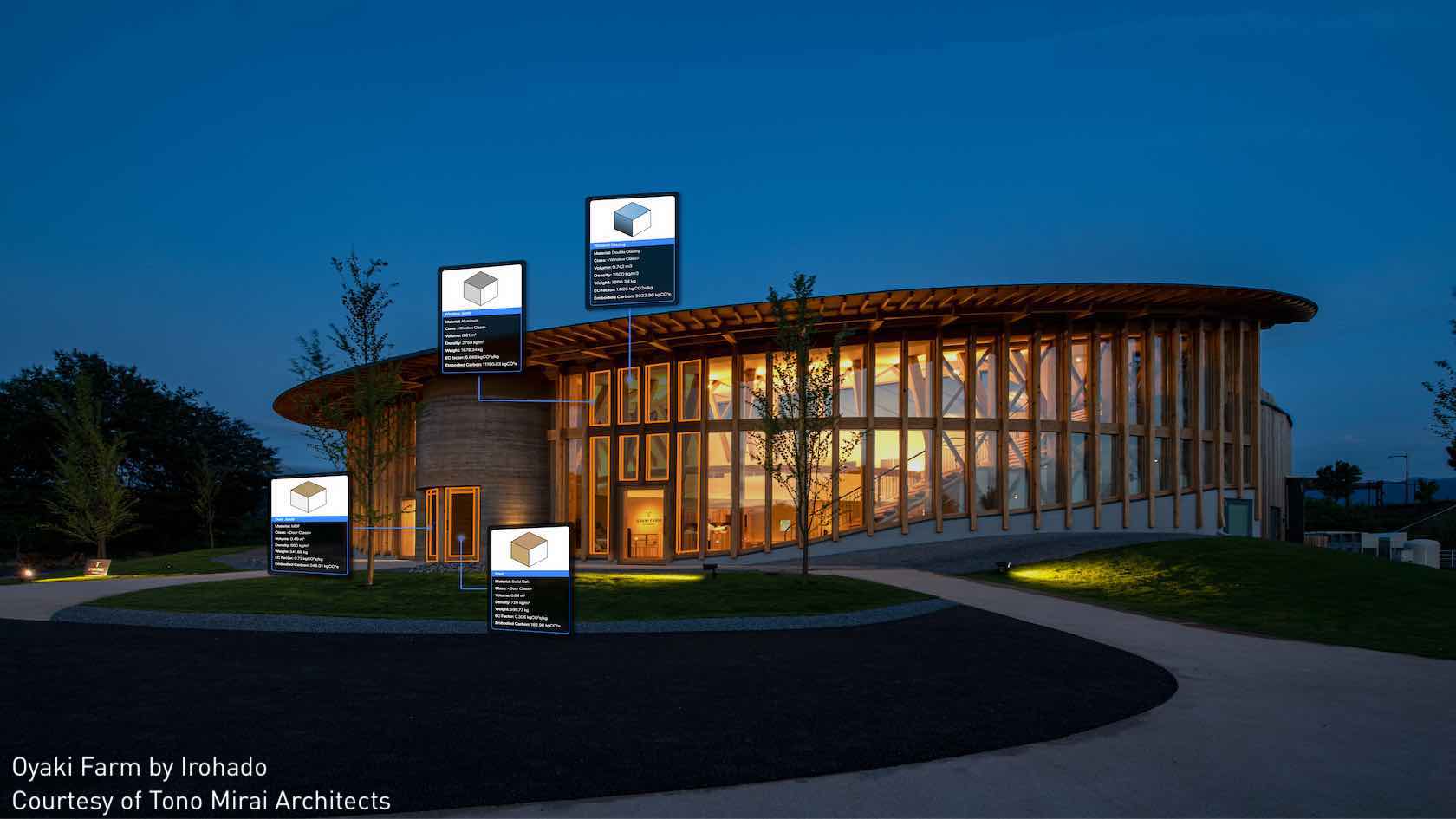
Unlock the full potential of Vectorworks Design Suite 2026 with an all-in-one learning path for multidisciplinary professionals. Gain comprehensive migration guidance, explore “how-to” modules spanning architecture, interior, landscape, and entertainment tools, and maximize productivity with cross-industry “Coffee Break” learning sessions. You’ll also get to revisit key features from prior releases to ensure you don’t miss valuable capabilities.

Video
All Industries
3h 49m
Beginner

product compatibility-2-architect product compatibility-3-landmark product compatibility-4-spotlight product compatibility-5-design suite
Expand all

Lighting Design


© 2024 Vectorworks, Inc. All Rights Reserved. Vectorworks, Inc. is part of the Nemetschek Group.


Vectorworks, Inc
8621 Robert Fulton Drive, Suite 200
Columbia, Maryland 21046, United States
410.290.5114 | vectorworks.net

Privacy | Contact Us

You are currently using guest access (Sign In)
Powered by Moodle Workplace