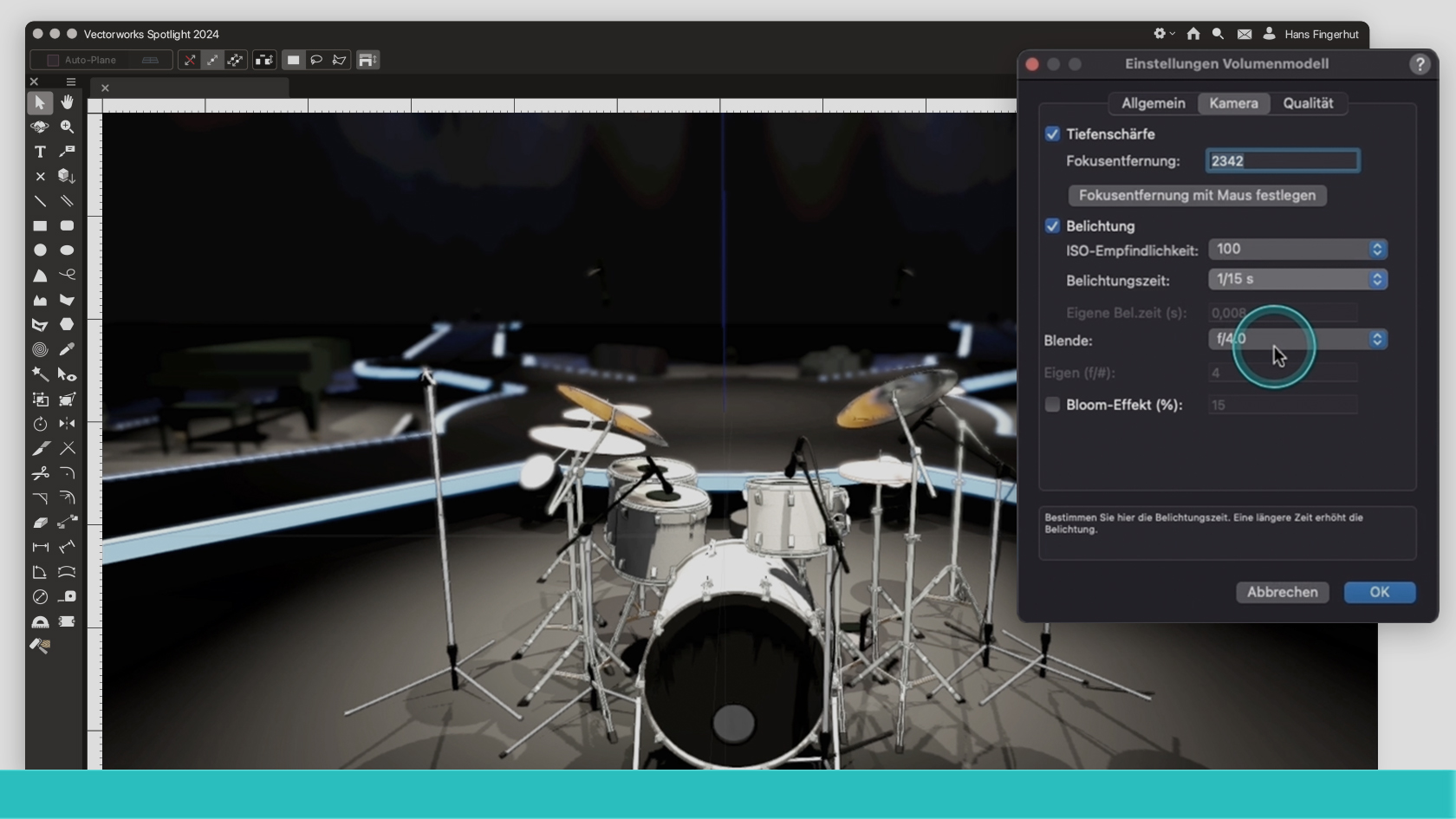
In diesem Webinar erhältst Du einen Überblick über die Neuerungen in Vectorworks Spotlight 2024. Entdecke neue Tools und neue Eigenschaften bestehender Tools.
(Für Version 2024)
Category: Entertainment
Requires Approval: No
In diesem Webinar erhältst Du einen Überblick über die Neuerungen in Vectorworks Spotlight 2024. Entdecke neue Tools und neue Eigenschaften bestehender Tools.
(Für Version 2024)
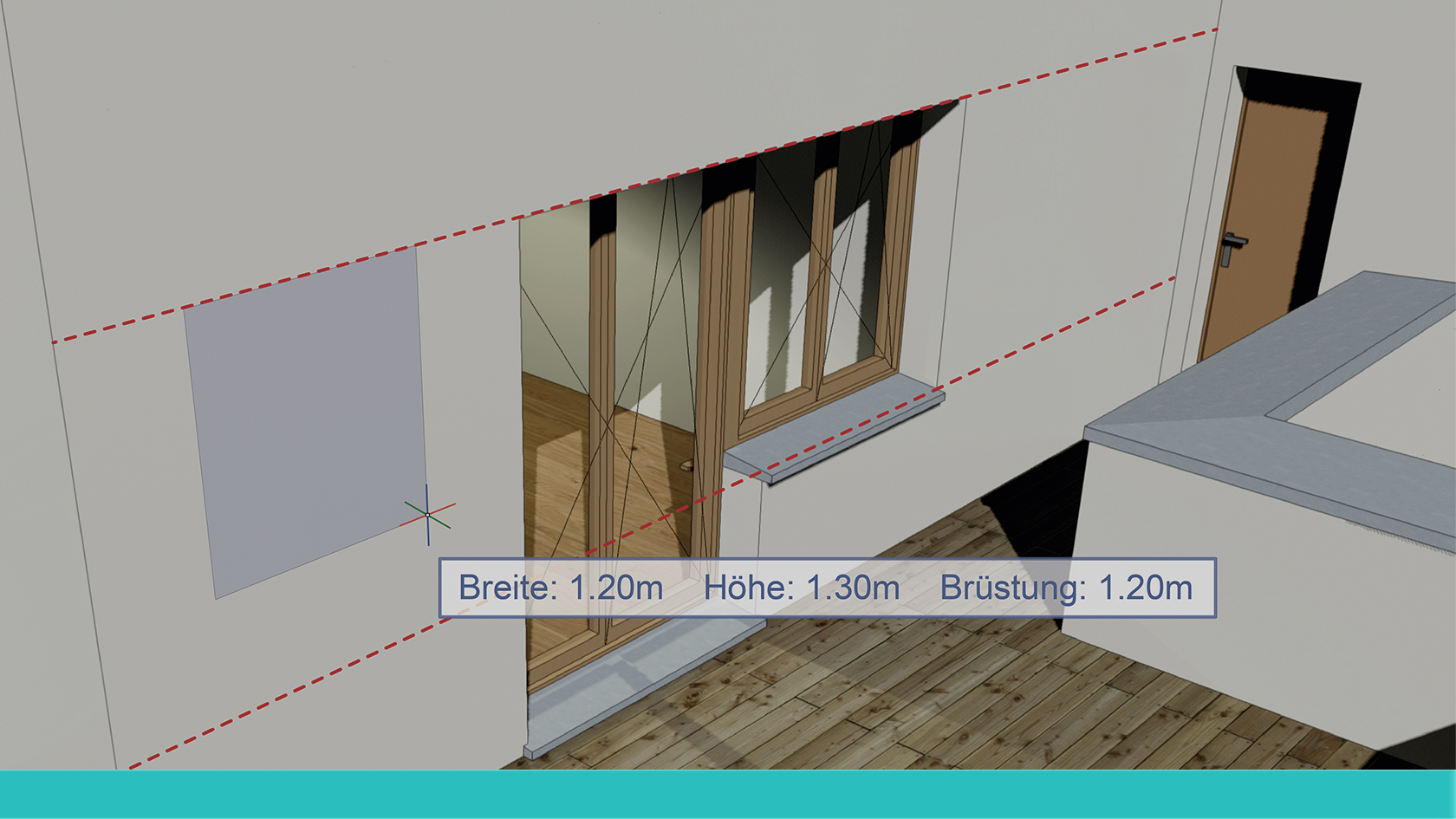
Vectorworks 2024 bedeutet schnellere Workflows für alle Phasen. Bei Fenstern, Türen und Wänden wird das mit einer ganzen Reihe von Verbesserungen erreicht. Die Vectorworks-Spezialisten Xaver Meier und Reto Thomet zeigen Ihnen, wie Sie Zeit sparen beim präzisen Einsetzen und Positionieren von Fenstern und Türen in Wände. Auch das Wandwerkzeug hat ein paar neue Tricks für Sie auf Lager. In kurzer Zeit lernen Sie in diesem Webinar, wie Sie in Ihrer Arbeit am meisten von den Neuerungen profitieren können.
(Für Version 2024)
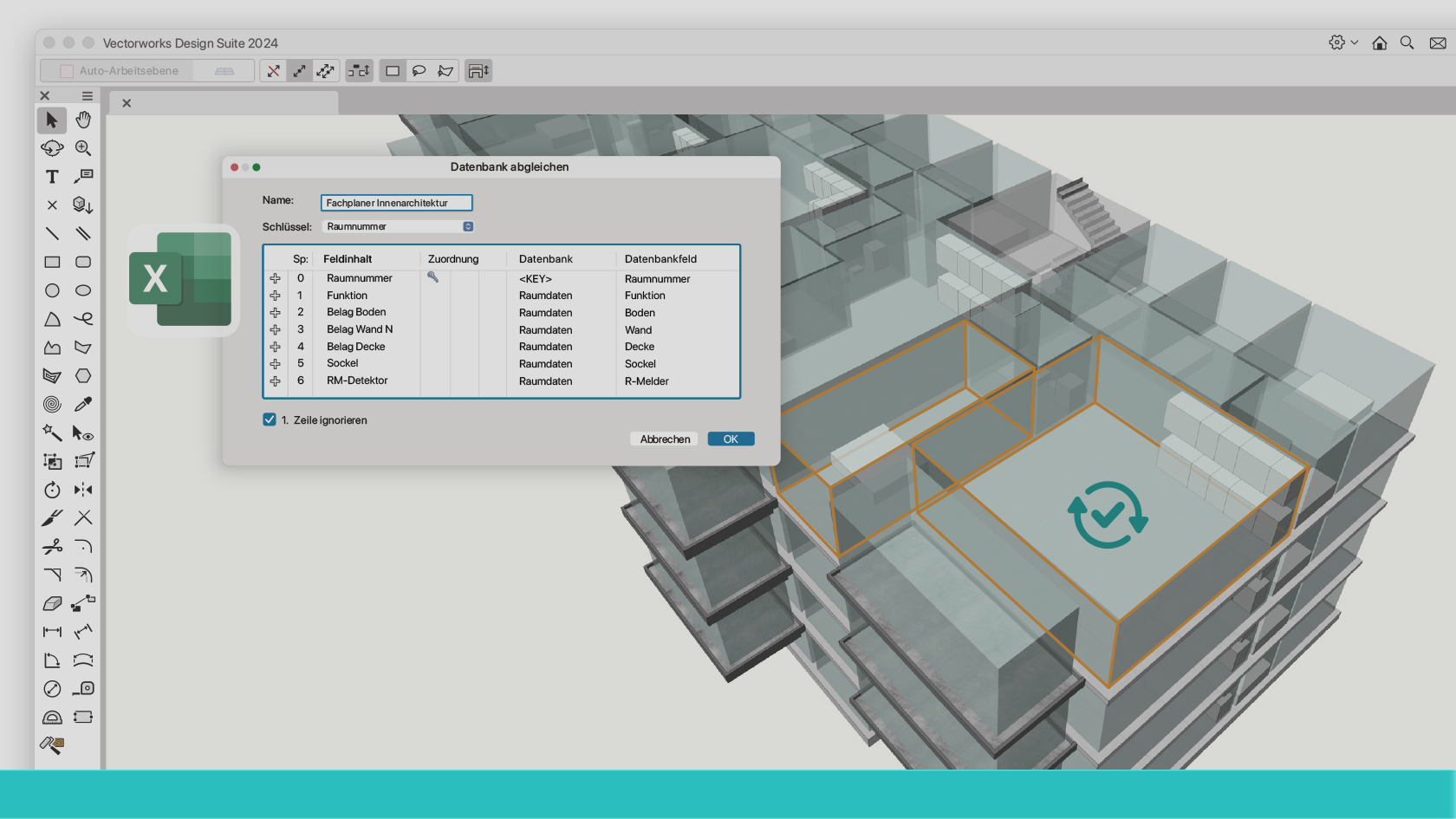
In einer Welt, in der Daten zunehmend an Bedeutung gewinnen, haben wir den Menübefehl "Datenbank abgleichen" mit einer Vielzahl aufregender Neuerungen ausgestattet. Diese Erweiterungen bieten unseren Anwendern nun noch mehr Flexibilität, indem sie nicht nur TXT- und CSV-Dateiformate unterstützen, sondern auch XLS- und XLSX-Formate. Darüber hinaus haben wir die Effizienz verbessert, indem wir die Synchronisierung mit mehreren Datenbanken ermöglichen. Entdecken Sie, wie diese Verbesserungen Ihre Arbeitsabläufe optimieren können!
(Für Version 2024)
Lernen Sie das Werkzeug Nurbs-Kurve kennen. Weitere Inhalte zum Thema "Erste Schritte 3D" finden Sie hier.
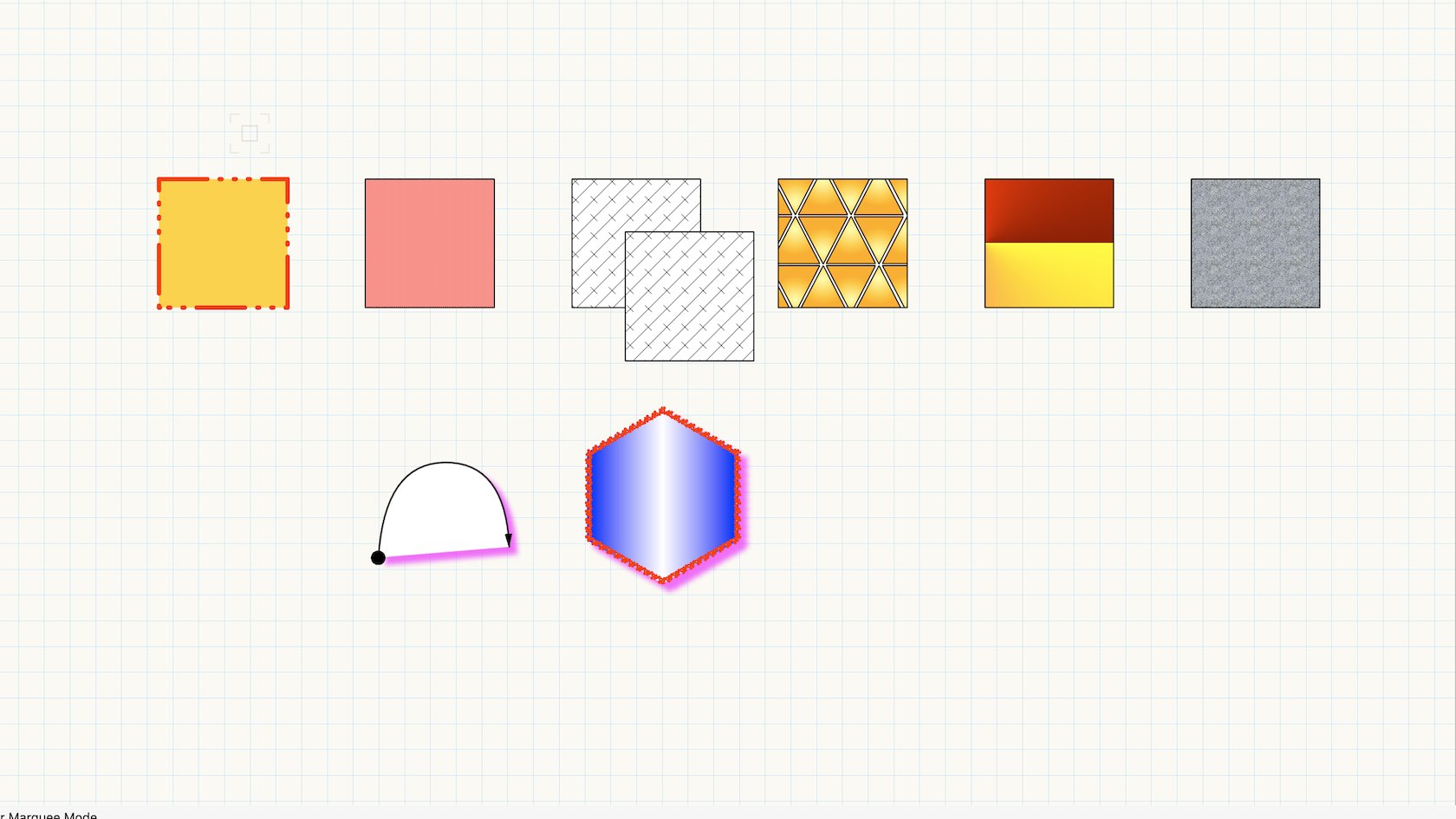
Directly apply a variety of graphics directly through the attributes palette.
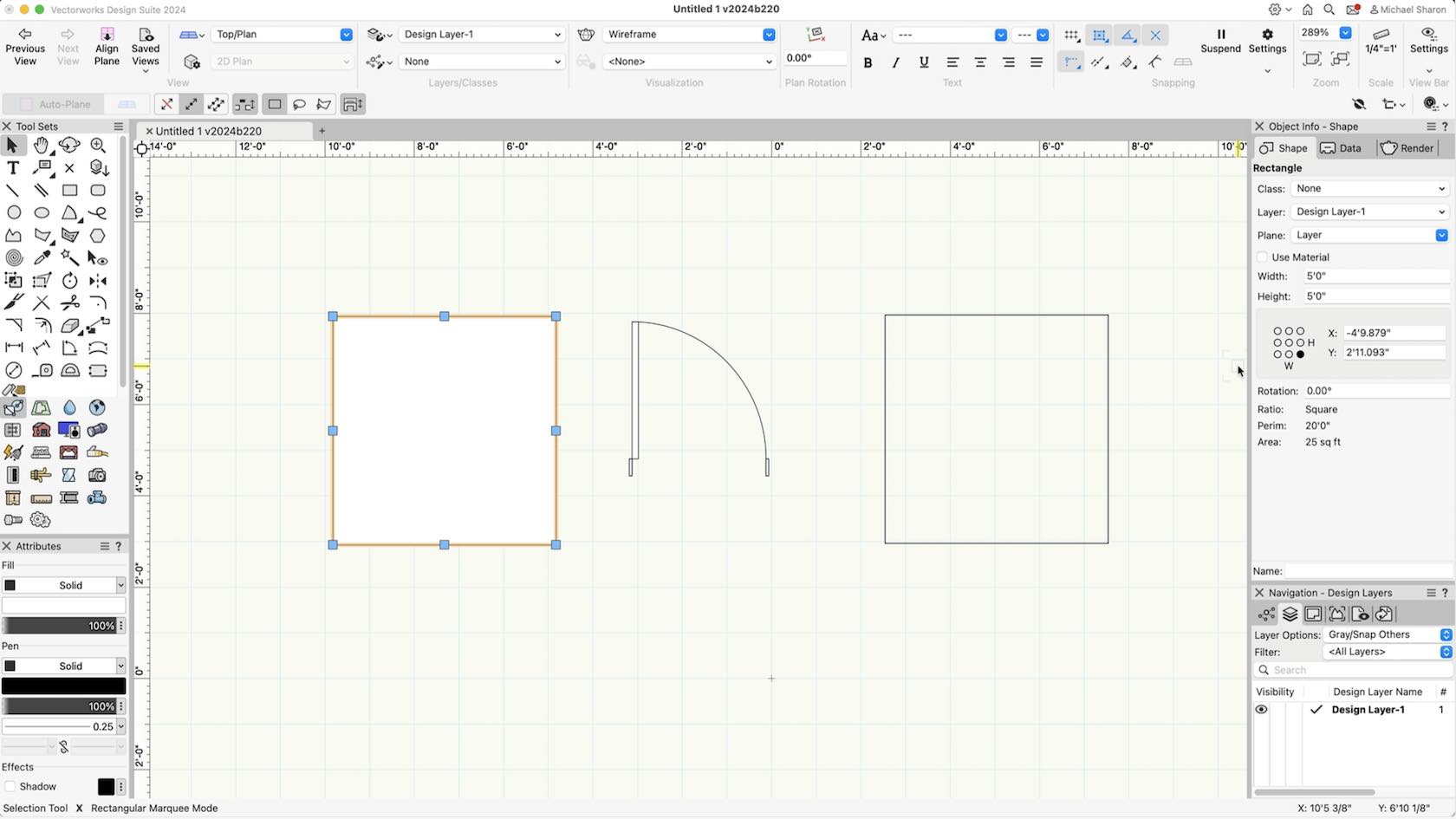
In this course, we will explore the different settings and tabs in the Object Info Palette.
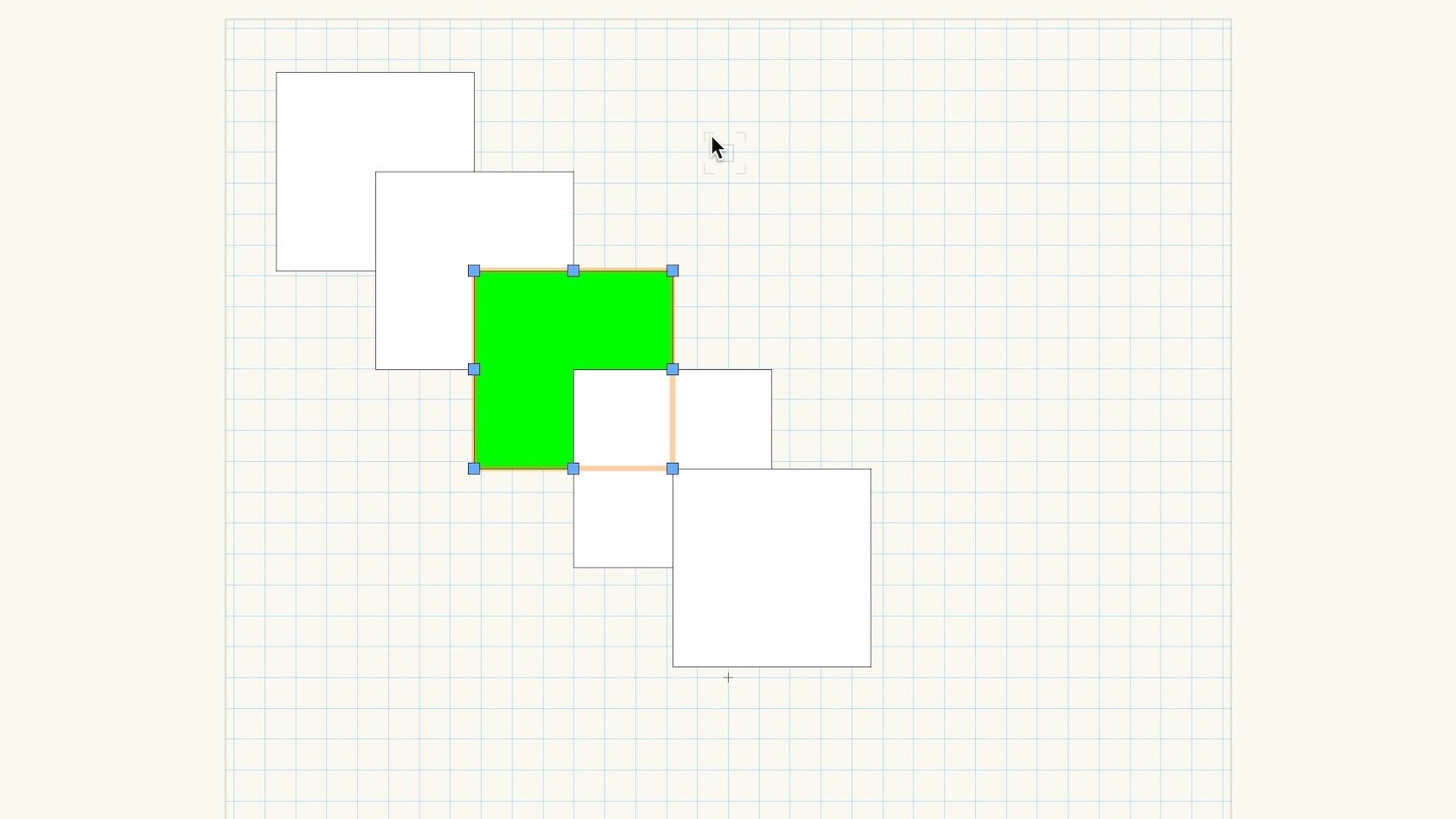
Examine the default behavior of object stacking when objects are created.
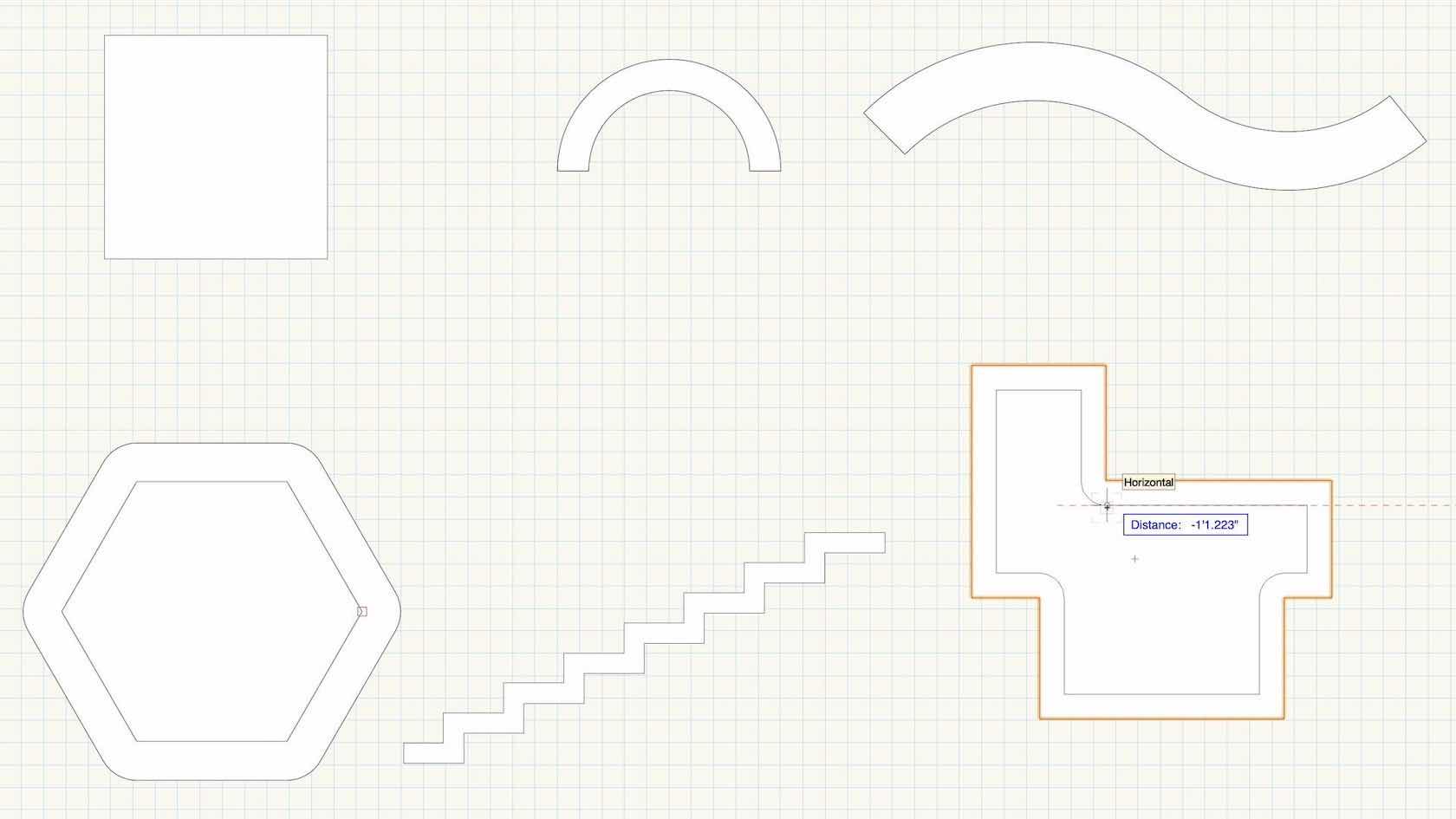
Mastering the Offset tool and understanding the various modes and tool preferences.
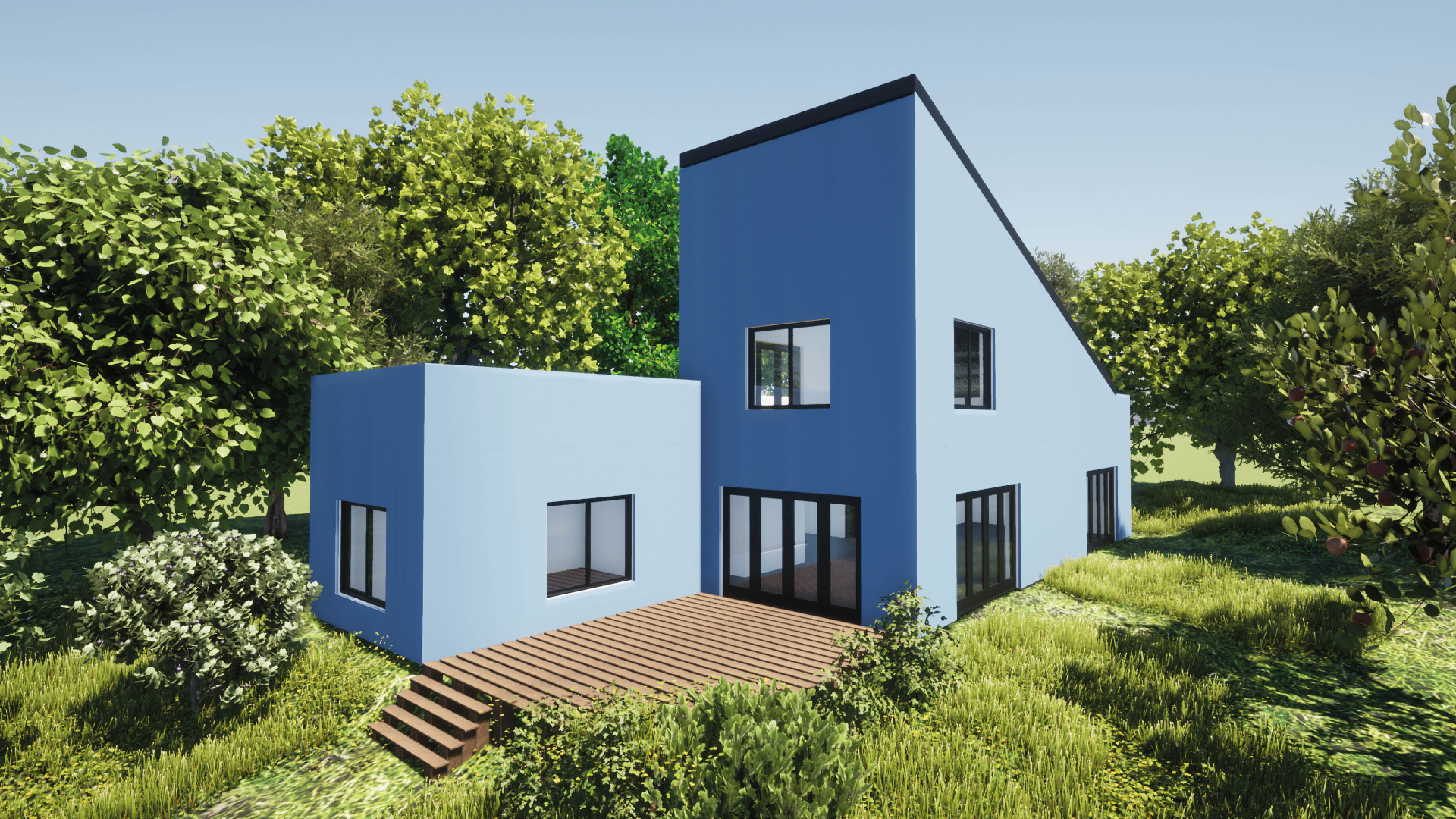
In this section we will explore how to organize a new project/file in Vectorworks Architect using templates. Templates allow us to create/input project contents (architectural elements such as walls, floors, roofs, etc.) quickly using Vectorworks' built-in organizational structure for Layers, Stories, and Levels. We’ll also take a quick look at an important distinction between Classes and Materials before concluding with a discussion about options and best practices for importing contents (.dwg for example) from outside sources.
This first section of the Spotlight certification course introduces the
Spotlight workspace, and the tools and commands included. We will
discuss file preferences, Spotlight preferences and resources, and
working with templates. This is primarily a watch-and-take-notes
section.
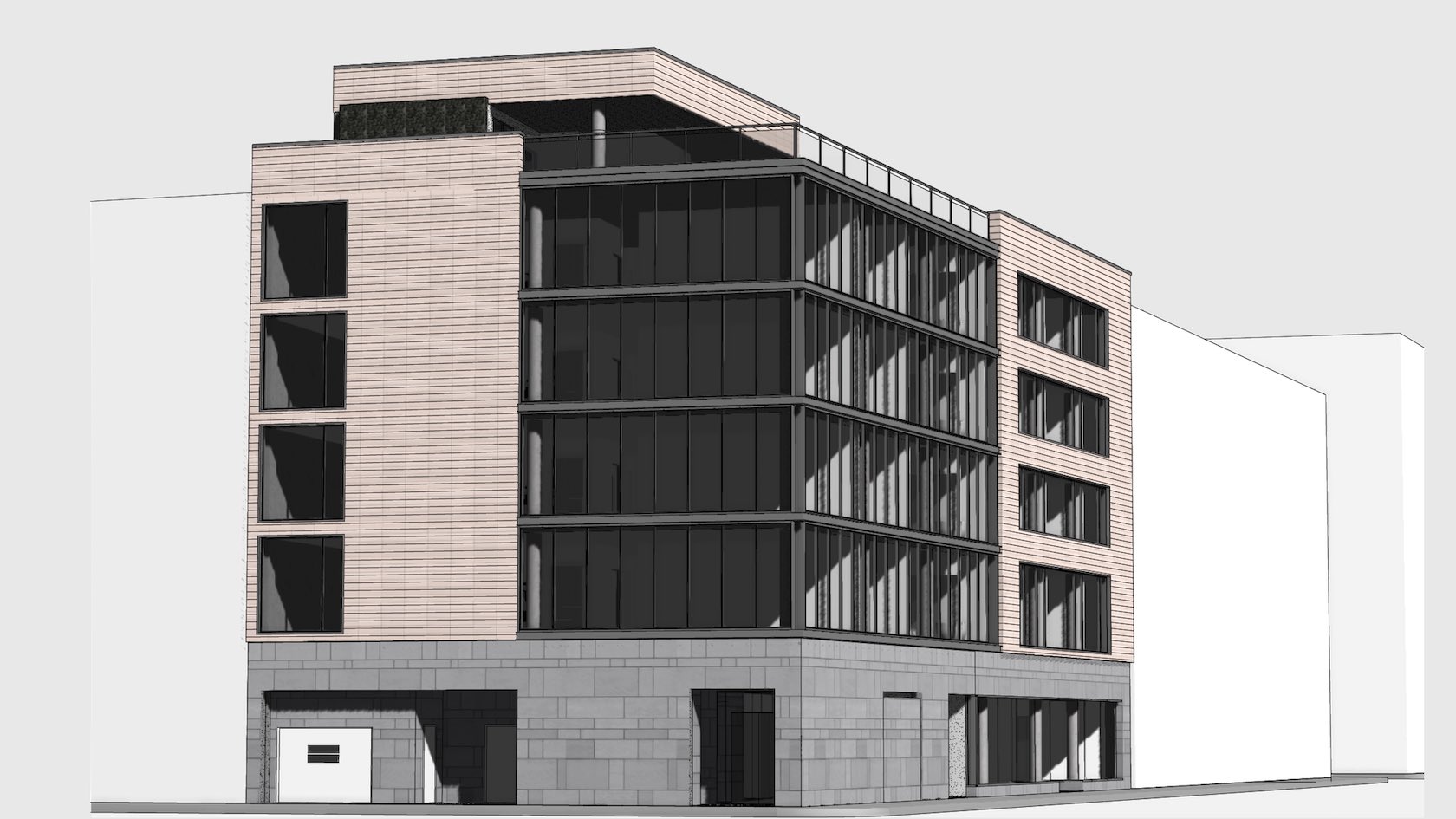
Stories are simply a way of organising Design Layers. They are necessary for BIM and they also enable you to create separate boundings, for things like the components in your walls, using Level Types. When designing a building generally you will have several layers that are common to each story, for example, each story will likely have a floor layer, wall layer, ceiling layer etc. Stories let you create these automatically and set their 3D height relative to the height of the story, rather than the ground. This also means if, for example, you need to create a double height entrance level, you simply change the story height and the rest will adjust themselves!
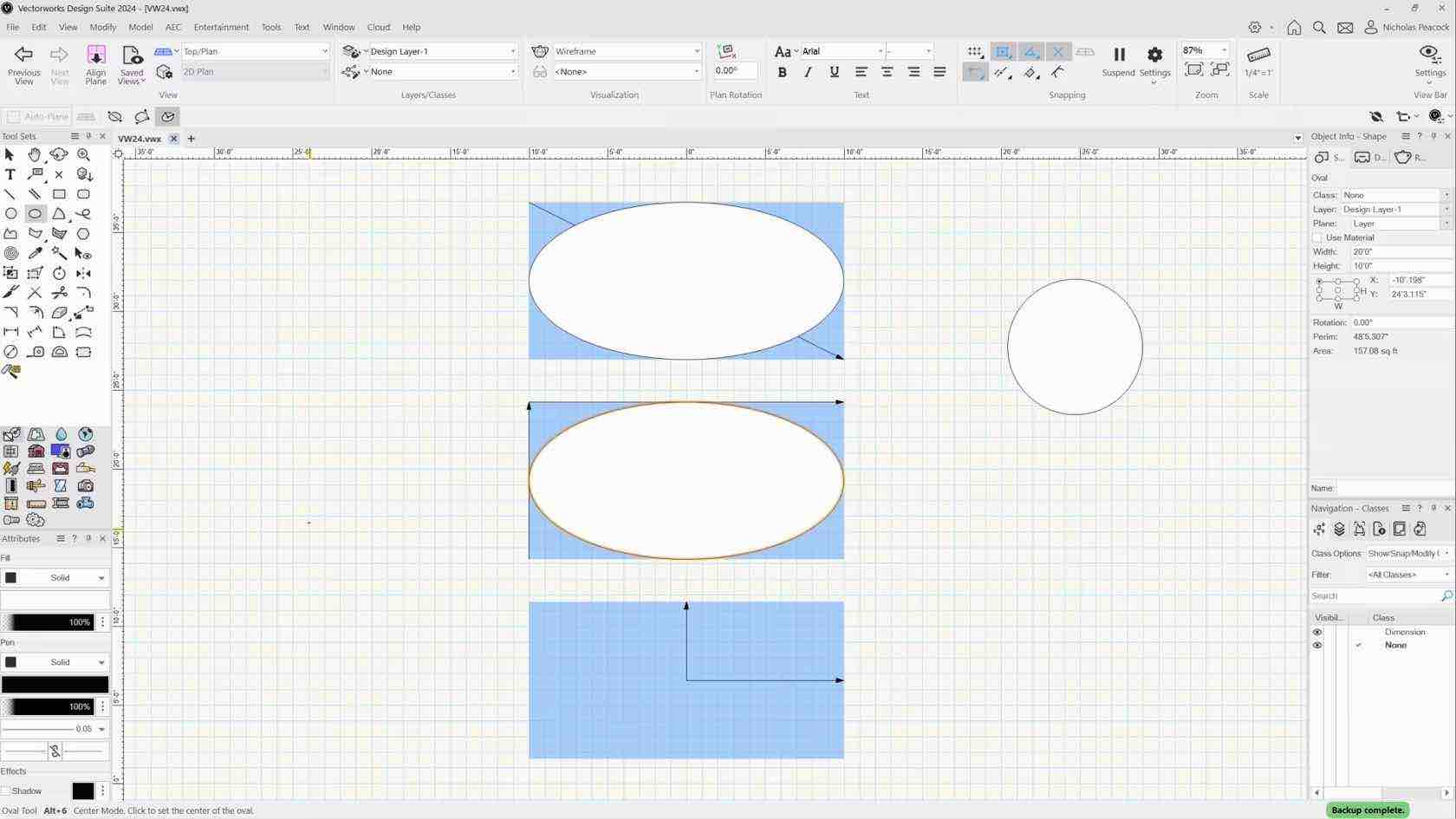

Sie erhalten einen Überblick über Aufbau und Verwendung von Paletten. Passen Sie Ihre Arbeitsoberfläche an und werden Sie durch benutzerdefinierte Arbeitsumgebungen in Ihrem täglichen Arbeitsablauf effizienter.
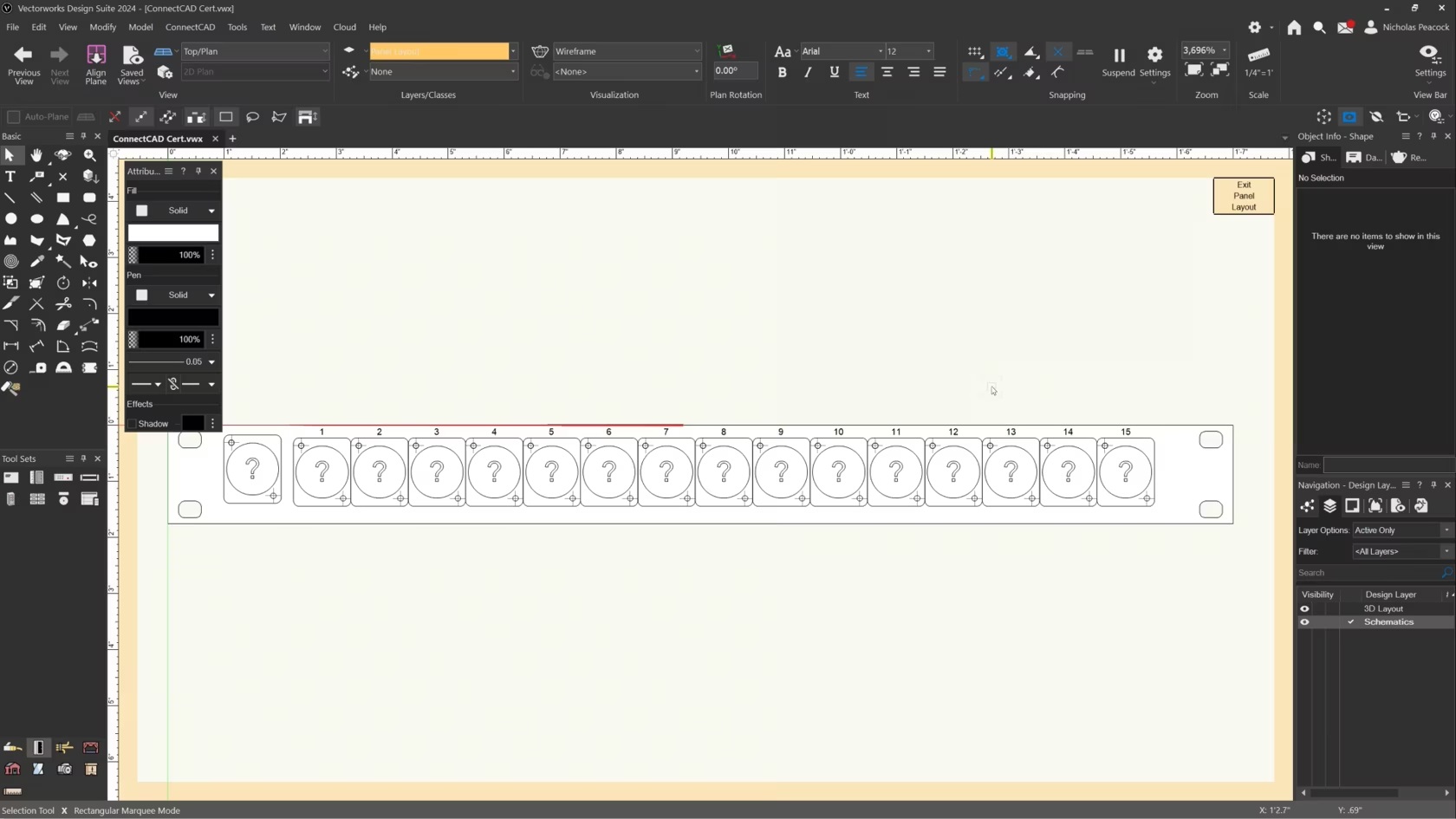
In this video, we will cover the basics of the Panel Connector Tool.
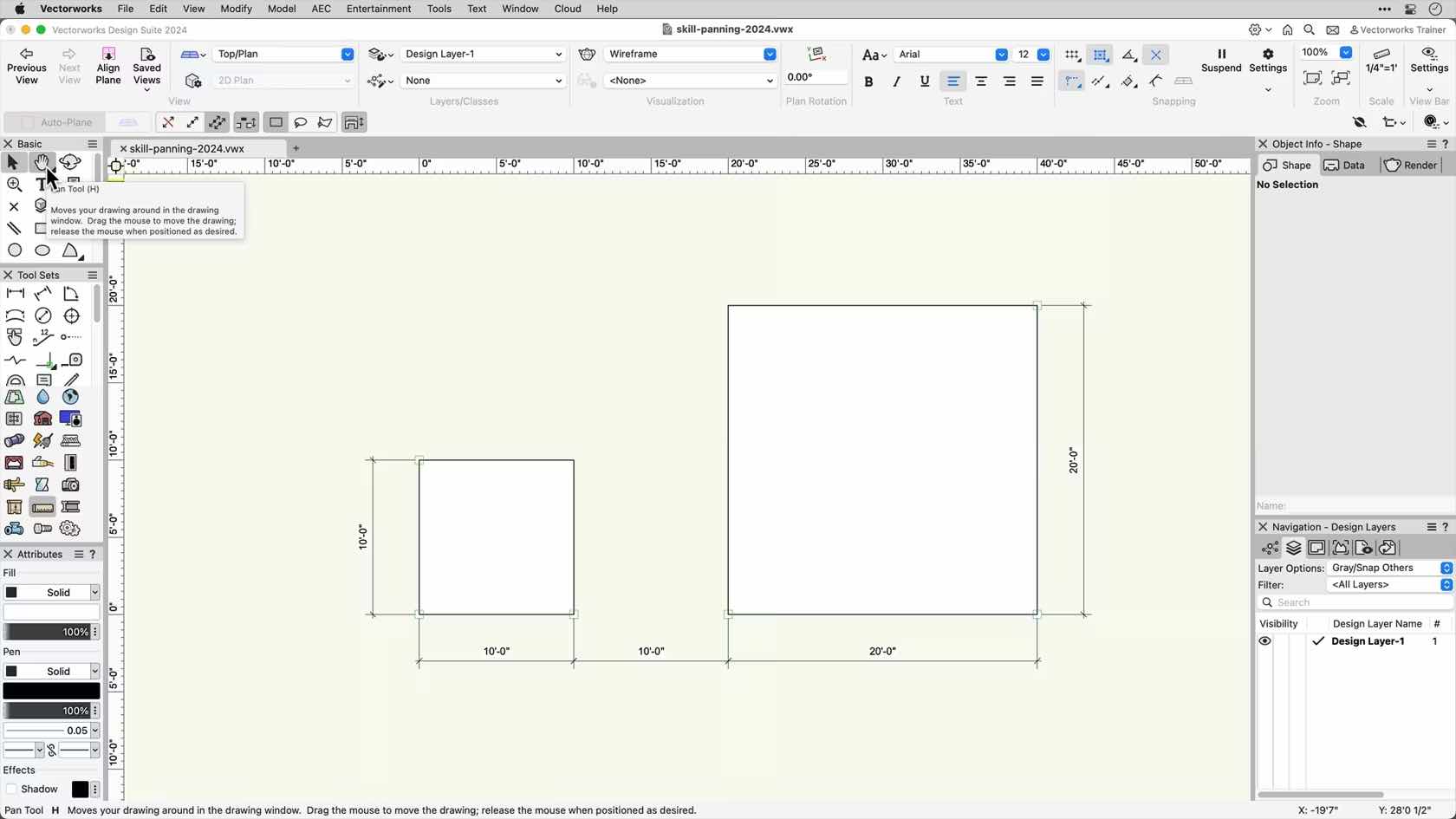
In this video, we will be exploring the different panning options in Vectorworks.
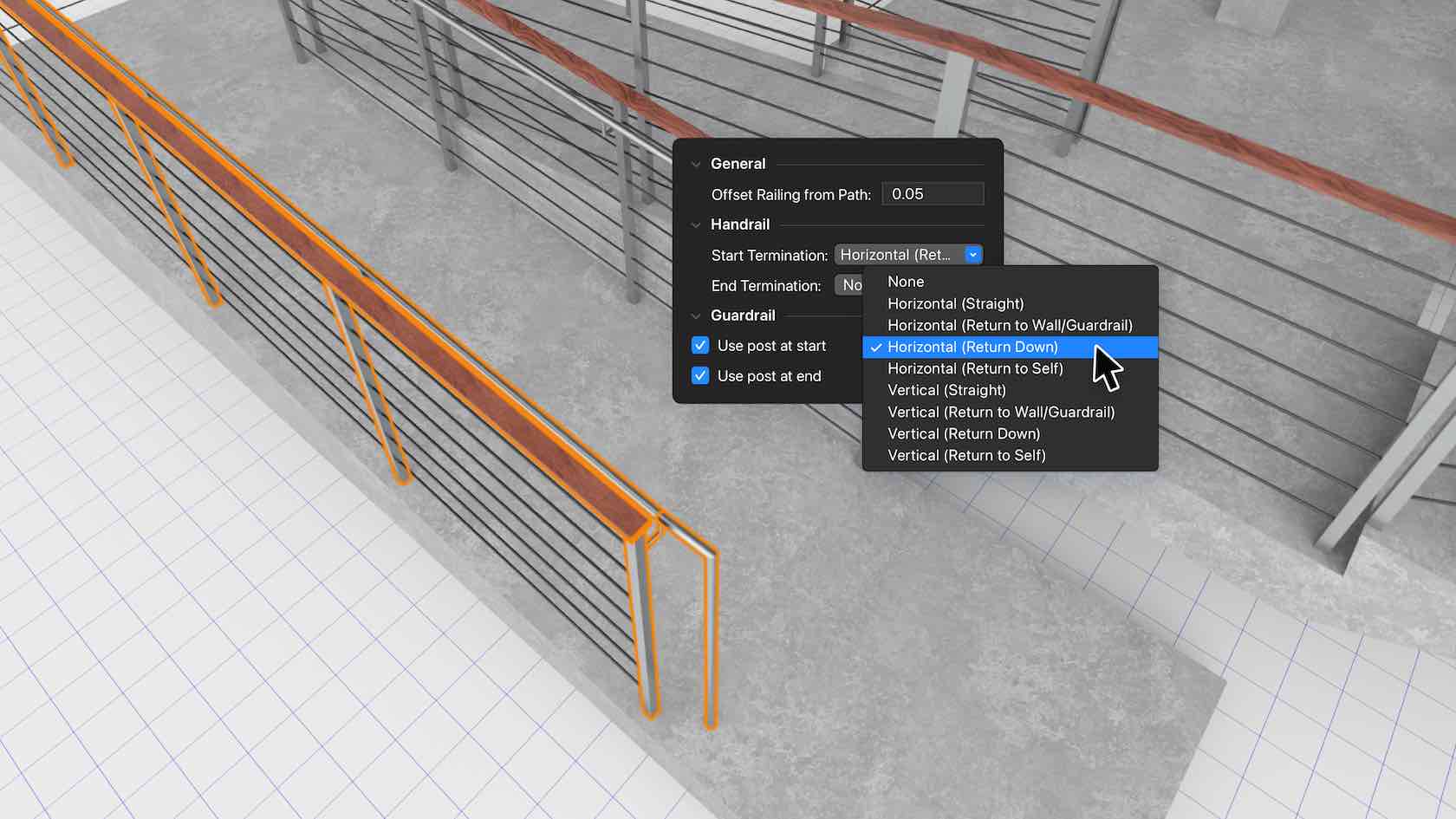
Railing improvements bring you the flexibility and accuracy you need to create more custom configurations. This more efficient workflow includes styled objects and more creation options that interact with other model objects like slabs, stairs, and site models. The Railing tool will also support guardrails and handrails as well as configurations designed to help you meet building code and accessibility standards.
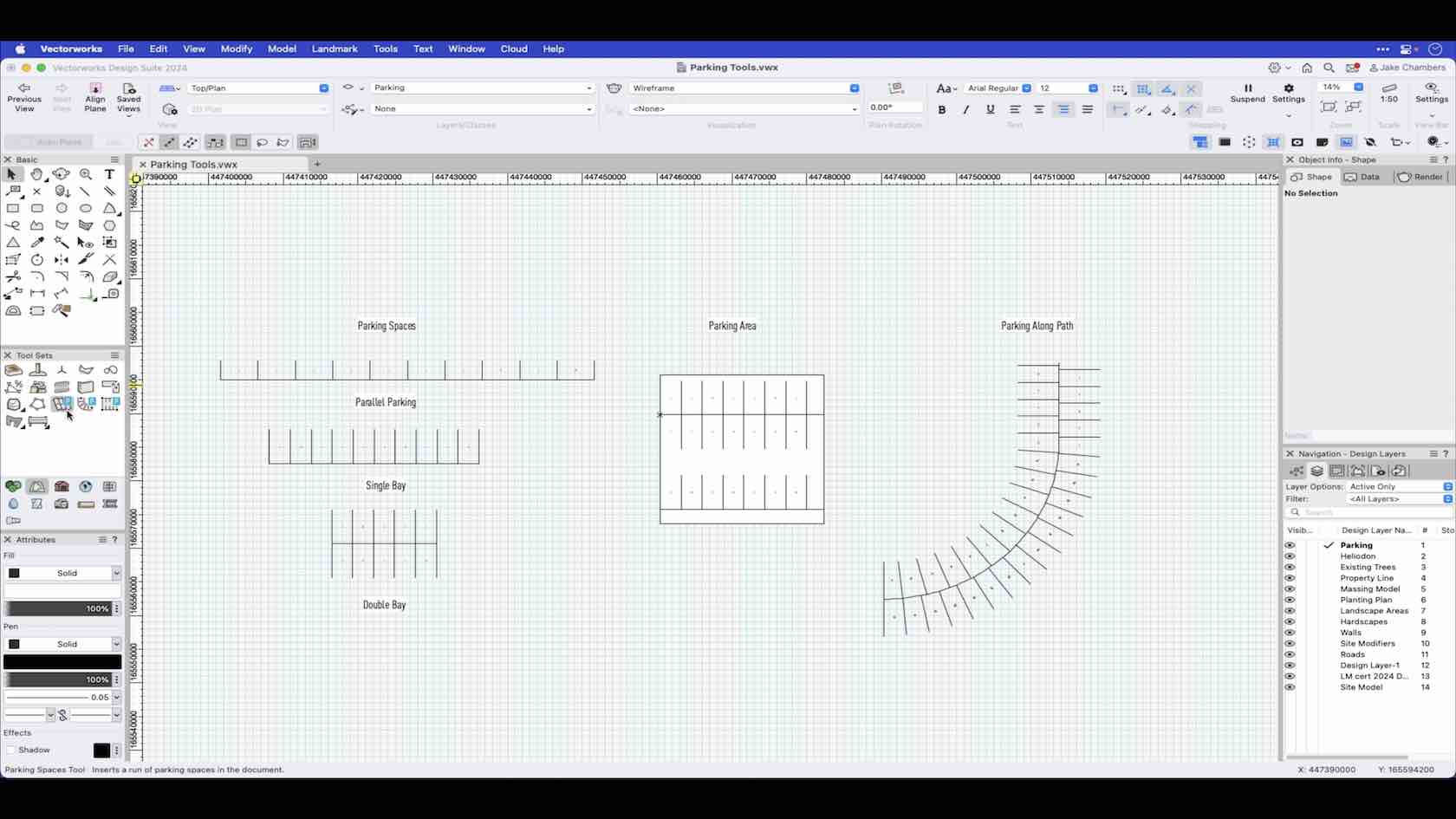
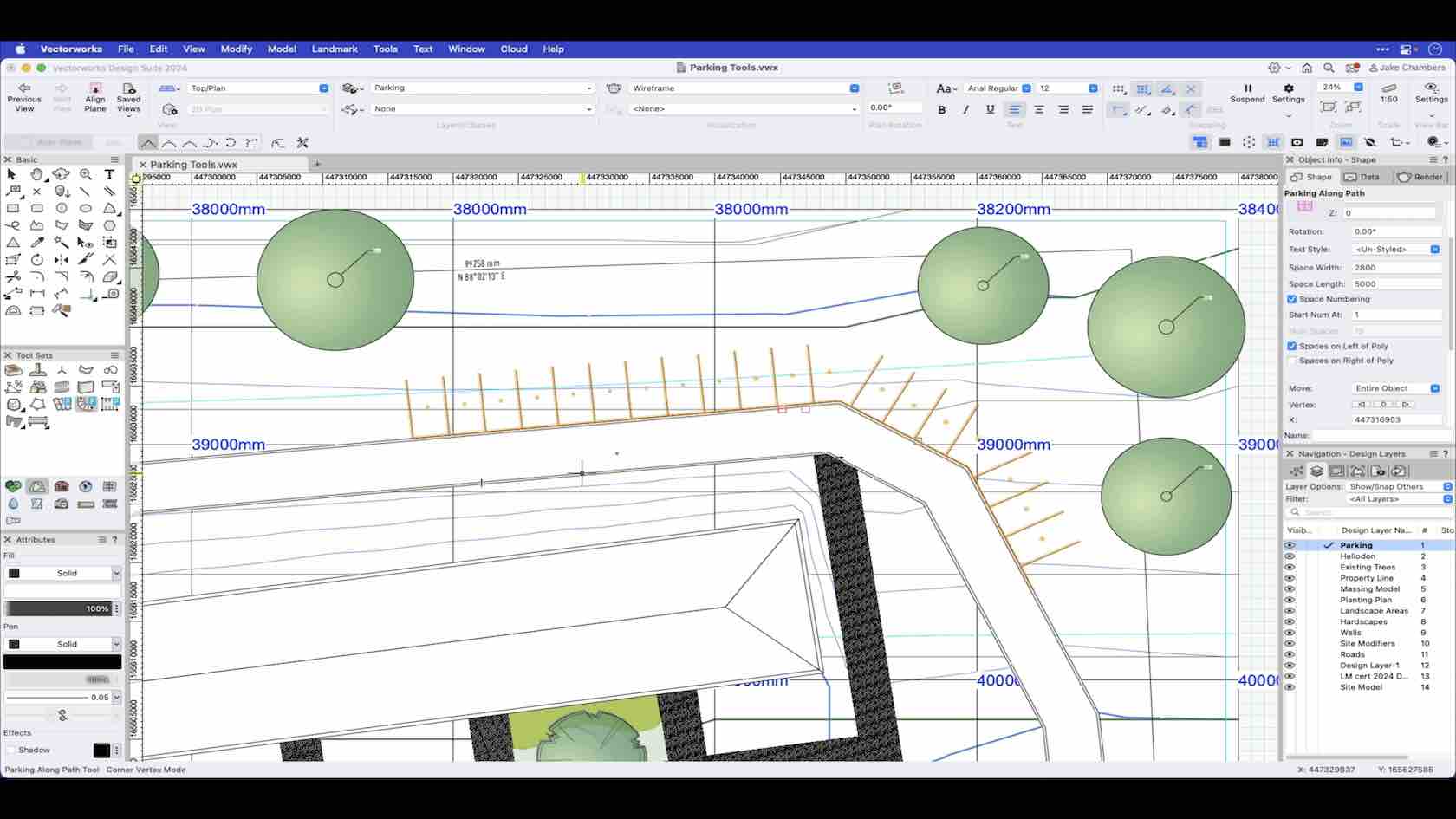
The parking tools enable you to set out your parking bays by setting the preferences. This video demonstrates Parking Along Path.
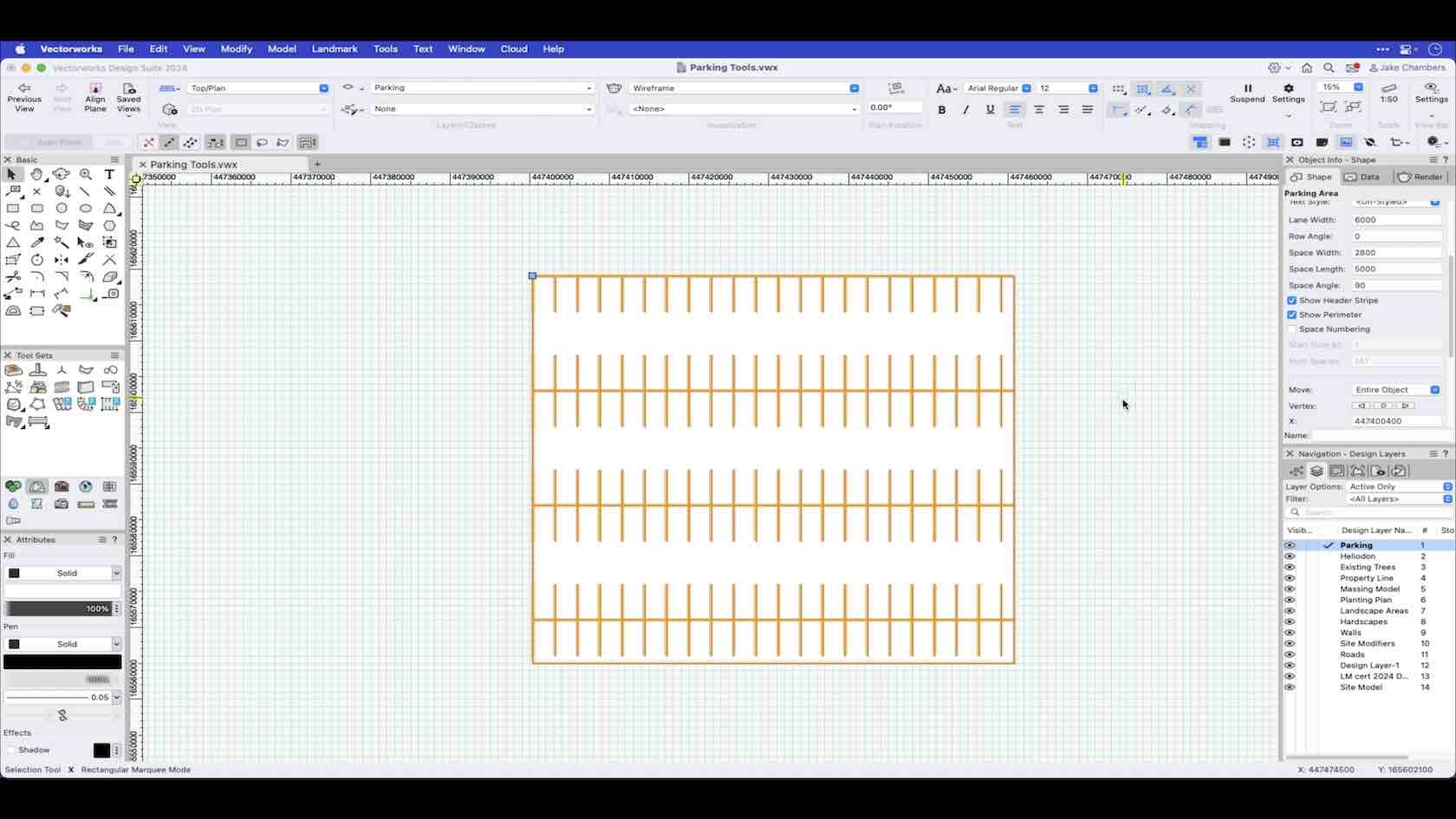
The parking tools enable you to set out your parking bays by setting the preferences. This video demonstrates Parking Area.
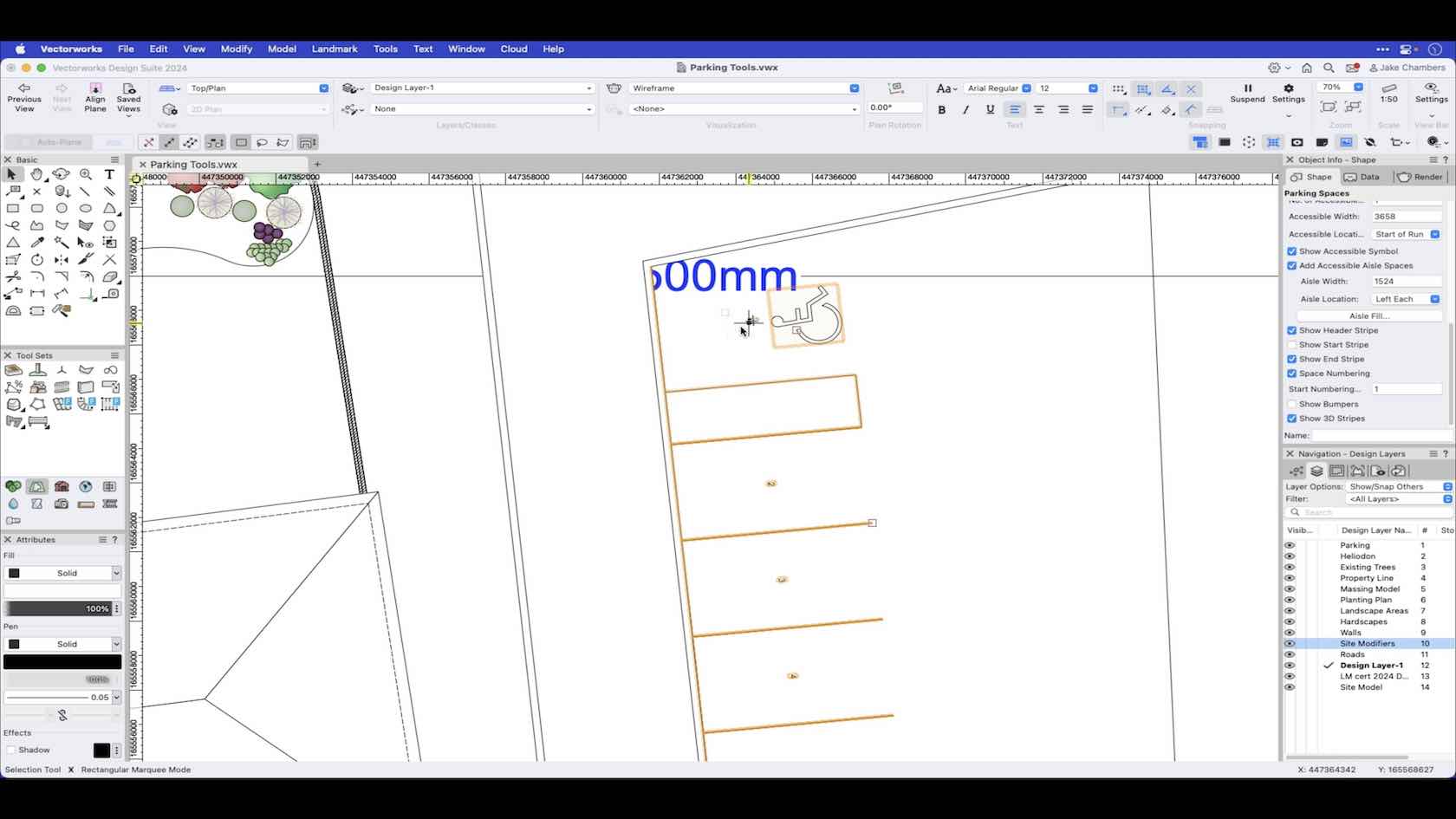
The parking tools enable you to set out your parking bays by setting the preferences. This video demonstrates Parking Spaces.