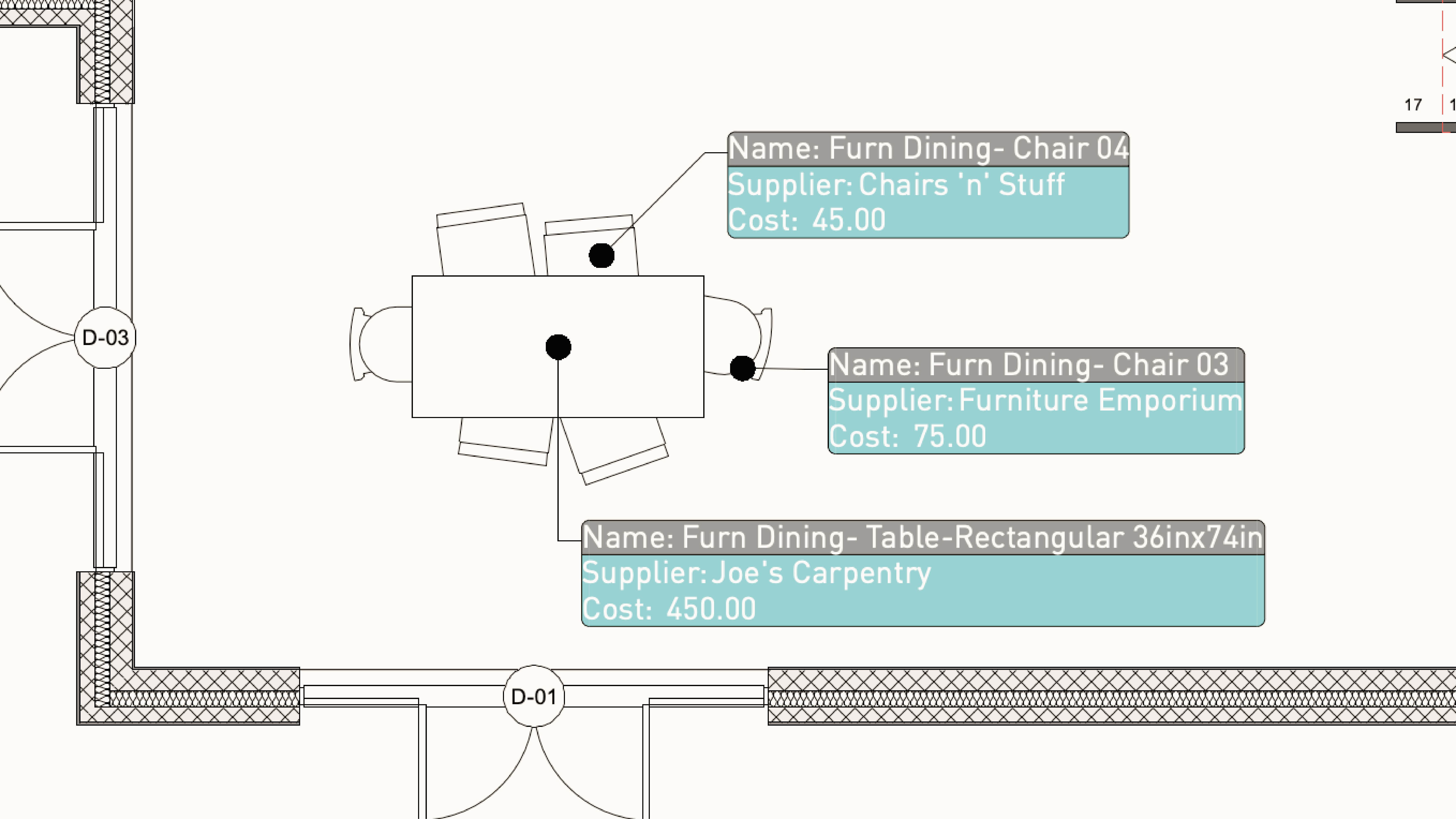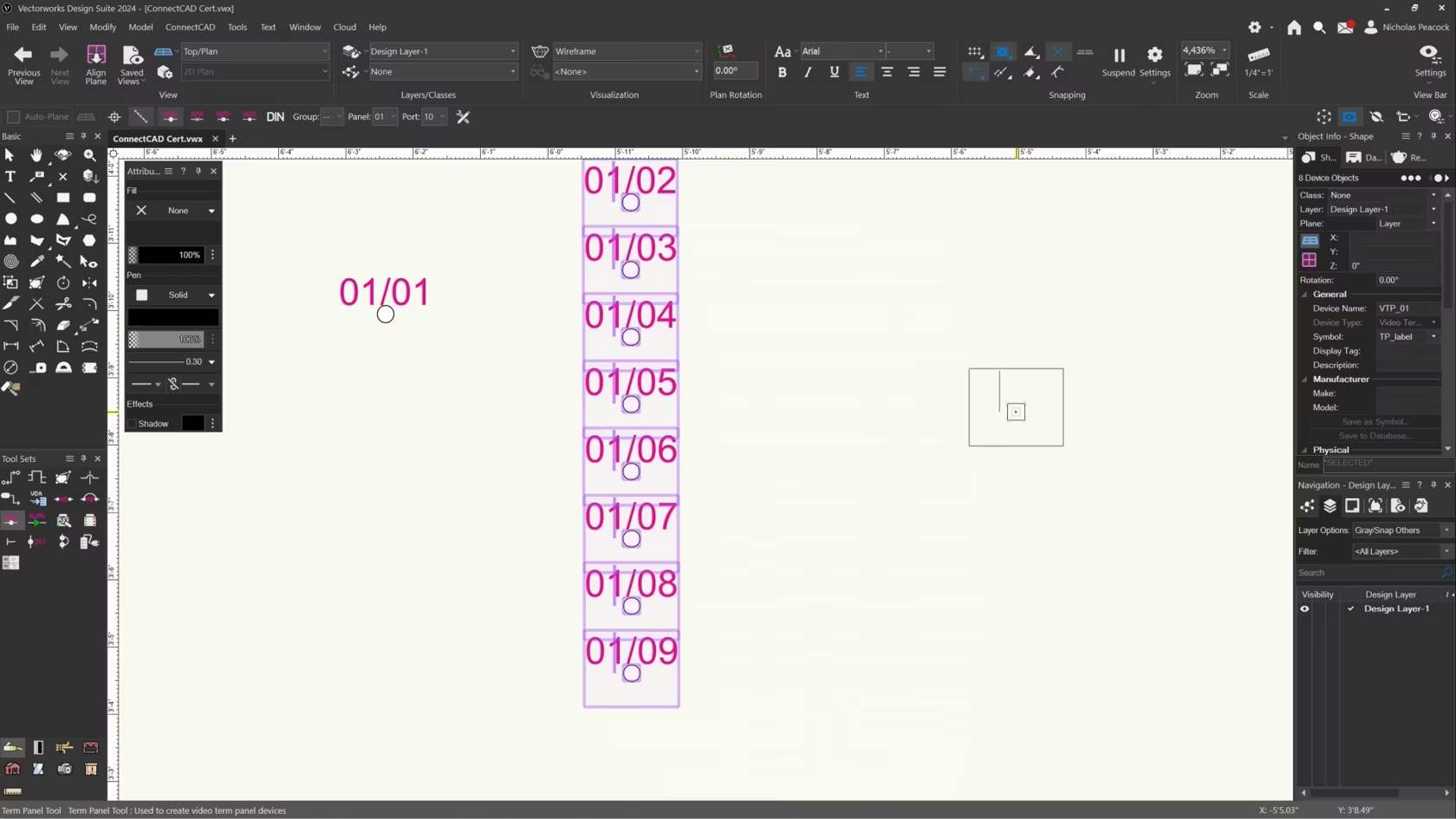
Sie erhalten einen Überblick, wie Sie mit Tabellen Zeichnungen intelligent auswerten.

Sie erhalten einen Überblick, wie Sie mit Tabellen Zeichnungen intelligent auswerten.

In this video, we will cover the basics of the Term Panel Tool.

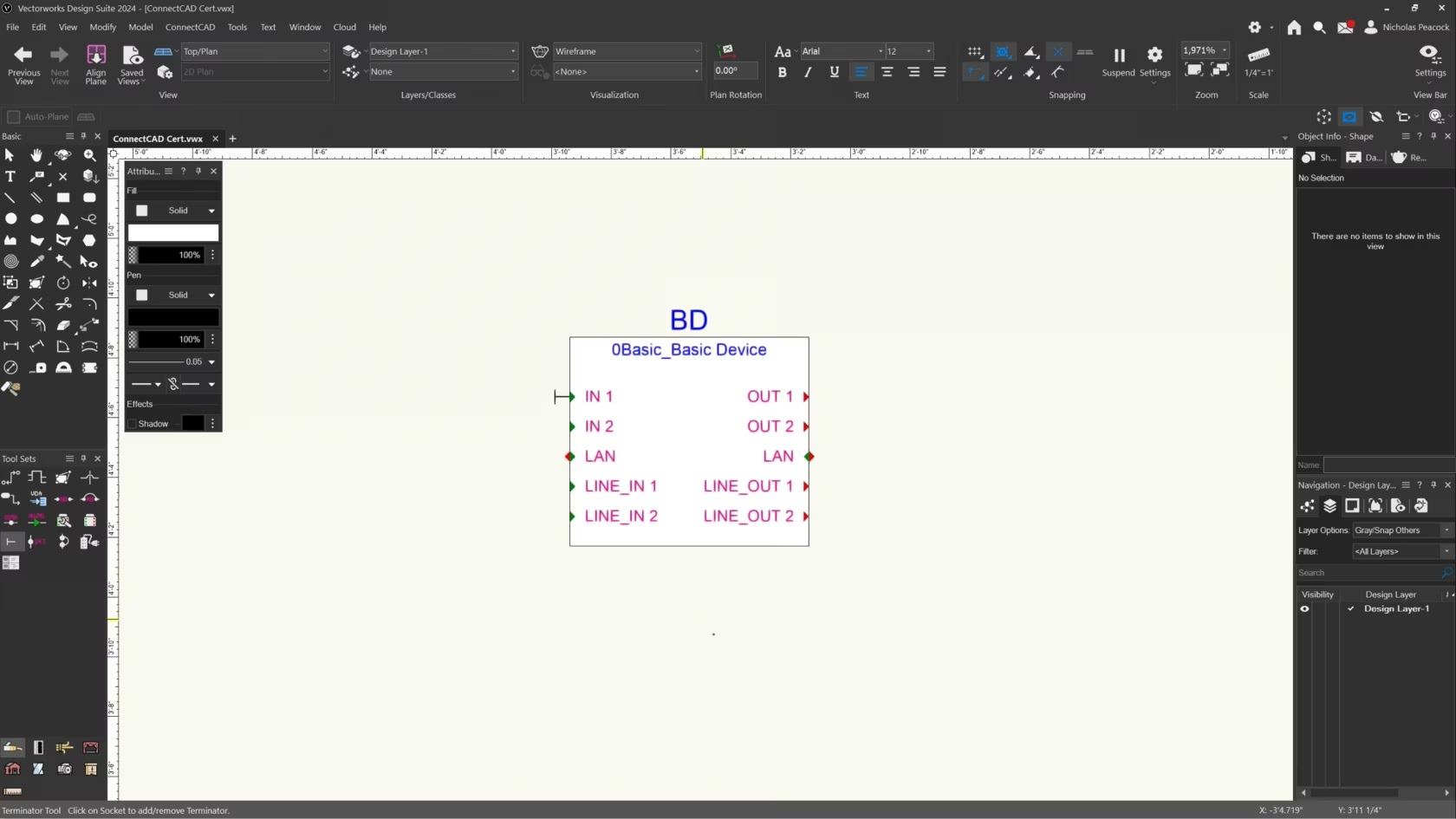
In this video, we will cover the basics of the Terminator Tool.

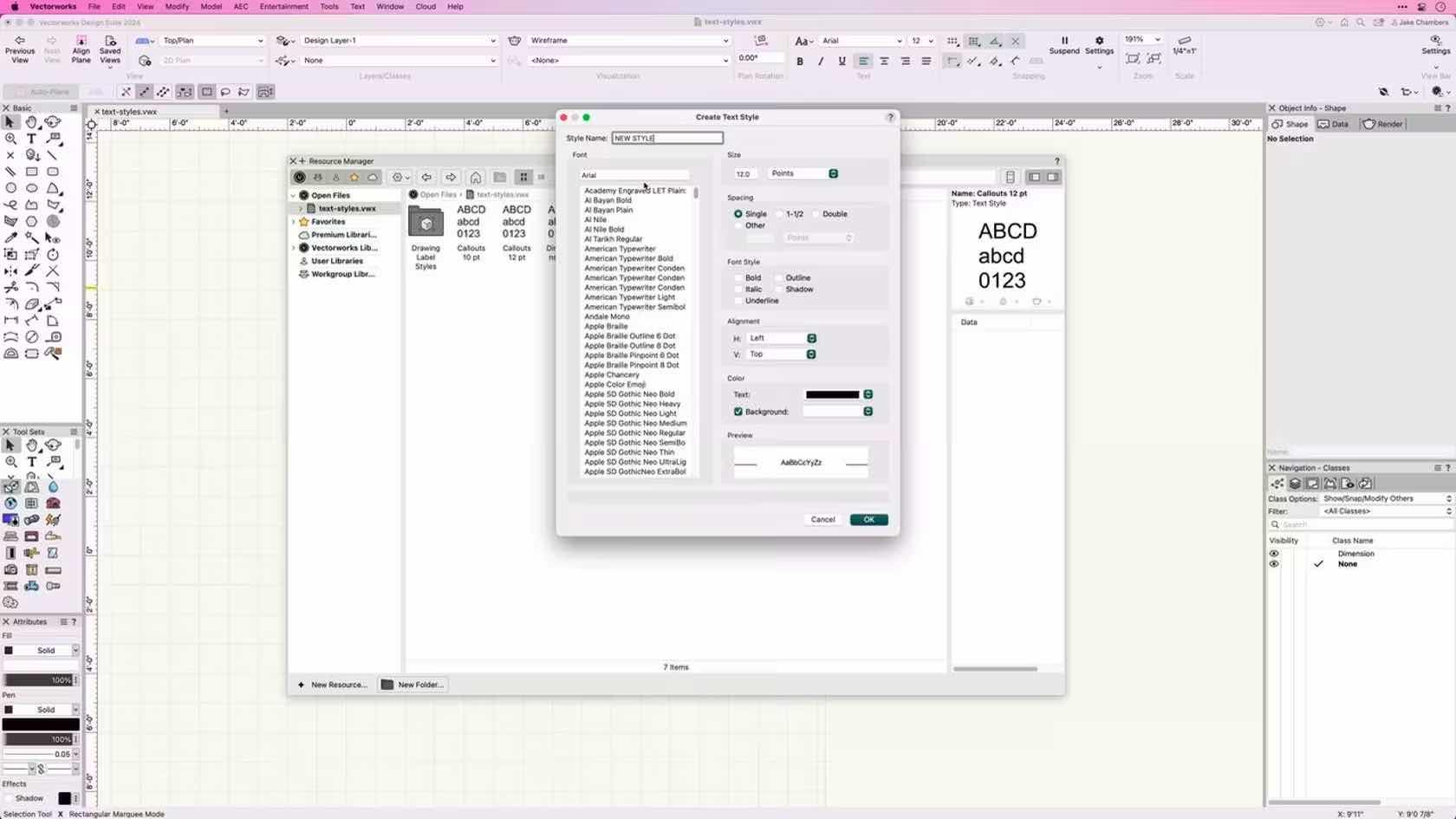
This course introduces Text Styles and demonstrates how to apply, create, edit, and import text styles.

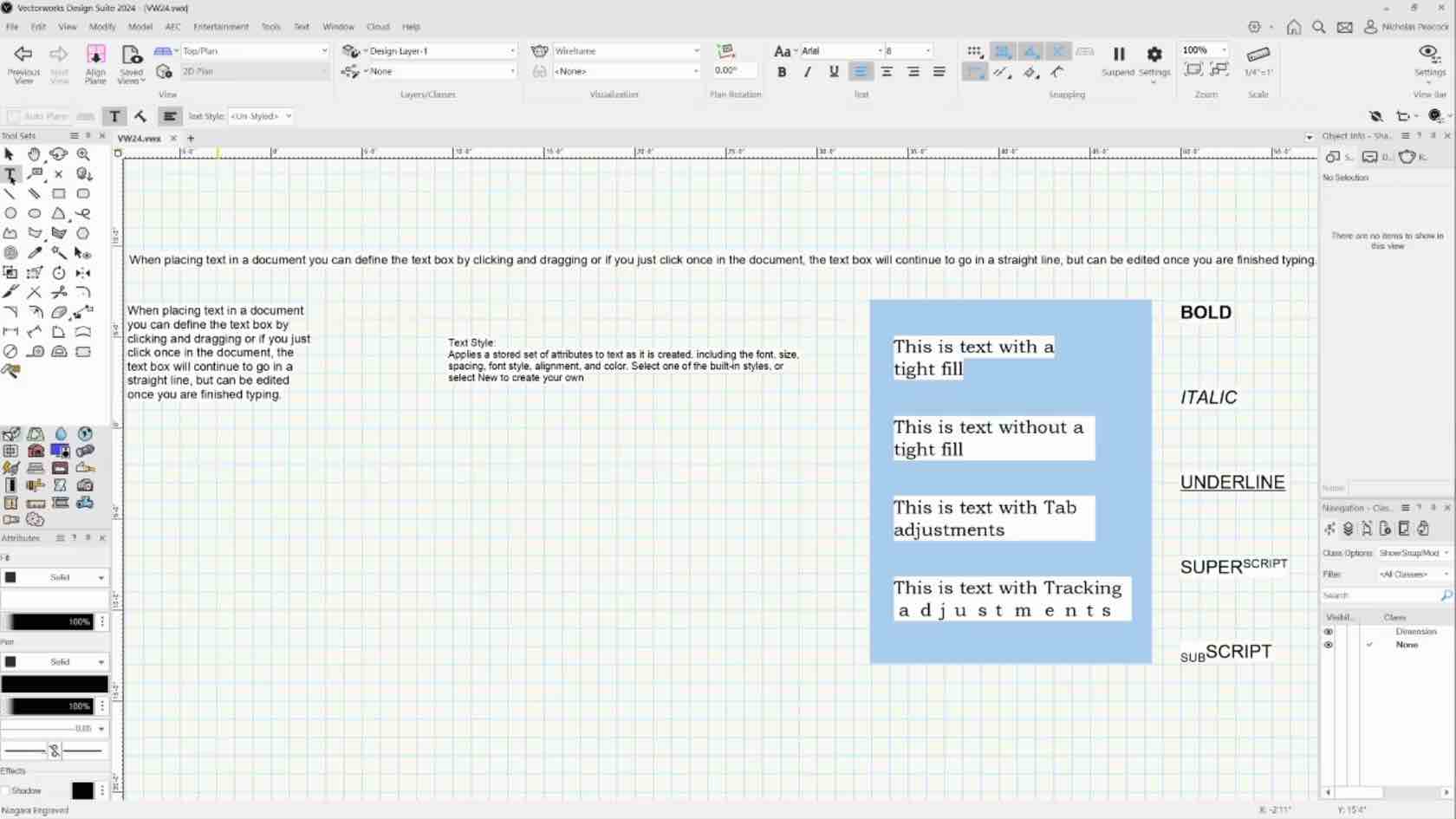
In this course, we will learn to place and format text in the document.


The Door tool has many settings and features to allow you to create, modify and schedule your doors. Explore the commonly used settings and gain an understanding of how to use the door settings dialogue in your projects.

This video will introduce us to the Lighting Pipe Ladder tool.

This video is an introduction to the Vectorworks Spotlight Lighting Pipe tool.
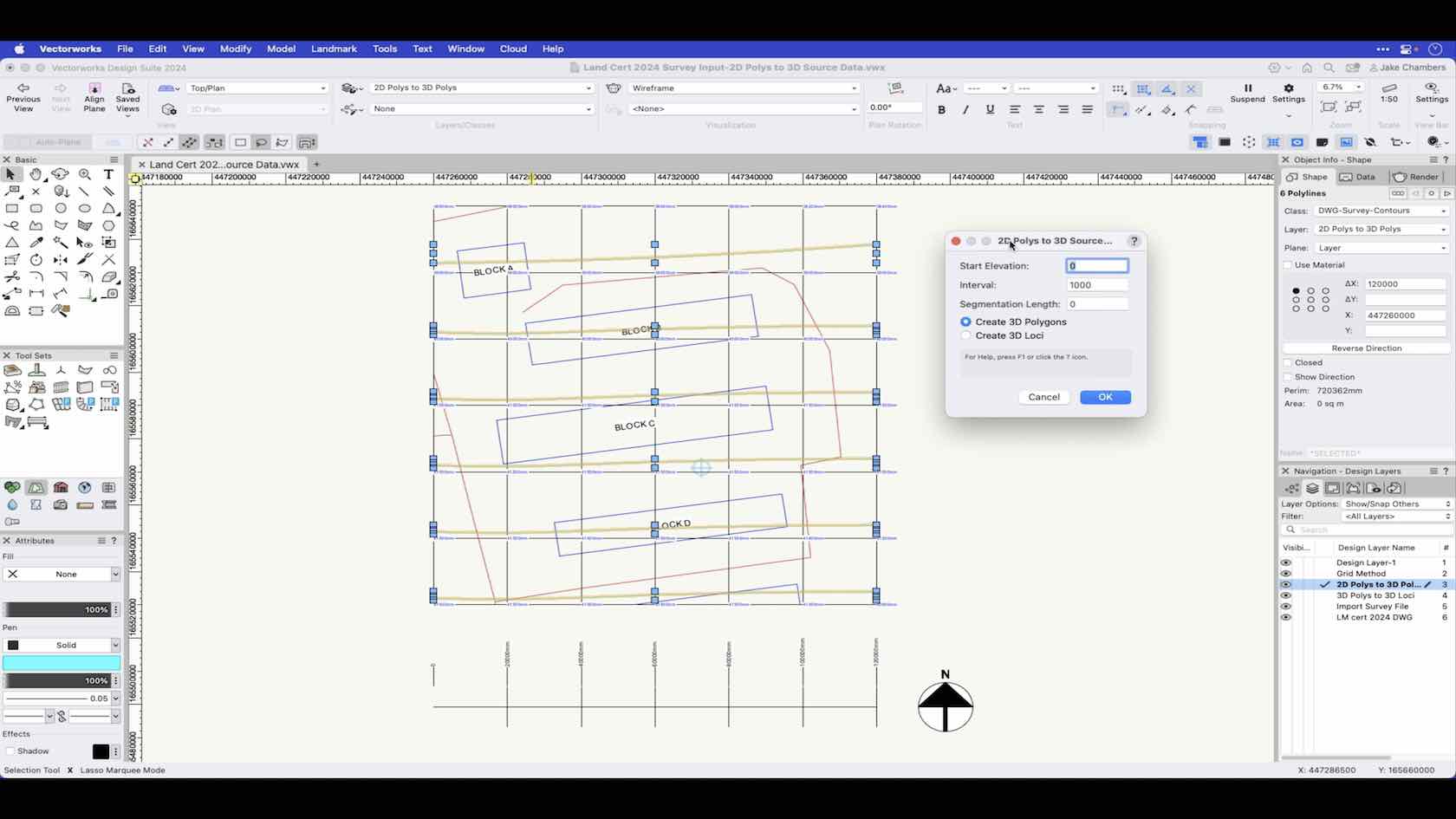
In this video, we'll learn how to insert a mother grid.

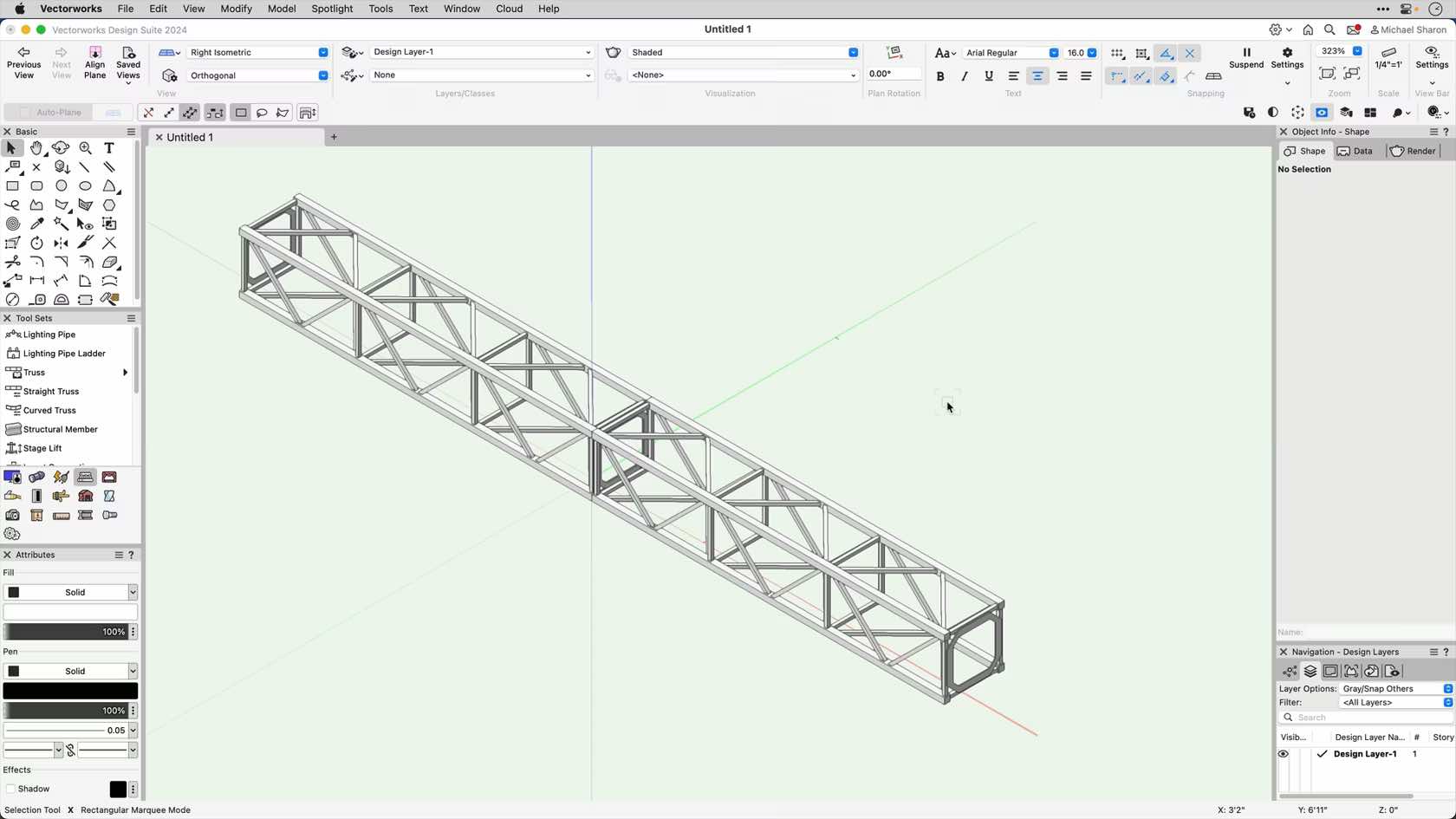
This course will introduce us to the Straight Truss tool.

In this section we'll introduce the truss tool..

The Window tool has many settings and features to allow you to create, modify and schedule your windows. Explore the commonly used settings and gain an understanding of how to use the window settings dialogue in your projects.

This course provides an overview and demonstrates how to apply and create Tile Resources.

Taking the #TimeToTalk today
Time to Talk Day is the UK's biggest mental health conversation. It’s a day for friends, families, communities, and workplaces to come together to talk, listen and change lives. It’s run by Mind and Rethink Mental Illness and is being delivered in partnership with Co-op for the third year running. On February 1st 2024 the Vectorworks UK office held a meeting with a quiz to get the conversations started.
Here is your chance to take the quiz yourself and find more resources for supporting mental health issues.

This course demonstrates how to place title blocks using the different modes of the title block border tool.

In this course, we will be exploring the Basic and Tool Sets palettes. We will discuss different ways of viewing the tool palettes. We will also discuss tool modes and shortcuts related to them

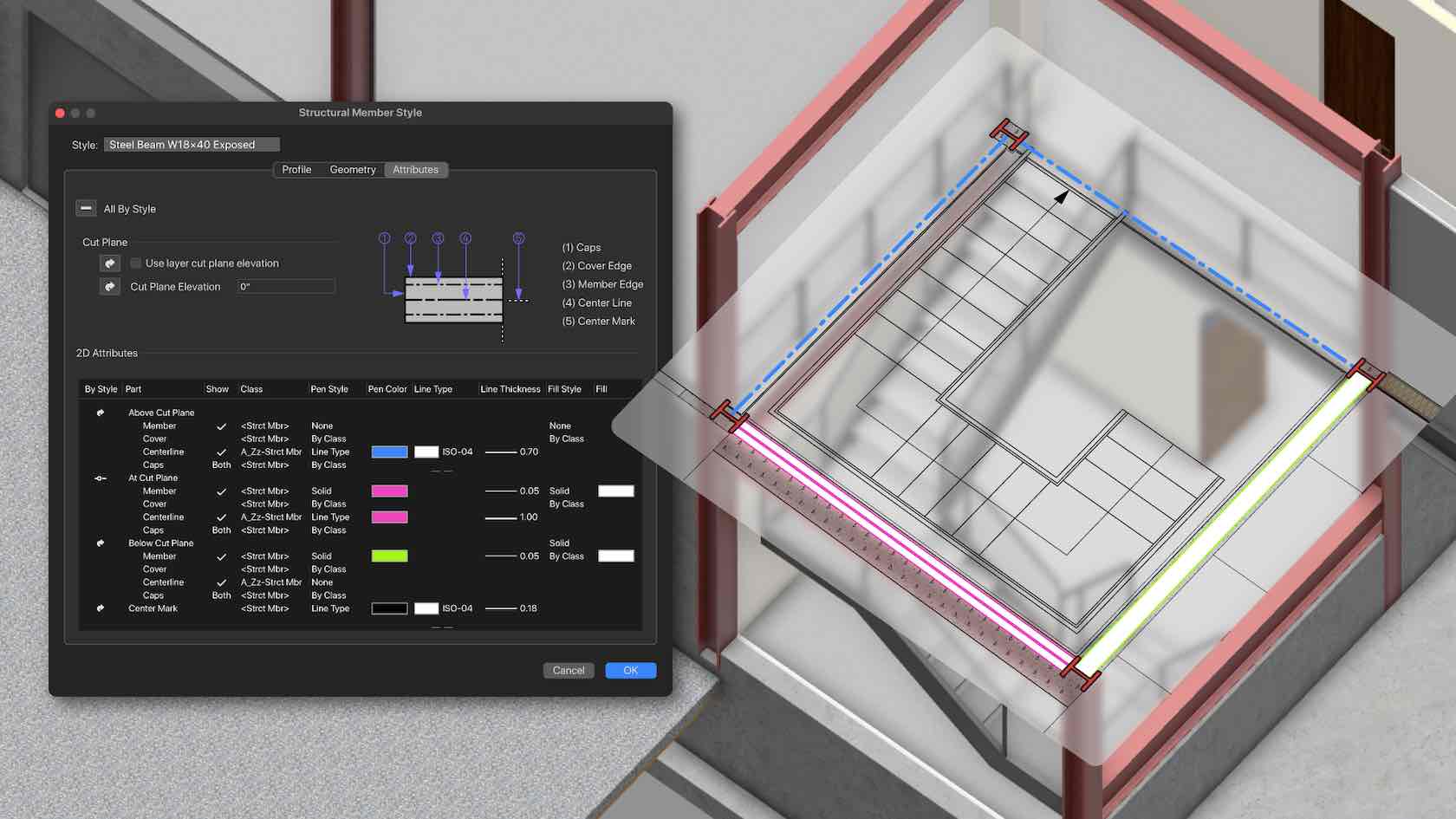
Mit Vectorworks 2024 sparen Sie viel Zeit beim Erstellen und Umformen von Tragwerkselementen. 2D- und 3D-Attribute, Form, Größe und Material lassen sich jetzt detailliert einstellen, die 2D-Darstellung entspricht ohne Aufwand genau Ihren Vorstellungen, beispielsweise nur mit Abschlüssen und Mittellinie. Weitere Verbesserungen betreffen das automatische Zusammenfügen und die Unterstützung des Befehls „In Intelligentes Objekt umwandeln”.

This video will explore how we can use the Insert Connection tool to connect our rigging objects.