Lernen Sie die Befehle Volumen zusammenfügen sowie Schnittvolumen löschen und anlegen kennen. Weitere Inhalte zum Thema "Erste Schritte 3D" finden Sie hier.
Category: Erste Schritte 2024
Requires Approval: No

Vectorworks 2024 berechnet für die Darstellungsart „Volumenmodell” mehr als acht Lichtquellen: Das bedeutet, dass die Lichtverteilung und der Schattenwurf sichtbar realitätsnäher abgebildet werden. Das sorgt in Echtzeit für diese Extraportion Realismus, die man für die richtige Entscheidung oder das Rendering mit Wow-Effekt braucht. Zusätzlich haben Sie direkten Zugriff auf Einstellungen wie Belichtung, Umgebungslicht, Tiefenschärfe, Leuchteffekte und mehr.
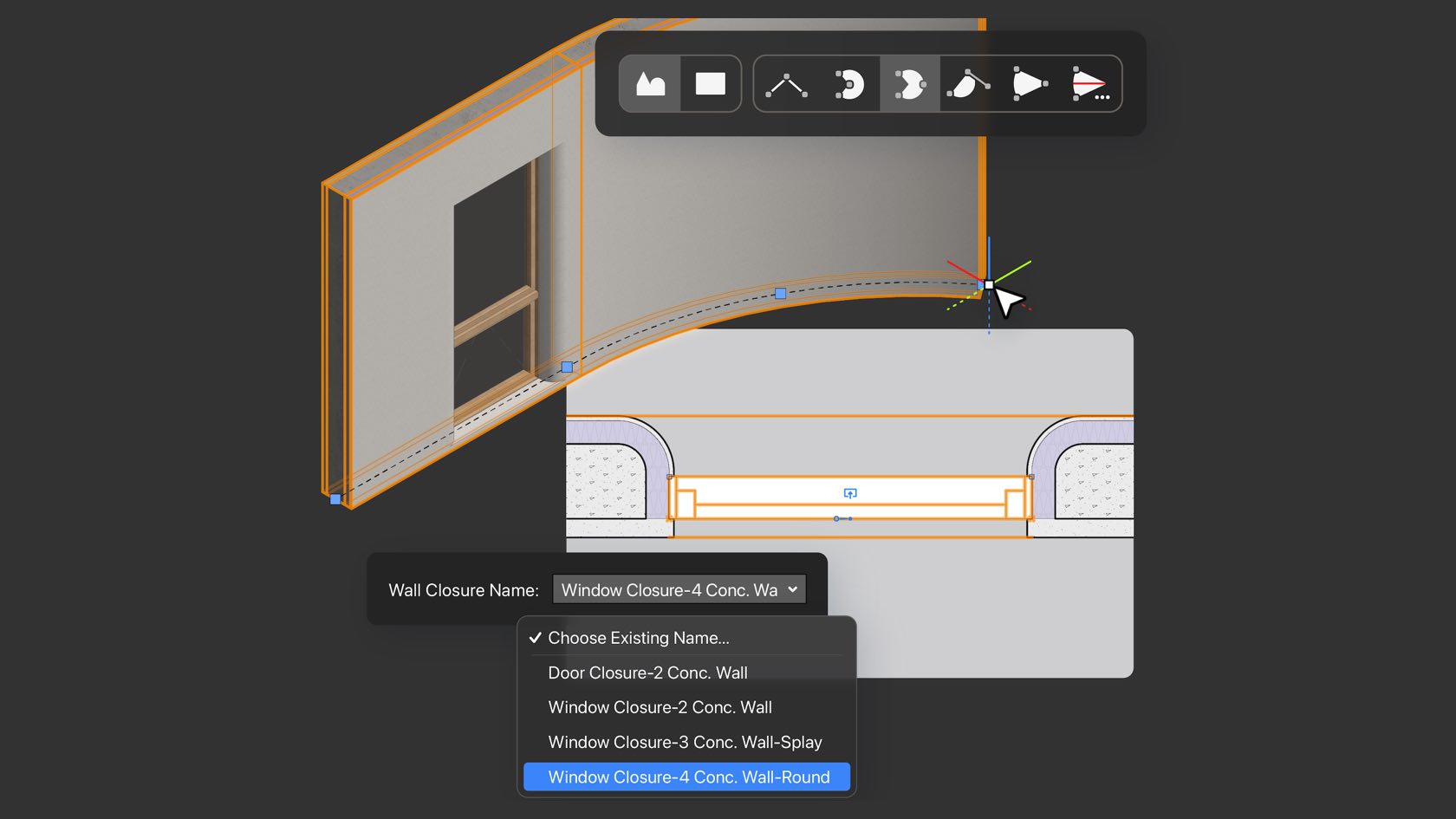
Stay in the creative flow with improvements to the Wall tool that bring you the ability to seamlessly switch linear and curved wall modes and to apply multiple configurations of wall component returns related to inserted objects. You'll save time with a simplified workflow aimed at giving you the flexibility you need with fewer clicks in between.
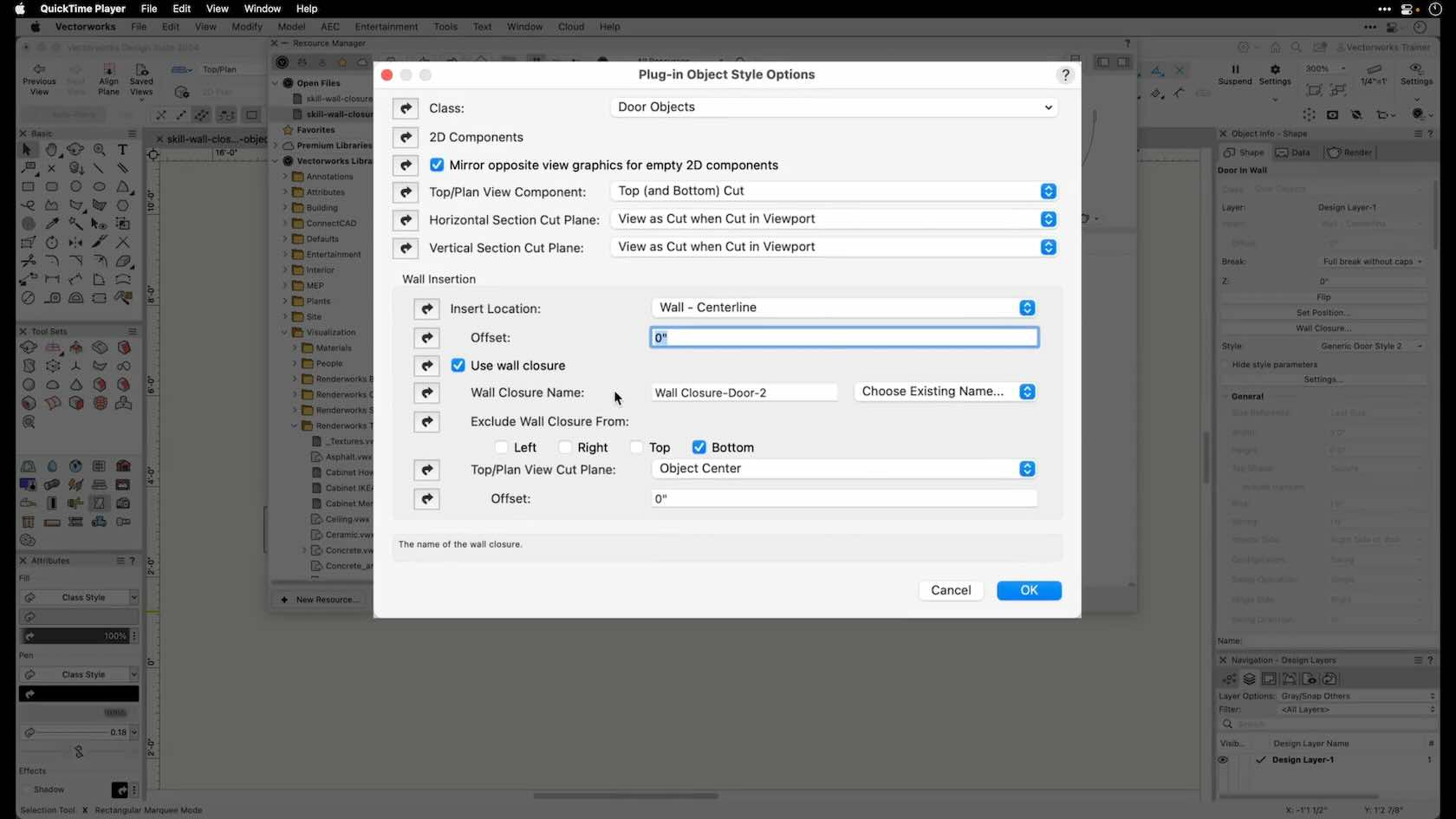
In this video, you will explore creating wall closures for styled objects. This video is part of a series dedicated to wall closures and related features.
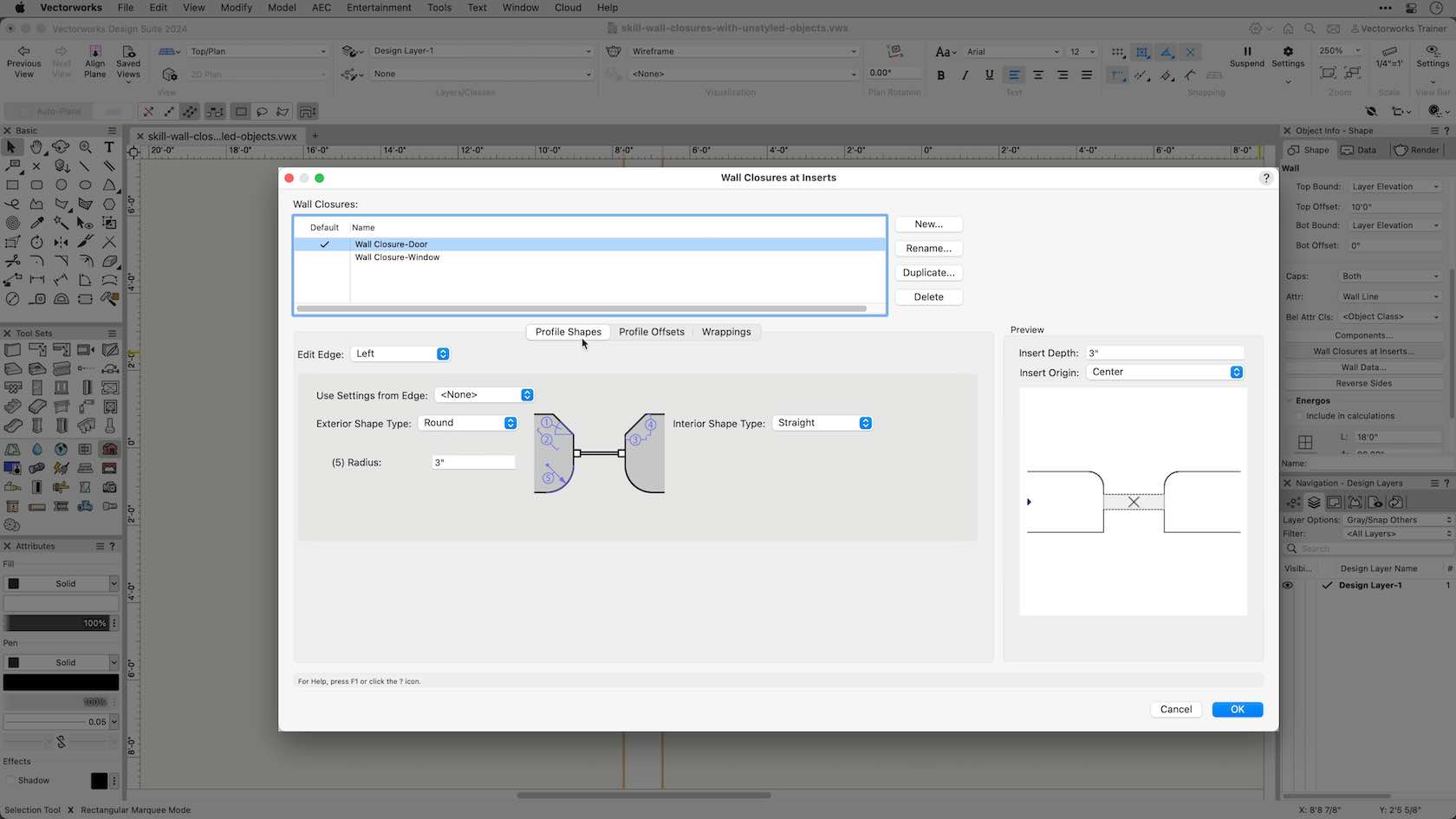
In this video you will explore creating wall closures for unstyled objects.
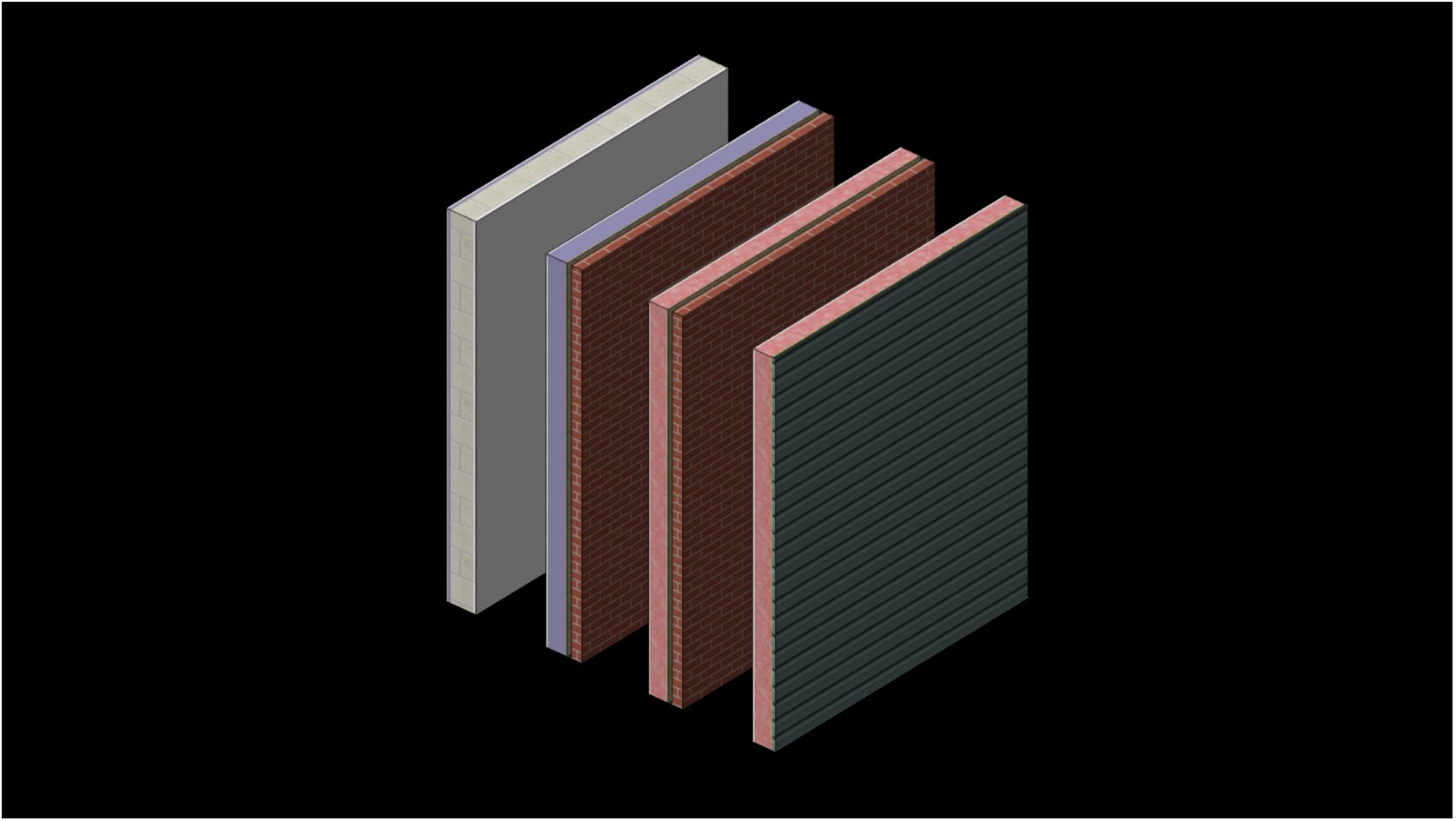
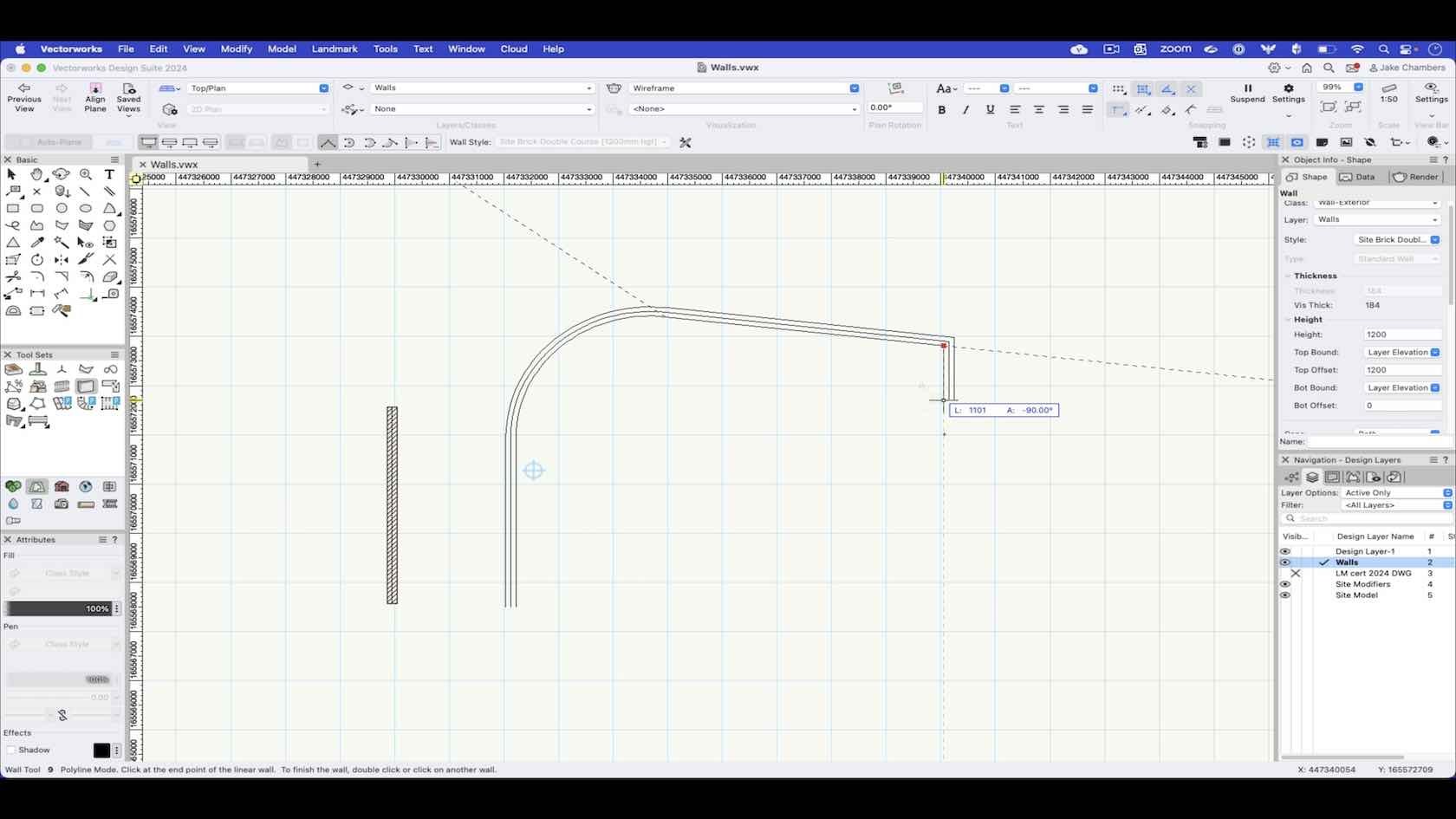
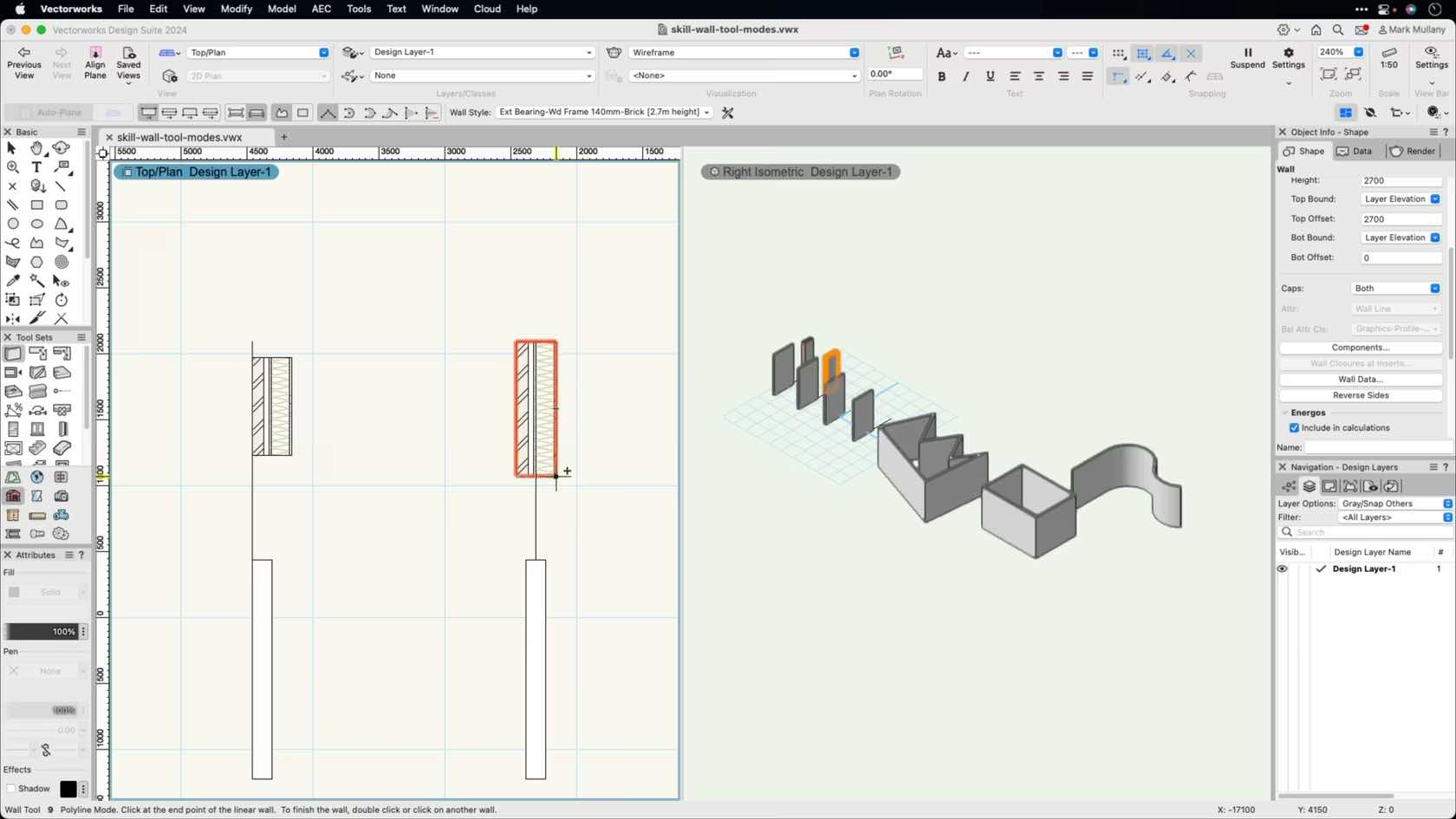
In this video we look at how to draw walls in Vectorworks using the drawing modes within the wall tool.
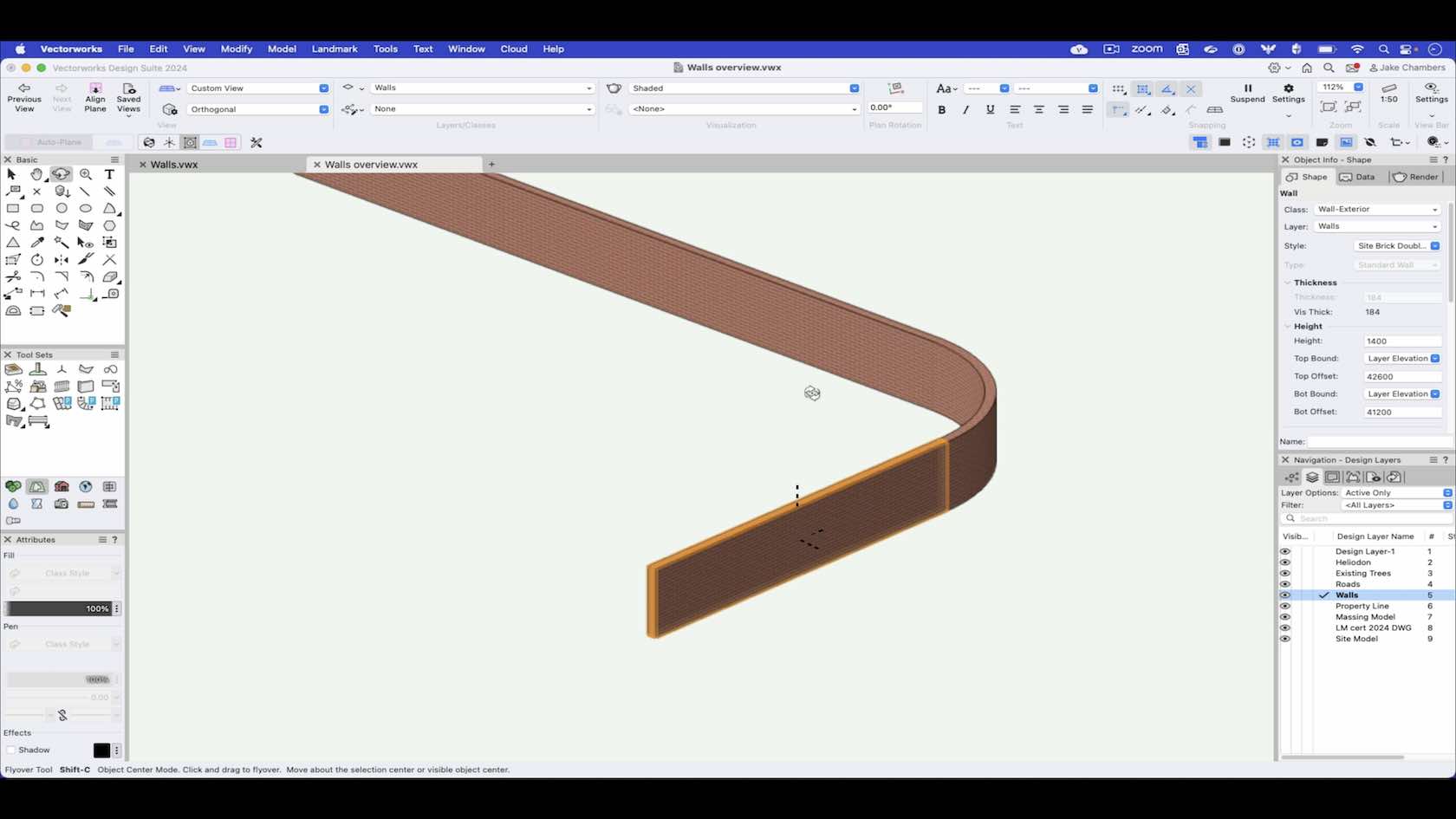
An overview of the wall tool outlining the topics covered in the following wall tool videos.
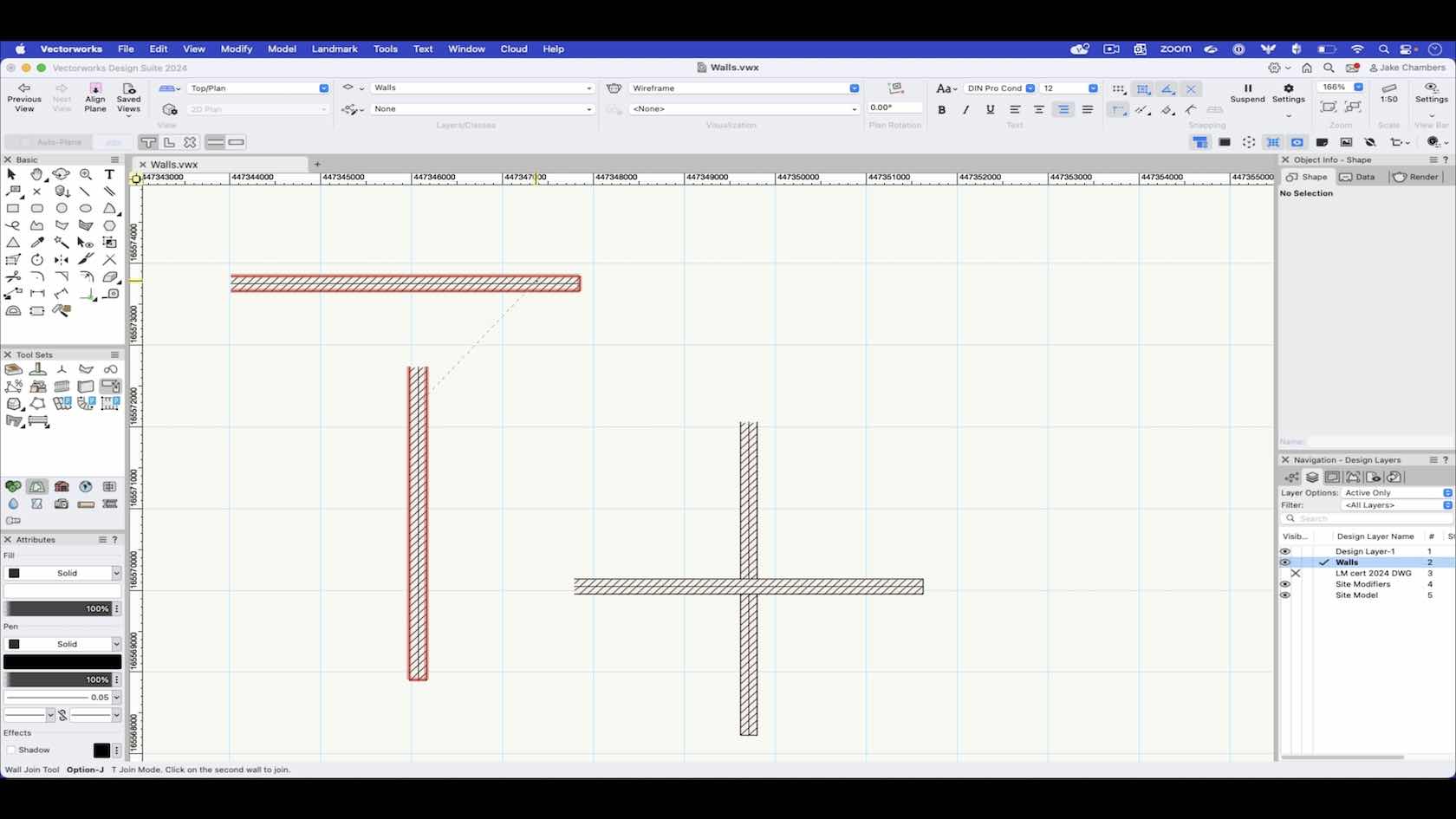
In this video we will look at how we can use the wall join tool to connect walls together.
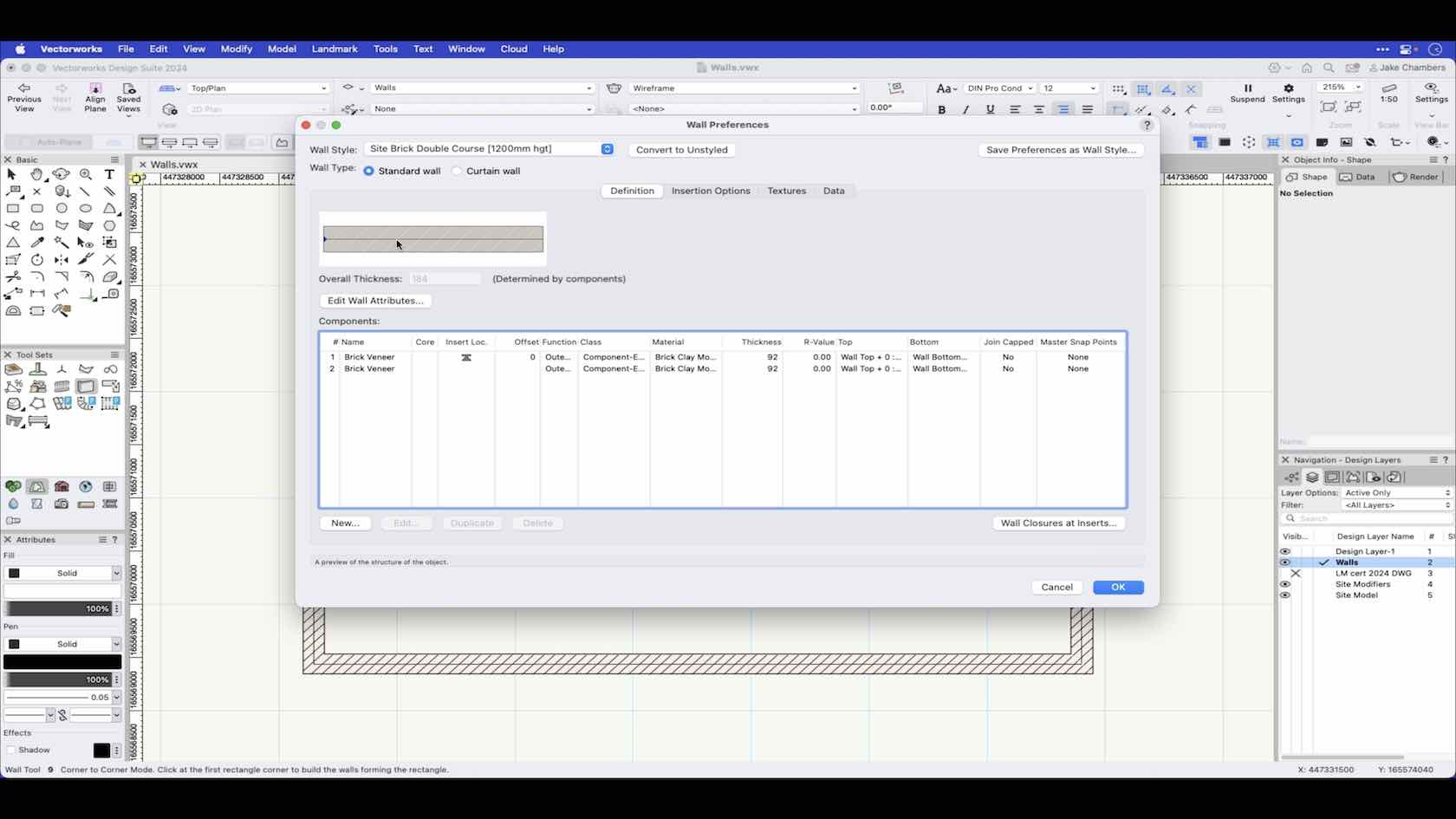
In this video we look at the wall tool preferences and how to create a wall style.
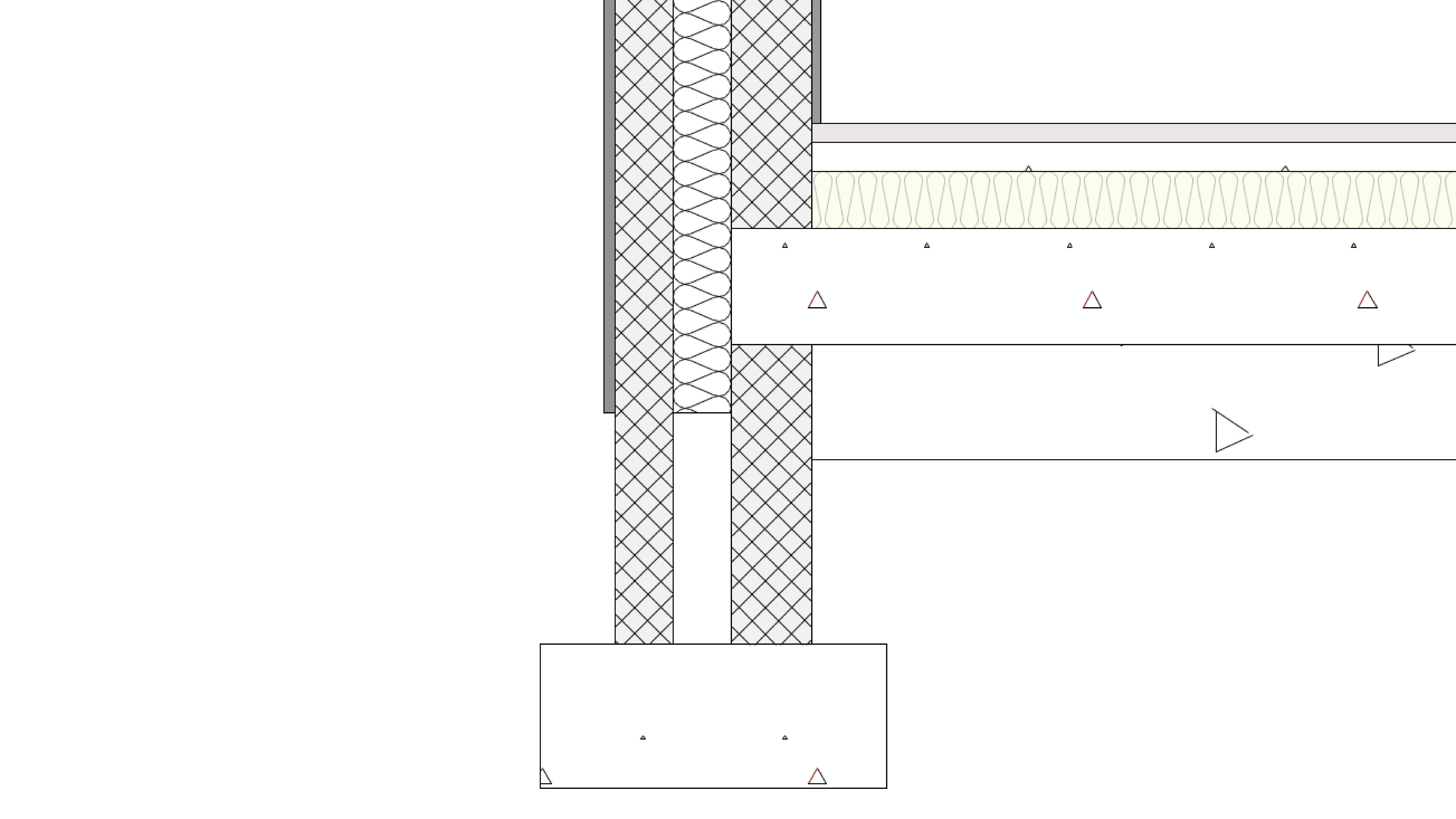
Erfahren Sie, wie Sie Werkzeuge und Befehle zum Zeichnen von Objekten verwenden.
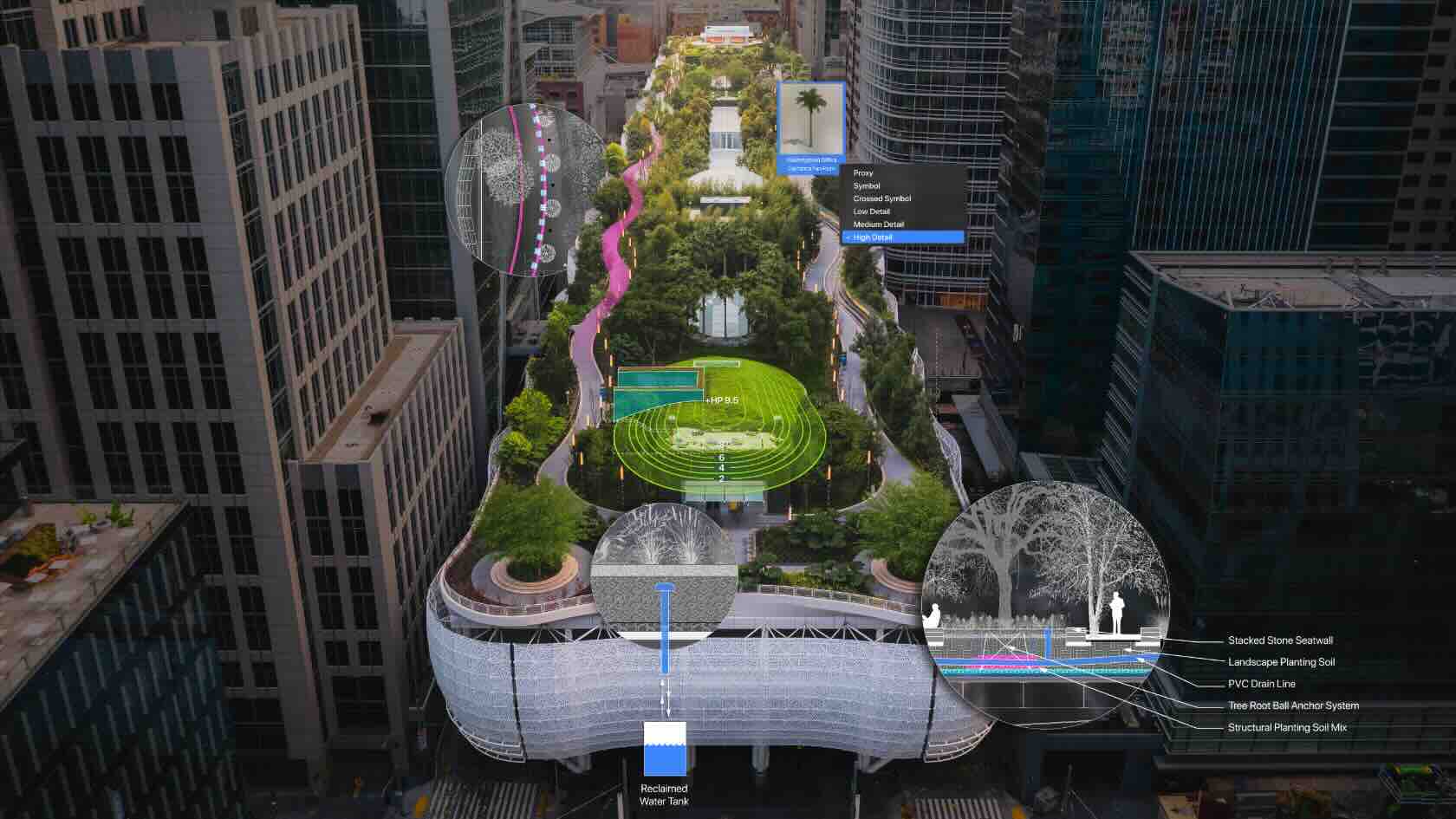
Discover the cutting-edge tools and enhancements in
Vectorworks Landmark 2024. Unlock the secrets of navigating the sleek new user
interface and harness the power of industry-specific tools like the fence tool.
Explore how these innovative tools can transform your landscape designs into
sustainable masterpieces.
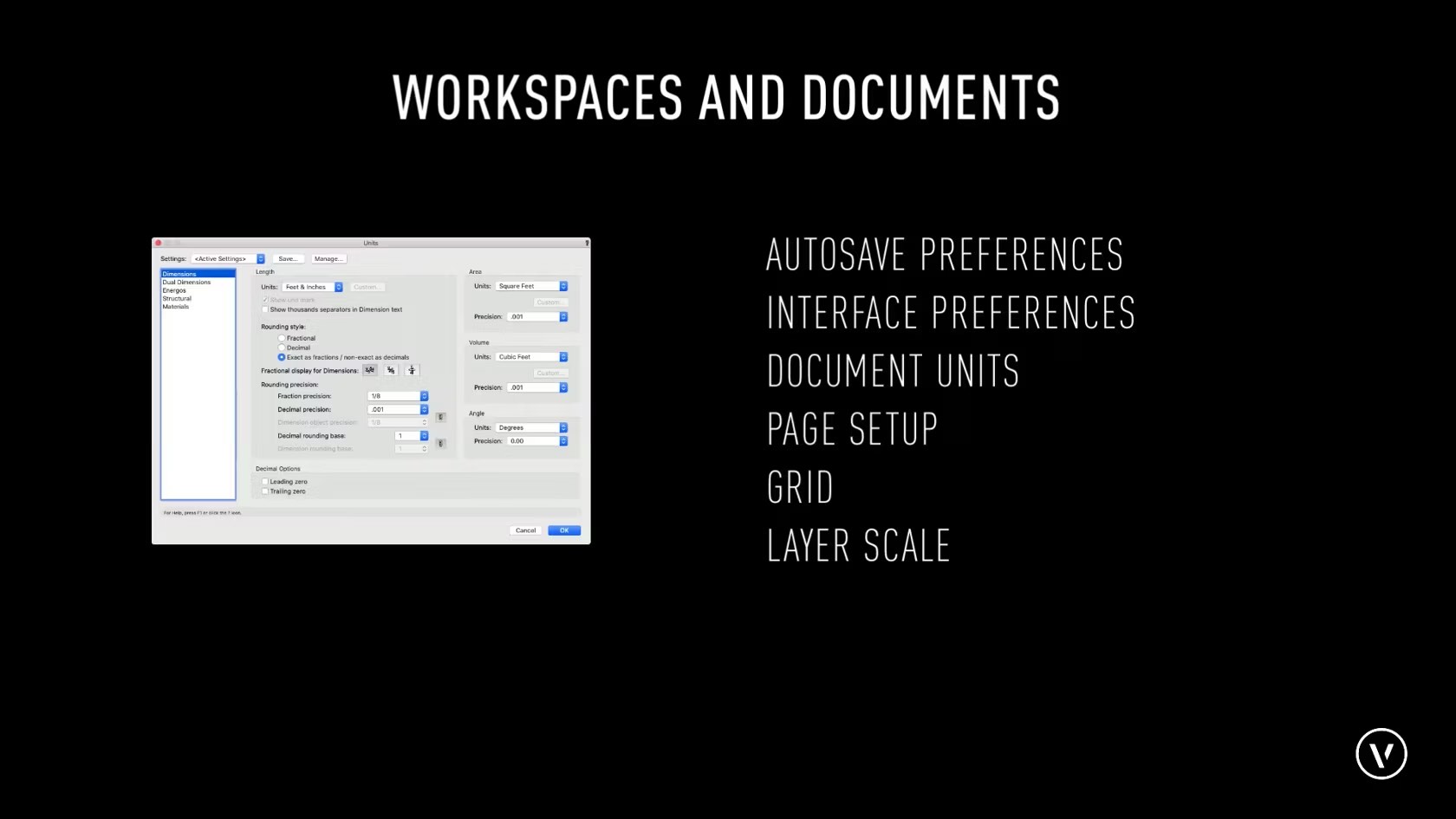
In this course, we will be providing an overview for the different main settings related to a workspace and document settings.
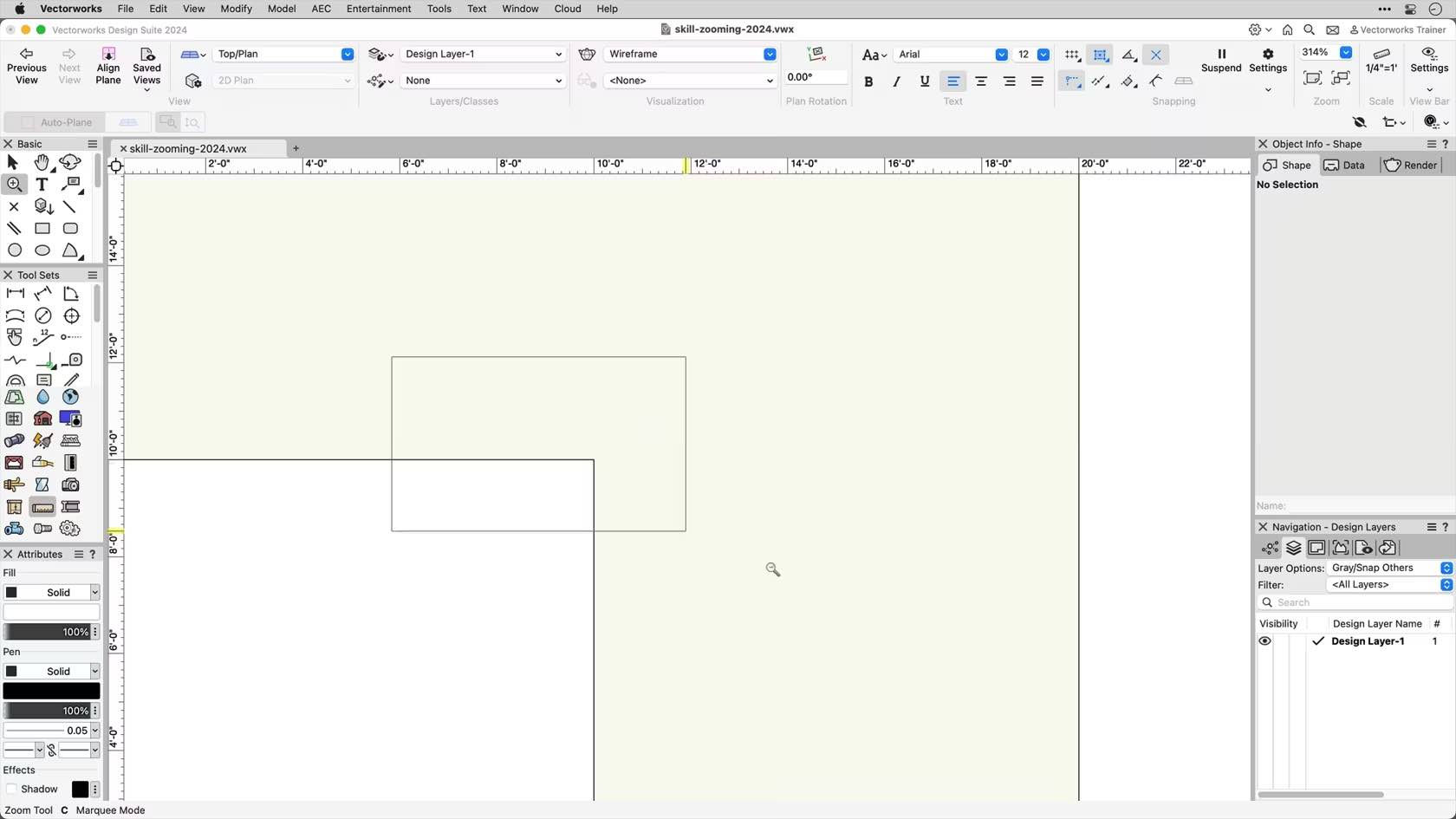
In this course, we will be discussing the basic zooming options found in Vectorworks. This includes the Zoom tool, scroll wheel, and trackpad zooming options.