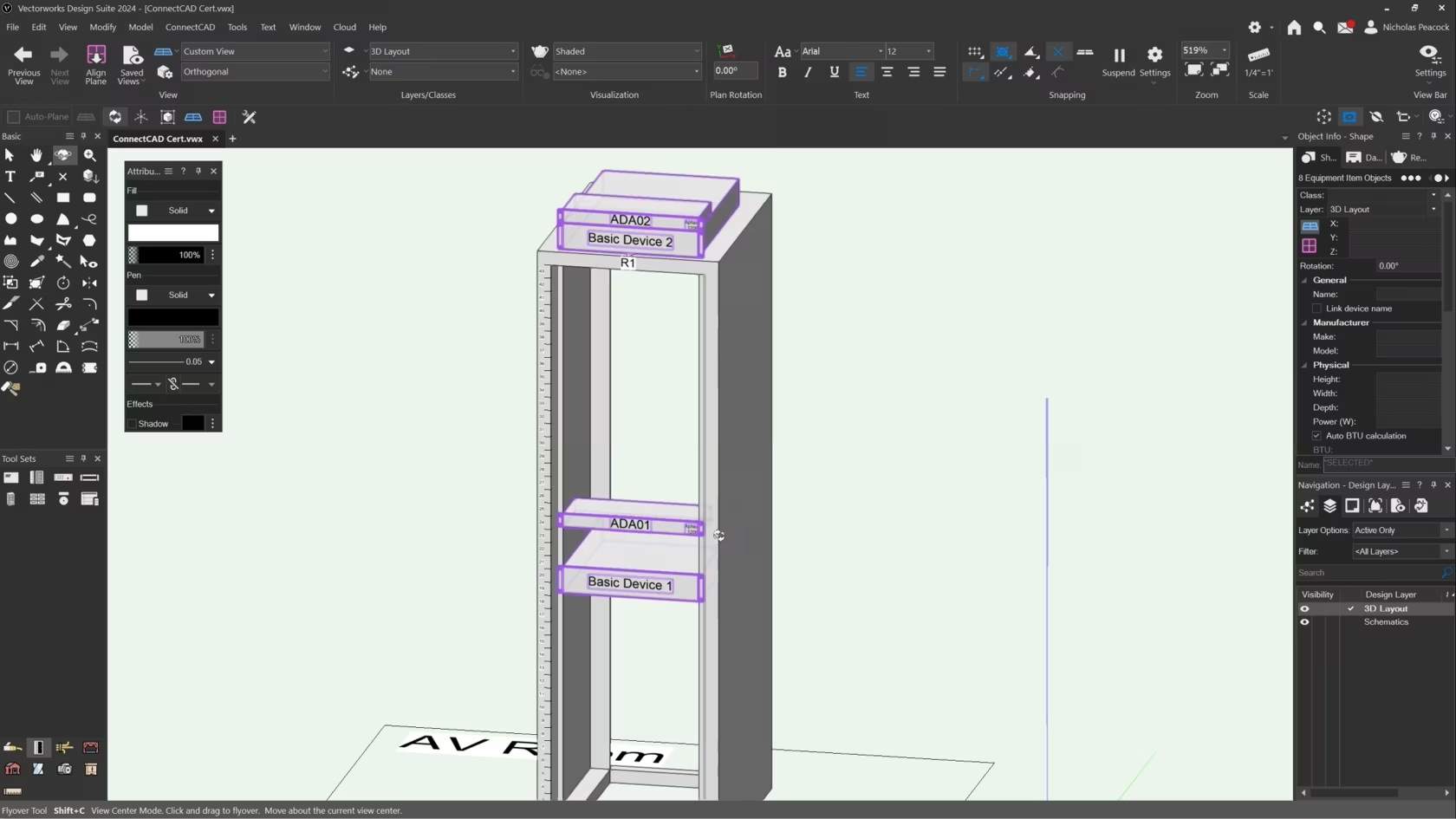
In this video, we will cover the basics of the Create Equipment Command.
Category: (2024) Skill
Requires Approval: No
In this video, we will cover the basics of the Create Equipment Command.
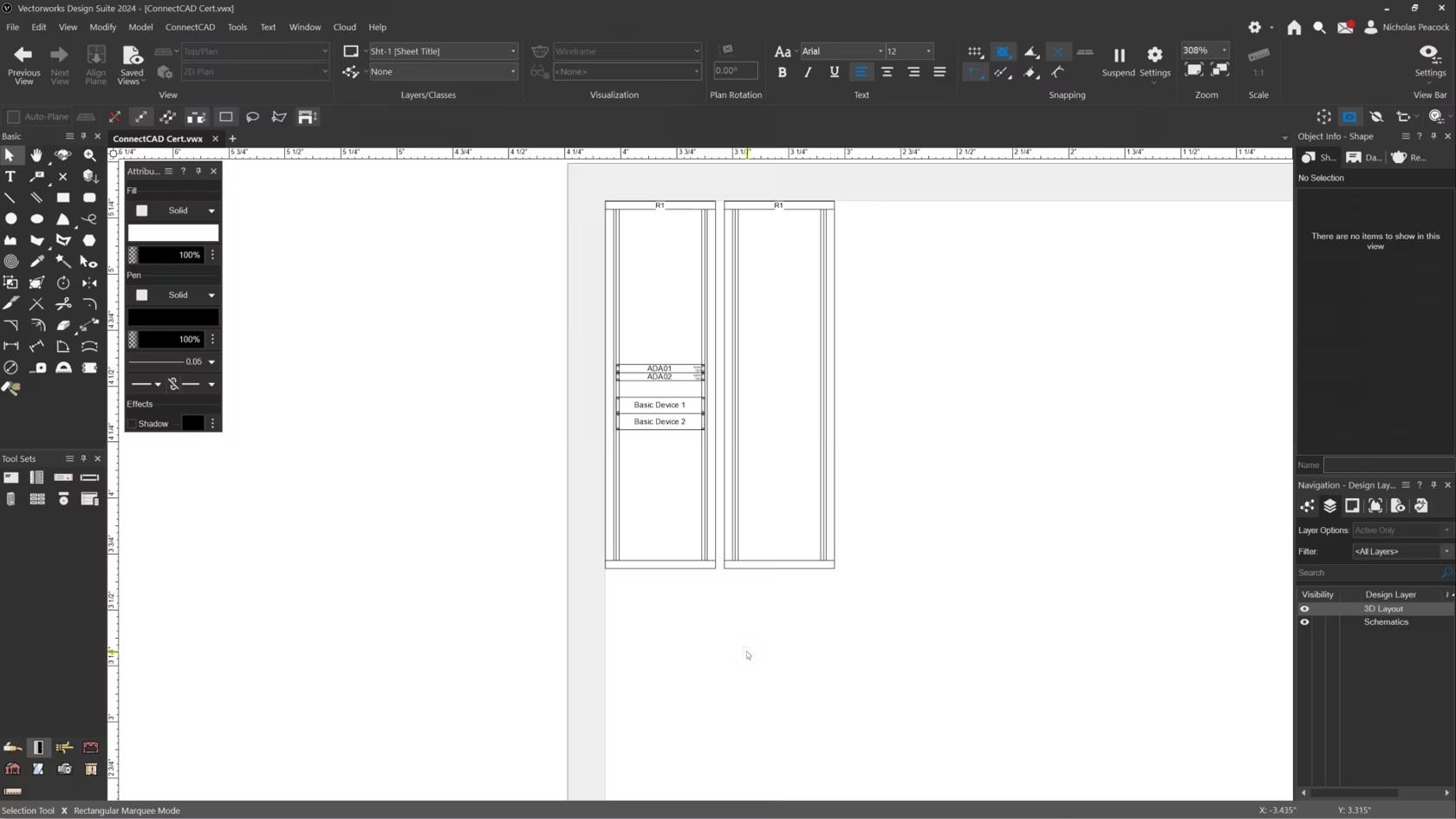
In this video, we will cover the basics of the Create Rack Elevation command.
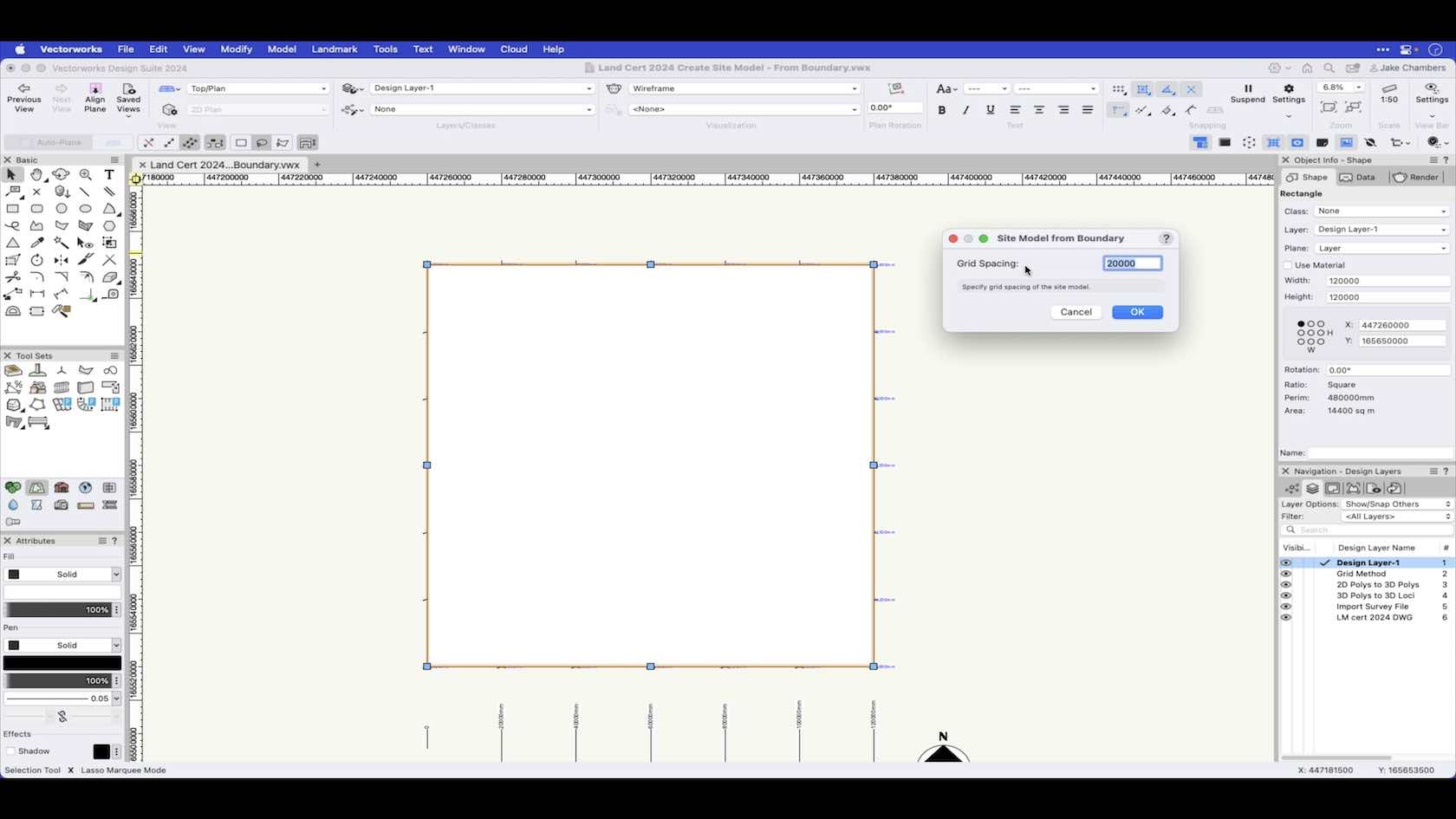
In this video we look at how to create a site model from a boundary.
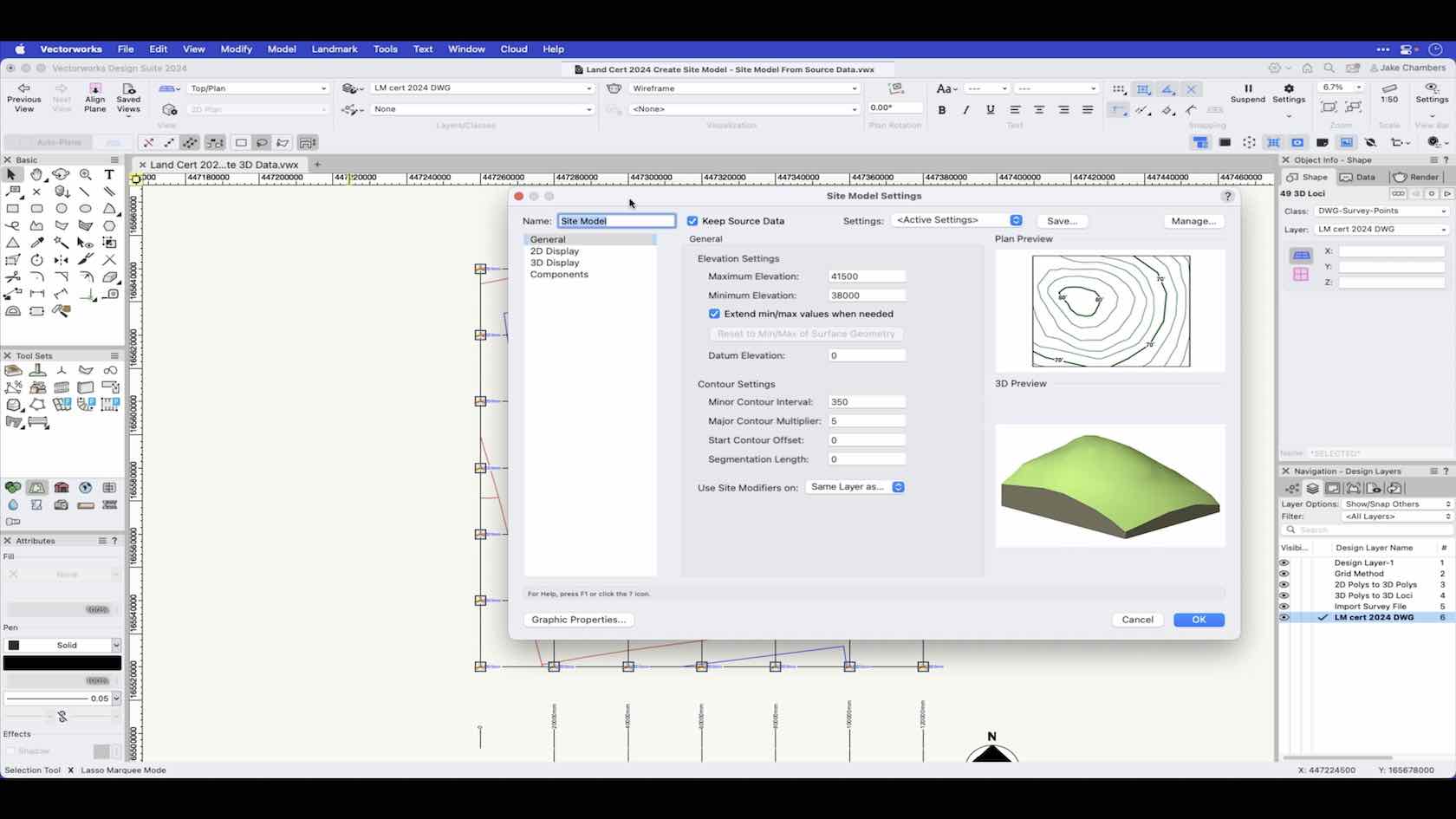
In this video we will look at creating a site model from source data. Source data can come from imported DWG files, survey files or manually entered data within Vectorworks.
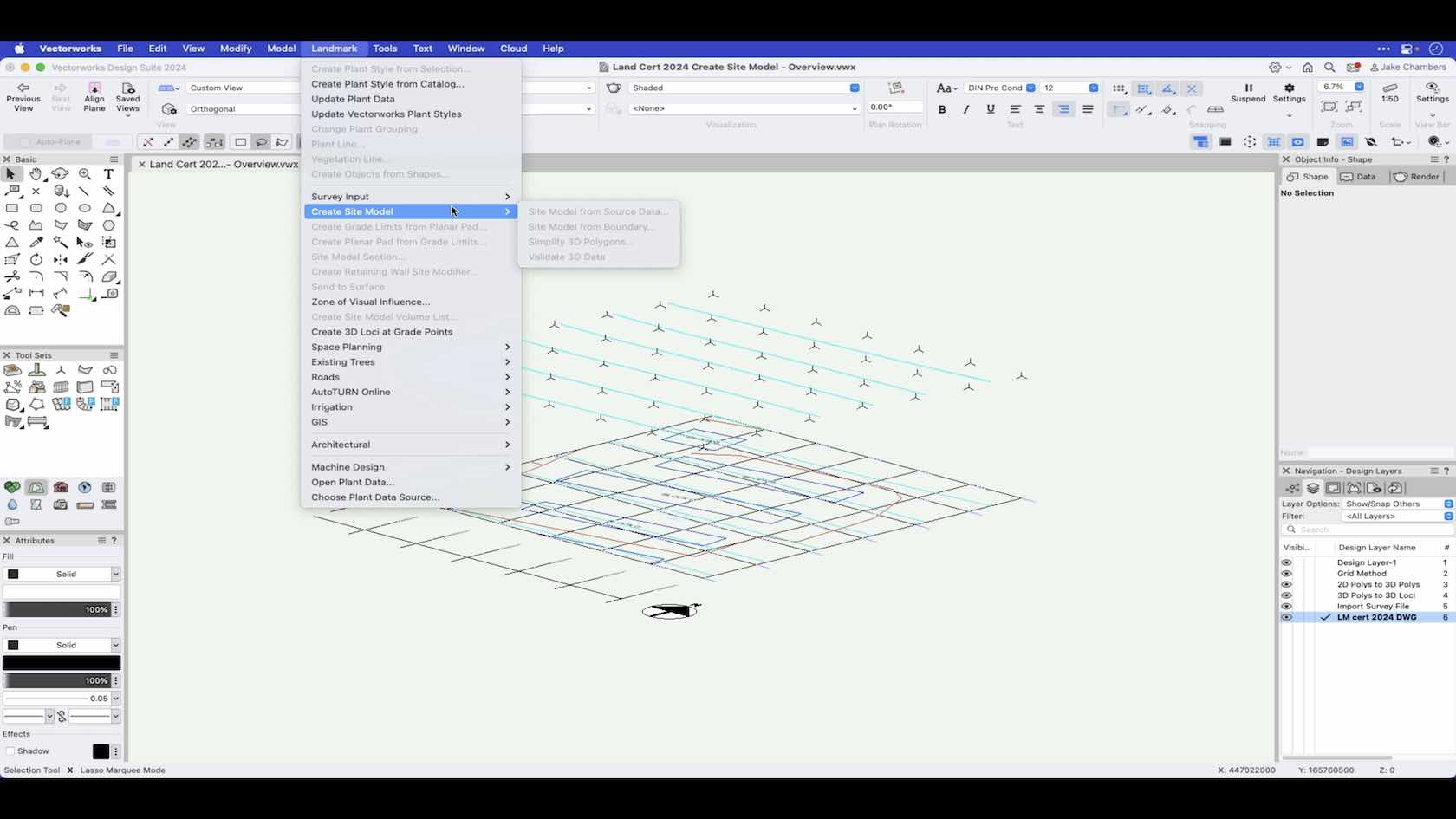
An overview of the various ways to create a site model.
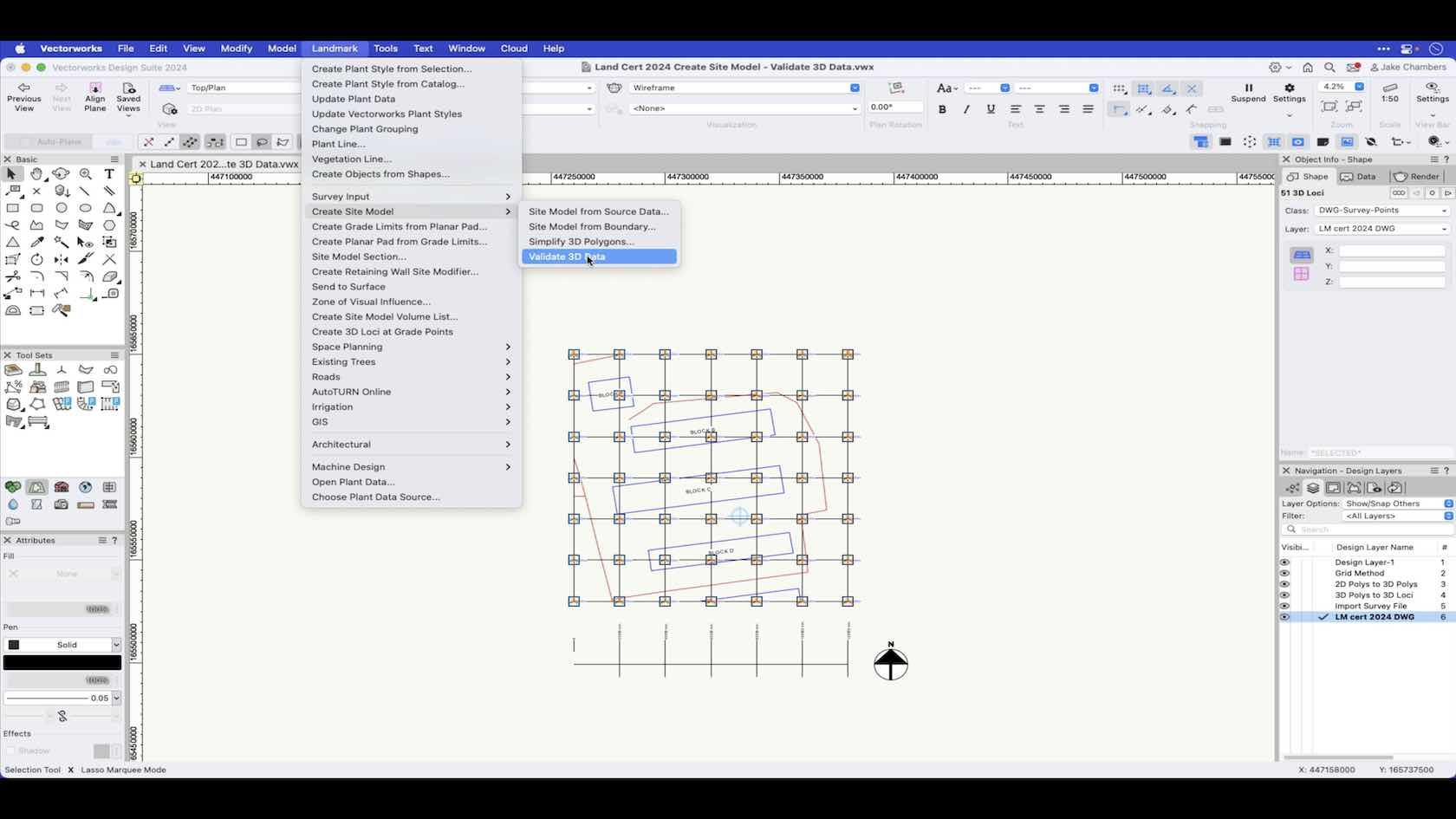
In this video we take a look at how you can run a check on your source data to check for errors before creating a site model.
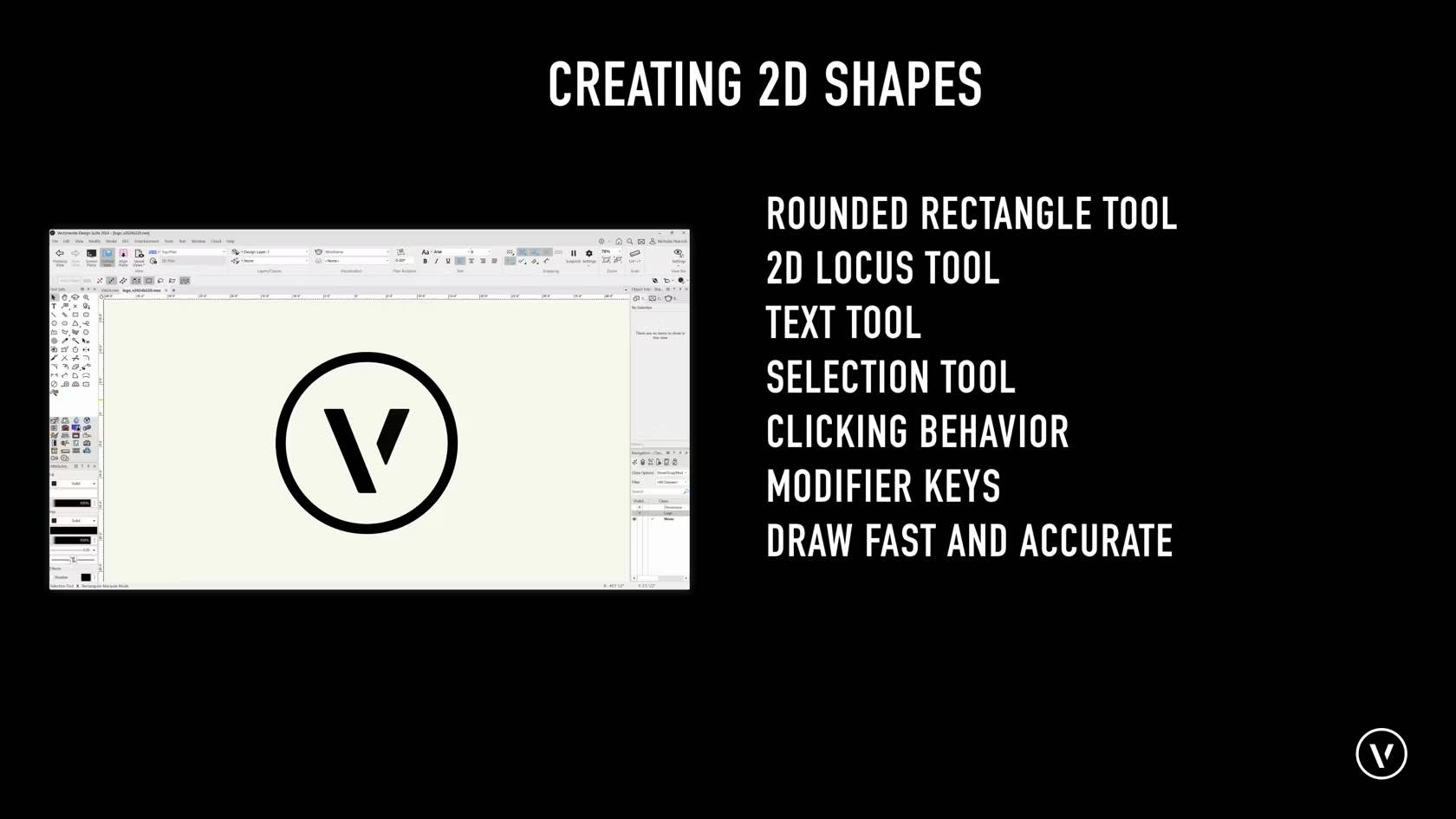
Here we will be covering how to draw Lines, Rectangles, Circle, Ovals, Arcs, Polygons, Polylines, Rounded Rectangles, 2D Locus Points, and working with tools such as the text and selection tools.
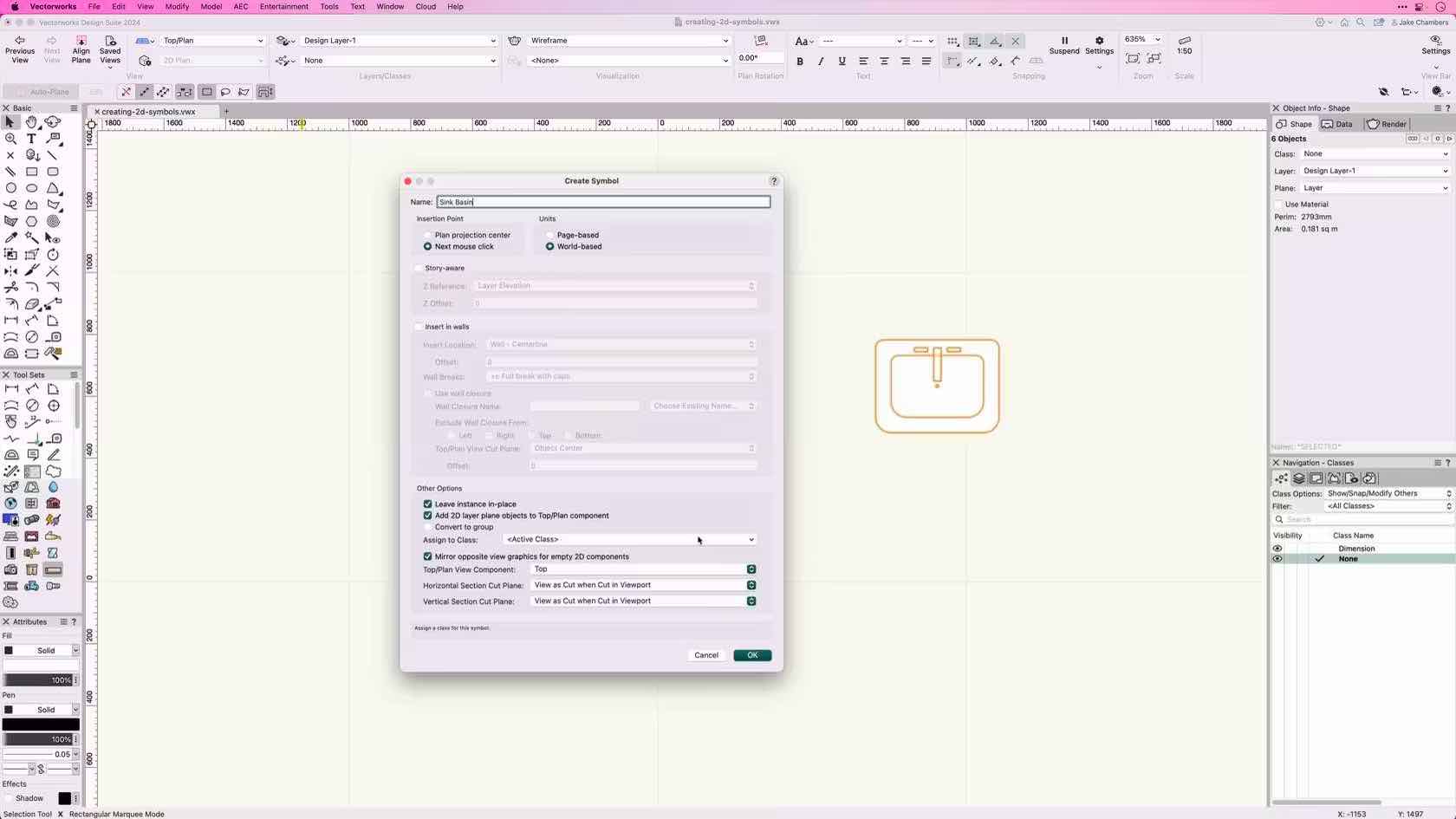
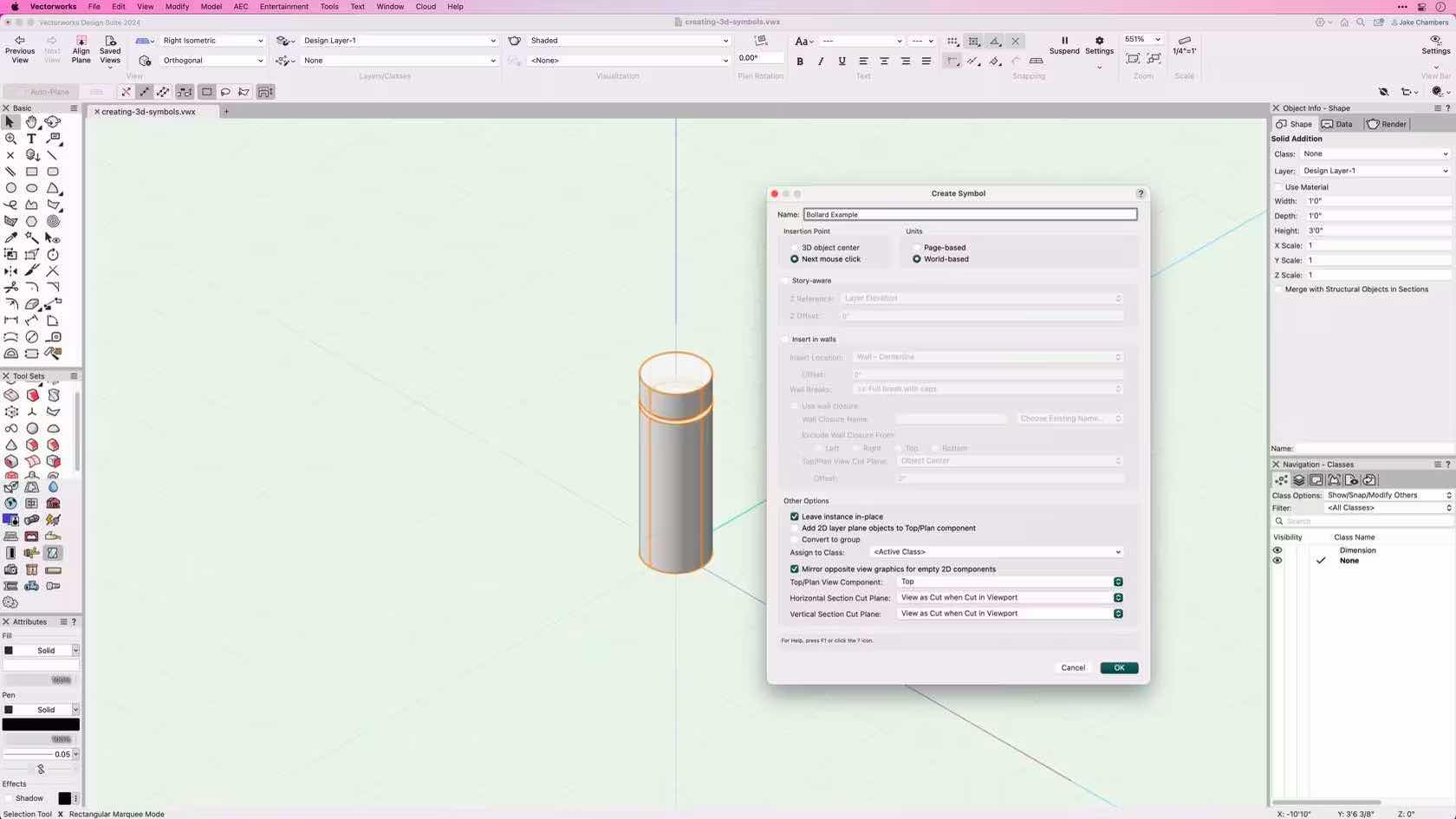
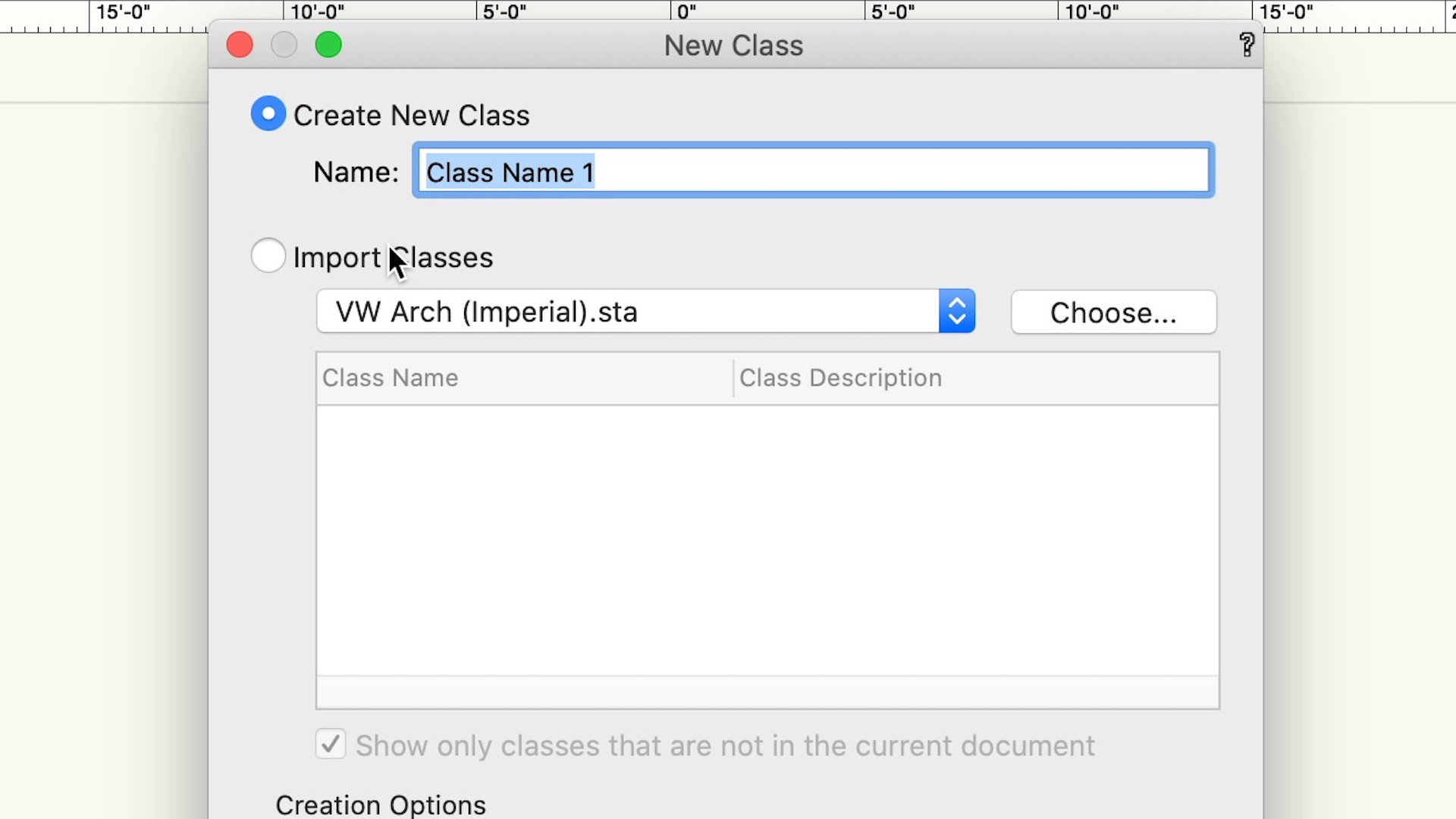
This course demonstrates the different ways to create and edit classes.
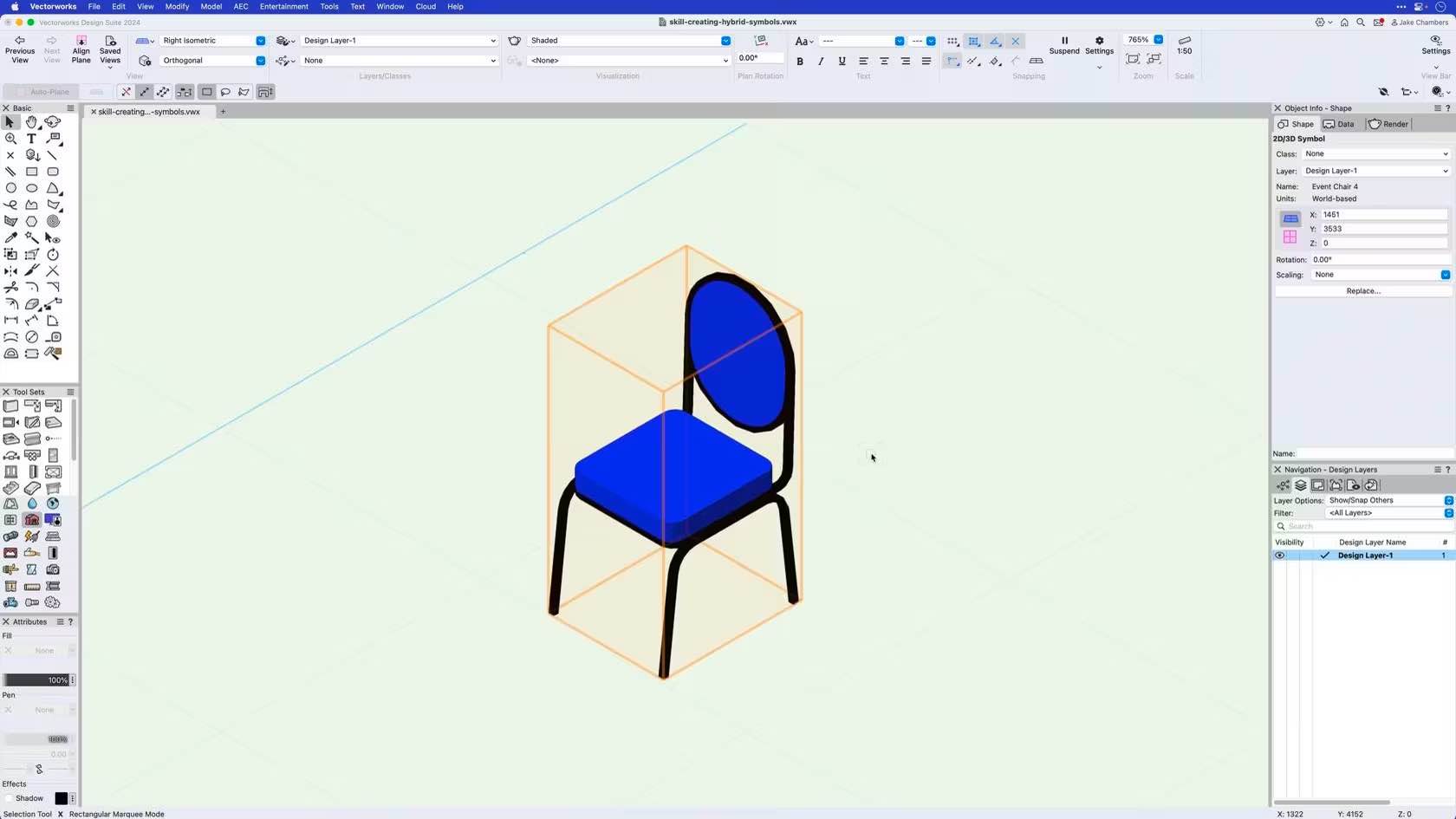
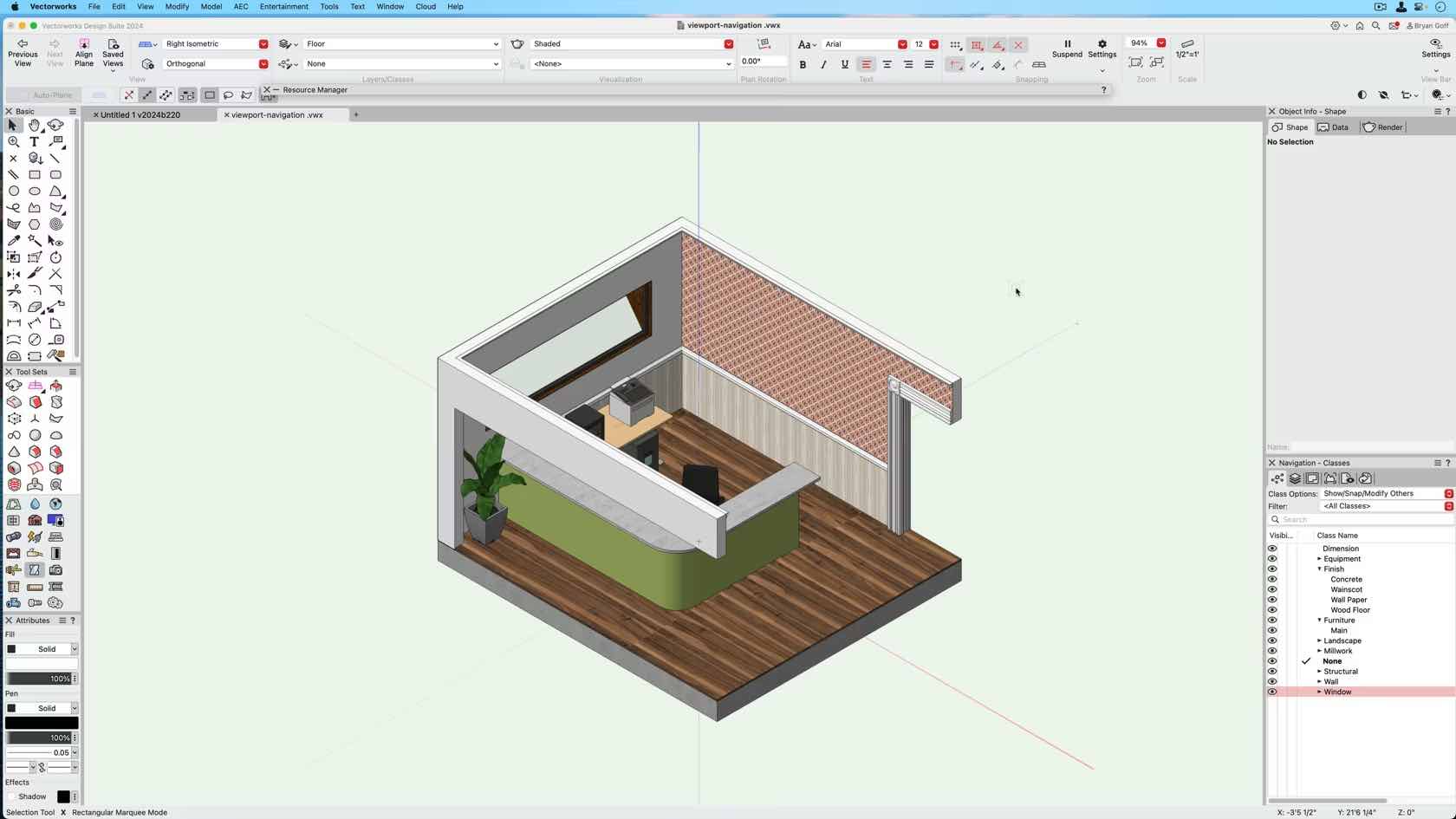
This course demonstrates how to create a basic top/plan viewport.
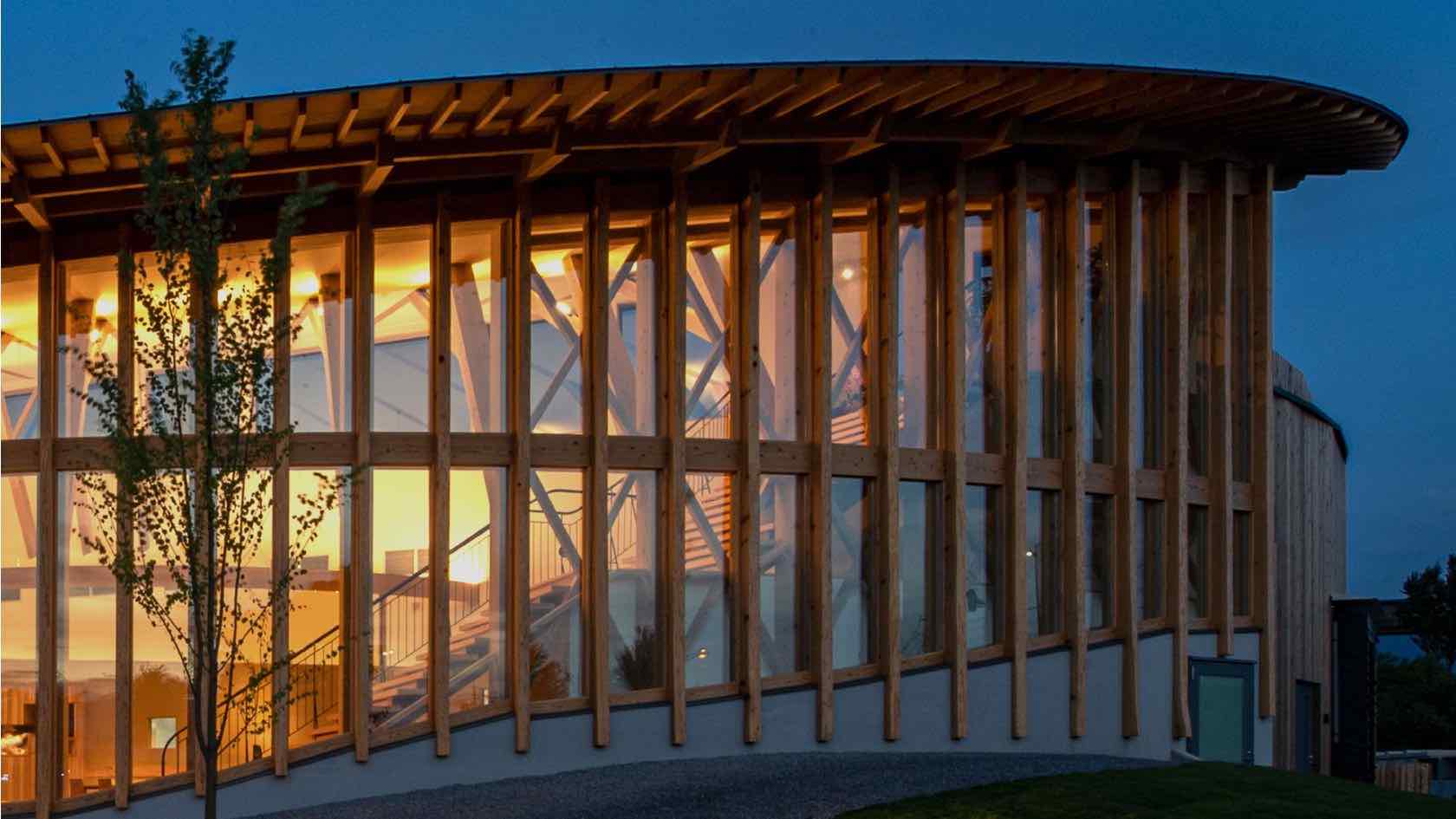
Curtain walls are an option of the Wall Style dialogue.
Walls, as with most building shell tools can be styled. Styled objects save you time as you can preset most of the options and in the case of curtain walls means you can have your common curtain wall arrangements, with all the associated graphics and data pre-styled.
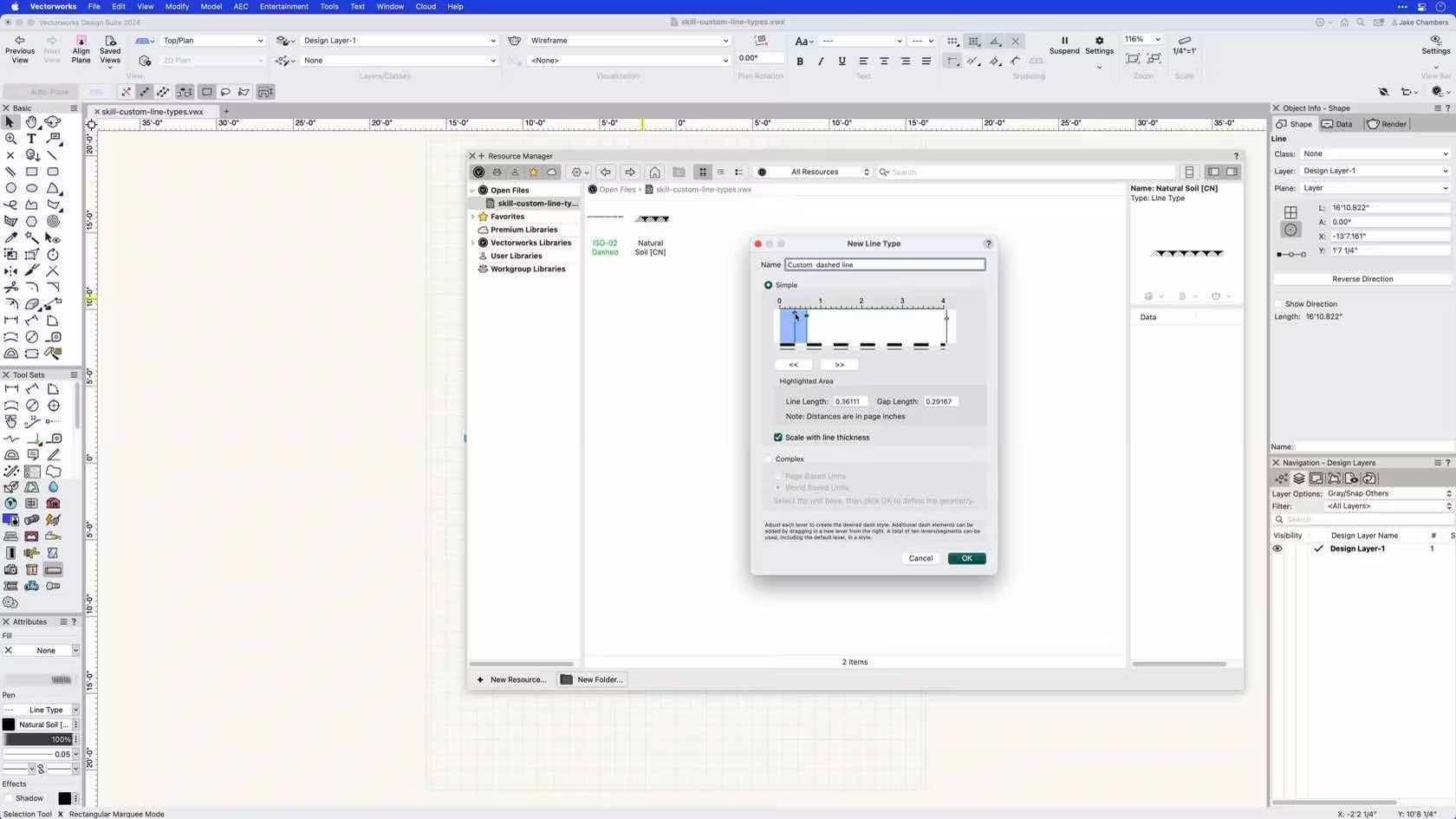
In this course you will learn how to create a resource called Line Types.
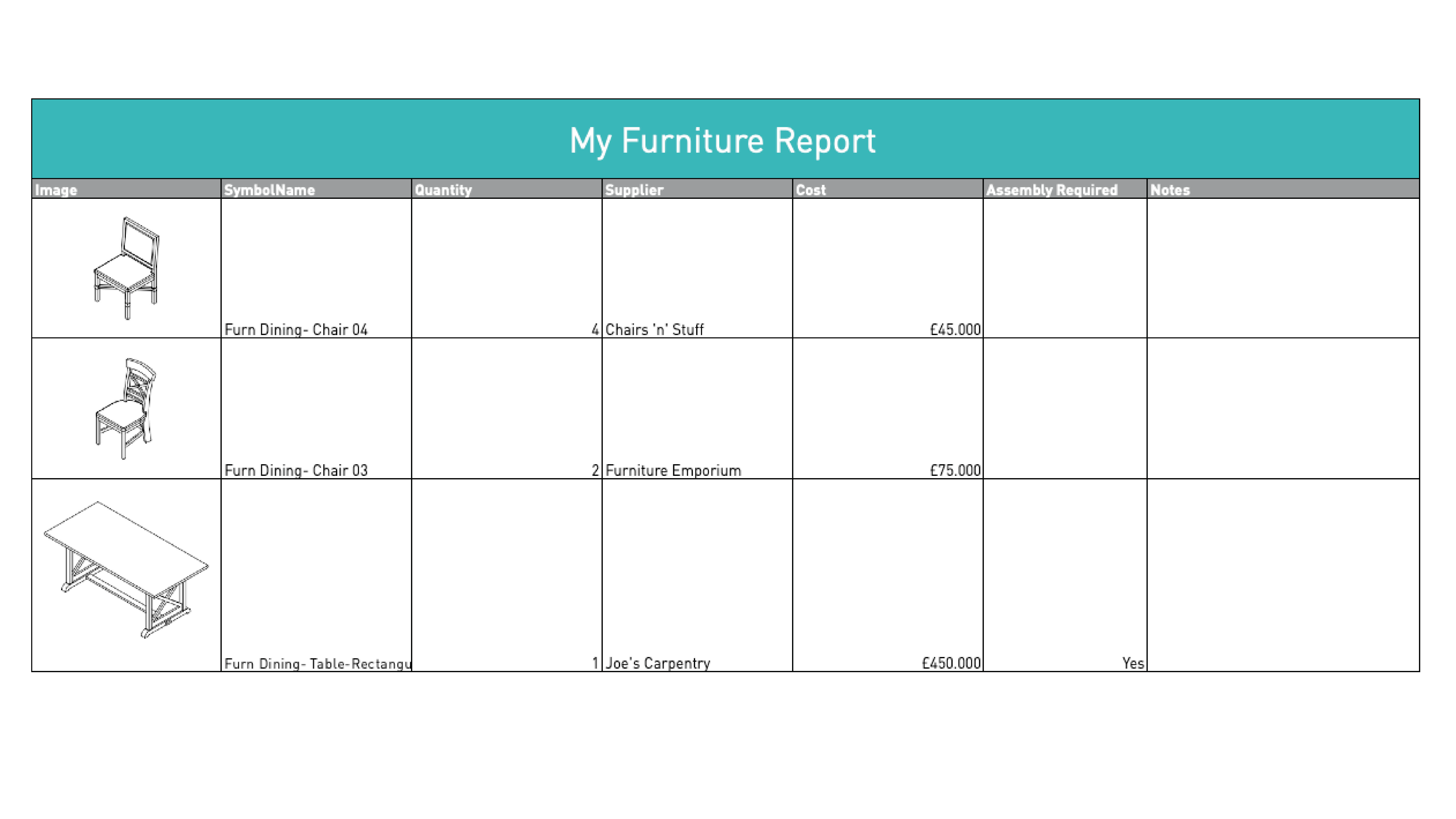
Participants will begin to unlock data from the model. We will learn how
to make instrument schedules, hoist reports, custom worksheets, and
equipment counts. We will also explore Data Tags and Data Visualization.
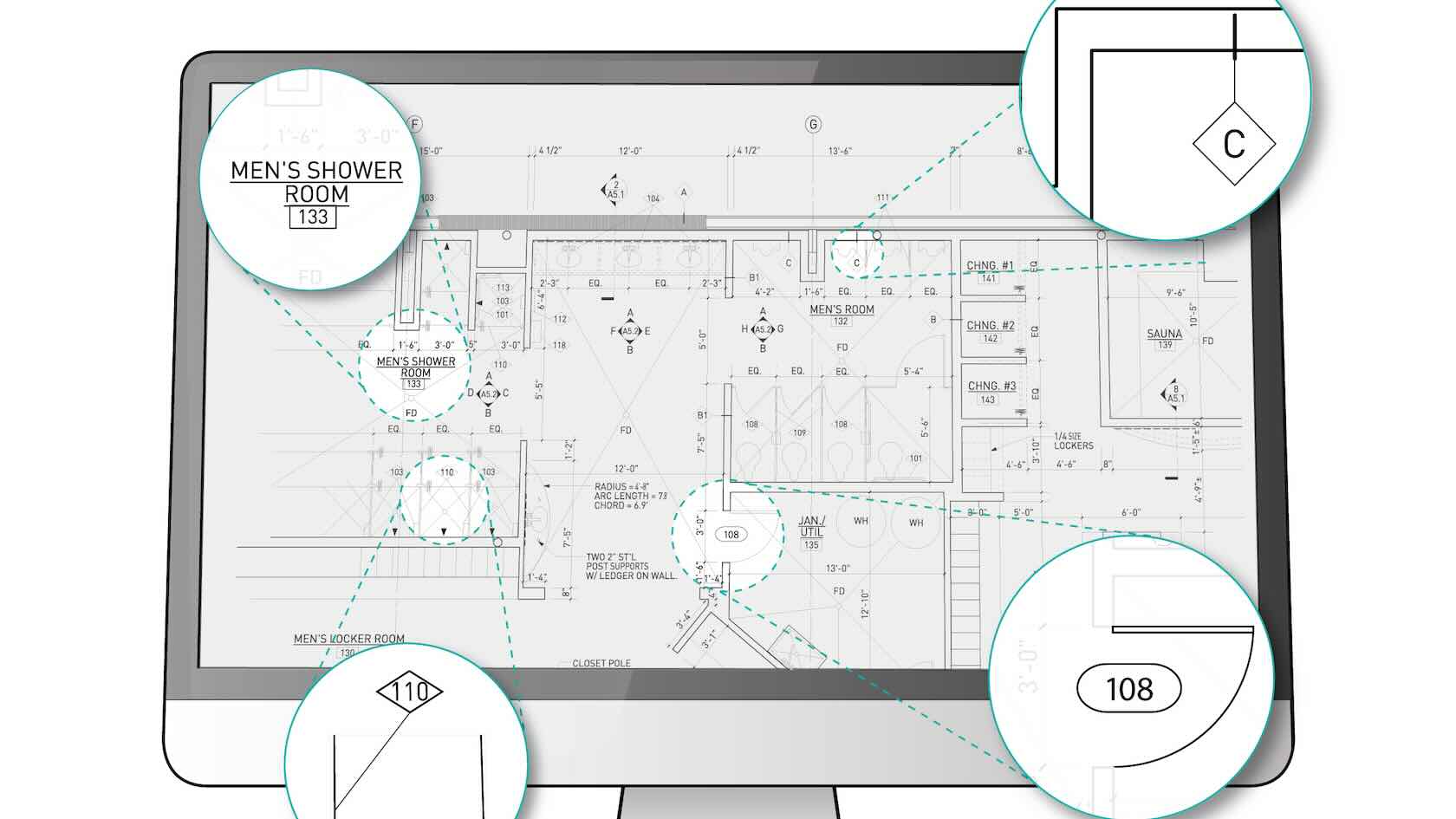
When creating documentation, architects and designers need to label drawing elements. In a BIM workflow, modeled objects contain data, and that data can be visualized using smart labels. In Vectorworks, any object’s data can be labeled using the Data Tag tool. In this course, you will learn how harness the power of Data Tags in Vectorworks software, to not only report data, but also push data to objects and giving you an intuitive way to append data in your designs.