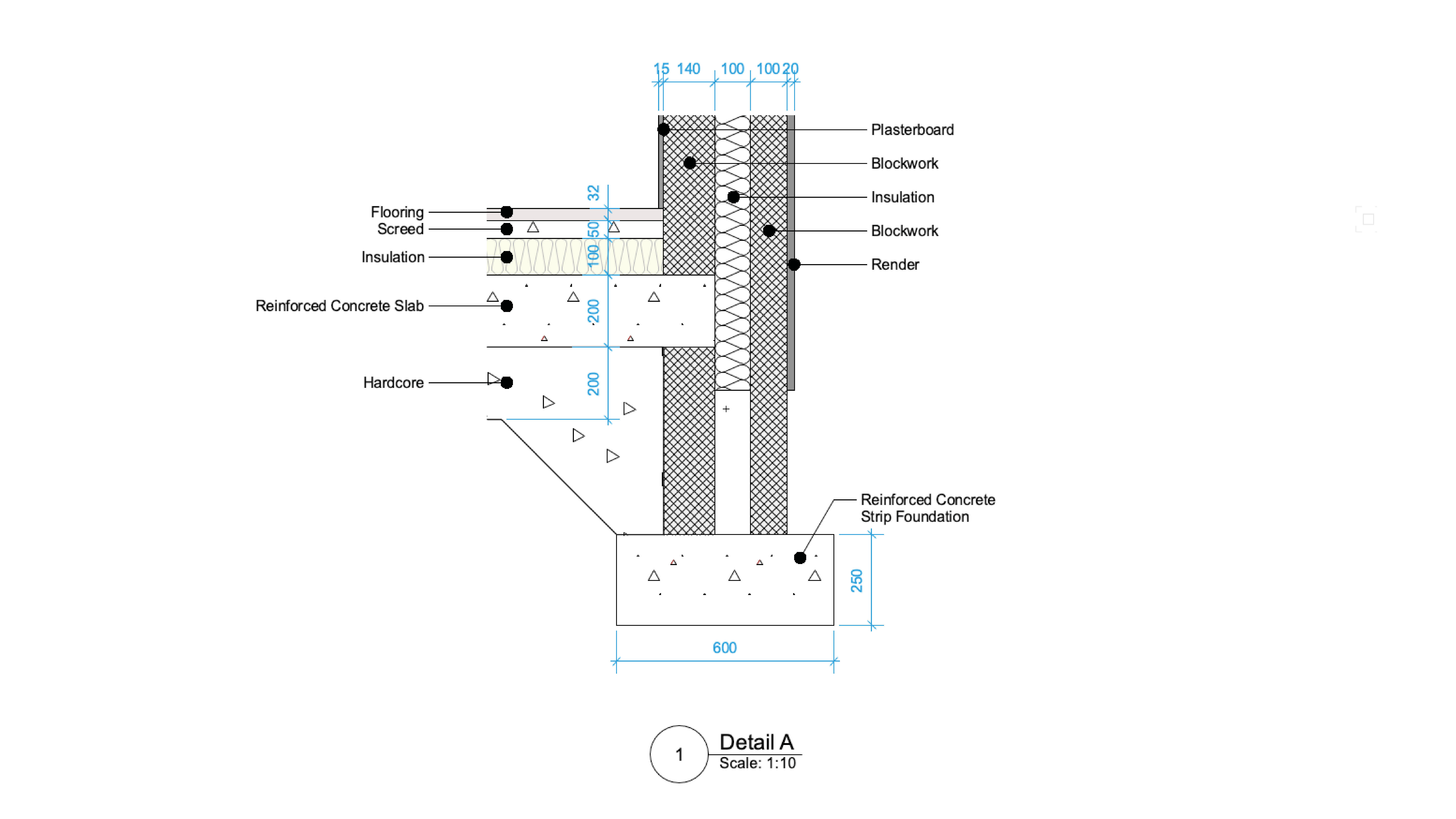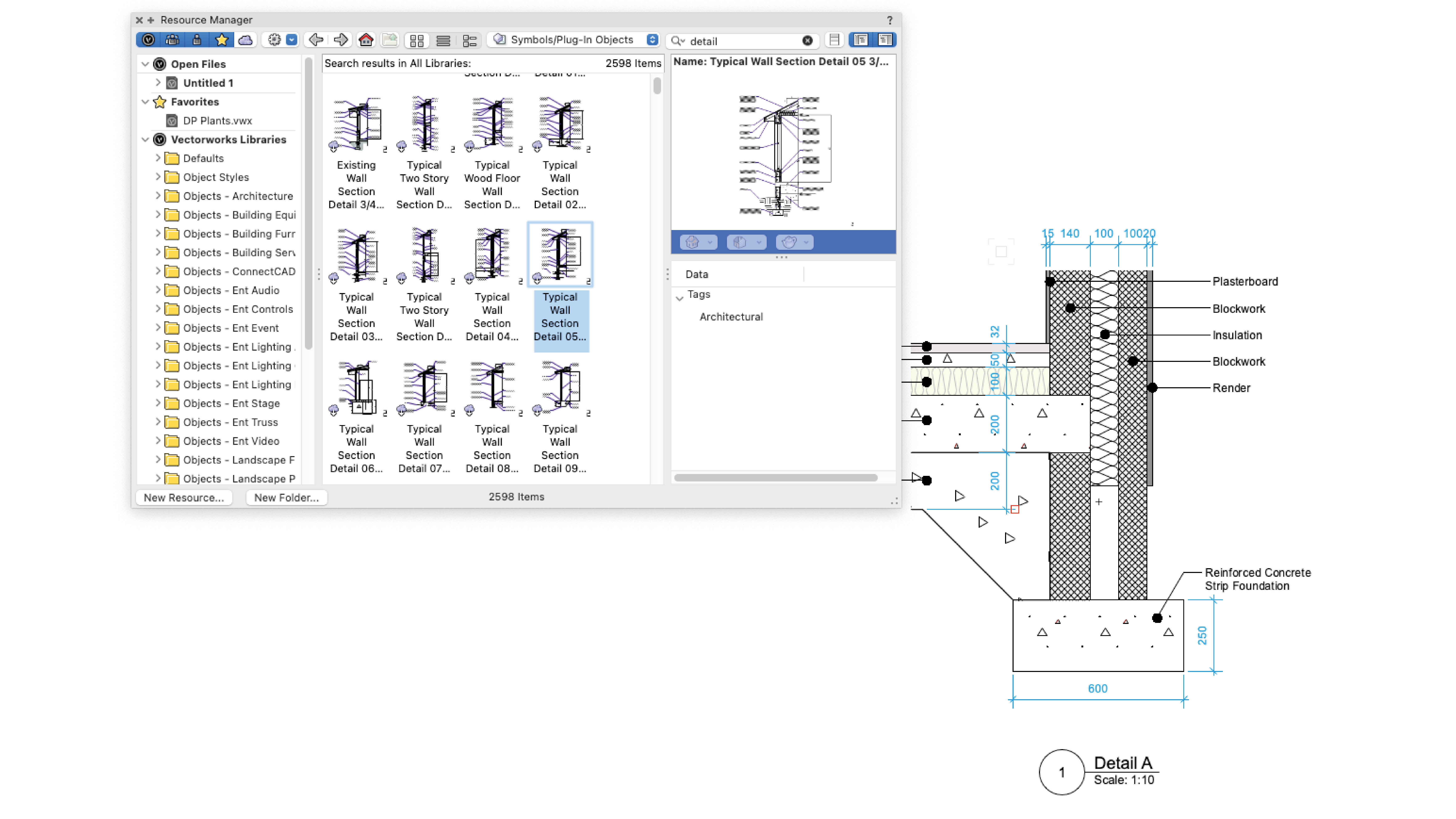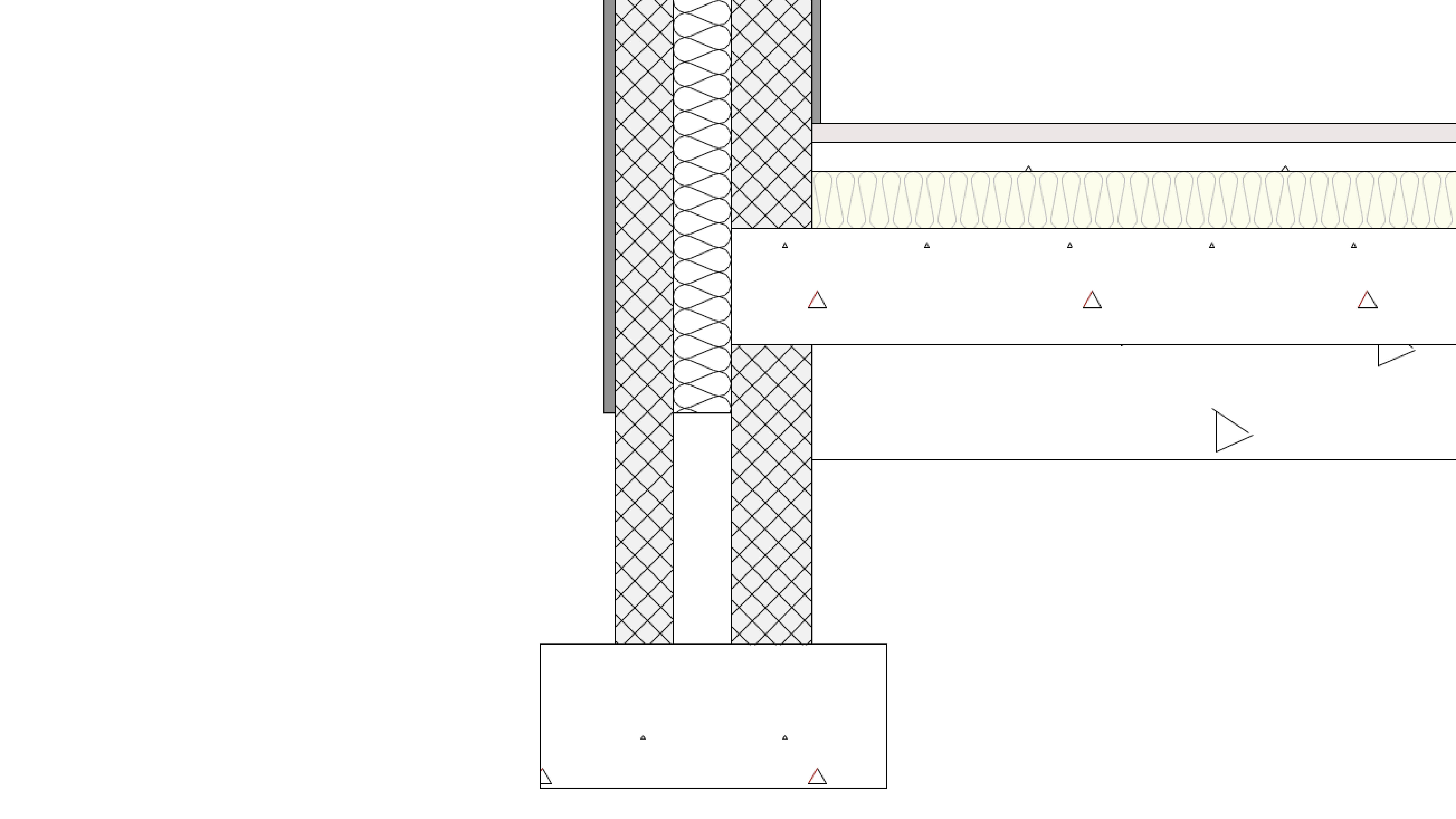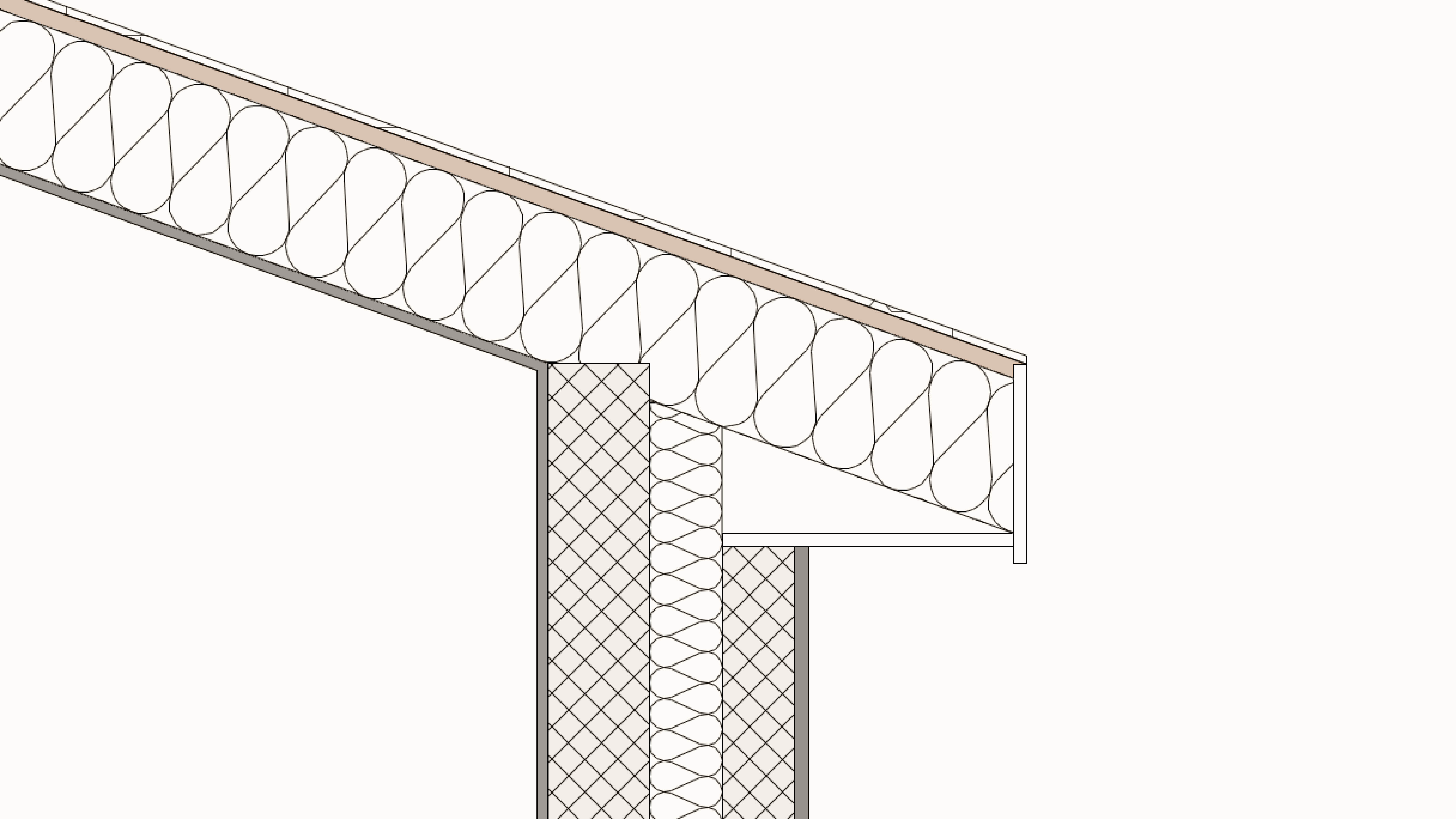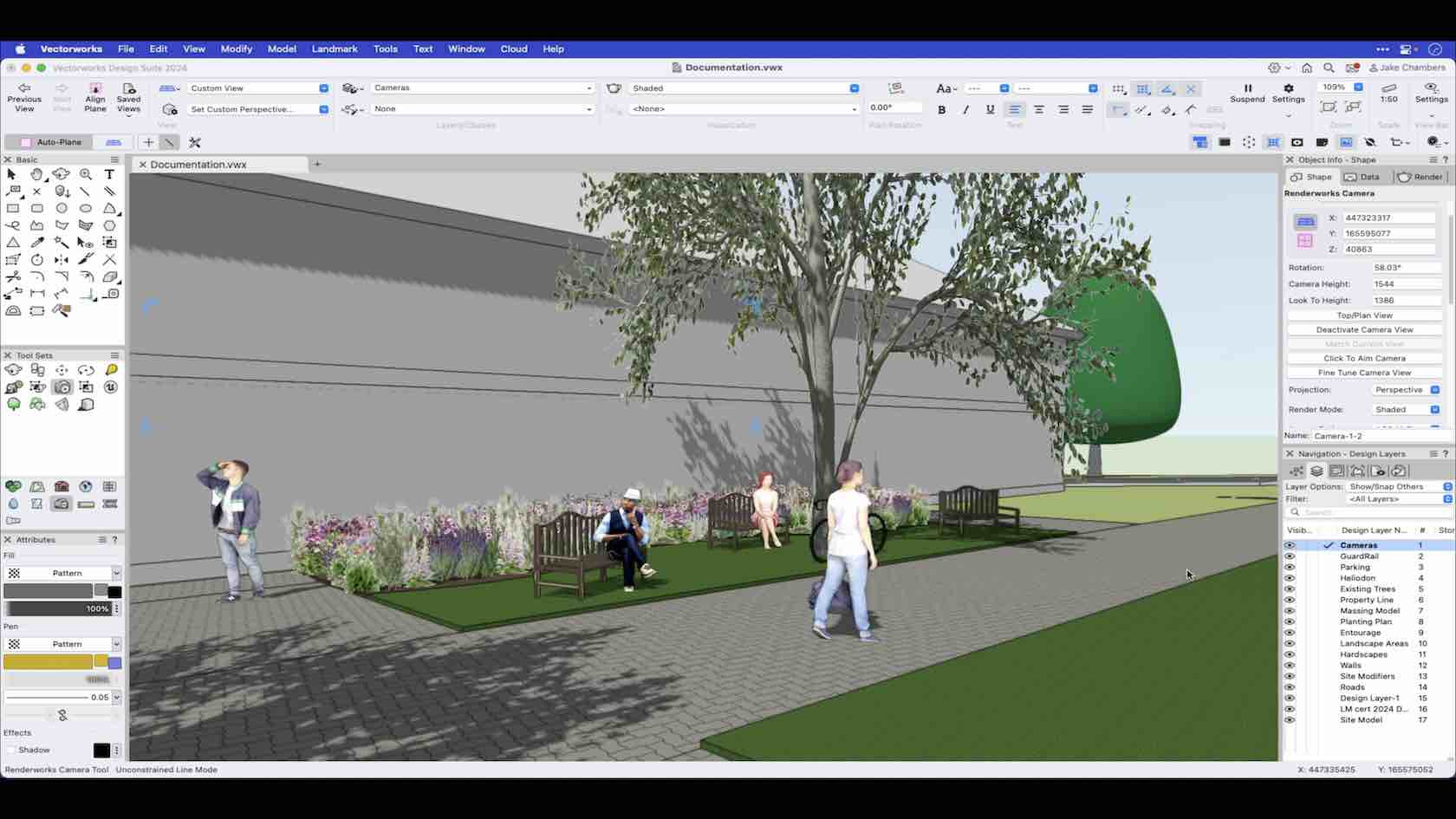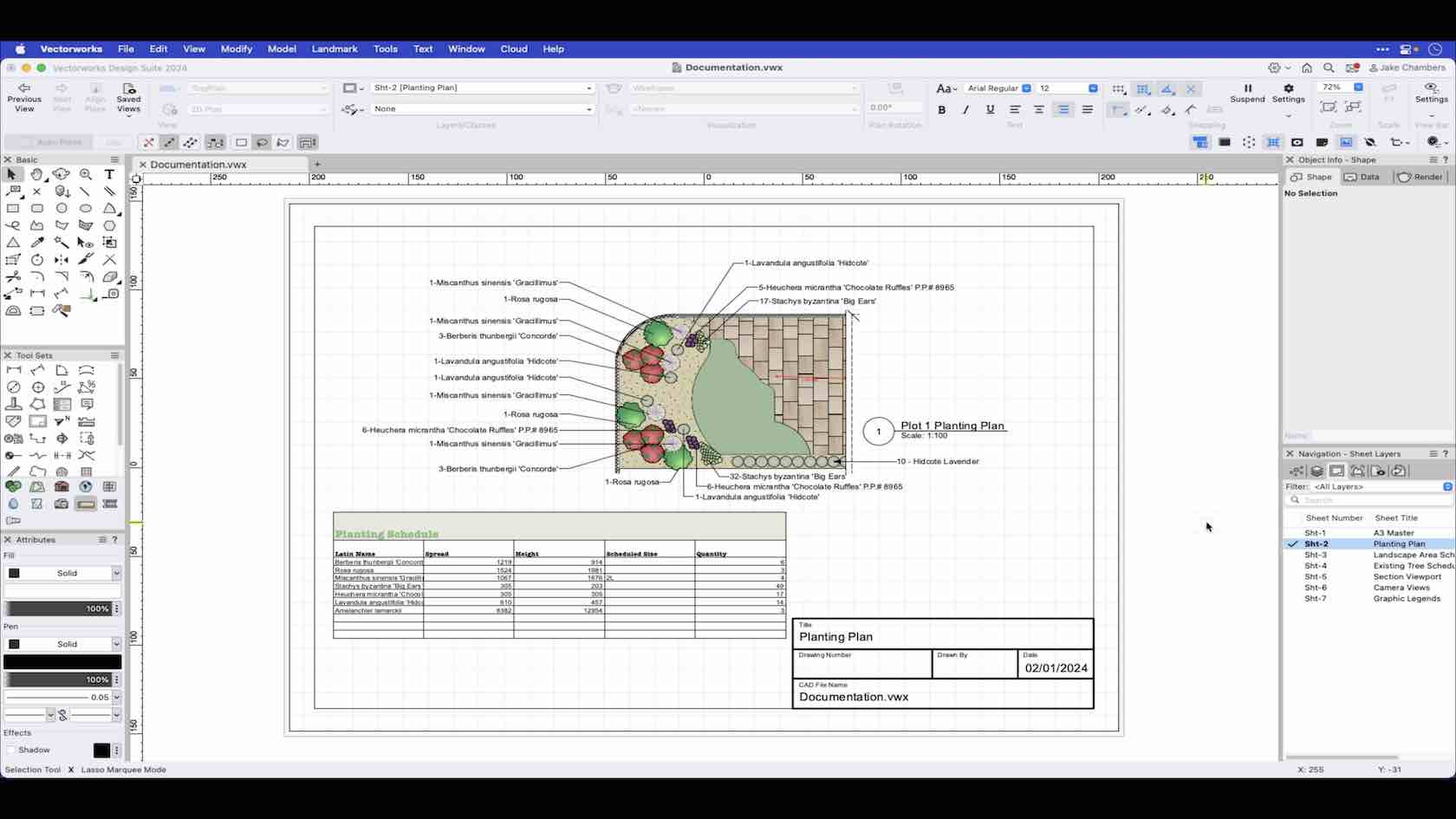
This video demonstrates a few basic processes for documenting your design, from labelling planting plans with Data tags to creating a rendered view using the camera tool.
Vectorworks University
Search results: 553
Here are links to resources to help with your documentation.

Strukturierte Dokumente erleichtern Ihren Planungsprozess. Lernen Sie die verschiedenen Möglichkeiten, Ihre Zeichenobjekte zu organisieren kennen.

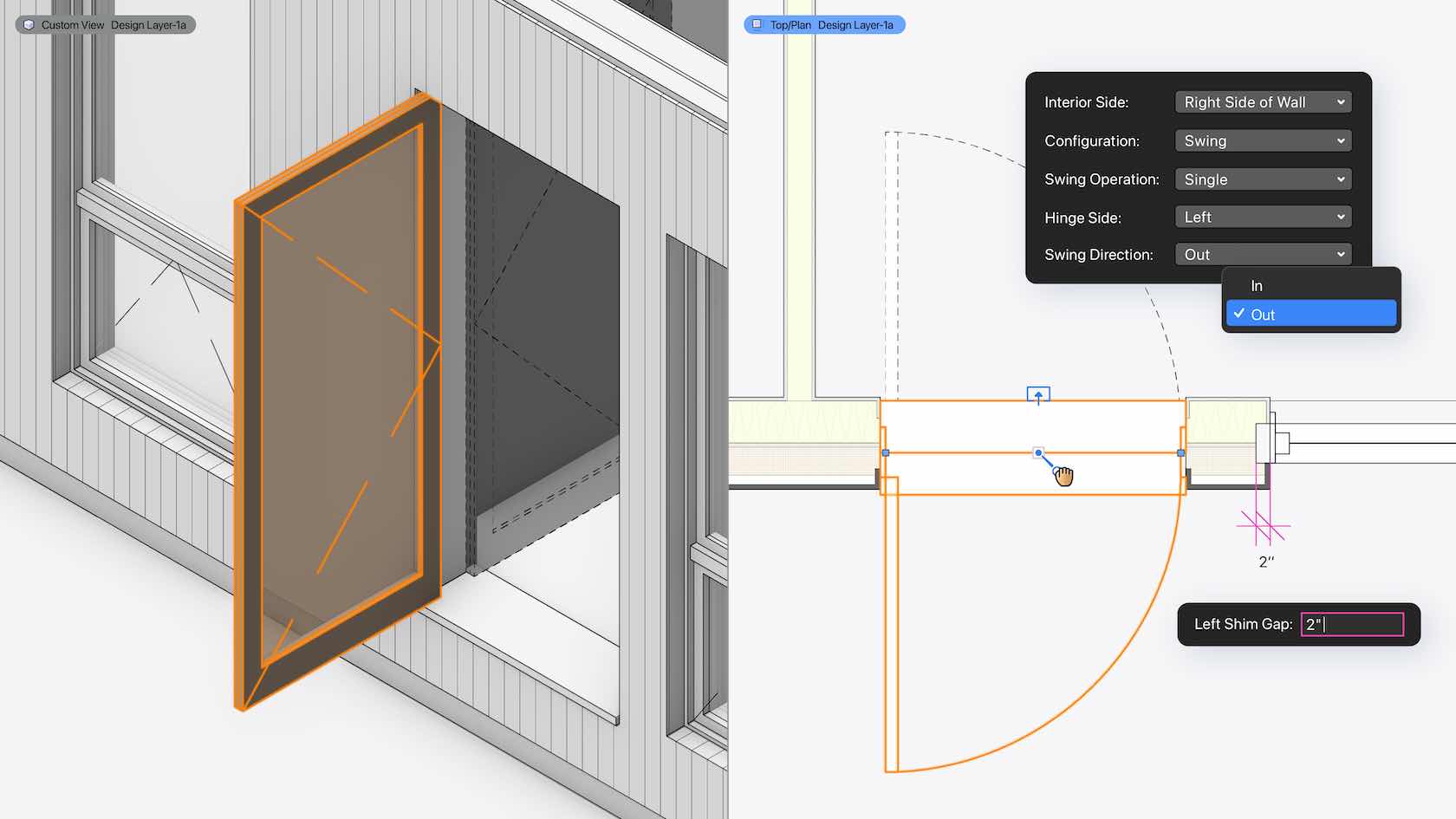
Thresholds and sills are now better represented within wall closures thanks to more detailed geometry. Plus, you have more options to control interior and exterior conditions; gaps around doors and windows can be controlled for each side of the opening. Standardized door handing allows for more accurate geometry and data that support industry standards.
Doors and windows have very similar modes and placement methods. This session will take you through the commonly used modes for placing both doors and windows as well as the differences between these tools.


In this course, we will gain an understanding of the Double Line Tool and its various modes.

In this course, we will learn the clicking behavior and drawing modes of the Double Polygon Tool.

Before taking this course it is good to have a basic understanding of drafting concepts, such as plan projection, elevation, section and perspective views. Be able to Distinguish the difference between scale vs. actual size, and drawing units such as Metric and imperial units. You will also want to identify the difference between Cartesian Coordinates X and Y, Z values vs a Polar coordinate system using length and angle. It is also useful to have a good grasp on basic Geometric terminology such as angle, circle, perpendicular, parallel, area, cube, cone and sphere. Although understanding these concepts to their fullest extents is not necessary for this course these are general concepts that will be used as you work with Vectorworks.

This course will take a look at how to use the drag and duplicate.

In this video, we will be discussing the overall drawing area in Vectorworks and the default items found within it.

This course will look at the Drawing Label Tool, how to add them to viewports, edit them, and create your own styles.

In this video, we will cover the basics of the Drop Point Tool.

Learn how to use apply and edit drop shadows and opacity to 2D objects.


This course will take a look at how to use the Duplicate Along Path command with 2D and 3D objects.

This course will take a look at how to use the Duplicate Array command to create linear, rectangular and circular arrays in 2D and 3D.

This course will take a look at how to use the duplicate command.