Vectorworks for Set Designers: Developing Efficient and Flexible Set Designs
Vectorworks has been a trusted tool among theatrical designers for decades. Lighting designers were among the first to adopt it, drawn to its intuitive tools for drafting light plots and managing large volumes of data. Scenic designers soon followed, recognizing its flexibility and creative potential
This class will guide you through the workflow of creating a set design using Vectorworks. We’ll use the example of a play staged in a traditional proscenium theater. We'll begin with the initial conceptual design and progress through building a white model, eventually adding color, textures, and detail.
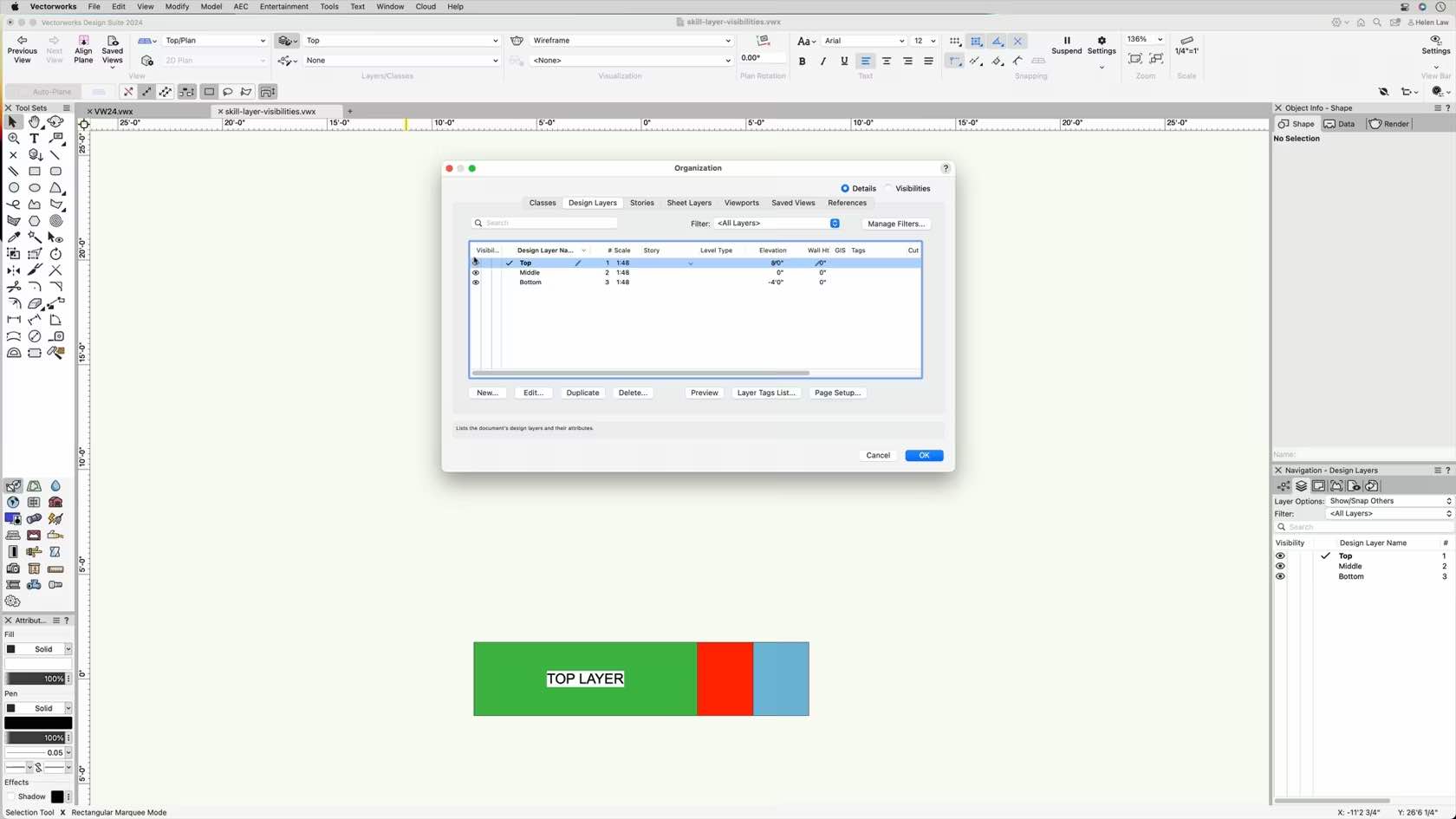
Using basic Spotlight and architectural tools, along with simple 3D modeling techniques, we’ll focus on developing an efficient, flexible workflow. Key topics include the strategic use of layers and classes to support design flexibility and streamline collaboration.
We’ll also explore how to structure files and workflows so that designers and assistants can work simultaneously on different aspects of the set—preserving visual consistency while generating precise construction documentation for individual elements.
Entertainment
Entertainment
2h 30m
Intermediate
Learning Objectives
Develop a flexible workflow with efficient use of classes and layers.
Easily modify surface treatments by modifying classes or using data visualization.
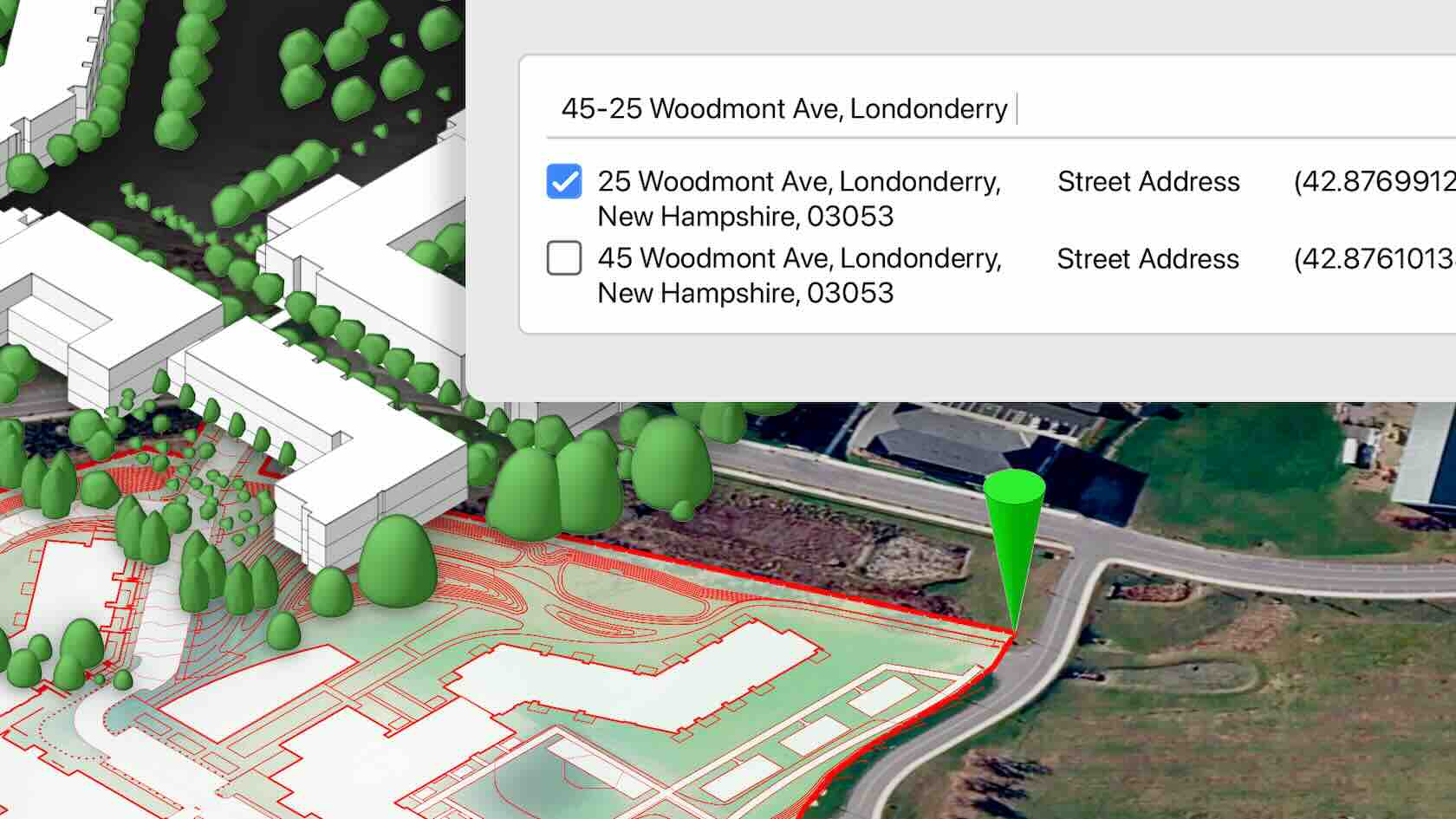
Unlock efficient, organized workflows for professional landscape design in this comprehensive on-demand course. Learn to establish a robust file structure and create reliable base files—laying the foundation for thorough project analysis, design, and development.
This paid class offers practical guidance on developing and using template files for landscape design in Vectorworks, equipping both individual designers and collaborative teams to work more efficiently and consistently. Discover best practices for document setup, including georeferenced workflows that facilitate seamless collaboration with others using real-world coordinate systems, and maximize the power of Vectorworks' suite of GIS features.
You’ll also learn how to identify, manage, and employ the most effective data types for site model creation, ensuring your documents remain organized from the outset and ready to handle external references. By mastering these workflows, you’ll gain the confidence to streamline your document management and establish a solid project base file for every new landscape design project.
Landscapes
Landscapes
2h 45m
Intermediate
Learning Objectives
Establish template and documentation standards for organizing Design Layers and Class structures tailored to landscape design projects.
Configure project files for effective georeferenced workflows, ensuring seamless integration with real-world coordinate systems and collaborative environments.
Implement efficient processes for managing and integrating external documentation, including various file types and reference materials.
Select and apply appropriate data formats to streamline site model creation and enhance overall project accuracy and scope.
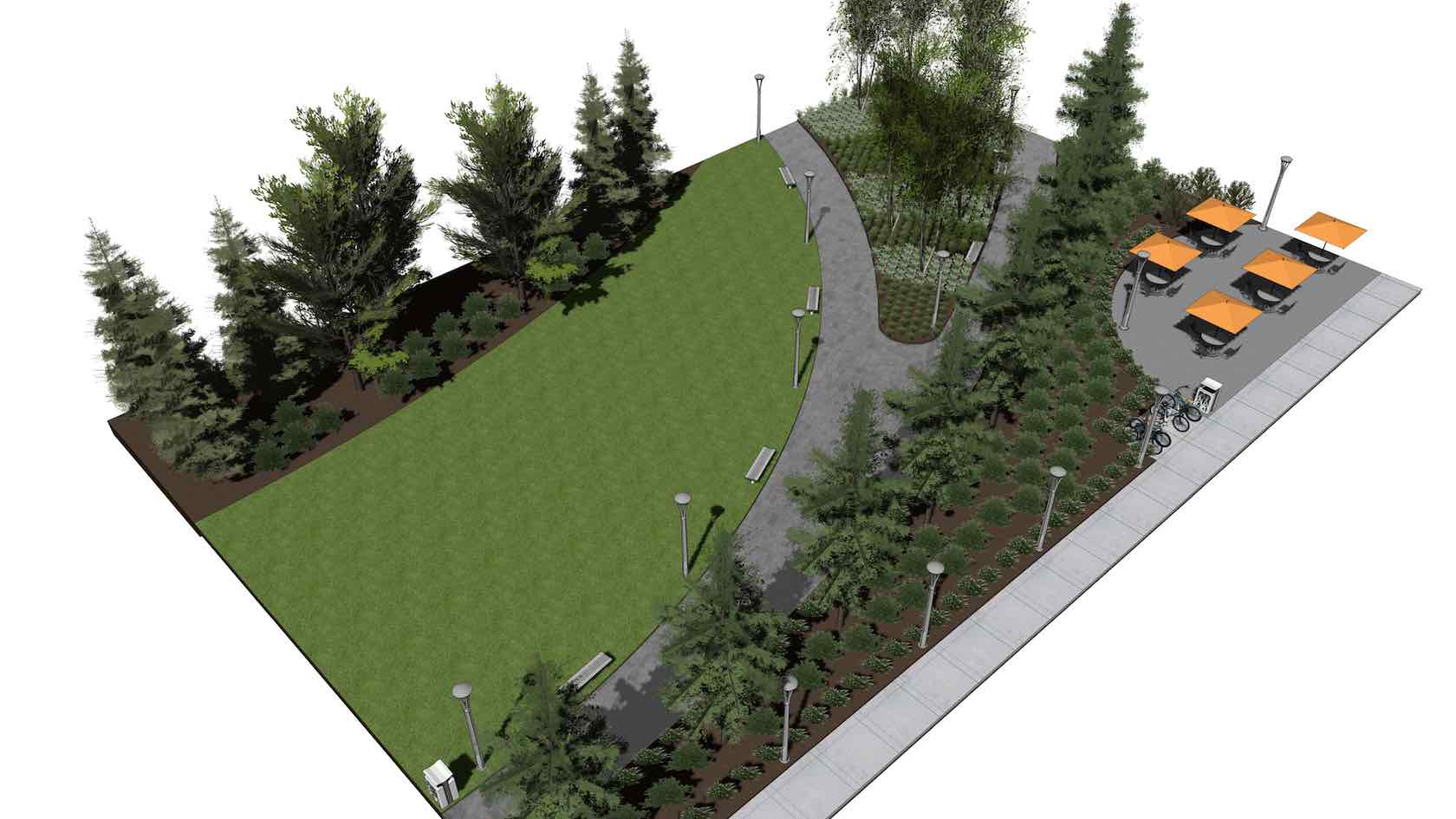
How do you keep complex residential landscapes on budget, on schedule, and
buildable when every decision affects cut-and-fill, sustainability, and
coordination with the wider design team?
In this webinar, you’ll follow a complete site design workflow from early grading studies
to coordinated technical information that contractors and consultants can
trust. You’ll see how to build a coordinated 3D site model, test grading
strategies, and run cut‑and‑fill calculations so you can minimize
import and export while managing soil expansion, spoil locations, and formation
levels with confidence.
Through real‑world style examples,
you’ll learn how to structure drawings so that layers, classes, itemized build‑ups, and formation levels
feed directly into clear material take‑offs and cost planning, helping you stay within
budget while meeting performance and environmental targets.
To receive 1 LA CES PDH and 1 APLD CEU, please make sure to login and complete the quiz after watching our webinar.
Landscapes
Landscapes
1h
Beginner
Learning Objectives
Understand how to set up a
coordinated 3D site model, run cut‑and‑fill and grading studies, and link these directly to practical,
sustainable earthworks strategies on residential projects.
Learn how to create clear
technical details, formation levels, and structured drawings that drive
reliable material take‑offs and support accurate bills of quantities and cost planning.
Gain confidence in
organizing your files and information so you can collaborate effectively with
architects, structural and drainage engineers, and specialist contractors on
complex landscape projects.
Designing an arena show requires precision, creativity, and strategic planning. In this webinar, Vince Foster, an accomplished lighting, set, and video designer in live entertainment, walks you through his complete workflow for designing the Jamiroquai 2025 arena show using Vectorworks Spotlight.
In this session, you’ll see how to transform a rough hand-drawn concept into a production-ready technical document, starting with document setup, workspace configuration, and custom shortcuts. From there, you will learn how to design the set and lighting within real-world constraints such as stage size and sightlines, using the latest visibility tools and Vectorworks AI for creative inspiration and problem-solving.
Entertainment
Entertainment
57m
Beginner
Learning Objectives
Learn how to set up a Vectorworks Spotlight file for an arena-scale
production.
Understand how to bring a venue model into Vectorworks Spotlight and
manage it effectively with layers, classes, and mesh simplification.
Explore practical strategies for developing an arena set under
constraints.
Discover how to turn the
finished design into polished outputs by generating vendor-ready drawings and
client-facing documents with Vectorworks Spotlight’s publishing tools.
This introductory seminar provides a basic overview of the capabilities, concepts, resources, services, and benefits available for the Vectorworks user to get started. This session explains the user interface and demonstrates how to use tools and menu
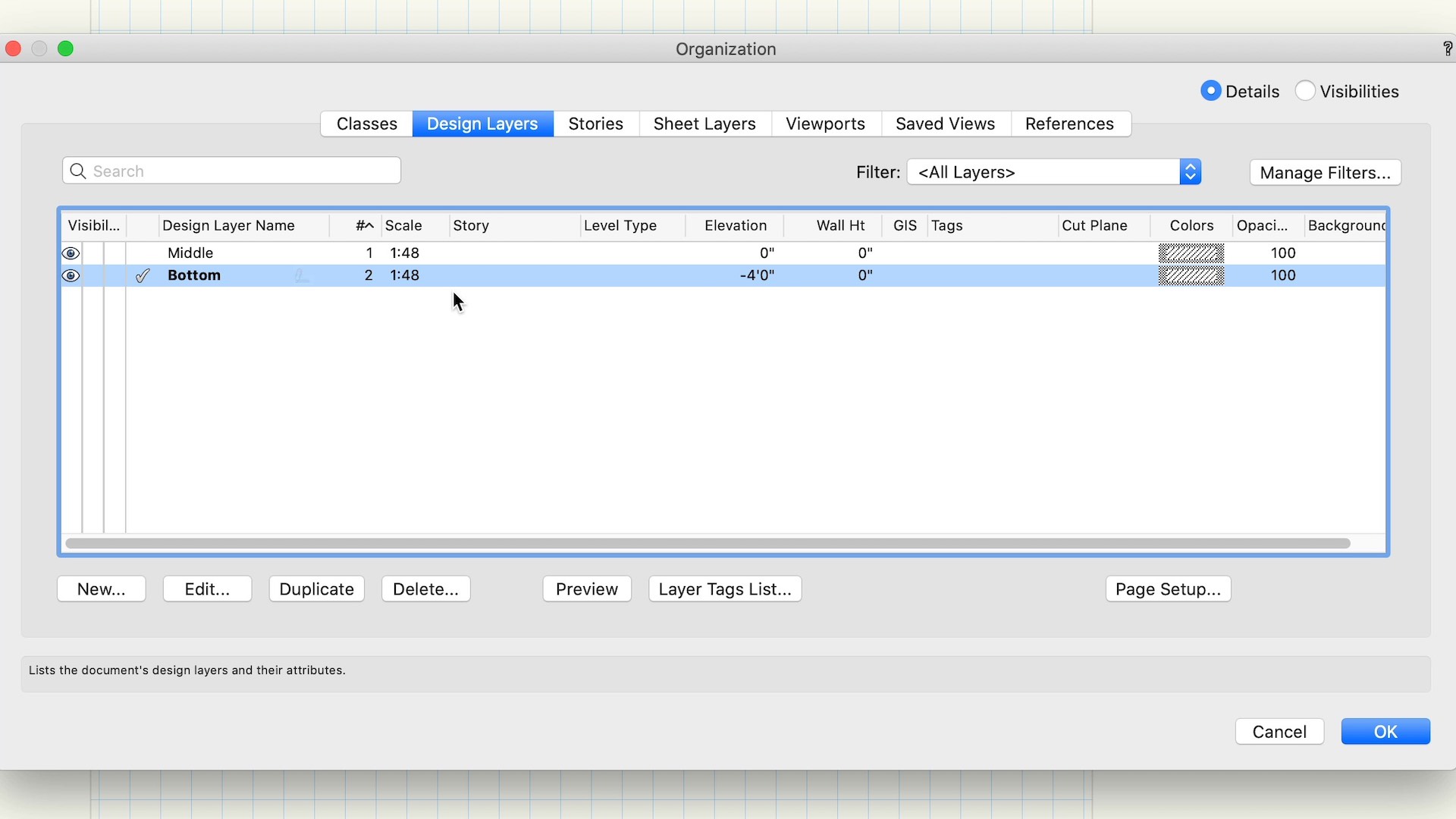
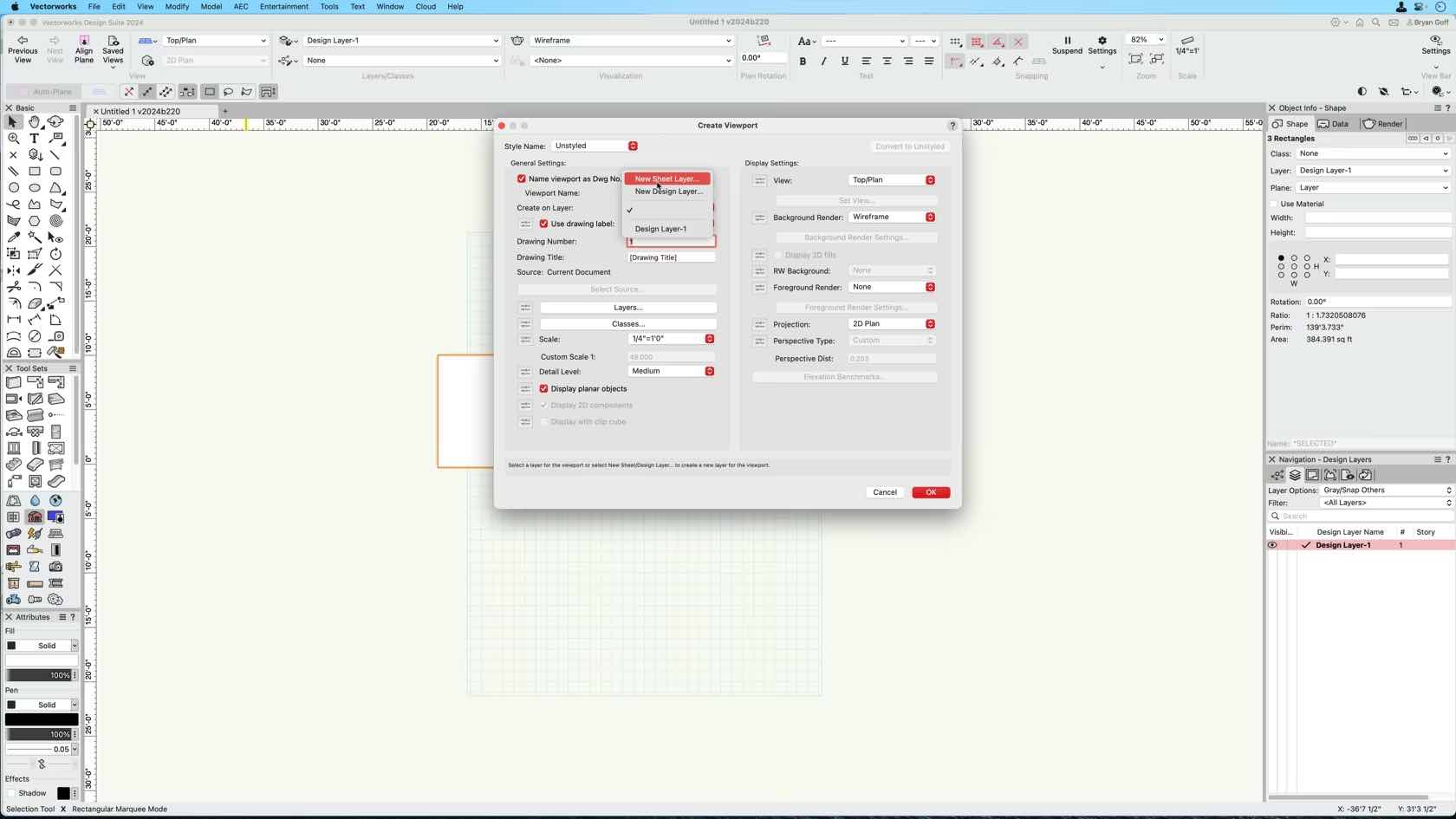
commands to create and convert objects. Learn about classes, designlayers, viewports, renderings, and sheet layers to present and annotate drawings and publish your work.
All Industries
All Industries
2h 16m
Beginner
Learning Objectives
Familiarize yourself with the user interface.
Understand the capabilities of Vectorworks.
Get an overview and demonstration of different digital design tools.
The Cloud Document Reviewer allows users to share selected sheet layers and worksheets through a web browser via a shareable link. Recipients can comment, use measurement tools, and view object data, enhancing collaboration and feedback without additional software.
All Industries
All Industries
40m
Intermediate
Learning Objectives
Explain how to create and share a link for specific sheet layers and worksheets.
Demonstrate the commenting, measurement, and object selection features.
Explore how the tool facilitates real-time feedback and collaboration.
Highlight security and control options when sharing documents.
Discuss practical use cases and best practices for improving project workflows.
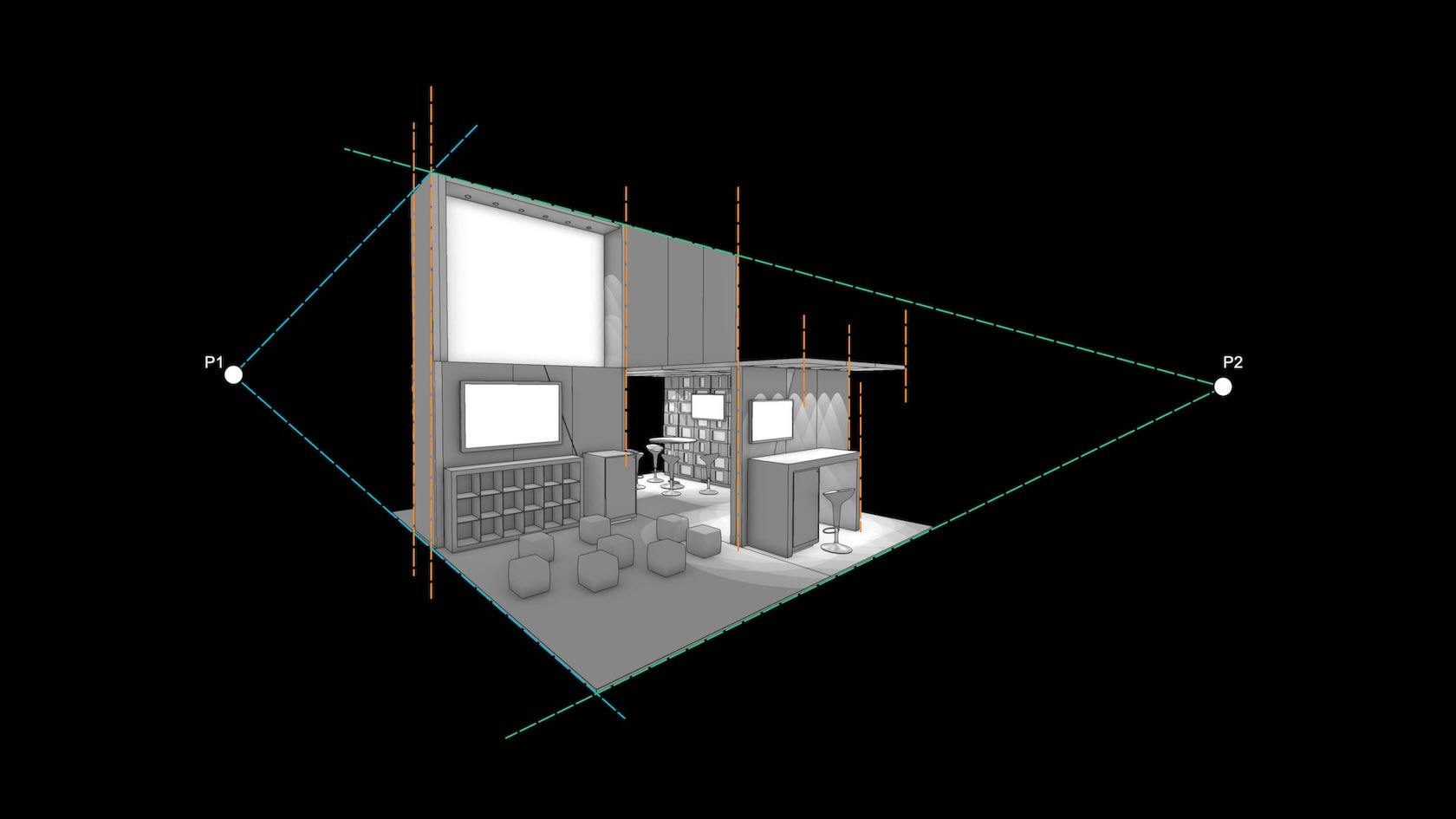
Produce traditional architectural compositions views with ease using Two-point Perspective mode. Toggled on with a single click, you can work with it directly in designlayers or add it to saved views and sheet viewports to provide a clear understanding of a 3D view. Once activated, it stays activated even when you change your view.
All Industries
All Industries
3m
Beginner
Learning Objectives
Learn about the new Two-Point Perspective mode, released with Vectorworks 2025.

Built on Vectorworks Spotlight, ConnectCAD streamlines your
AV design with easy-to-read schematics, rack layouts, live error-checking, and
detailed reports.
Join Matt Artigues, Vectorworks entertainment industry
specialist, on March 26 to discover the answers to ConnectCAD’s most frequently
asked questions. You’ll also learn how ConnectCAD’s customizable
templates, hybrid 2D/3D environment, and ability to create a custom device
library make collaboration seamless and ensure precision at every stage of your
project.
Entertainment
Entertainment
59m
Beginner
Learning Objectives
Learn about ConnectCAD, Vectorworks’ audio-visual design
software, and how it can elevate your AV design workflows.
Understand how to customize ConnectCAD
devices and equipment, build new devices using the database, and leverage
adapters for streamlined design flexibility.
Explore advanced
connection workflows, including multi-mode Connect tool usage, managing
connections between layers, and using tools like Reshape and ReRoute to refine
circuit layouts efficiently.
Discover a
practical workflow for using simple Spotlight cables to assign circuits,
estimate lengths, and manage paths without requiring a full cable path model.
Dive into the essential foundations of creating a robust template
file and its real-life implementation with this webinar.
Along with Mauro Pujia, lighting designer, YOK Studios,
you’ll explore the intricacies of organizing designlayers, classes, and views
for live event design. Additionally, you’ll learn how graphic legends,
worksheets, and other tools boost efficiency.
With
purpose-built tools, you’ll be able to create organized template files that
maximize your day-to-day design execution.
Entertainment
Entertainment
45m
Beginner
Learning Objectives
Learn how to leverage graphic legends,
worksheets, and other tools directly within your sheet design, allowing for
efficient duplication and strategic organization to optimize client navigation
through the final outputs.
Discover effective techniques for organizing
both internal and external export materials, including MVR, FBX, 3DS, DWG, and
more.
Engage in a series of short exercises to
highlight the tangible benefits of adopting a solid and organized template.
Discover the power of digital tools for optimizing site
analysis in your projects.
In this webinar, you'll learn advanced data import
techniques and innovative approaches to working with both 2D and 3D
topographical surveys. Plus, you’ll discover how to develop sustainable
landscape designs by leveraging site model data to assess slope, elevation,
surface water flow, and site context using georeferencing and satellite
imagery.
With these insights and more, you can confidently handle
early-stage design decisions.
To receive 1 LA CES PDH and 1 APLD CEU, please make sure to login and complete the quiz after watching our webinar.
Landscapes
Landscapes
40m
Beginner
Learning Objectives
Discover how different file setup and import
options can optimize your project’s BIM workflow.
Understand the benefits of GIS feature
layers when making early-stage design decisions.
Explore new ways to work with
topographical surveys in both 2D and 3D views.
Learn best practices for site
evaluations and creating sustainable landscape schemes.
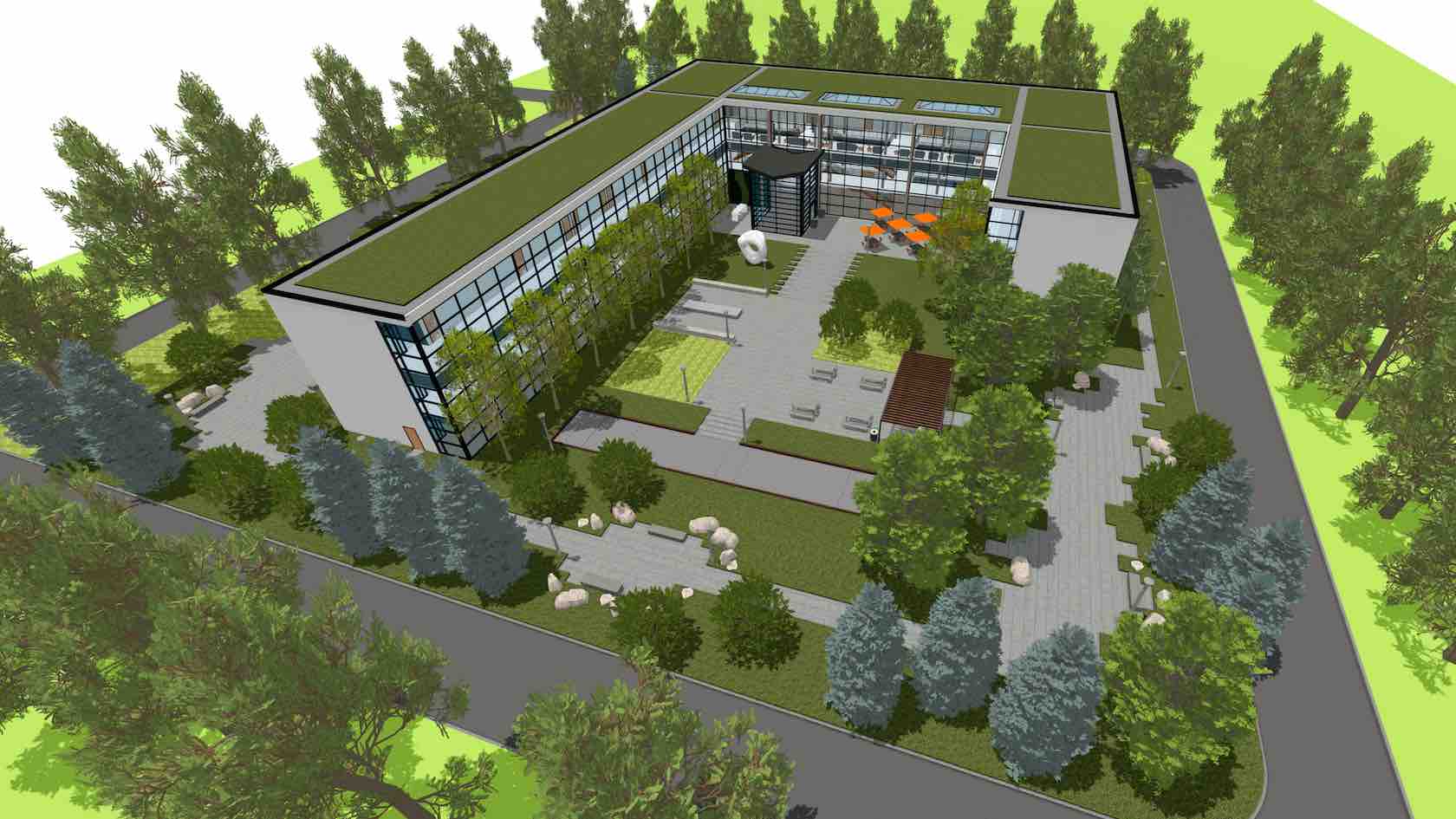
As a valued member of the Vectorworks community, we’re pleased to welcome you to this exploration file, provided by Vectorworks. This sample has been made possible through the generous support of Studio Partington who have contributed the original project concept, and Scope Surveys who have kindly provided the surveyed drawings used in this model. Their collaboration enables a realistic architectural context for demonstrating advanced Vectorworks workflows.
This sample file focuses on Phasing, a comprehensive time-based system in Vectorworks for managing renovation and multiphase projects. Phasing allows tracking objects through multiple stages — such as existing conditions, demolition, and new construction — and automatic assignment of the appropriate status to each object.
To start exploring, we recommend reviewing the Saved Views and Sheet Layers in the Navigation palette, where you can see Phasing in action across different stages of the project.
As a valued member of the Vectorworks community, we would like to welcome you to this exploration file.
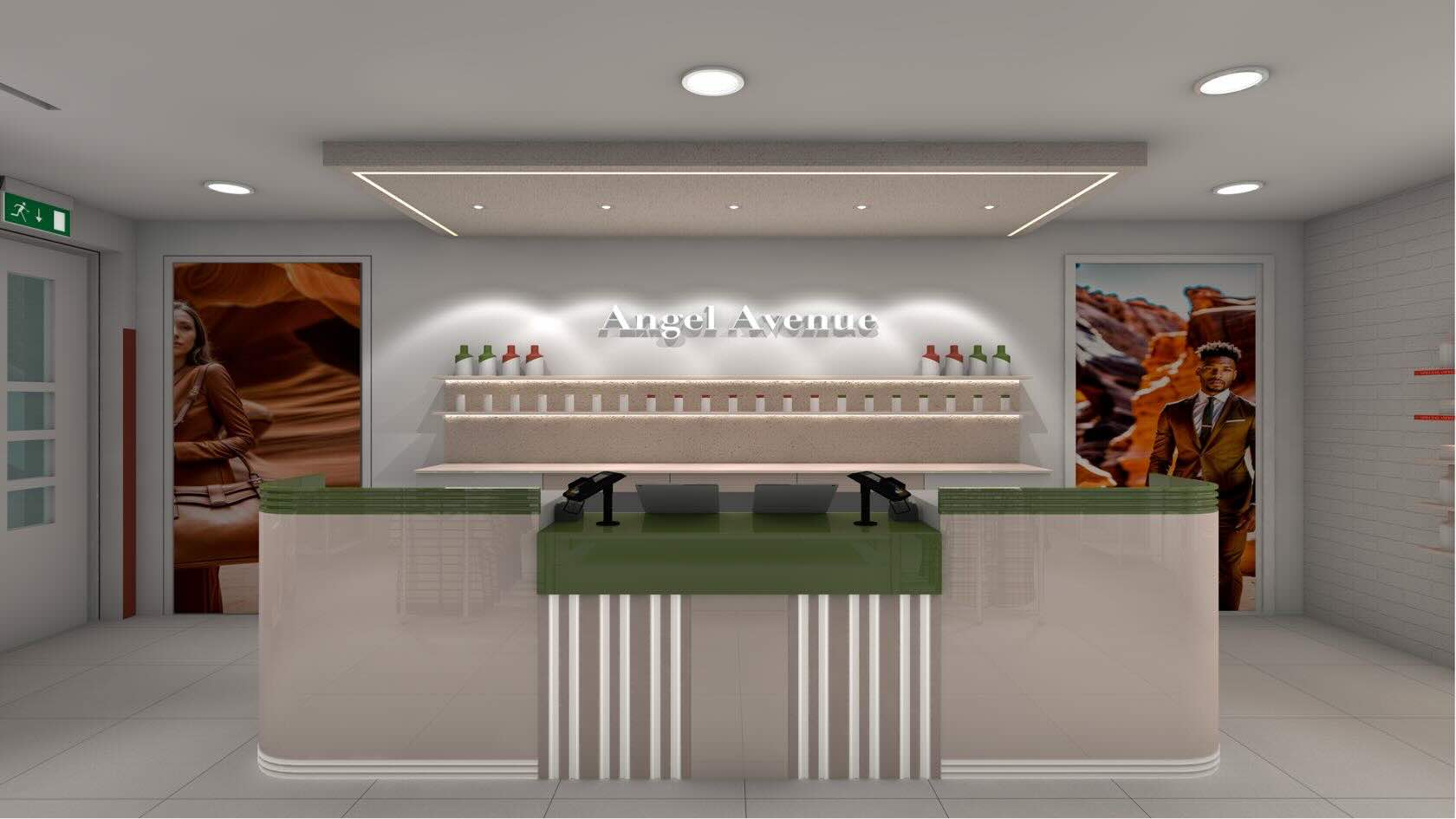
This project documents several common outputs for retail interior design workflows. This project imagines the redesign of an existing store located on a typical UK high street. The file is structured with DesignLayers which are associated with building Story levels, as well as Classes to control the graphics outputs and visibilities of objects. Saved Views and Sheets showcase the processes used to create a data driven model, using features such as, record formats, IFC data, data visualizations, and reports.
We suggest running through the Saved Views and Sheet Layers (in the Navigation Palette). You might then explore further via the individual DesignLayers. Feel free to adapt any of the resources you find in the Resource Manager.