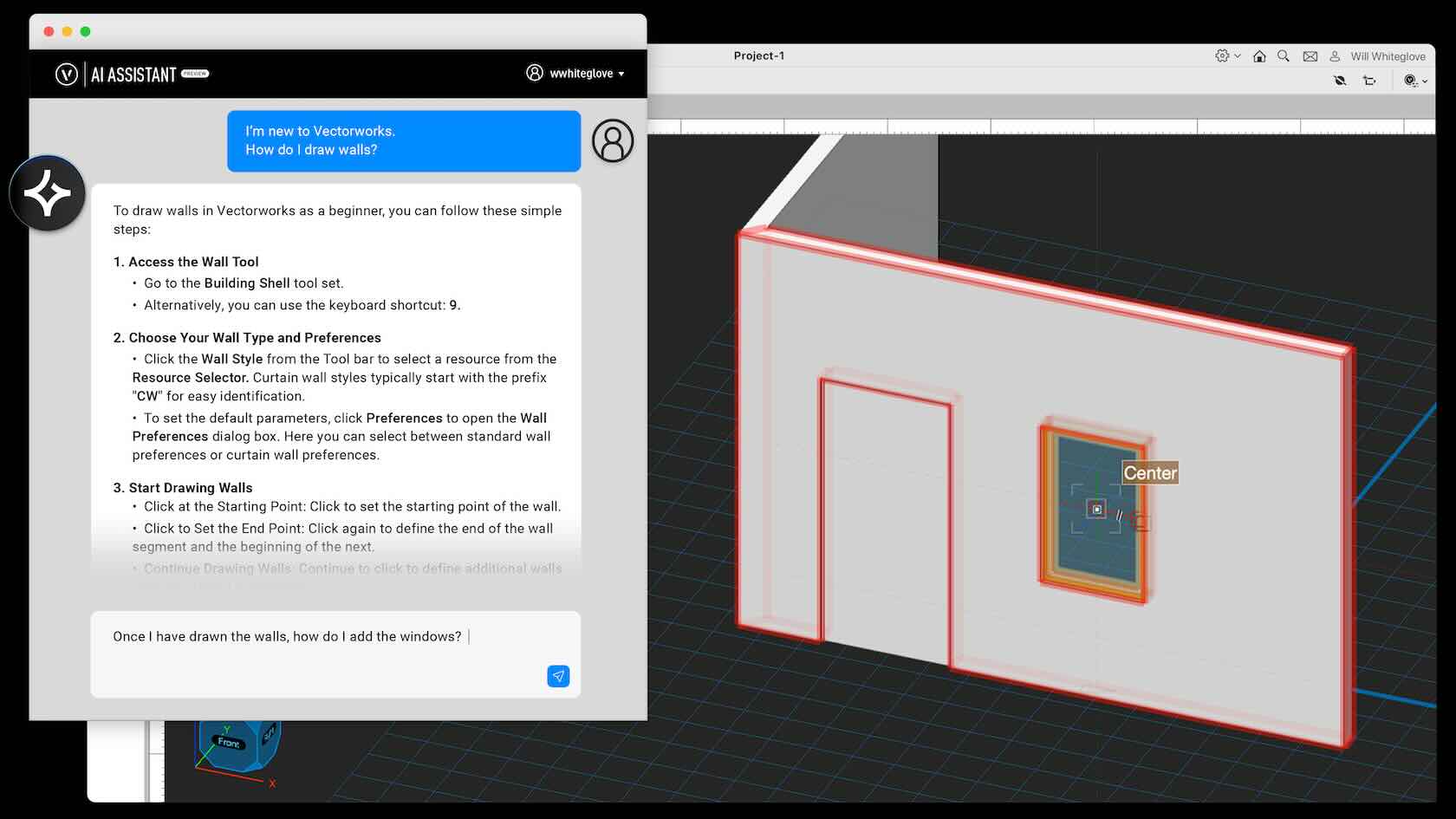
Say hello to AI Assistant (Preview), an always-on resource that delivers instant answers to your Vectorworks questions at any stage of your design. Trained exclusively on Vectorworks content, this new tool will help you learn new features faster, work smarter, and easily keep projects on track. Learn more and get started today.
All Industries
All Industries
2m
Beginner
Learning Objectives
Learn about the new AI Assistant (Preview) released with Vectorworks 2025 Update 5.
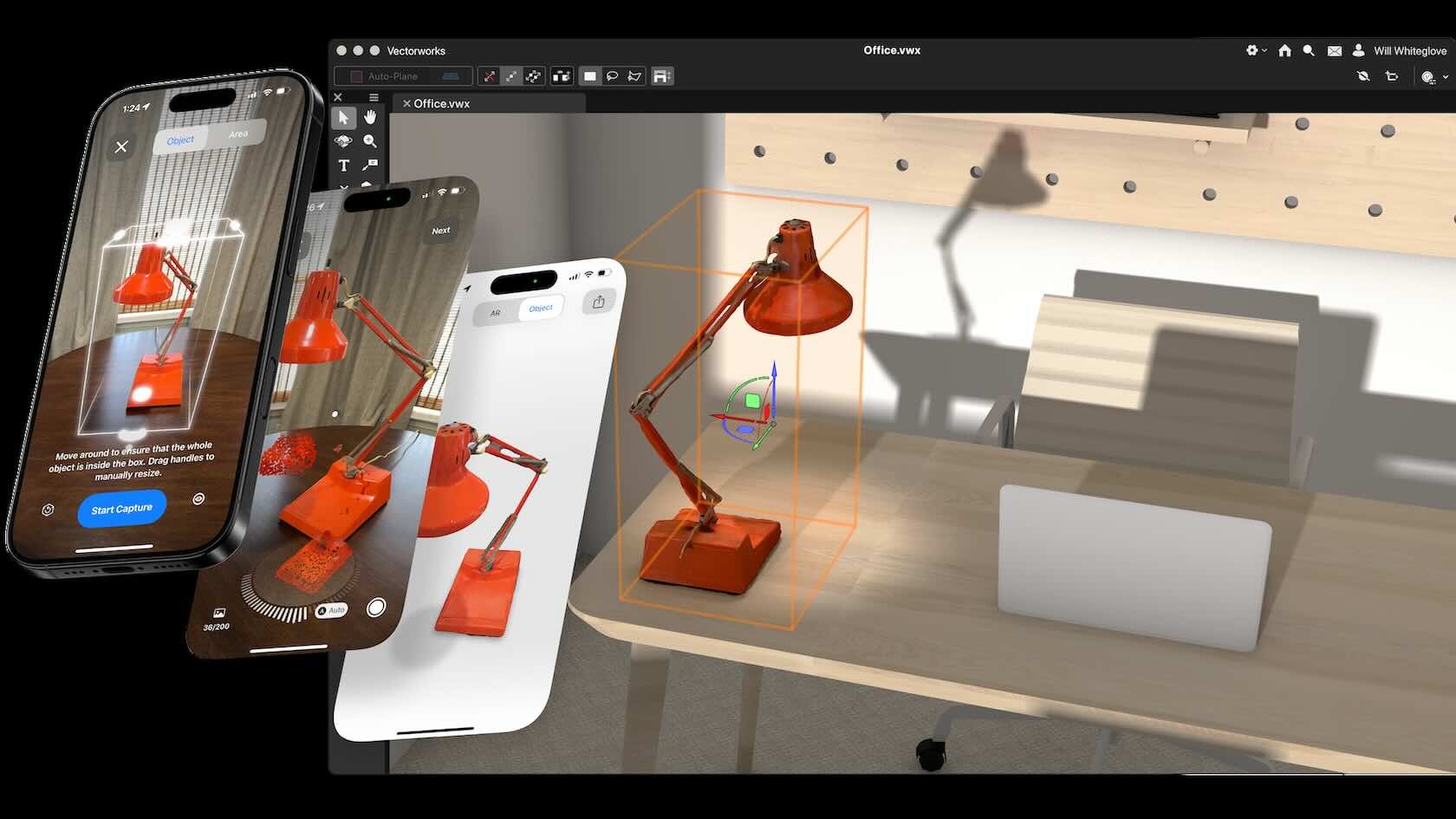
Discover the Nomad iOS app, featuring a sleek and intuitive interface. Access, review, and markup Vectorworks documents for collaboration on the go. Take advantage of Apple’s lidar-based Reality Capture for precise object scanning. Harness the convenient guest mode to easily share documents with your external collaborators or simply try out its capabilities.
All Industries
All Industries
5m
Beginner
Learning Objectives
Learn about the latest updates to the Vectorworks iOS Nomad app, release with Vectorworks 2025 Update 4.
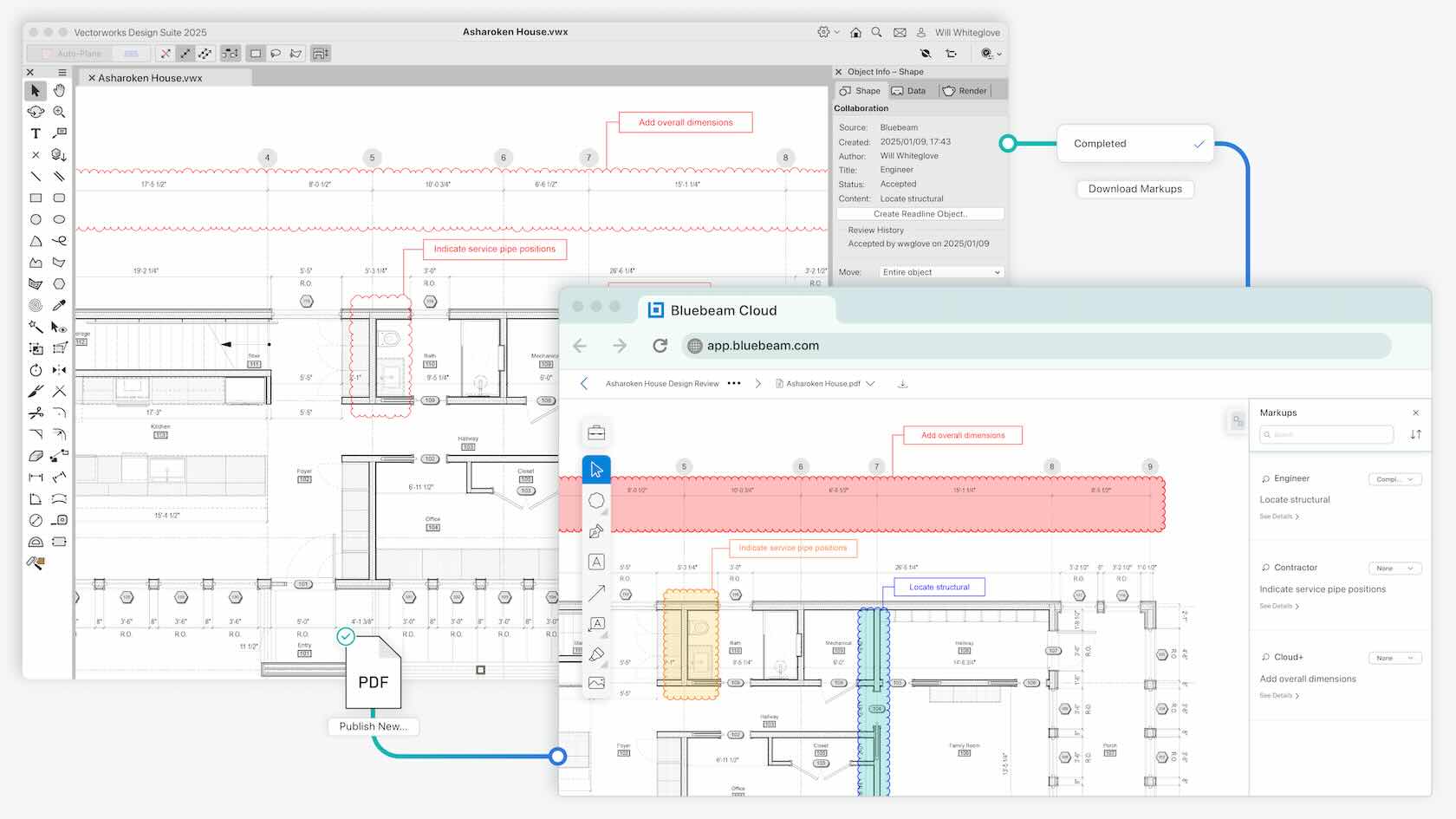
Streamline collaboration by connecting Vectorworks to Bluebeam Cloud. With Bluebeam Connection, you can create and manage Bluebeam Studio sessions directly in Vectorworks. Keep projects and stakeholders in perfect alignment—easily sync PDF markups and other submittals to your Vectorworks files, manage BCF issues, and track changes efficiently at every phase.
Buildings
Buildings
3m
Beginner
Learning Objectives
Learn about the new Bluebeam Connection feature, released with Vectorworks 2025 Update 4.
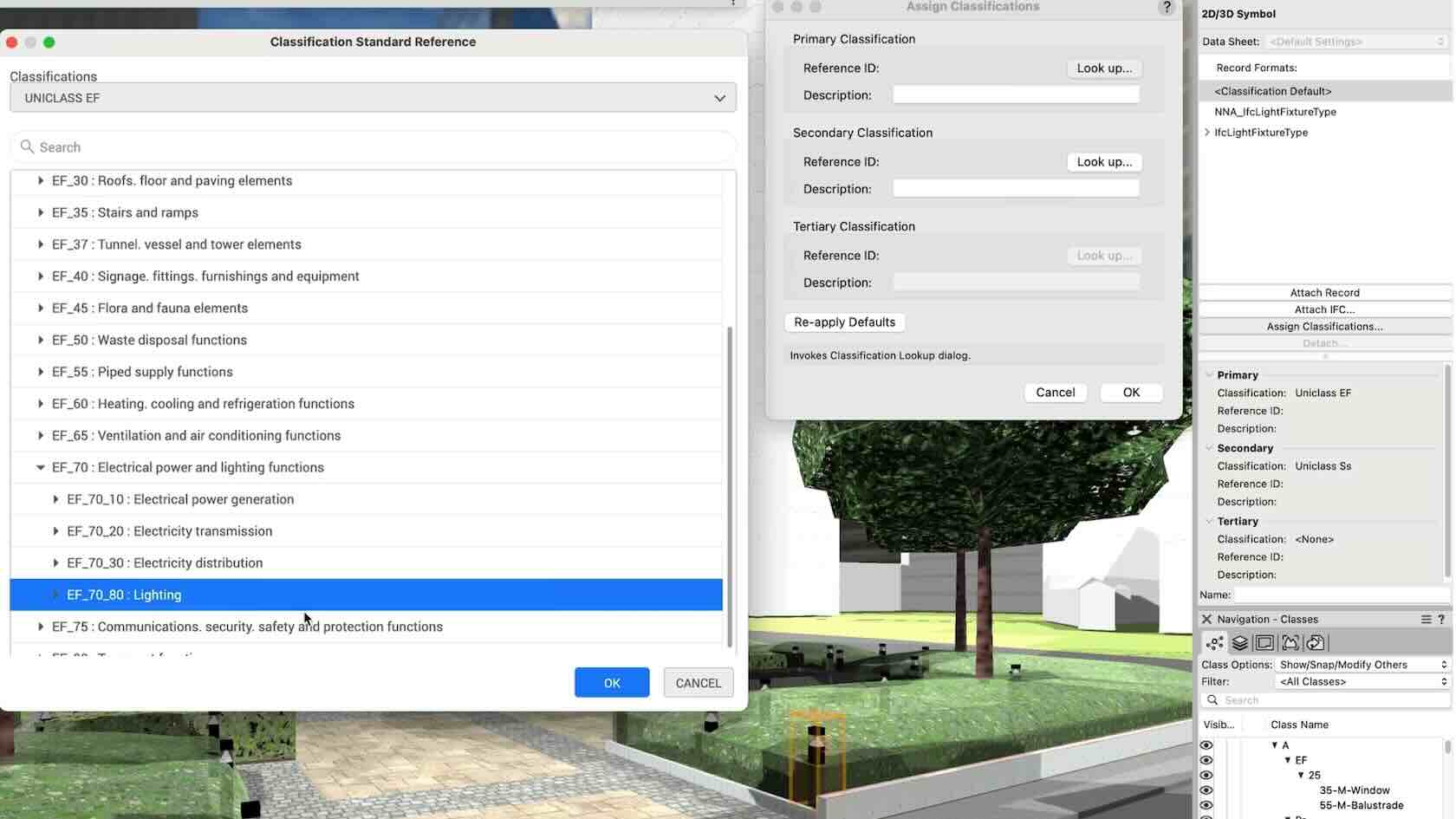
Assign classifications to Vectorworks objects and sub-parts and manage them centrally with a rules-and-criteria-based system that is easy to follow. Save time and reduce risk for errors with automated application of local and national classification standards in a BIM collaboration and specification writing workflow.
Buildings
Buildings
3m
Beginner
Learning Objectives
Learn about the new BIM Construction Classification feature, released with Vectorworks 2025.
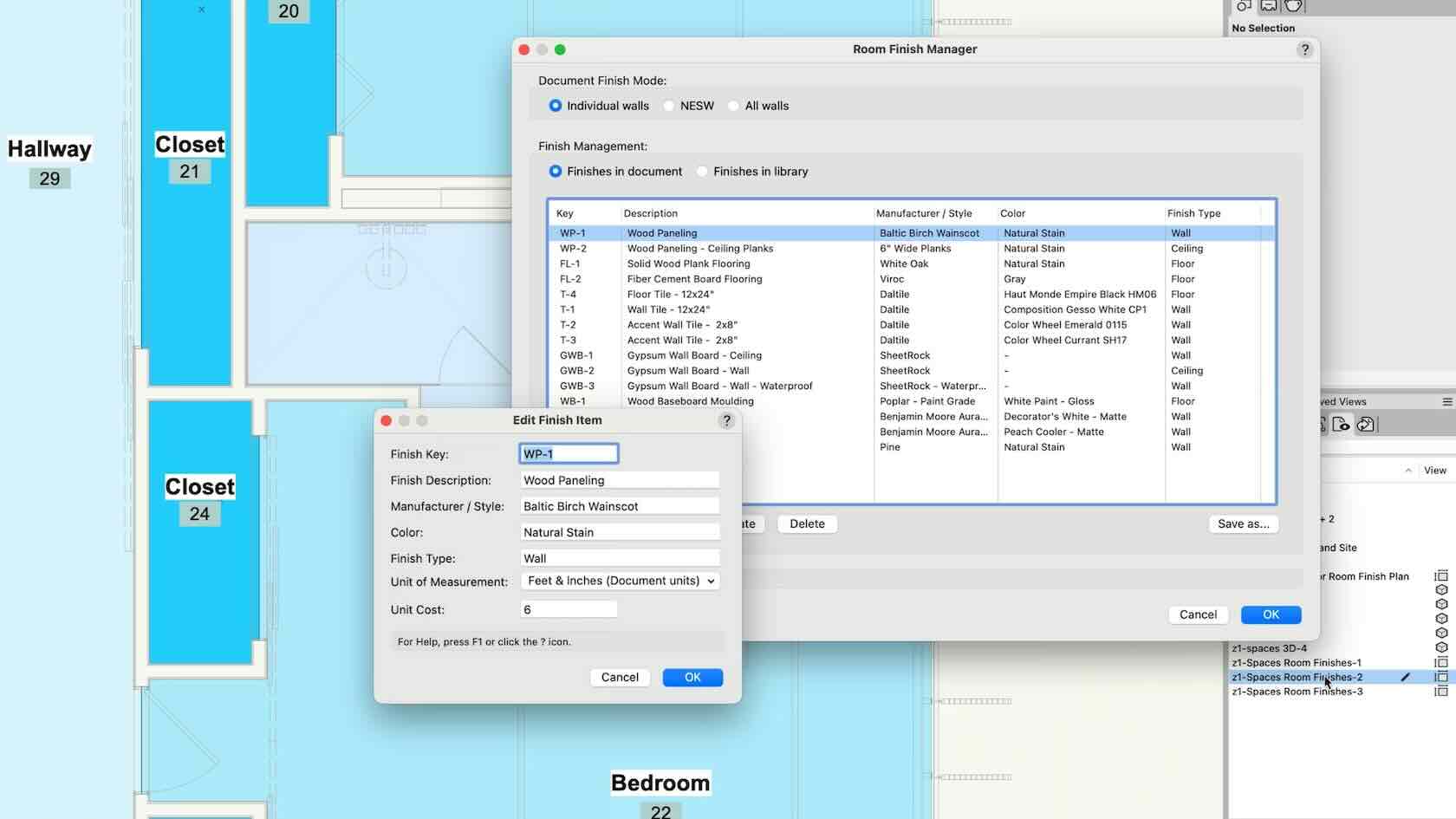
Take a versatile approach to your projects with the ability to select multiple walls and apply surface finishes in a single operation. Then manage, annotate, and create reports with customizable project finishes and data visualization to help you streamline reporting, leaving you the time to focus on customizing your space.
Buildings/Interiors
Buildings/Interiors
4m
Beginner
Learning Objectives
Learn about the improvements to Room Finishes, released with Vectorworks 2025.
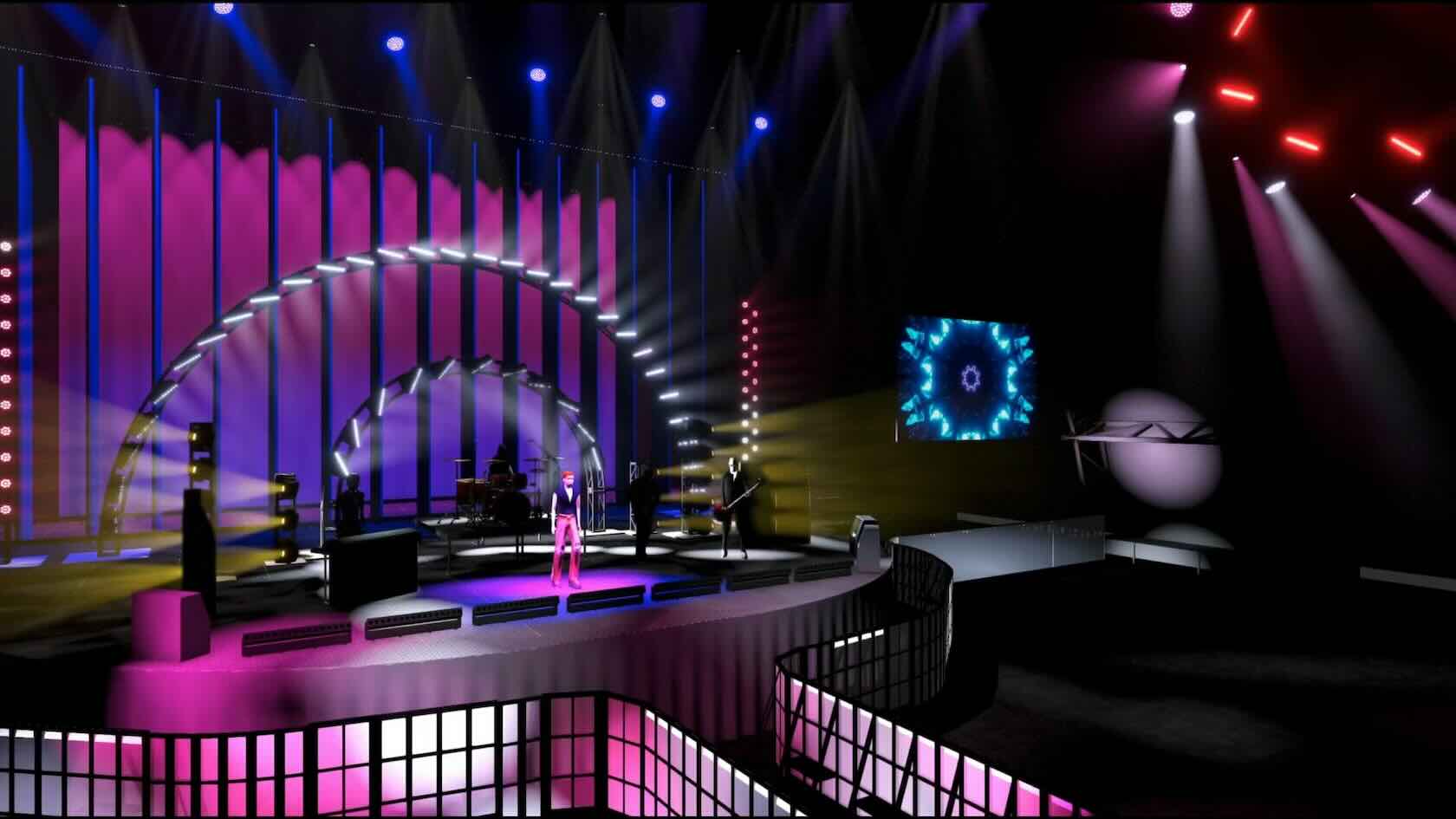
Real-time previsualization is available directly inside Vectorworks to bring you intuitive, live control of lighting fixtures and the ability to test run your show without leaving the application. Explore countless lighting and scenic possibilities and then experiment, edit, and adjust to your satisfaction based on your previsualization.
Entertainment
Entertainment
6m
Beginner
Learning Objectives
Learn about Showcase, the new real-time previsualization mode, released with Vectorworks Spotlight 2025.
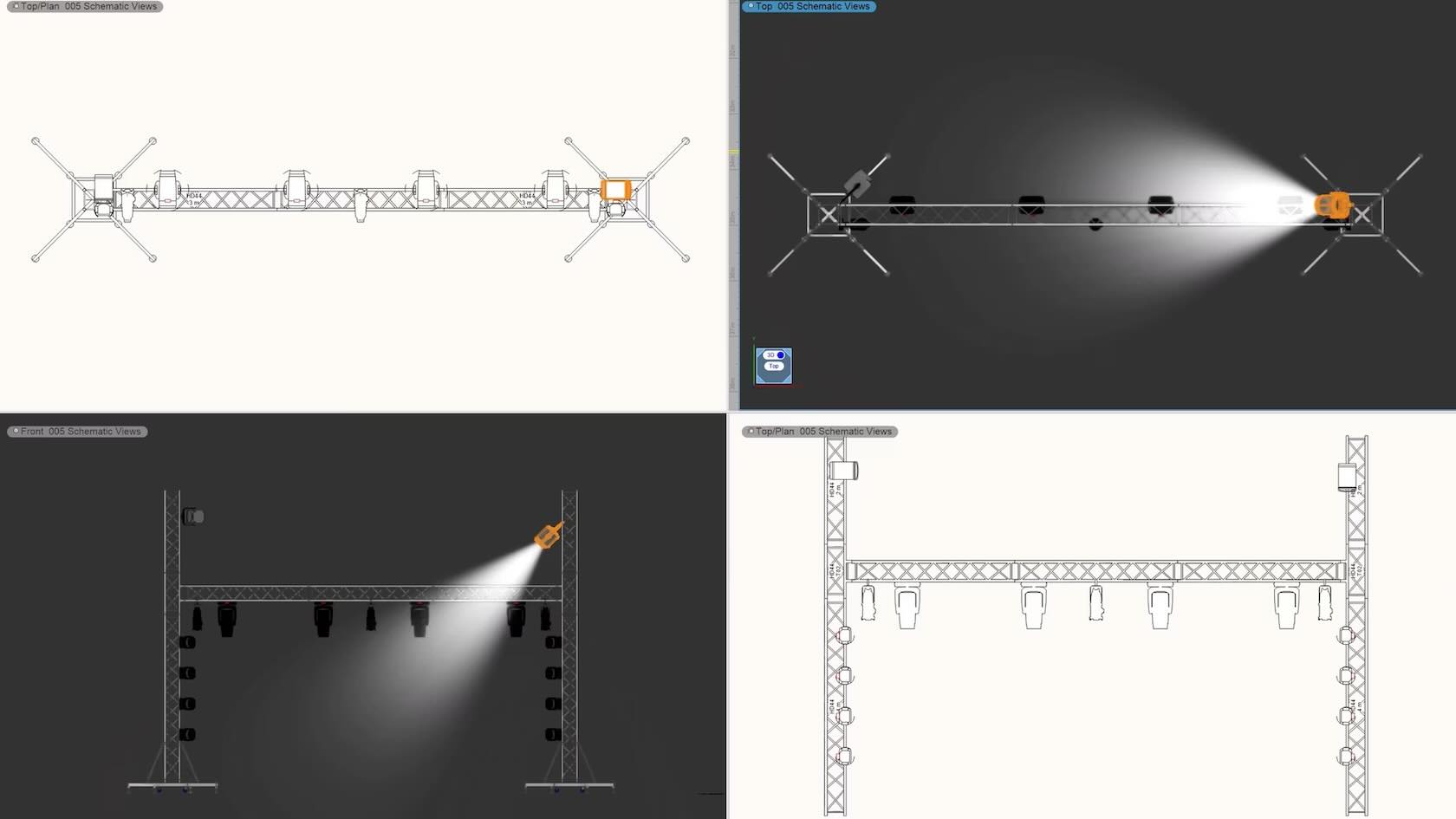
Vectorworks Spotlight 2025 includes several user interface and workflow efficiency improvements. From Truss insertion and alignment improvements, to impproved light fixture snapping, automatic numbering, schematic view creation, and more.
Entertainment
Entertainment
4m
Beginner
Learning Objectives
Learn about additional improvements released with Vectorworks Spotlight 2025.
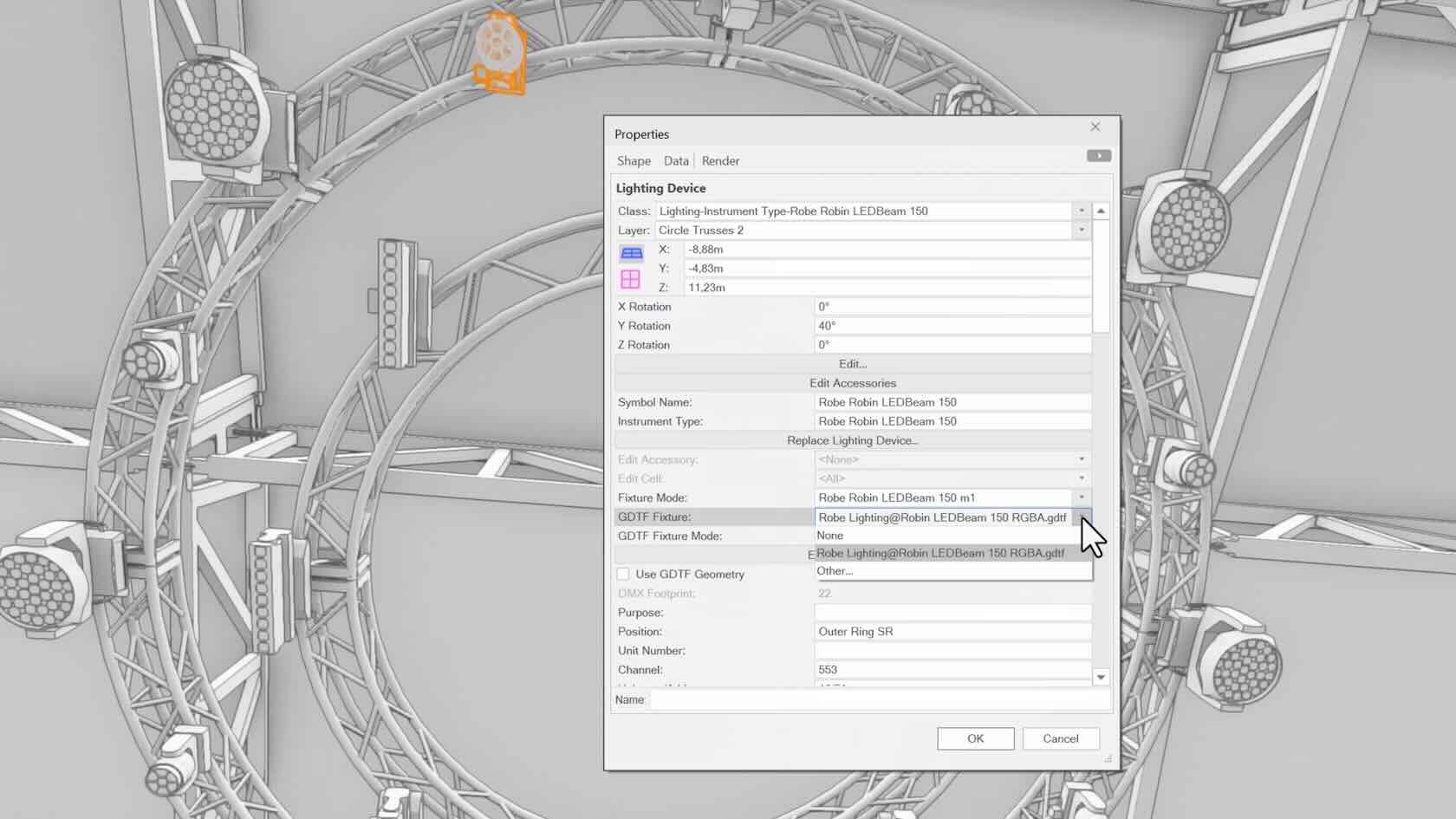
Keep your files up to date with GDTF Mapping, giving you accurate fixture information to avoid errors. Map GDTF files to fixtures with direct access to GDTF-Share to download and import the files in one action from within Vectorworks. Automatically update all GDTF profiles with one command and store assigned GDTFs within their lighting devices.
Entertainment
Entertainment
2m
Beginner
Learning Objectives
Learn about the new GDTF File Mapping feature, released with Vectorworks Spotlight 2025.
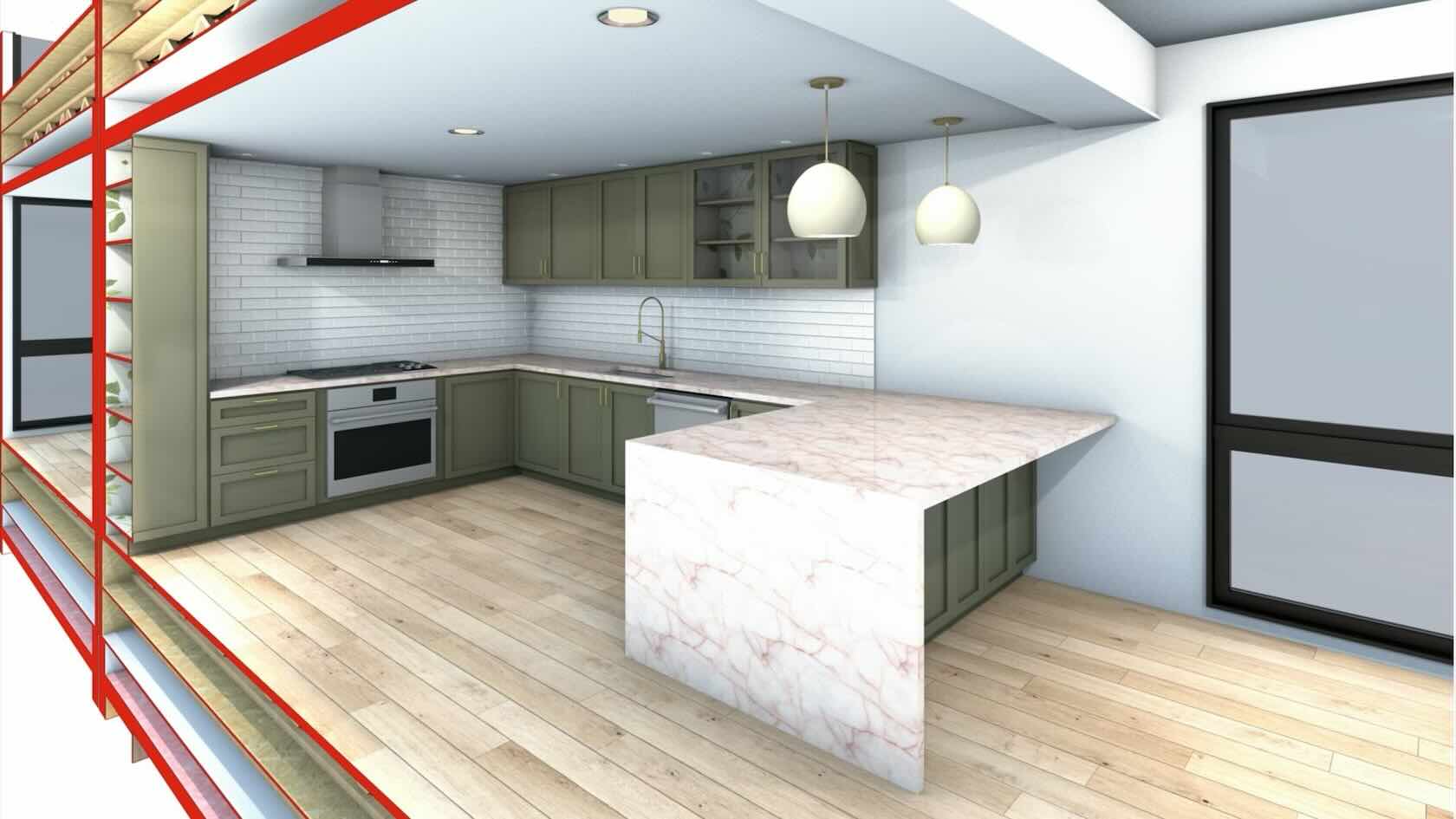
With a tool that balances automation with flexible customization, you can create finely detailed countertops and easily achieve quality visuals and reports. Manage countertops across projects with customizable styles and find superior control of design features like overhangs and backsplashes. With efficient modeling and automatic hole cuts, you’ll have the time to create whatever you can imagine without having to worry about manual processes.
Buildings/Interiors
Buildings/Interiors
3m
Beginner
Learning Objectives
Learn about the new Countertops tool, released with Vectorworks 2025.
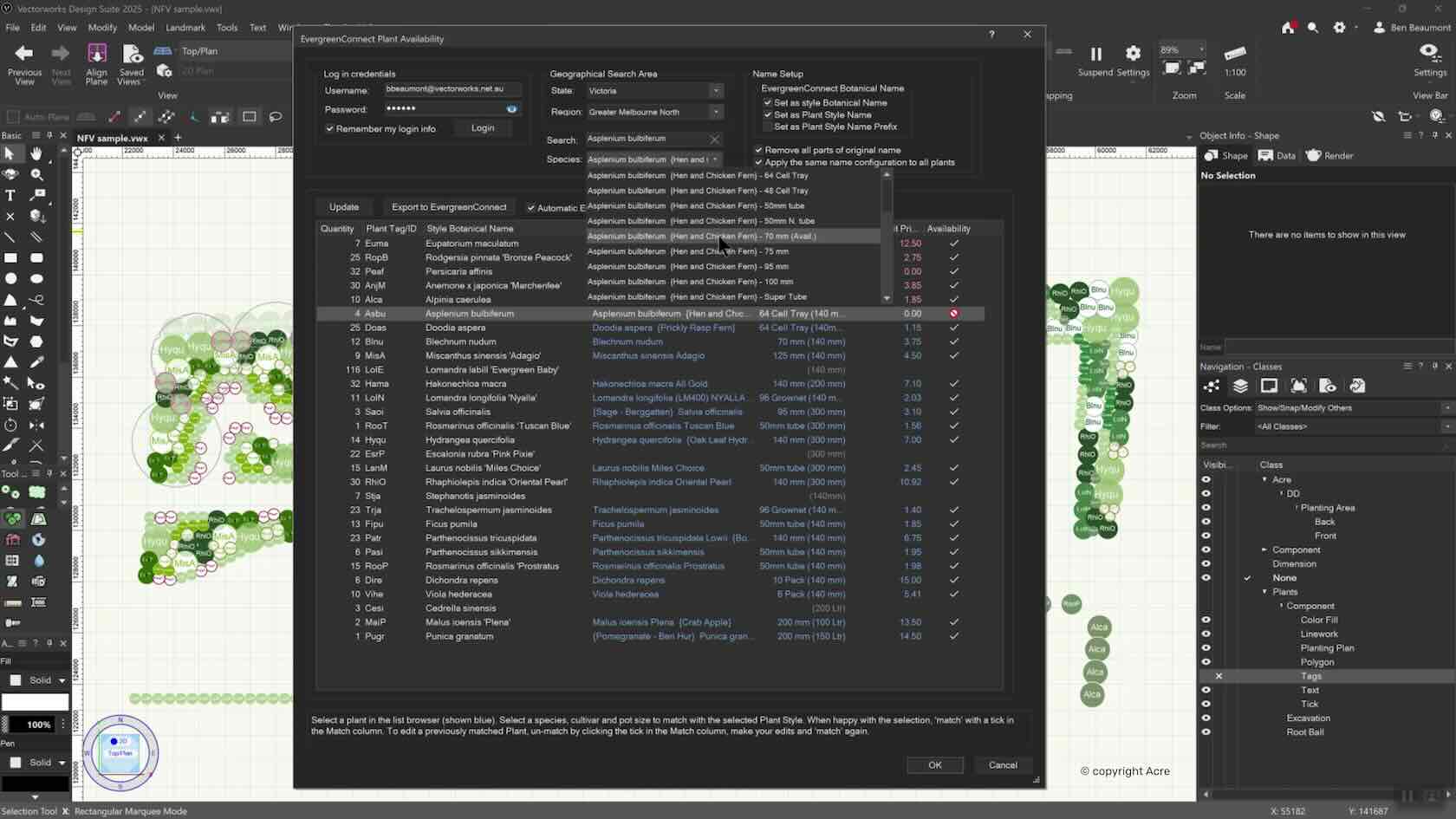
Seamlessly link from Vectorworks Landmark to EvergreenConnect, Australia and New Zealand’s leading plant brokerage database with the plant selection process. Integrating real-time plant availability bridges the gap between plant suppliers and landscape designers, ensuring more informed plant choices earlier in the design phase. This plugin allows designers to consider availability, cost factors, and supplier options directly within Vectorworks, streamlining specification and procurement for landscape professionals.
Landscapes
Landscapes
2m
Beginner
Learning Objectives
Learn about the new Evergreen Connect feature released with Vectorworks 2025 Update 4.
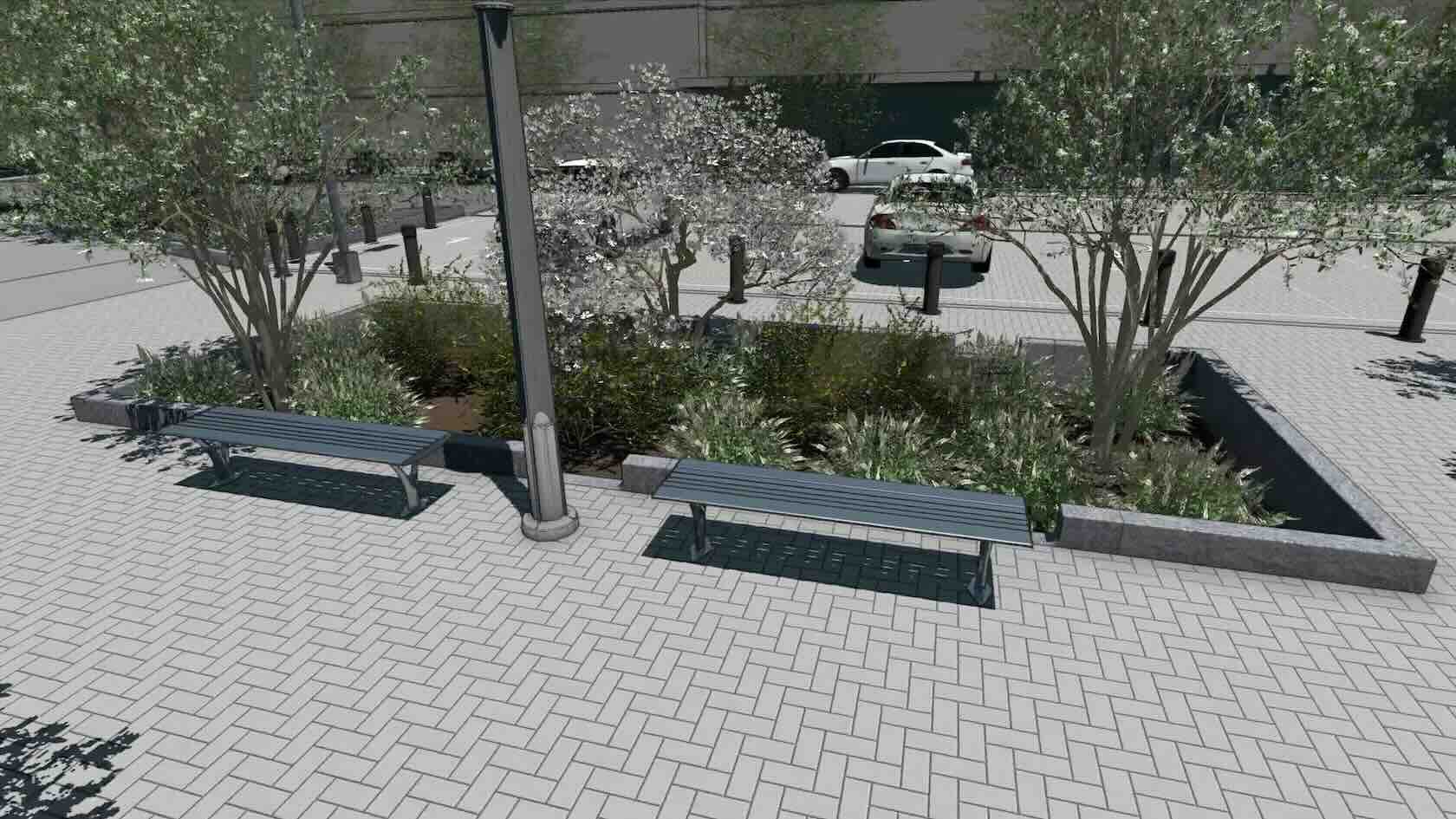
Design accurate curbs, borders, and edging elements based on profile extrudes or individual unit placement. Create these elements as freestanding or seamlessly integrate with hardscapes and landscape areas. Specify corner and insertion details and define front and back curb modifier points for easy terrain manipulation. Design styles will make you more consistent and save you time as you worry less about needing revisions.
Buildings/Landscapes
Buildings/Landscapes
4m
Beginner
Learning Objectives
Learn about the new Curb tool, released with Vectorworks 2025.
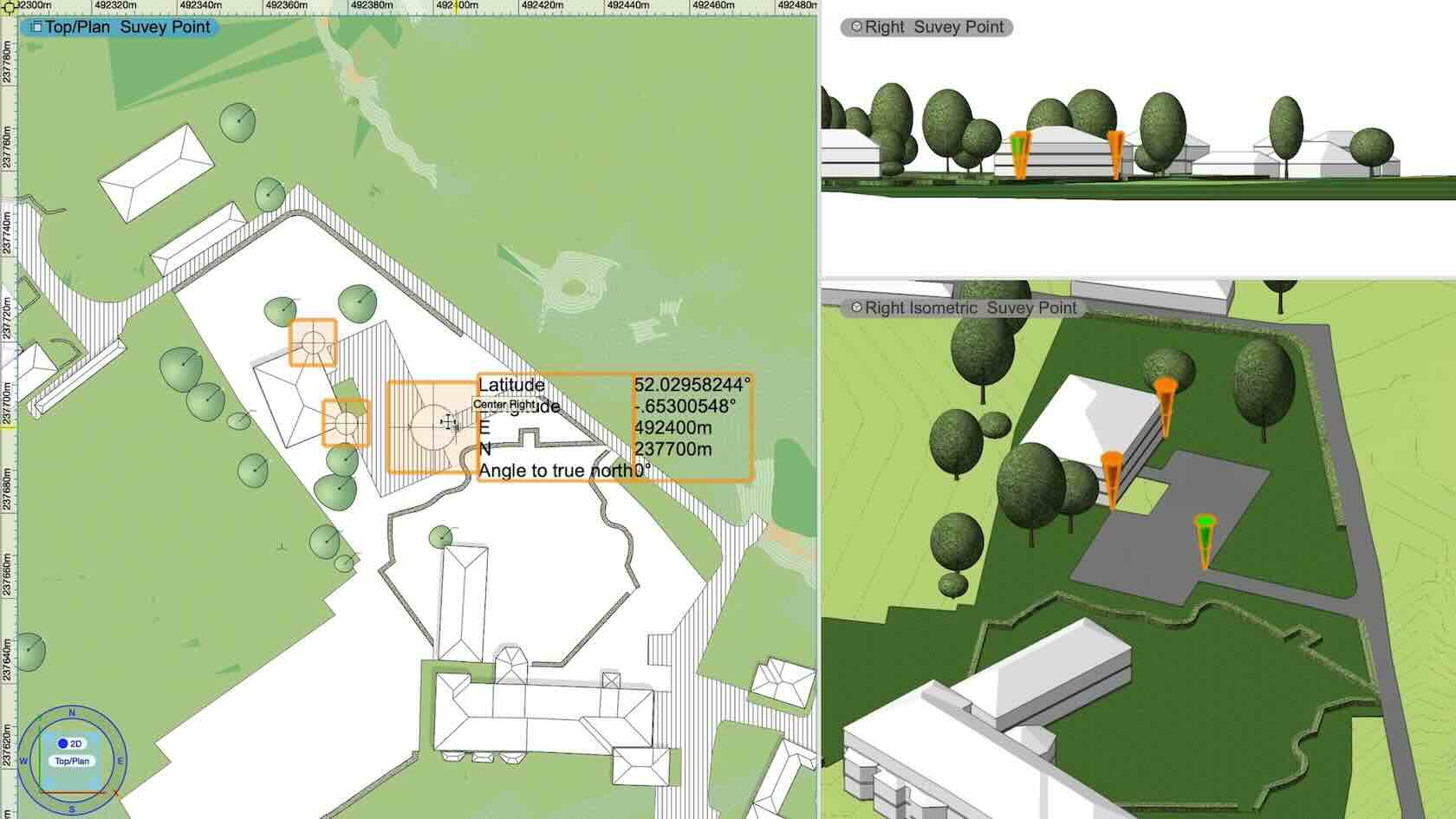
Quickly and easily establish a geographic survey or reference point with a single operation, saving you time and avoiding complications among collaborators. Perfect for both new and existing projects, place a survey point anywhere in the document to specify coordinates, angles to true north, and elevation information in both 2D and 3D.
Buildings/Landscapes
Buildings/Landscapes
3m
Beginner
Learning Objectives
Learn about the new Survey Point and Reference Points, released with Vectorworks 2025.