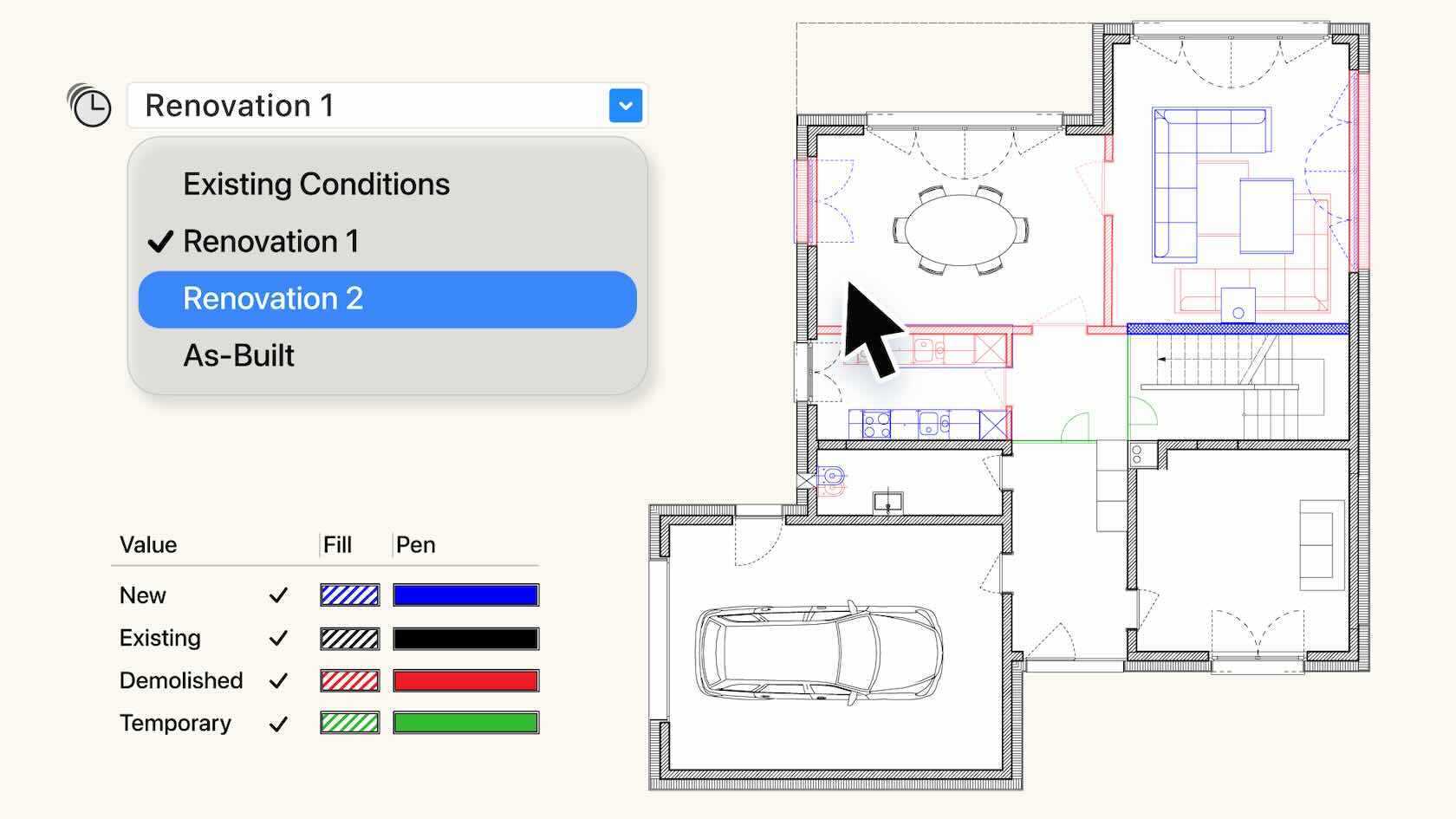
The comprehensive Phasing system tracks objects through time to align with construction conditions such as existing, demolition, temporary, or new. Effectively manage object status across multiple phases, and automatically create crystal-clear, phase-correct visuals, accurate documentation and reports. Phasing provides a single-truth, giving you the confidence to deliver high quality projects. Discover how to get started with this video.
Buildings/Interiors
Buildings/Interiors
15m
Intermediate
Learning Objectives
Explore the new Phasing features released with Vectorworks 2026 Update 4.
This new feature in Update 4 makes managing renovation or multi‑stage projects simpler than ever. You’ll learn how to track what’s staying, what’s new, and what’s being removed, all in one organized system. Phasing keeps your drawings clean and accurate by automatically updating how things look and where they belong as your project moves through each stage. It’s a great way to save time, reduce confusion, and show exactly how your design will come to life.
Buildings
Buildings
1h 3m
Advanced
Learning Objectives
Understand what Phasing is and how it helps manage projects that happen in multiple stages.
Recognize how different phase statuses (existing, new, demolished, temporary, relocated) organize design elements.
See how Phasing automates visuals and documentation to keep drawings consistent and clear.
Discover how using Phasing can make teamwork smoother and communication clearer throughout a renovation project.
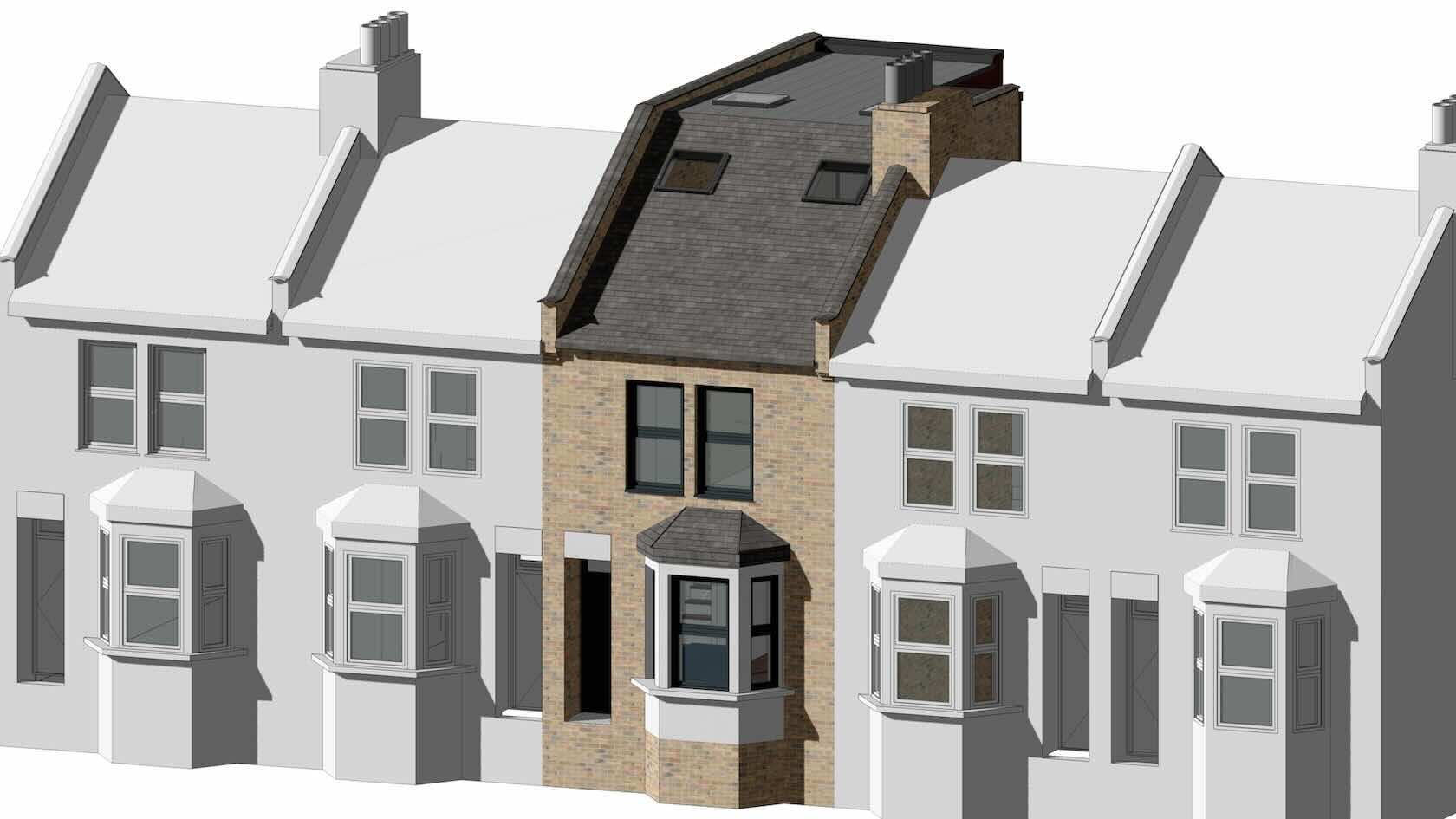
As a valued member of the Vectorworks community, we’re pleased to welcome you to this exploration file, provided by Vectorworks. This sample has been made possible through the generous support of Studio Partington who have contributed the original project concept, and Scope Surveys who have kindly provided the surveyed drawings used in this model. Their collaboration enables a realistic architectural context for demonstrating advanced Vectorworks workflows.
This sample file focuses on Phasing, a comprehensive time-based system in Vectorworks for managing renovation and multiphase projects. Phasing allows tracking objects through multiple stages — such as existing conditions, demolition, and new construction — and automatic assignment of the appropriate status to each object.
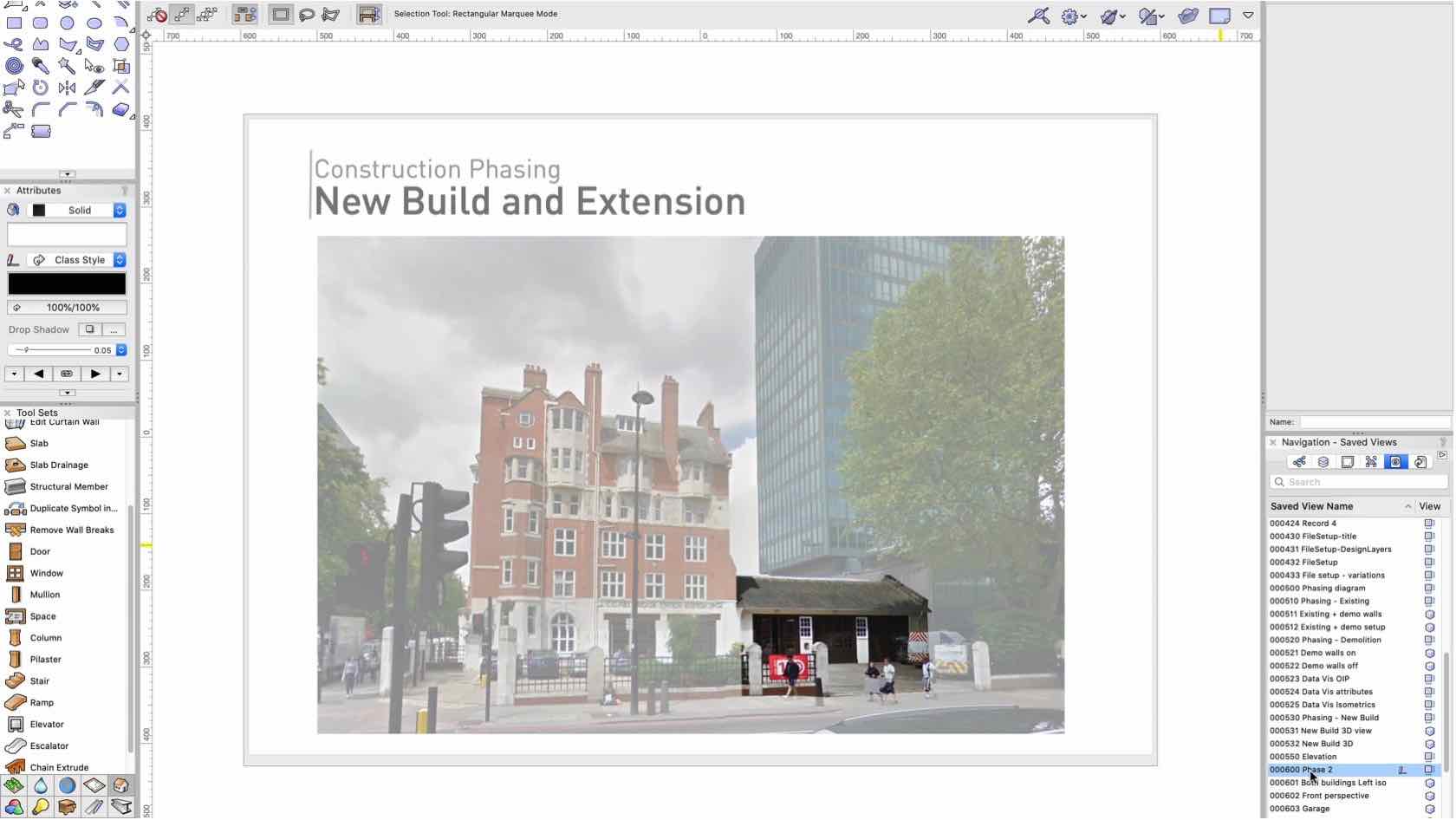
To start exploring, we recommend reviewing the Saved Views and Sheet Layers in the Navigation palette, where you can see Phasing in action across different stages of the project.
REFURBISHMENT WORKFLOWS: CONSTRUCTION PHASING USING RECORD FORMATS AND DATA VIS
Join us this week as Luka Stefanovic, Vectorworks Architect Industry Specialist, explores Refurbishment Workflows. Existing buildings constitute most of the urban tissue, therefore refurbishment presents an important architectural process in shaping our built environment. Discover how to optimise workflows in dealing with existing buildings and automate creation of demolition drawings using Record Formats and Data Visualisation.
Buildings
Buildings
51m
Advanced
Learning Objectives
Learn how Vectorworks can benefit your Refurbishment Workflows
Explore the benefits of using Record Formats and Data Visualisation